The iPad is still the king of tablets — especially the latest, $330 9.7-inch iPad released in April — and there are a number of apps in the App Store that were built specifically for the device. We’ve been curating various best-of lists for years now, but this master list spans apps from a wealth of different categories. Whether you’re looking for great travel apps, games, productivity suites, or drawing software — it’s all here, the best iPad apps in every category. Let us know what you think in the comments section, or suggest something we may have missed.
Further reading
Movies, TV, news, and sports
Best iPad apps: Movies and TV
HBO Now
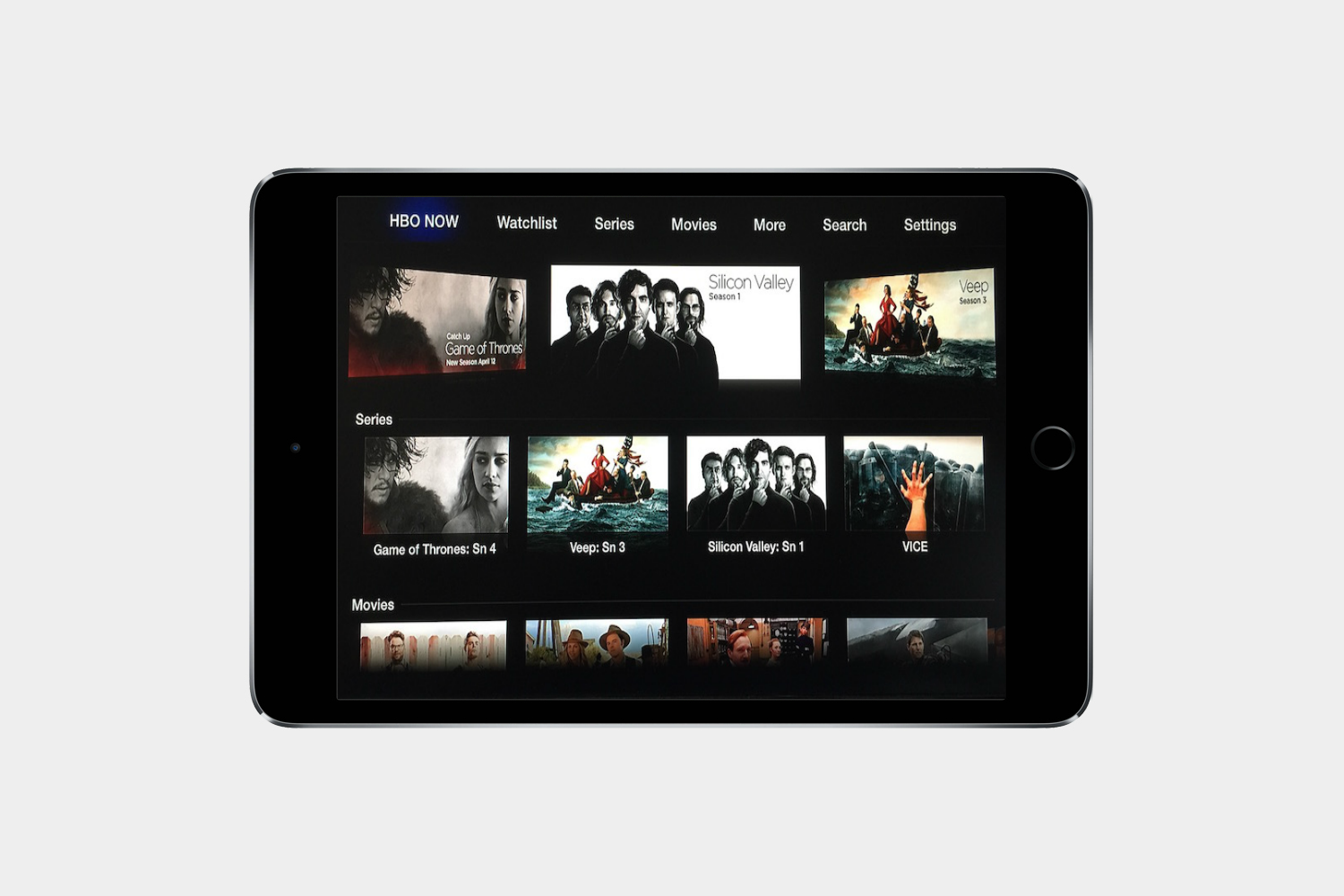
HBO finally caved and created a subscription-based streaming app, no cable subscription required. HBO Now offers Game of Thrones and many of the other great shows on the channel. It now works with Chromecast, too, so you can stream it on the big screen. If you’re not casting, the iPad is the ideal place to watch your shows, as opposed to the small iPhone screen. Be prepared to spend $15 a month for it, though.
PBS Video
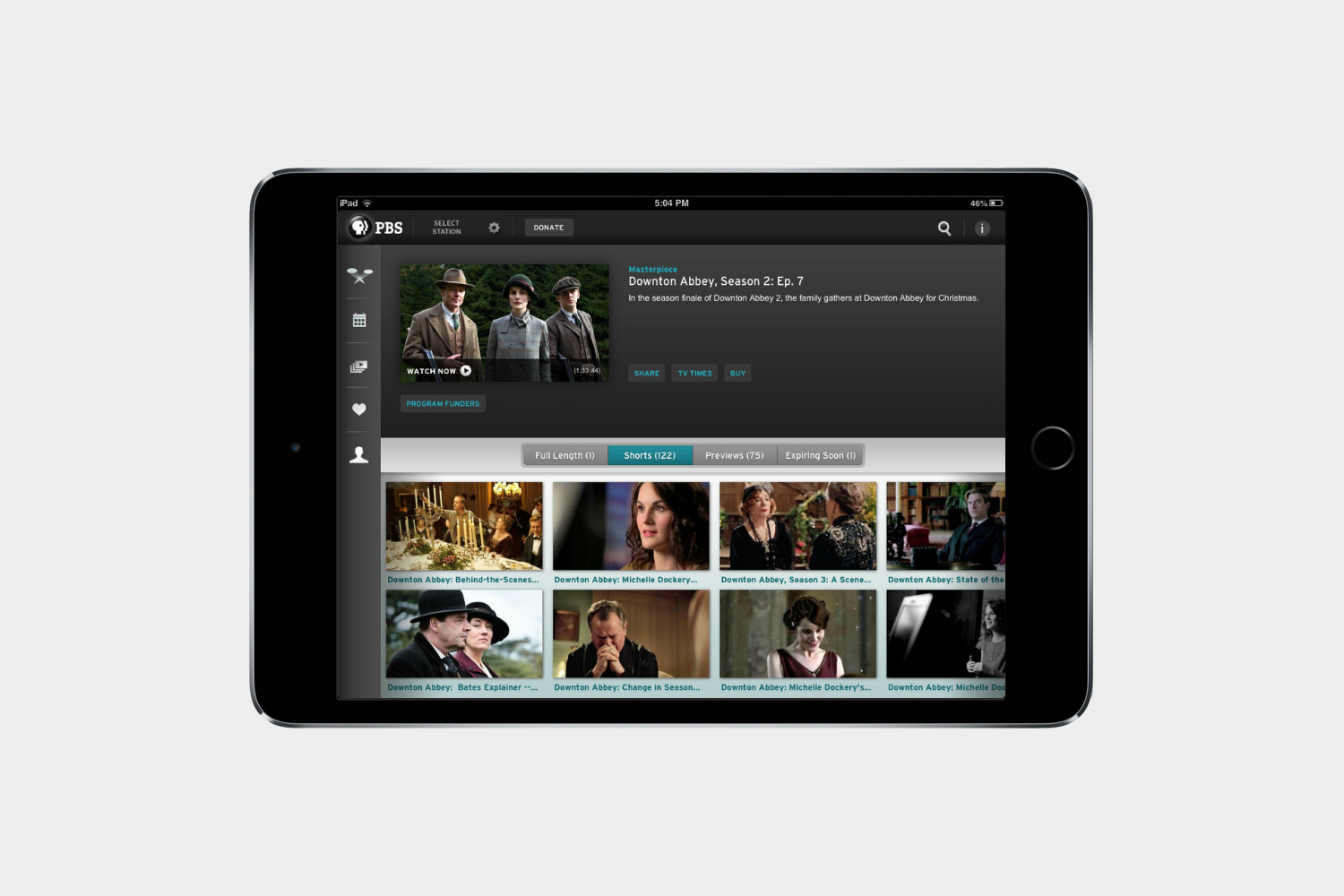
The PBS app lets you stream almost every show on the public TV channel in the app. Masterpiece hits like Poldark, Downton Abbey, Mr. Selfridge, Wolf Hall, as well as Nature, NOVA, and more are all available. New shows are added daily, and older episodes stick around for a while, so you’ll always have something educational to watch. The app can be customized to have shows from your local station, and it works with Chromecast, so you can stream it on the big screen.
Netflix
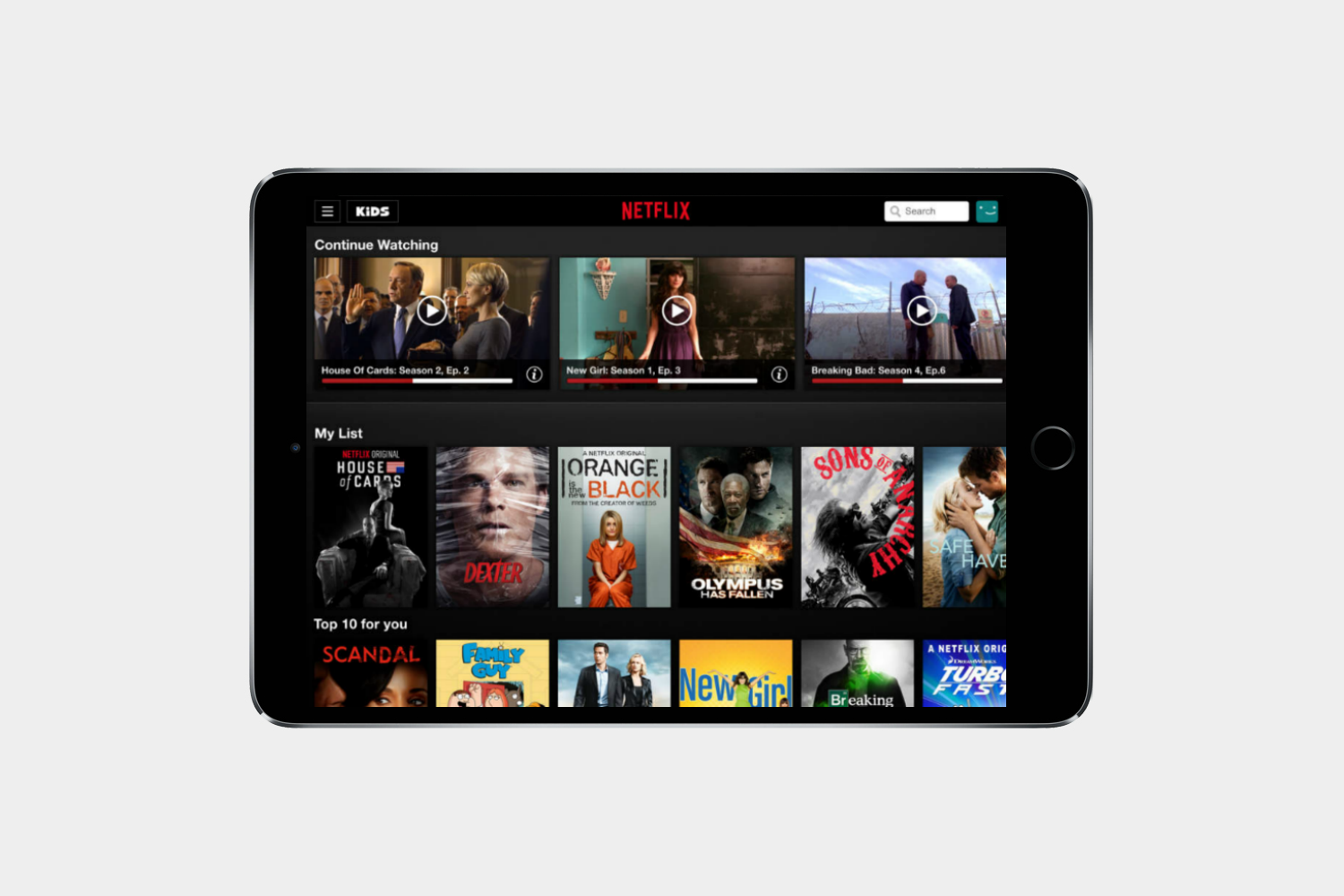
Netflix is absolutely an essential app, especially on the iPad. Tons of films, TV shows, and random documentaries about drug cartels that look great on the Retina display. Subscription starts at $8 a month.
Hulu

No cable? No problem. Hulu is the place to go for catching up on all of the shows on television right now. Most network and cable channels have shows available. Subscription to
Amazon Instant Video
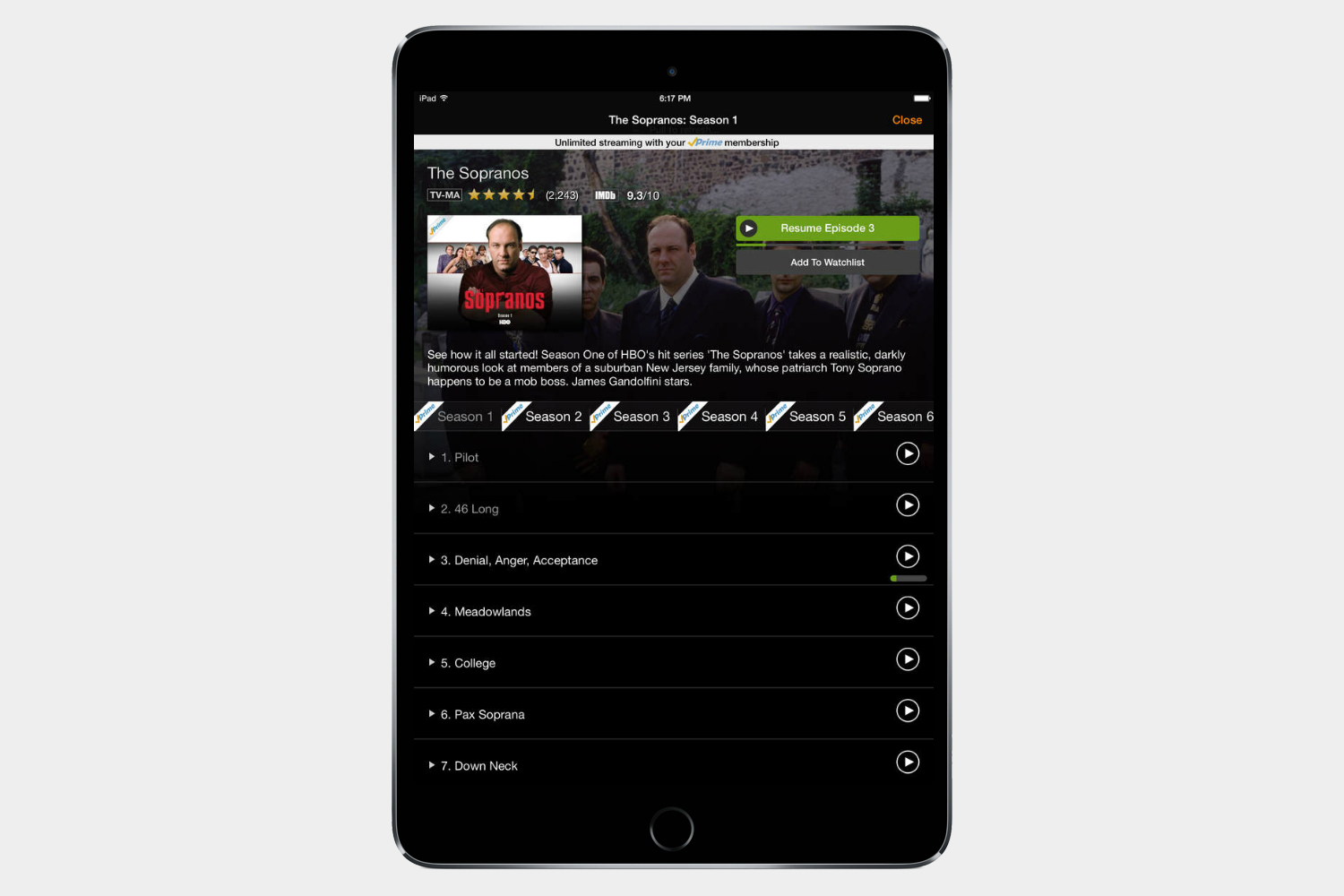
For Amazon Prime subscribers who take advantage of the large video library provided by Amazon, this is the app of choice. Rent, purchase, and stream tons of videos. Amazon Prime subscription run $100 a year.
IMDB
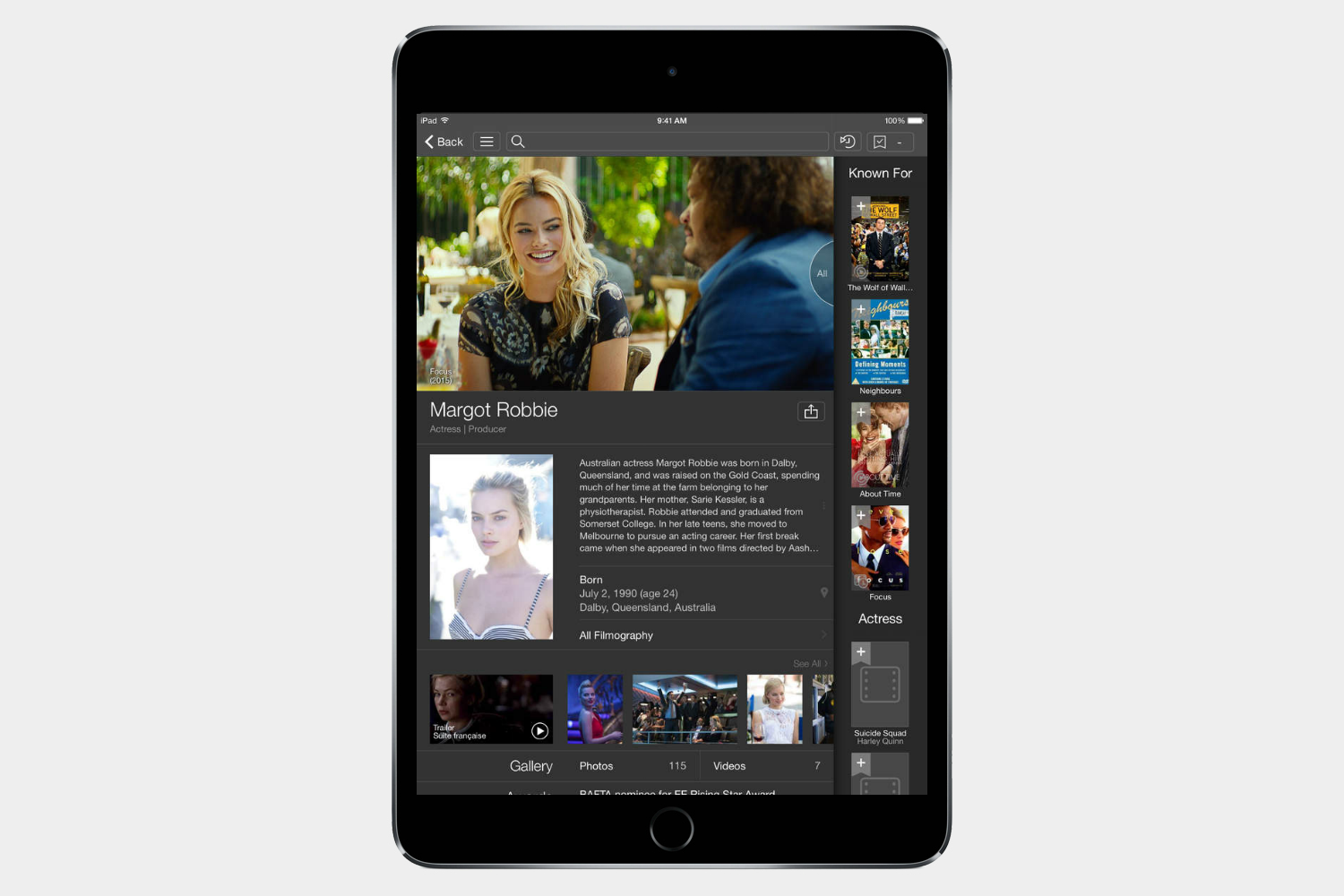
What good is all this streamable content if you can’t remember the names of the shows and movies or actors that you want to watch? IMDB is the answer, plus it provides movie news and showtimes.
YouTube
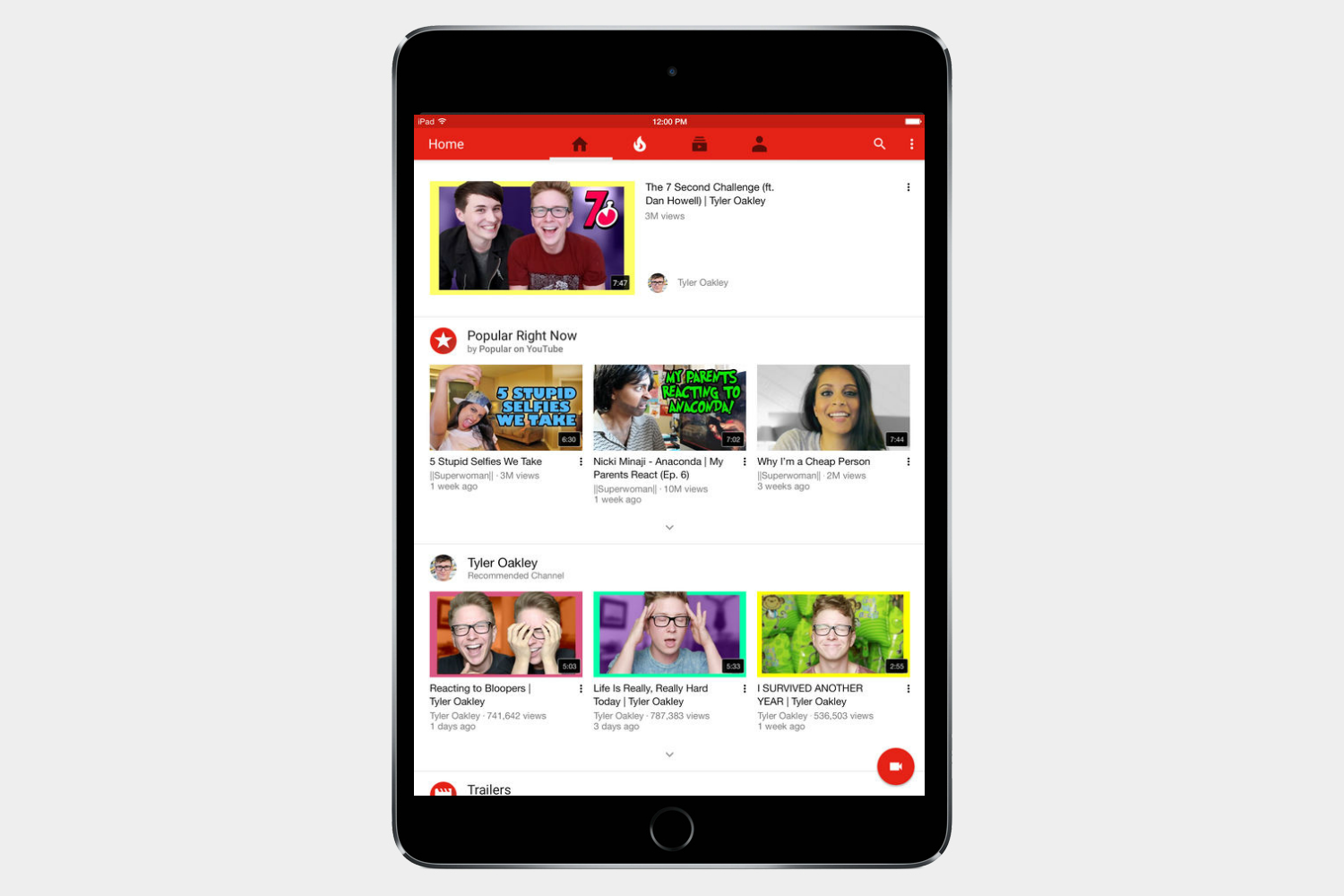
YouTube used to be included in iOS until the Apple-Google breakup, but you should put it right back on your iPad. It’s the best place to watch user-submitted content and a great place to get your fix of cute animal videos.
Fandango

If you want to reserve your tickets for a film before heading to the theater, Fandango is the way to go. This app is the difference between catching a film on opening night and heading home empty-handed.
Funny or Die
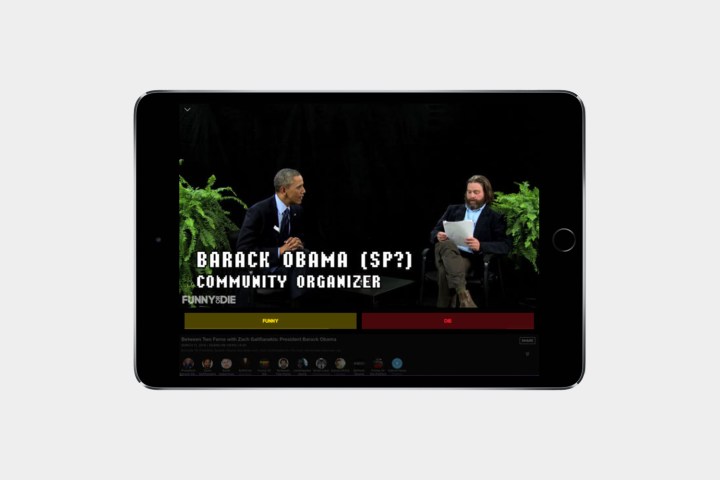
The Funny or Die app pulls together all those funny videos, that often become viral, and delivers them right to your iPad. It has everything, from comical news to celebrities, and even the latest funny animated GIFs that are trending. There’s a dedicated menu tab just for those hilarious interviews on Between Two Ferns.
Best iPad apps: News and sports
BuzzFeed
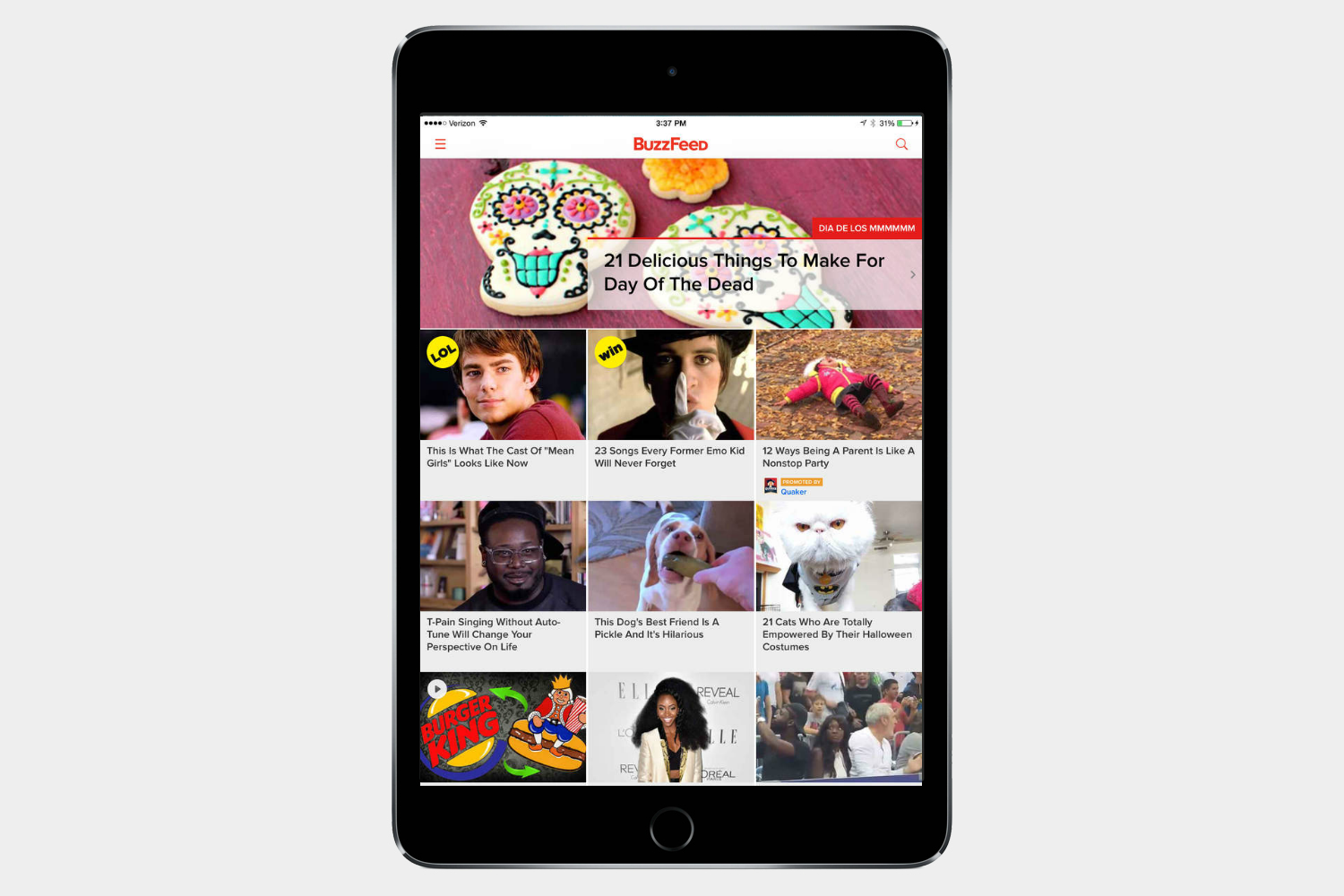
BuzzFeed took the world by storm with its viral listicles and other fun content. You can customize the types of articles you see or check out the menu to see only quizzes, what’s trending, or news if you want to hone your search. It’s fun to view GIFs and the other visual content on the app. BuzzFeed also has a hard news app, which you can get here.
NYTimes

The New York Times is one of the most venerable newspapers in the world, and the publication has made the leap to mobile with an app that is elegant, easy to read, and loaded with nifty features such as morning briefings and notifications for important stories.
Feedly

Feedly is a great way to follow your favorite websites, blogs, and YouTube channels. This RSS reader will feel familiar to any Google Reader users and is ideal for keeping up with tons of sources at the same time.
The Washington Post
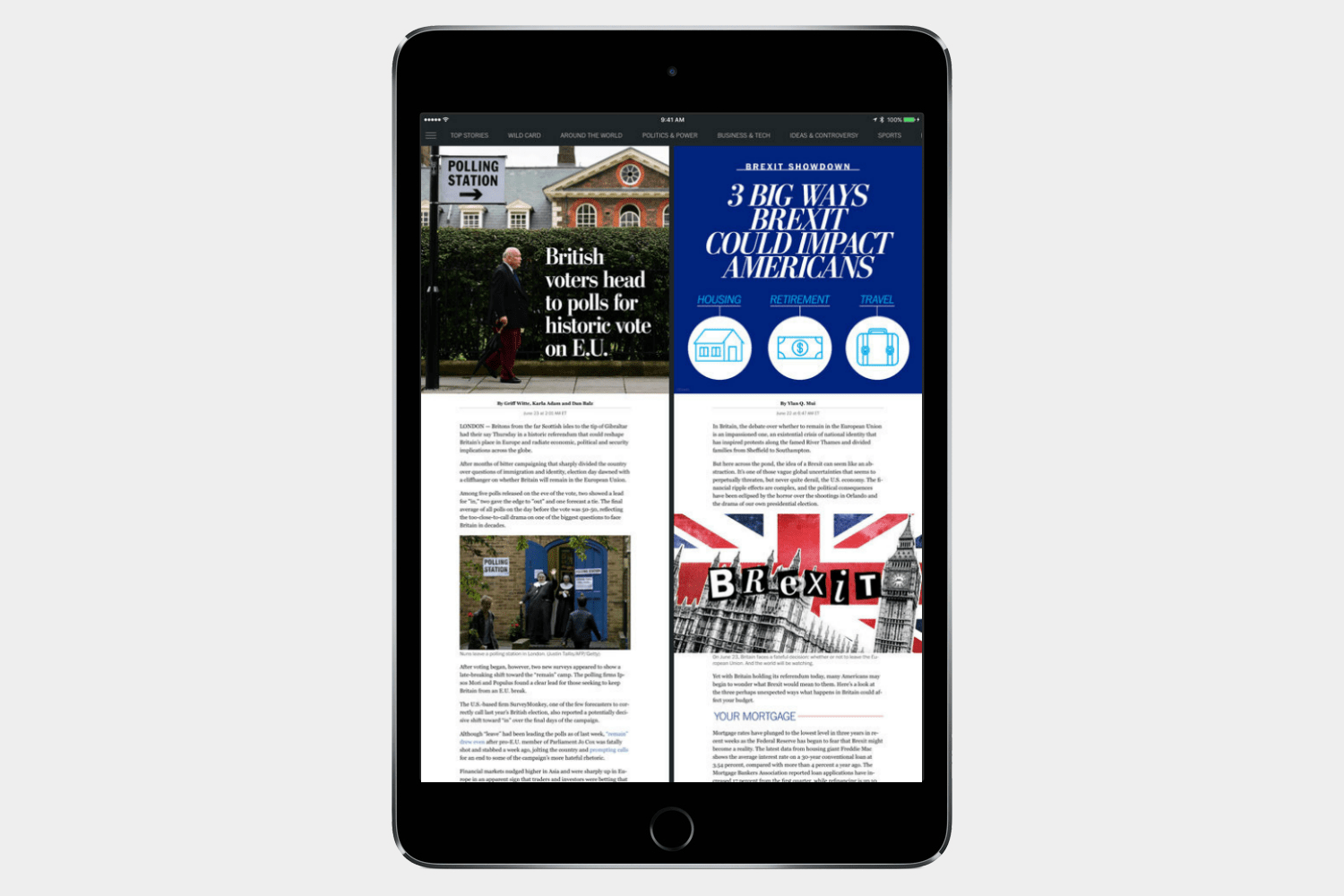
Readers who want to stay abreast of the latest in U.S. politics should love that The Washington Post has a mobile app that beautifully translates the paper to a digital format. In addition to excellent reporting and long-form journalism, the app provides vivid images and graphics that really pop on the iPad’s display.
BaconReader for Reddit
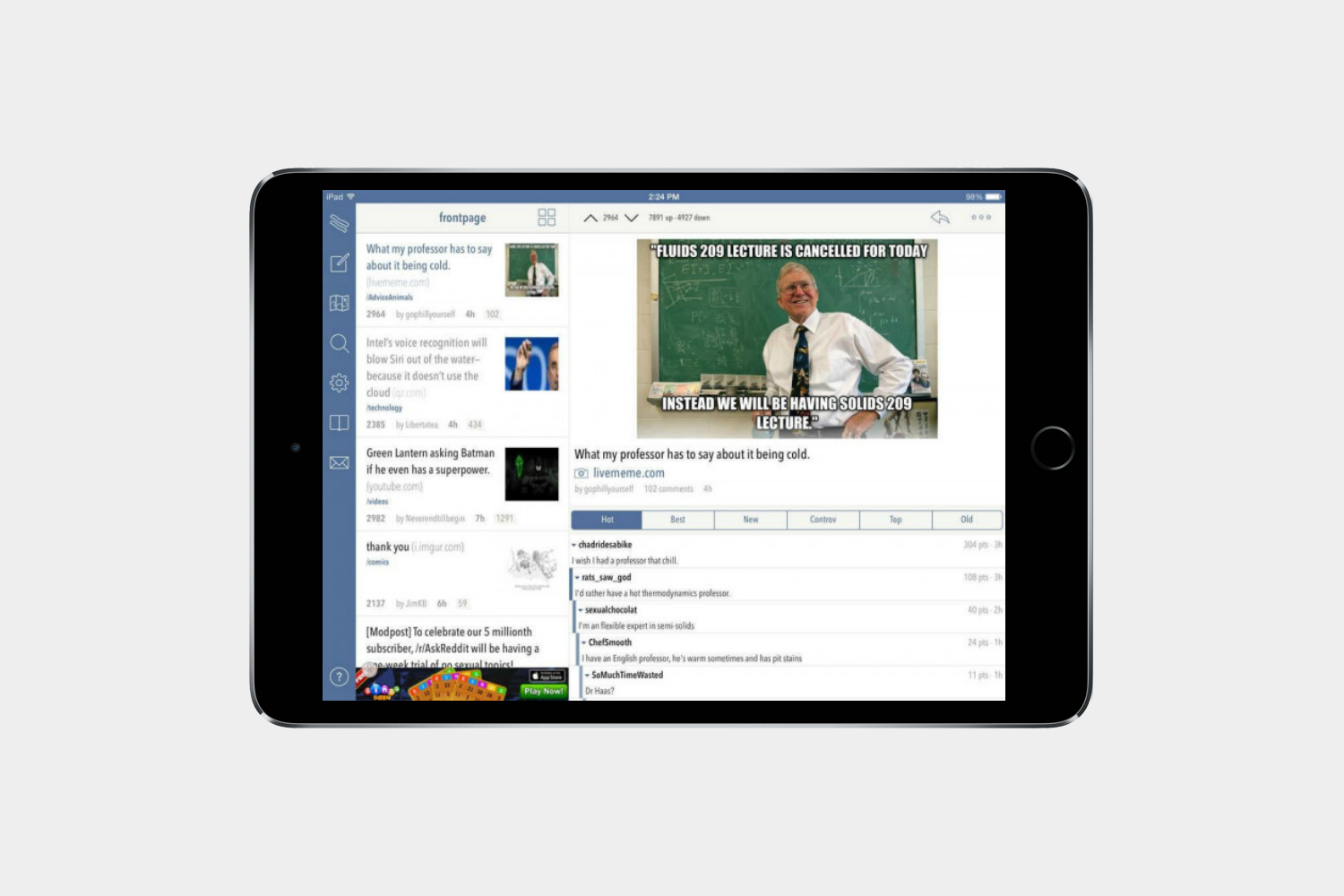
Reddit is like a great news aggregator that you don’t have to set up — just tap into the communities that produce great content. There’s no better way to navigate the site on iPad than the BaconReader app.
WatchESPN
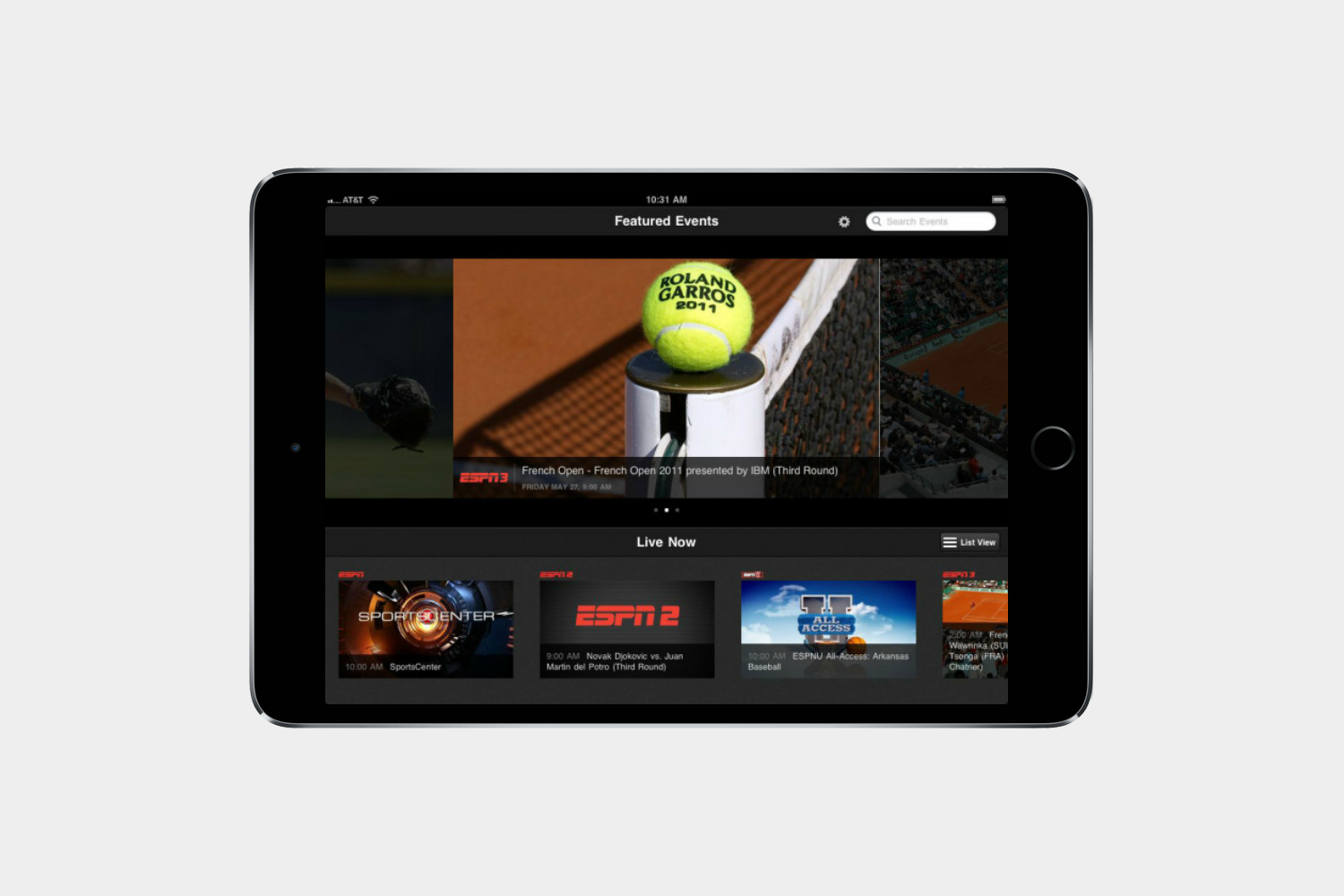
Seeing the scoreboard tally each point in real time isn’t always enough. Sometimes you just have to see it. WatchESPN lets you watch tons of sporting events live — assuming your cable provider allows it.
NBA
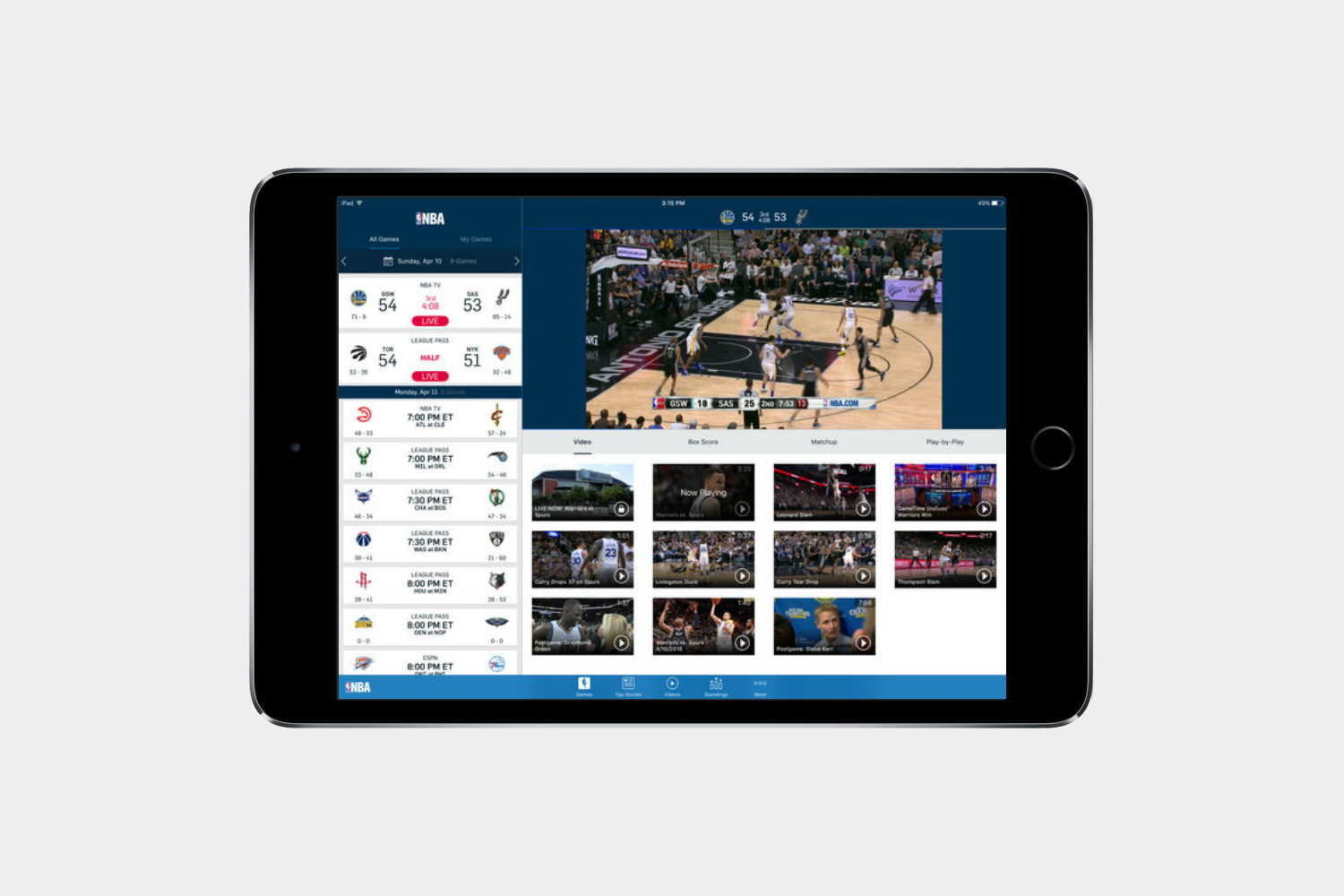
The NBA has one of the longest seasons in professional sports, and that can make it difficult for fans to stay informed. Thankfully, basketball fans can keep up with the latest in NBA news, scores, and schedules with the official NBA app. NBA League Pass subscribers can also use the app to watch games on their iPad.
CBS Sports

It’s not college specific, but CBS Sports has a plenty of college-related content and offers regular coverage of the biggest college sporting events, including title games.
Music, books, and gaming
Best iPad apps: Music and books
Scribd
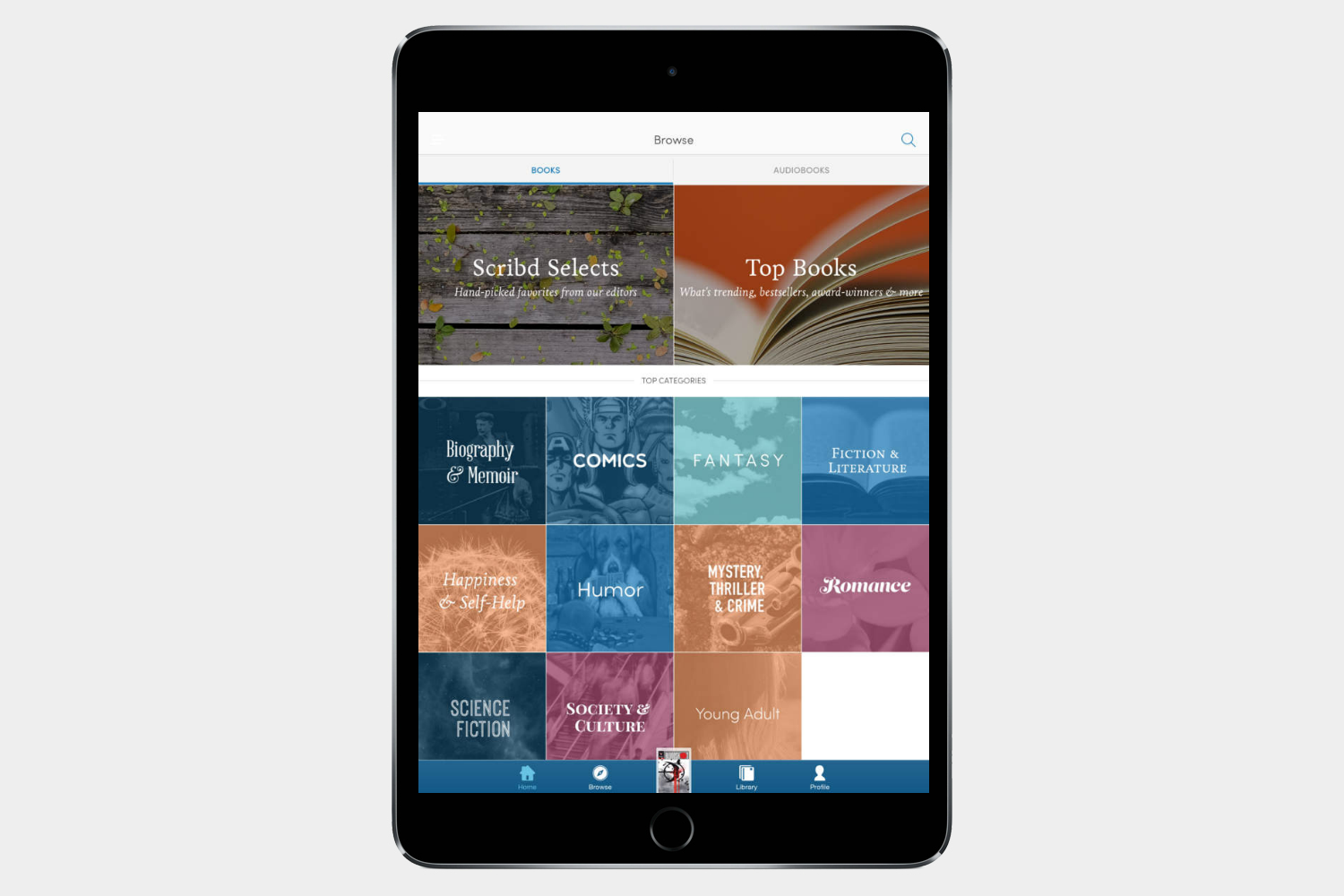
Avid readers will love Scribd, a Netflix-like subscription app that puts millions of ebooks, comic books, and audiobooks at your fingertips for just $9 a month. It has all the big titles, including the entire Game of Thrones series and scores of bestsellers. Graphic novels and comics look great on the iPad and so do regular ebooks. Scribd gives you recommendations based on your library, too.
Pocket Casts ($4)
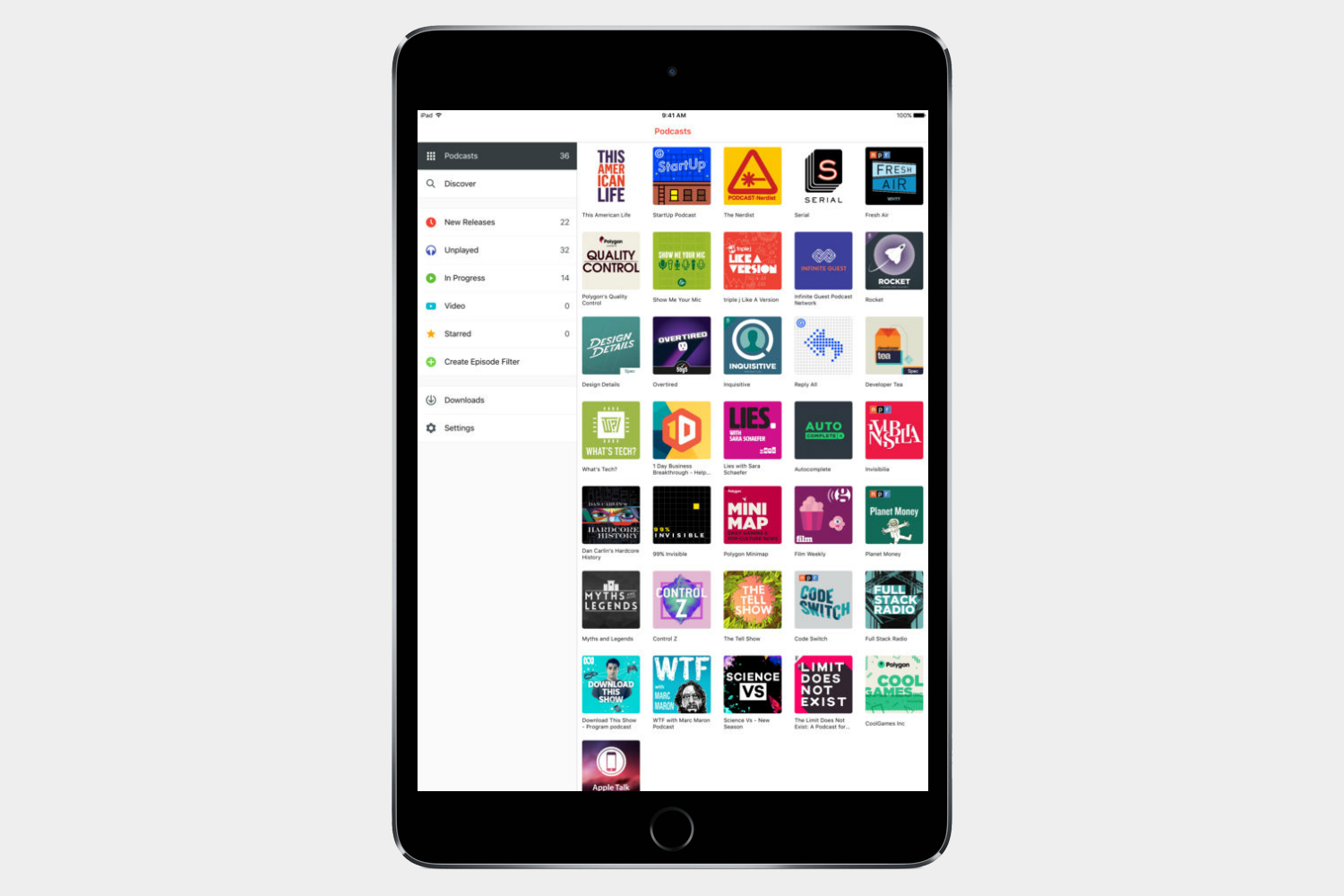
Apple’s own podcasts app wasn’t so well received, which sent us on a hunt for a better option. Pocket Casts is our favorite podcast app thanks to its slick design and great options. This is the ideal app to manage your podcast addiction.
Spotify
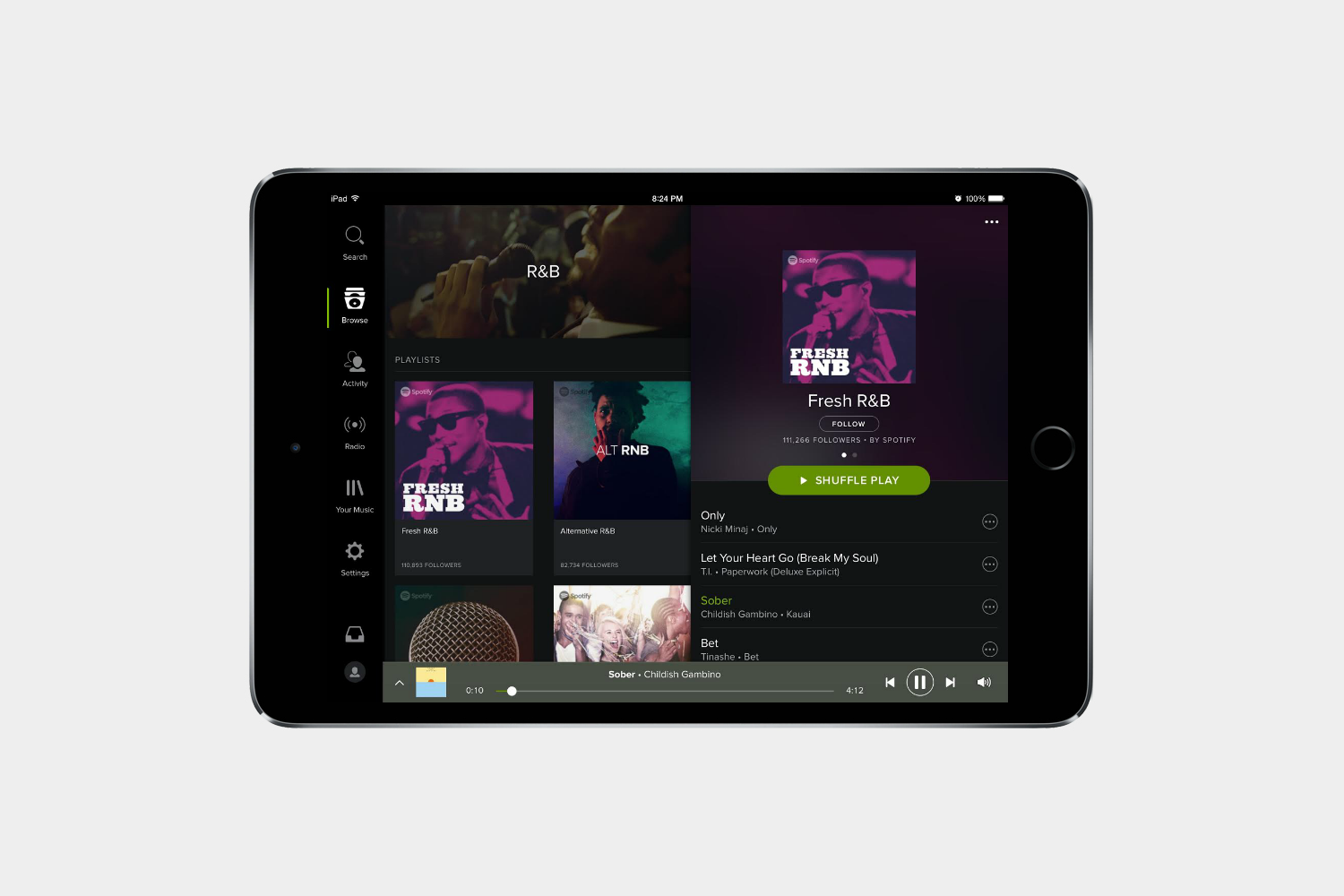
No music streaming service is more popular or offers more music than Spotify. Listen to all of your favorite songs on the go. A subscription to
Pandora Radio
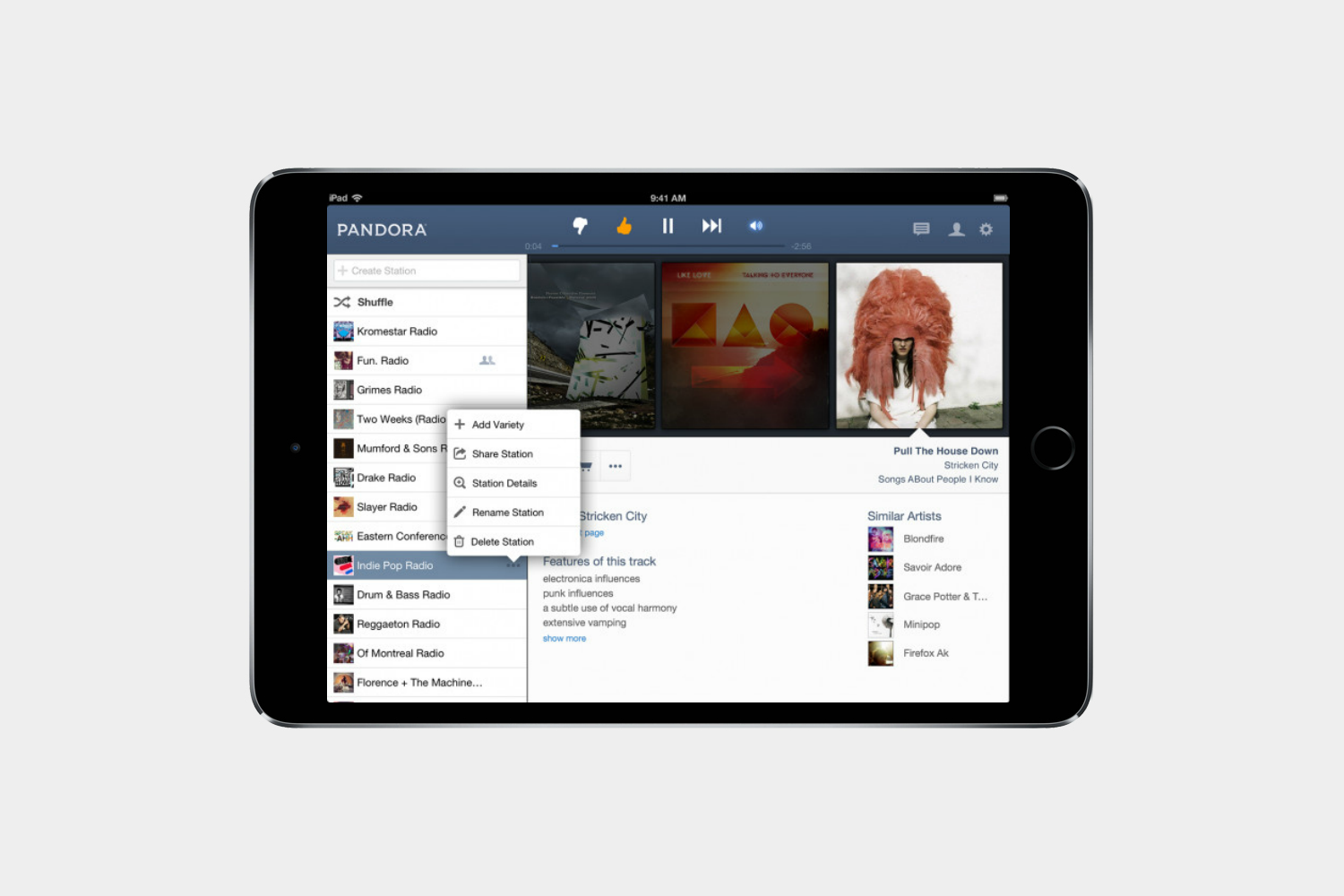
Everyone is plenty familiar with Pandora at this point, and it’s still a must-have app for music lovers. No other option matches Pandora for new music discovery tools.
iStopMotion ($10)
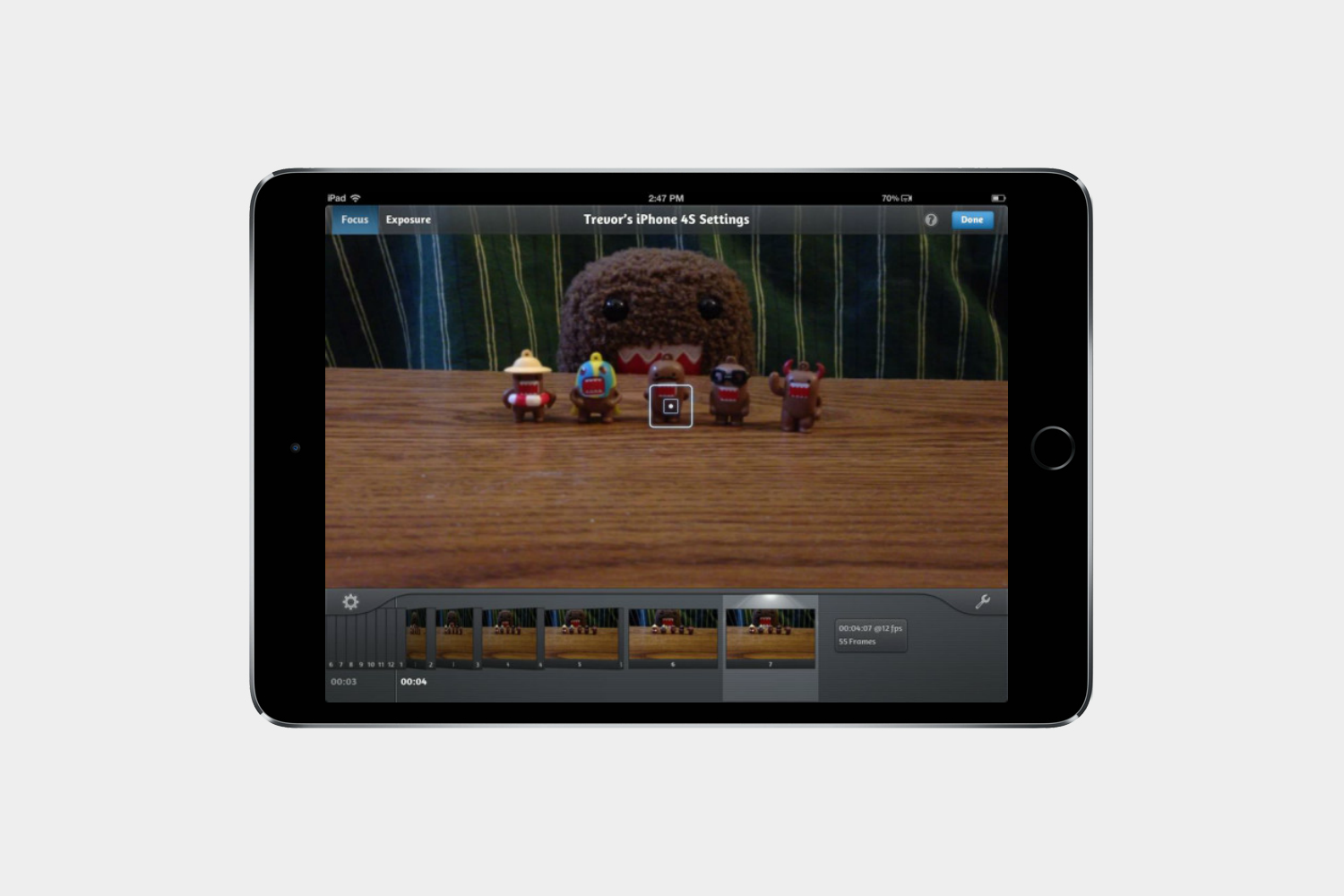
The iPad is equally great for watching movies as it is for making them. Create your own animated films and time lapse clips with this powerful app that captures footage frame by frame.
Traktor DJ ($10)
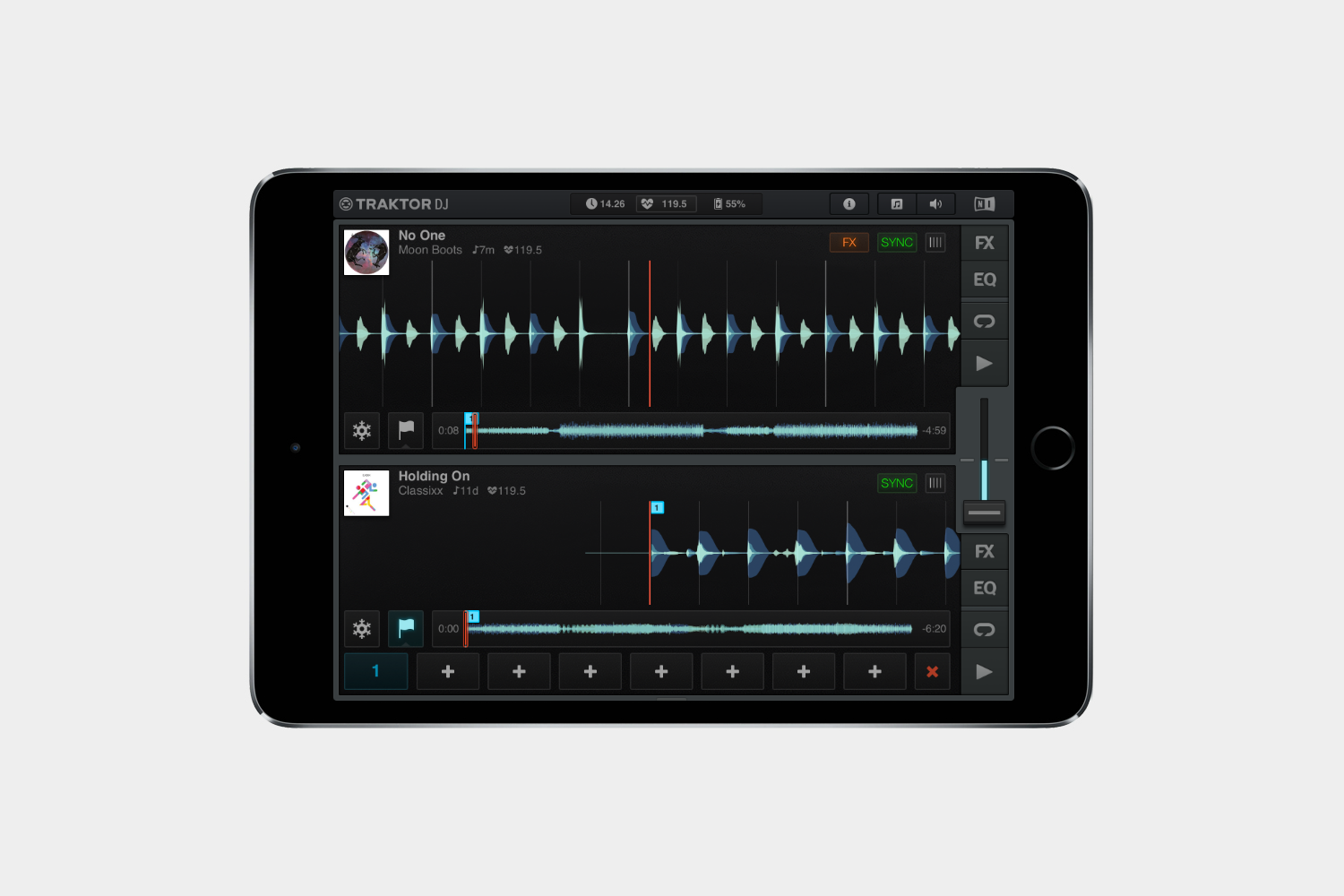
There are plenty of ways to listen to music on your iPad, but if you want to mix your own, you need Traktor DJ. It’s the easiest way to get the same effects as a real DJ without needing your own turntable.
GarageBand
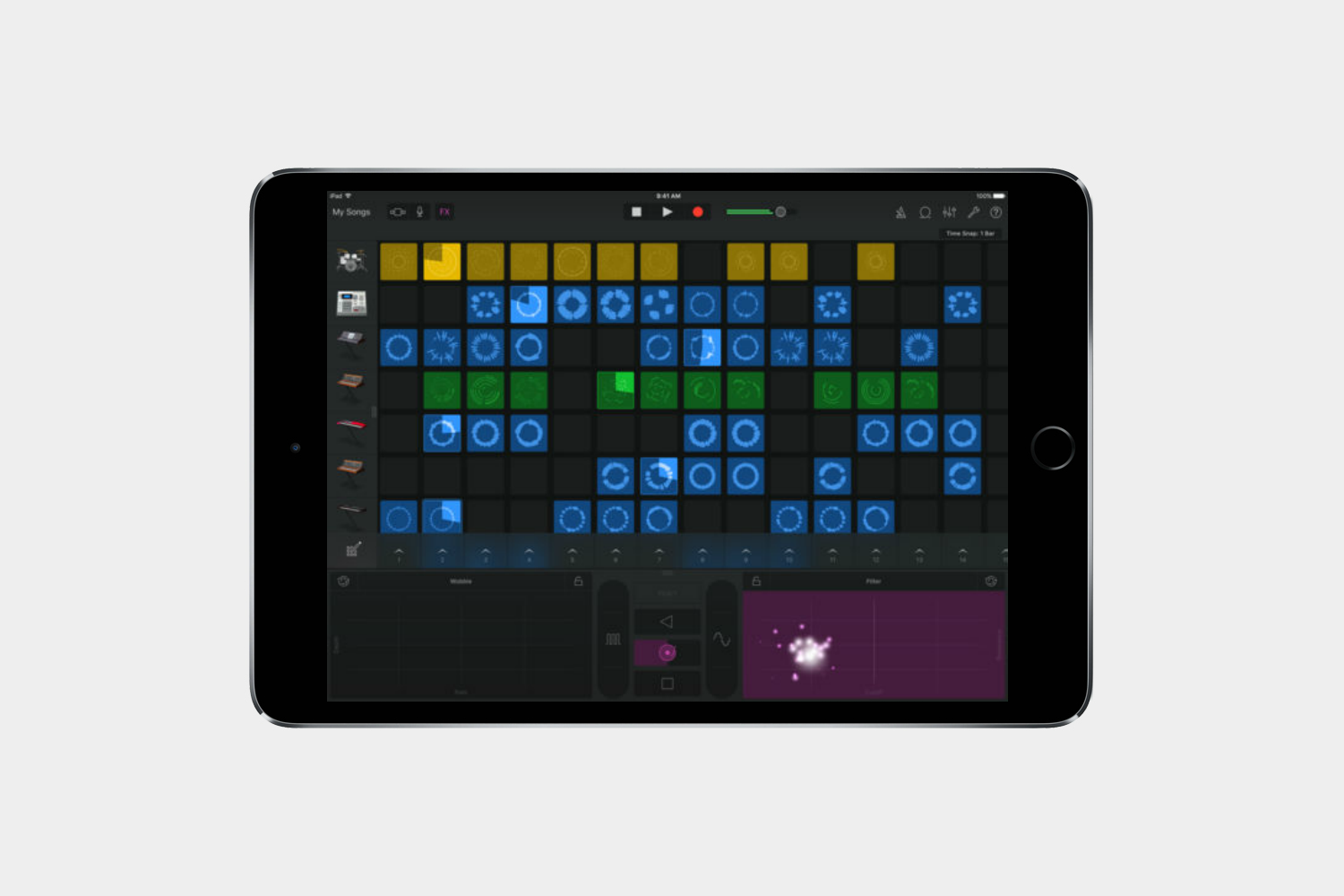
GarageBand is Apple’s own product, but it’s really a must-have for any music lover. It turns your iPad into your ultimate digital amp and even if you’re not a capable musician, it’s a blast to mess around with the virtual instruments.
Audible

You can easily read a book on a tablet, but why do that when you can have someone else read it to you?
Kindle
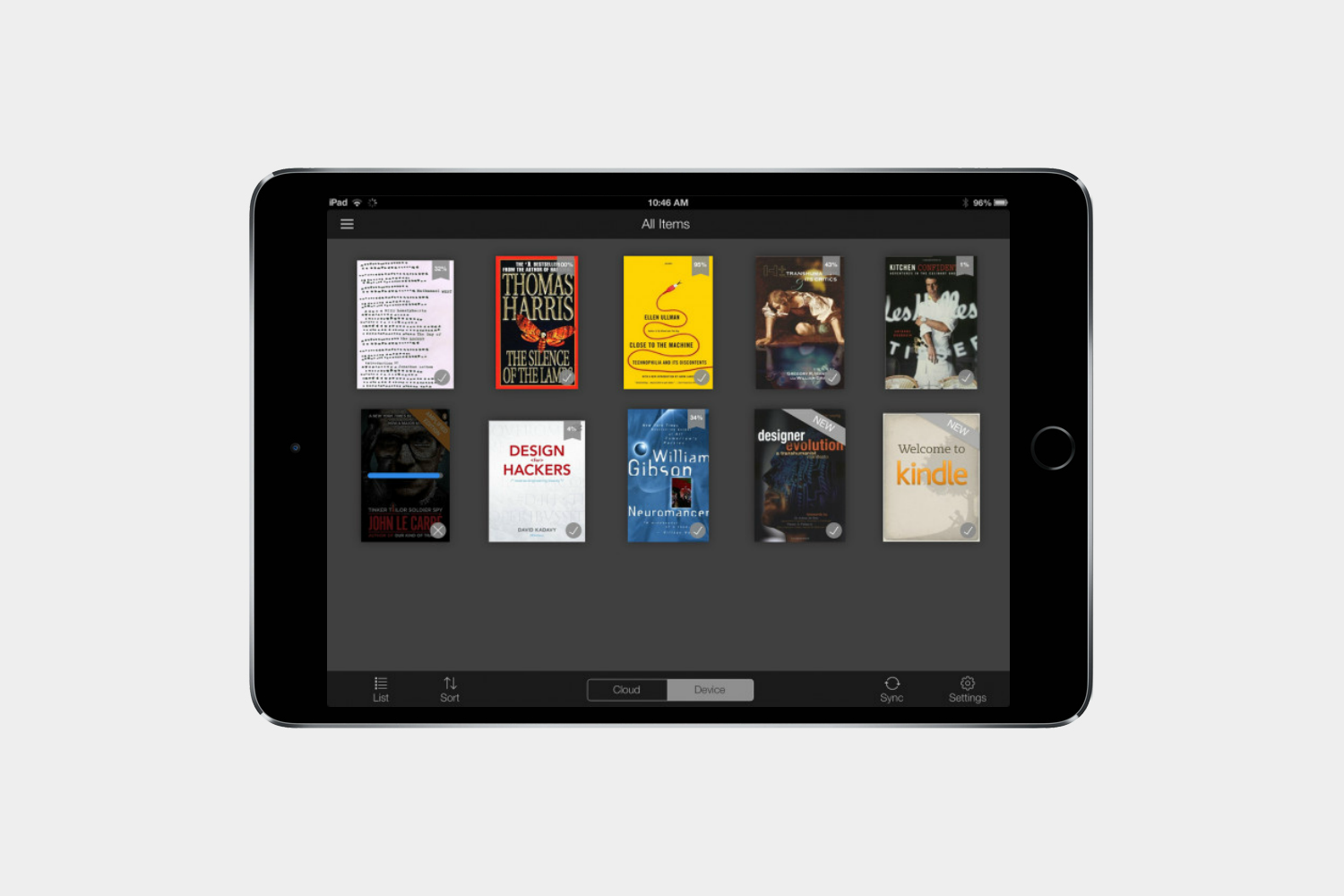
You may have chosen the iPad over a Kindle tablet, but you can still enjoy the Kindle app. It gives access to Amazon’s huge selection of books that can be downloaded and read anywhere.
iBooks
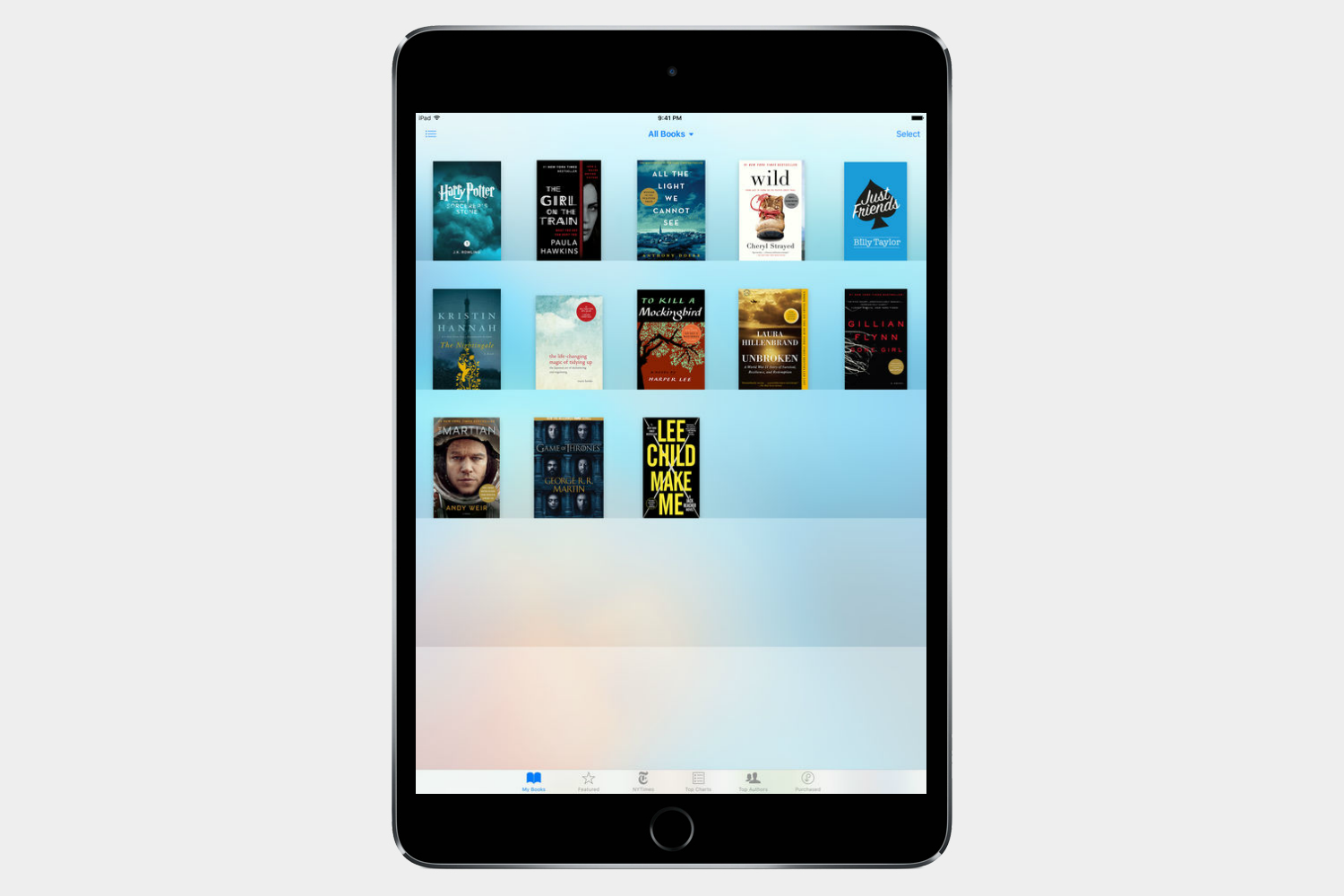
This is a no-brainer app since you already have an Apple device, but Apple’s own bookshop is still a solid option. Purchases sync to your account and can be viewed on any Apple device.
ComiXology
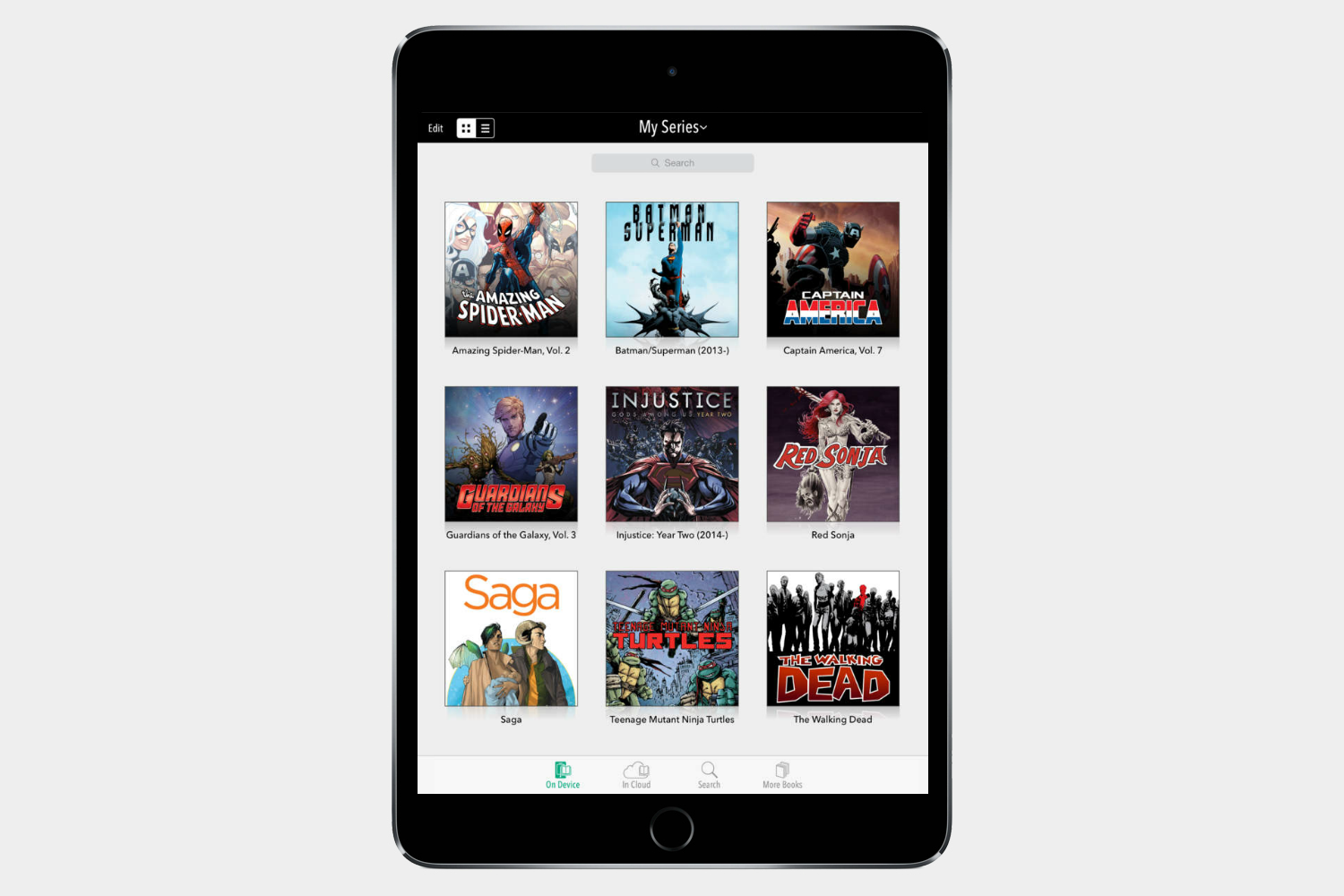
Who says books can’t have pictures? Some of the best stories out there exist in graphic form, and you can read them on your iPad with Comics. The app allows you to read purchases on your ComiXology account from anywhere.
Libby

This fantastic app enables you to digitally borrow ebooks and audiobooks from your local library for free. All you need is a valid library card and you can get started downloading or streaming content right away.
Best iPad apps: Gaming
Civilization VI ($30)

Long recognized as the king of epic, turn-based strategy, Sid Meier’s Civilization series has been keeping players glued to their PCs for years now. But the fiendishly addictive empire building game is now available for the iPad, as long as it’s an iPad Air 2 or newer. You get 60 free turns to try it out before you have to pay for the full game. It’s a highly polished strategic treat that challenges you to conquer the world, but be prepared to lose days playing it.
SimCity BuildIt
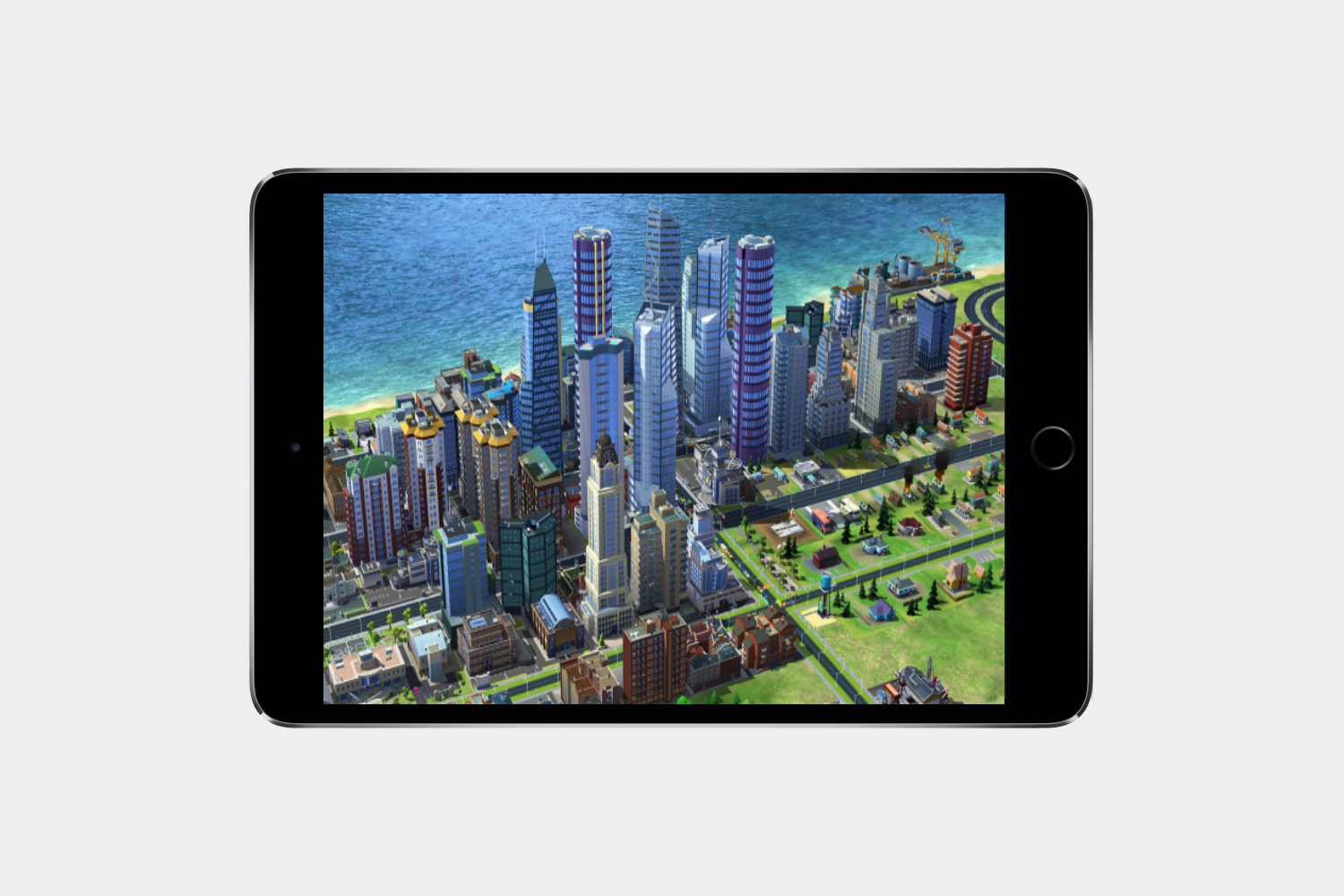
Sim City BuildIt has been around on iOS for a while, and although it’s playable on the iPhone, it has always been more enjoyable on the iPad. The bigger the screen, the better — particularly because the game’s control system is all about pinching, zooming, and rotating highly detailed 3D buildings. This is an EA title and it’s free to download, which means there are also plenty of in-app purchases. If you don’t mind, there’s fun to be had inside this version of Sim City.
Infinity Blade III ($7)
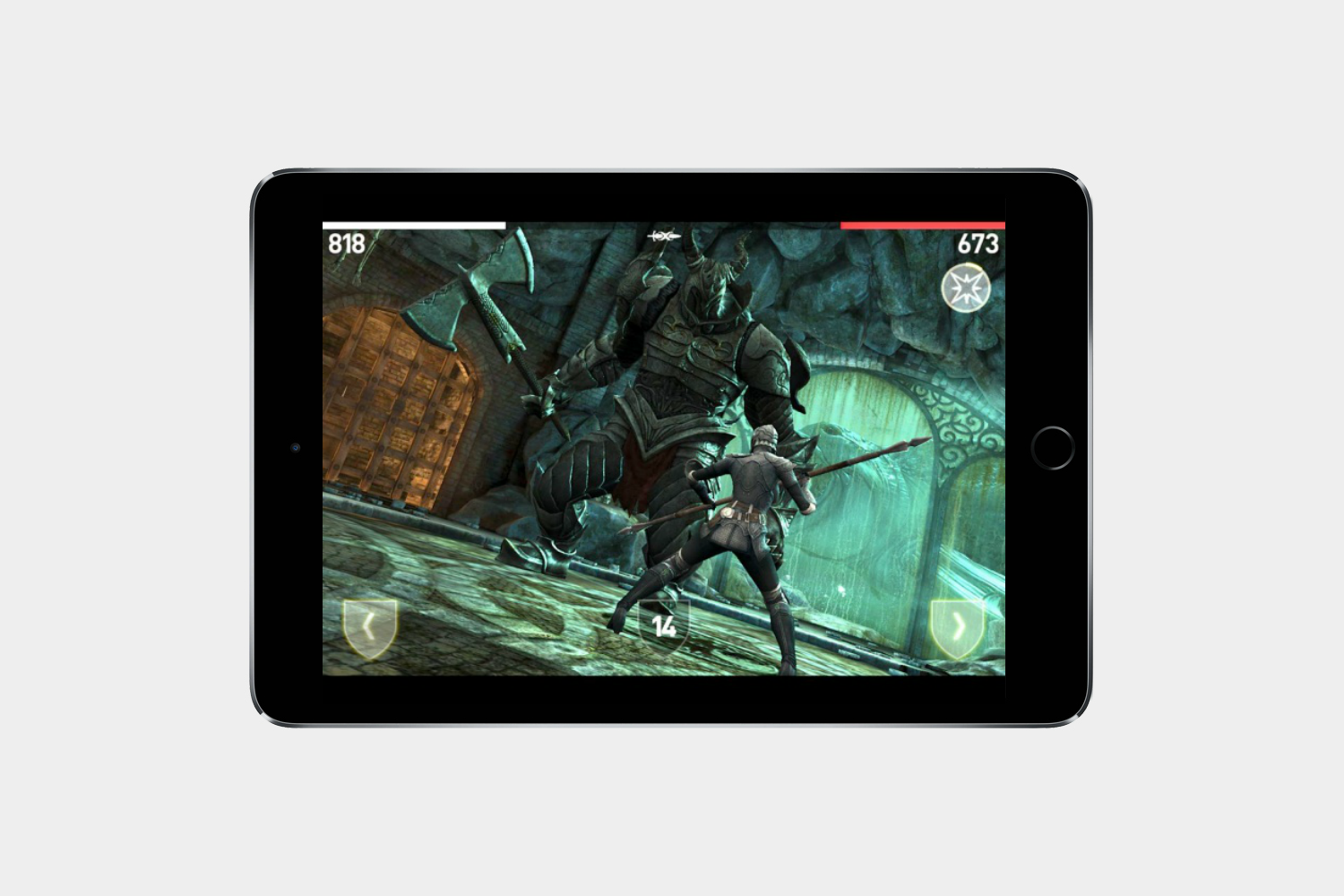
Apple always turns to the Infinity Blade series to show off what its tablet is capable of, and for good reason. Stylish sword-fighting, hordes of enemies, and truly epic boss fights add up to a visually gorgeous game that’s a must-have for iPad owners.
Limbo ($4)

For an odd game, check out Limbo. It’s eerie, a little scary, and stunningly beautiful despite its black and white color palette. Filled with tough puzzles and challenges.
Bastion ($5)
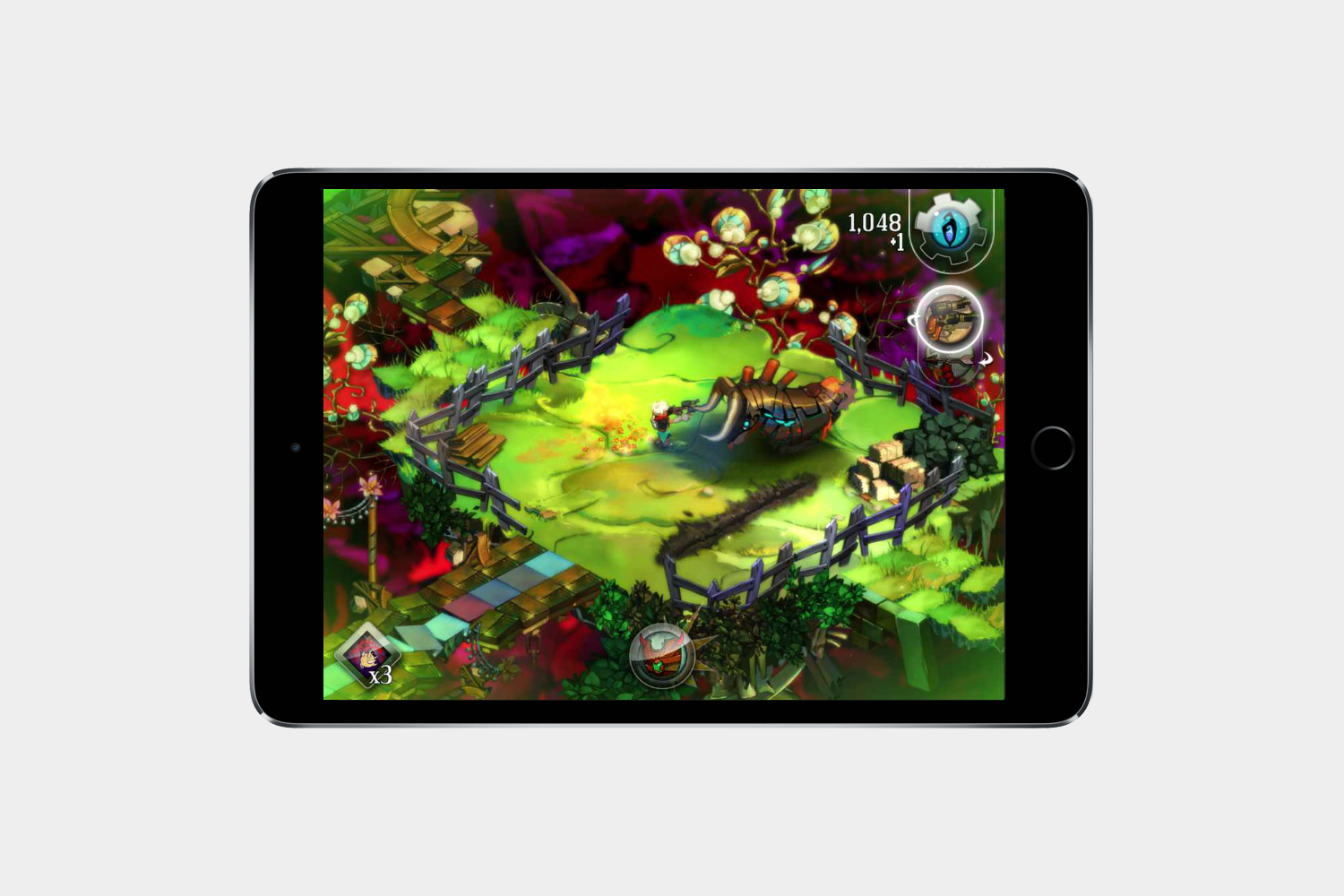
A hit from the indie gaming world made its way to the iPad and the experience is just as great. An action RPG with amazing visuals and an enthralling story.
Monument Valley ($4)

Some games are about offering an intense environment and difficult challenges. Then there’s Monument Valley. It’s an extraordinarily pleasant game with beautiful visuals, relaxing puzzles, and an odd retro vibe.
The Room Two ($2)
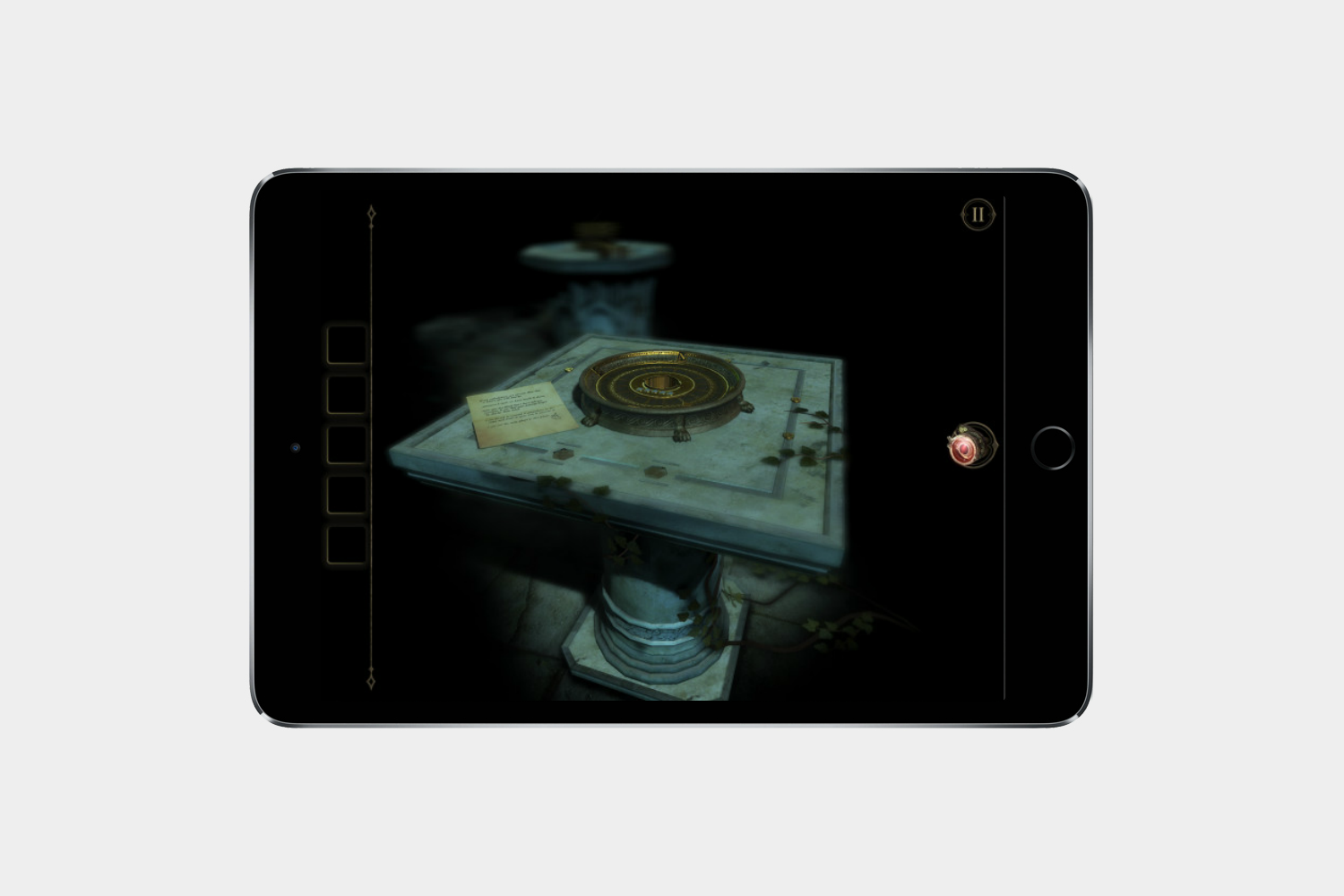
Things are going to get a little creepy and odd once you enter the Room. It’s a game full of ambiance and intrigue. The Gameplay consists of puzzling and intricate machines that you interact with through intuitive touch controls.
Hearthstone: Heroes of Warcraft

Blizzard Entertainment’s popular trading card game is perfectly suited for the iPad. Players can collect cards, build decks, and duel opponents, using simple touch gestures to perform every task. The game is free to play, too, and players can acquire new packs of cards by completing quests or spending money.
Health, fitness, travel, and navigation
Best iPad apps: Health and fitness
Screens are half the reason we’re so out of shape, but your iPad can help you get back in shape, too. The apps below will help you work out, eat right, and we have a few tips for you if you’re into sports.
Elevate Brain Training
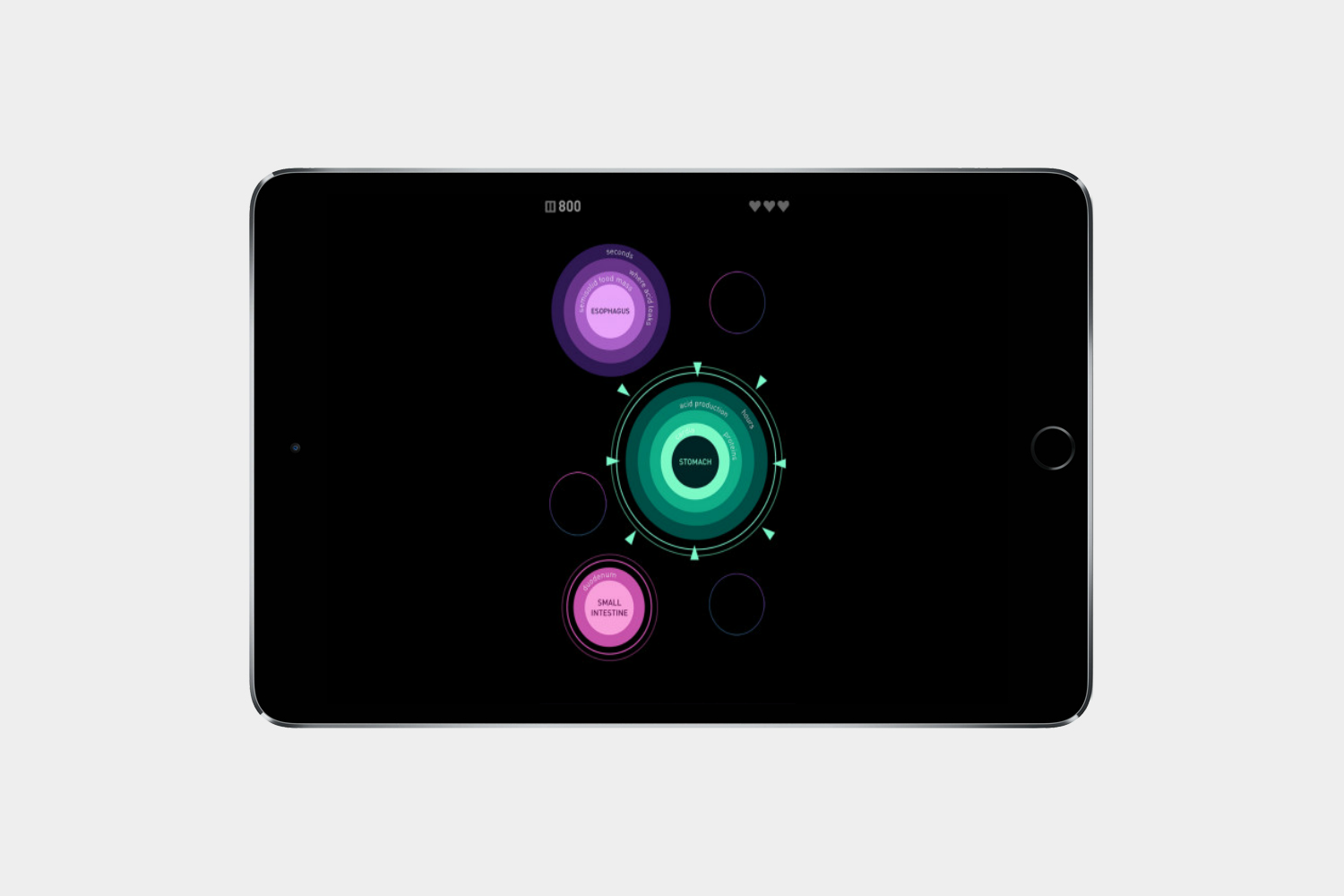
Elevate is one of the best brain-training apps out there. It’s designed to improve your focus, memory, and math skills with a series of entertaining activities. The cognitive tests also get more challenging as you improve, regardless of which of the 30 you choose.
Yoga Studio
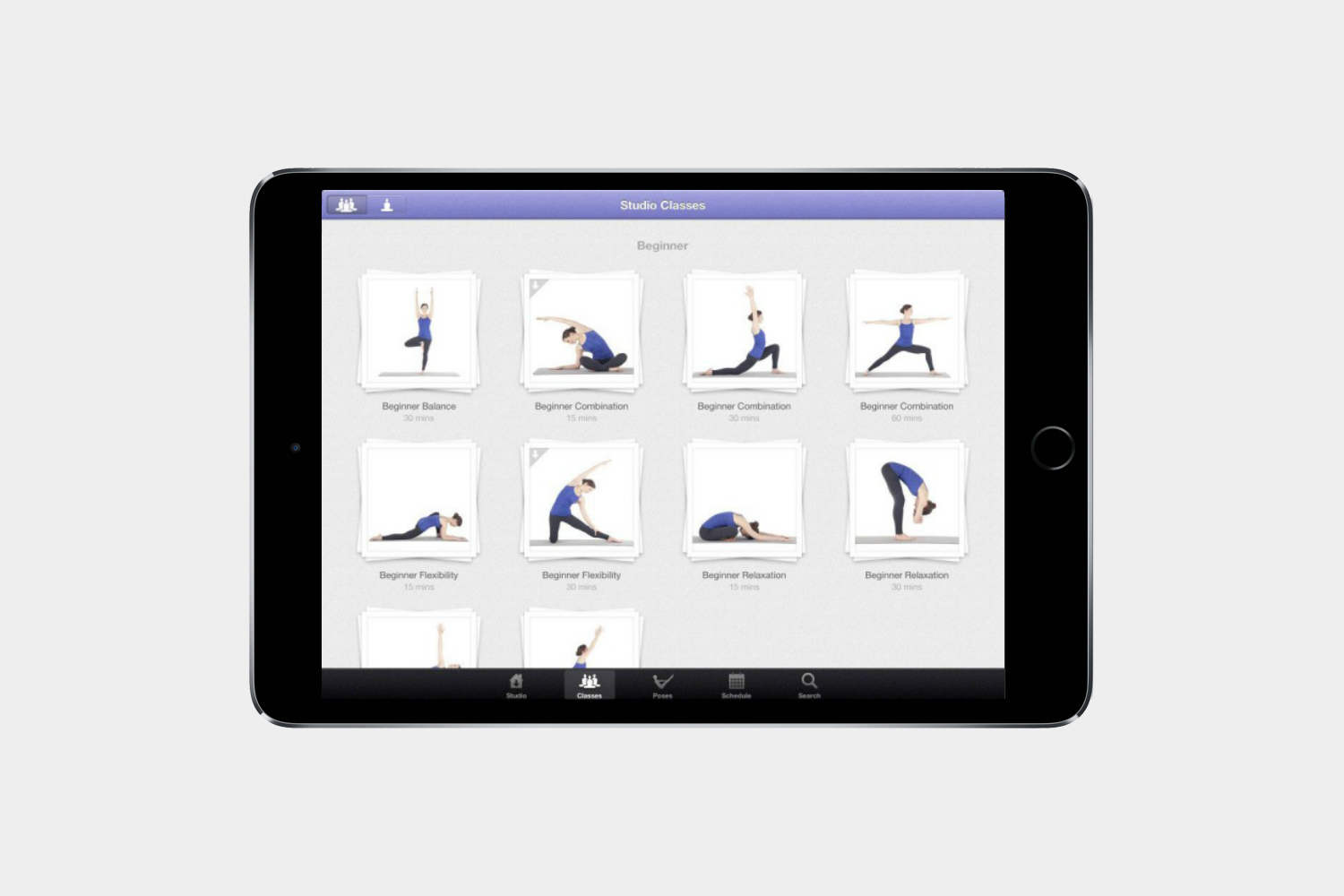
Choose from a range of HD video classes for different abilities and improve your flexibility, strength, balance, and relaxation. You can even craft your own classes and schedules.
MyFitnessPal Calorie & Diet Tracker

Keep a really close eye on everything you consume and get a calorie count along the way. This app covers more than 3 million foods, and you can use it to track your exercise as well.
7 Minute Workout
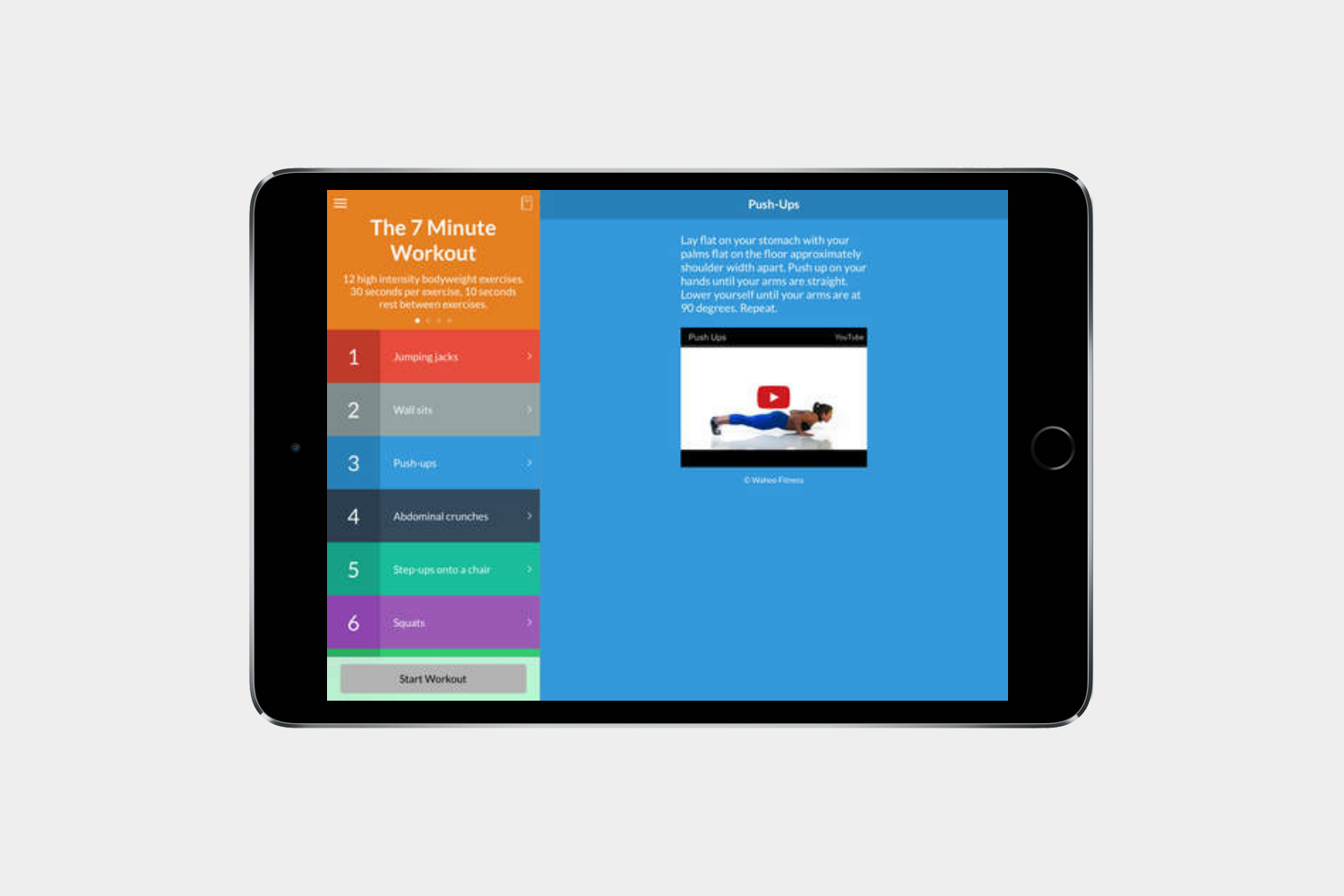
You don’t need any equipment to stay fit with these 7 minute workouts and they can be performed anywhere. A little gamification and progress tracking encourages you to work out daily.
Fitbit Coach
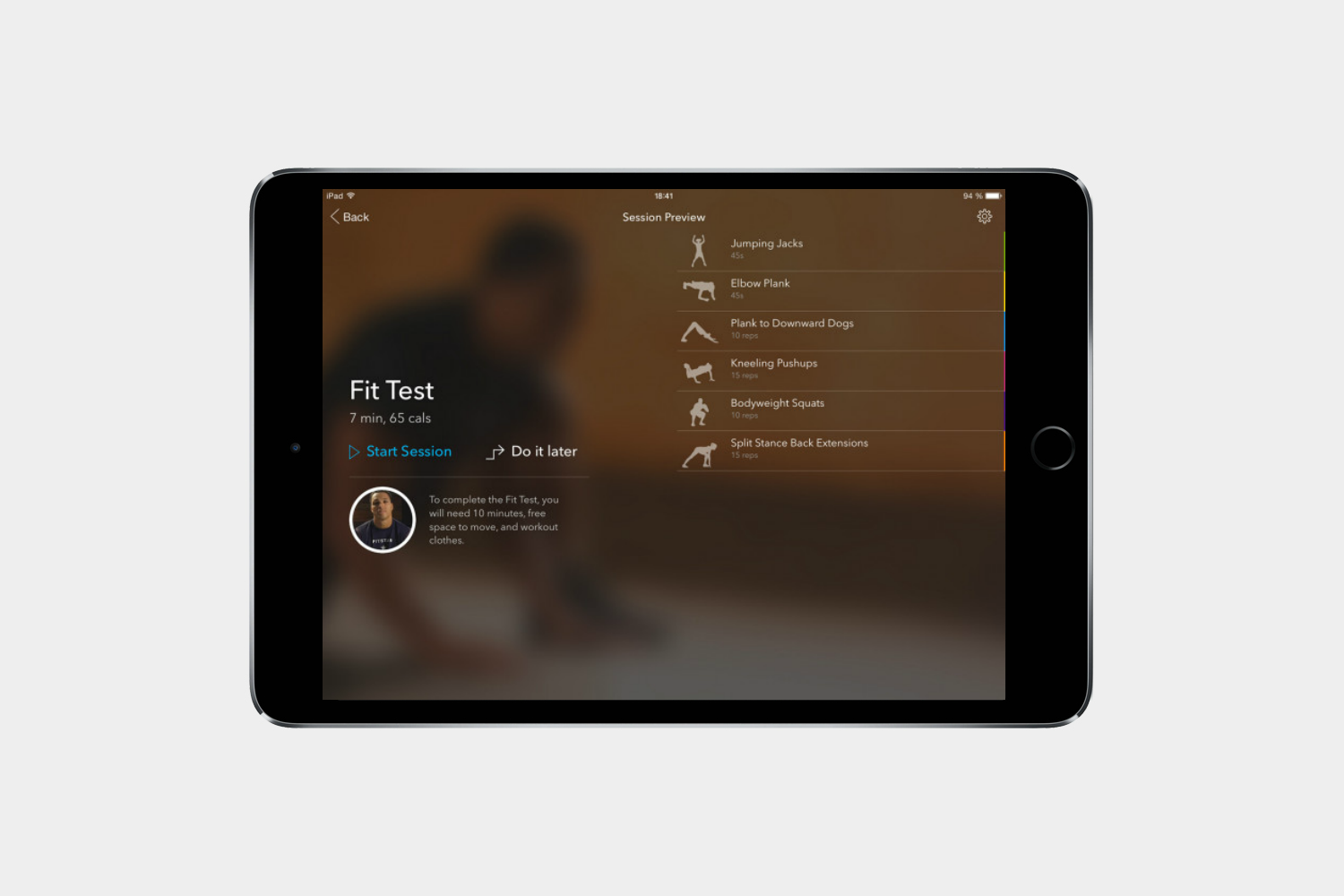
Fitbit Coach will save you the expensive costs associated with gym memberships and fitness gurus and instead helps you customize your own workouts to get the results you’re after.
WebMD for iPad

Combining a symptom checker, first aid advice, pill identification, drug and treatment information, and a local directory of healthcare professionals, this is the best free healthcare app.
First Aid by American Red Cross
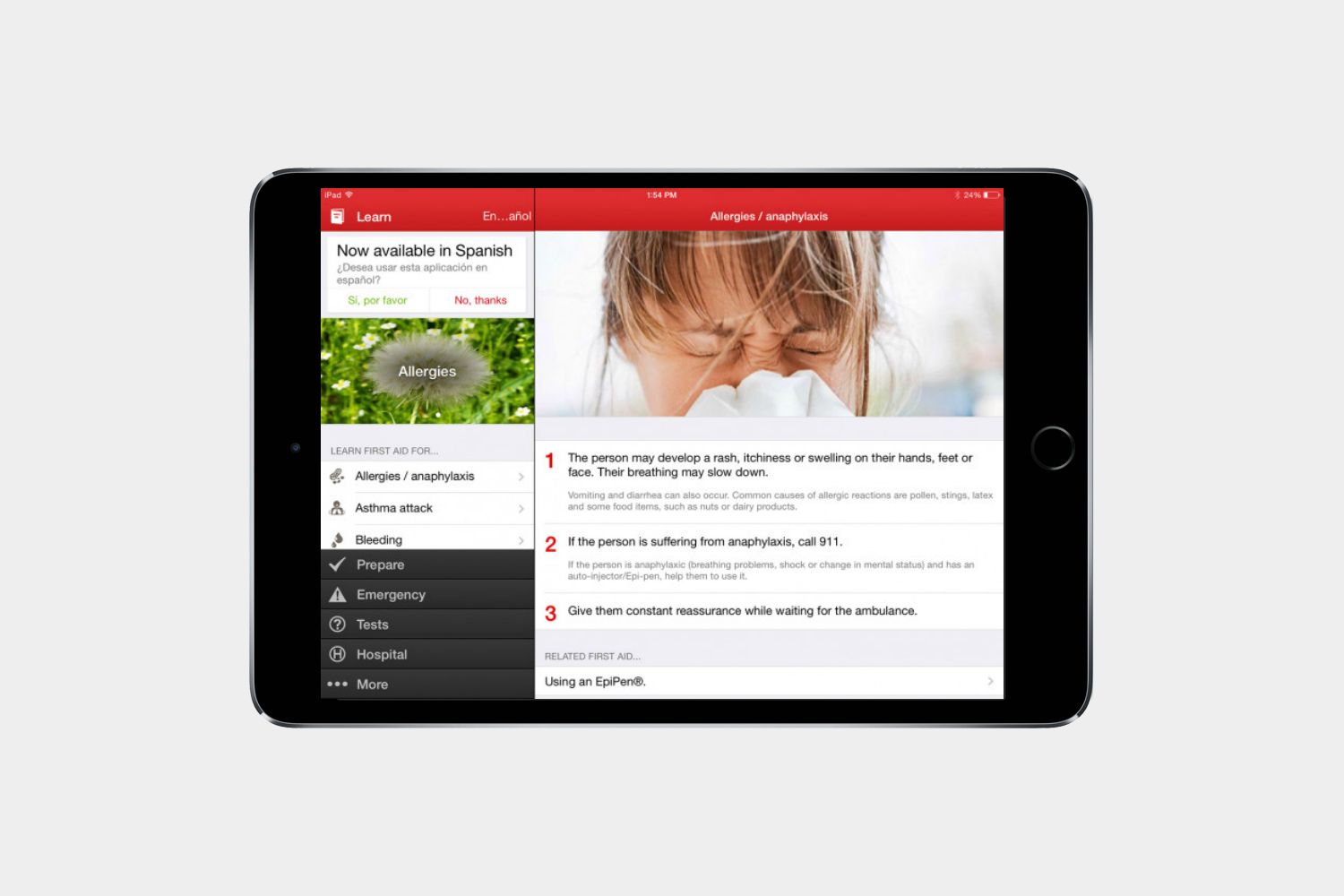
It’s empowering to know exactly what to do in an emergency, and it helps you take the right action and keep a cool head. This app is full of easy to follow advice for coping with accidents.
Coach’s Eye ($5)
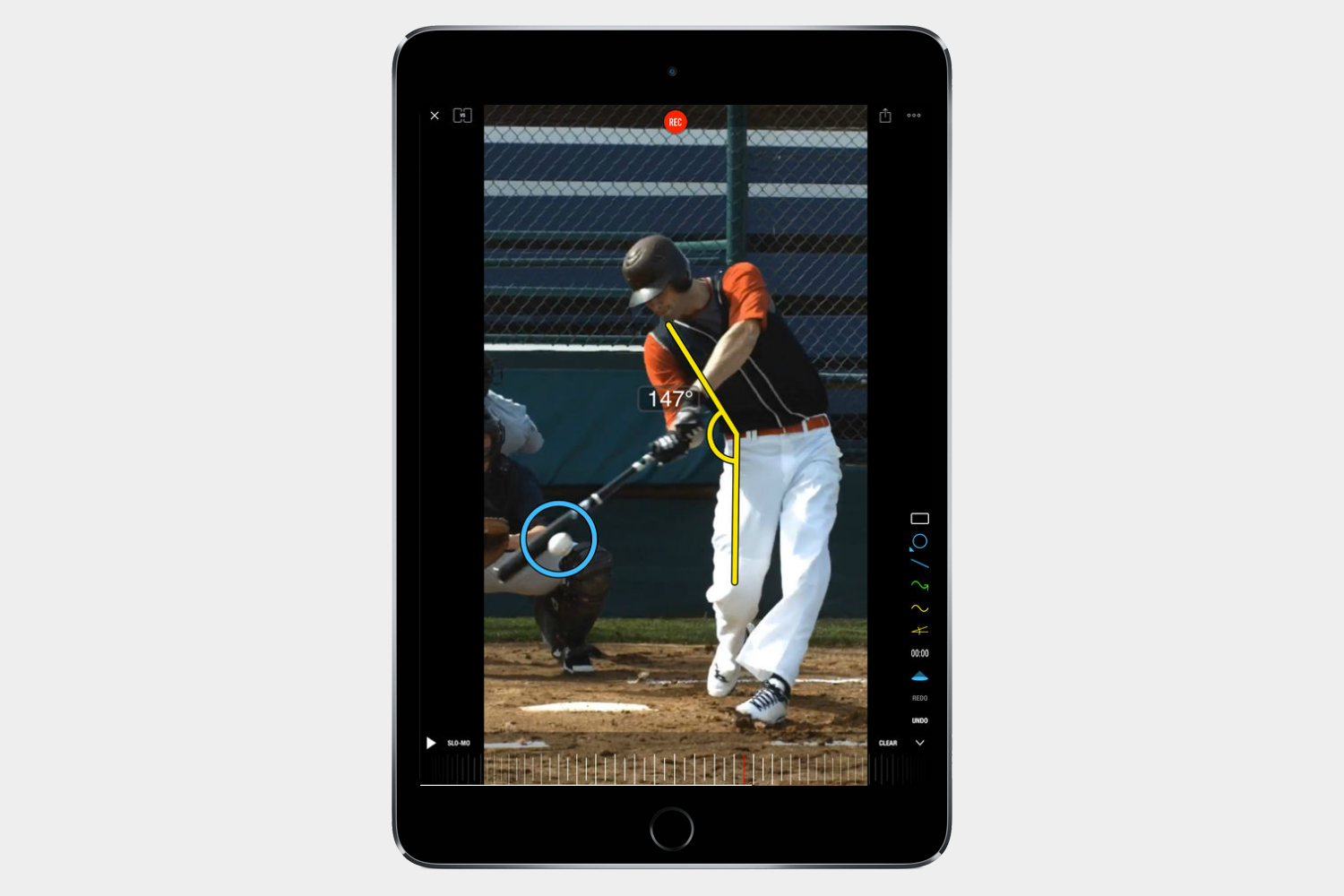
Record your baseball swing or your tennis game, and you can watch the video back in slow motion, compare two videos side by side, and then annotate and share the results to help you improve.
Best iPad apps: Travel and navigation
Most of us don’t use our iPad around town (unless you have a LTE enabled version), but that doesn’t mean an iPad isn’t a great tool to help you get around or understand where you are. Here are our favorite travel apps.
Airbnb
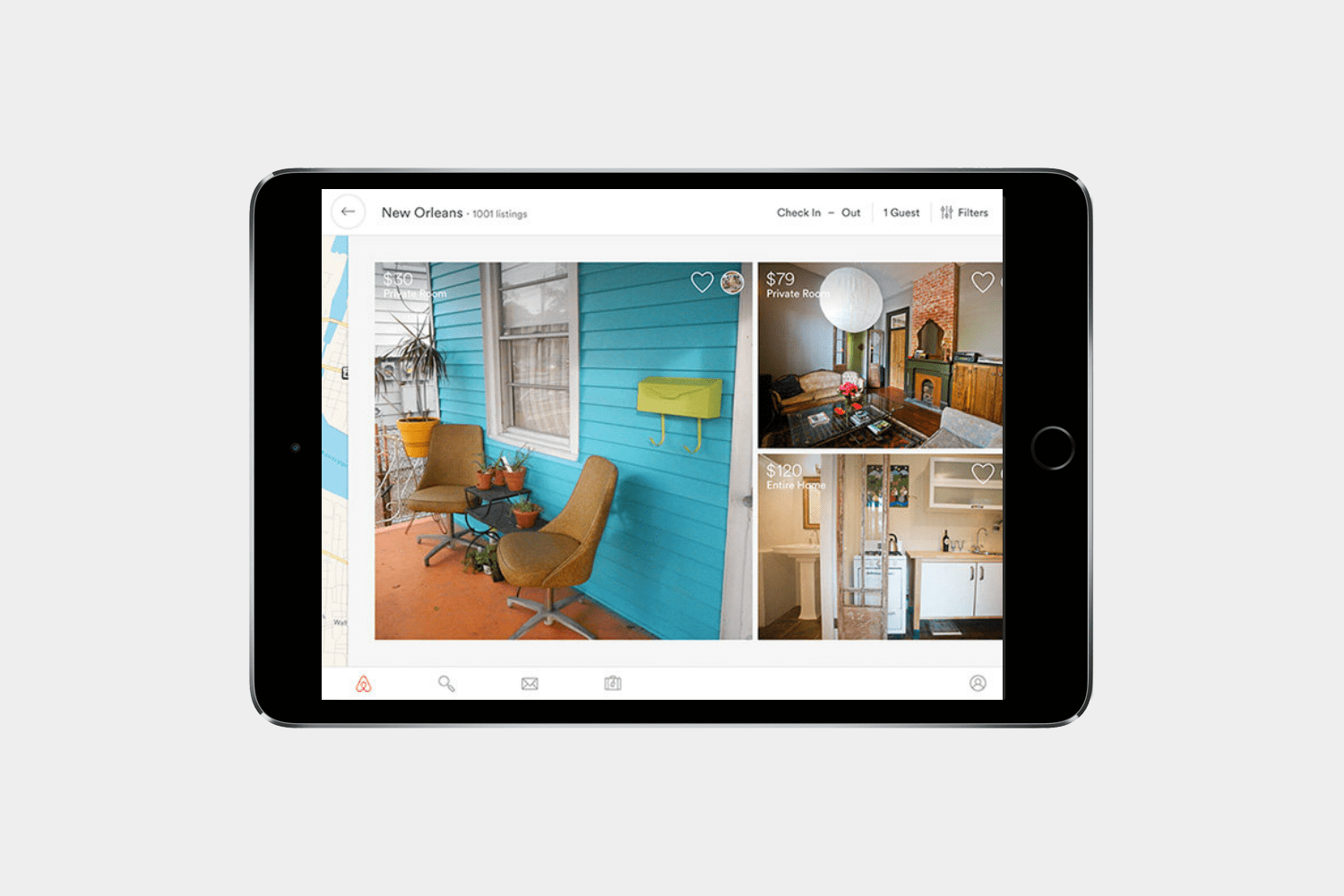
Airbnb is one of the most popular traveling apps for people who aren’t too fond of hotels or just want to save a buck or two. The iPad app makes it easy to see what you’re getting into, and you can really analyze the rental’s photos before you make a decision. You can search by a variety of factors, including the number of rooms, location, amenities, and more. Airbnb boasts 600,000 listings in more than 34,000 cities, so you’re bound to find the perfect spot for your next trip.
TripAdvisor

One of the most comprehensive travel apps around, TripAdvisor offers up millions of reviews covering places of interest, hotels, restaurants, and more. Reviews are written by genuine travelers offering up their opinions and tips, but you’ll also find pricing, opening hours, and contact details, so it can be a real treasure trove of information to help you plan every step of your perfect vacation.
Google Maps
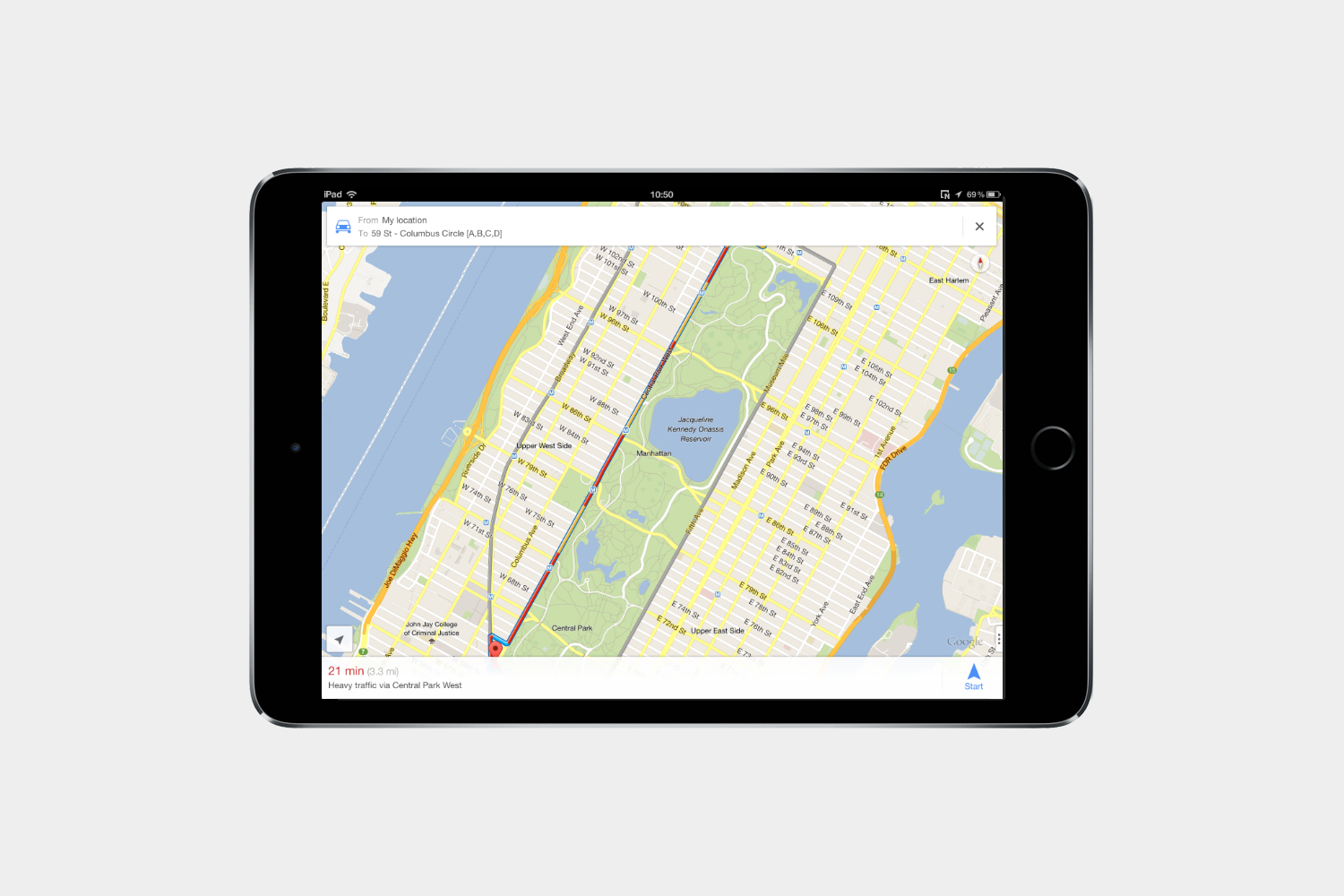
We’d hate to re-open the
TripIt
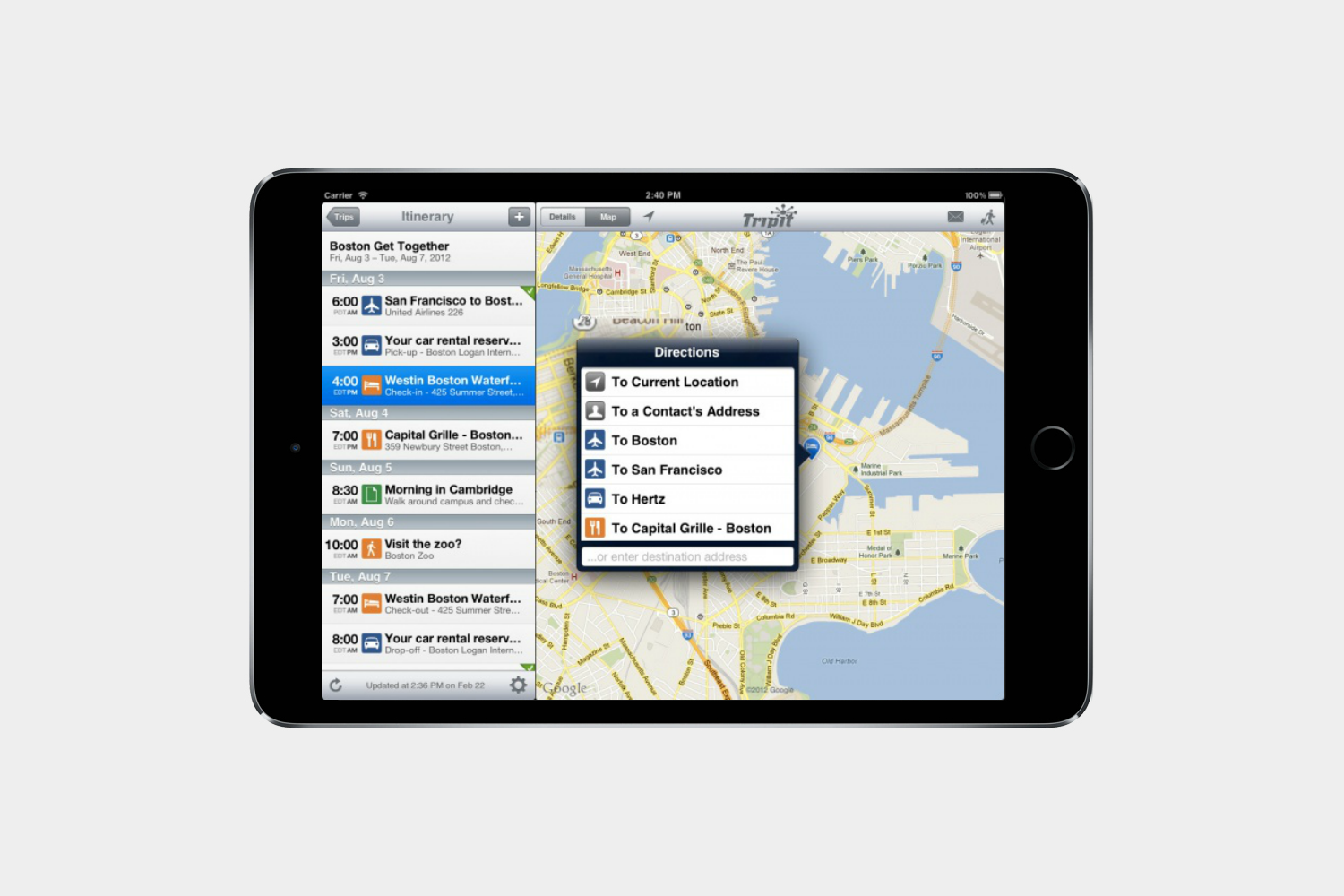
Having TripIt on your iPad is like having your own special travel itinerary folder (the one you plan to make for every trip but never do). It keeps hotel, car rental, and flight information in place and in chronological order.
Kayak
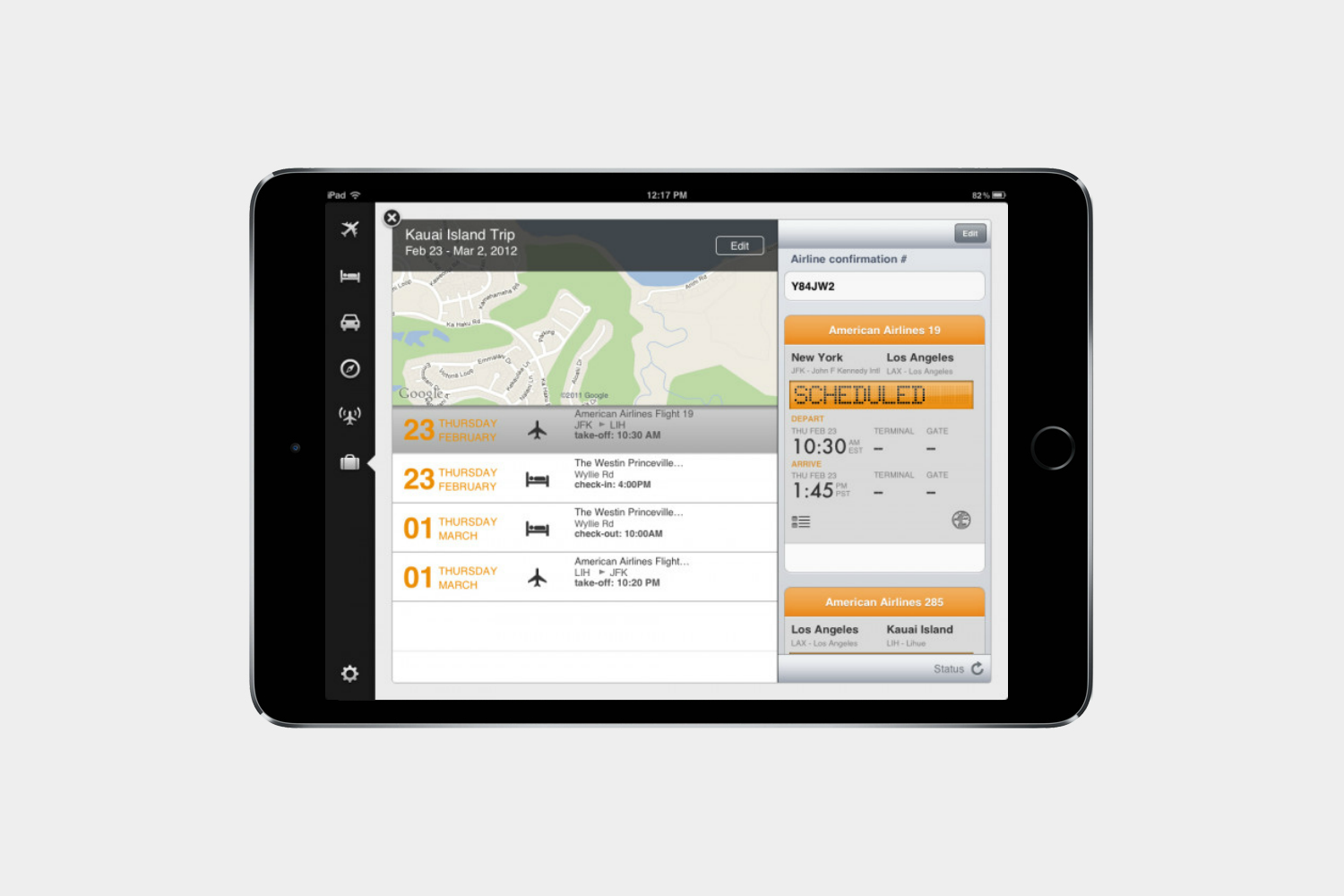
Kayak Pro is like the Google of travel planning. It’s the smart search engine for trip planning that will help you find flights, cars, and hotels to fit your schedule and budget. It aggregates multiple airlines and services.
Hipmunk

Finding flights and hotels is easy on Hipmunk. The app offers handy visualizations, helps you land in a comfy hotel for cheap, and organizes flights by its trademark “agony” rating to minimize duration, layovers and price.
Google Translate
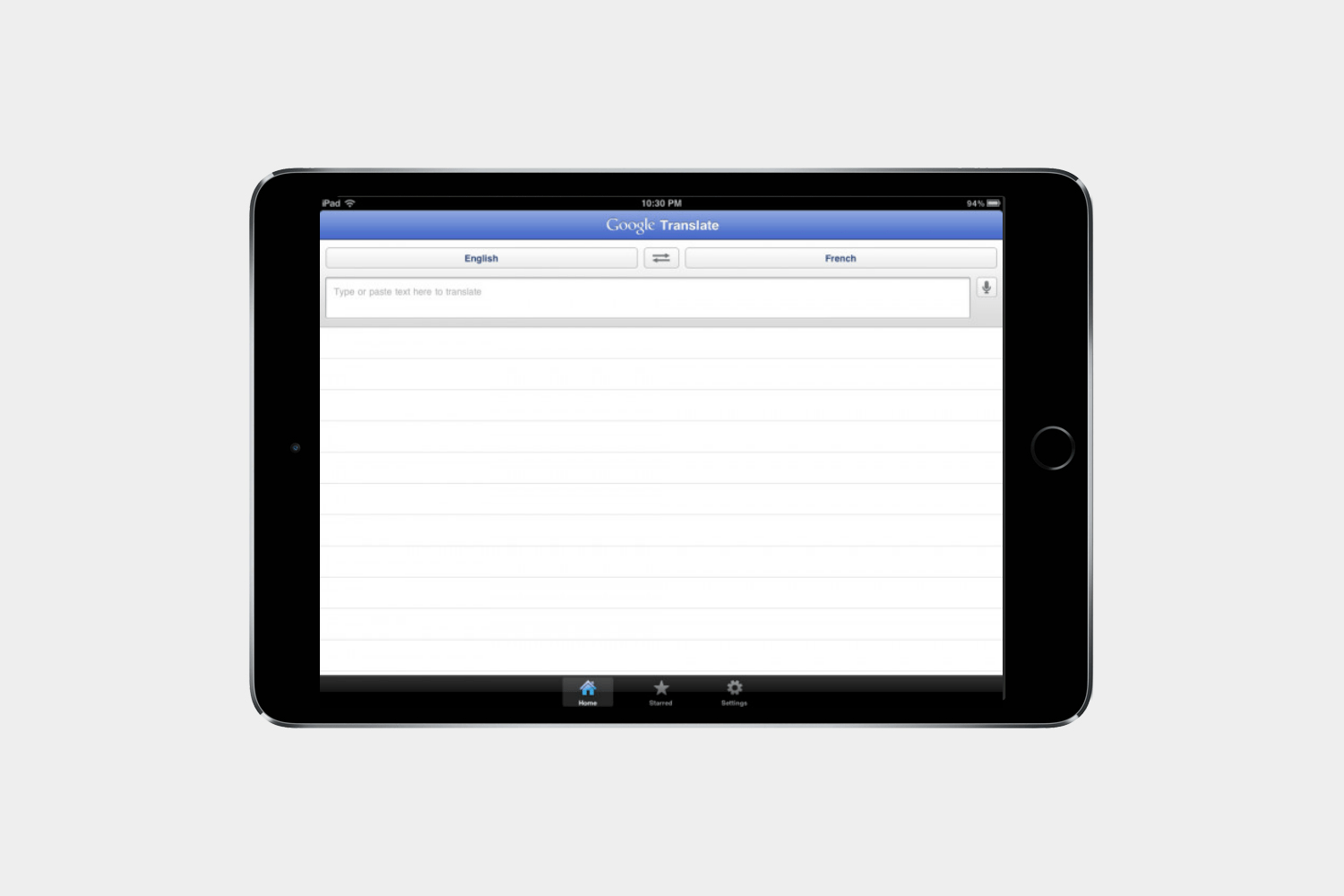
If Google has an app for it, you should probably have that app. Google Translate can handle text, voice, handwriting, and text in images. It works with over 70 languages no matter the input.
mytaxi

Never wind up stranded when you have your iPad in hand. In as few as two taps, you can get a taxi on its way to your location. Follow the taxi in real time, rate drivers, and pay by app.
Spyglass ($6)
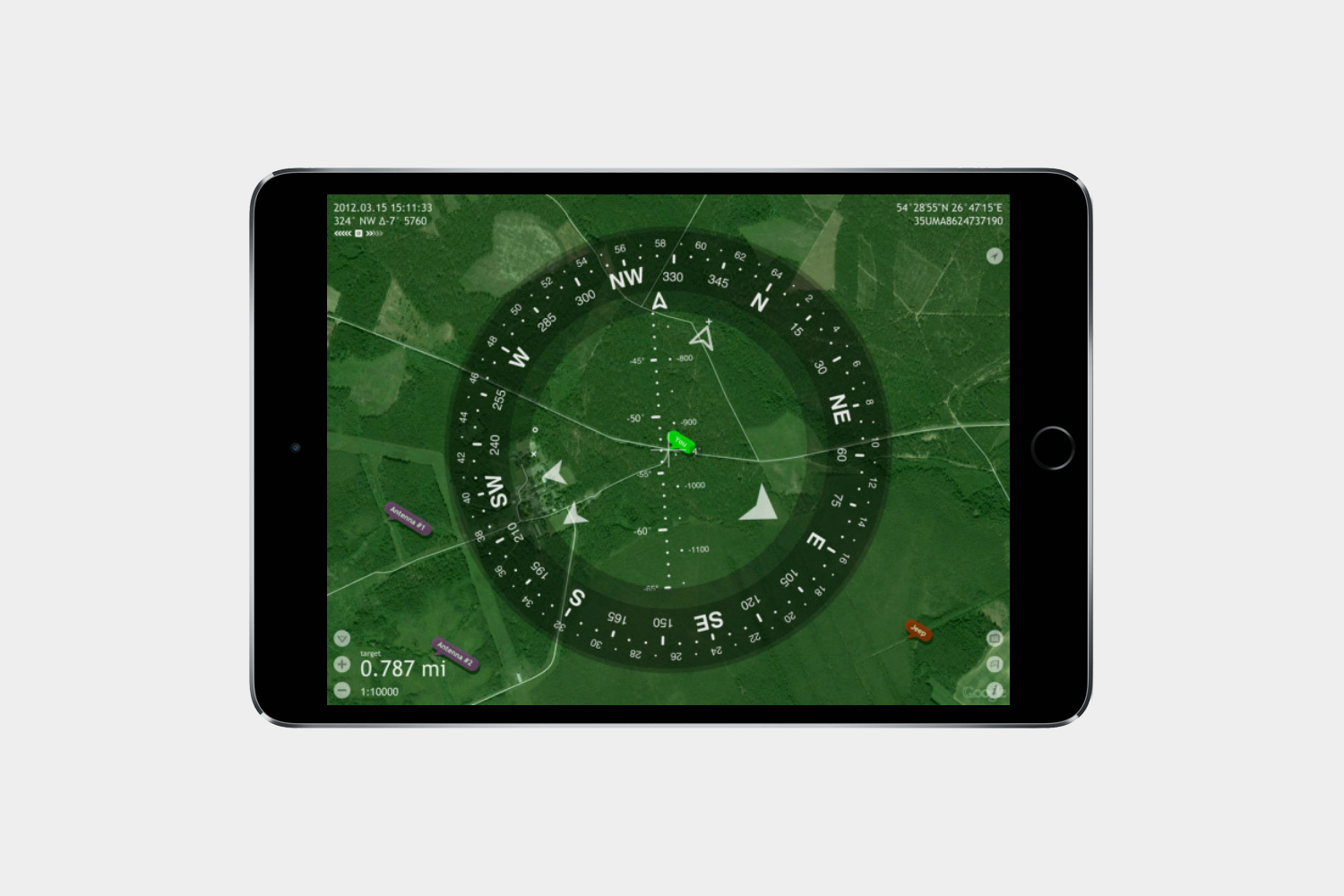
If you end up getting lost, you can count on Spyglass. It equips you with a GPS, compass, finder, tracker, and AR navigation to ensure you’re never lost, even in strange locales.
OpenTable
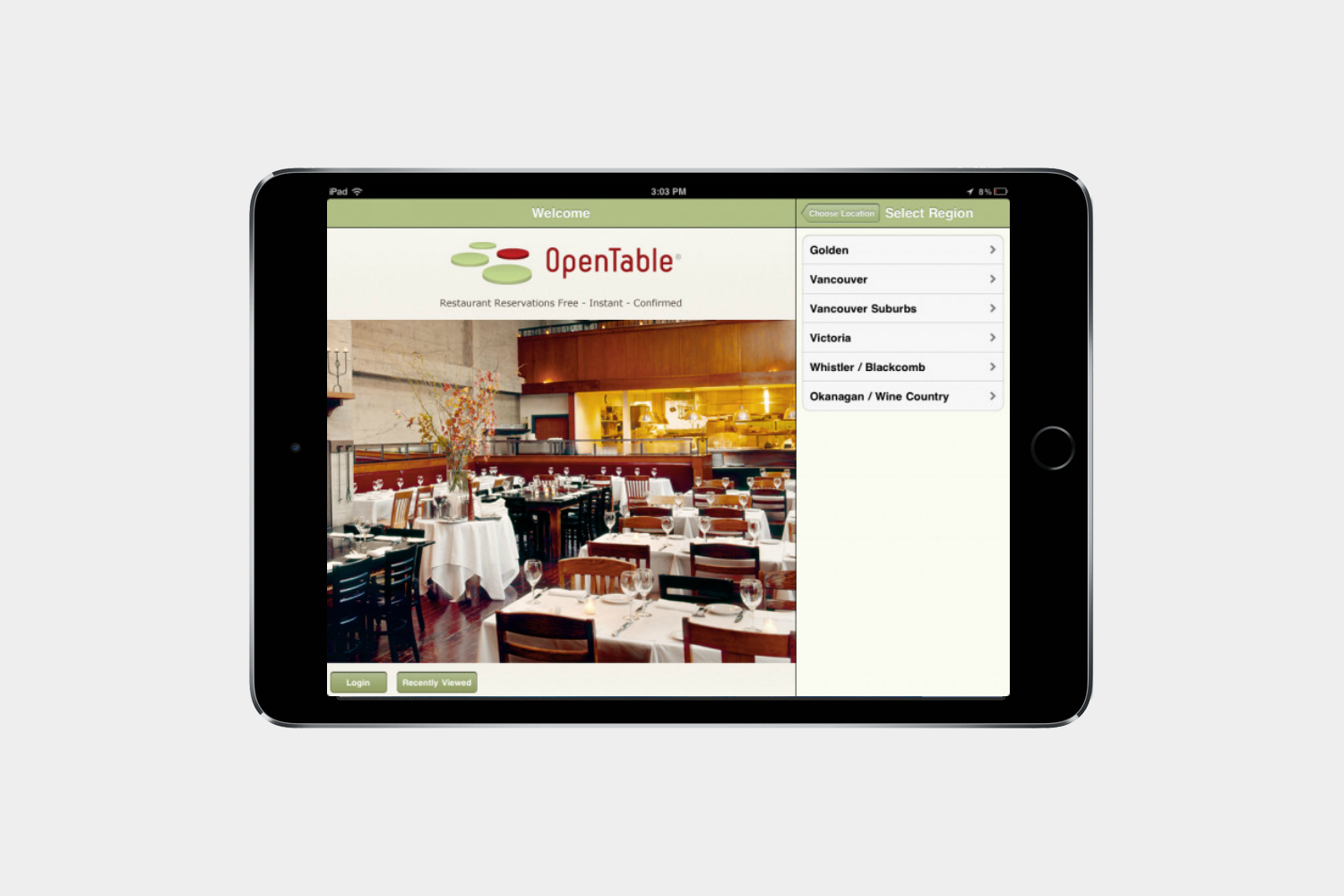
No time to whip up a meal at home? No problem. There’s plenty of restaurants around town waiting to serve you. There are over 20,000 participating food stops and is the industry standard for getting reservations.
Yelp

We probably don’t need to explain Yelp to you, as it’s well-known service at this point. But you should have the app so you can find places to check out, hidden gems around the city, and read reviews to avoid bad food.
Zagat
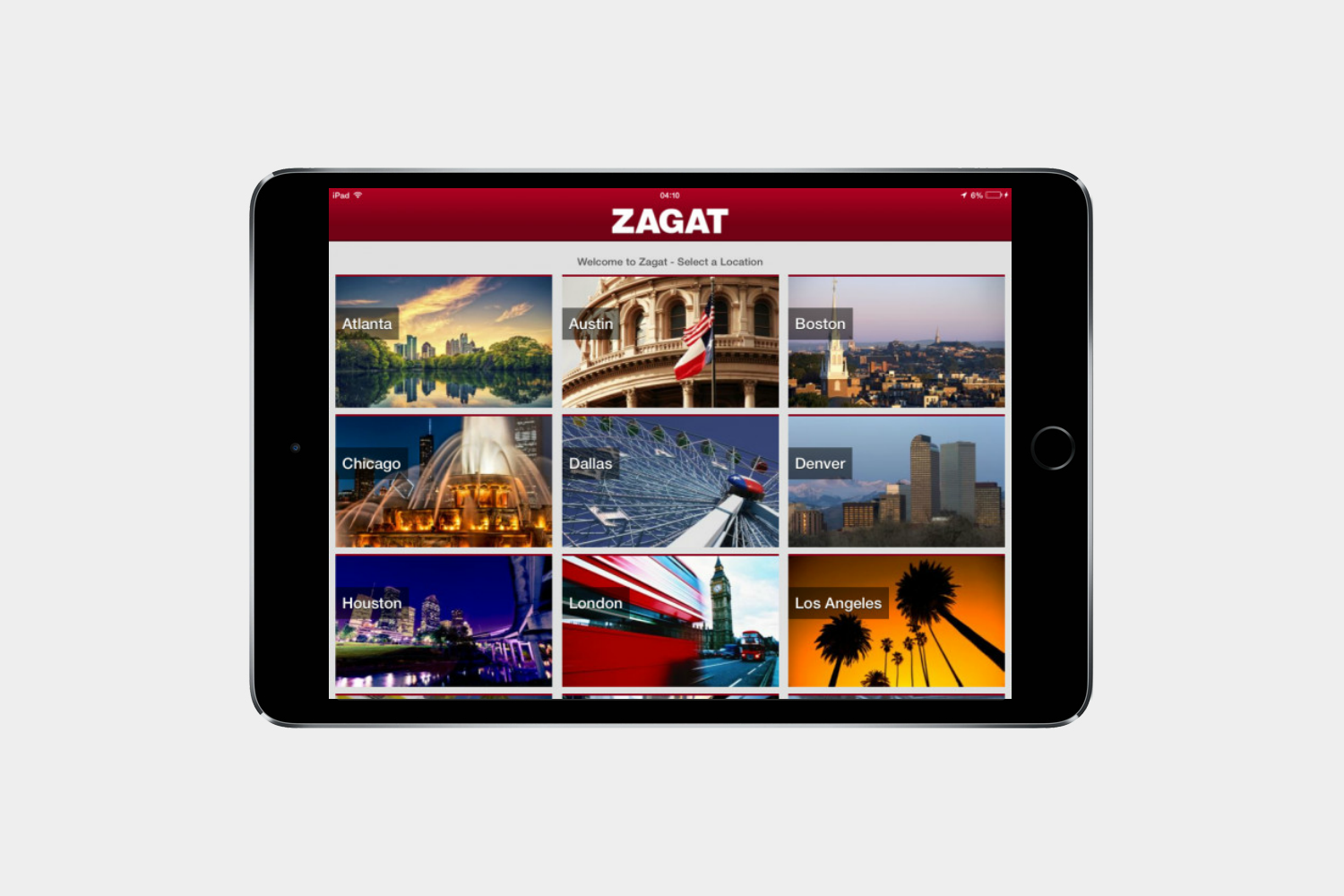
Zagat has been a standard setter for restaurant reviews for some time now. Acquired by Google in 2011, its digital presence has gotten better. The app offers reviews and Google Street View panoramas so you can places.
StubHub
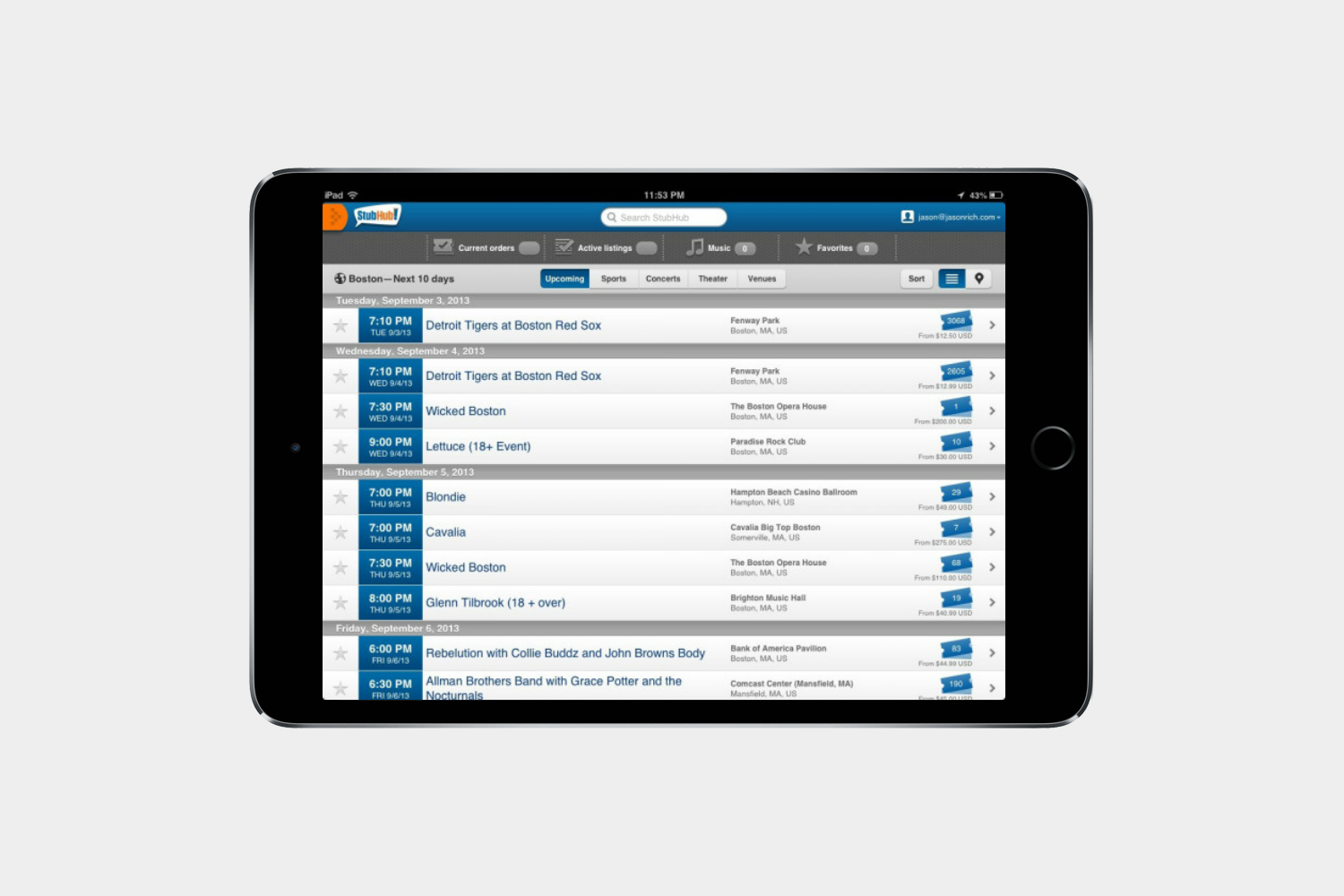
Nights that you spend sitting inside could become an experience in town. Check StubHub for cheap tickets to events and snagging some seats. You might catch a show you would have missed.
AroundMe
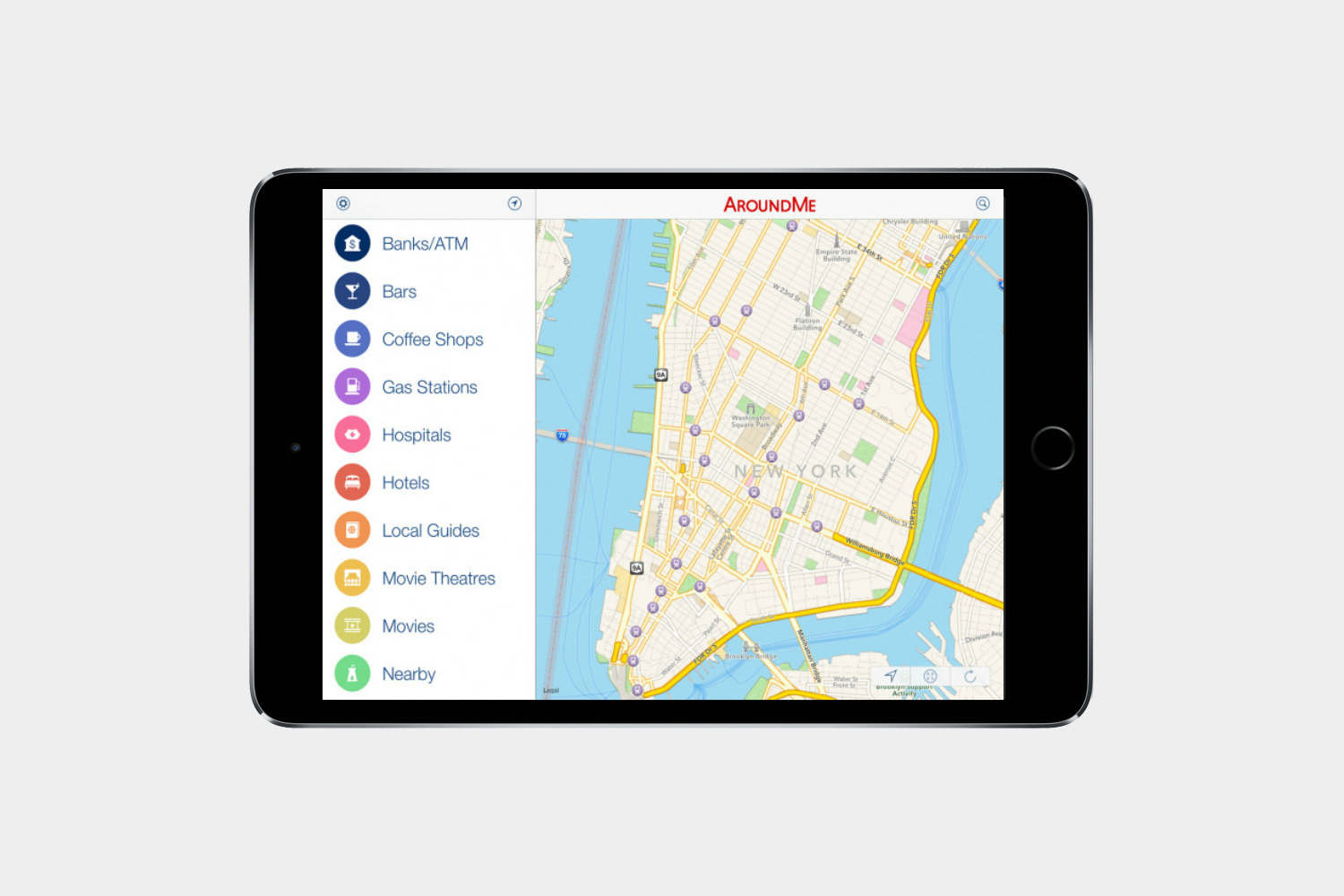
You never know what’s going on just next door to you. Or at least you didn’t until you had AroundMe. Drop a pin anywhere on the map and watch it populate with events and happenings taking place around that area.
Photography, art, social media, and communication
Best iPad apps: Photography and art
Google Photos

Storing photos takes up a lot of space on your iPad. Google Photos is the answer. Privacy concerns aside, the app offers unlimited photo storage at lower resolutions, categorizes them in different ways, and lets you create fun photo story collages that you can share on social networks. Showing off the photos from your latest trip is especially nice on the iPad. Google Photos is also very smart at sorting pics.
Tayasui Sketches ($5)
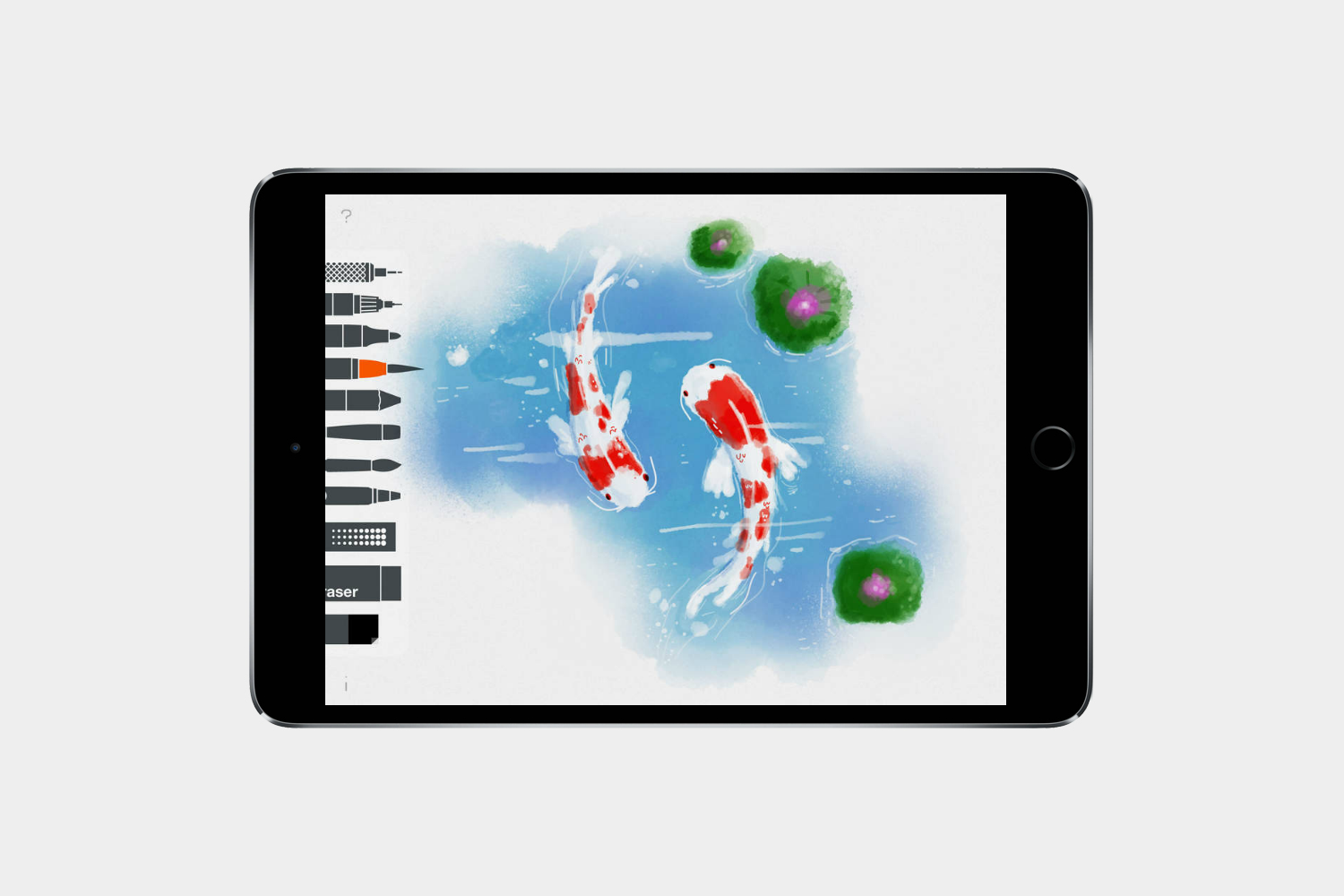
Tayasui Sketches looks simple and clean, but it offers a number of different brushes for free and a clutter-free space to draw. You get a pencil, rotring, watercolor brush, felt pen, and eraser for free. You can import photos, too, if you want, and it’s really easy to share your sketches on social networks or via email. It’s great for illustration and quick sketches, but if you buy the in-app purchase, it can become a professional drawing app with surface pressure, layers, types of paper, more brushes, and the ability to change brush sizes. The app lets you try the pro features for an hour, so you can decide if it’s worth the $5 price tag.
Forge ($4)
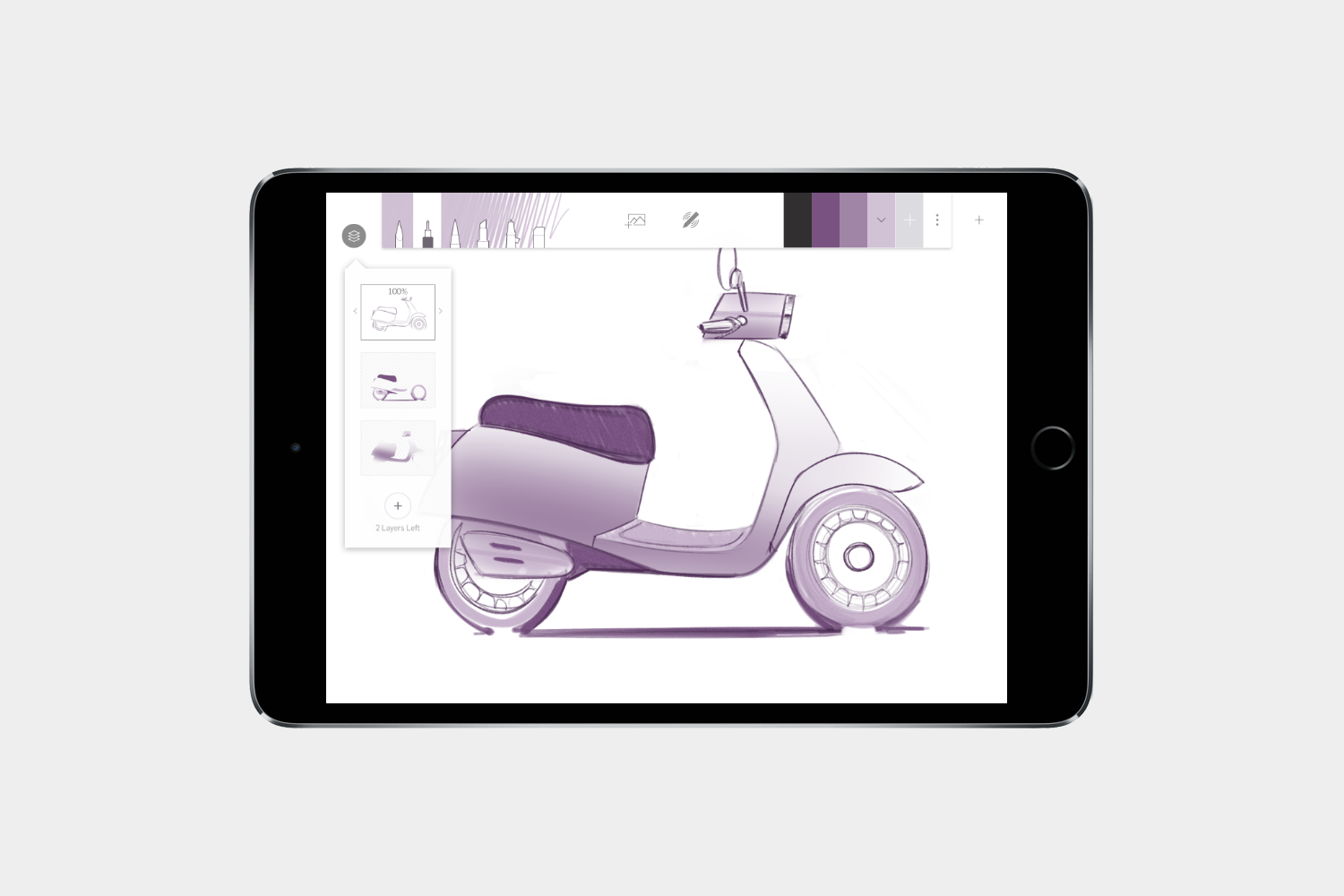
Forge is more like a sketch pad for ideas, a brainstorming tool, and an inspirational white board for visual thinkers than a full-on drawing app. Artists and designers can work through ideas and iterations in the app, as well as bring in photos from Dropbox and the default photos app on iOS to help inspire your sketches. There are only six simple brushes to choose from, but you can control color, gradient, and other key aspects of the drawing. Forge also has layers, so you can save each layer to look back on later, change, or delete entirely. You can create multiple portfolios and view your sketches on a wall to get an idea of where you’re going.
Adobe Photoshop Sketch
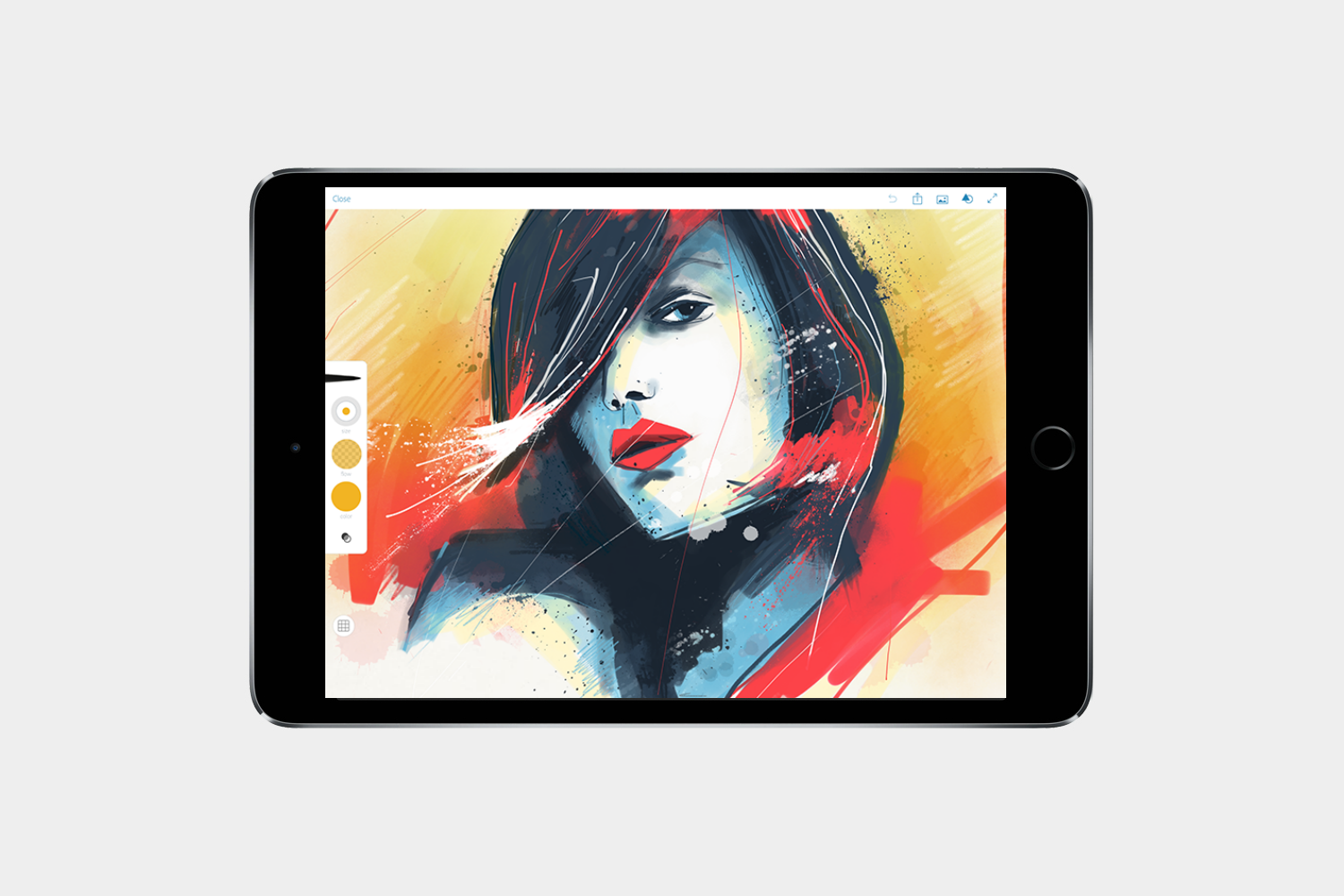
Adobe’s entire iOS app suite works extremely well on the iPad, but we’ll highlight Sketch in particular as our favorite drawing app of the bunch. You can create expressive drawings and paintings on it without opening a sketchbook. Artwork can be sent as layered PSD files to Adobe Photoshop CC or resized up to 4x in Illustrator CC to print high-resolution copies. The app includes 13 tools, a digital ruler, and graph guides. You can import your own images or stock photos to work on top of, too. Using the Creative Cloud connection, you can send a file to Photoshop CC or Illustrator CC on your PC or share your art with the Behance creative community.
Procreate ($10)
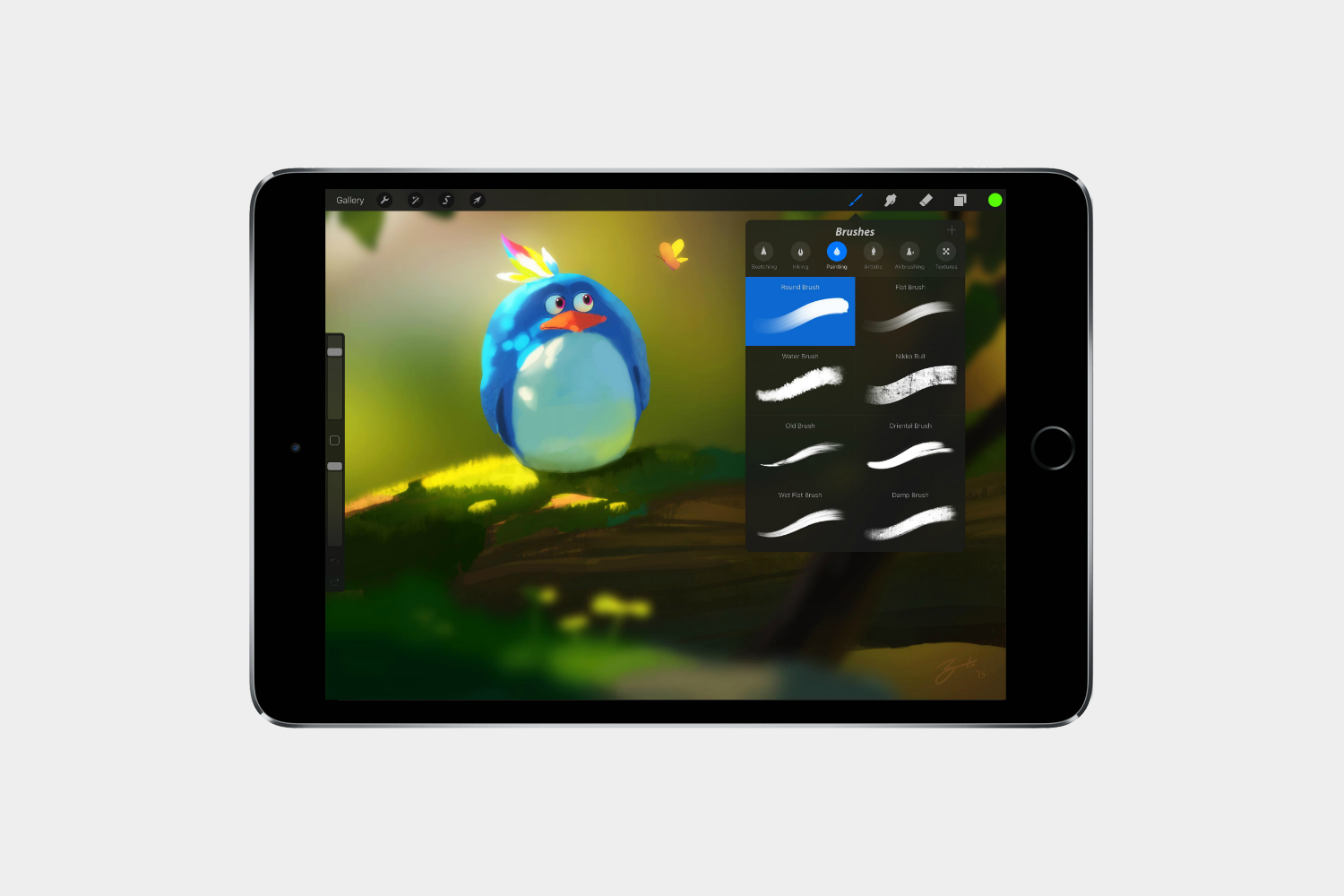
Procreate comes equipped a full set of drawing tools, which expertly imitate real creative implements, such as soft pastels, oil pastels, charcoal, graphite pencils of varying hardness, acrylic, oil, watercolors, and more. Whatever the medium, Procreate’s digital tools will give you the full effect and appearance of the real thing. You can even smudge, blur, and manipulate your strokes just as you would on paper or canvas. You can export your artwork as PSD, PNG, JPG, or Procreate files. The app also helps you build a portfolio and share your work if you so desire.
Adobe Illustrator Draw

Featuring an accessible user interface, Adobe Illustrator Draw enables you to sketch and create vector-based designs. You can zoom in, sketch with various tips, place and resize multiple images or layers, and it works with Photoshop, Illustrator, and Capture CC. If you already use Adobe products on your laptop or desktop, then this will be a breeze to use. Naturally, there’s support for all the big styli, including the Apple Pencil.
Best iPad apps: Social media and communication
Ready to do a little talking? These are our favorite apps for socializing and blogging (if any of you still do that).
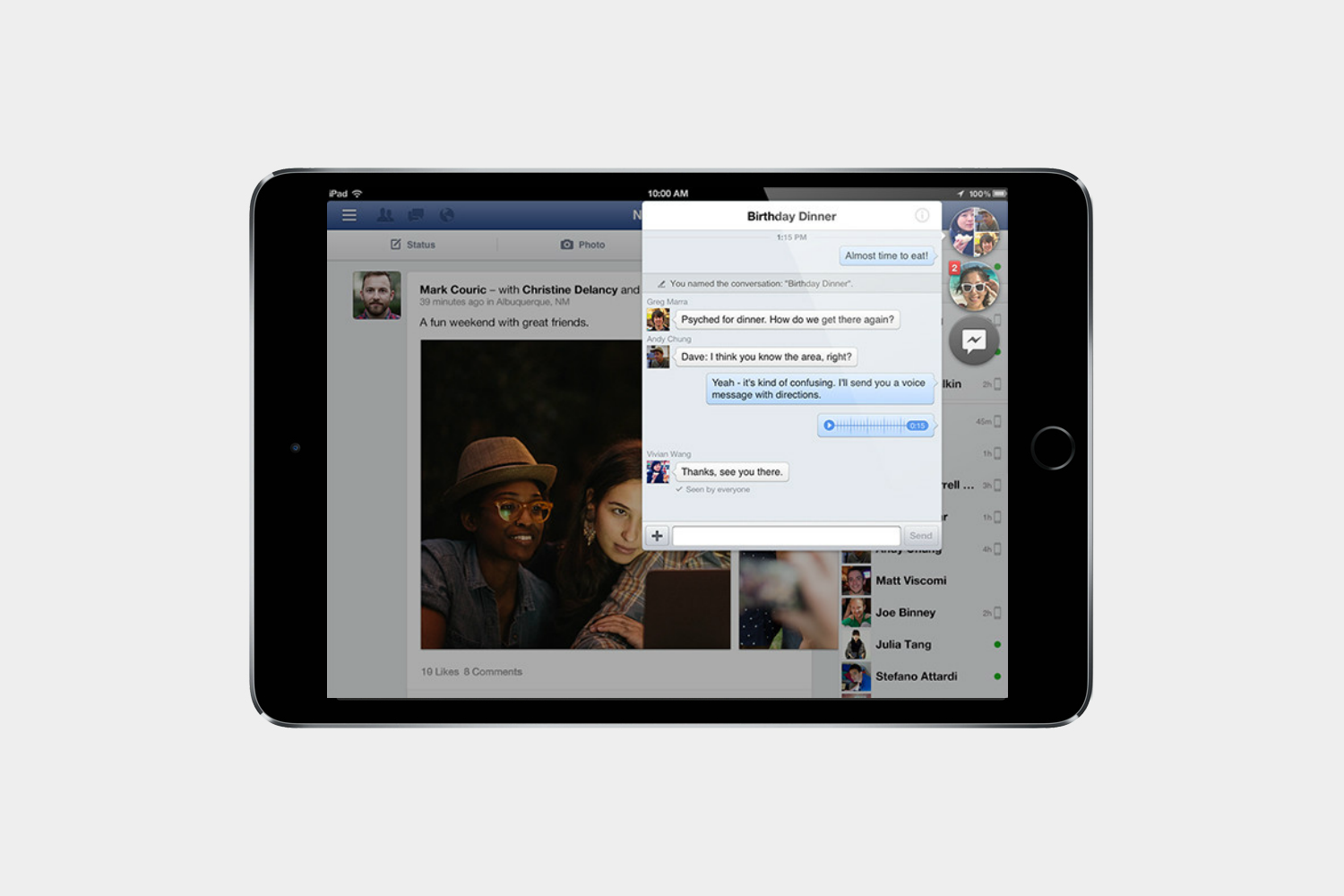
The daddy of social networking is the most used app on mobile devices and the iPad version has a slick feel and look. Connect with your friends and family, share your life, chat and play games.

Creating visual bookmarks and sharing inspirational collections with others is a breeze on Pinterest. It could have been invented with the iPad in mind; the two go so perfectly together.
Skype for iPad
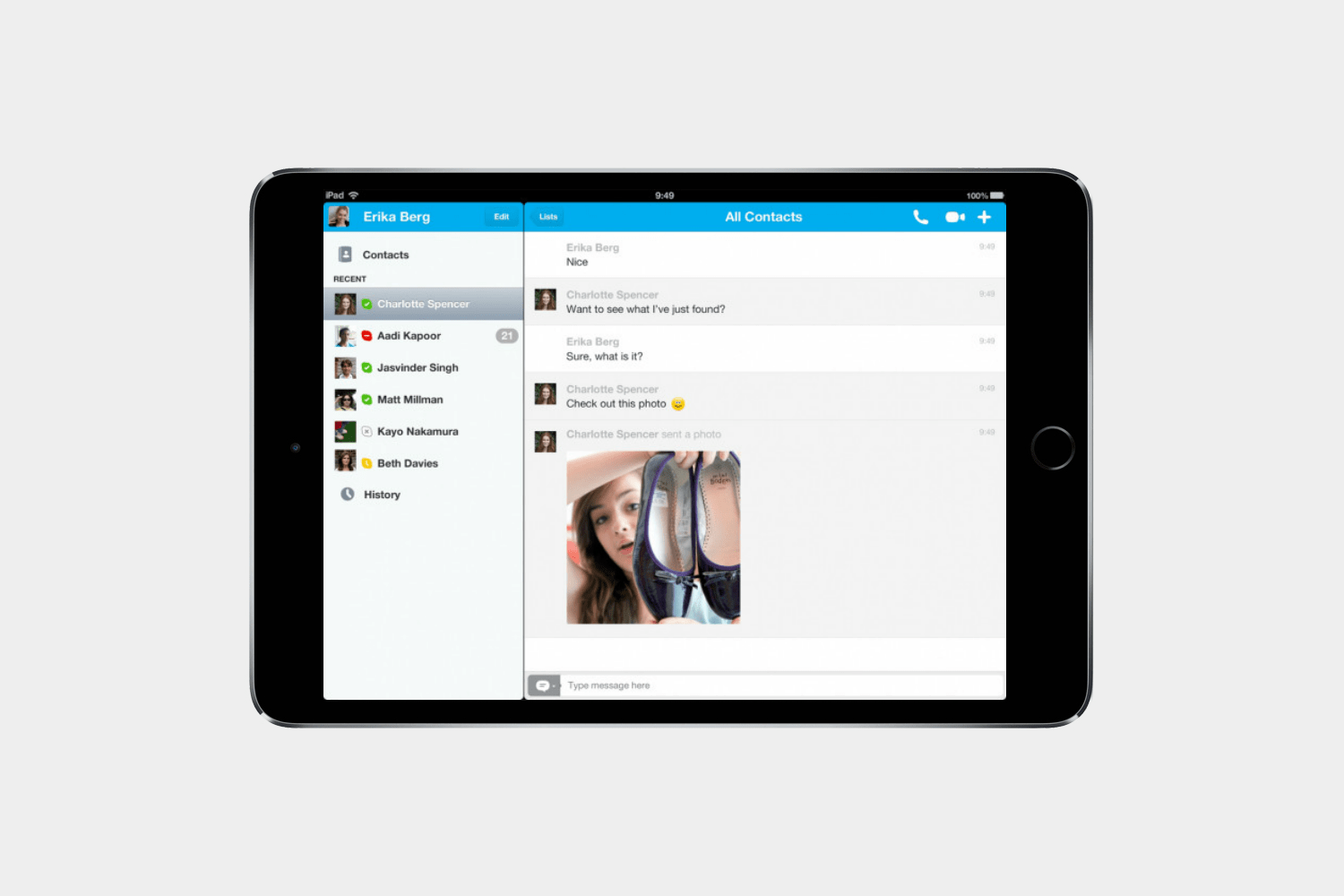
One of the original Voice Over IP apps and still hugely popular, Skype is a great option for iPad owners. You can engage in video or voice calls, share files, and send text messages.
WordPress
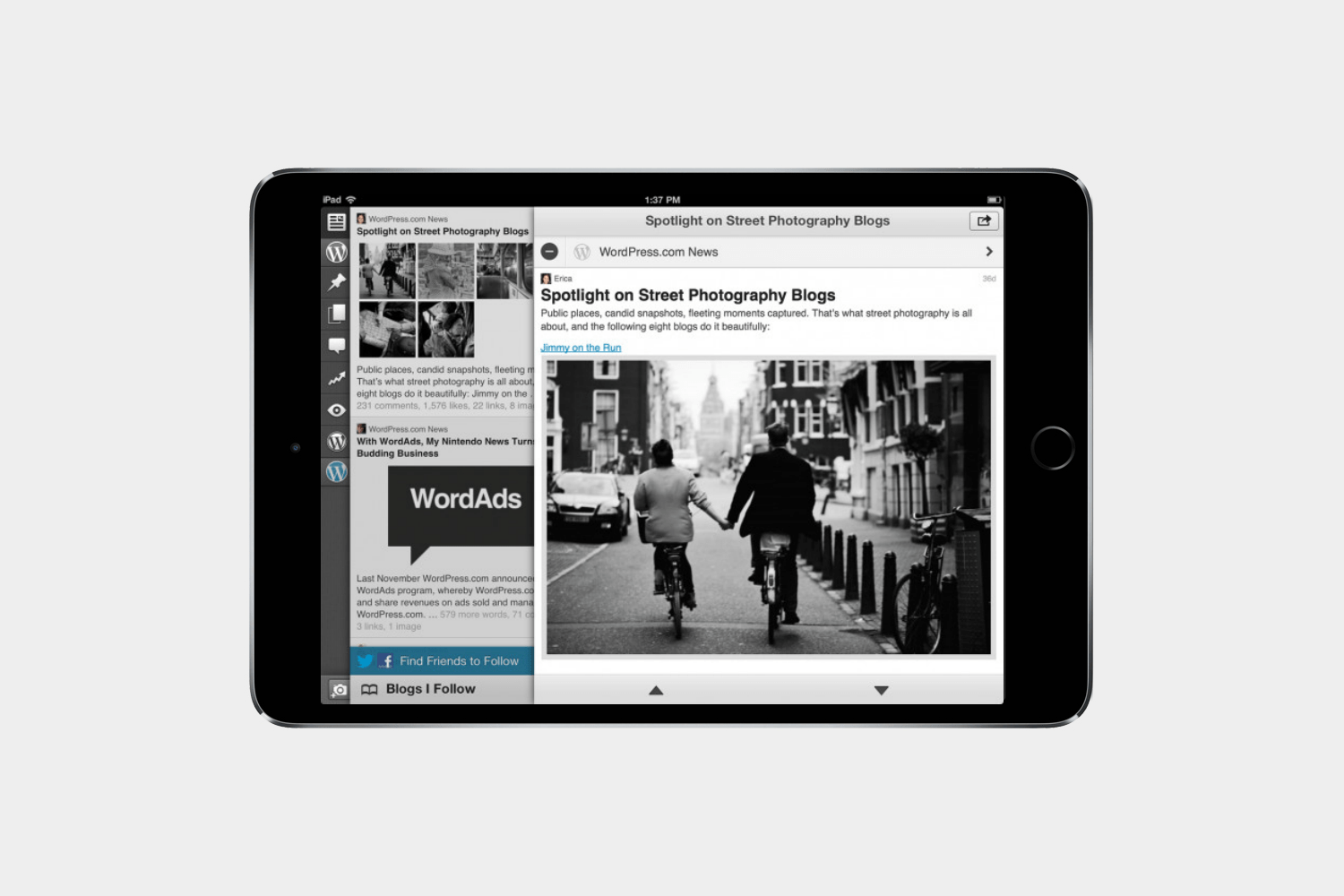
One of the most popular blogging platforms around, WordPress is behind a lot of websites and blogs (including Digital Trends). The app lets you to log in and manage your site, post articles, check notifications, and review stats.
Tumblr
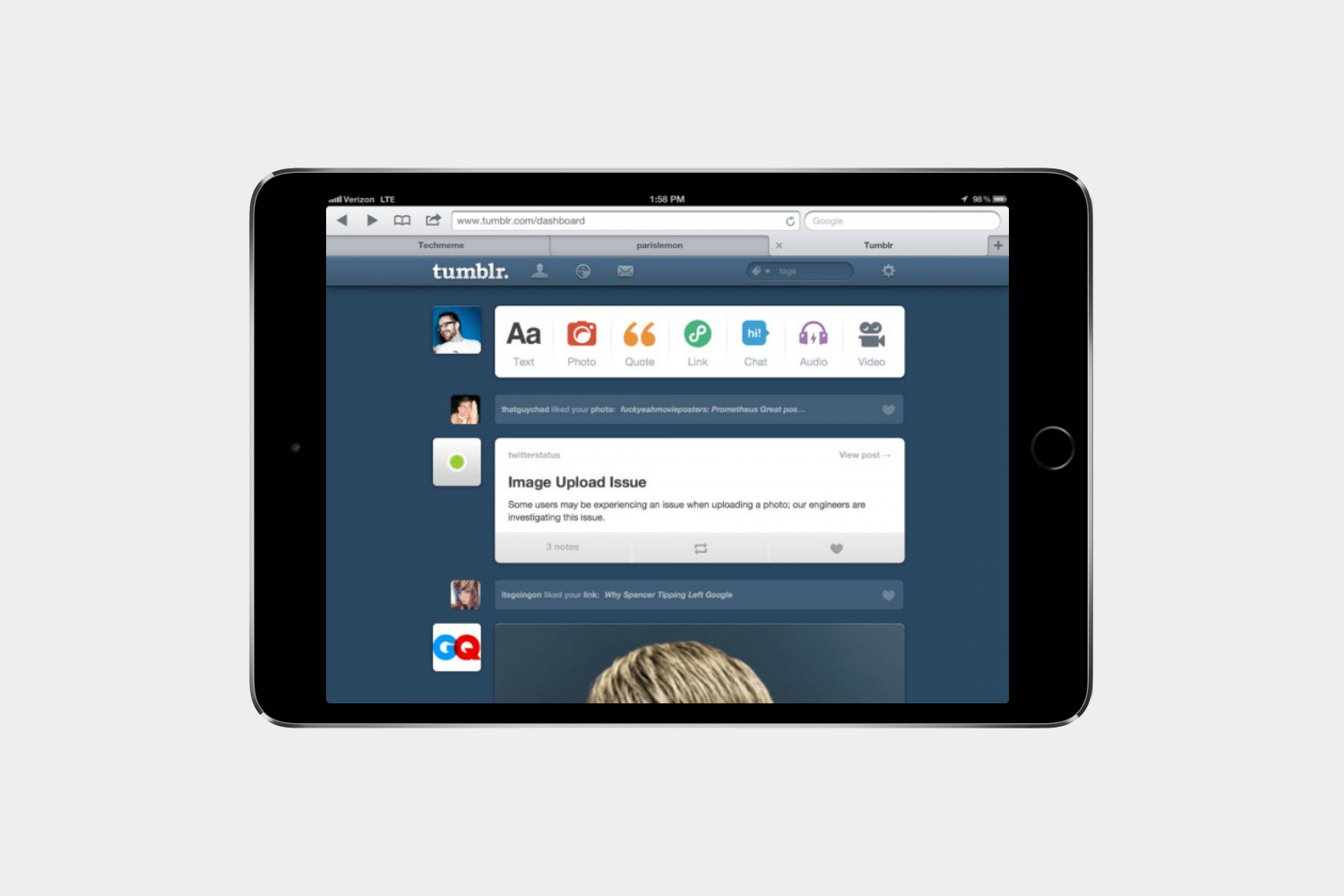
You can quickly share anything with Tumblr including traditional blog posts, videos, photos, and links. The app supports multiple blog accounts, you can send messages, and you can schedule posts.
Day One

Every day is an adventure and you can record every moment in Day One, the award-winning journaling app. It automatically captures the context around your day while you add the story.
Work, productivity, security, and utilities
Best iPad apps: Work and productivity
This section is dedicated to helping you get more done. The iPad is for more than just entertainment, and we’ve got the tools you need to actually use the thing for work.
Documents by Readdle

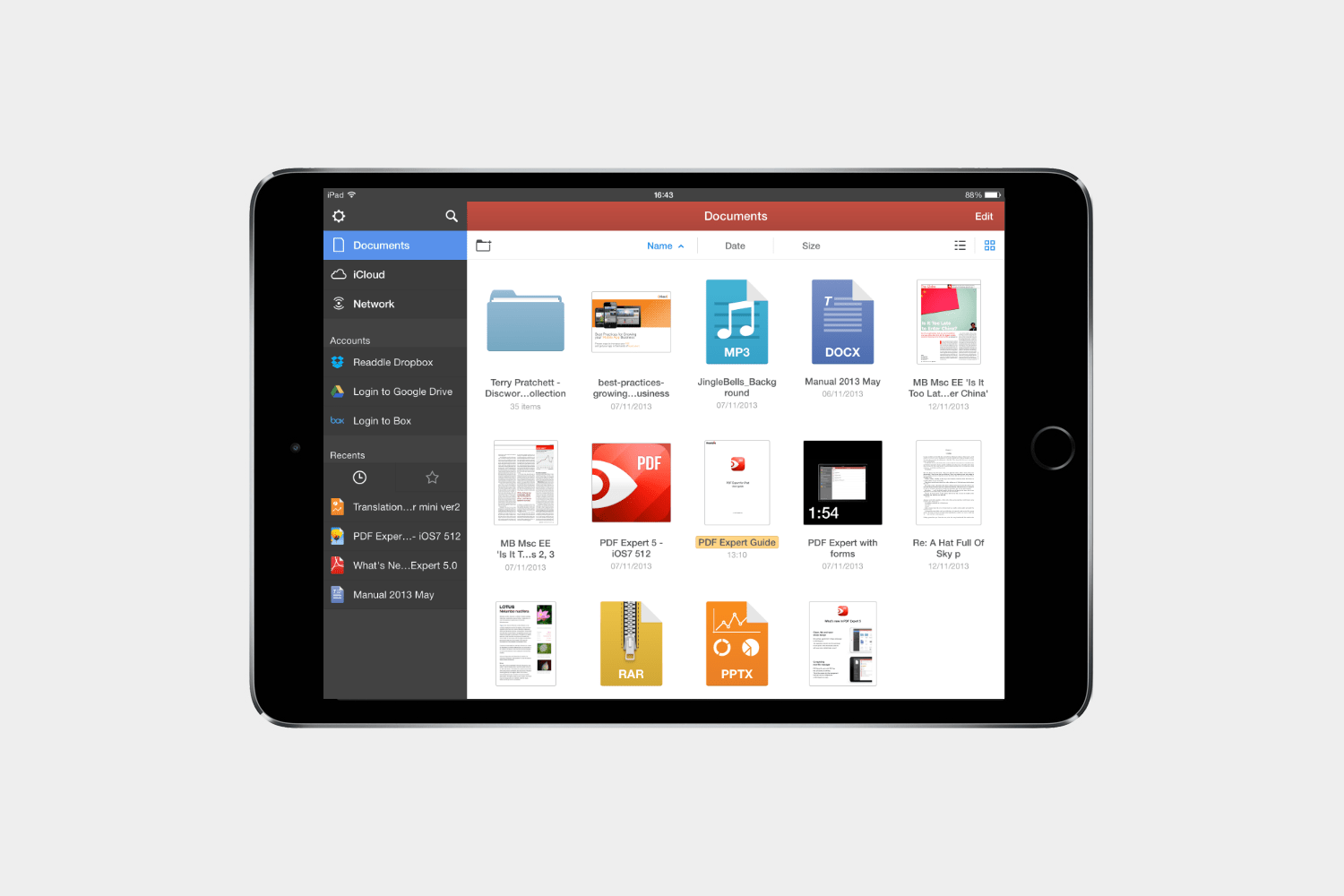
How to describe Documents by Readdle? It’s an app that brings the power of Windows Explorer or Mac Finder to your iPad. It’s one of the very best apps you can get to manage your files, whether they’re in the Cloud or stored locally on the iPad. You can zip and unzip files, share them, read PDFs, and gain access to many add-on apps that expand its functionality, enabling things like Word to PDF conversion and PDF annotation. The app also has a browser that lets you download any file from the internet directly to your iPad.
Roambi Analytics
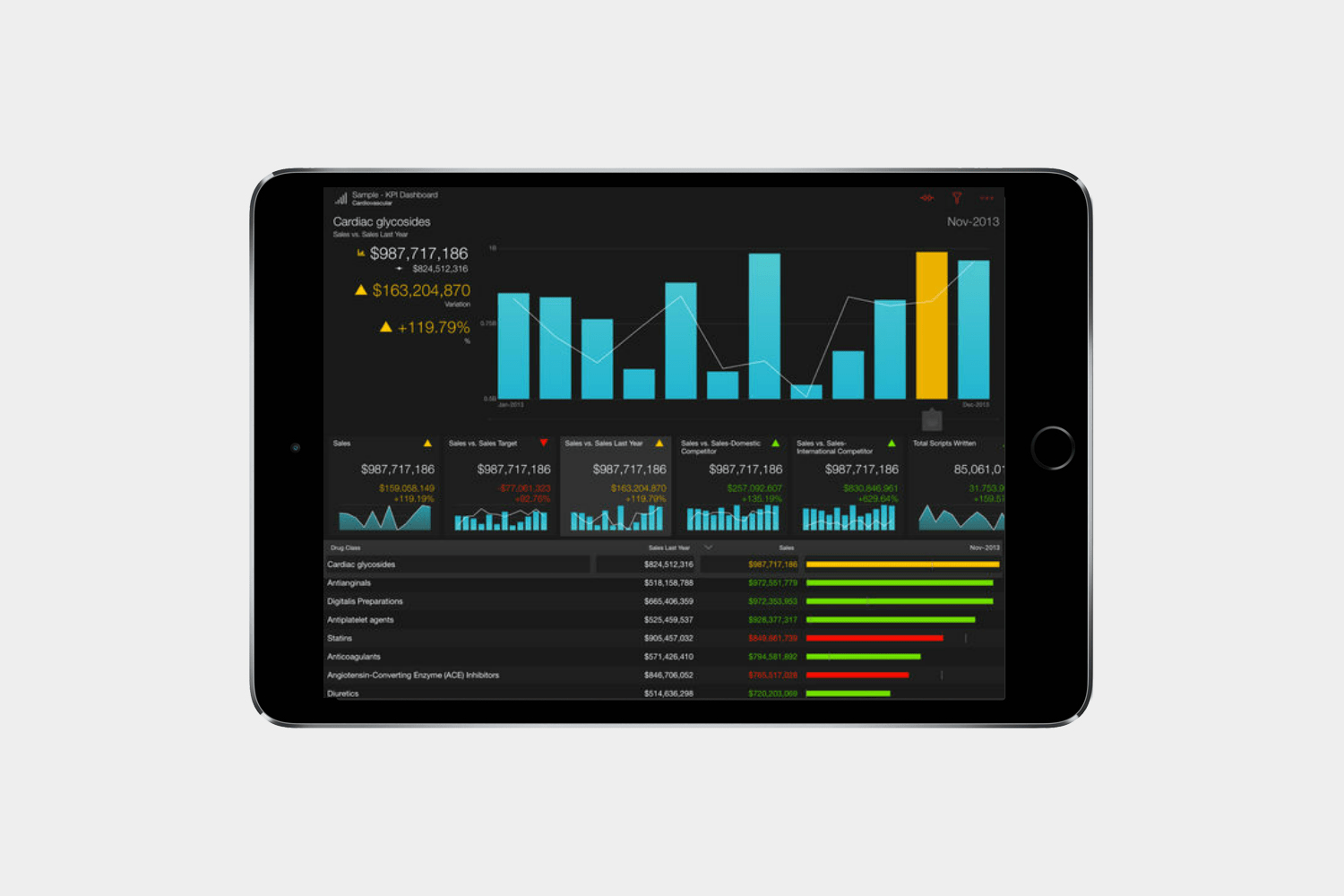
How do you turn an ugly spreadsheet into something more palatable? You use an app like Roambi, which can suck in data from Excel, Google Spreadsheets, databases, and a host of other sources before transforming it into a sexy report or chart. The visualizations are high quality and sure to add weight to your argument. Moreover, all you need to do is import your data and Roambi will automatically filter and analyze it on your behalf.
PDF Expert 5 ($10)
If you have to read, edit, and possibly annotate PDFs, then this is the only app you need. It’s really easy to use and allows you to highlight text, fill in forms, create notes, and sign documents. It also supports a bunch of different file formats, features integration with the major cloud services, and provides a handy review mode that lets you track changes in a similar fashion to Word. It usually costs $10, but at the time of writing, it’s entirely free.
SwiftKey Keyboard

Swiftkey is a replacement for the lackluster keyboard built into iOS 8. It’s more intelligent when it comes to making text predictions than Apple’s native keyboard, and furthermore, offers multiple language support and quick syncing with Gmail and Facebook.
Doc Scan HD
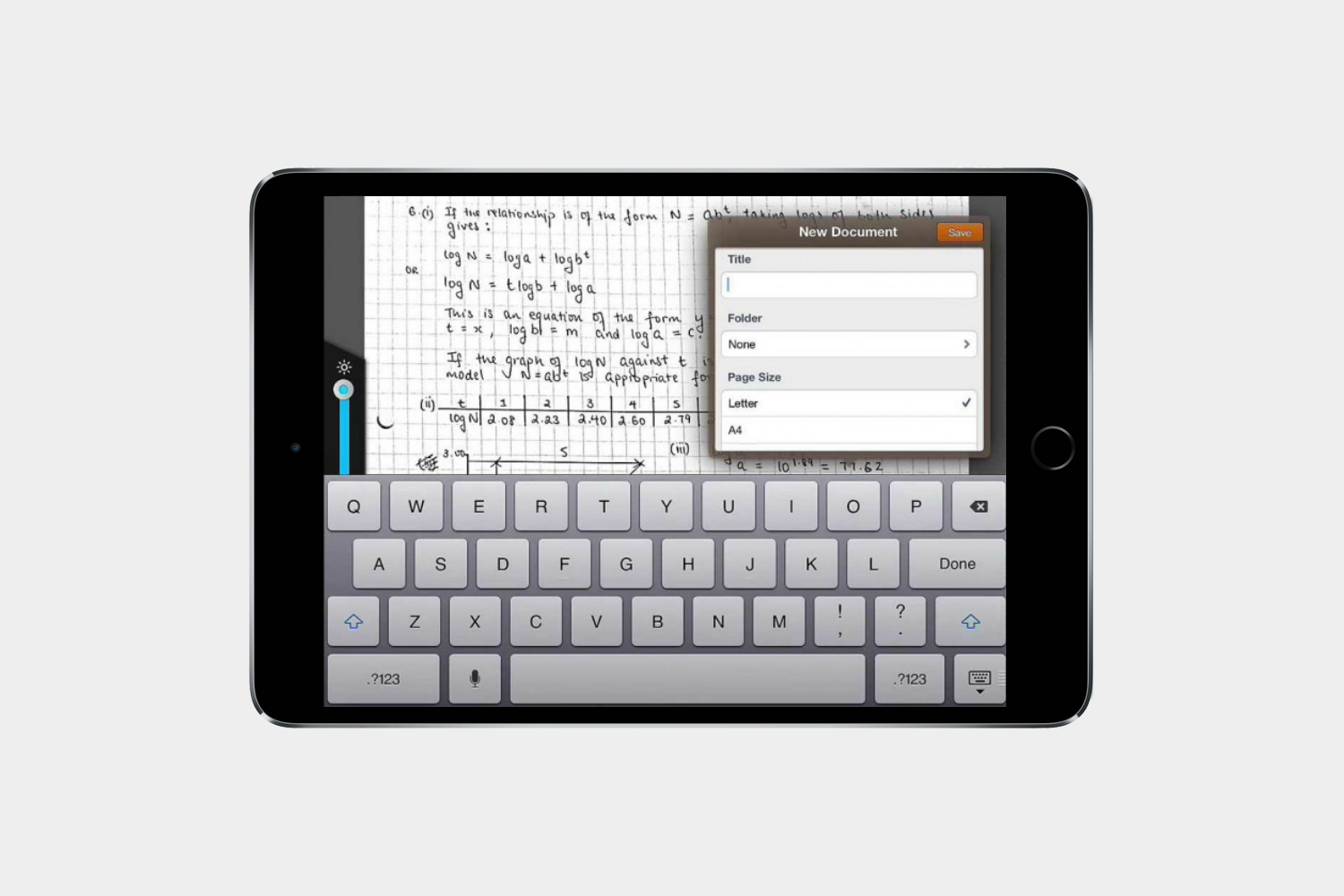
Forget your scanner — this app will use your iPad’s camera to convert paper documents into high-resolution PDF files. It comes with a handful of capable editing tools, too, allowing you to easily convert textbook pages and chalkboard photos into PDFs.
Spark
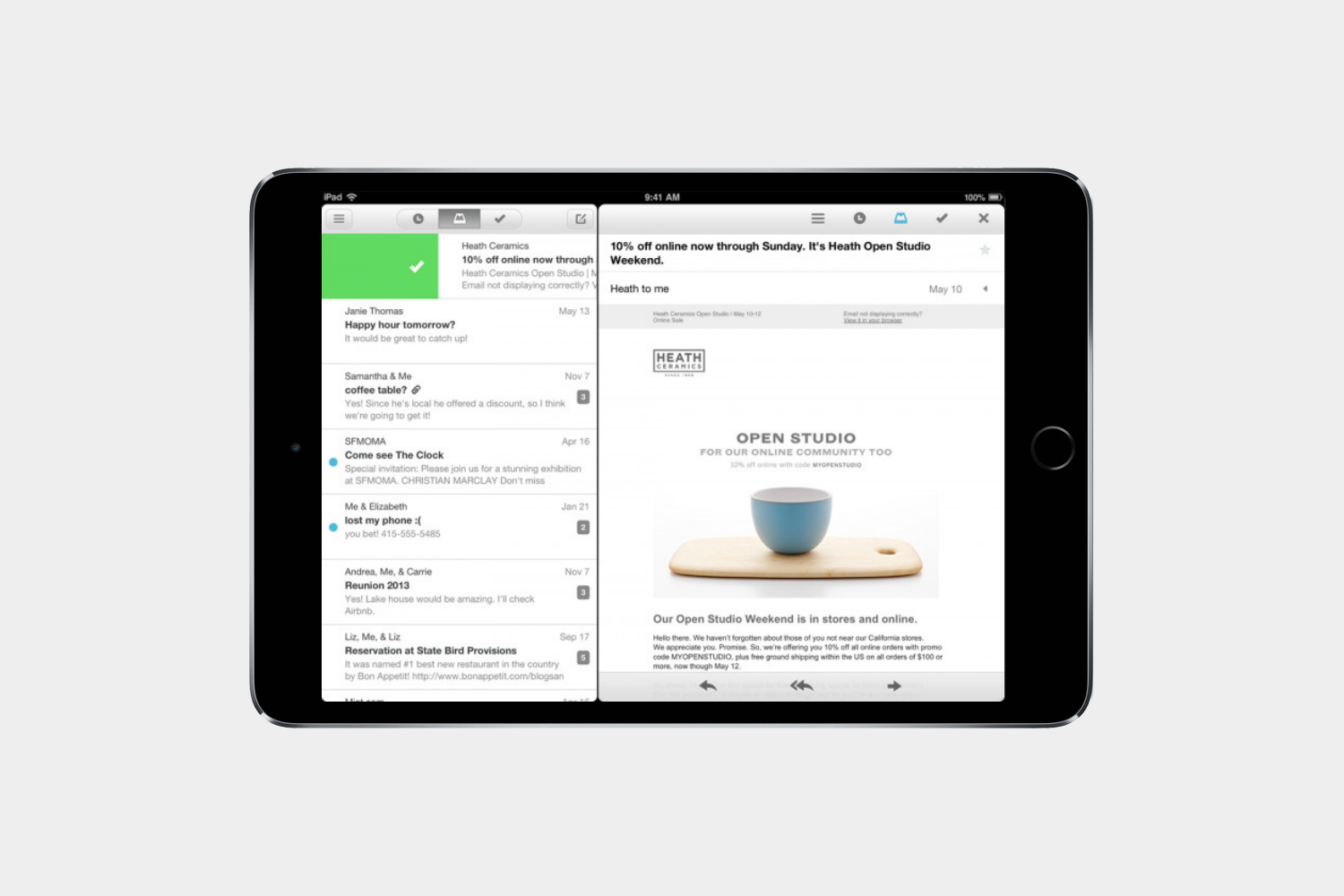
Spark is one of the finest email apps you can find. It makes the mess of email a joy with its Smart Inbox. You only see what matters to you. It highlights unread emails, but you can also pin things that are most important to you, and you can even snooze an email so that it reminds you later on if you’re not ready to get to it now. If you deal with a lot of emails Spark is the way to go.
Firefox

Firefox gives you fast and reliable web browsing if you want to try something other than Apple’s web browser. It has all the features you expect, such as syncing all your favorites and history with the desktop Firefox browser, private browsing, and one of the best tab systems, so that you can manage multiple open tabs at the same time without losing track.
Chrome
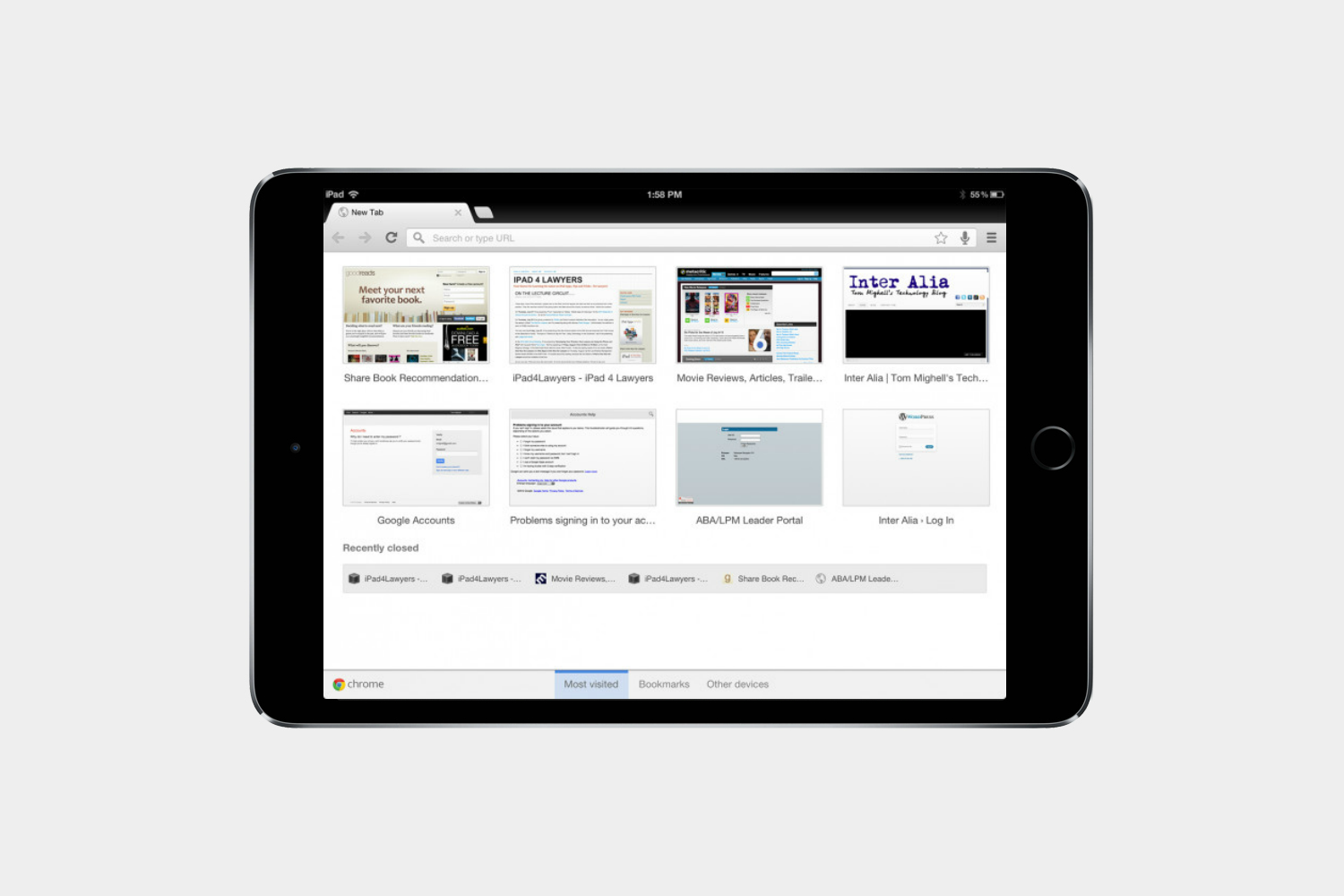
Chances are you already use this on your computer, and the Chrome browser’s cross-platform syncing is one of the reasons we love it. Speedier than Safari, it also syncs bookmarks, and features the handy Incognito mode.
Fantastical 2 ($10)
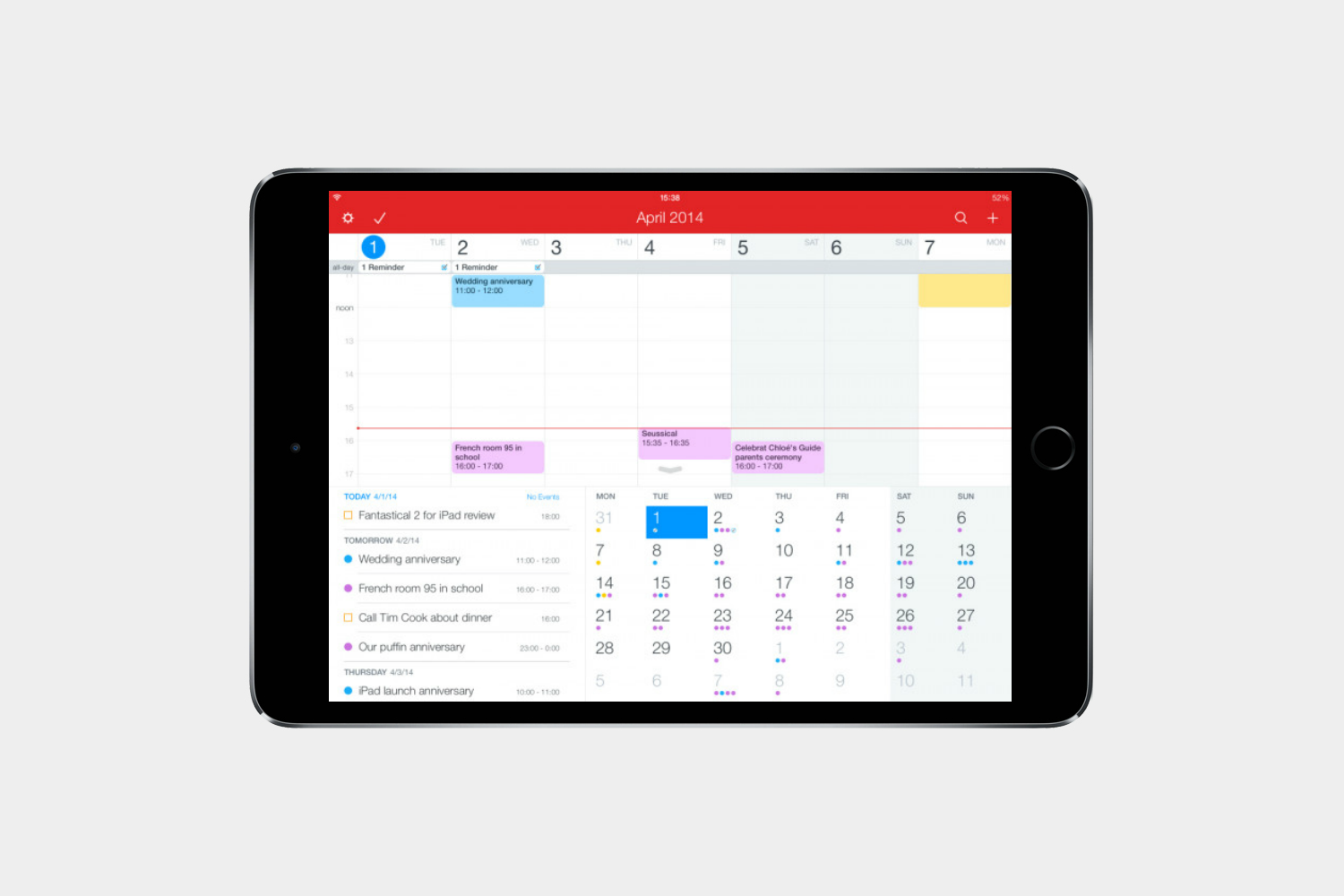
The award-winning calendar app from Flexibits makes it easy to keep track of your day. Set up events with simple sentences, dictation controls for hands-off scheduling, and always see what’s on your agenda with reminders.
MyScript Calculator
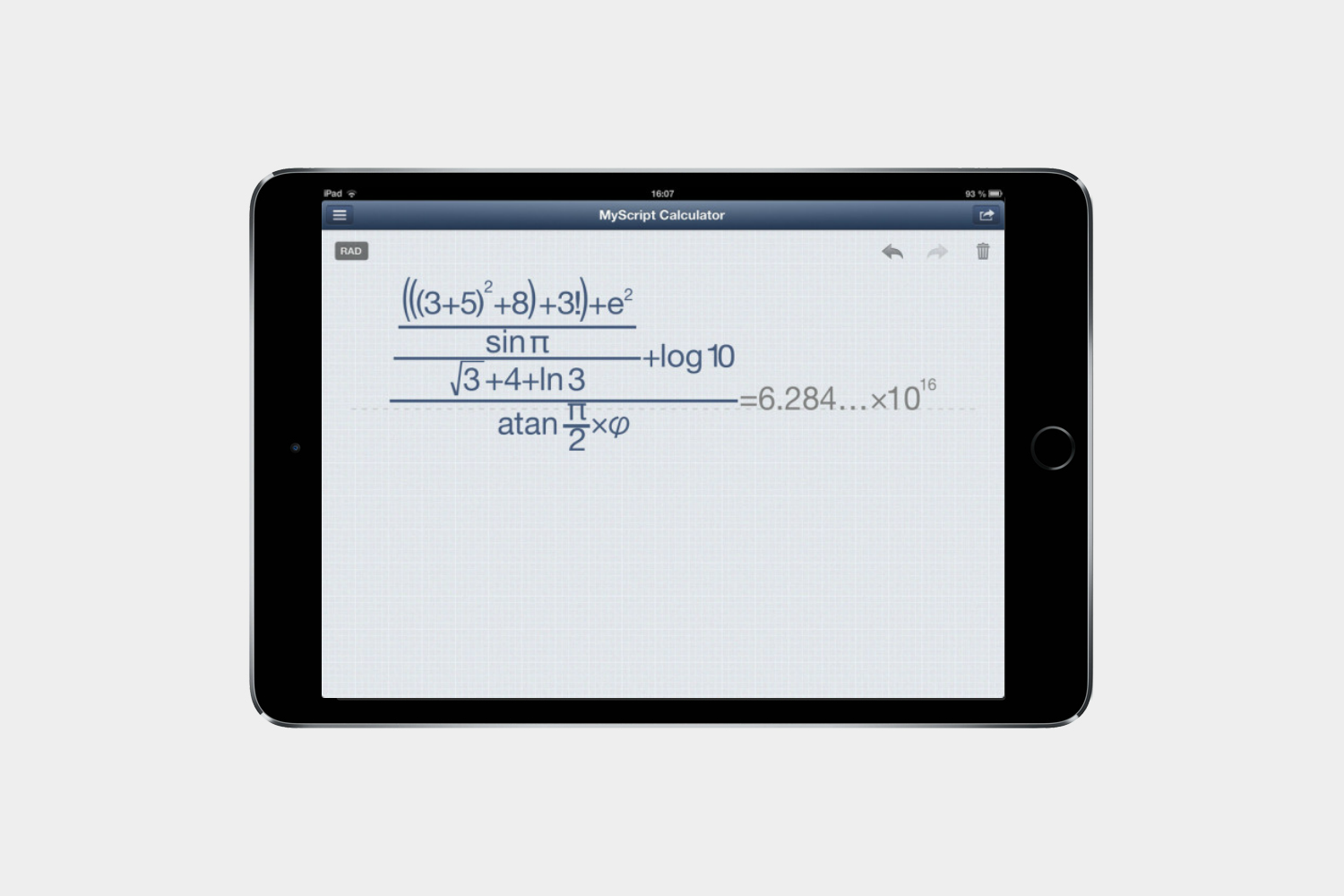
The iPad’s built-in calculator is nice for the simple stuff, but MyScript Calculator can handle more complex equations and takes inputs via handwriting, converting your writing to standard text.
Pimp Your Screen ($2)
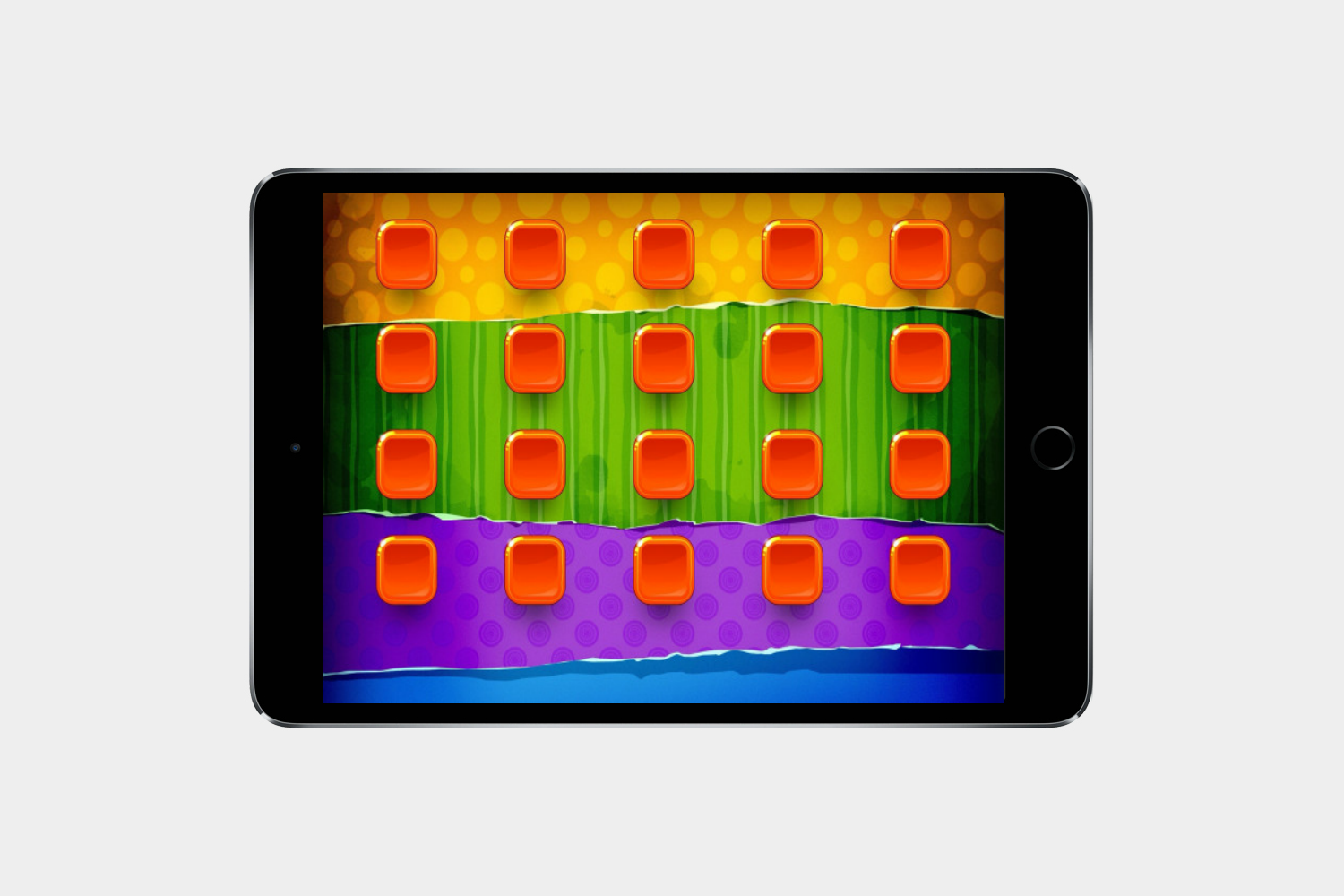
There’s no need to stop at just the wallpaper when modifying your iPad’s look. Pimp Your Screen offers custom app shelves, home screen themes, icon skins, and lock screens in a variety of styles.
Best iPad apps: Security and utilities
This section will help you secure your tablet (and find it), but also add those little touches you like. Want a good alarm clock or calculator. We’ve got ’em right here.
Nord VPN

If you’re going to take advantage of public Wi-Fi networks to use your iPad while you’re out and about, then you need a
Lookout
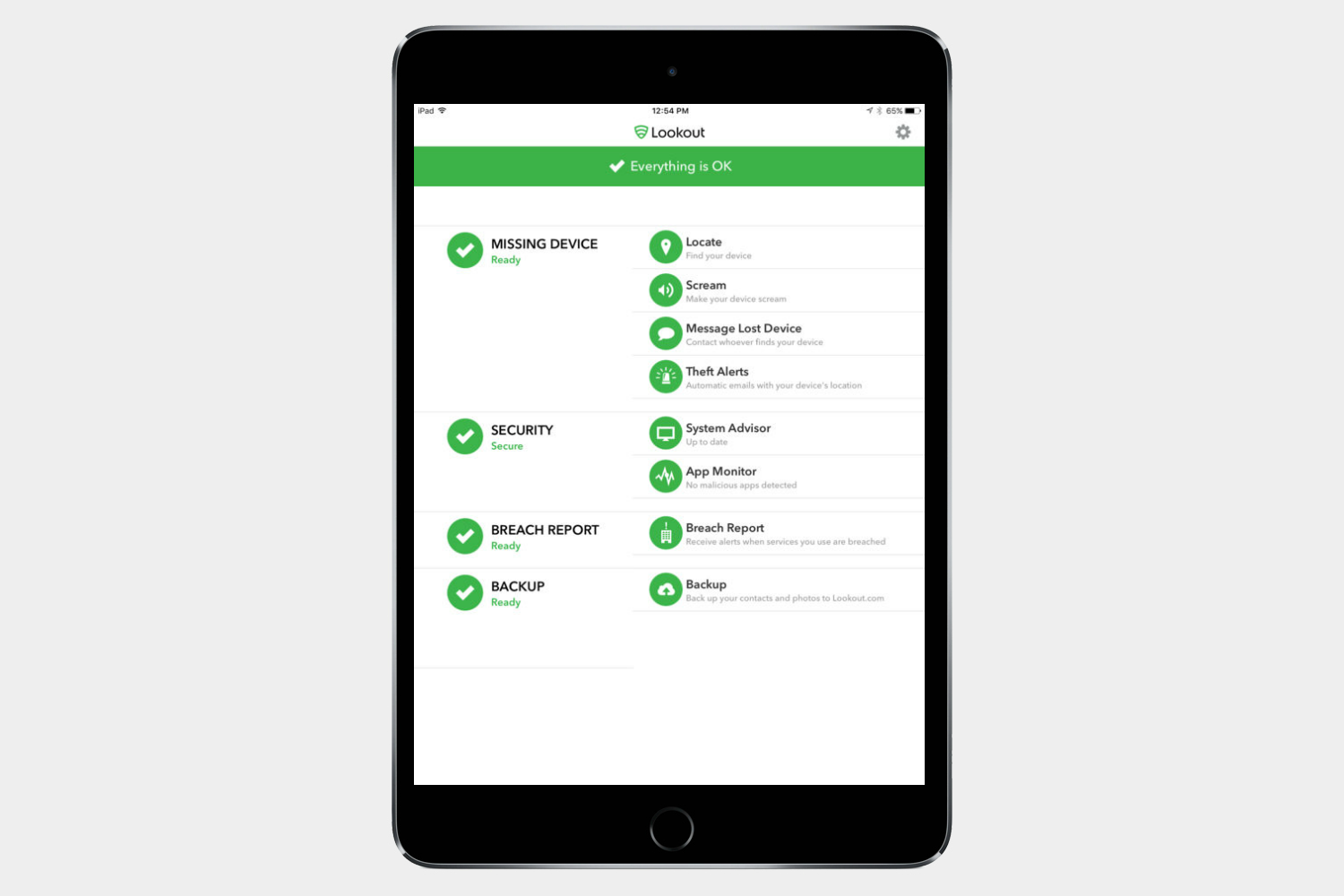
Think you’re free of danger because you’re on a tablet? Think again. Add Lookout to your iPad to protect yourself from viruses and malware, back up your contacts, and locate a stolen device. Upgrade to premium for $3.
Find My iPhone
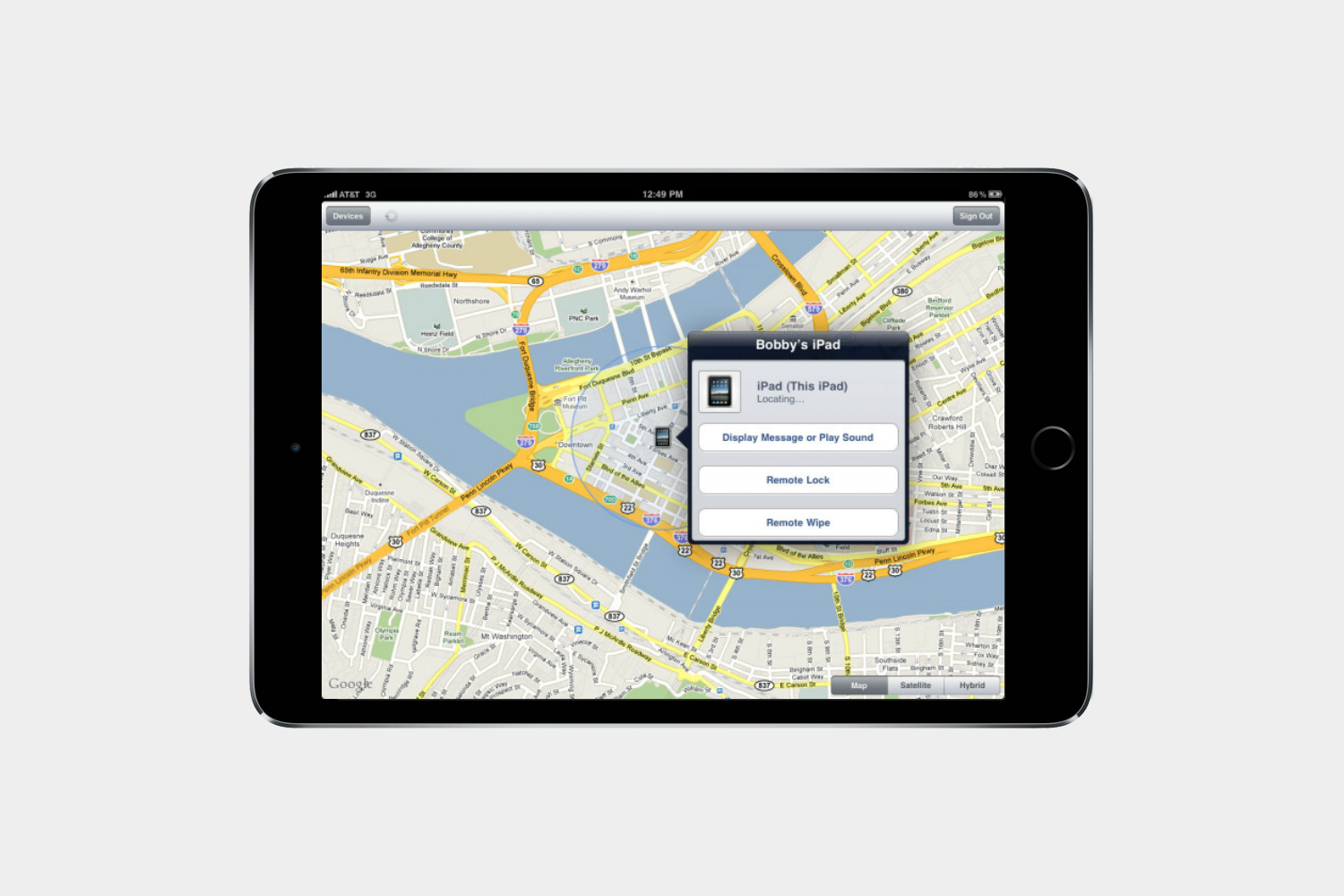
Find My iPhone is Apple’s protective service for stolen devices. Find your device via GPS, lock your iPad remotely, or erase the data if it’s gone for good.
3DMark
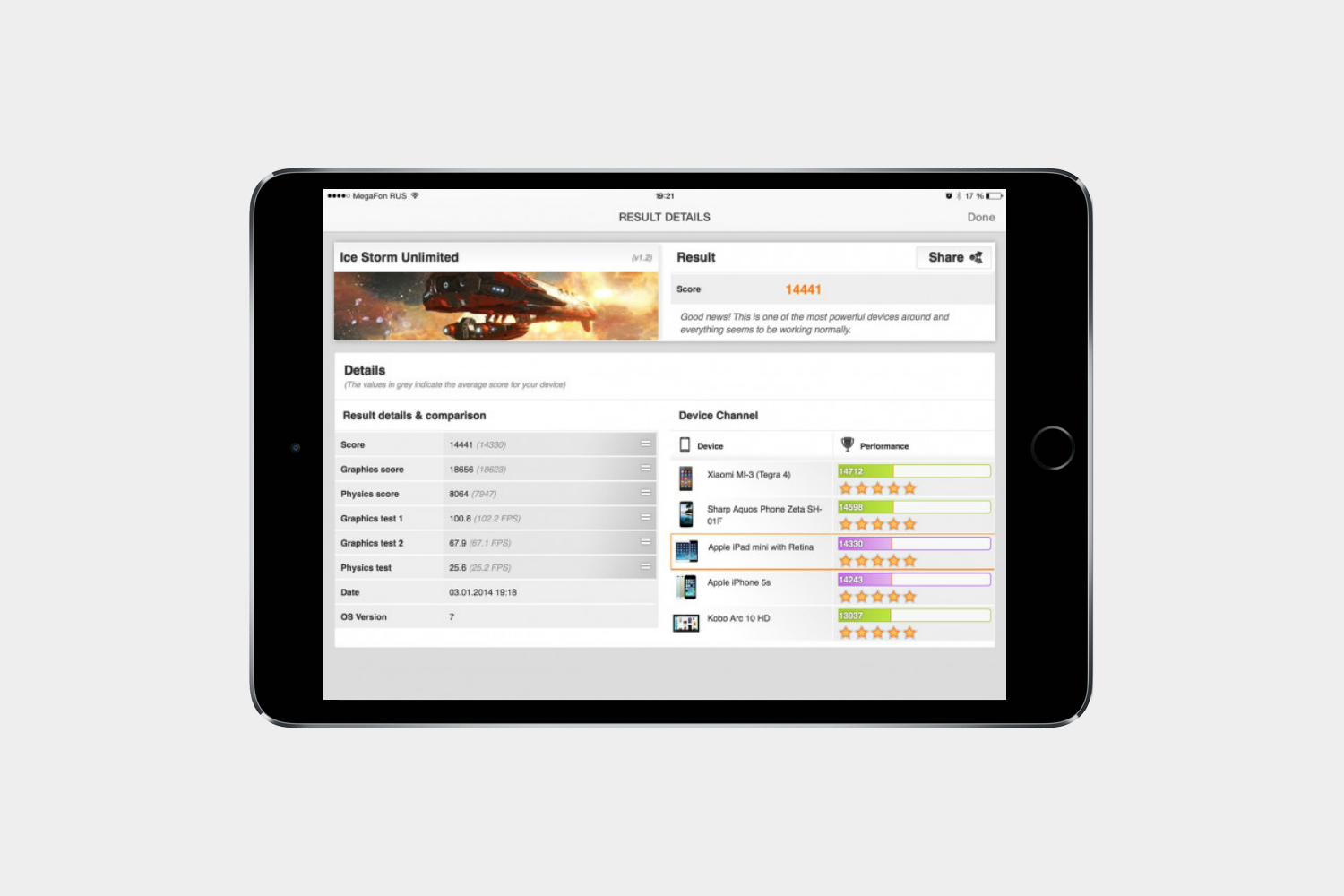
Test out the performance of your iPad and see how it compares to similar devices, including Android and Windows tablets. This diagnostics tool focuses on graphics performance measurement.
Geekbench 4 ($1)
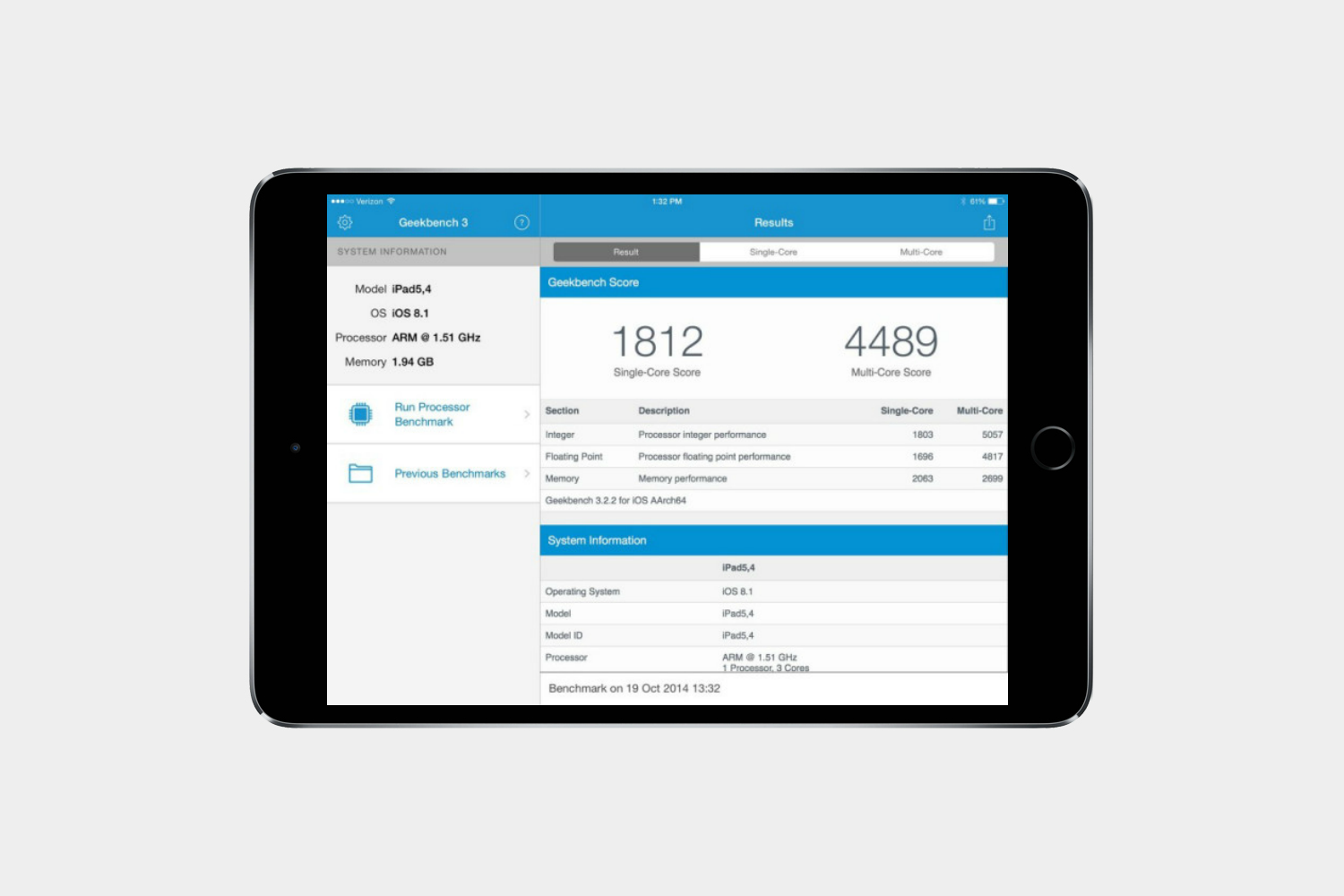
Optimized to test out Apple’s latest 64-bit processors, Geekbench 4 is one of the most comprehensive performance testers around. It measures processor and memory performance.
Sleep Cycle

This app analyzes your sleep and promises to wake you up at the right time to make mornings less jarring. In theory, waking you up when you’re in a light sleep phase will leave you feeling more energized.
Education, creativity, and home
Best iPad apps: Education and creativity
Coda ($25)
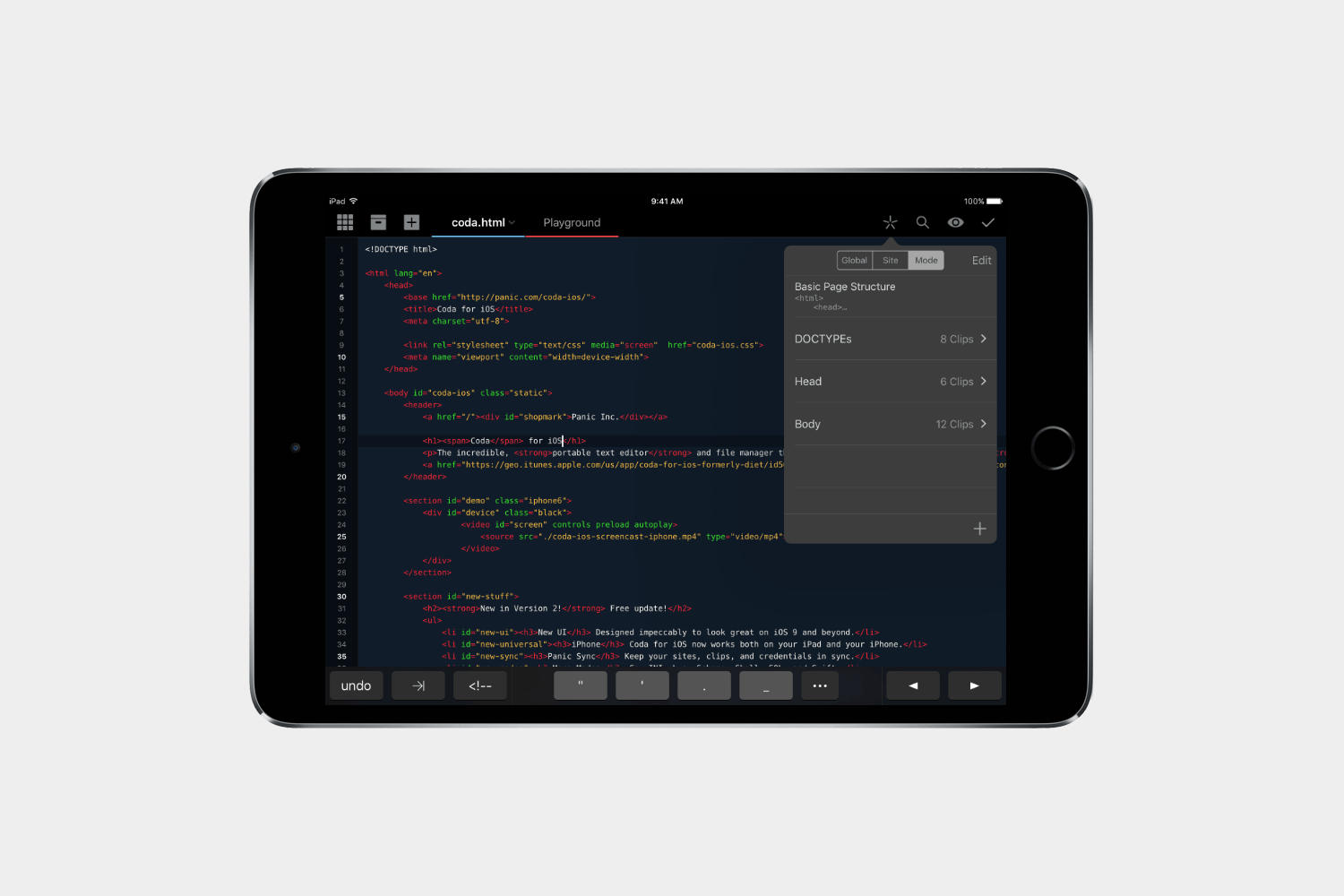
If you ever engage in web development, you’ll find this app invaluable. It’s a powerful text editor that supports every conceivable file format. You can work on pages with your website up in Safari at the same time, thanks to the split view support. It also allows for easy file management and transfer, handy shortcuts to speed up your coding, and even provides a full-featured SSH client built-in. It’s everything you need to manage your website. If you would prefer a simpler editor for your blog and just use Markdown, then check out Byword ($6).
Microsoft Word

It has been a long time coming, but Office for iPad is here, and all apps are highly polished, custom designed mobile options of Microsoft’s all-powerful suite. However, if you want to see their full potential, you’re going to have to pay up.
Notability ($10)

If you need a little old school comfort and want to scribble on your iPad, Notability is a solid option. Get the pen-to-paper feel with all of the digital bells and whistles like imported documents or linked files.
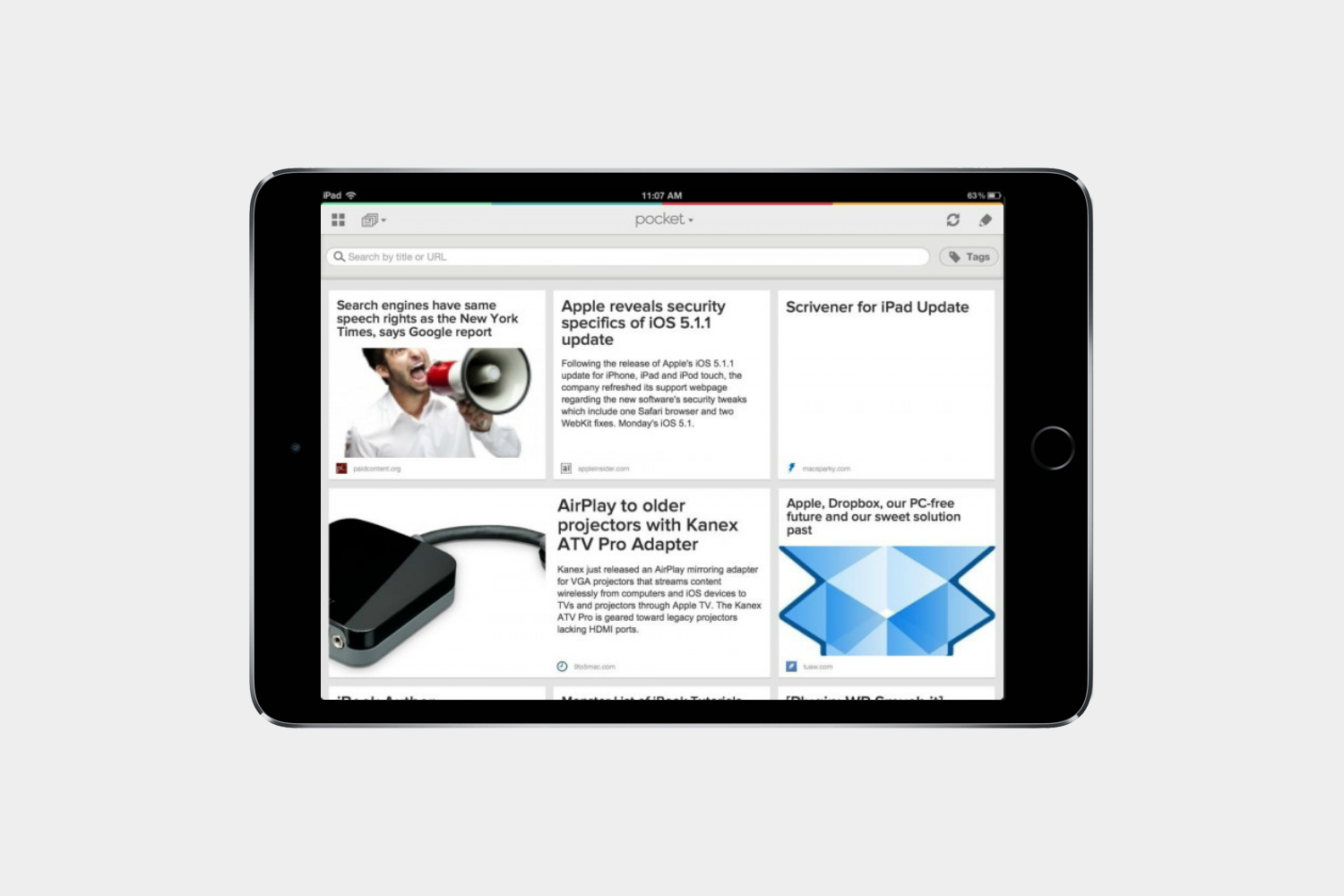
Wind up with way too many tabs open at the same time? Then it’s time to get Pocket. Save articles and come back to them when you have time. This app is formerly known as Read it Later.
Khan Academy
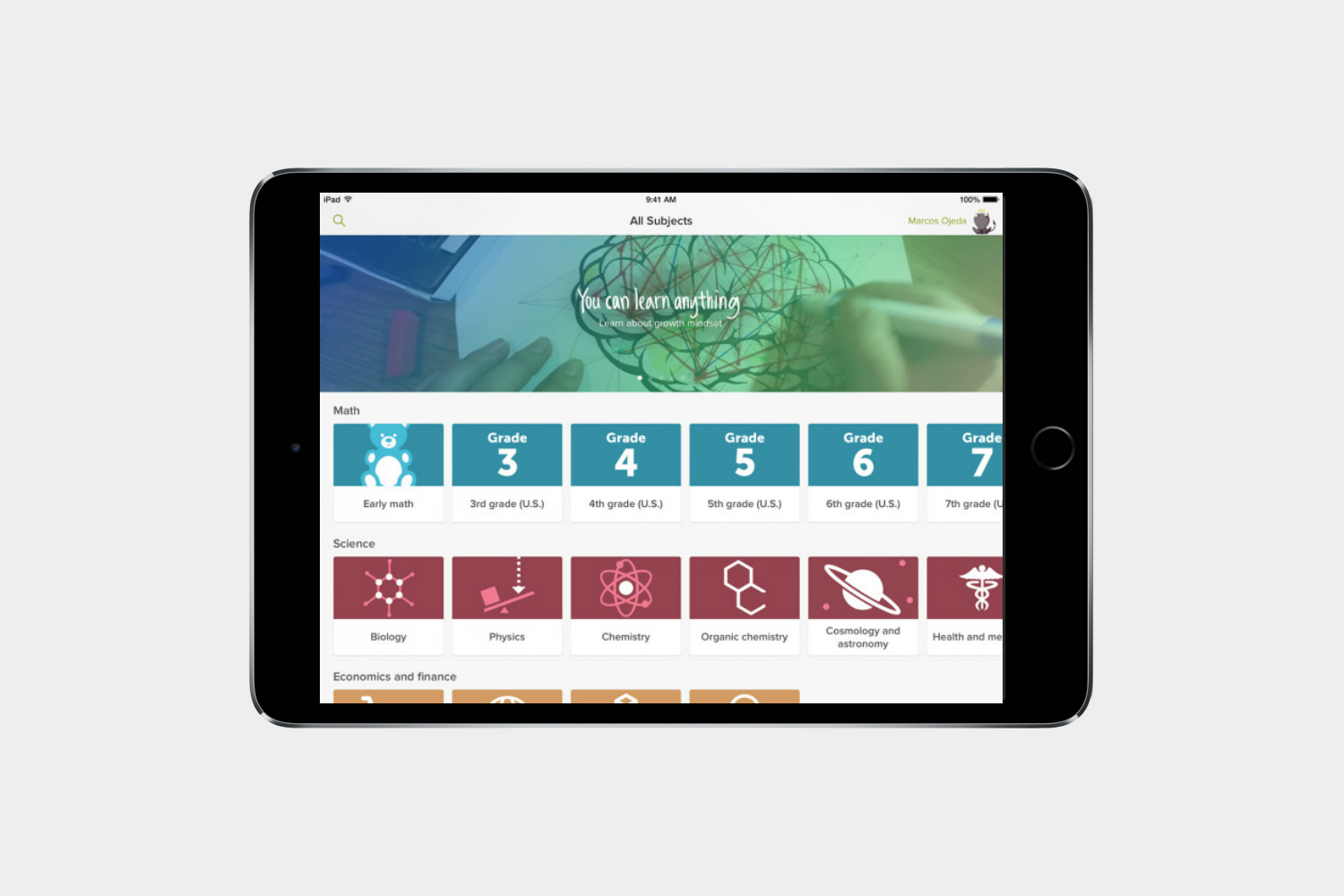
Khan Academy is a huge collection of knowledge that you can access for free. With thousands of videos covering a huge variety of topics, you can take time out of your day to learn just about anything you want.
Duolingo
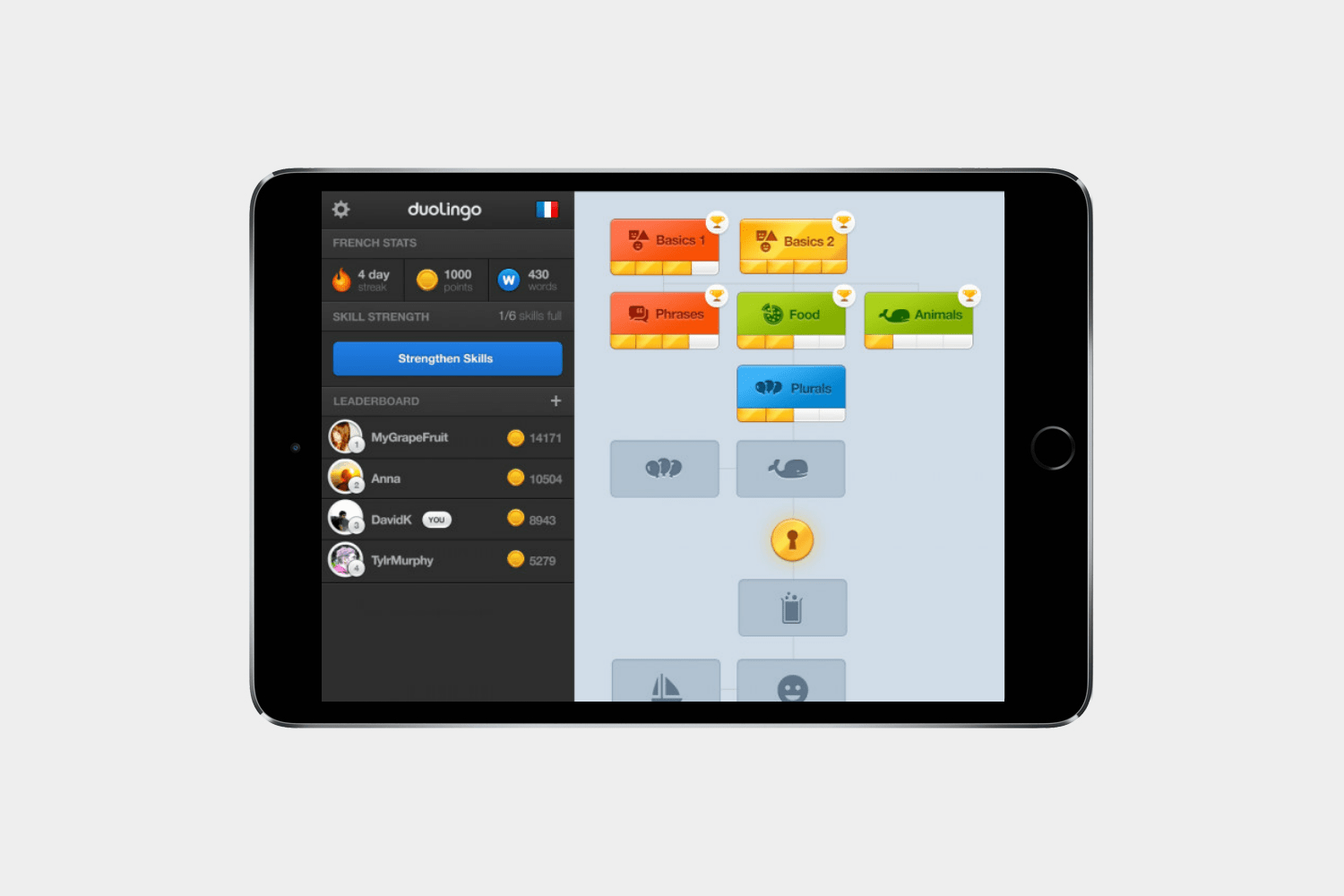
Picking up a second language is tough, but you can make it feel like a game with DuoLingo. The app makes it easy to learn as you go, quizzing you in different ways that will insure that the lessons stick no matter the language.
Sky Guide ($3)

If you can’t see the stars clearly in the sky, you can get a good look at them in Sky Guide. The beautiful app puts a galaxy’s worth of stars, constellations, planets, and more in your hands.
TED

You’ll find thousands of free videos here featuring interesting and informative talks from TED conferences. You can create playlists based on your preferred topics, or find something by entering your mood.
Home
Whether you’re dining in or want to find something fun to do in your own backyard, here are our favorite apps to help.
Donde
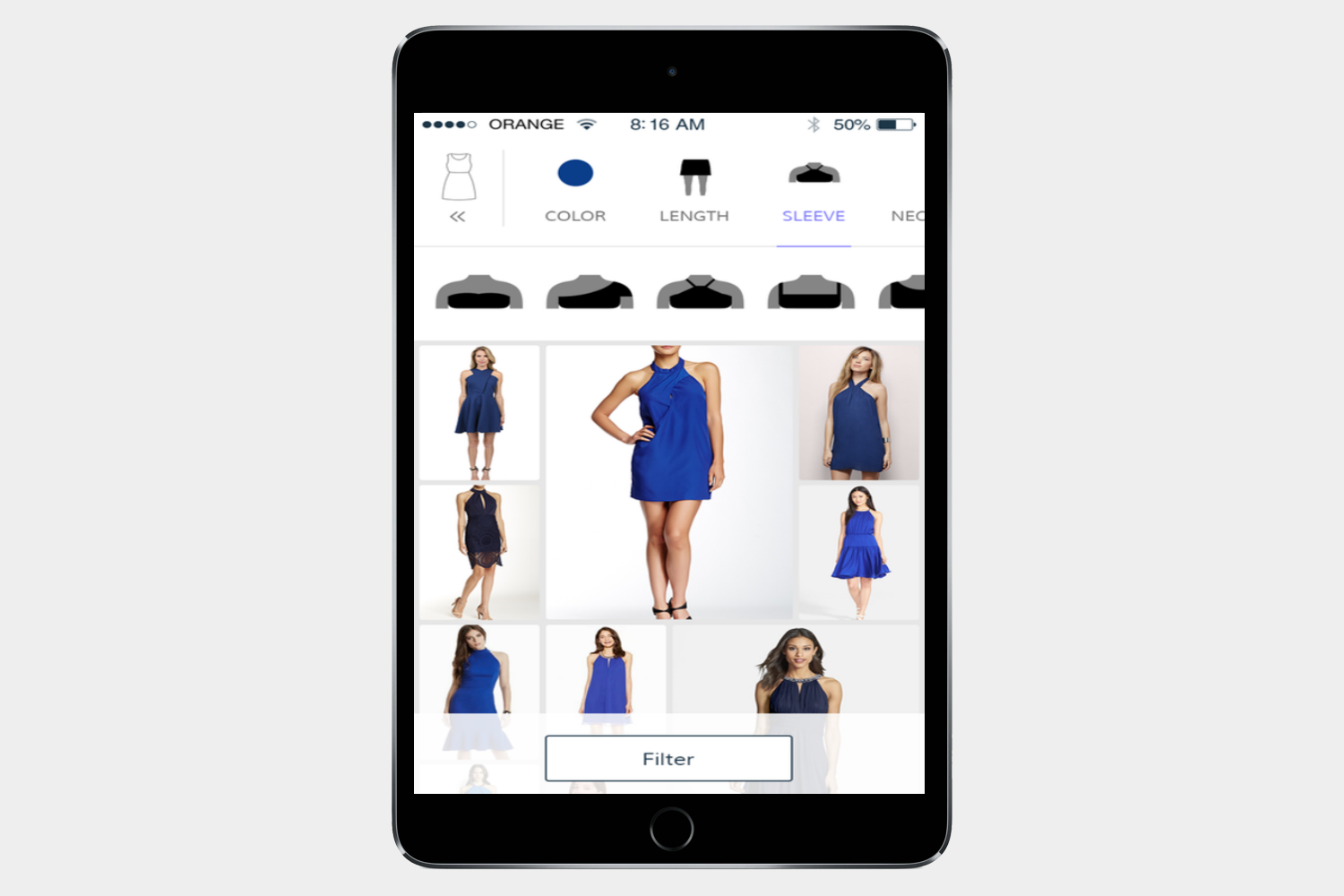
Donde is a visual shopping app that helps you find exactly what you’re looking for based on visual cues, colors, and pricing. Instead of having to know what a sweetheart neckline looks like to search for a dress with one, you simply tap on the picture of the neckline and other factors you want in your perfect dress. The app animates quickly and looks great on the big screen.
Deliveries ($5)

Deliveries is simply a great app for tracking packages. It provides accurate summaries, a sleek user interface, and seamless integration with every Apple device. It also works effortlessly with iCloud and your tablet’s notification center.
Epicurious Recipes & Shopping List
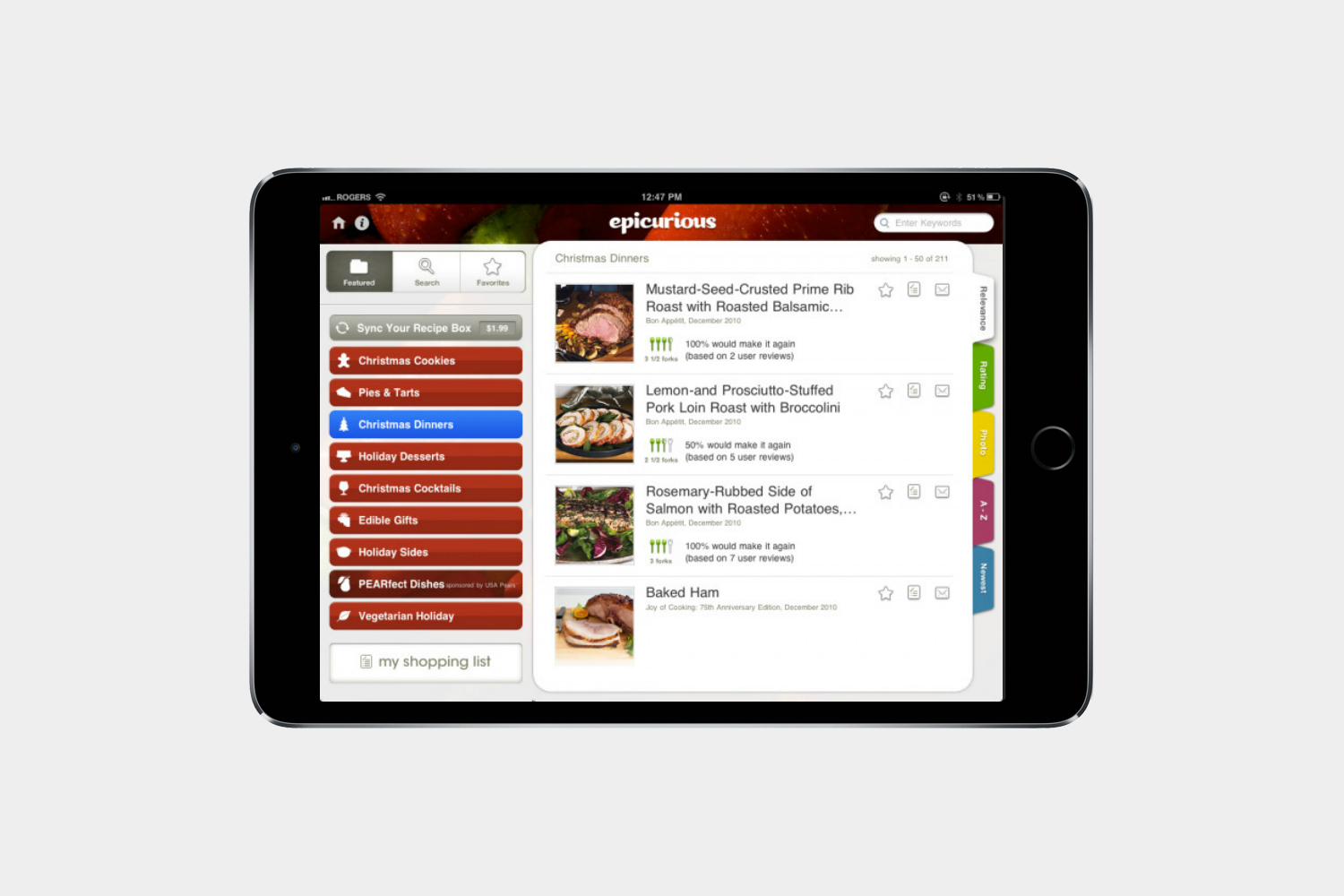
Epicurious possesses one of the biggest collections of recipes around. Save a recipe on the web and it’ll appear synced in the app. There’s even a built-in shopping list so you can find the ingredients you need.
BigOven Recipes

Boasting more than 350,000 recipes this app will inspire you to cook new dishes. It also includes grocery list and meal planner functionality, and you can upload your own recipes — this is everything you need to get busy in the kitchen.
Editors' Recommendations
- Apple is about to do the unthinkable to its iPads
- Best refurbished iPhone deals: Get an iPhone 14 for $513
- An Apple insider just revealed how iOS 18’s AI features will work
- The 6 best tablets for kids in 2024
- 10 iPhone productivity apps you need to download right now