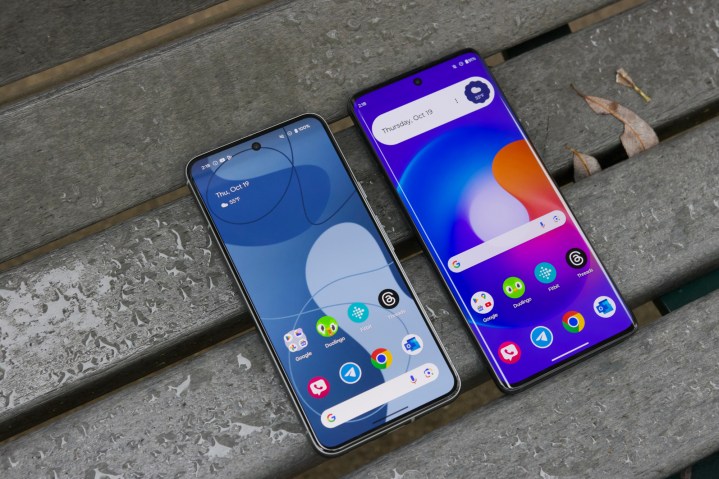
Samsung, Google, OnePlus, and even Motorola have been coming out with fast new Android phones that match a number of lifestyles and design tastes. And that means you’ll need apps that can take advantage of those larger screens and faster processors. They’re how we communicate with friends, watch movies, stay productive, and so much more. You can have the best Android phone on the market, but if you don’t also pair it with the best Android apps, you’re missing out.
There are millions of Android apps on the Play Store. Many of them are great, some are fine, and others are bogus. To help you sift through everything and focus on the apps you should actually care about, we’ve rounded up 50 of our favorite ones right here. If you’re looking for games, check out our list of the best Android games. And if you are in the market for a new Android phone, make sure to check out our latest smartphone reviews.
If you have an Apple iPhone, then check out these helpful guides: best iPhone apps and best iPhone games.
Android essentials
YouTube
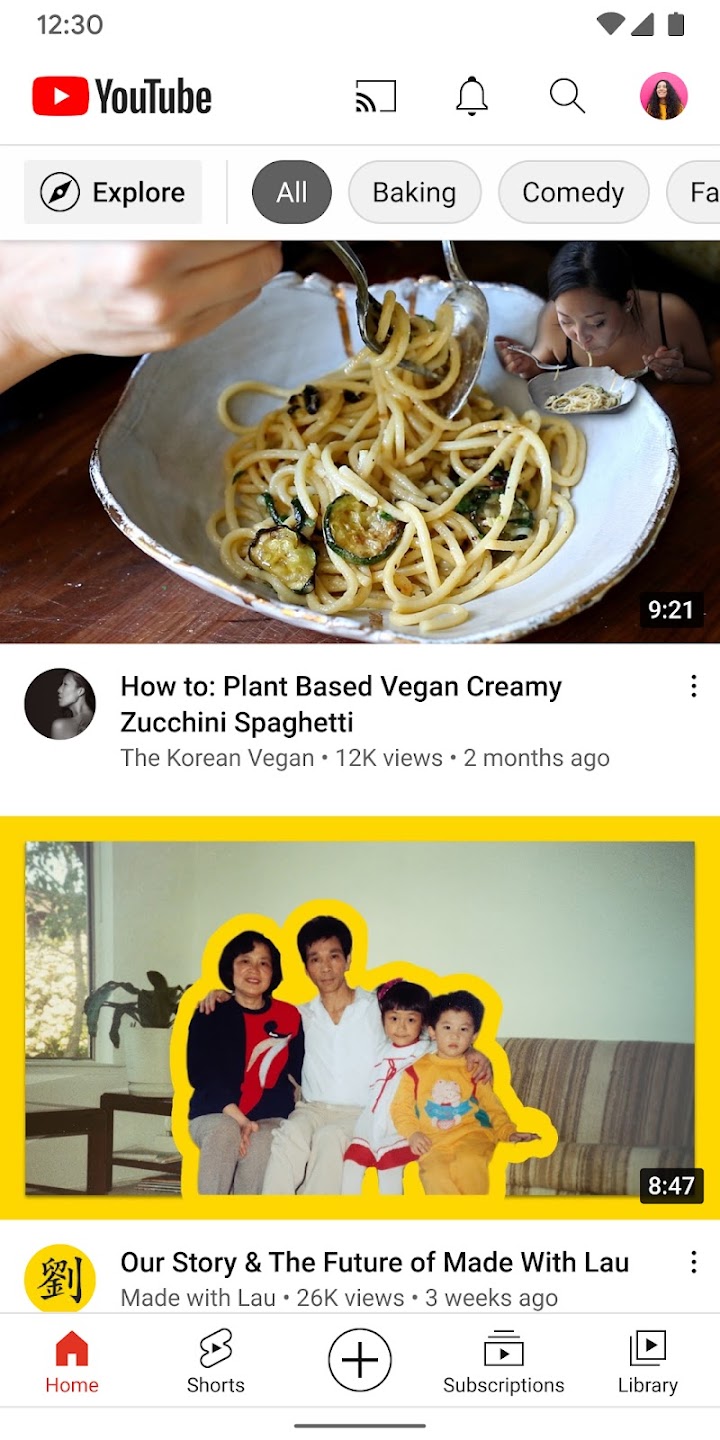
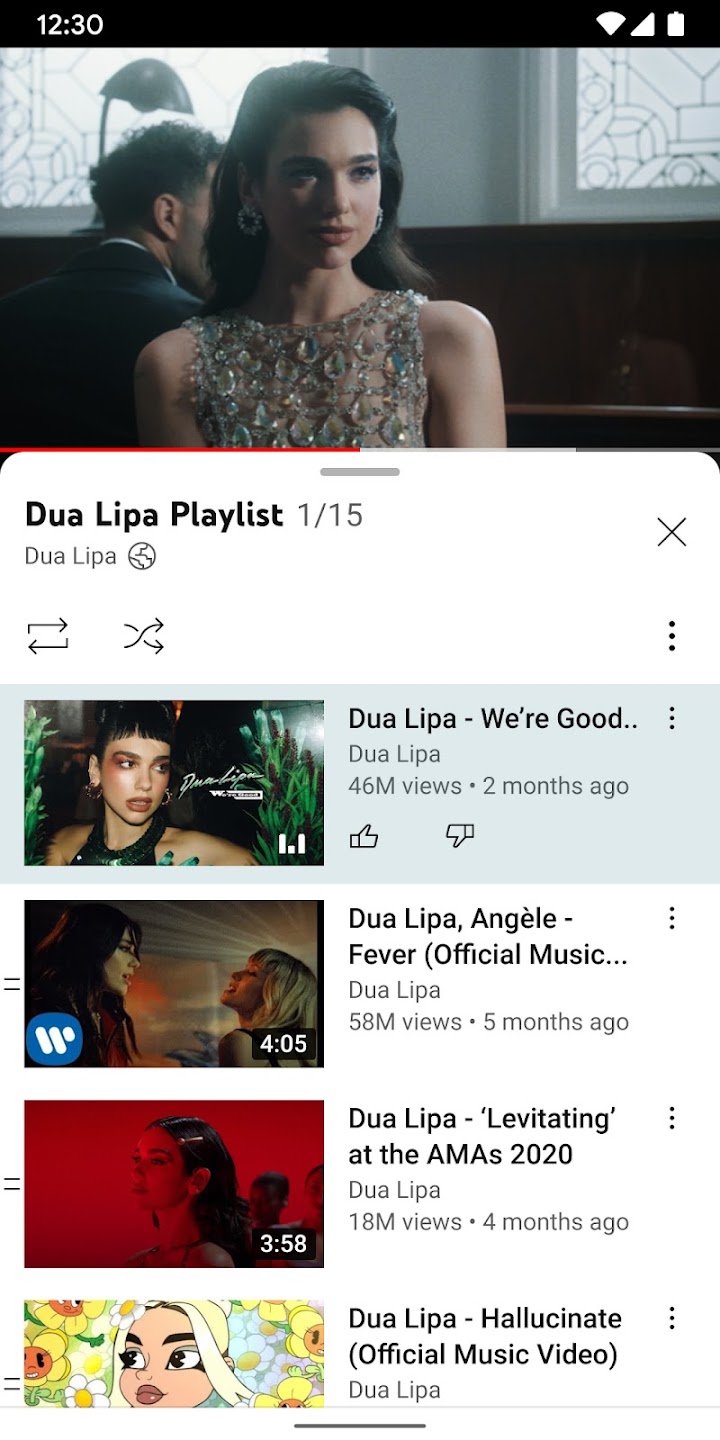

It’s probably the Android app, so you likely have YouTube already — but that doesn’t make it any less essential. YouTube’s mobile app is sleek and intuitive, bringing the entirety of the video-sharing site to the palm of your hand. For those subscribed to YouTube Premium, you’ll have access to premium content, as well as special features like audio playback while the screen is off. But even when used as a free app, YouTube is essential.
X (formerly Twitter)
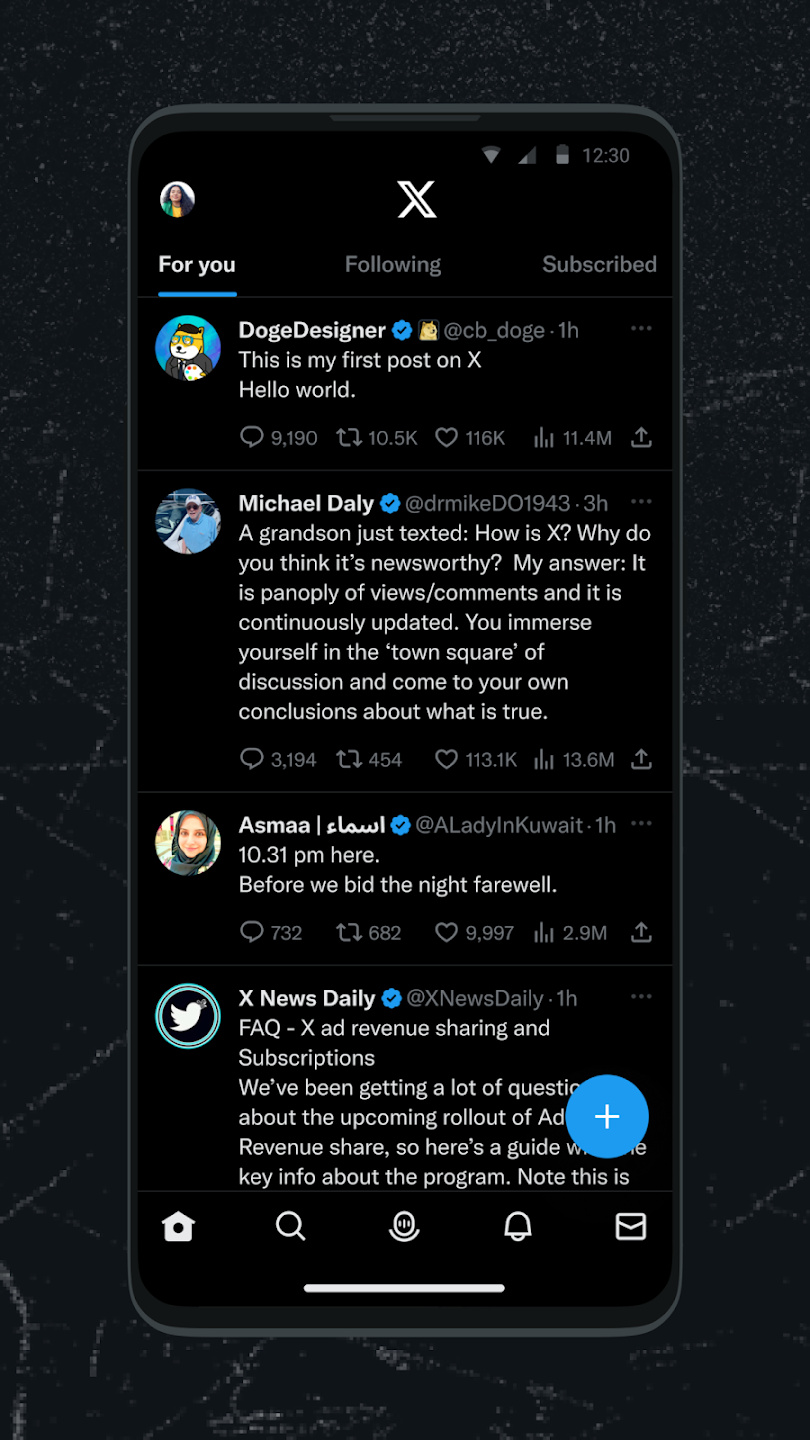
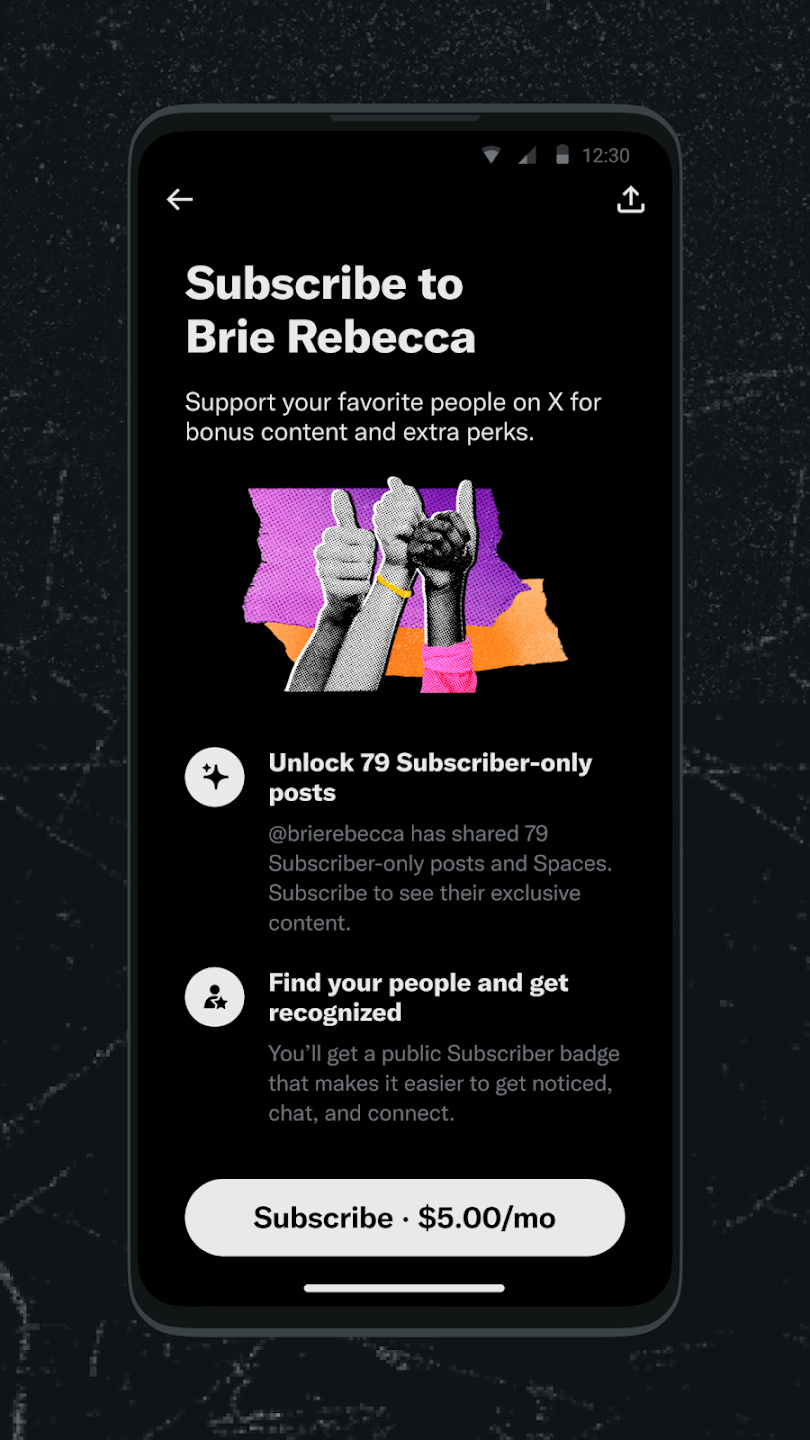
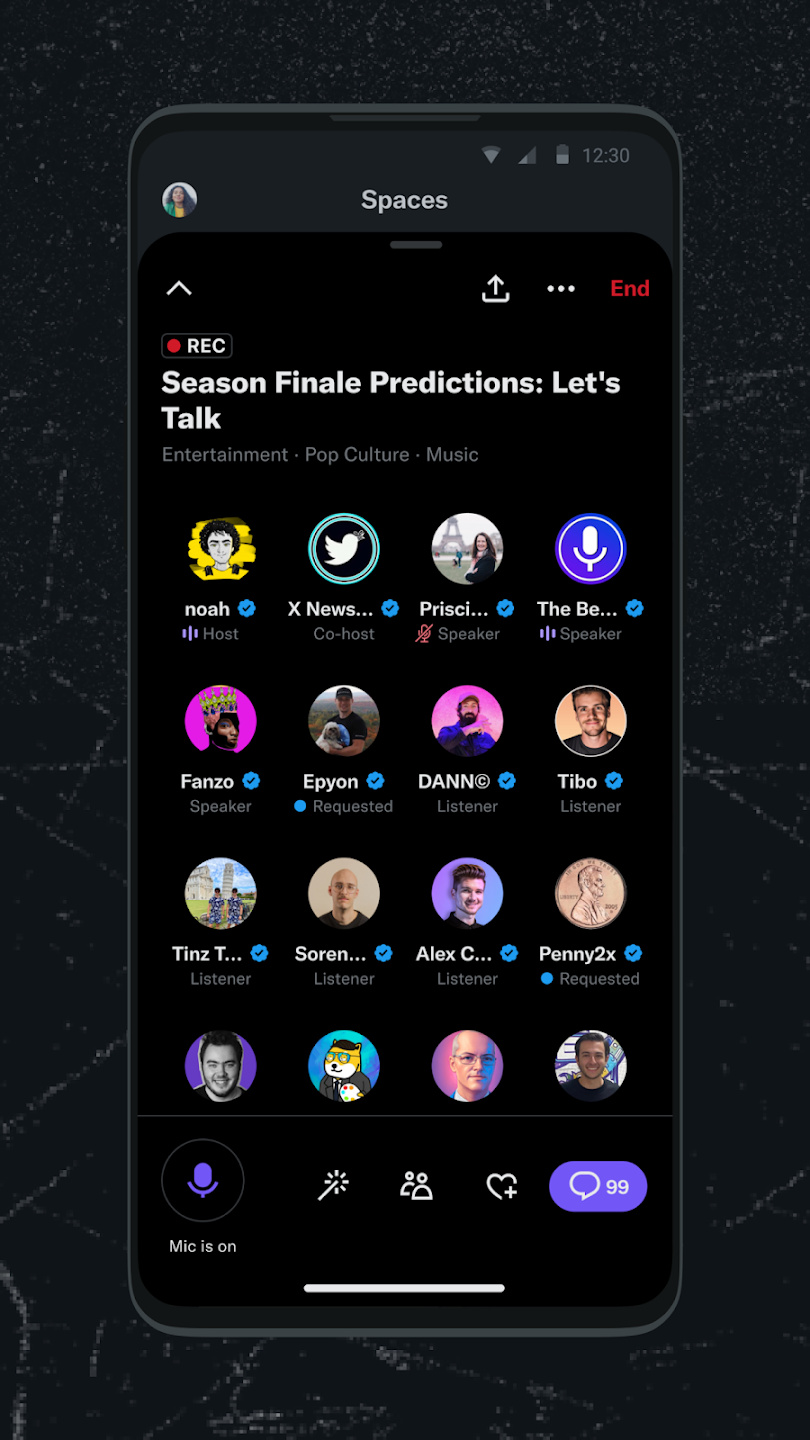
Now that Elon Musk has purchased Twitter and renamed it “X,” there have been some interesting developments at the company. That little blue tick, which used to mean you were a bona fide and verified VIP, can now be purchased by anyone, and those who have been banned from the platform are welcomed back. But that doesn’t mean a lot of people are not using the popular platform.
Sometimes unfairly viewed as the lesser version of Facebook, X is the place where everything seems to happen instantly. Birthplace of the now now-ubiquitous internet facet, the hashtag, X is the best place to be if you like to be on top of the latest breaking news as it happens. Follow your favorite content creators, actors, or crazes, and follow all the news, impressions, and opinions as they roll in. Musk has big plans for X and aims to add voice calling and financial payments to the platform down the line, so it’s worth keeping an eye on regardless of how you feel about the recent changes.
Google Home
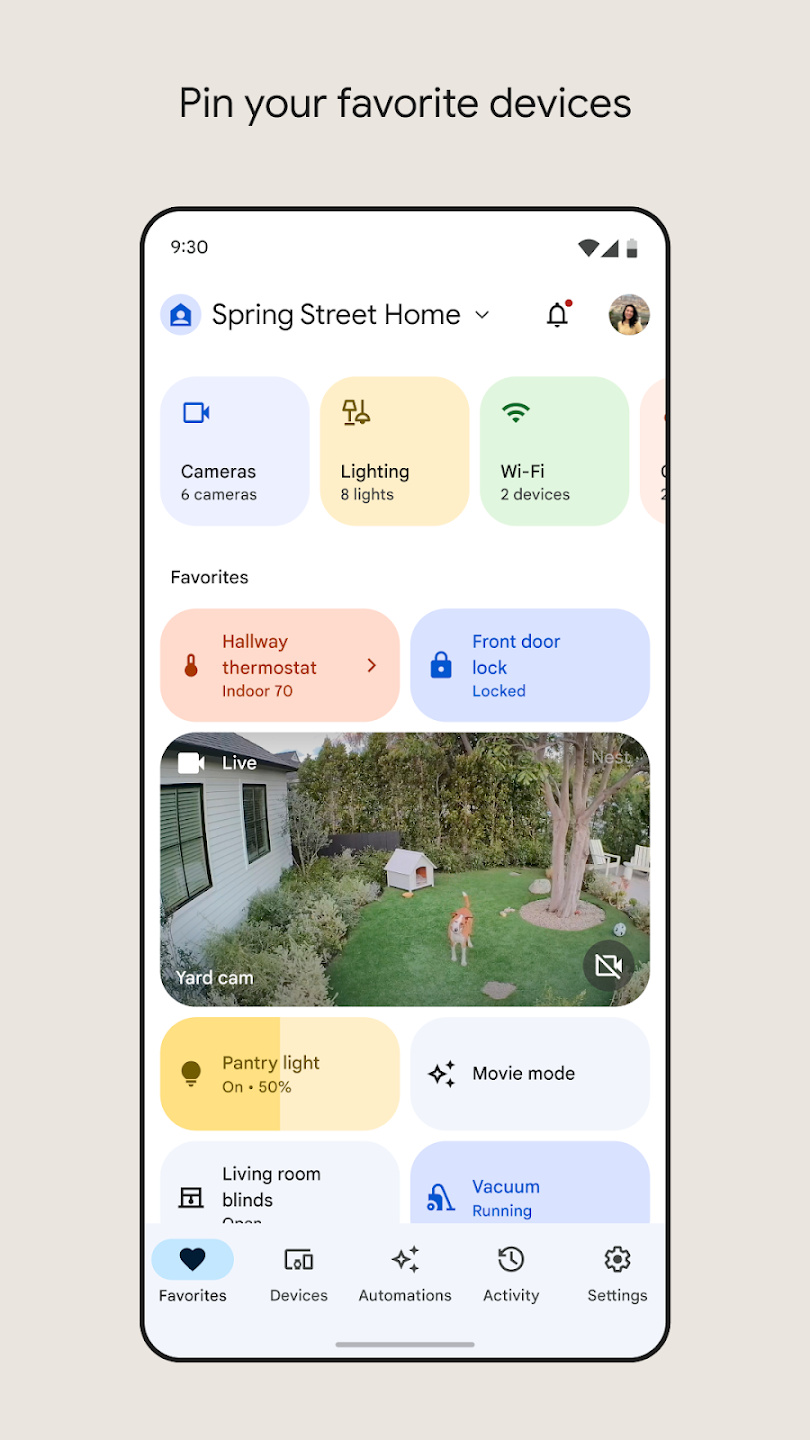
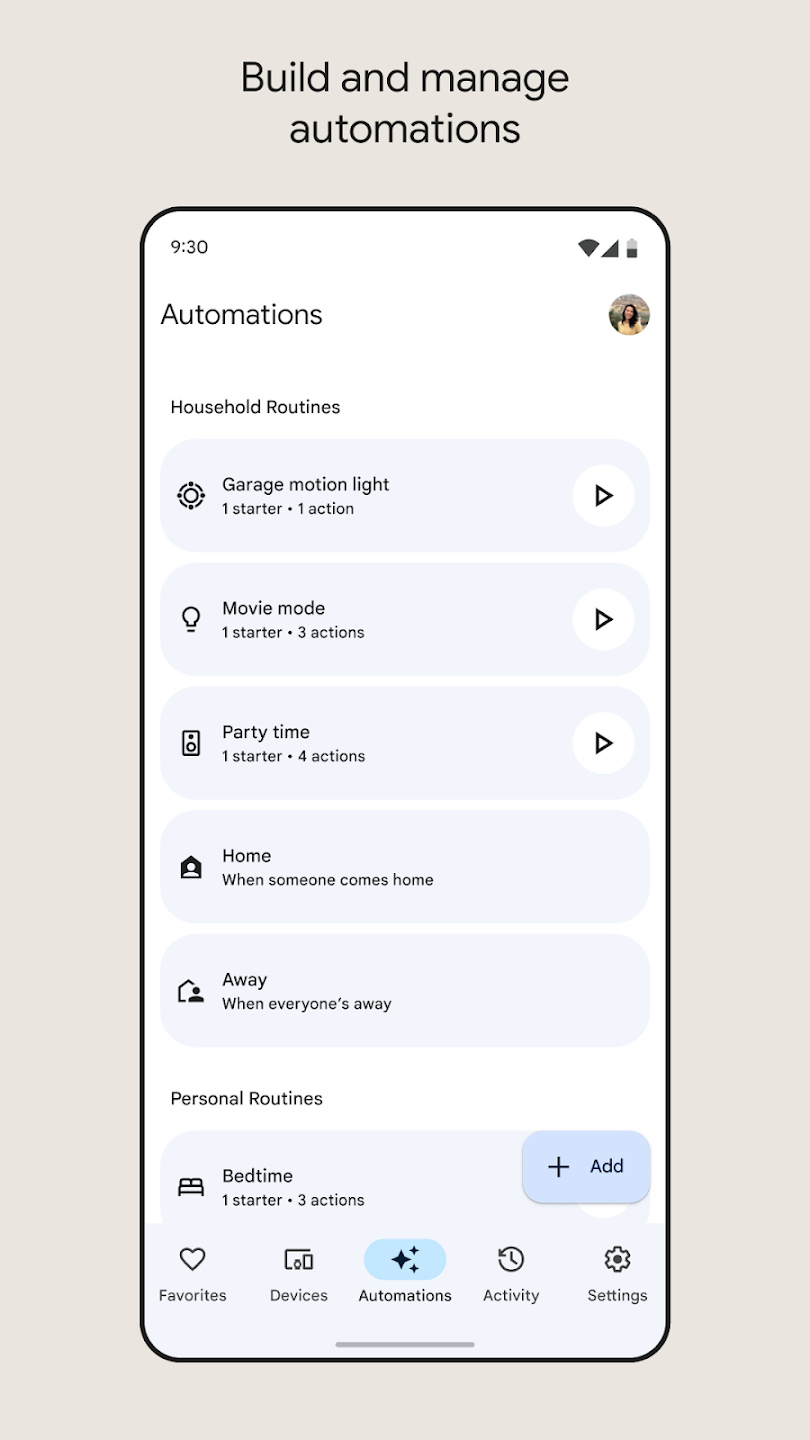
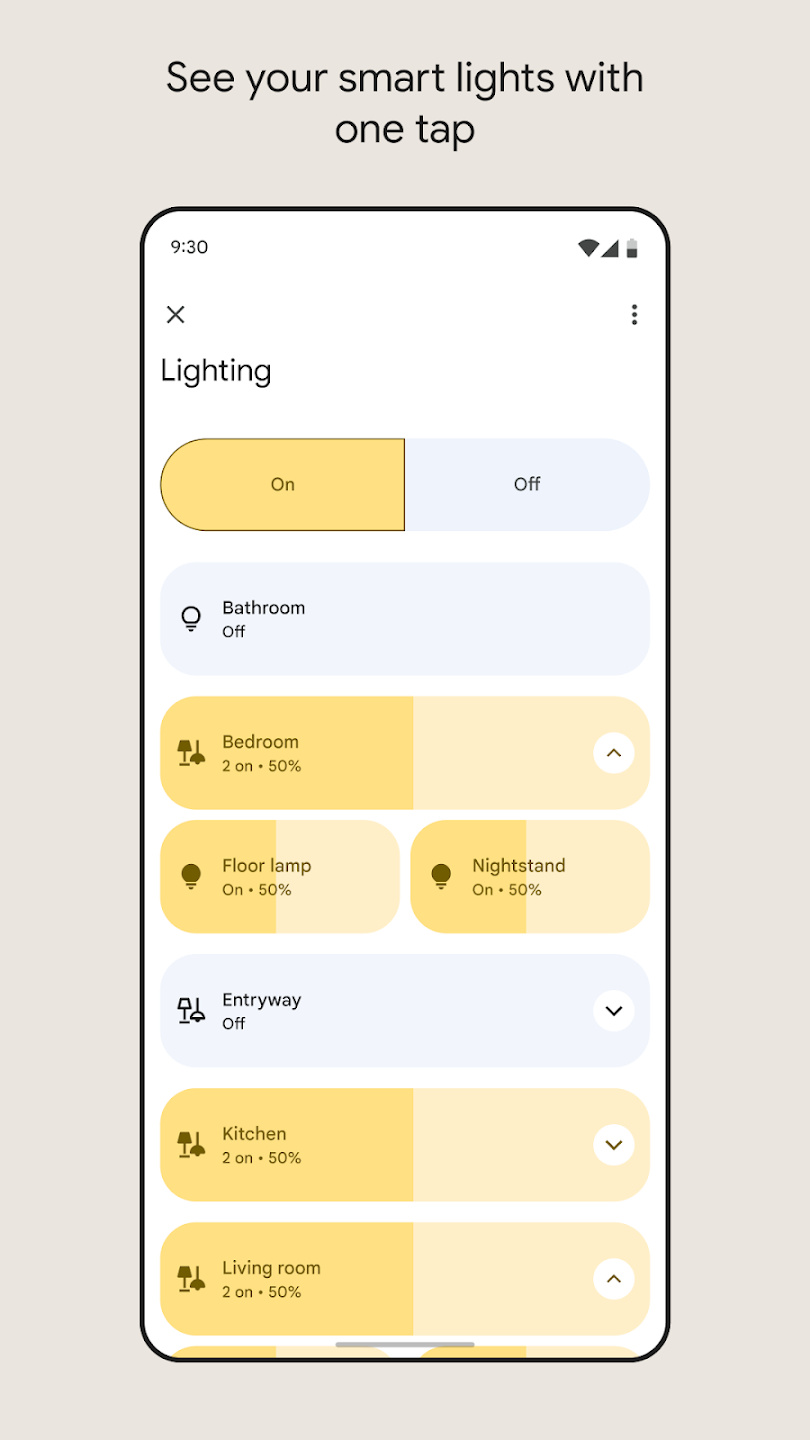
There’s no time like the present to complete that connected-home project you always swore you’d do. If you are the proud owner of a Google Home device, then you already know the ins and outs of a digital assistant. The Google Home app takes this one step further, allowing you to control a plethora of connected smart home devices. It also serves as a command central for any native Google-connected device and your Google-connected accounts, like maps, contacts, calendars, and more.
Movies and videos
JustWatch
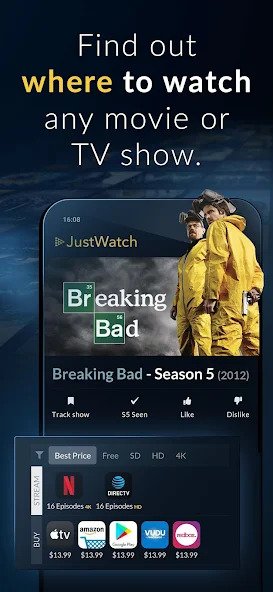

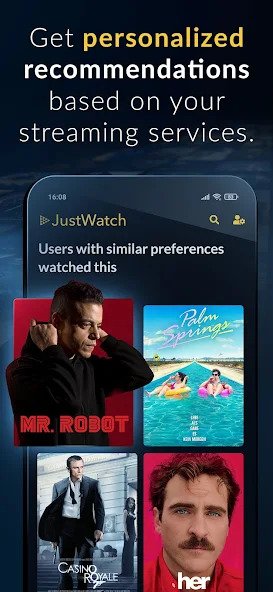
It’s not a streaming service, but JustWatch is the app that tells you what to watch and where to watch it. So no more wondering where you can catch the latest season of The Boys or whether The Witcher is available to stream on Netflix — JustWatch will keep you right. The app also gives you personalized recommendations based on your streaming services and supports casting to your TV from your device. There are over 90,000 movies and TV shows listed, and you can check out trailers, cast details, and synopses before you watch. There’s even a handy timeline showing what’s coming to your favorite streaming services and when, plus you can create your own Watchlist.
Netflix
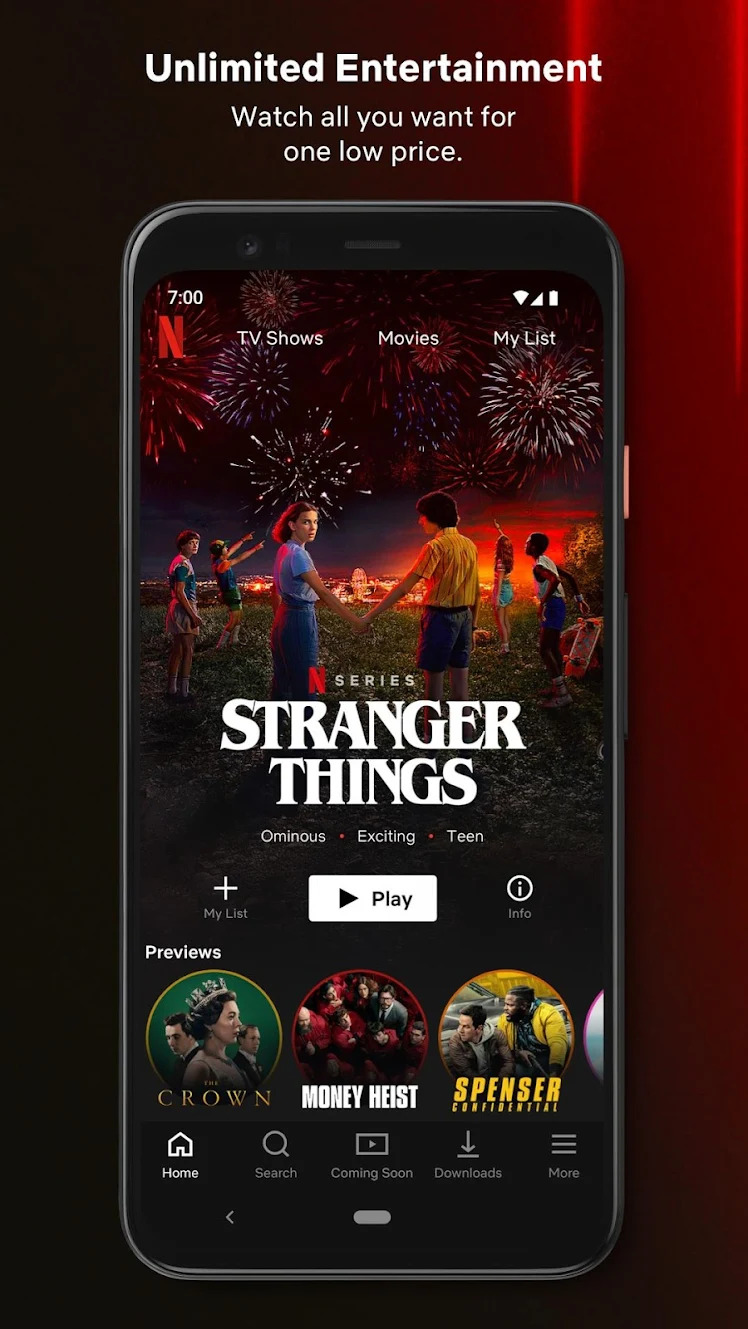


Netflix isn’t just one of the best video-streaming services; it’s the video-streaming service. There’s a huge selection of Netflix movies and TV shows for subscribers, and the performance is silky smooth. It’s not just restricted to old favorites either, as Netflix has produced a huge amount of excellent exclusive content. If you’re anything like us, though, you’ll just put Seinfeld on again.
Disney+
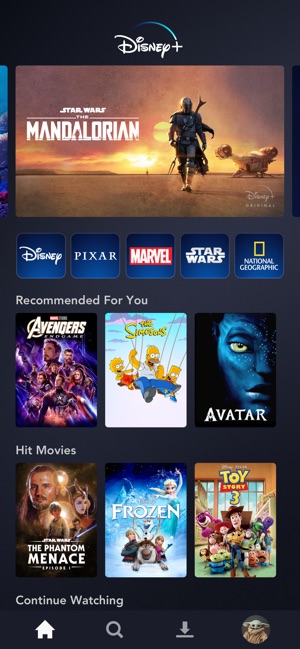
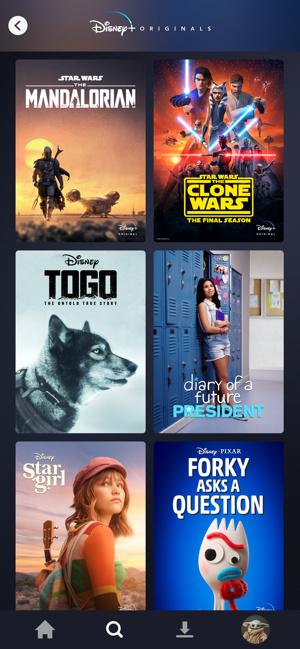
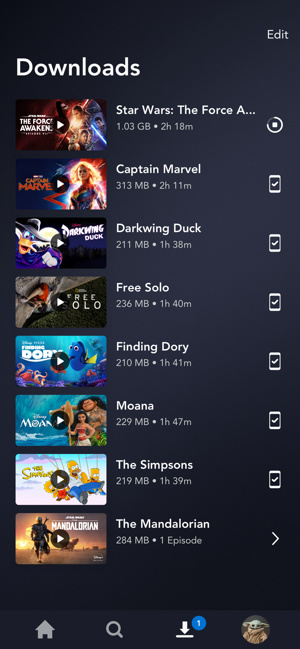
Disney holds possibly the largest library of film and television properties in the world, and they are all on Disney+. From Hamilton to The Mandalorian, you’ll find something for every member of the family. As theatergoers are slow to return all around the globe, Disney has begun using Disney+ for major blockbusters like Mulan and Soul. You’ll also have access to original television shows like Marvel’s The Falcon and the Winter Soldier.
Music and audio
YouTube Music
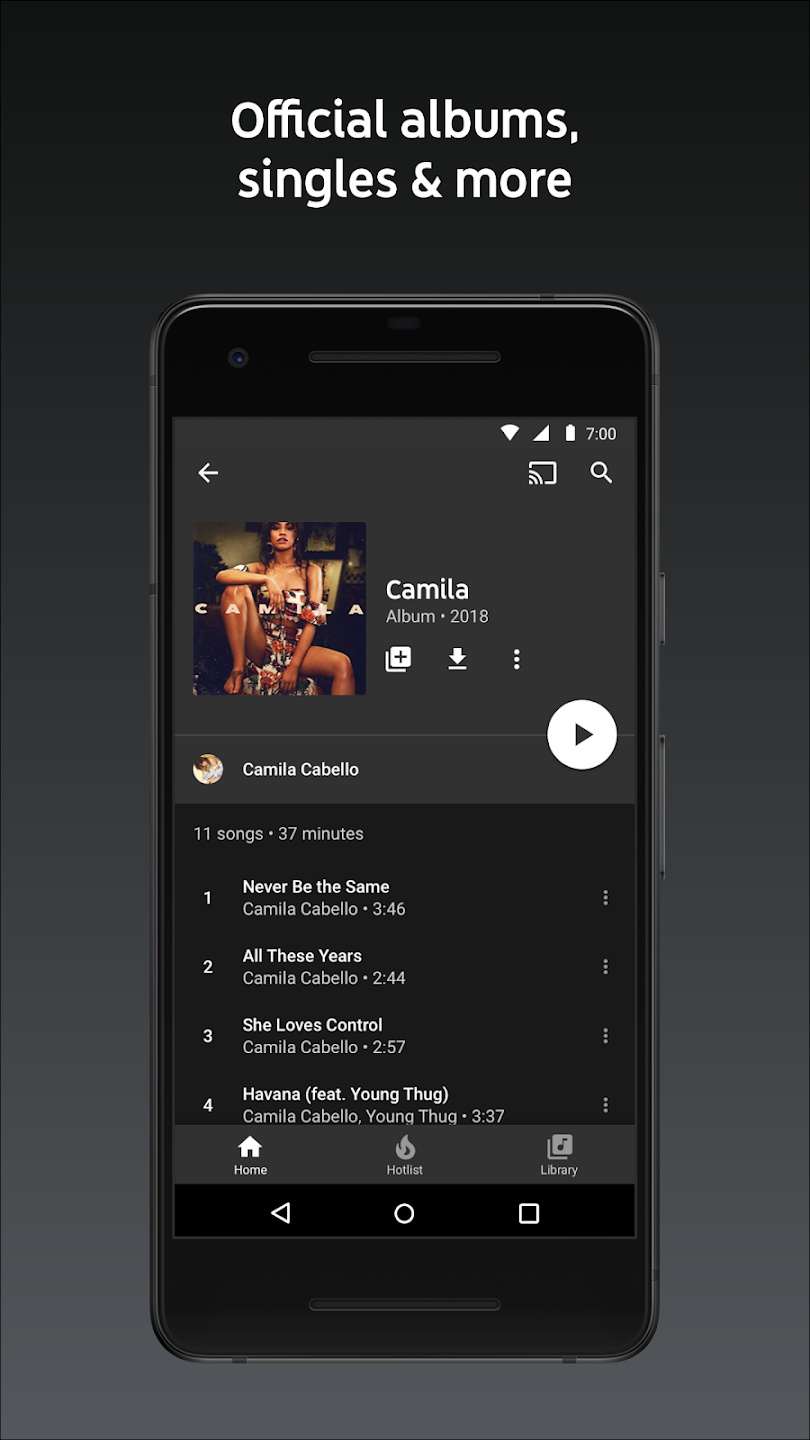
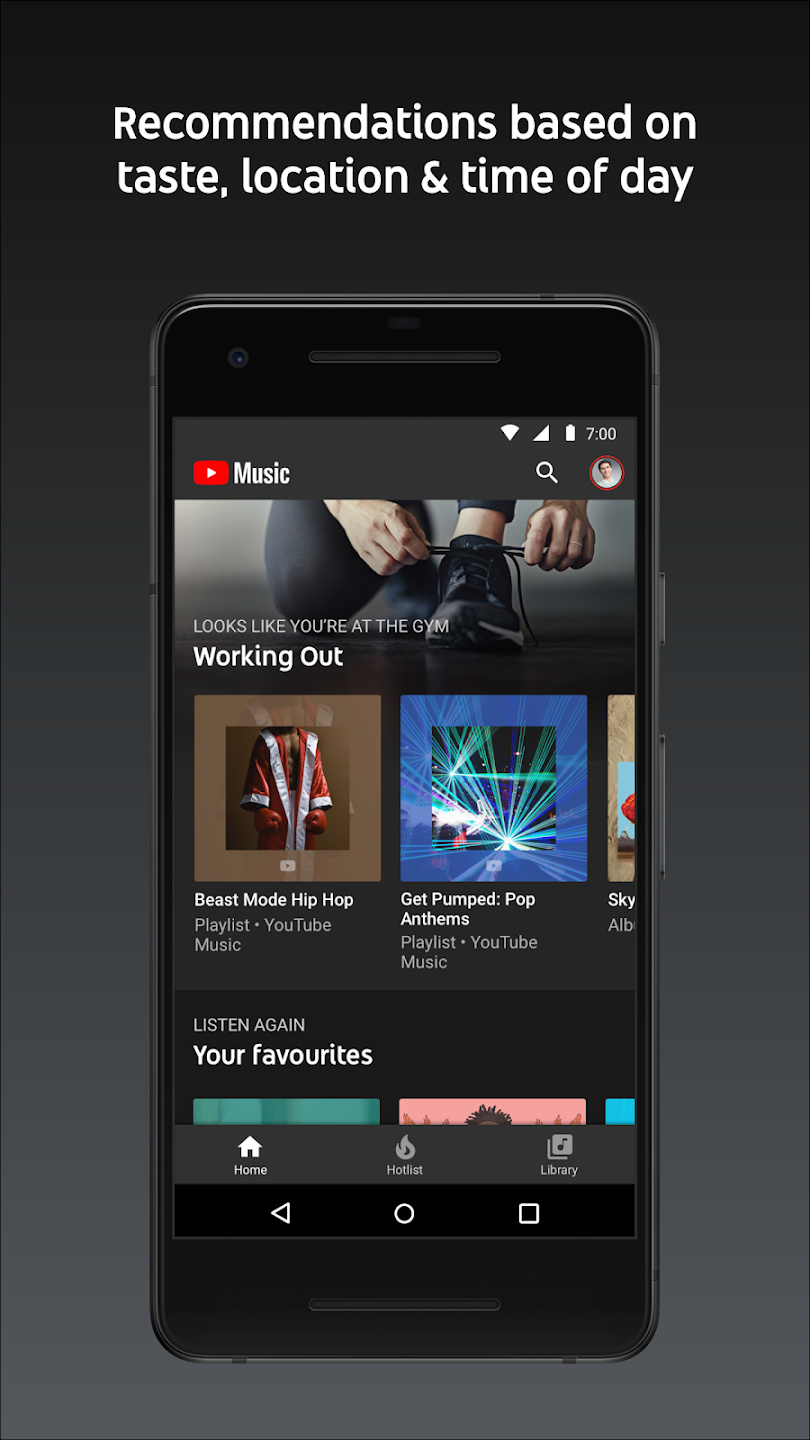
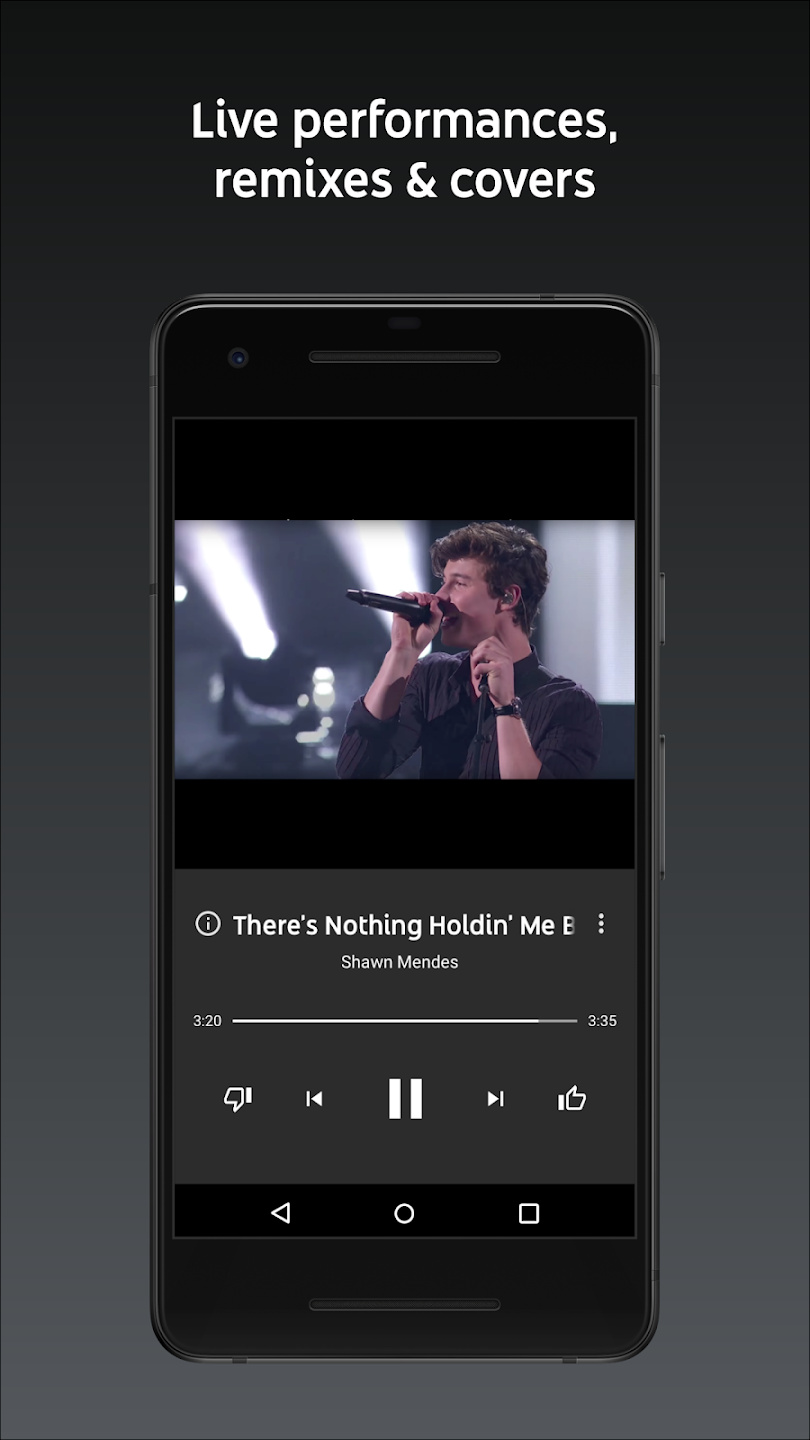
If you listen to as much music on YouTube as we do, then it’s a no-brainer to use YouTube Music. The music app is geared very well toward your tastes if you’ve spent much time watching and listening to music videos on YouTube, and the ability to listen with the screen off is very helpful, but the key element is being able to listen to any live performance or other alternative performance of a song.
Pocket Casts
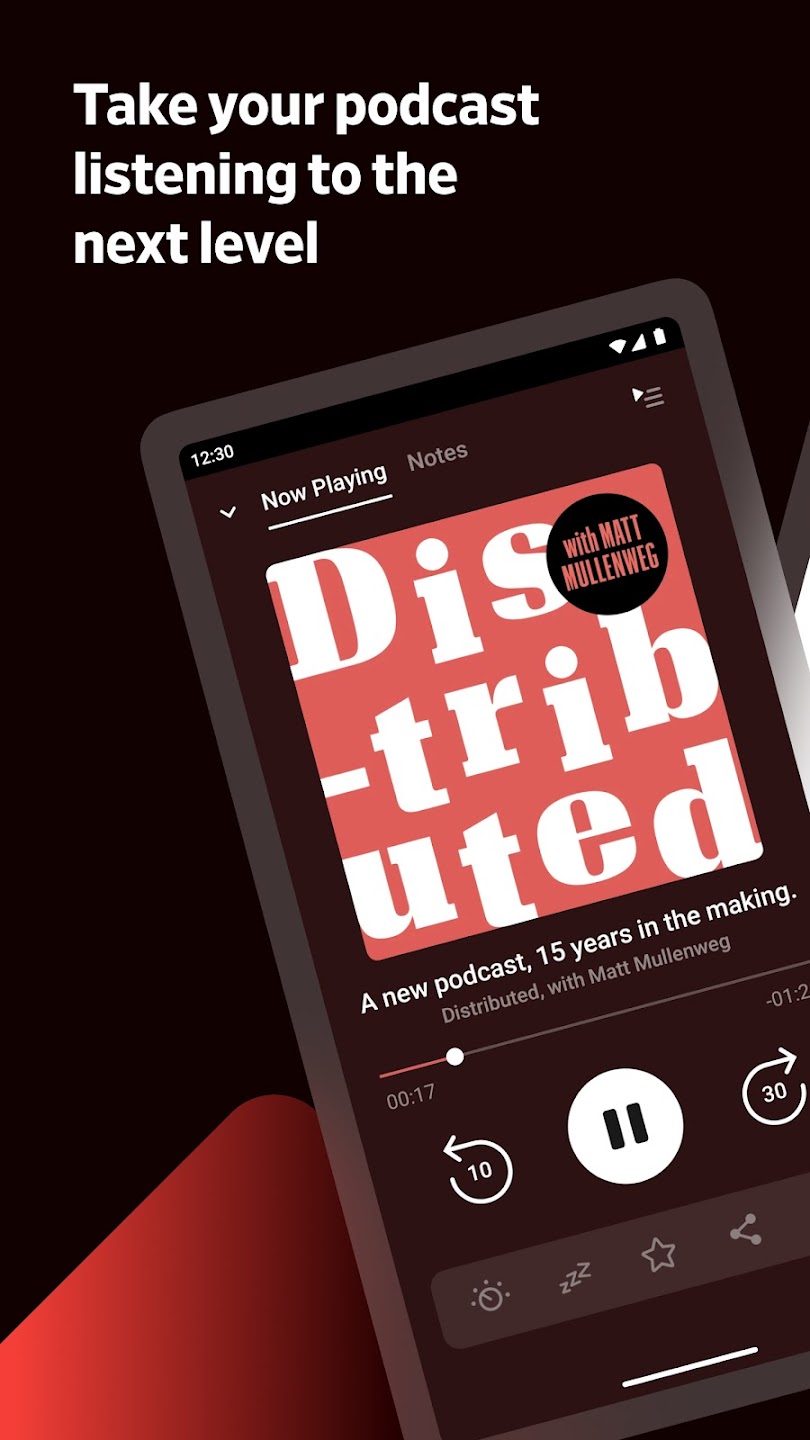
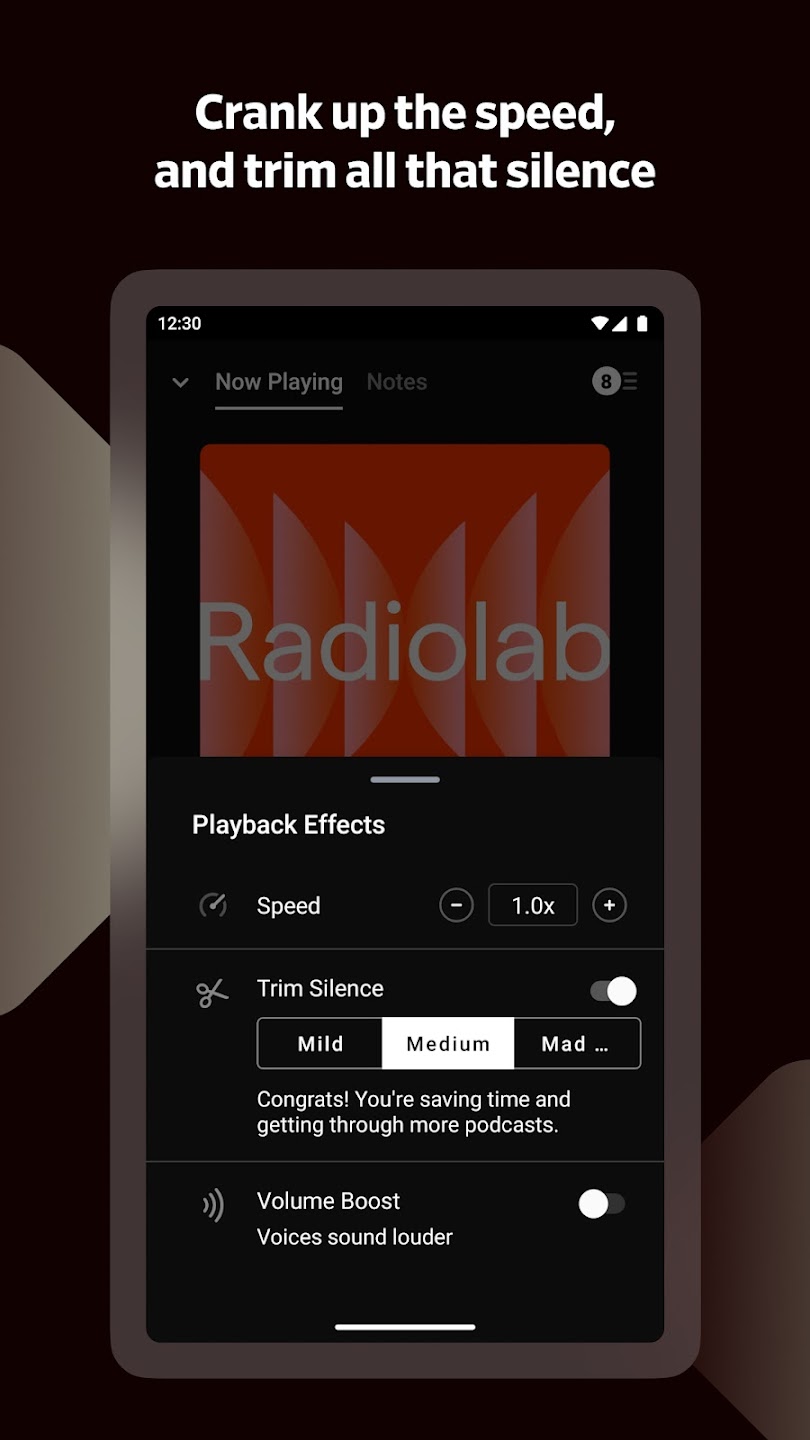
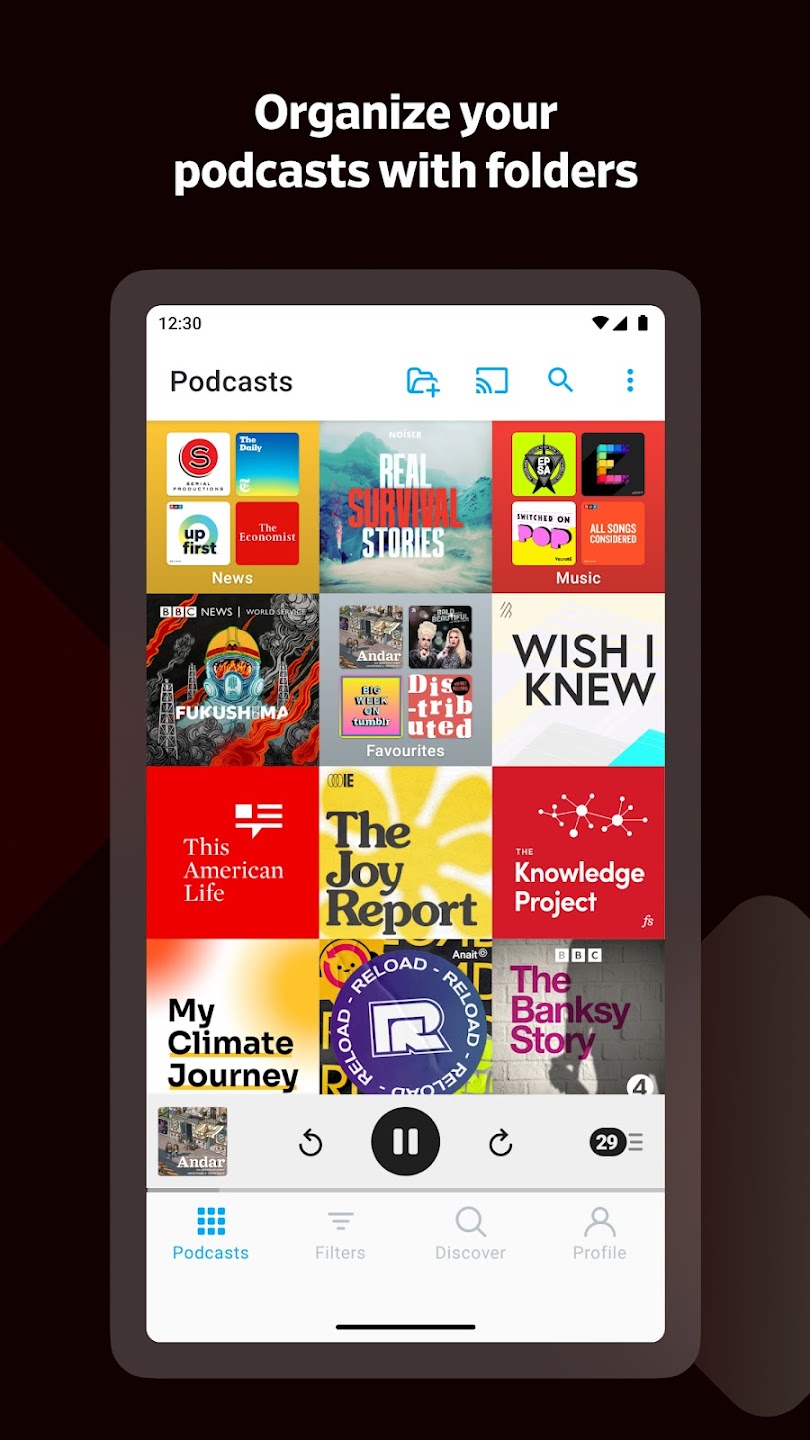
Pocket Casts is one of the last podcast players left standing after the assault by music apps like Spotify, and the reason it’s still around is because it’s very, very good. You’ll find most of the popular podcasts here (as long as Spotify hasn’t signed an exclusivity deal with them, of course), and you can sort and arrange podcasts into folders and set up filters to find what you’re looking for even faster. In episodes, you can speed up, slow down, and set the player to skip out periods of silence, and your listening progress and playlists sync across devices. If you want to take advantage of all it has to offer, like the web-based player, you’ll need to pay for the Plus service, which costs $40 a year or $4 a month.
Spotify
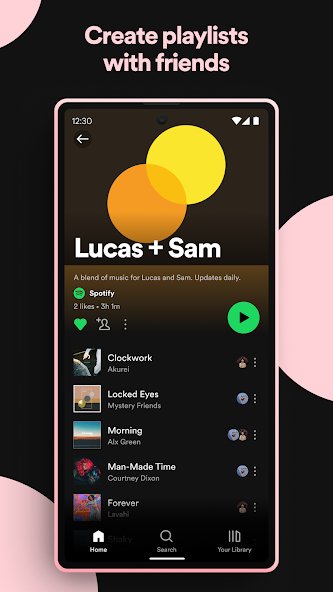
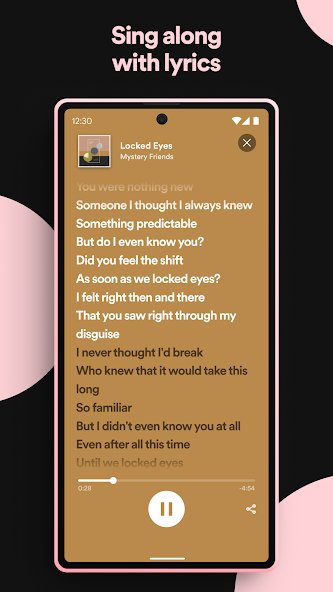
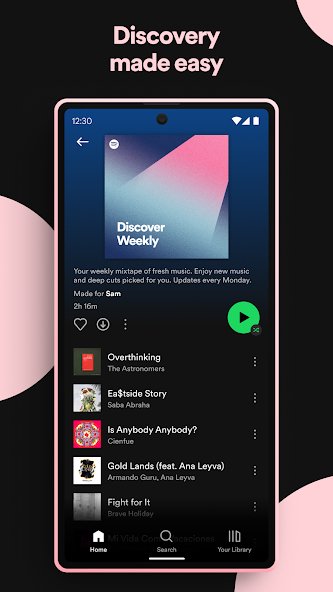
Spotify is probably the first name that springs to mind when you think about music apps — and for good reason, as it’s one of the best streaming services out there. There’s a massive selection of music on offer, from the latest huge releases to up-and-coming acts. Spotify also now offers video support for some of the best podcasts on its platform. There’s a free version if you want to try it out, but if you want ad-free listening and to download music, play any song, and have unlimited skips, then you’ll need to subscribe for $11 a month, though Spotify does offer a generous three-month free trial. Spotify also offers a family household plan for $17 a month, a student account at the reduced cost of $6 a month, and a Duo account covering two people in the same household for $15 a month.
News
NewsBreak
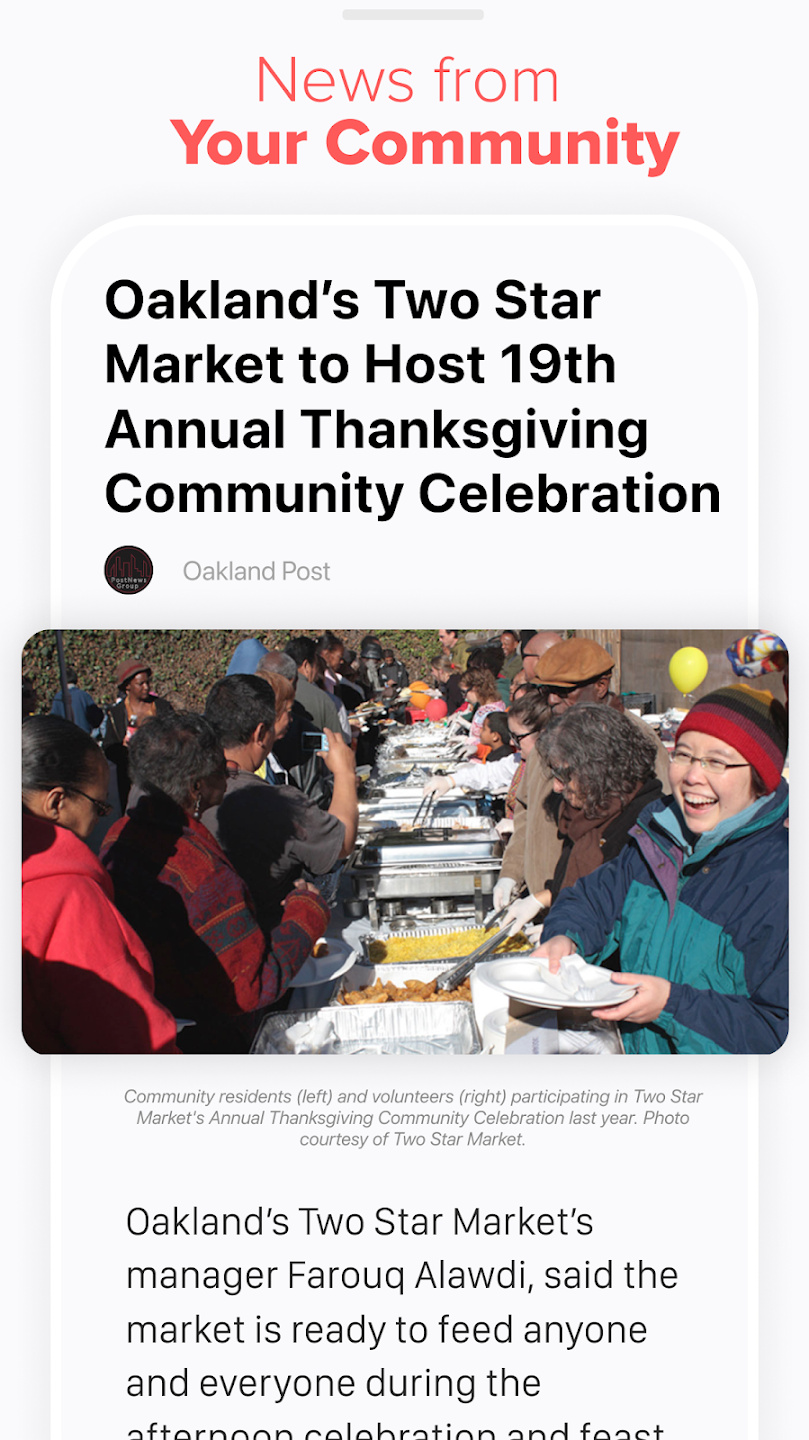
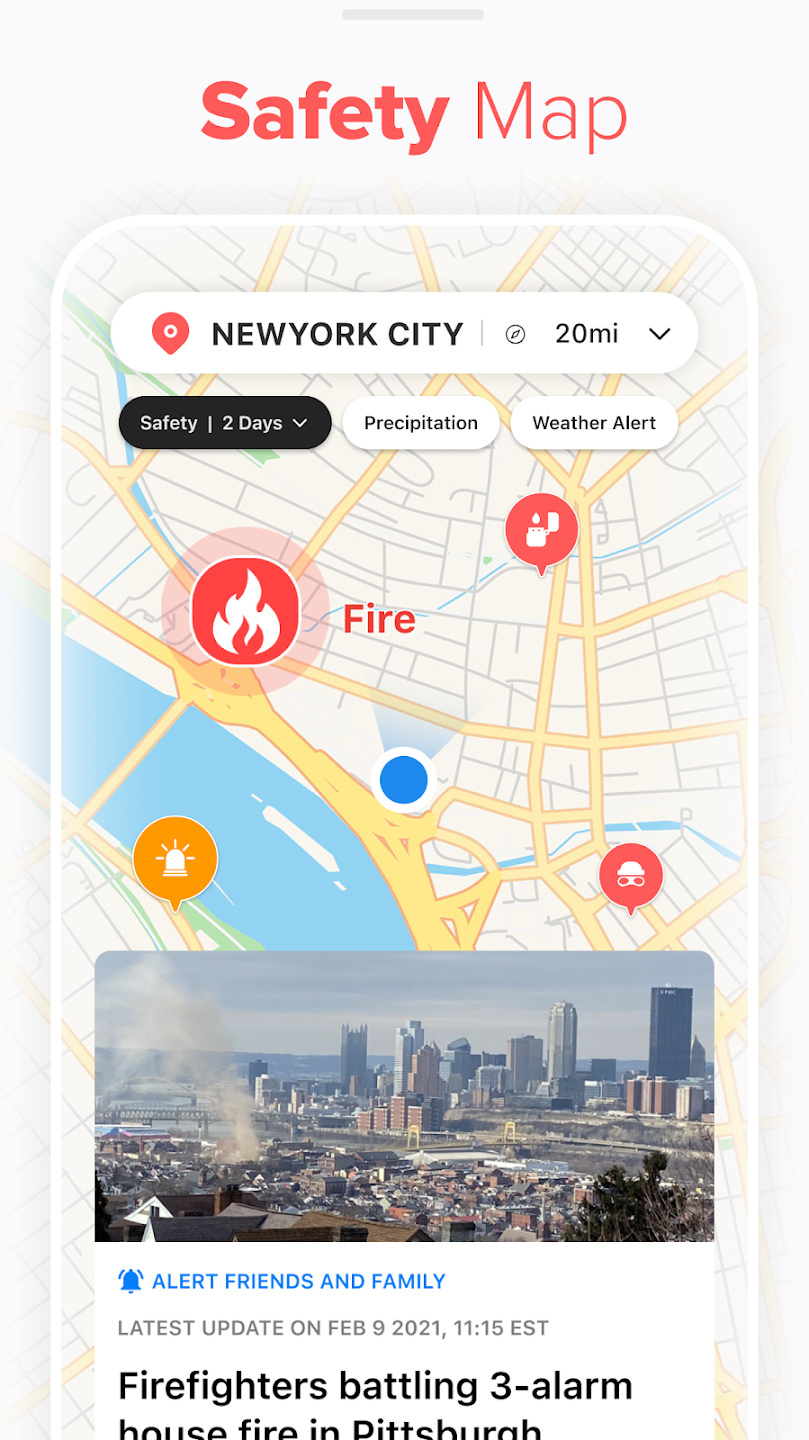
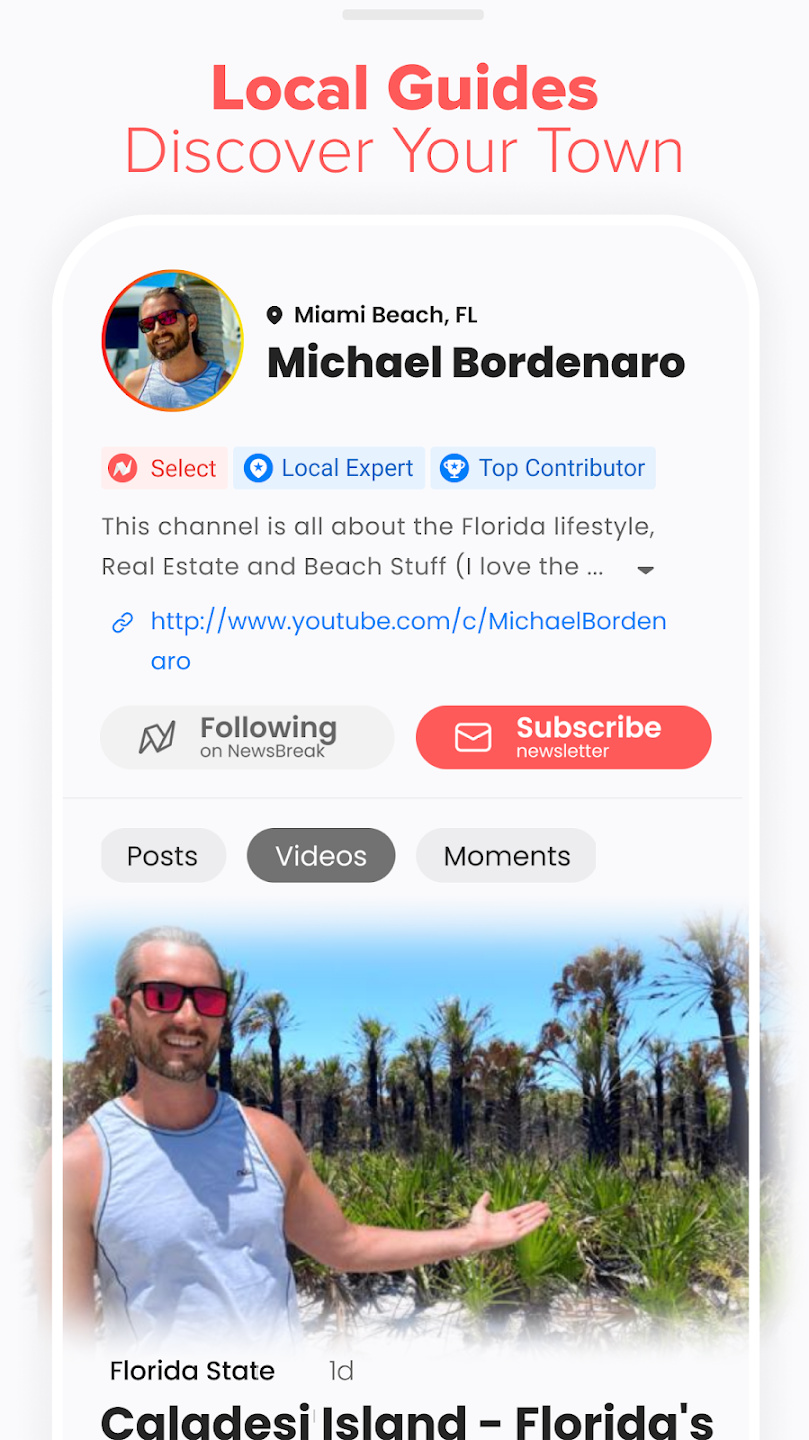
It’s not hard to find news apps that cover national and international news, but what about more local events? NewsBreak specializes in digging out the news that’s local to you so you can stay updated with your personal community. It’s not just about the news, though — it also has safety alerts to show you nearby hazards and can help you find local experts to guide you around new areas if you’re visiting or want to know more about your home. Just make sure to add Digital Trends to your news feed!
The Wall Street Journal
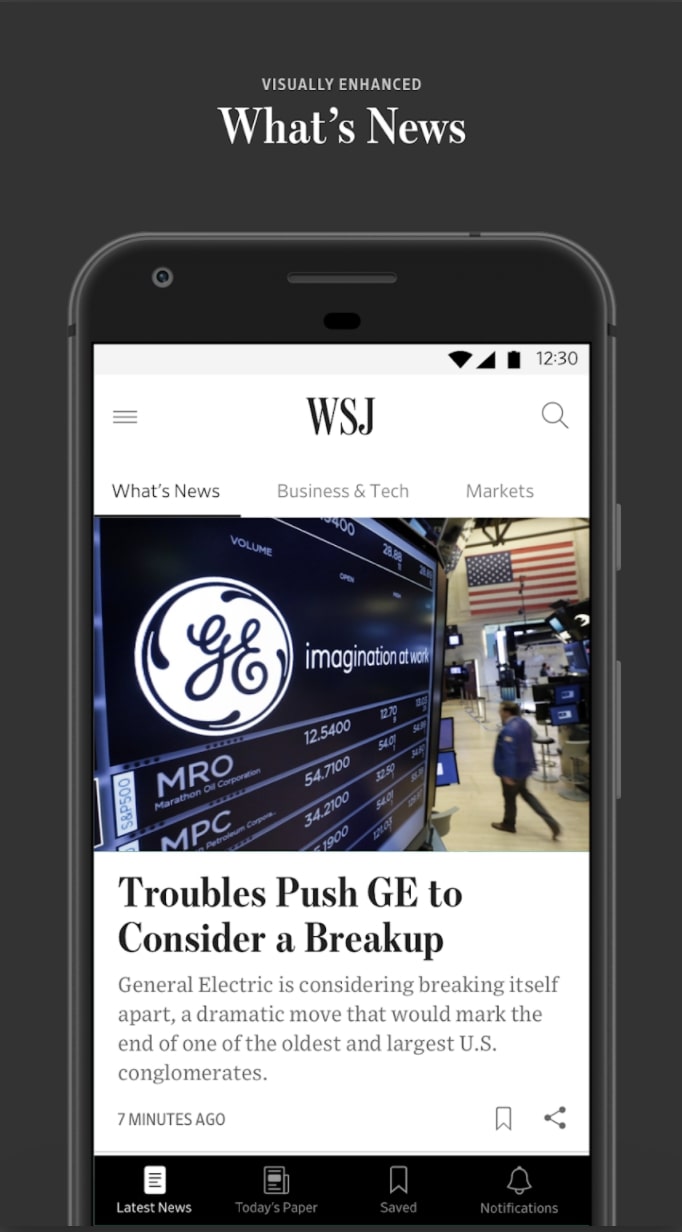
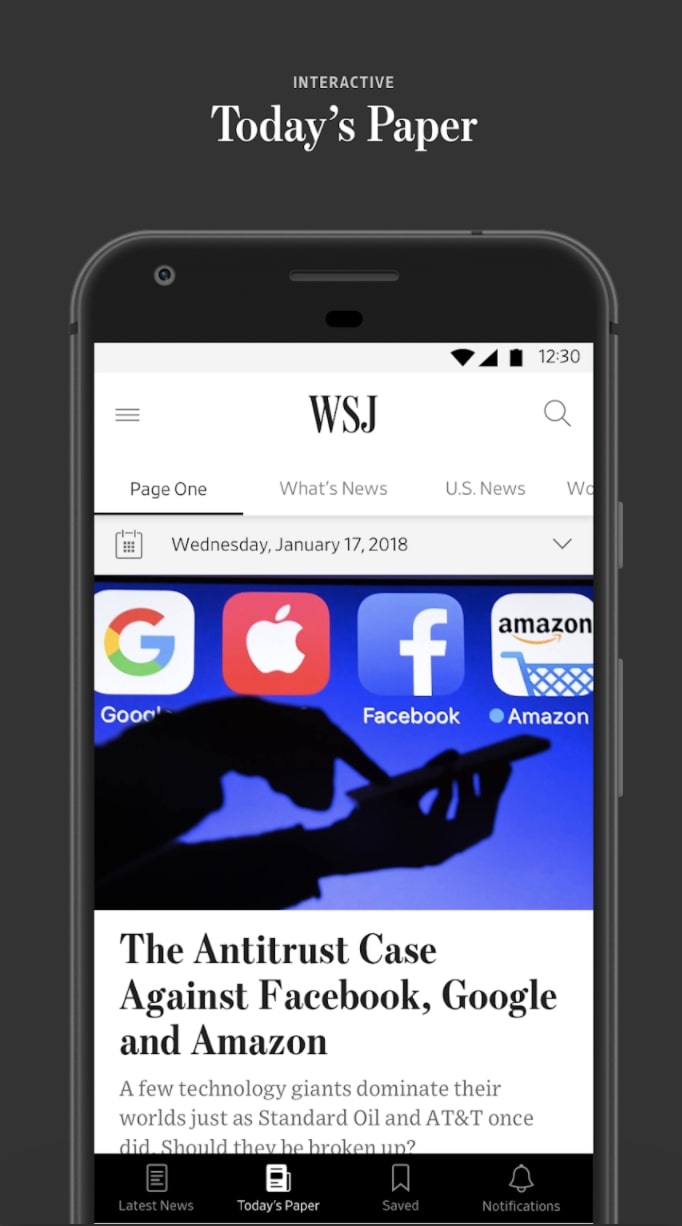
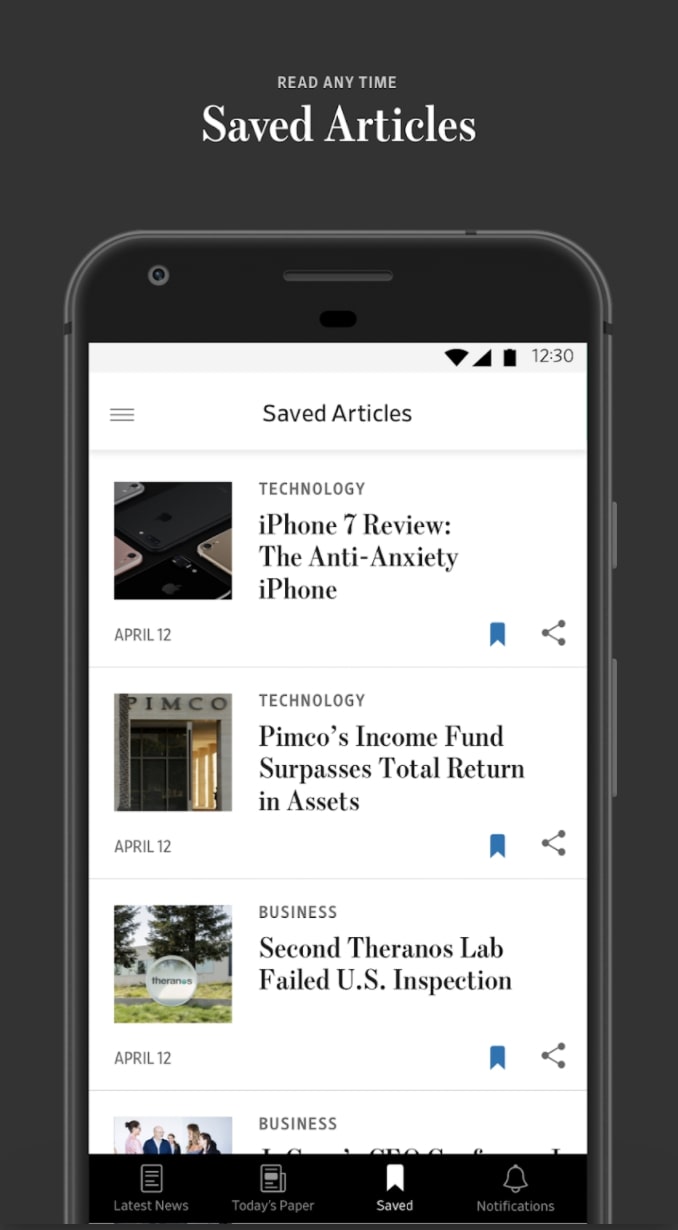
During these harrowing financial times and in a volatile macroeconomic environment, you’d be well served to stay up to date on the goings-on of our economy, markets, and financial news. The Wall Street Journal app places all this information in your pocket as well as the multifaceted award-winning journalism that’s been printed there since 1889.
NPR News
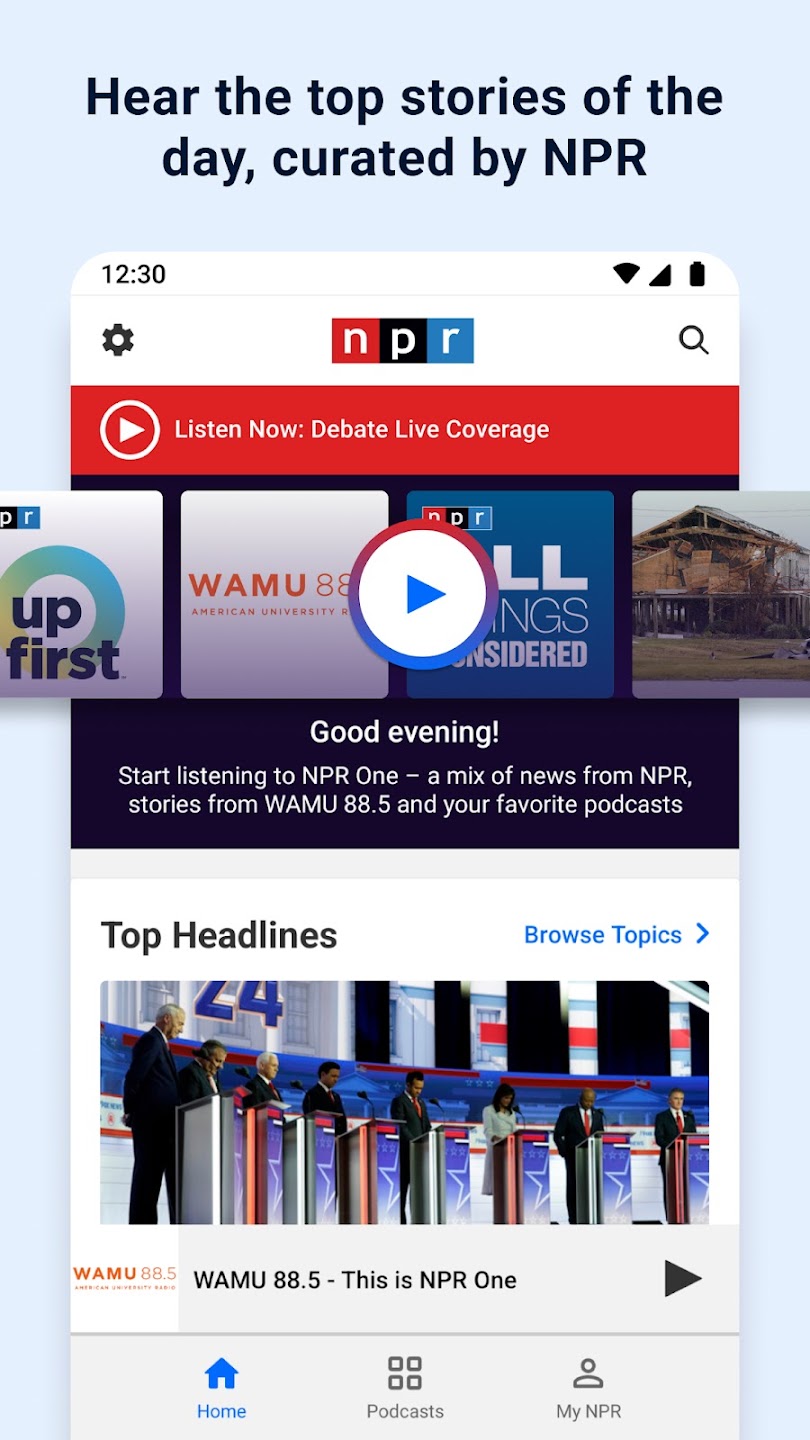
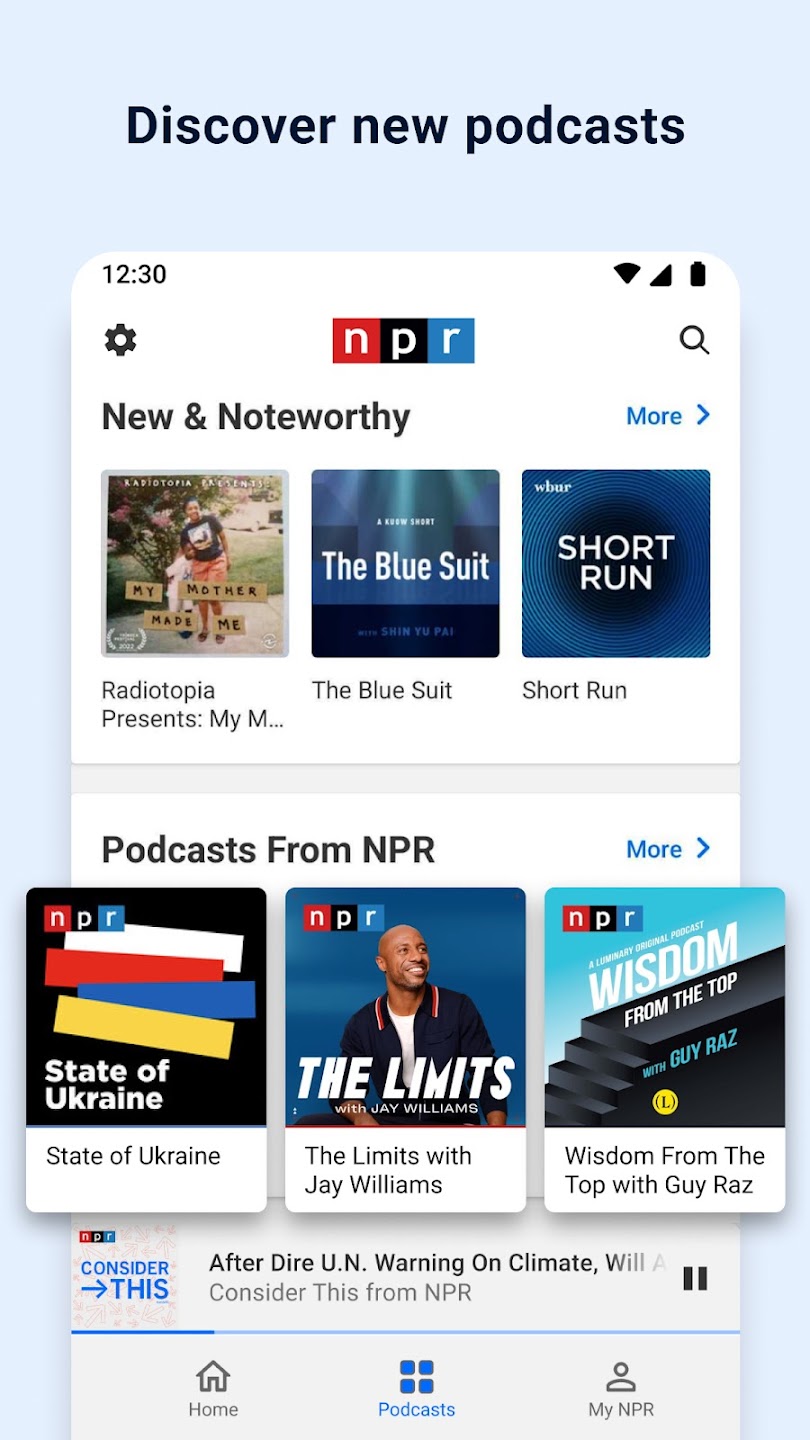
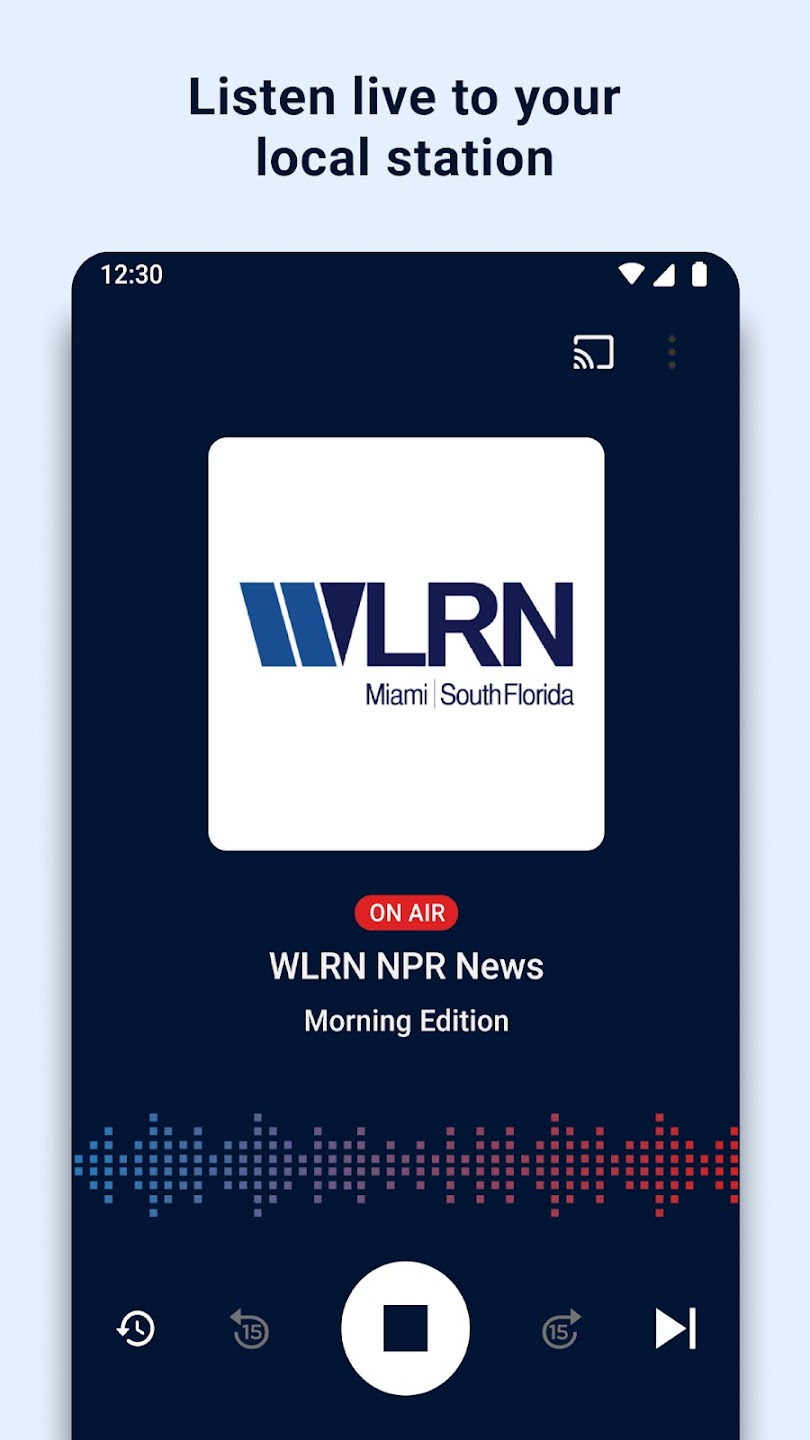
The official app of National Public Radio provides a steady stream of straightforward reporting in both print and audio. Users can listen to news reports and various NPR staples such as All Things Considered and Radiolab.
Sports
Fox Sports
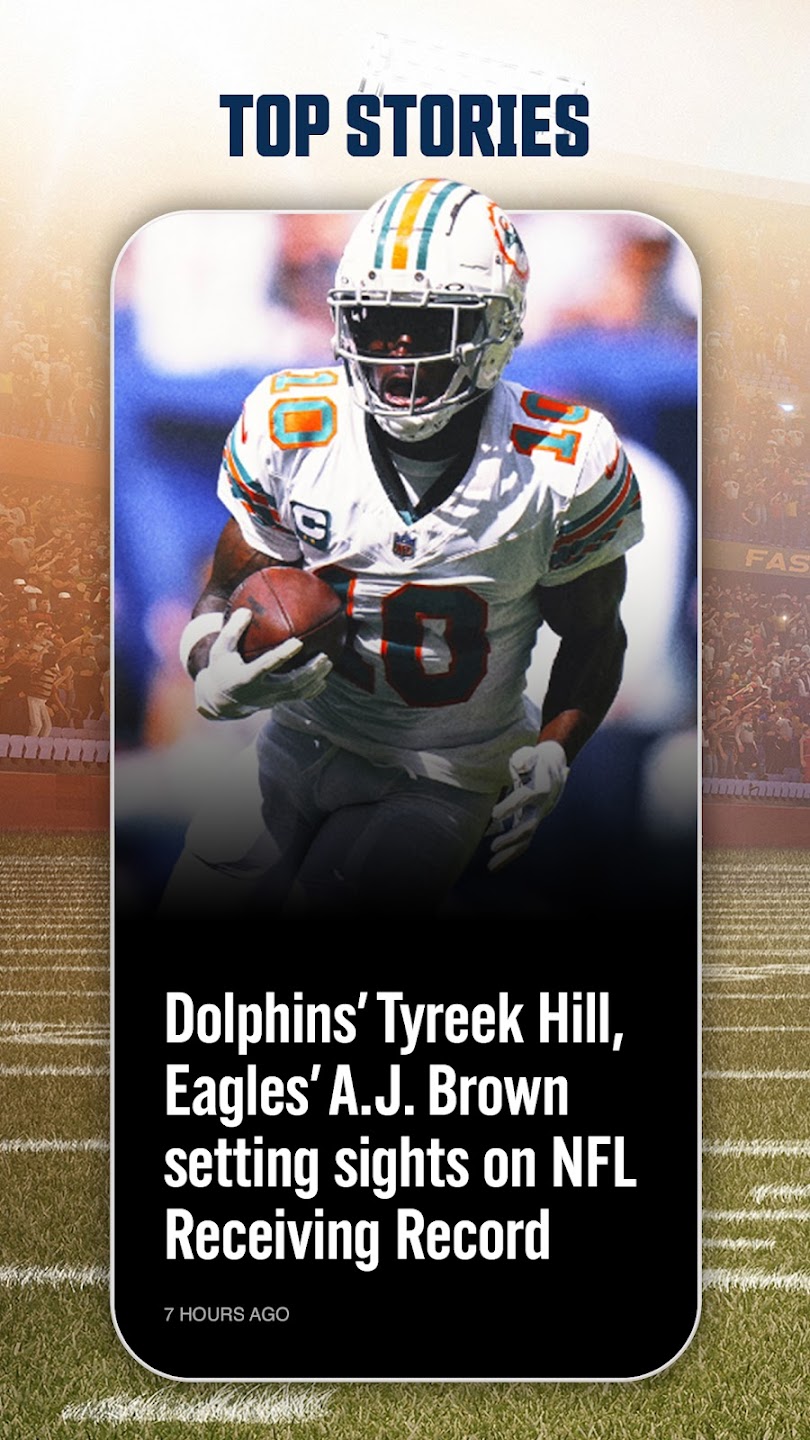
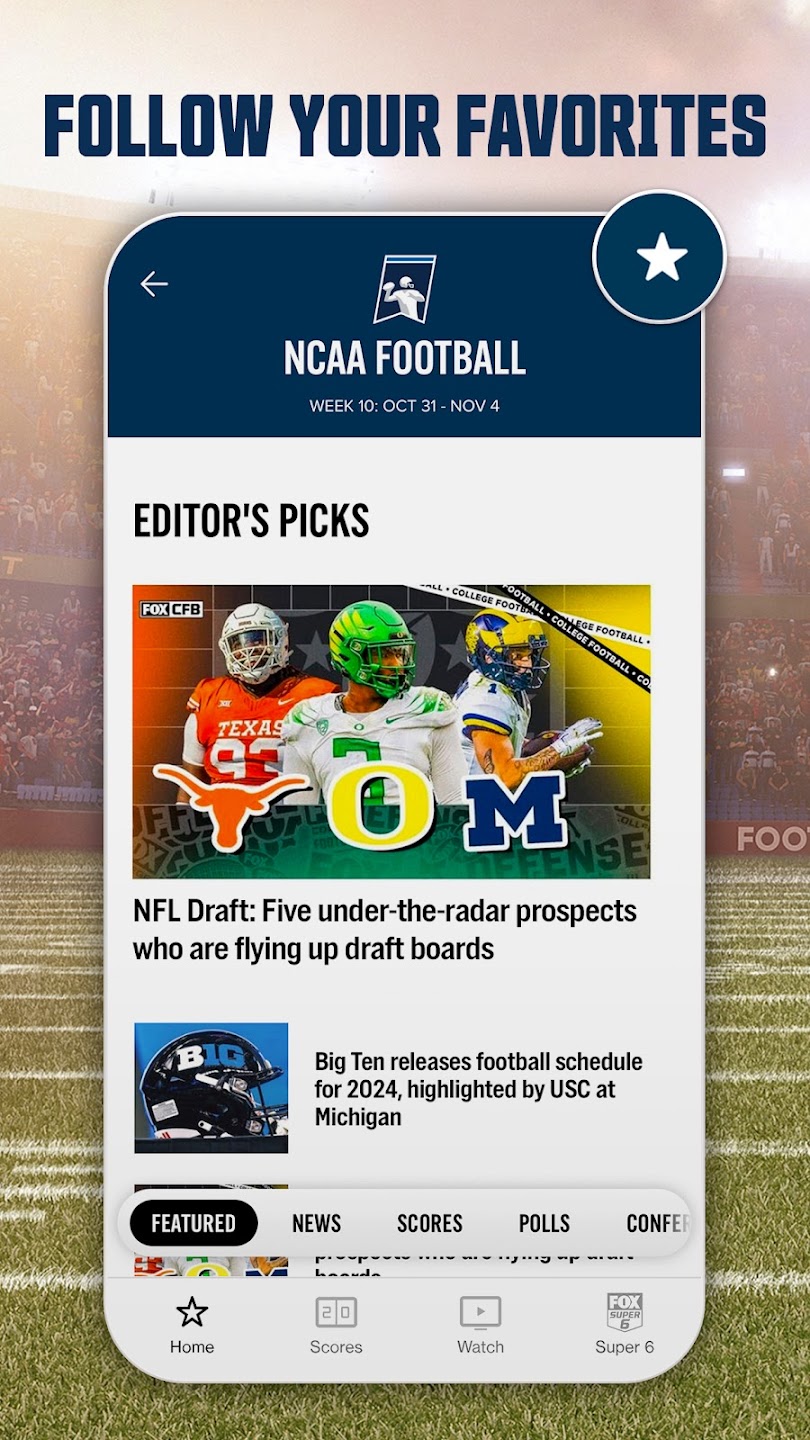
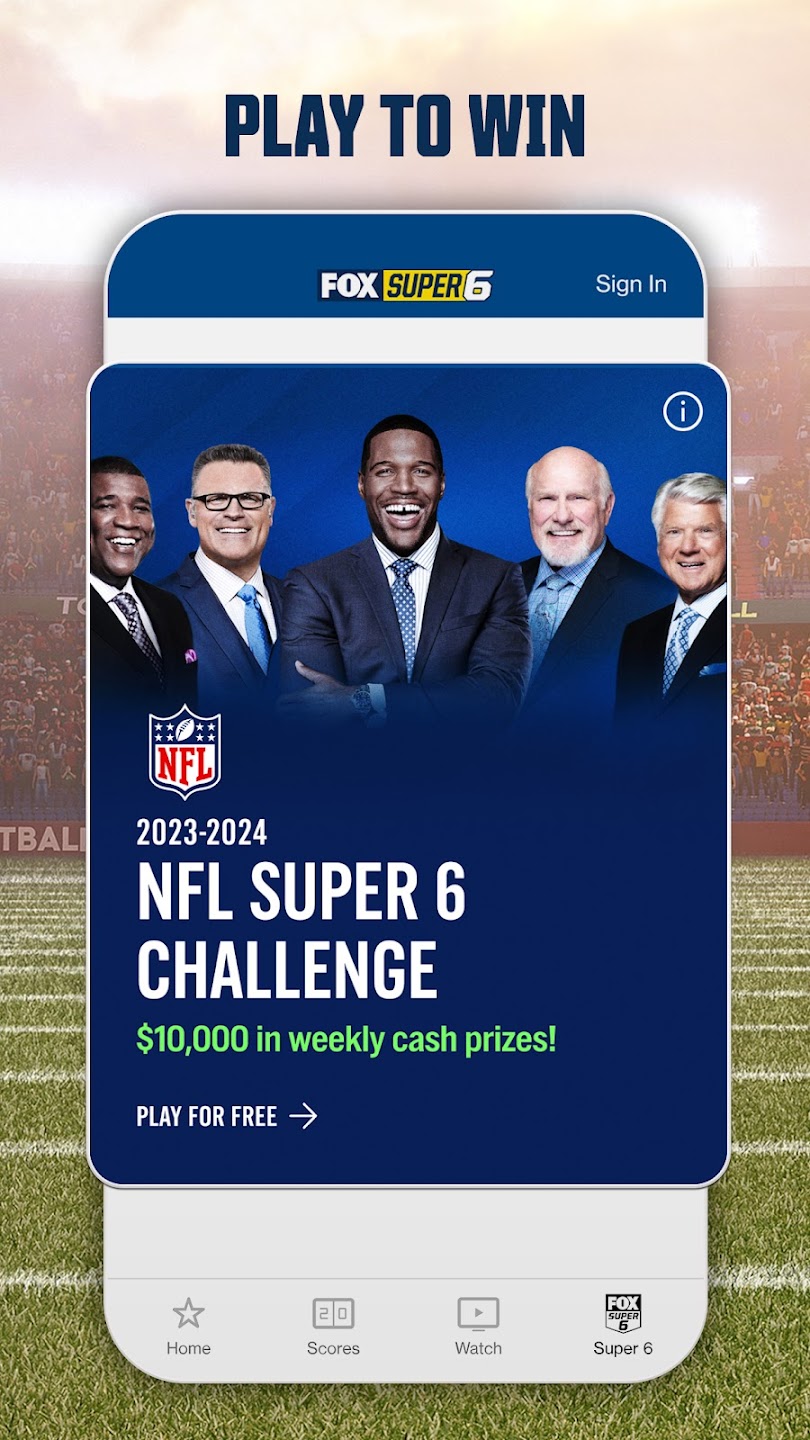
Get the same industry-leading coverage you can expect from Fox Sports television right on your smartphone. Track your favorite teams, players, and leagues, and watch it all unfold live from inside the app. The Fox Sports app offers a complete experience with bonus cams and angles of the game you caught on television, as well as up-to-date sports news.
ESPN
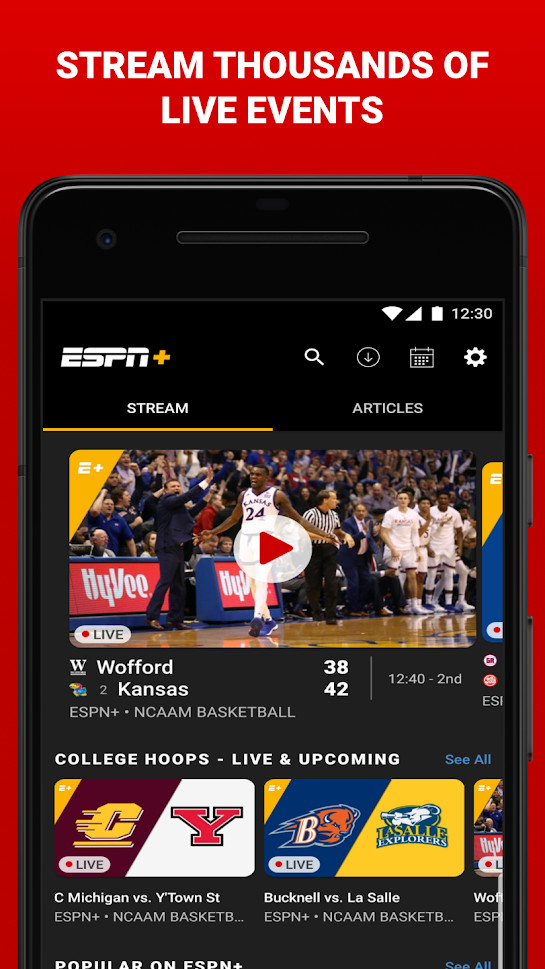
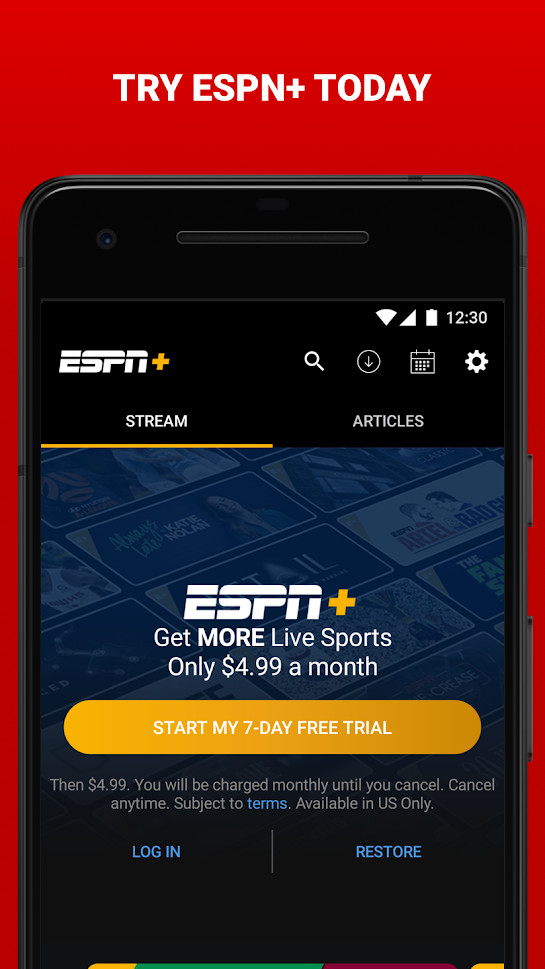
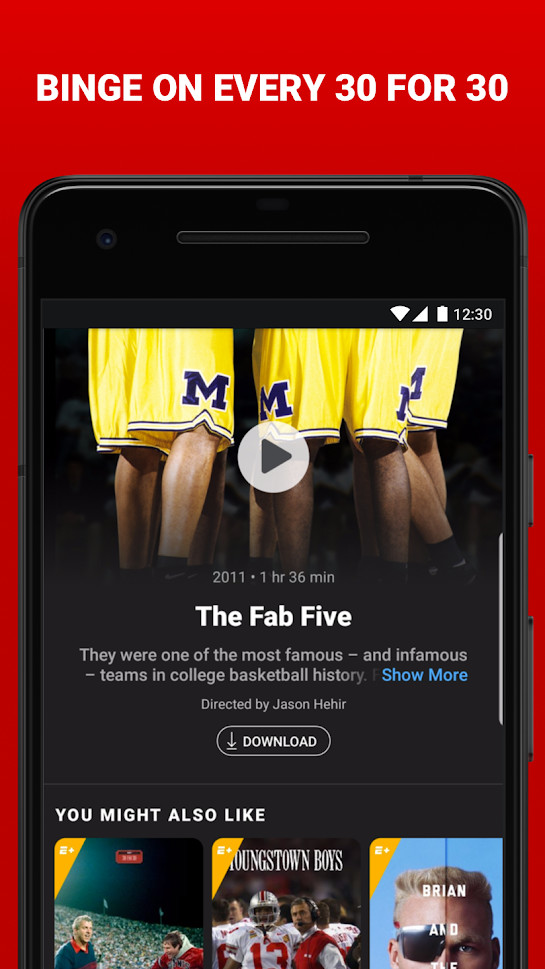
Having the official ESPN app installed is a no-brainer for any die-hard sports fan, especially if you have ESPN+. You can quickly get the latest news on your favorite teams and leagues, including MLB, NFL, NCAA, MLS, NHL, and more.
Social media
TikTok
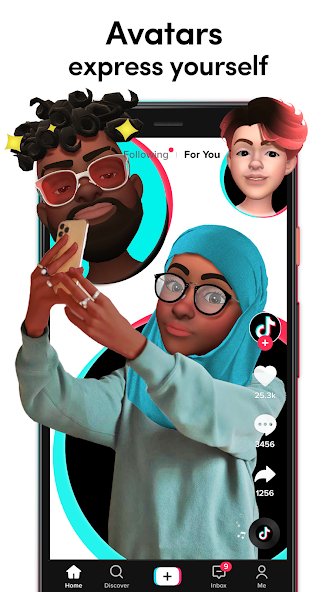
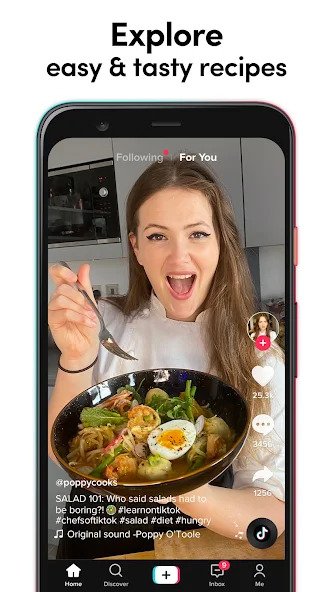
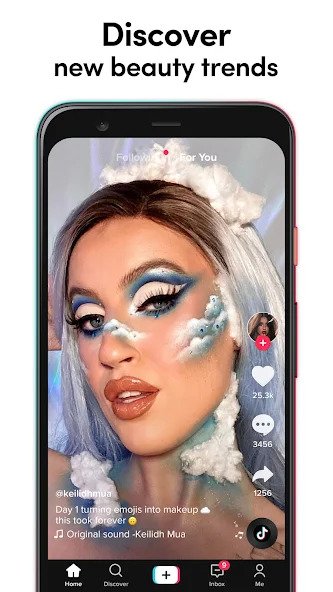
Essentially Vine for a new generation, TikTok is the home of short videos that are amusing, meme-laden, and just generally fit for easy consumption. What started as the app Musical.ly, geared at miming songs while dancing, has bloomed into one of the fastest-growing social media apps in the world. Its algorithm has become legendary as it curates content for you based on what you like and interact with, and there is now content on the app for all generations, hobbies, backgrounds, and interests.
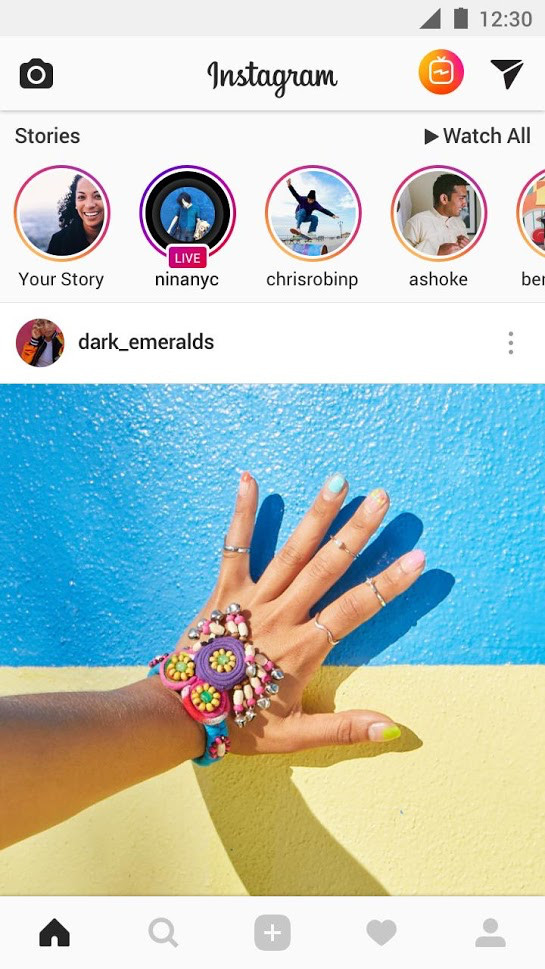

Instagram is ubiquitous in photography now, so you might as well have it on your phone. Owned by Facebook, the social network centered on photos offers great filters and connectivity with others. Instagram has also been angling for a younger market share with its TikTok competitor called Reels.
Messaging
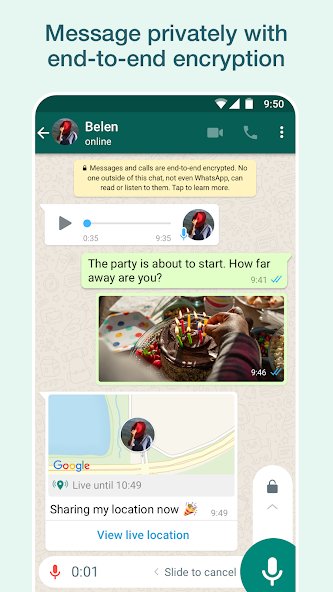
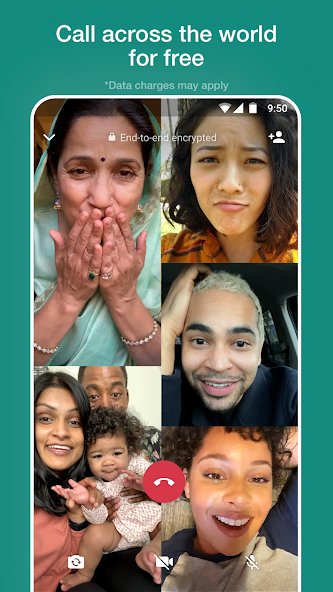
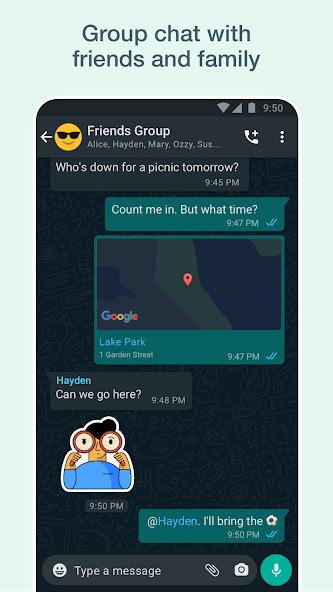
The Google Play Store has no shortage of messaging apps, but WhatsApp’s secure end-to-end encryption and feature-rich interface mark it as one of the best. This cross-platform app lets you send and receive messages, pictures, audio notes, and make video calls for free. A must-have for messaging addicts, travelers, and anyone with loved ones abroad.
Discord
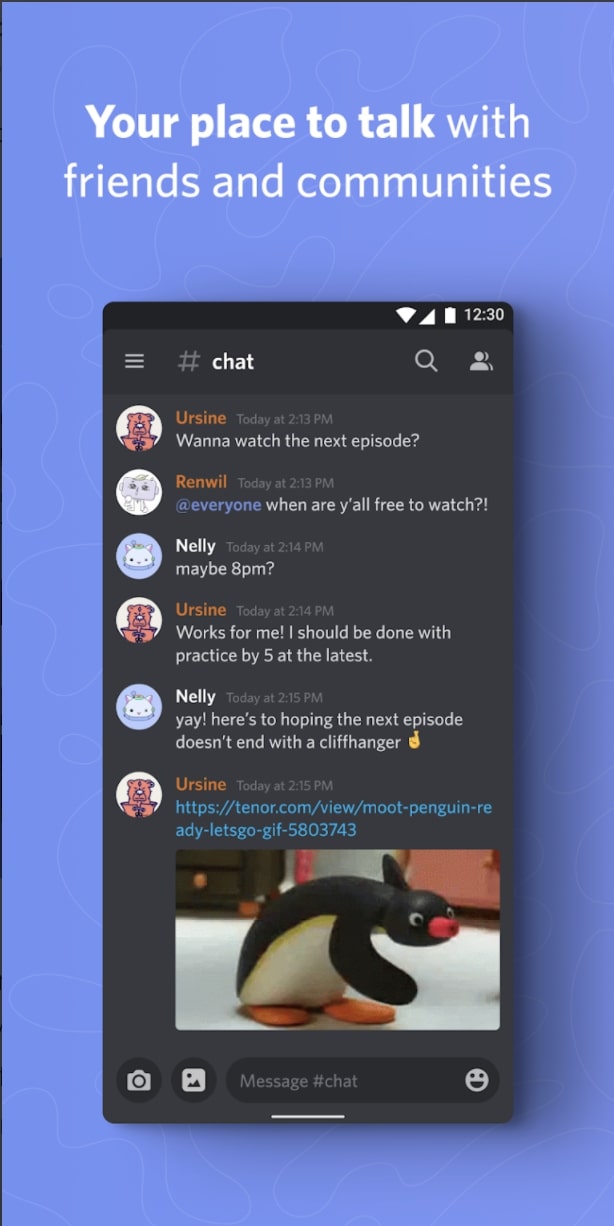
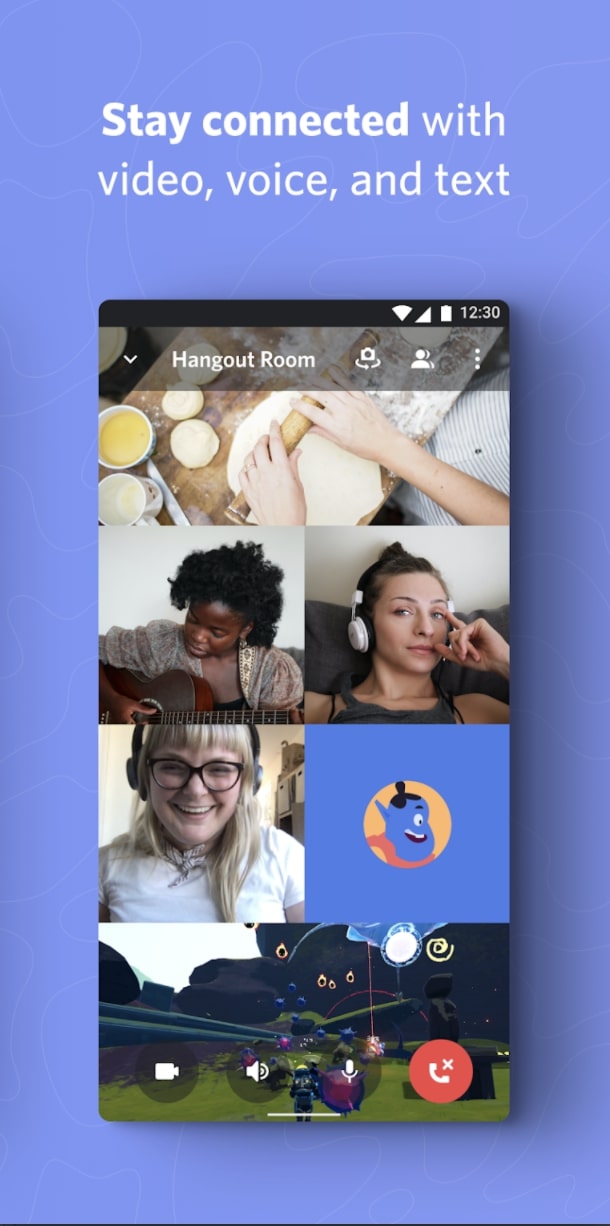
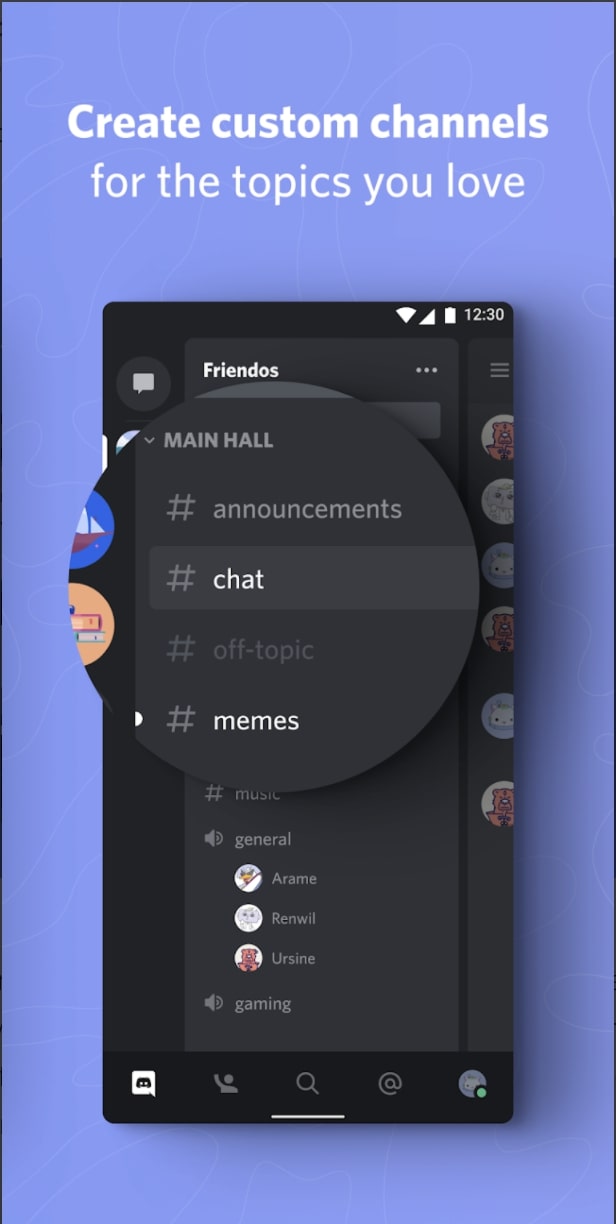
Hugely popular among PC gamers and office workers, Discord is a place for messaging, image sharing, and voice and video calls. It features an intuitive interface that makes it easy to communicate and share with friends and co-workers. Discord is also home to countless communities where members with shared interests can hang out digitally.
Dating
Grindr
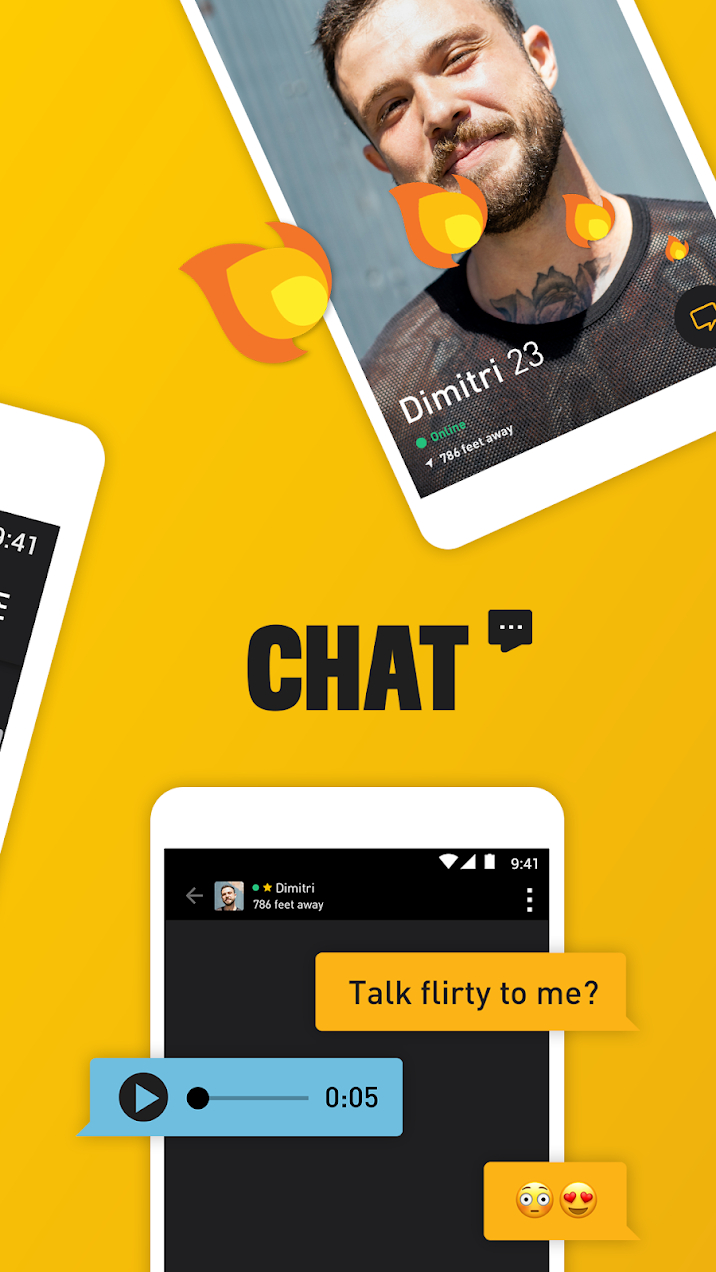
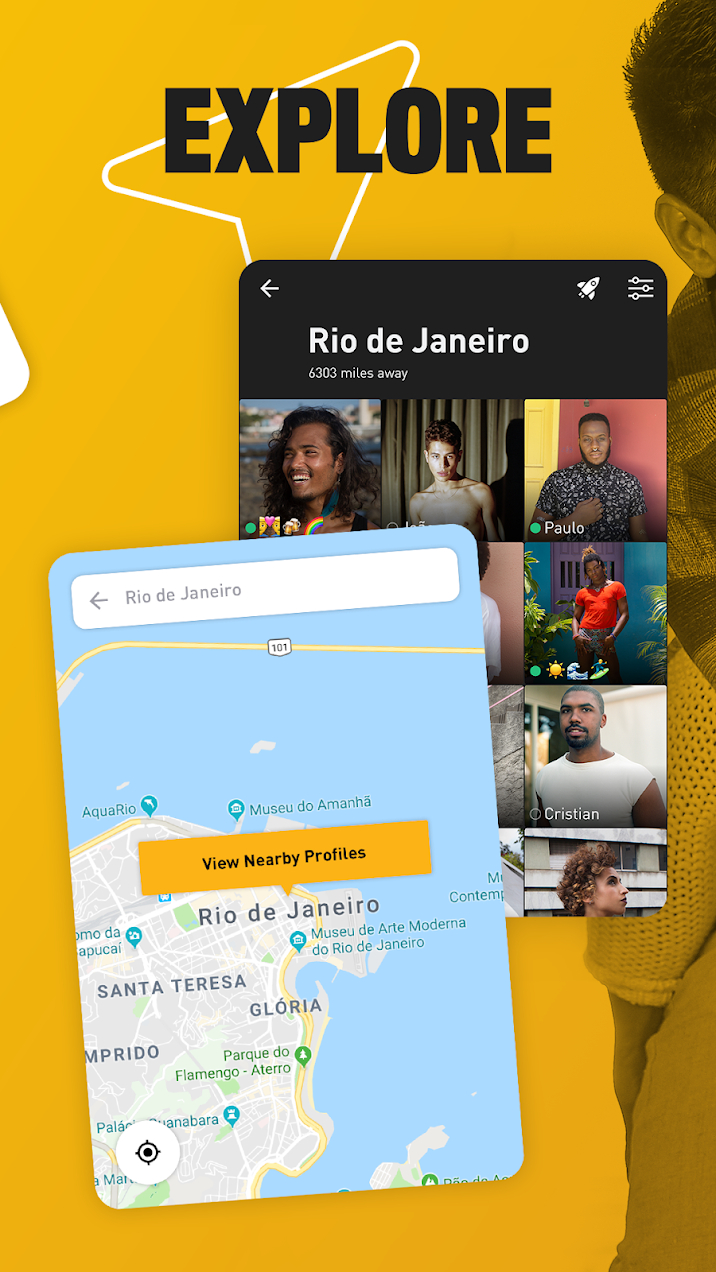
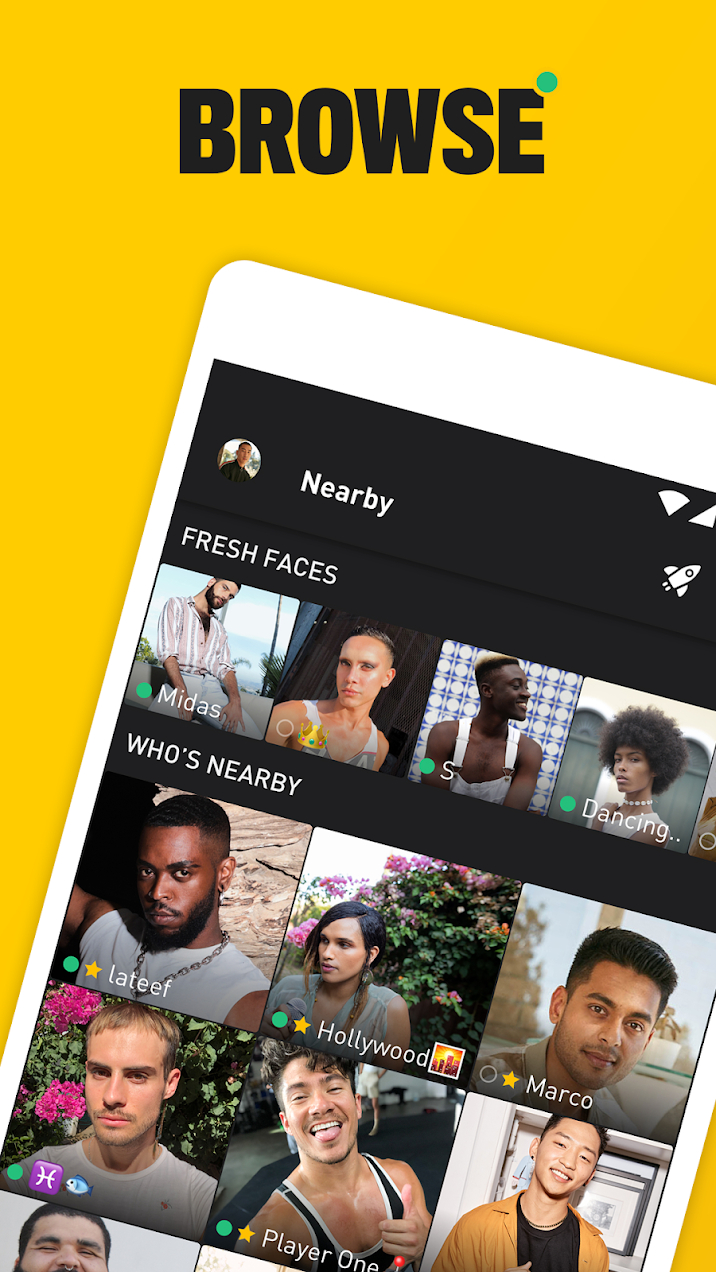
The largest social networking and dating app for gay, bi, trans, and queer people of all sorts, Grindr uses your phone’s location to put you in contact with other nearby members to chat, swap photos, or meet in person. Initially launched as a dating app, Grindr now has a much larger remit as a great chat and networking app.
Hinge
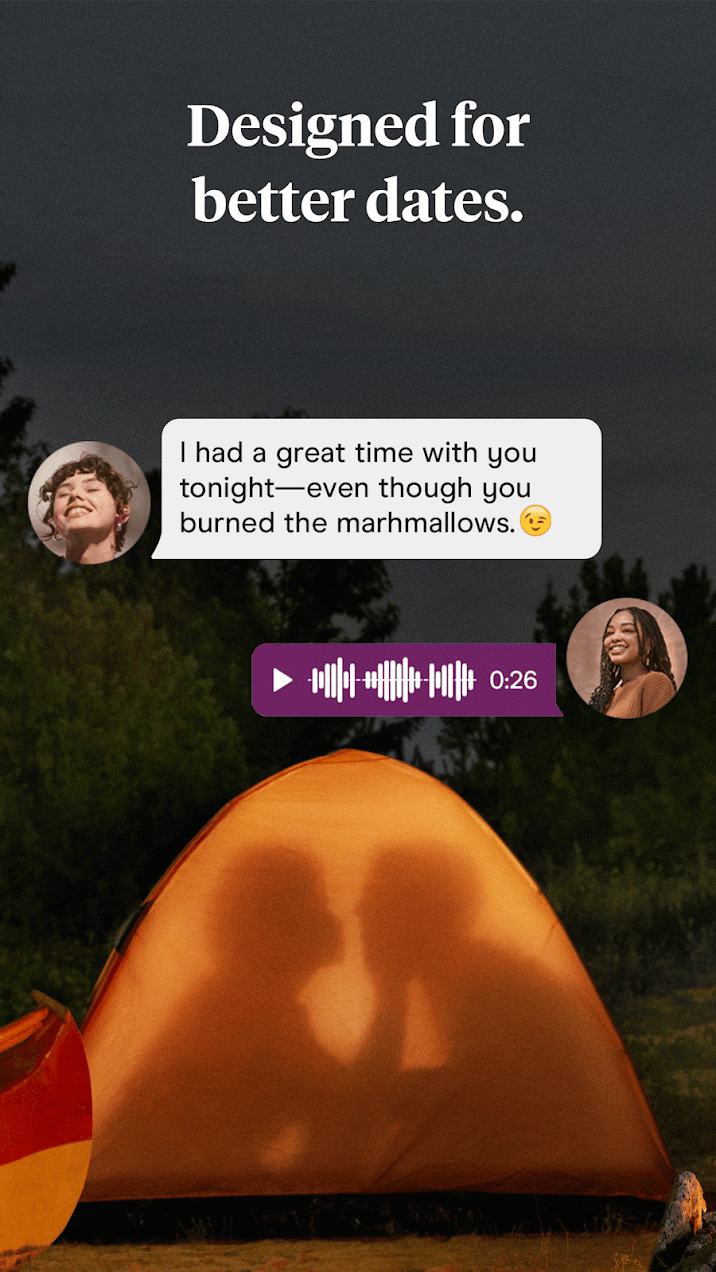

Hinge is the app “designed to be deleted.” By highlighting our most personal values, future plans, wants, and needs, Hinge focuses on bringing people together looking for serious relationships. The company also enforces a zero-tolerance policy on harassment, abuse, or any untoward behavior against their terms of service. Hinge sets out to provide an alternative to the fast-casual nature of many other dating apps, and according to the company, four out of five users go on second dates.
Reading
Kindle
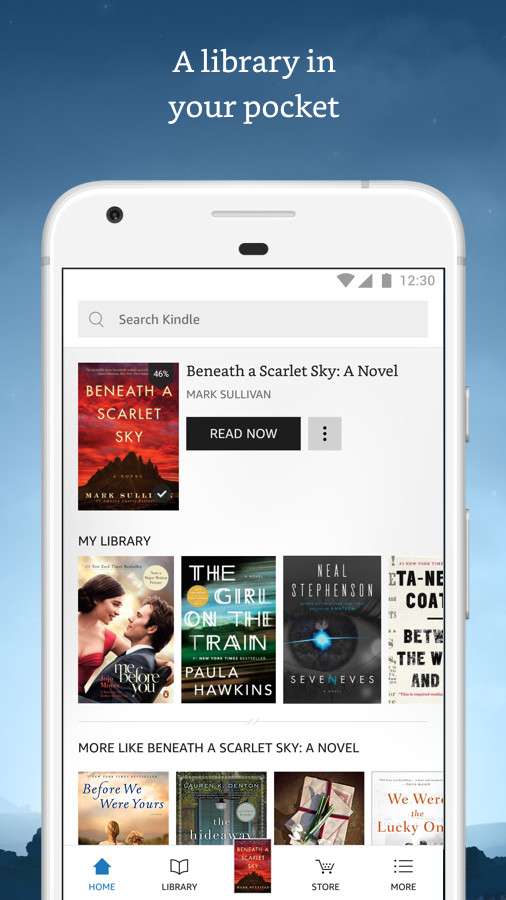
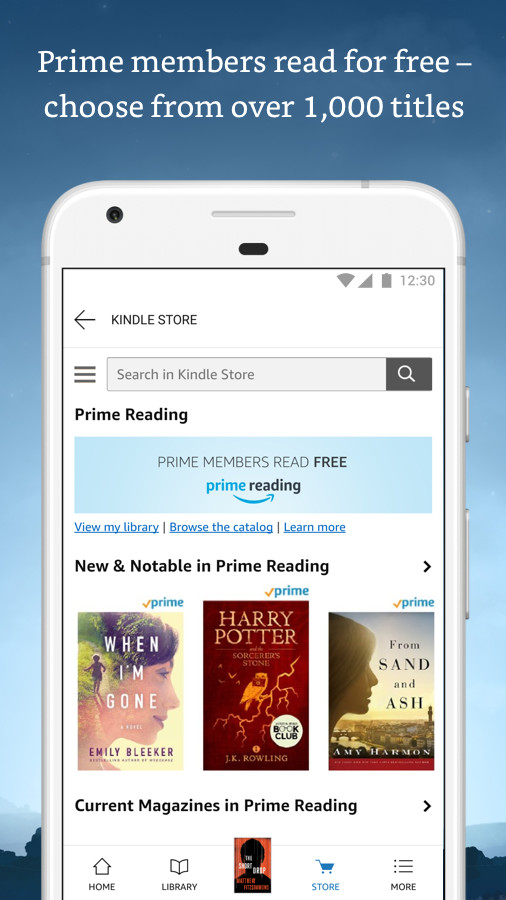
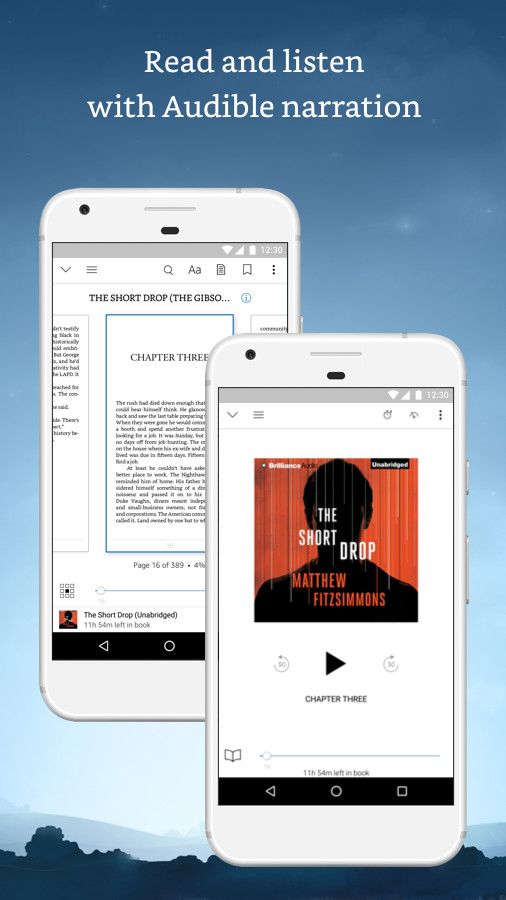
Don’t worry if you don’t have a Kindle — you can still read your ebook directly on your smartphone. From best-sellers to the classics, it’s all here, with more than 900,000 titles in Amazon’s store.
Audible
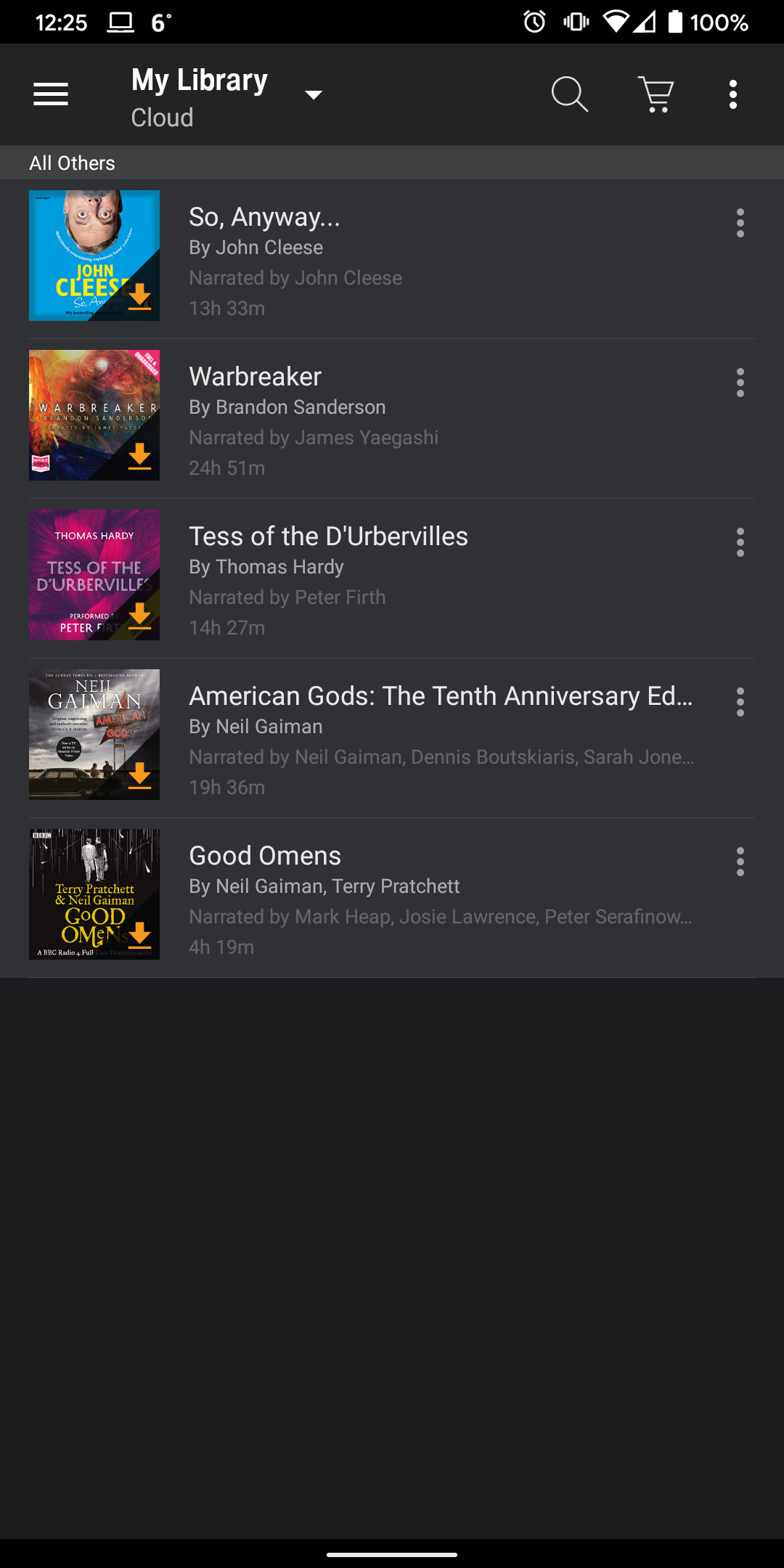

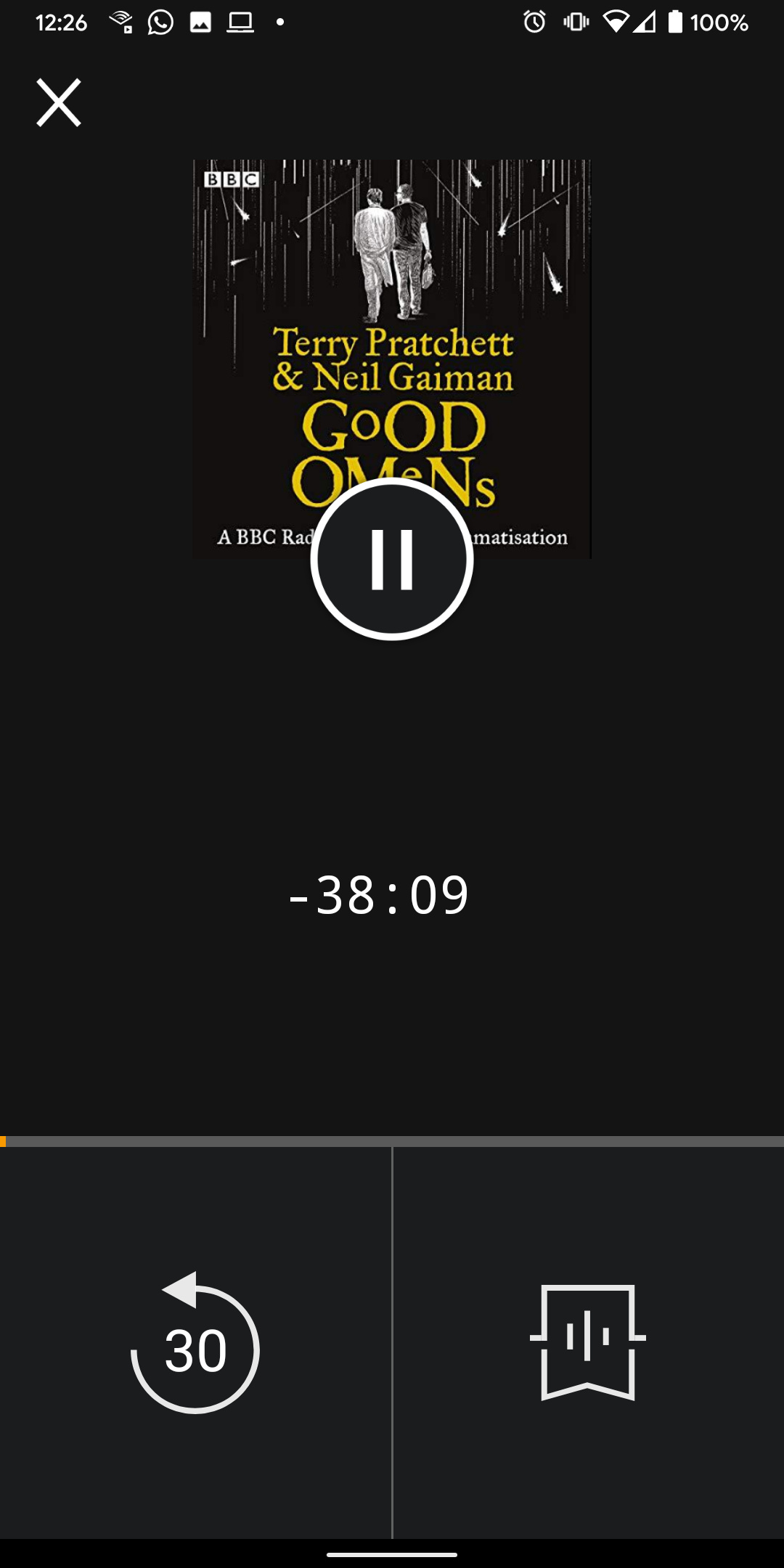
Audible is the premier place to consume audiobooks on your Android device. There are thousands of audiobooks on offer, from classics to the most recent hits, and you get your first audiobook for free. A $15-per-month subscription gets you a credit per month to spend on any audiobook, and options for playback speed and cross-device syncing make listening even easier. There’s even a car mode for listening on the go.
Gaming
Roblox
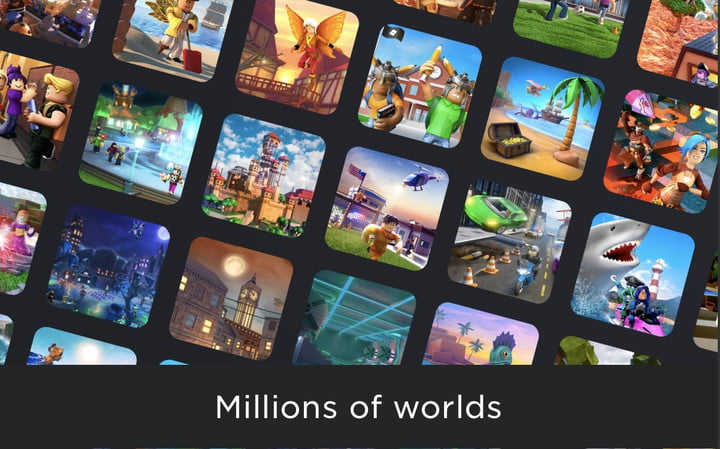
Roblox deserves a spot as an essential app because it is so much more than just a game. With over 160 million active users and representing more than half of all children under age 16 in the United States on the platform, Roblox has ballooned into an online universe reminiscent of the “metaverse” that purports to be the future of online life and interaction. Roblox is itself a platform for game development and is responsible for millions of children gaining an interest in coding and software development.
Twitch
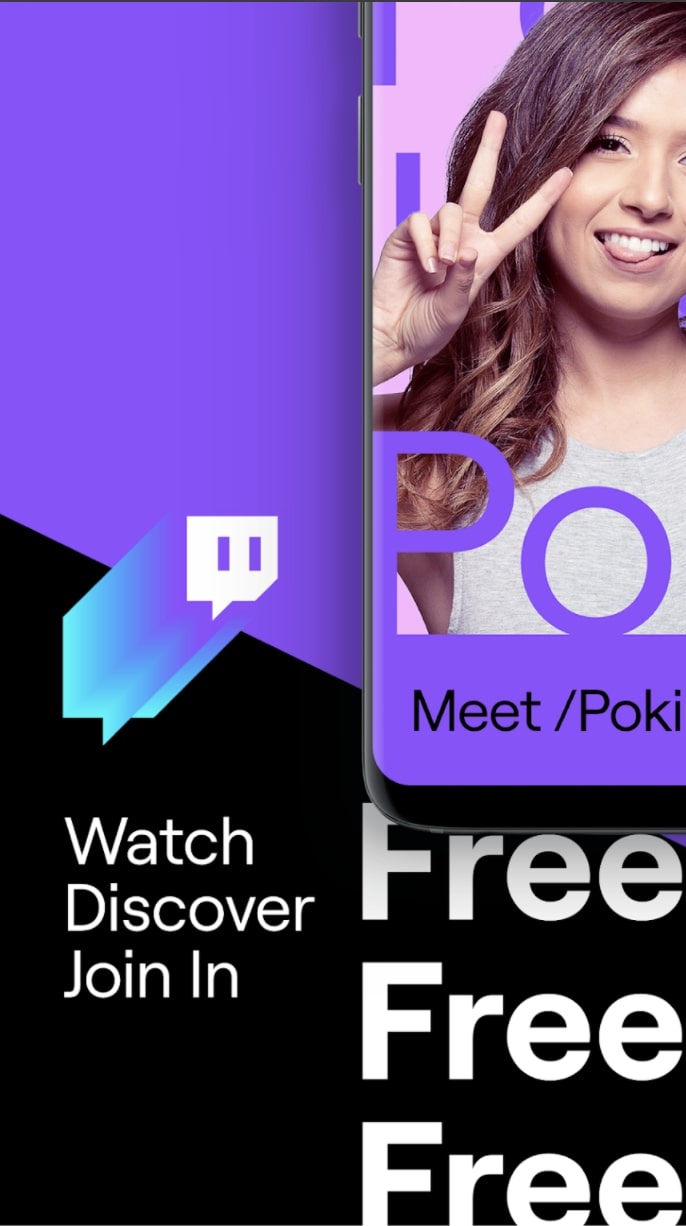
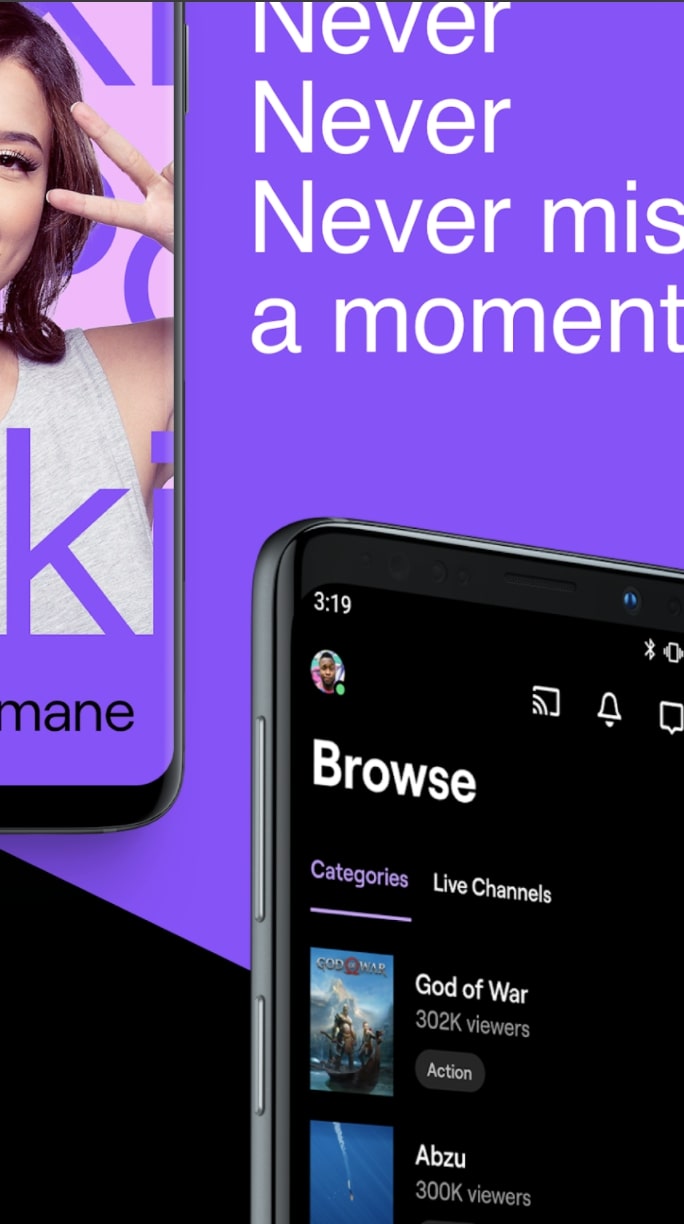
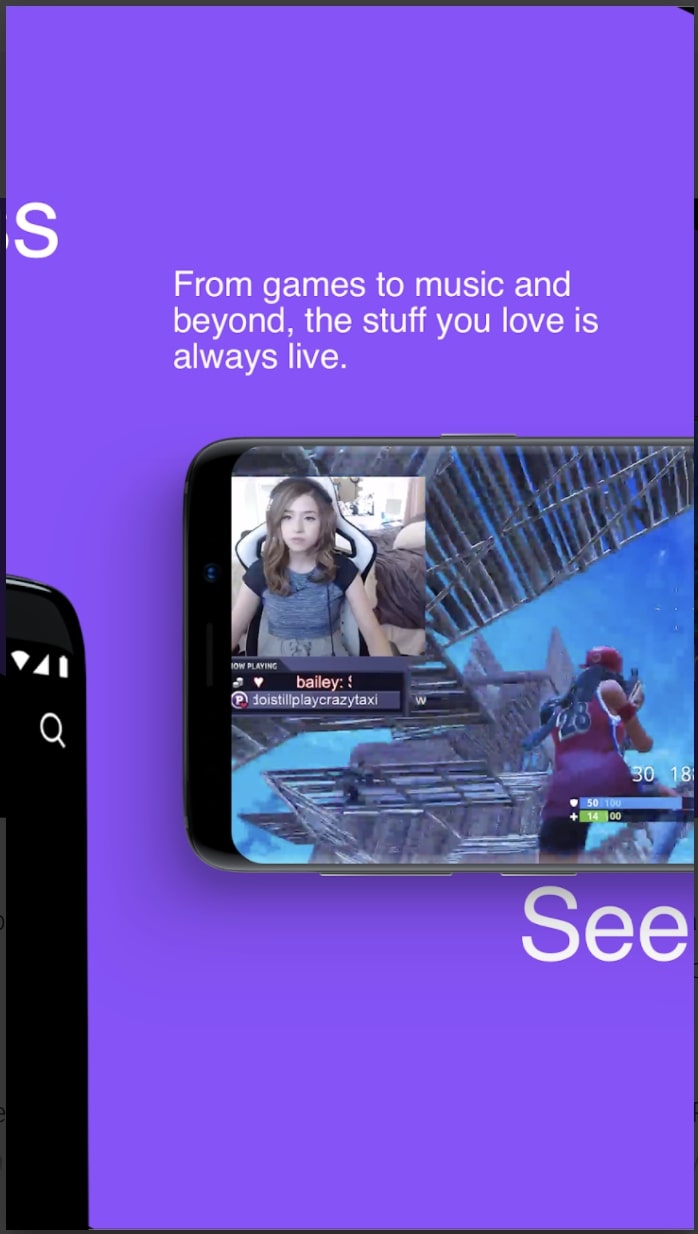
While platforms like Facebook Gaming try their best to compete, Twitch remains the preeminent option for video game streaming and sports a growing roster of celebrity streamers. With the power of Amazon behind it, it’s unlikely Twitch will be dethroned anytime soon.
Nutrition, cooking, and food
DoorDash
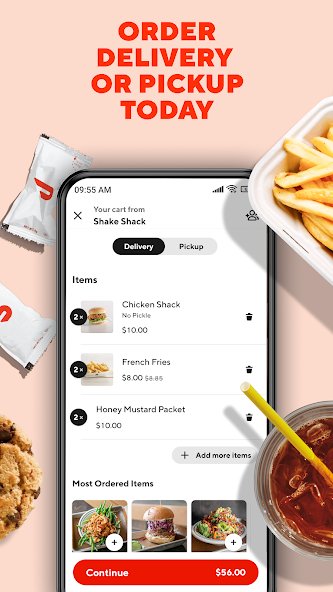
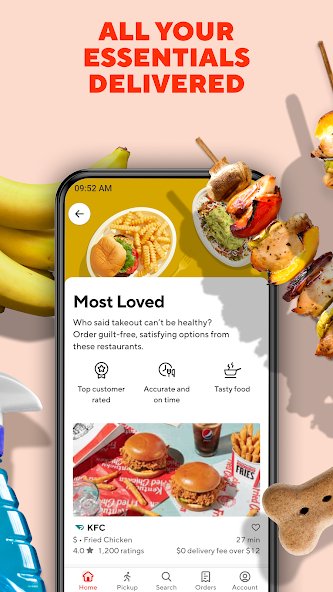
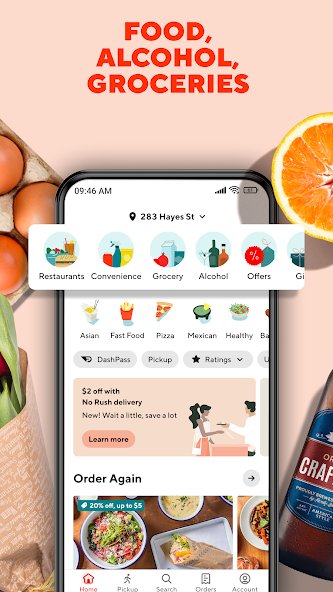
There are so many food delivery apps out there to choose from, but DoorDash is one of the most popular. That’s likely because not only can you order from your favorite restaurants — from Wendy’s to The Cheesecake Factory — but you can also get alcohol, fresh groceries, household goods, and more delivered to your doorstep with no minimum spend. Whether you forgot some ingredients for cooking, ran out of shampoo, or are craving sushi, DoorDash will deliver, and if you sign up for DashPass, there are zero delivery fees for your first month. You can also schedule deliveries for a future date, track orders in real-time, and pay via Apple Pay, Venmo, PayPal, or credit card.
Yummly
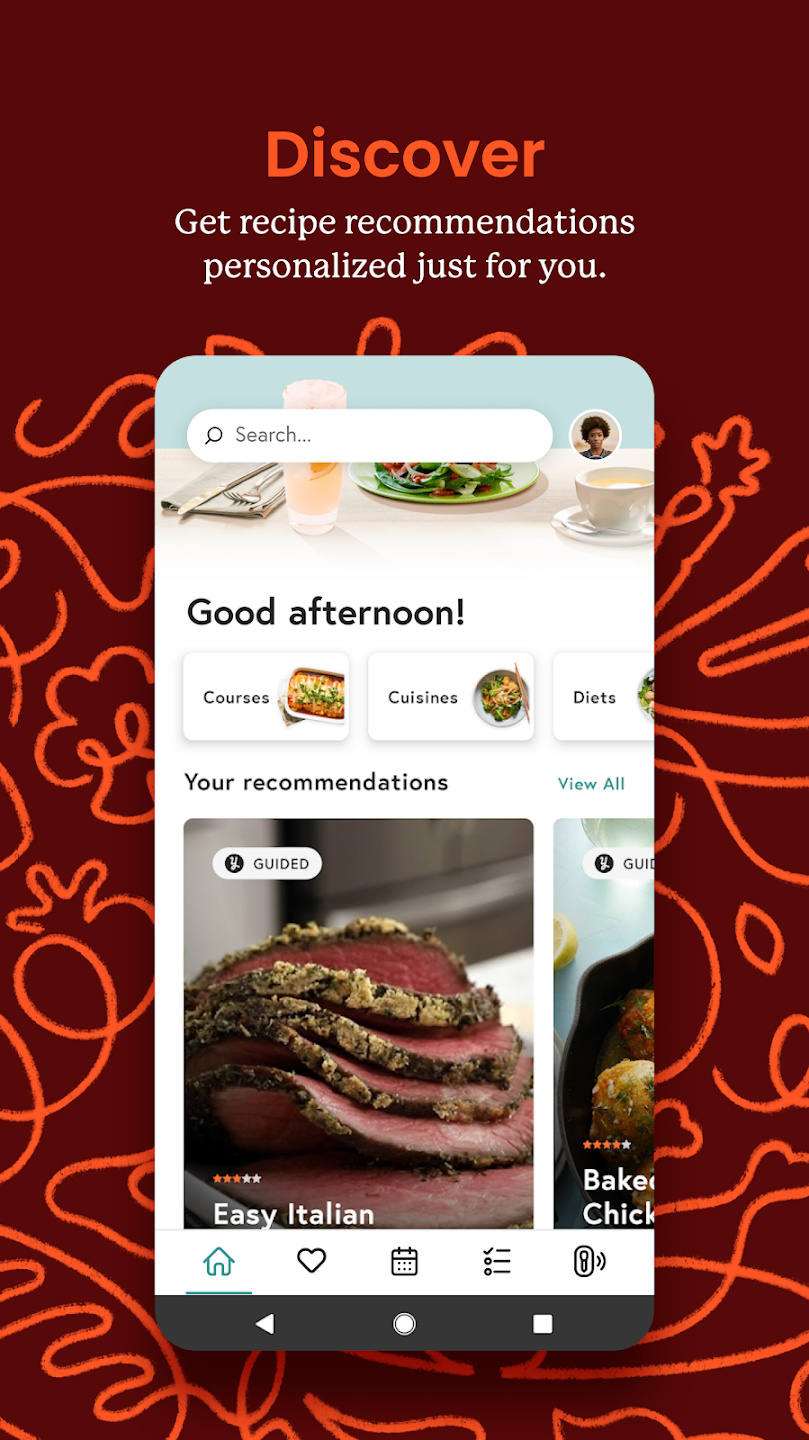
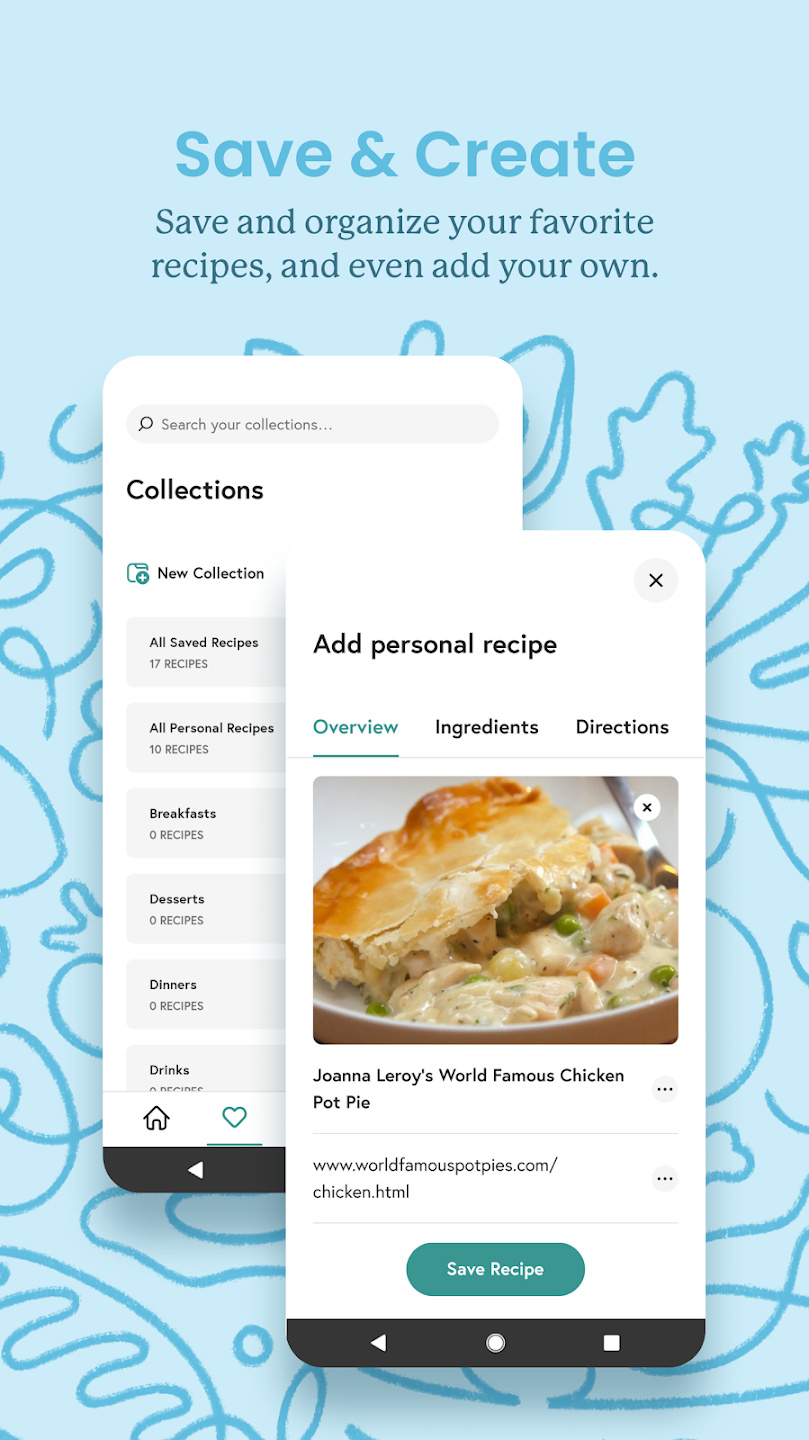
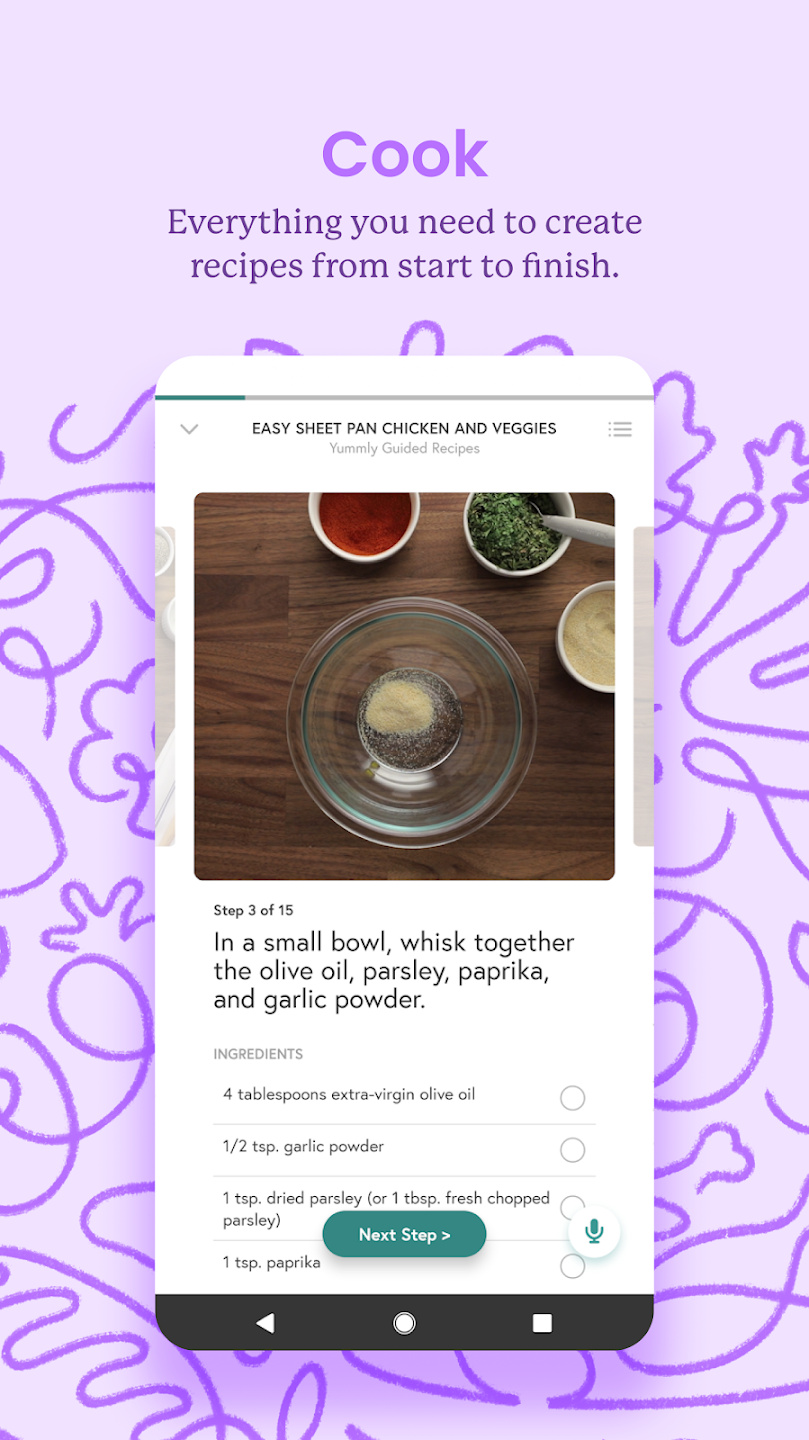
There are plenty of recipe apps, but Yummly is one of the best. There are over2 million recipes stored in this app, but don’t be scared by the sheer number of choices, as Yummly uses AI to narrow down your list of options and presents them to you based on what you’ve made before. You can set up dietary requirements and filter by cooking time, ingredients, and other criteria. You can even set up a smart shopping list for your trip.
Fitness and health
MyFitnessPal
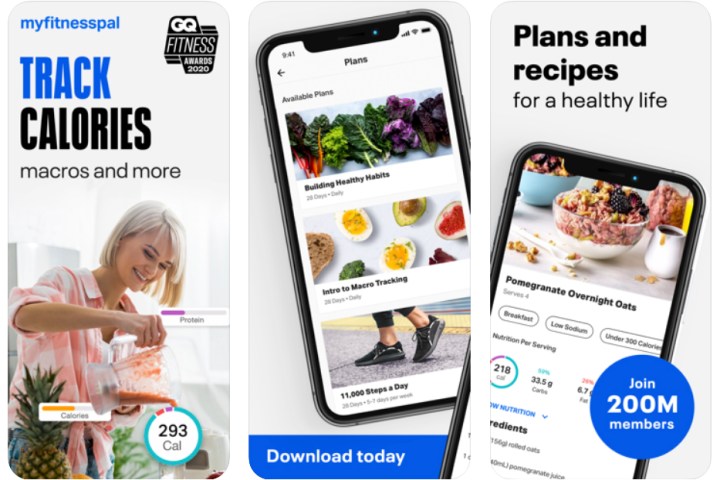
Like it or loathe it, there’s little doubt about the effectiveness of calorie counting. But it can be tough to keep track of everything you’re eating, especially when you have to look up calorie counts for everything. Thankfully, MyFitnessPal can do it for you, with its enormous database of foodstuffs, bar code scanning, and more.
Caliber
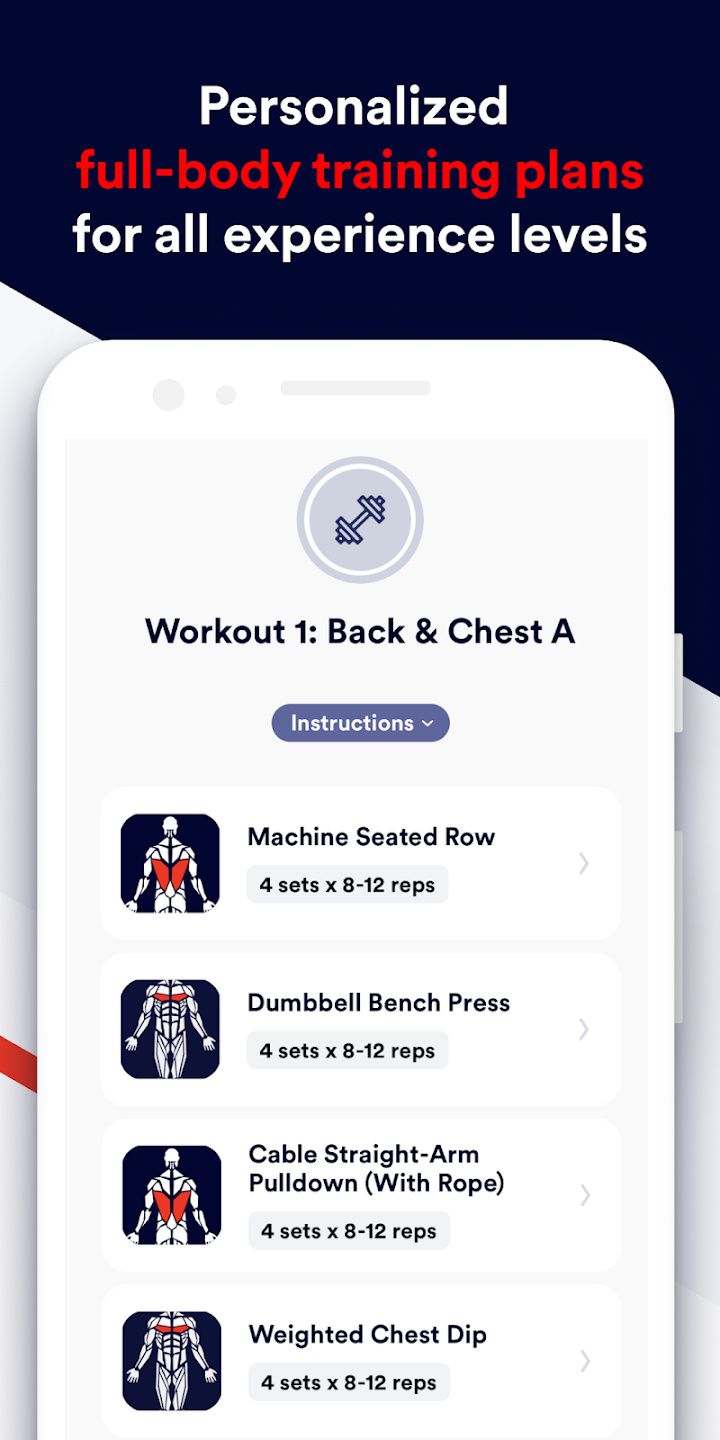


Caliber is an all-in-one training app that includes strength training, nutrition tracking, and reminders to build healthy habits so you can focus on your fitness goals without having to juggle different apps for every aspect of your journey. A Caliber membership gets you personal coaching to ensure you’re hitting your personal goals, as well as supplies in-depth analysis, but you can also use the app for free and keep track of your activity, schedule workouts, and take short weekly lessons.
GoodRx
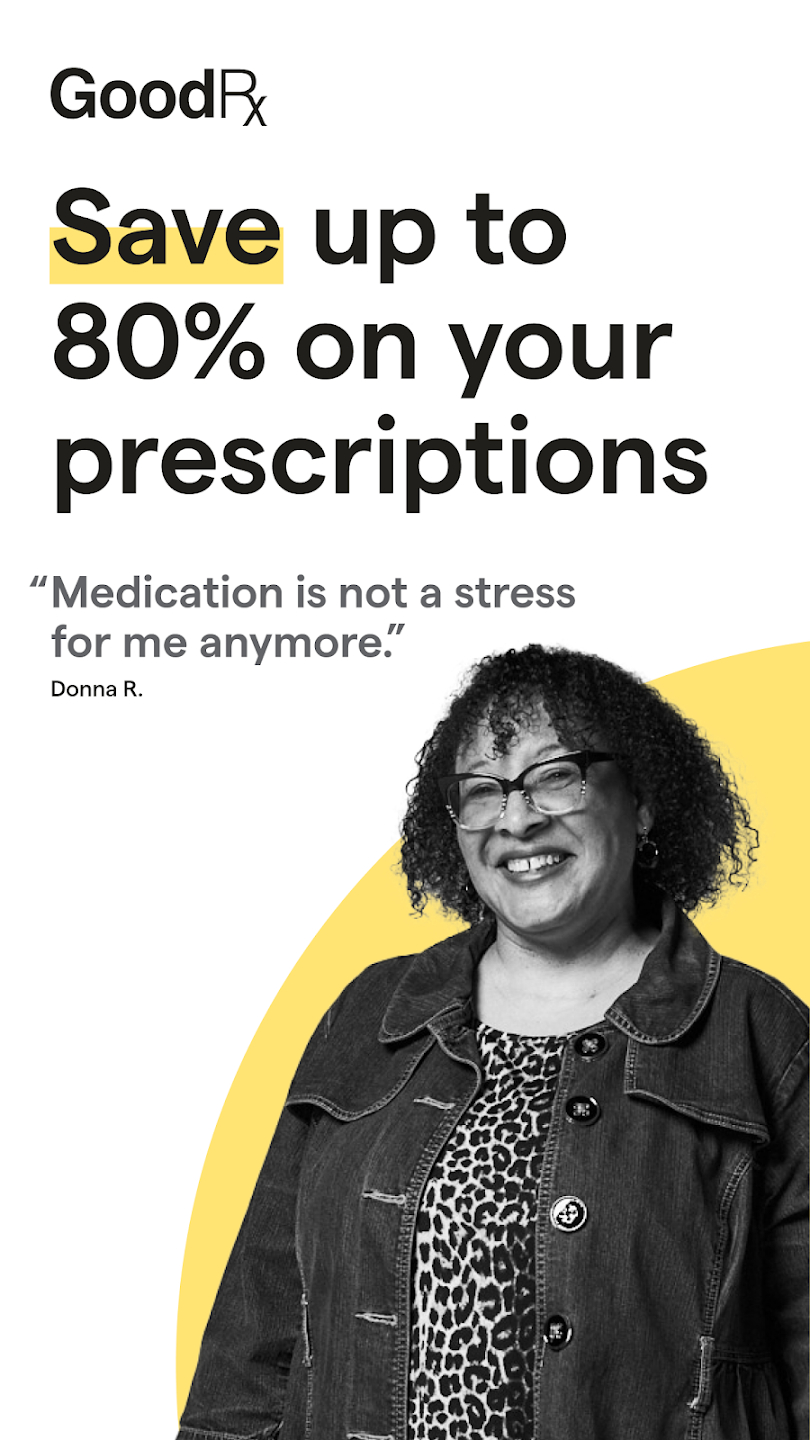
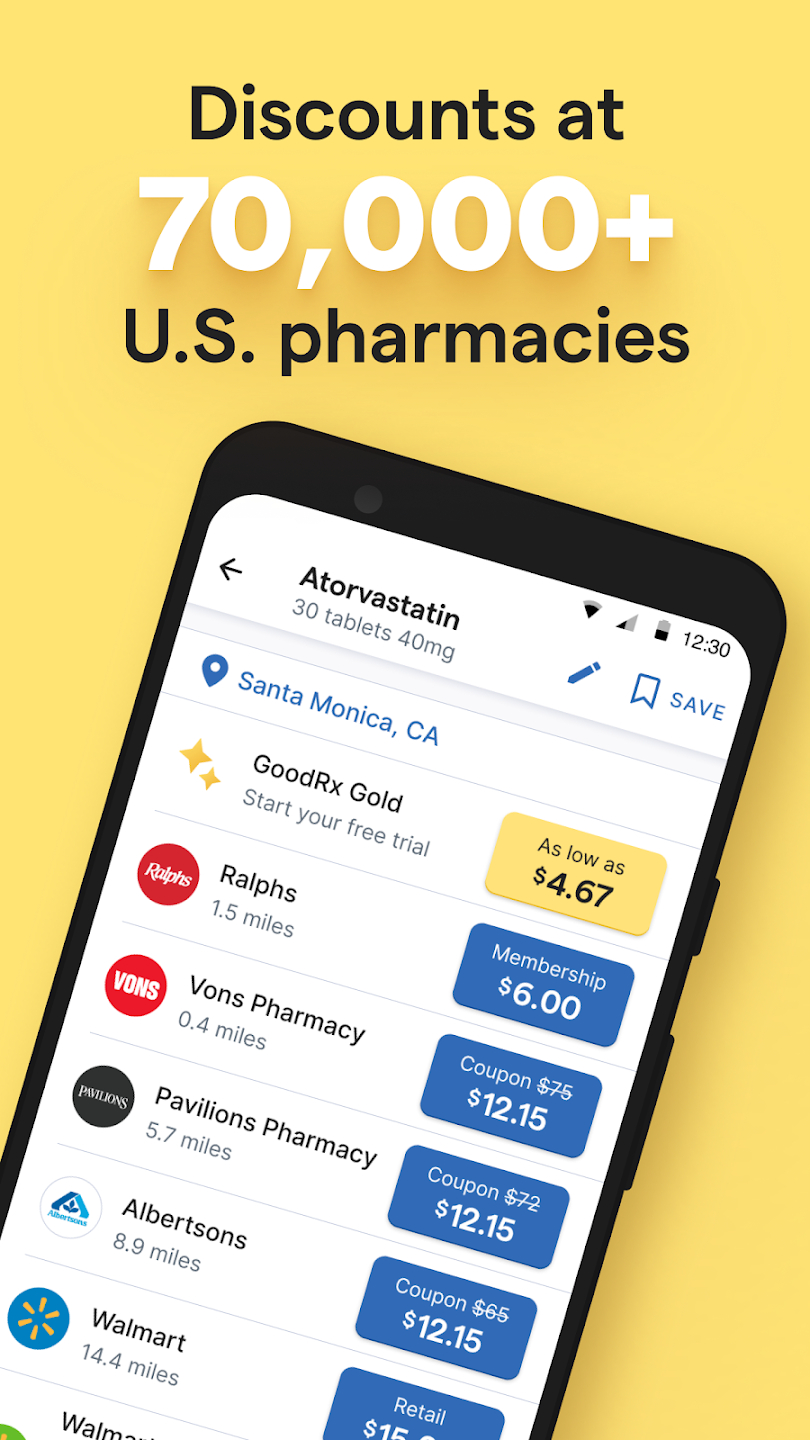
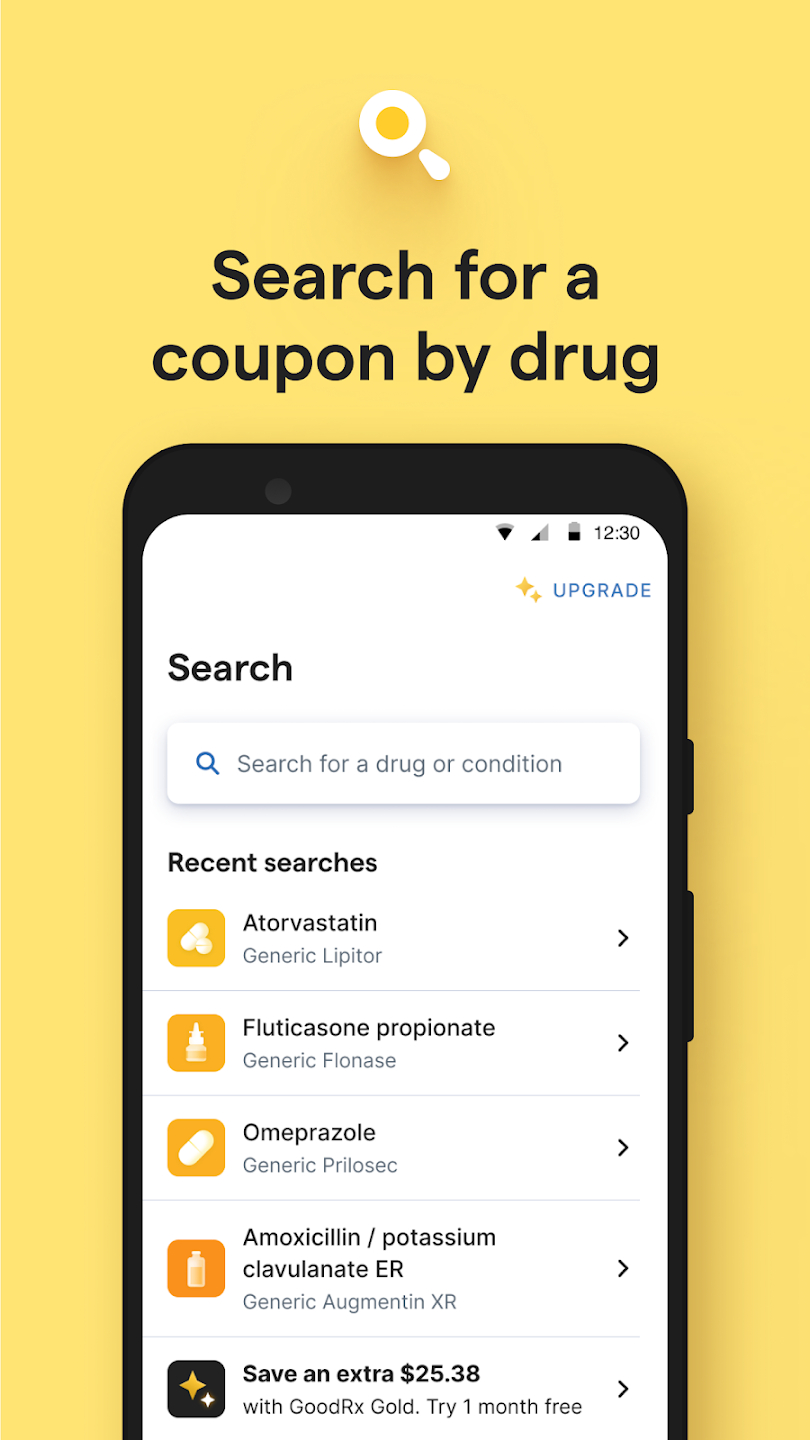
GoodRx can help you save on your prescription medicine costs by helping you find coupons for your most important prescriptions accepted at most pharmacies. The app also offers a medicine tracker and pill reminder to help track your daily health routine. Before you pickup a prescription, check GoodRx to save some money.
Finances and money
Acorns
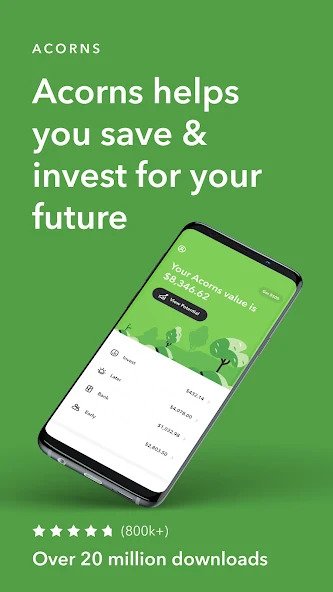
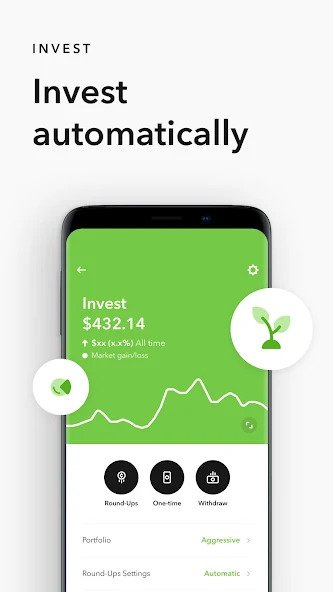

Looking to save a little more money? Acorns helps you invest by rounding off your credit card or debit purchases to the nearest dollar. Once you’ve accumulated a little money, it’s easy to transfer the funds to your bank account. Acorns also offers retirement accounts like a Traditional IRA, so you can start saving for retirement now.
Fidelity Investments
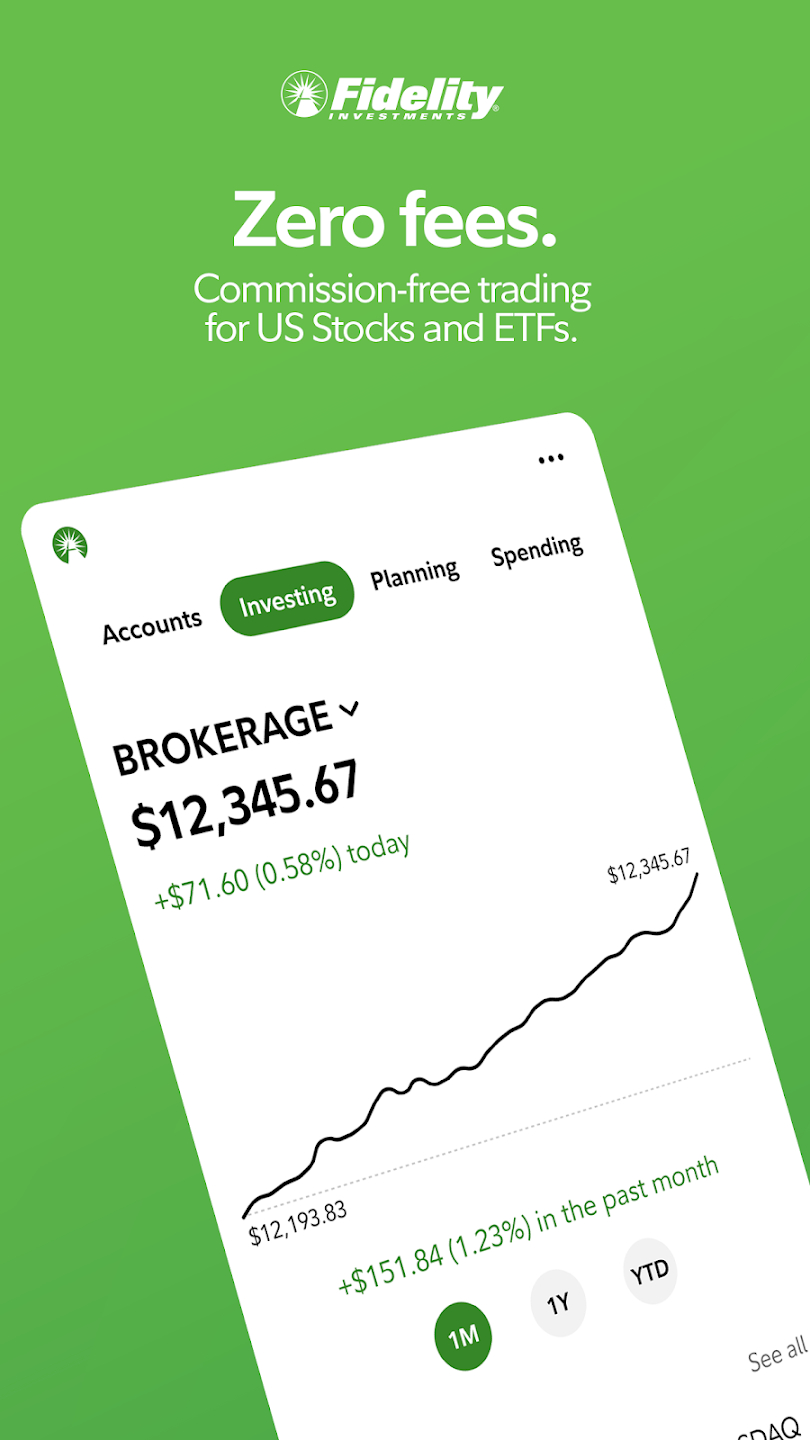
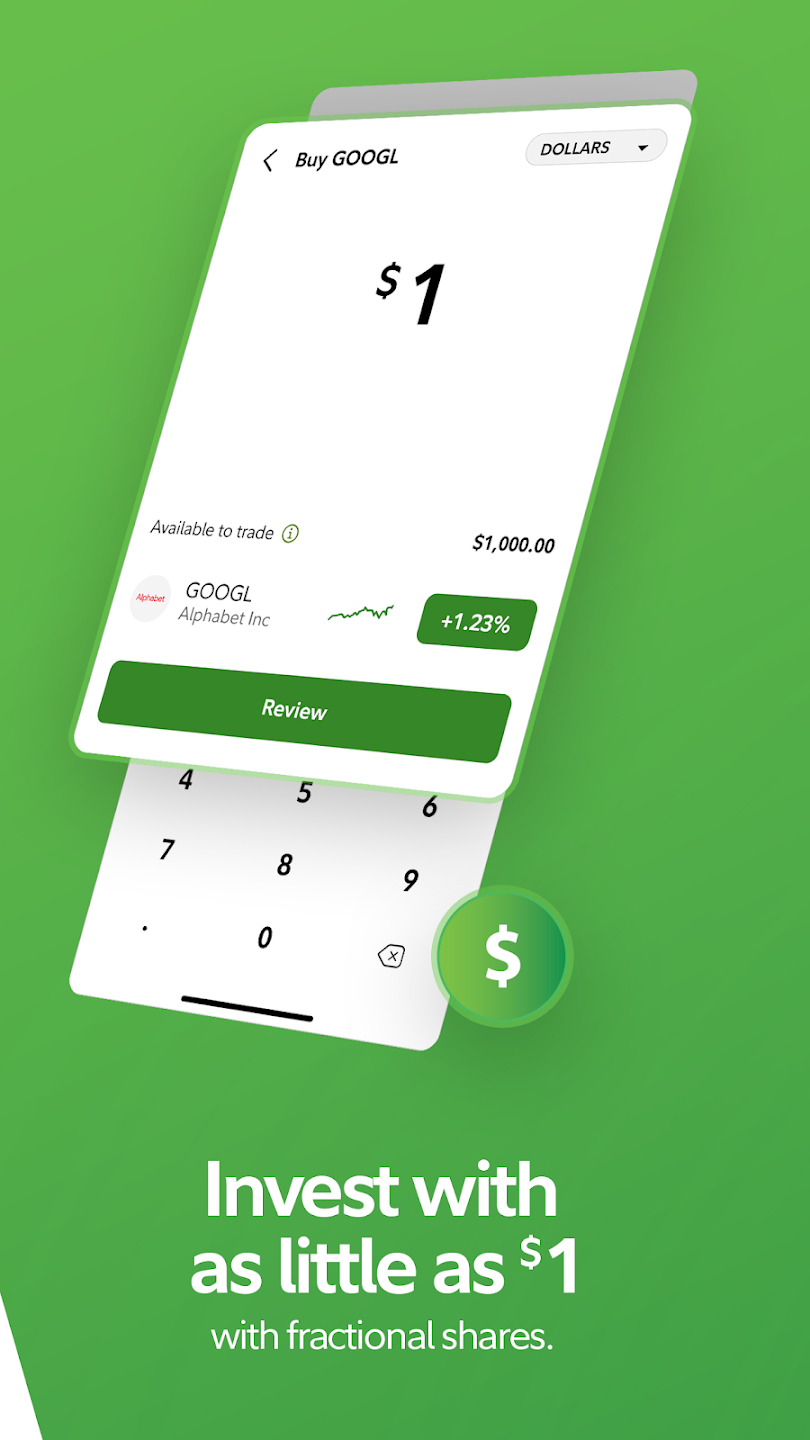
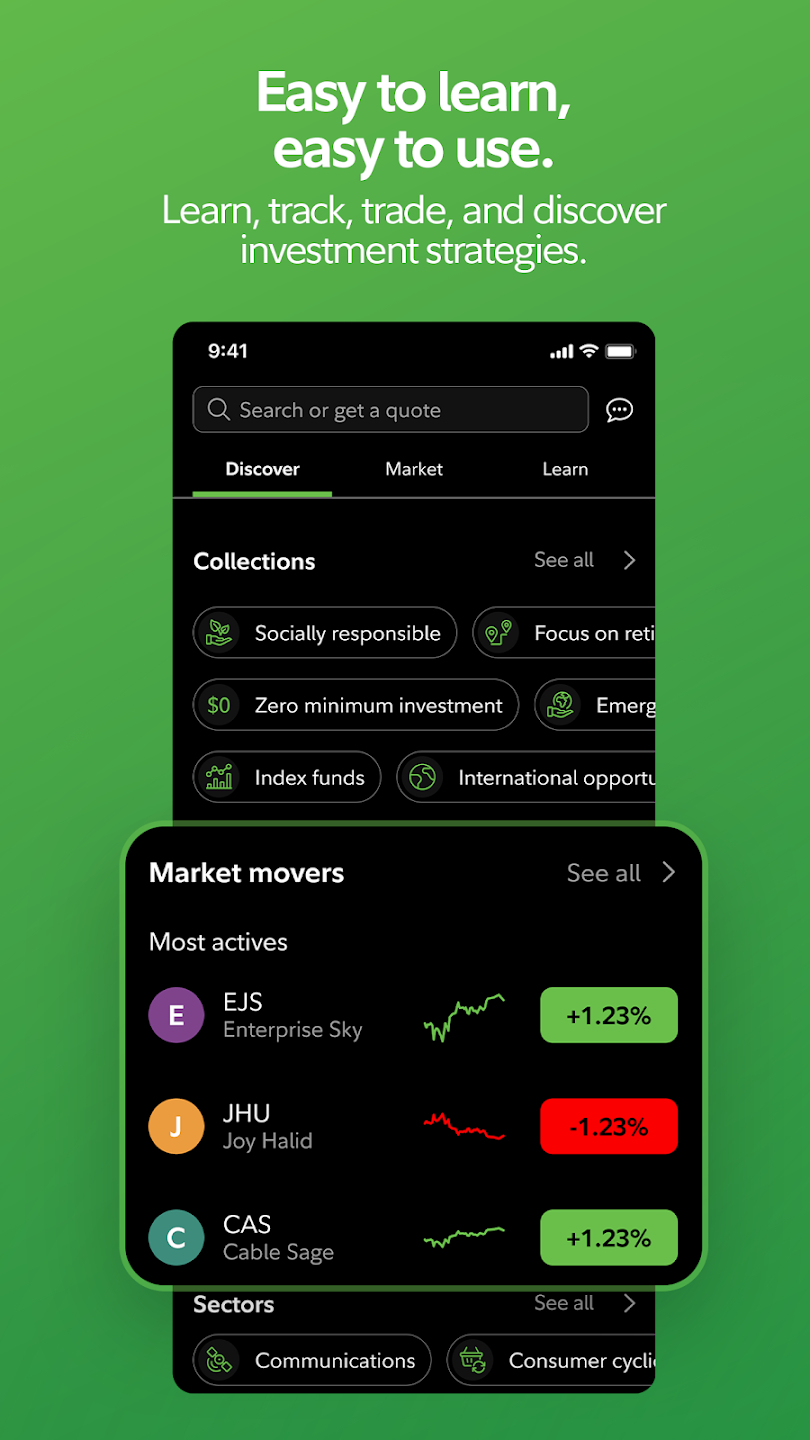
Fidelity Investments brings the power of the brokerage and financial services company Fidelity into your pocket. Open a retirement or taxable account and handle your trades and portfolio right from the app. Fidelity allows you to buy fractional shares, and execute trades with $0 commission fees on U.S equities or ETFs.
Shopping
eBay
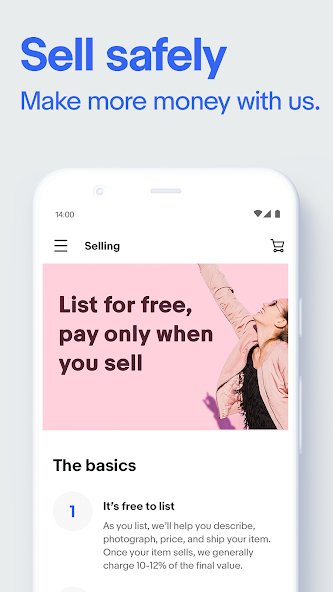
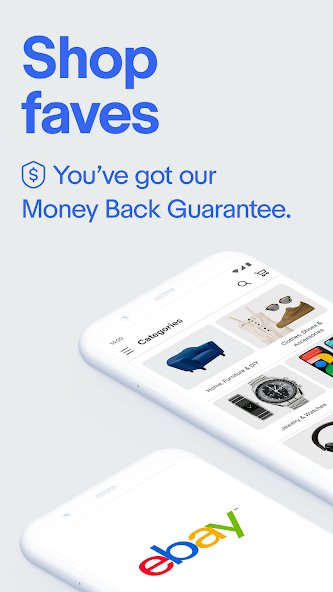
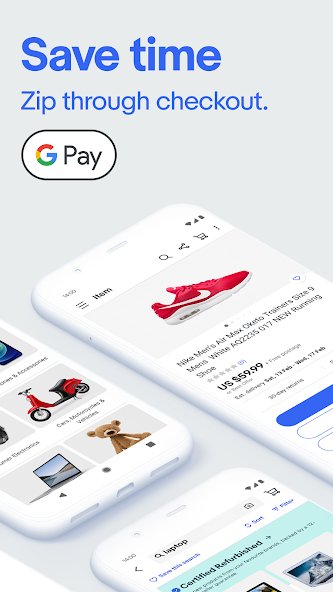
There’s very little that you can’t buy or sell on eBay. The app is full-featured and much easier to use than the website. Bid on items, track your orders, and sell all of your unwanted stuff right here.
Amazon Shopping
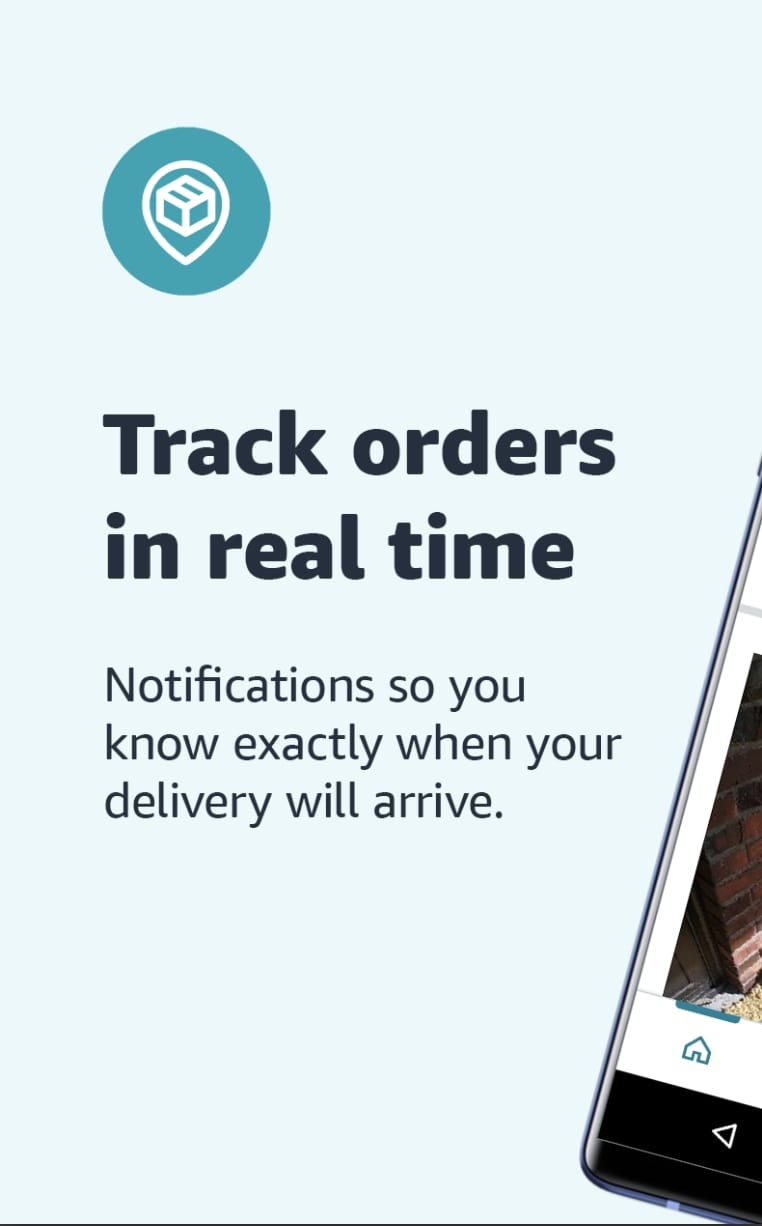
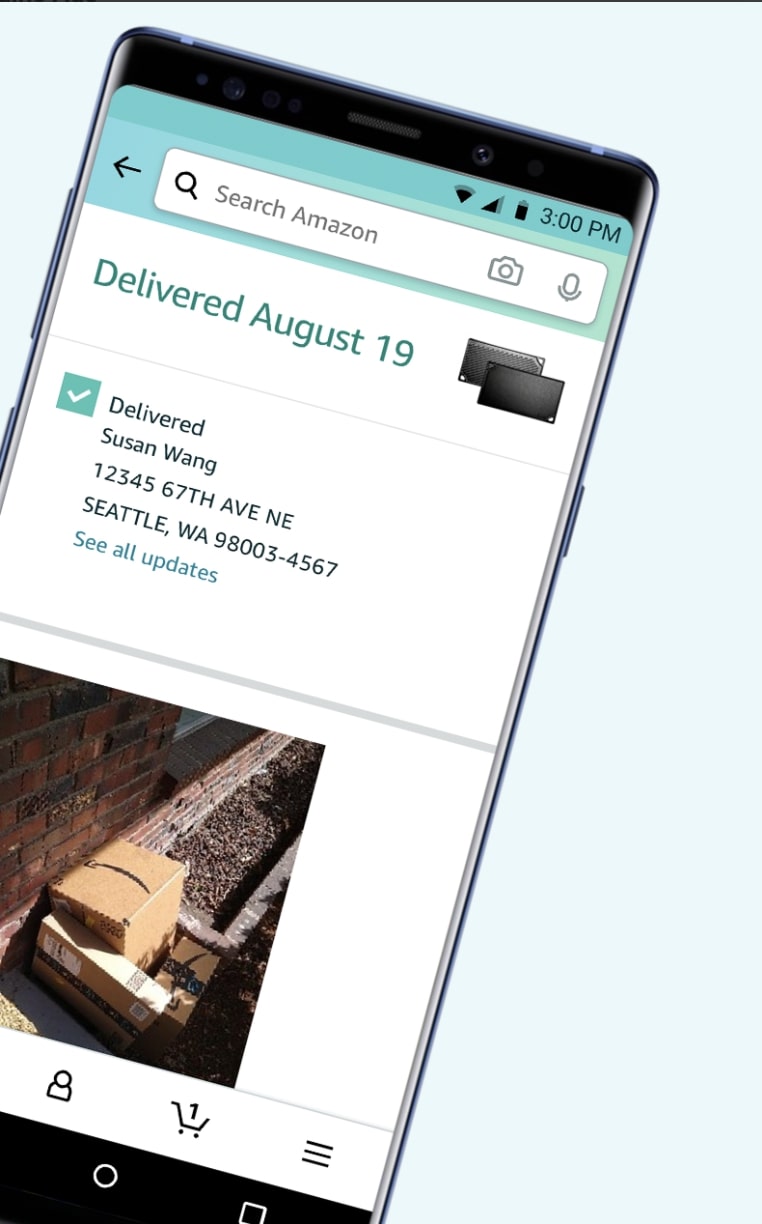
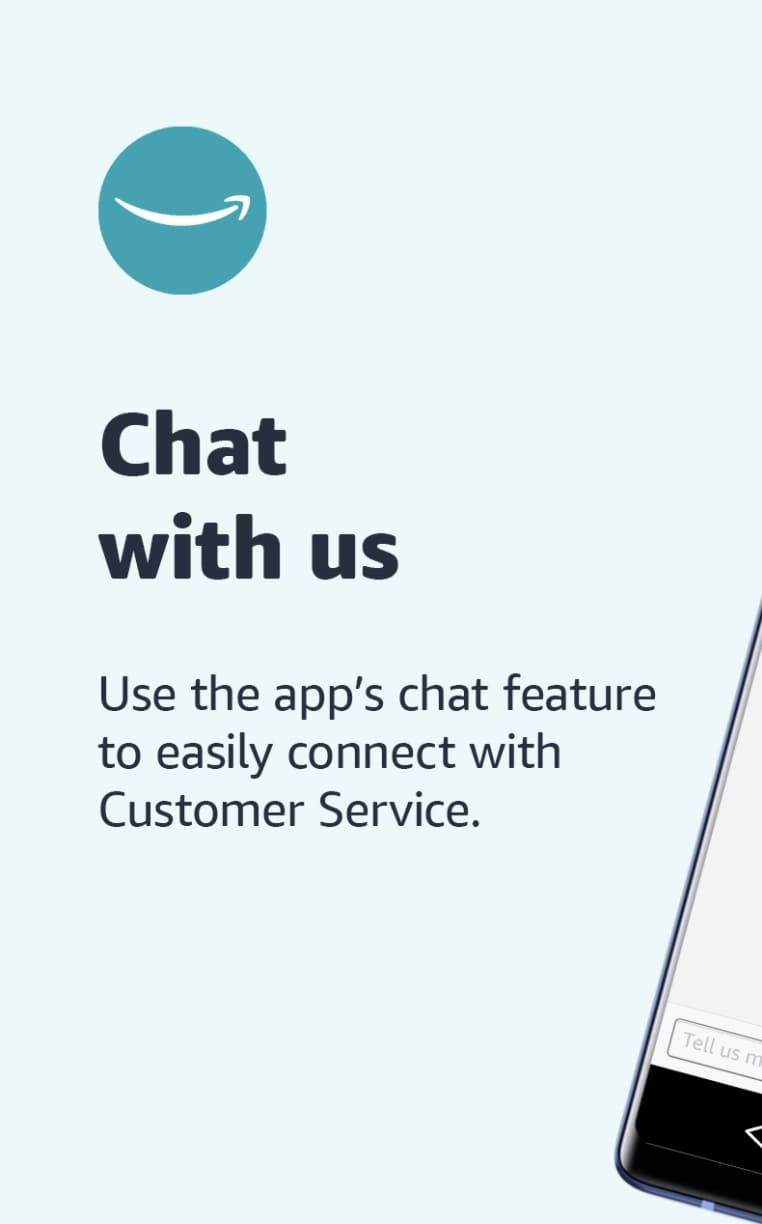
There’s no more essential shopping app than Amazon. Practically anything you need, anywhere you live, and anytime you want, Amazon has it. With the Amazon app, you can order groceries through Amazon Fresh and all your essentials through Amazon Prime.
PayPal
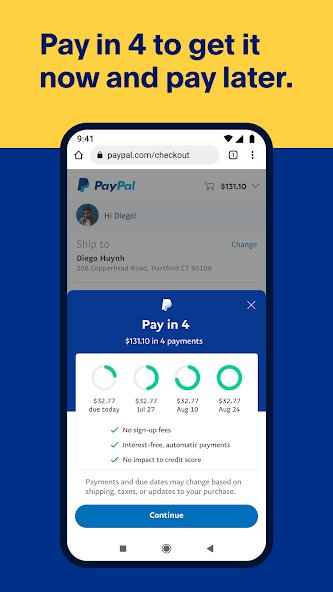
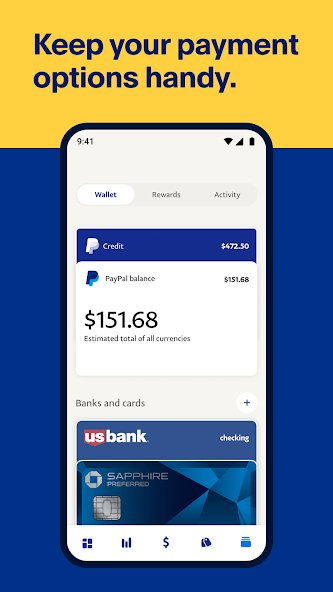
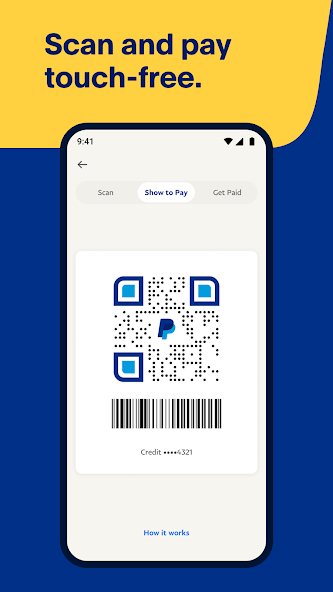
The easiest online checkout method is on your smartphone. You’ll be able to manage your PayPal account, send and receive payments, and more. The app can also notify you of transactions, offering handy reminders and alerts when you use PayPal as a payment method or have an upcoming bill due.
Travel and events
Duolingo
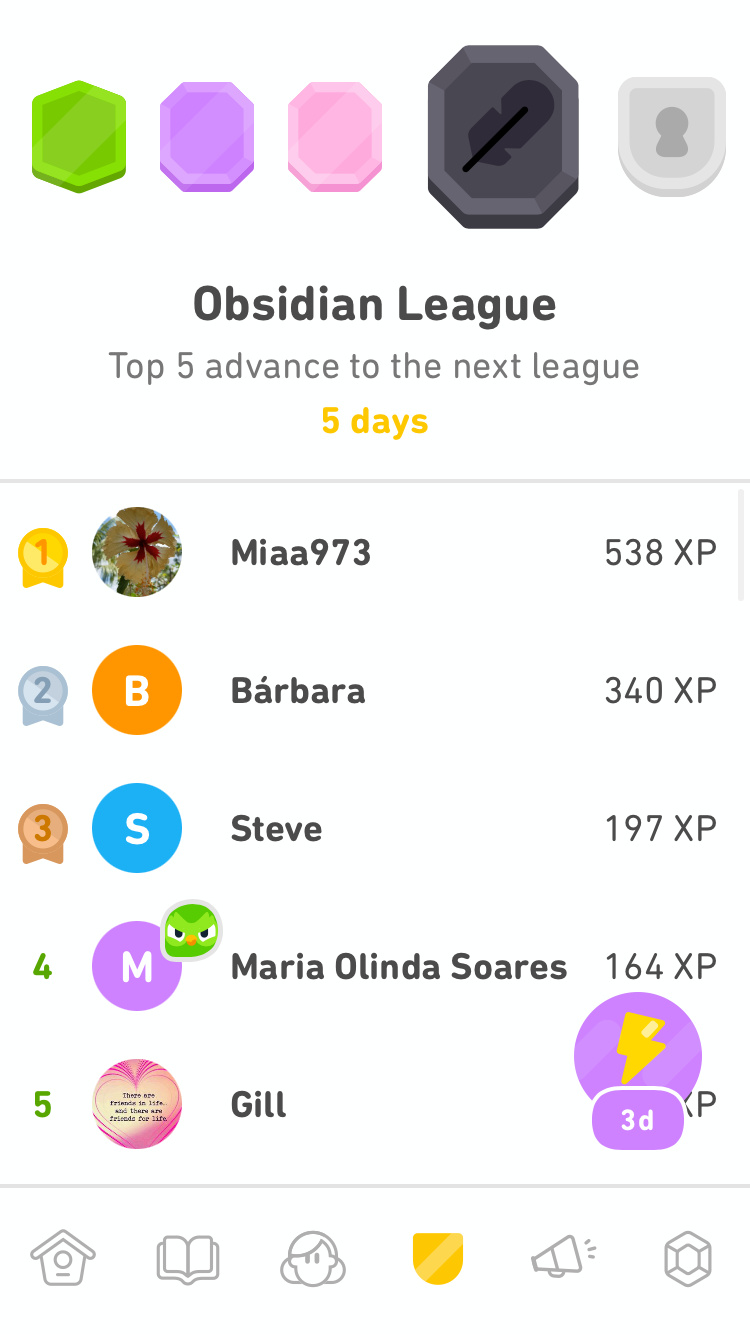
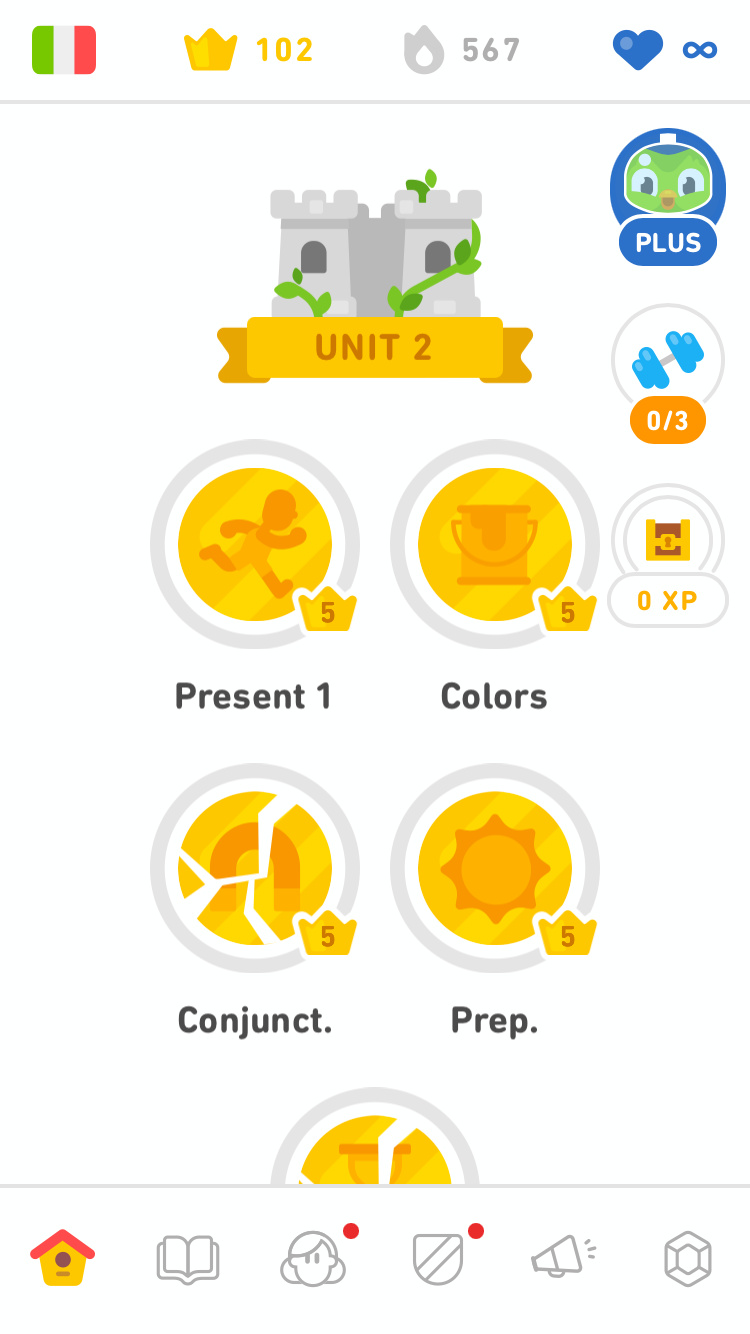

The Duolingo owl is one of the most celebrated (and feared) app mascots around, and for good reason. Duolingo is an excellent way to learn a language, with a constantly updated learning track evaluated by experts and bite-sized lessons that you can complete in a matter of minutes. Learn as much or as little as you want, but keep in mind your hearts (mistakes) are limited on free accounts, and if you want completely limitless learning, you’ll need to subscribe to Duolingo Plus.
Uber
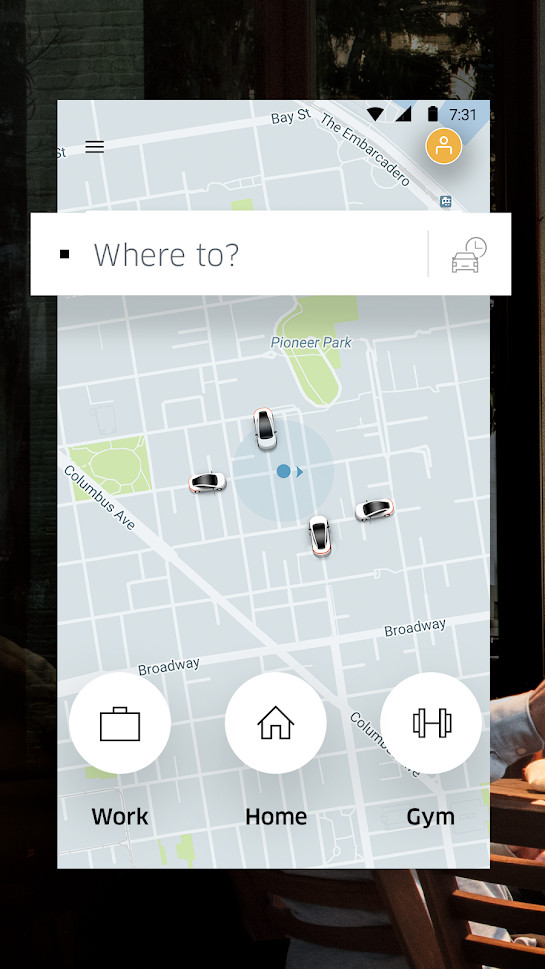
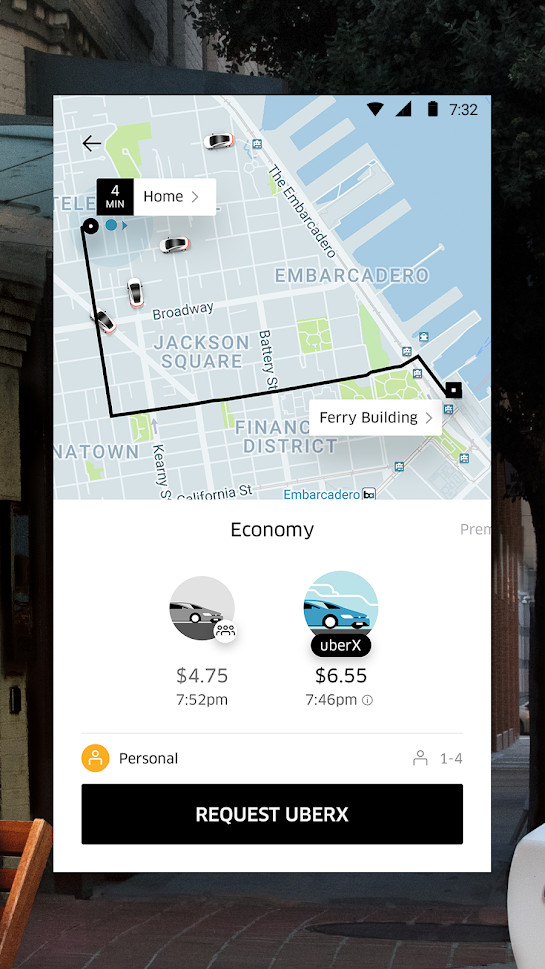
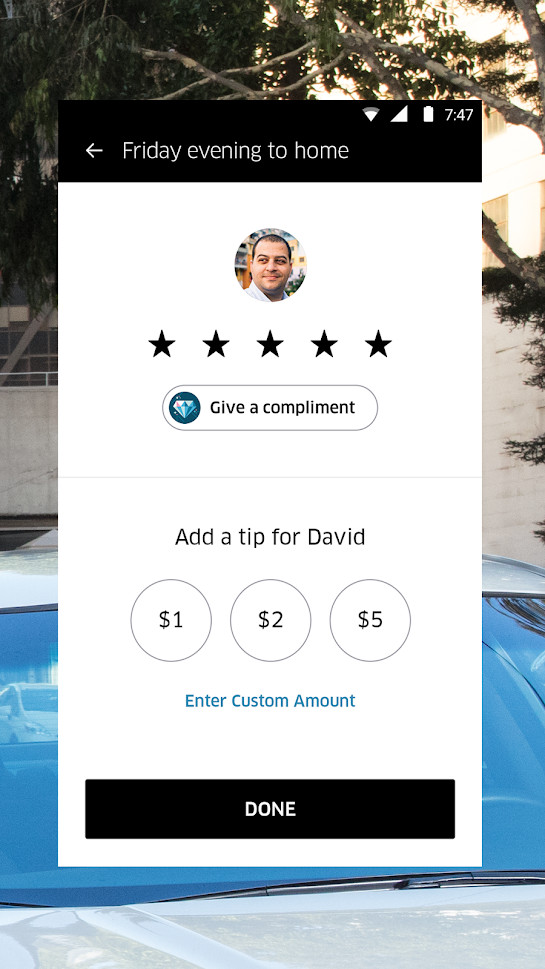
If you need to get somewhere and don’t have wheels of your own, hop in someone else’s ride. Uber allows you to call upon a private driver in your city who will help you get to where you need to go. It’s all the ease of a taxi at a lower cost and without the fumbling for cash at the end.
Airbnb
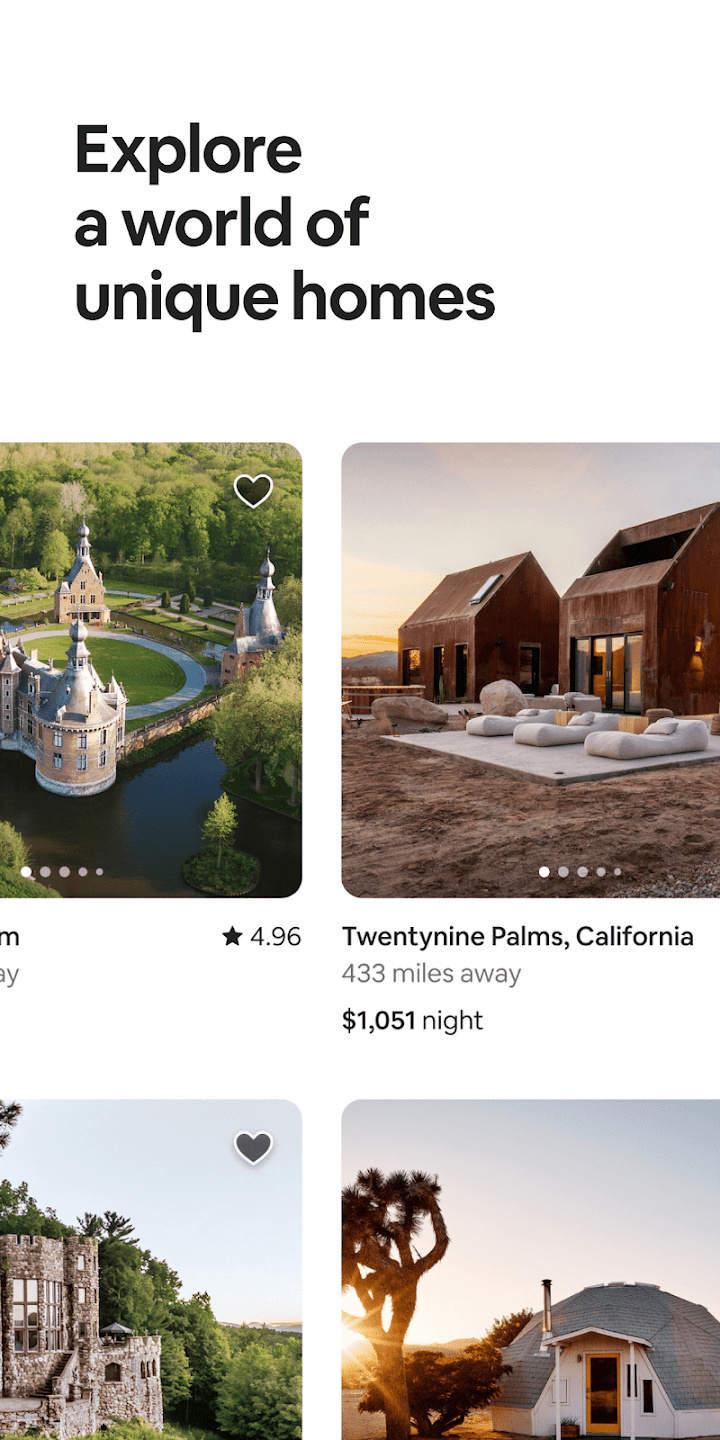
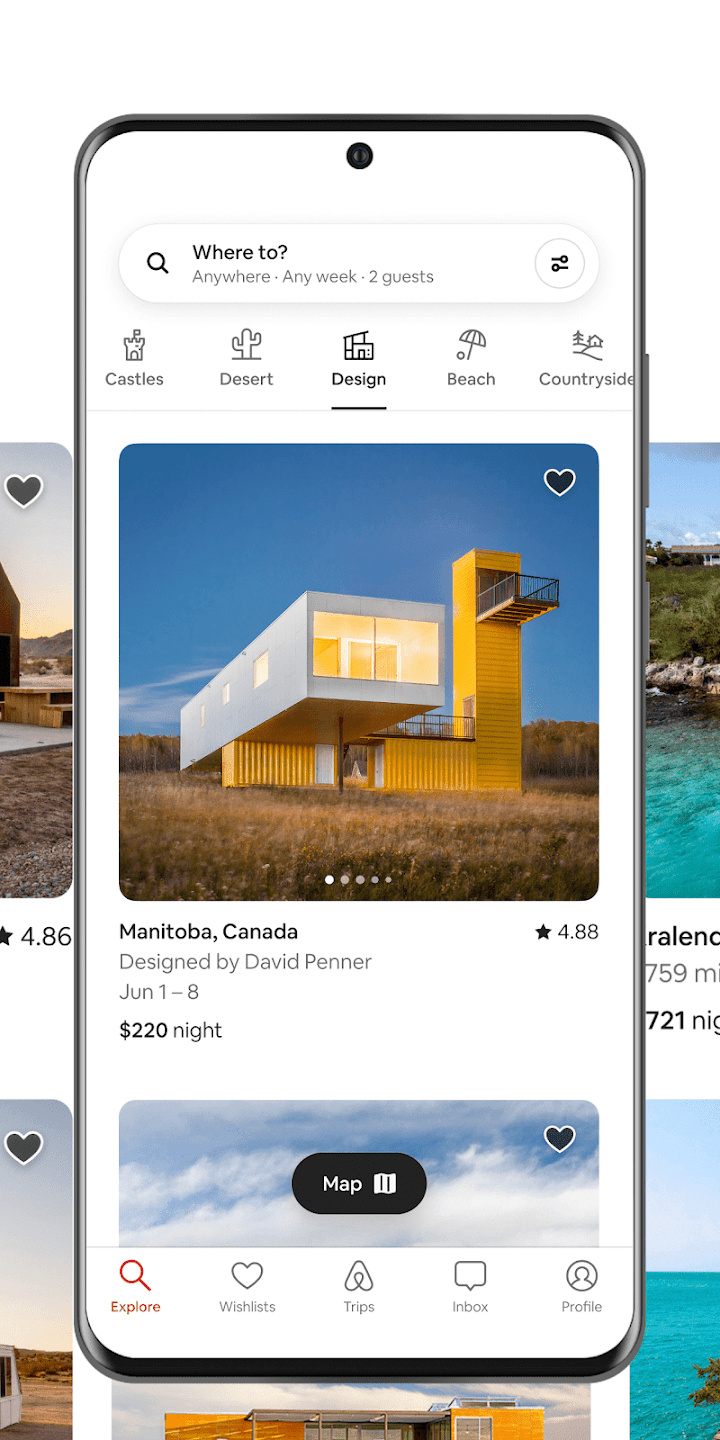
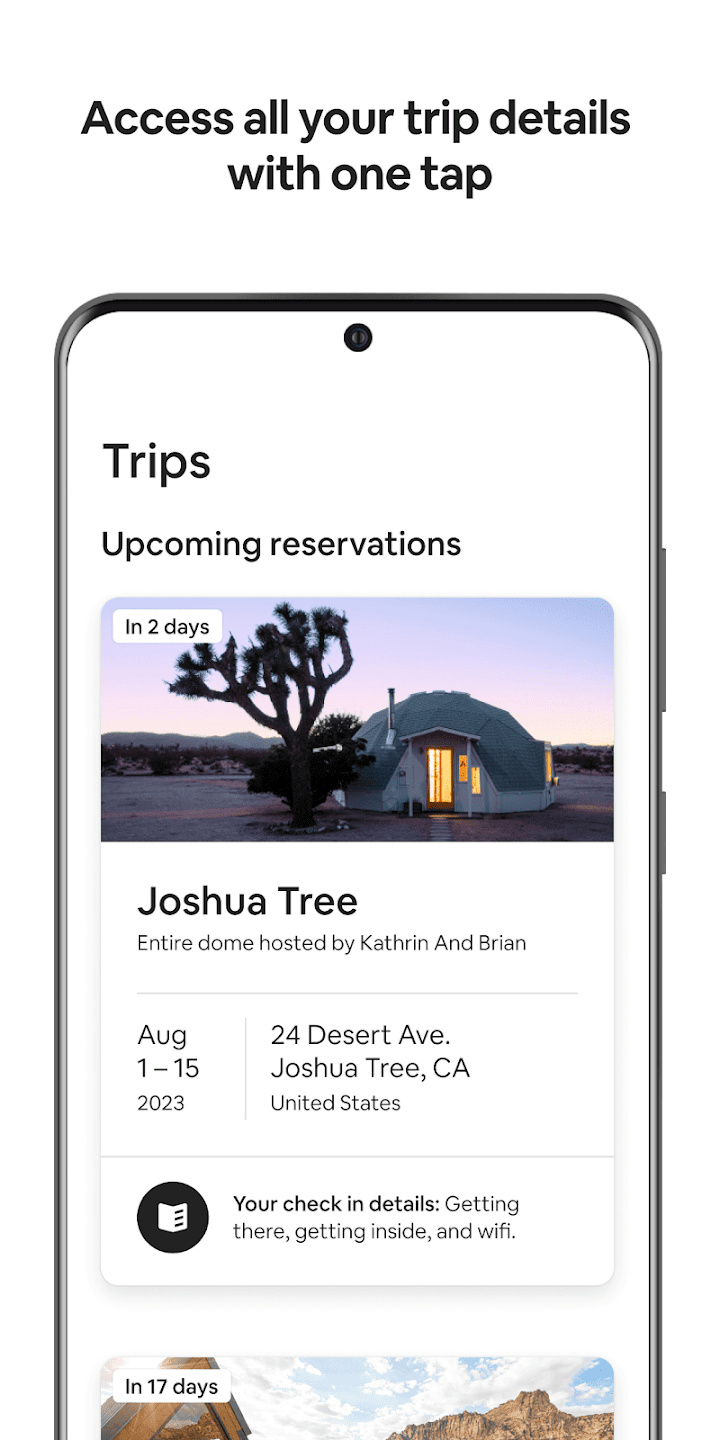
Forego the headache of trying to find and book a hotel and instead find an open room or home to stay at on your travels. Users can search for accommodations, communicate directly with hosts, and book, all without leaving the app.
Going out
Overdrop
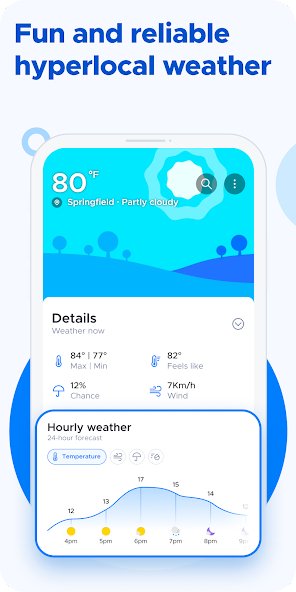
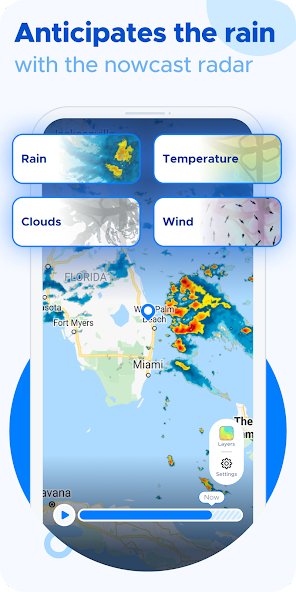
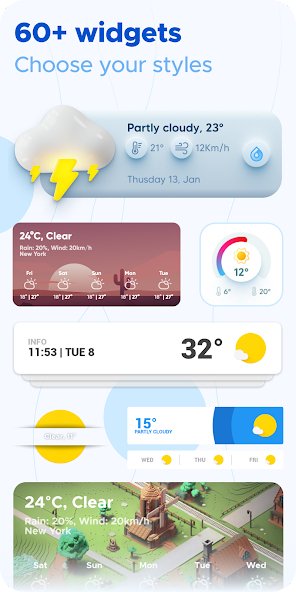
One thing you need to know before you head anywhere is what the weather’s got in store. Never get caught in an unexpected rain shower or snow flurry again with Overdrop, the app that gives you a live weather forecast powered by Dark Sky, Accuweather, and WeatherBit. There are over 60 widgets to choose from, a 96-hour radar map, severe-condition alerts, an air quality index, and seven themes to choose from. Get a 24-hour or seven-day forecast, and use colorful temperature, rain, and wind graphs to see what the weather will be like in advance.
Tripadvisor

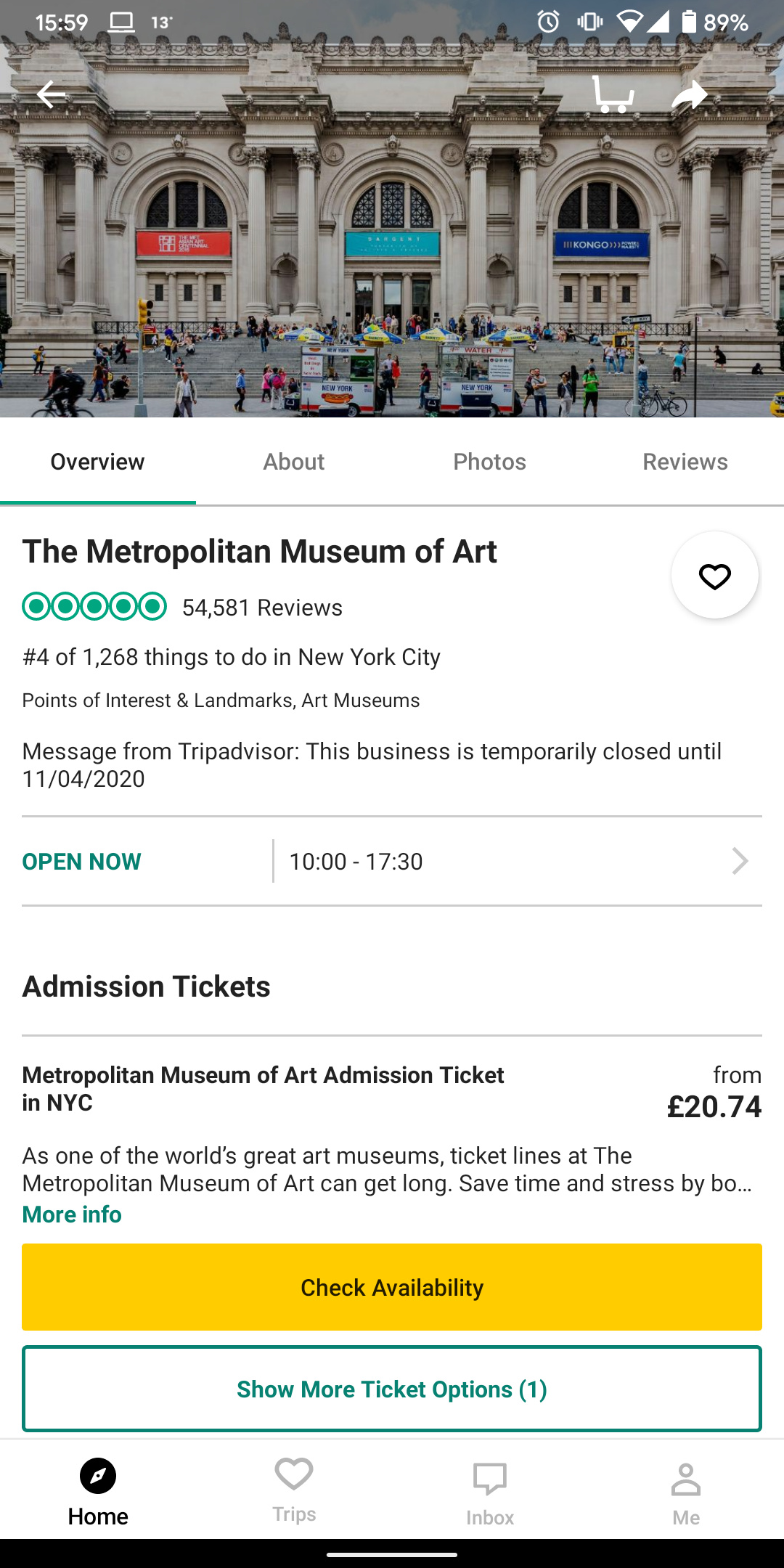

Tripadvisor is the ultimate going-out app, with millions of recommendations and reviews from people all around the world, covering the best things to do wherever you are. Plan ahead with Tripadvisor’s tools, allowing you to organize your hotel bookings, restaurant trips, and attractions. You can even book them from the app with Google Pay access. It’s also great when you’re traveling, thanks to support for mobile tickets and bookings.
Waze

Never get caught off guard by a car accident, broken traffic light, or speed trap again. Waze harnesses all the power of user-submitted information to help drivers avoid the common pitfalls of their daily commutes or long road trips. Waze is designed to get you where you’re going as quickly as possible by using up-to-the-minute live information to navigate. It will even help you find the cheapest gas along your route.
Photo editing and management
Snapseed
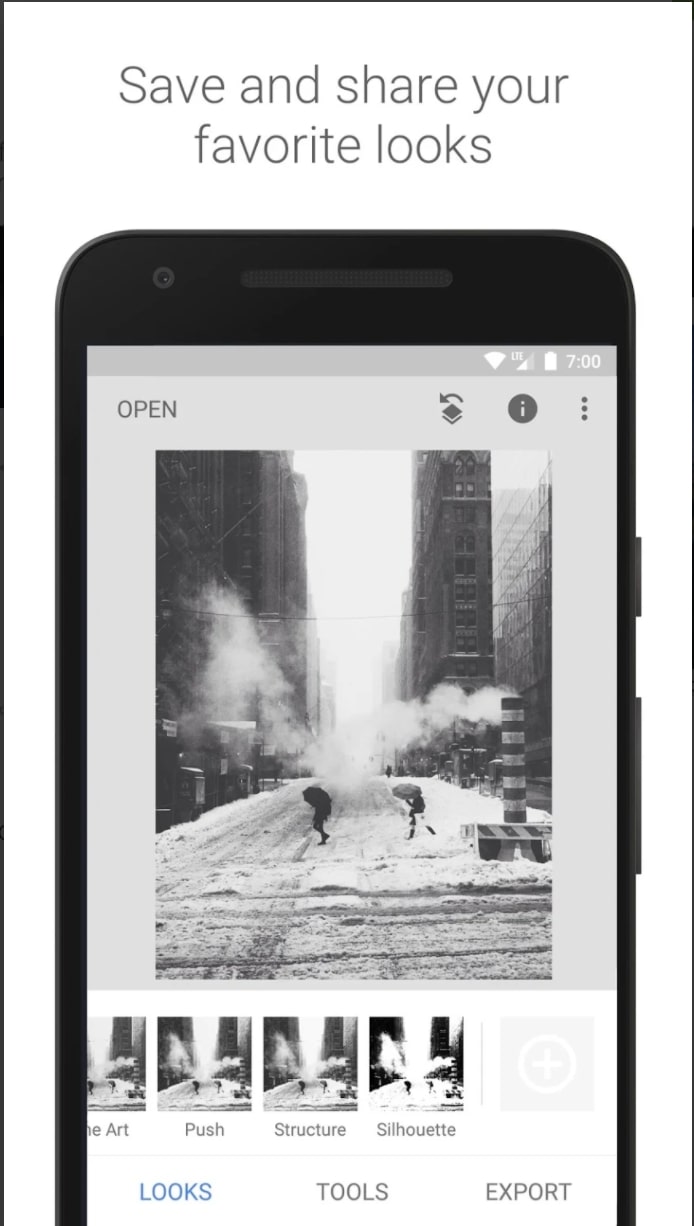
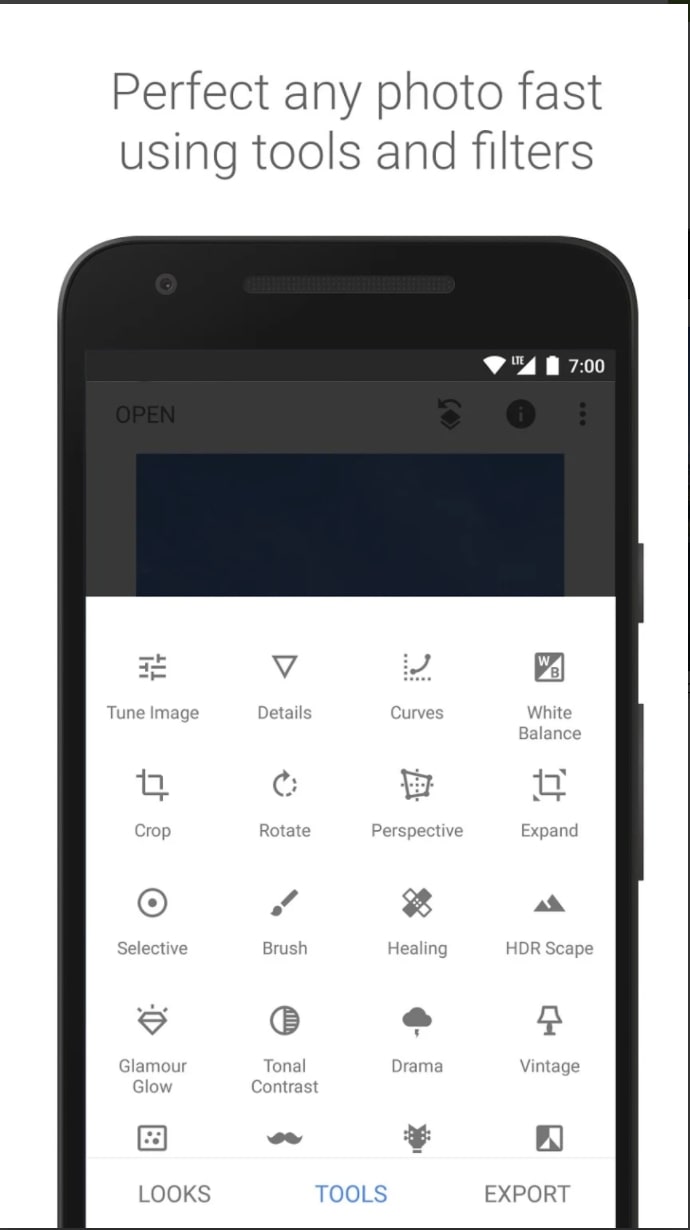
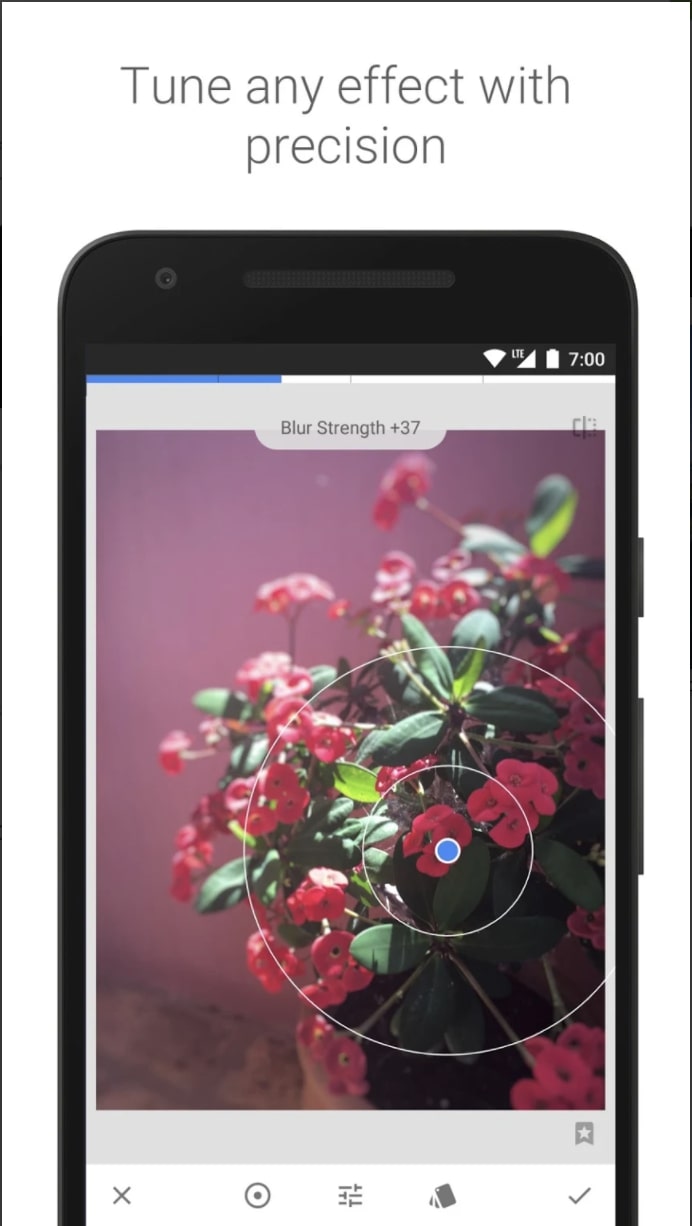
Snapseed is the best option if you’re looking to edit a photo. Google’s photo editing app has tools for whether you’re quickly polishing up a snap or diving in really deep to dramatically change the details of a photo. Snapseed’s control method can take a little getting used to, but once you’ve got the hang of it, it’s intuitive and incredibly fast to use. Best of all, it’s absolutely free.
Adobe Photoshop Express
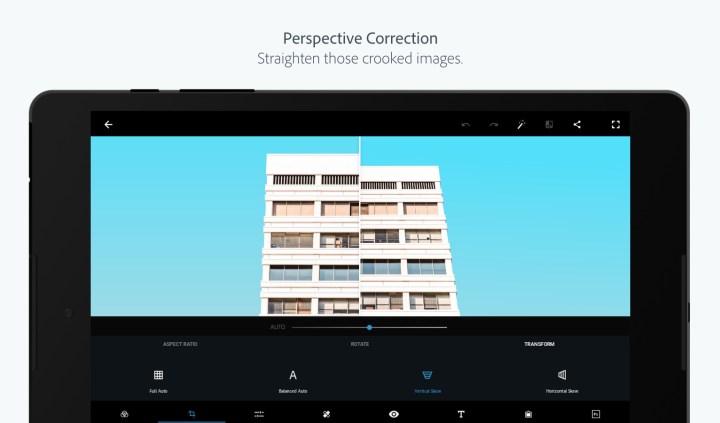
While not as feature-filled or extensive as the desktop version, Adobe Photoshop Express still offers an impressively wide array of tools for editing and creating images directly on your Android device.
VSCO
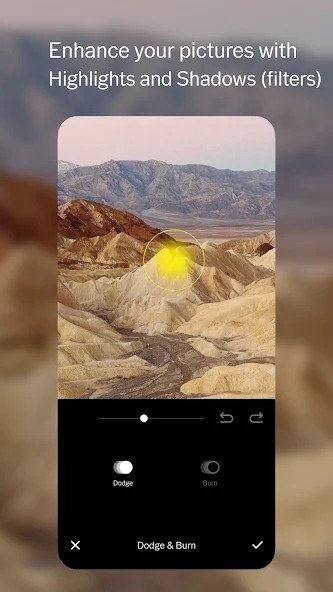
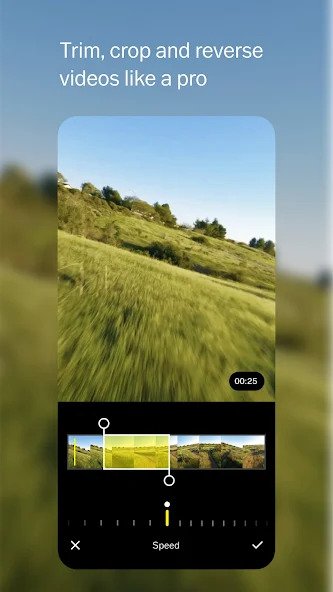
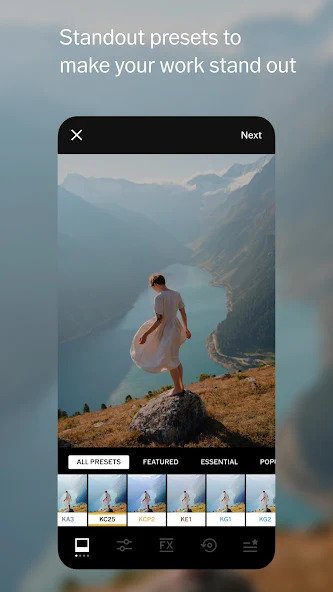
One of the original players in the photo editing space, VSCO sparked an entire movement and brought an iconic photo aesthetic to a generation of social media users. The VSCO photo editor offers a variety of presets, vintage filters, and texture effects. VSCO also supports video editing for those longer video posts.
Documents, web, and email
OfficeSuite
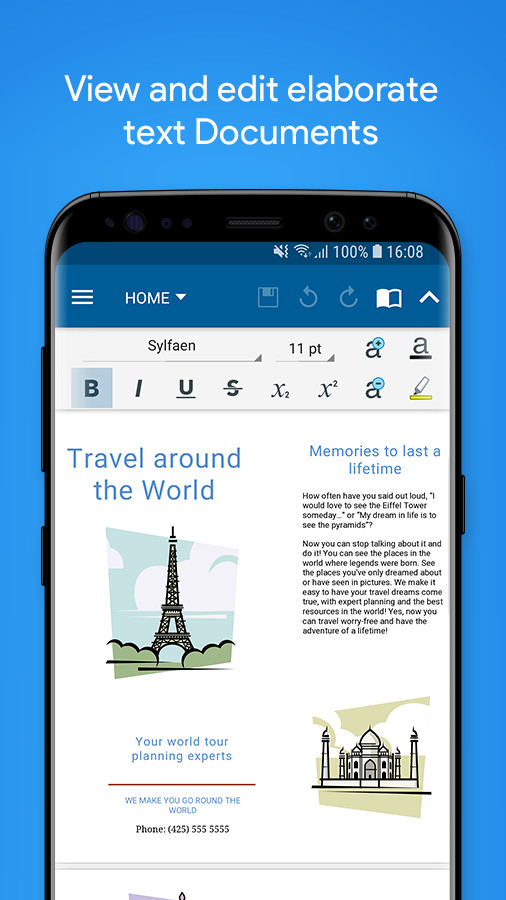
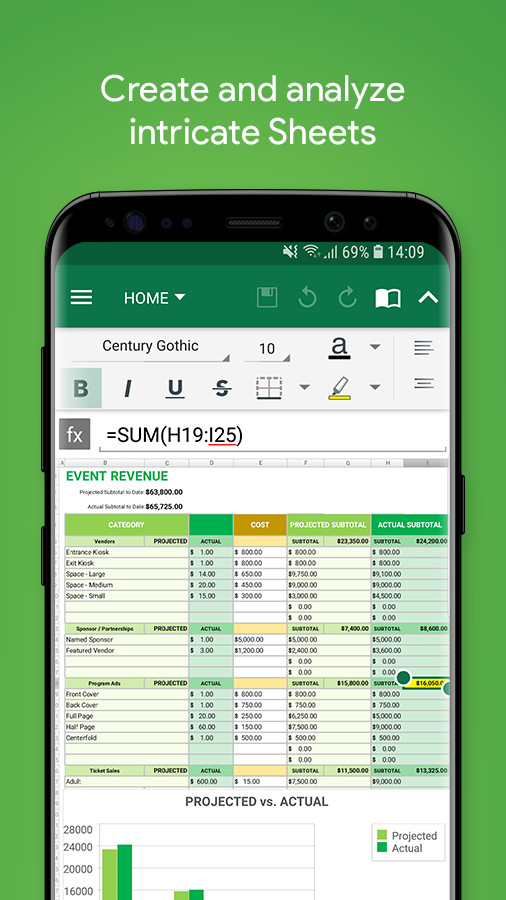
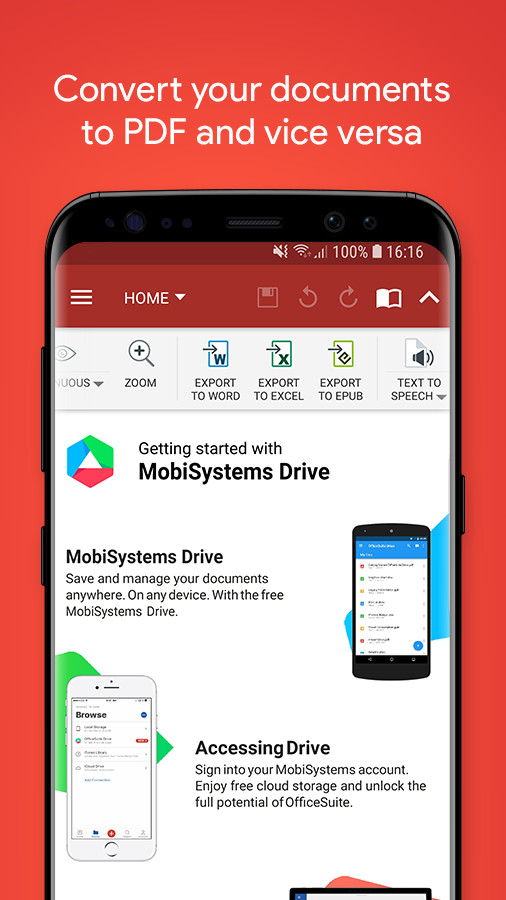
It’s one of the most downloaded apps on the Play Store, and that’s for a very good reason. OfficeSuite is a full-featured alternative for Microsoft Office, and includes tools to view, edit, and create Word, Excel, and Powerpoint documents, as well as including support for various PDF operations. It’s an all-in-one solution for your document woes, and it’s free to get most of the features. OfficeSuite Premium gets you the ability to work on password-protected files, 50GB of cloud storage, the ability to export PDFs to other formats, and more.
Dropbox

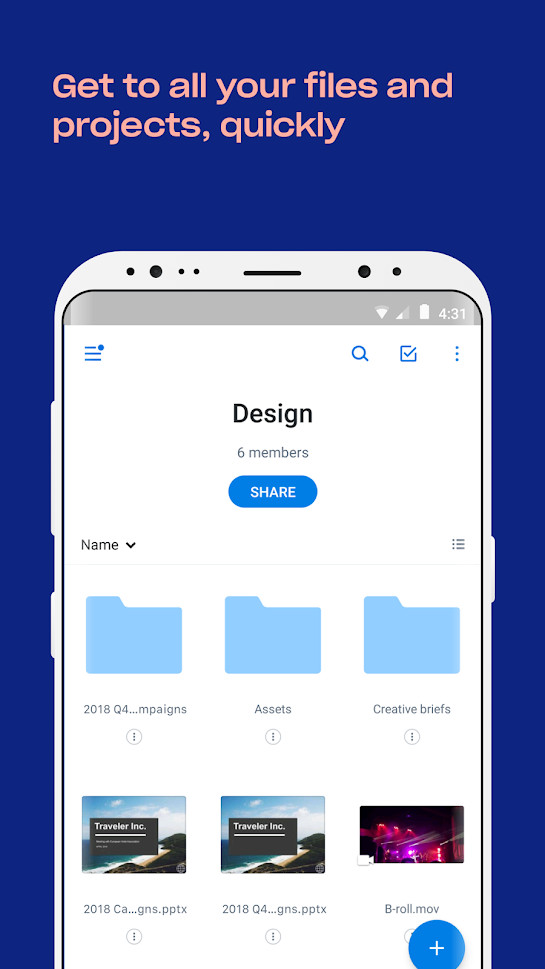
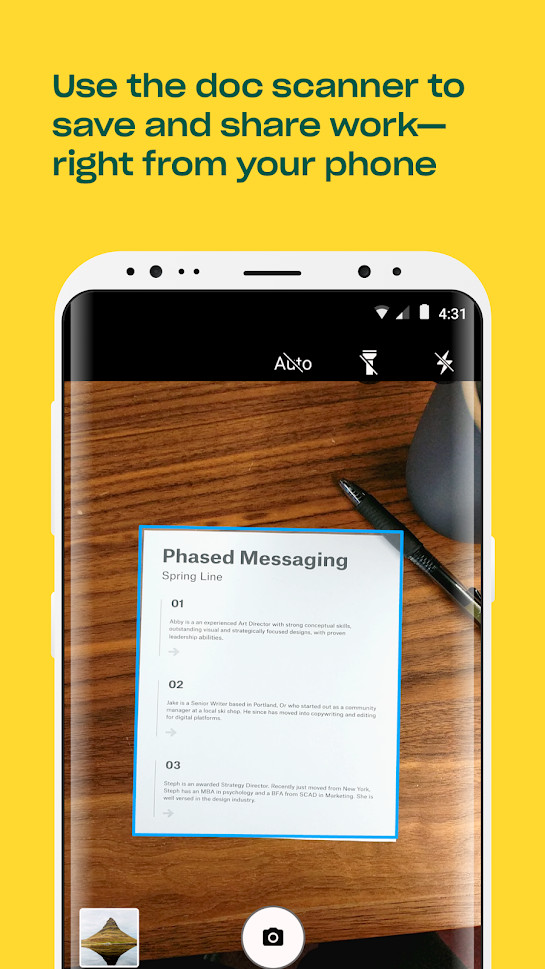
Dropbox is another cloud storage service, and while you think you have that covered with Google Drive, Dropbox is still useful to download and use, because it often works with many third-party apps Drive doesn’t. It only gives you 2GB for free, but if you use it primarily for smaller files you should be okay with that amount.
Grammarly
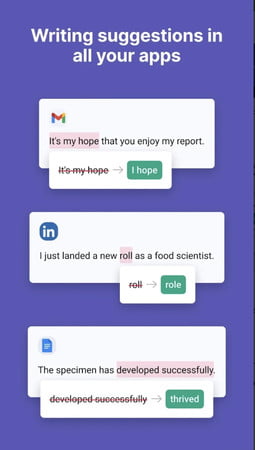
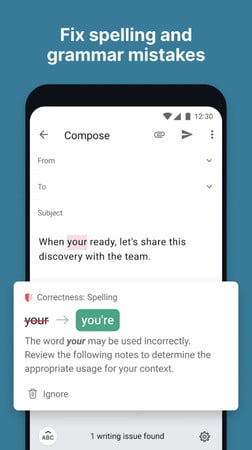
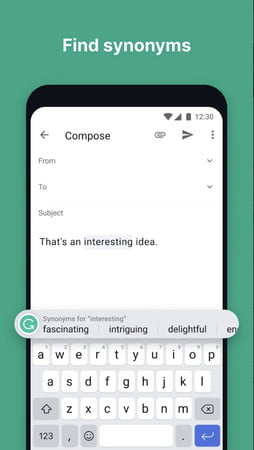
Grammarly has grown above and beyond its key use case of email writing assistance and has grown into an integrated extension and app offering grammar and spelling suggestions or corrections for not only emails, but across all apps on your smartphone. Whether you’re composing a LinkedIn message, a text, or a Yelp review, Grammarly will help you maintain composure by perfecting your composition.
Productivity
Memorigi

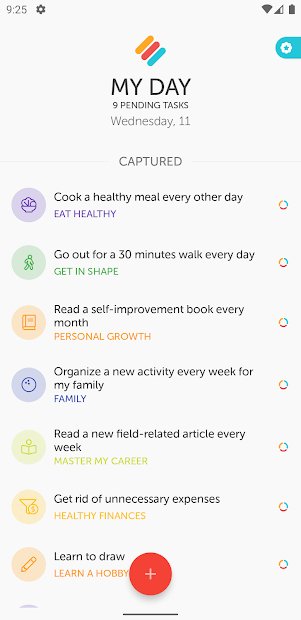
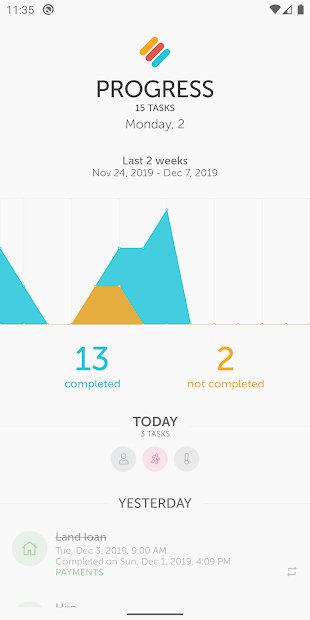
Feel like you’re always ticking off an endless to-do list? Step up Memorigi. This colorful app acts as a daily planner, to-do list, and task manager — and actually makes staying organized more fun. The My Day feature focuses on today’s most important tasks, or you can add shopping lists, goal lists, or a simple to-do list, as well as create reminders for appointments and payments. The app also has cloud sync, making it easy to keep on top of things from any device. Upgrade to premium and you’ll get Google Calendar integration, progress tracking statistics, and the awesome Nag Me feature, designed to make procrastinating a thing of the past.
BitWarden
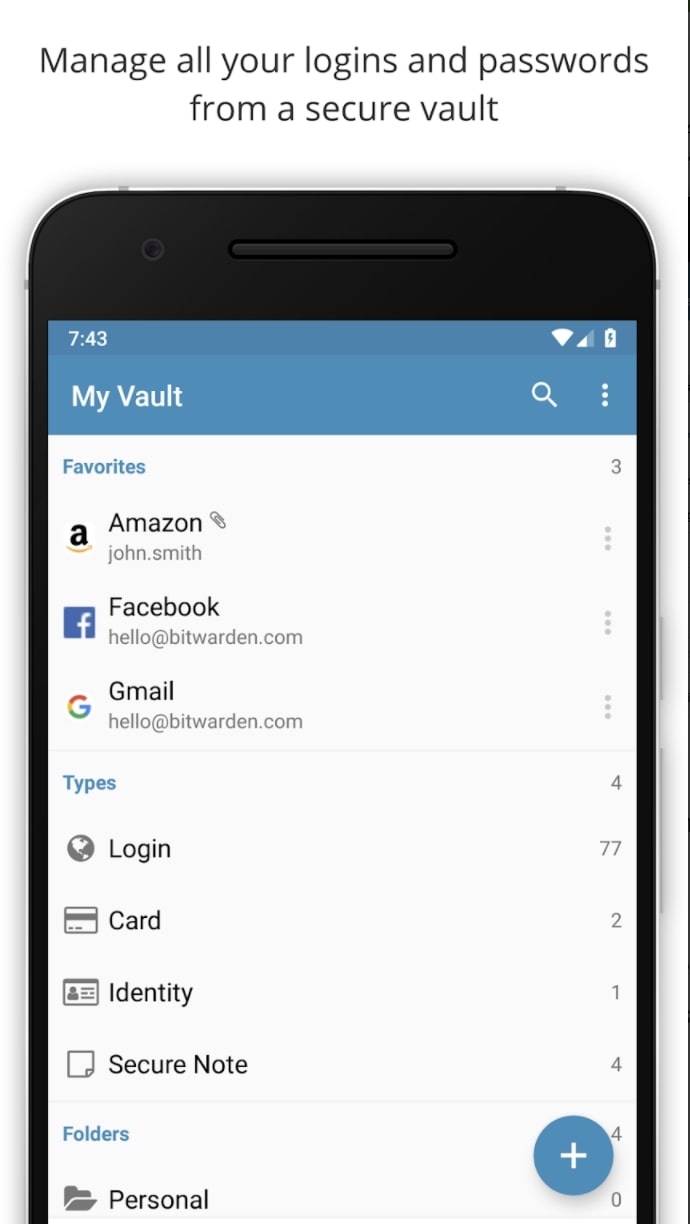


BitWarden has been the password manager of choice for many since LastPass changed the way its free tier worked, making this app the best free choice for keeping your passwords safe and secure. Save your passwords to BitWarden’s vault and lock it up tight, and then access it on your smartphone or computer or generate super-secure passwords automatically. It can be set up to automatically fill recognized password fields or do it with a single click. It’s free, and the paid tier is incredibly cheap at less than $1 a month.
Slack
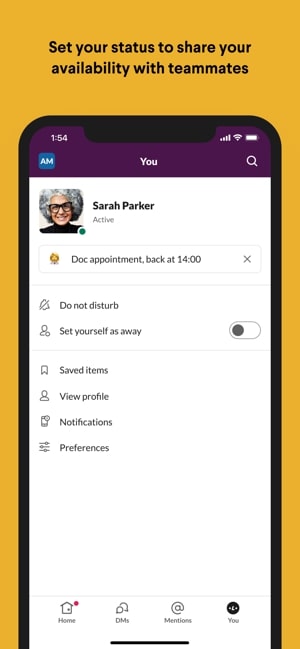
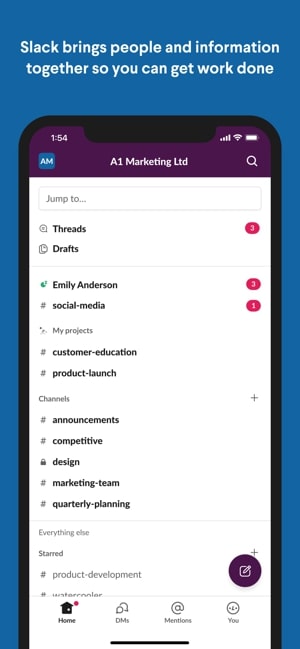
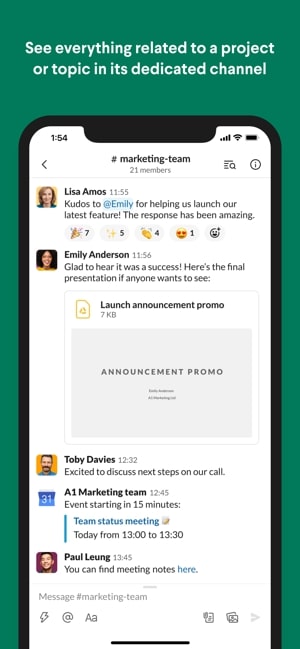
Slack remains one of the biggest communication tools for businesses everywhere. Organize your teams and employees into channels to help with team productivity. Slack’s intuitive layout and ability to integrate workflows with other popular productivity apps such as Google Drive, Salesforce, and Dropbox make it a powerful tool to help get work done.
Editors' Recommendations
- The 6 best tablets for kids in 2024
- This iPad just got a rare discount — save $100 at Best Buy
- Best phone deals: Save on the iPhone, Galaxy Z Fold 5, and more
- The 6 best tablets for reading in 2024
- The 10 best photo editing apps for Android and iOS in 2024