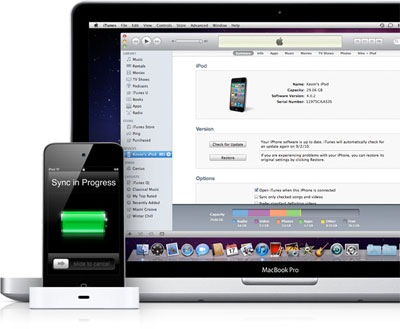
 IOS 4.2 is finally here, and with it some obligatory glitches. One that Apple Forums seems to be seeing a lot of is lost media. Users are complaining that post OS upgrade, their Apple devices are missing podcasts, videos, audio books, and most significantly music. The amount of space the invisible files are taking up still appears and re-syncing won’t do any good.
It looks like the iPhone 4, iPhone 3GS, and iPod Touch are being affected by this technical error (any iPad users out there experiencing this?). Before you start from scratch and re-sync every single thing to your device, try this quick fix that’s circulating the web:
- Connect the iPhone (or iPod Touch if it be the case). Allow iTunes to open, and then select the name and/or icon of the device so that it displays the media loaded on it.
- Select “music,” and play a song from the phone’s library.
- Sync your iPhone. This should be quick: You aren’t actually loading any new content, you’re just trying to get the device to recognize the files that were already there before.
- After clicking eject, disconnect the iPhone from your computer. Now check the phone’s iPod library. Everything should be there.
Editors' Recommendations
- An Apple insider just revealed how iOS 18’s AI features will work
- How to add a different home screen wallpaper on iOS 17
- How to fix the ‘iPhone Unavailable’ error on any iPhone
- How to use photo cutout to cut and paste images in iOS 17
- How to get new emojis on your iPhone or Android device