  1. Home
  2. Computing
  3. Mobile
  4. Legacy Archives

Digital Trends may earn a commission when you buy through links on our site. Why trust us?

Run Android apps on Windows 8 PCs and Surface Pro tablets with BlueStacks

Add as a preferred source on Google
BlueStacks emulator
Image used with permission by copyright holder

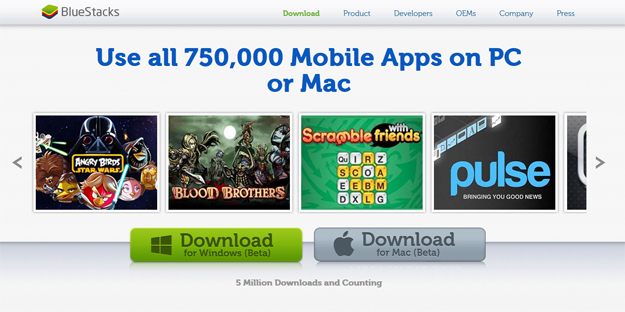
Worry no more that making the switch to Windows 8 will keep you from playing Angry Birds Star Wars on your computer or tablet – as long as you have the BlueStacks App Player installed.

BlueStacks is an emulator that runs Android apps on PCs and Macs within a window instead of requiring that you to install and boot the mobile operating system on your computer, making it an elegant way to bring your favorite mobile apps to your desktop. In fact, the company also offers a way to sync the mobile apps on your Android smartphone to your computer, so you don’t have to pay twice to install the same app on multiple platforms.

Recommended Videos

Today, BlueStacks is releasing the App Player for Surface Pro (beta). Optimized for the device’s 10.6-inch 1920 x 1080 resolution display, BlueStacks will also work on any Windows 8 tablet or computer – just not Windows RT.

According to TechCrunch, this latest version of the emulator now launches from a tile on the Windows 8 Home screen, and runs apps in full screen mode so they at least look like they were natively developed for the OS. While in full screen mode, the App Player makes the Android apps easy to navigate by running a “Charms Menu” that brings familiar Android controls like the “Back” and “Settings” buttons to the right side of the screen.

Considering that BlueStacks makes it possible to run over 750,000 Android apps on Windows 8 machines, this emulator is a significant boost to Microsoft’s meager app offerings, which, according to MetroStore Scanner, has just over 42,000 apps worldwide as of today. And the crop of apps developed specifically for the U.S. market is an even smaller number. The best part: since the App Player for Surface Pro/Windows 8 is still in beta, you can download it for free by going to GetYourAppsBack.com


Gloria Sin
Former Contributor
Gloria’s tech journey really began when she was studying user centered design in university, and developed a love for…
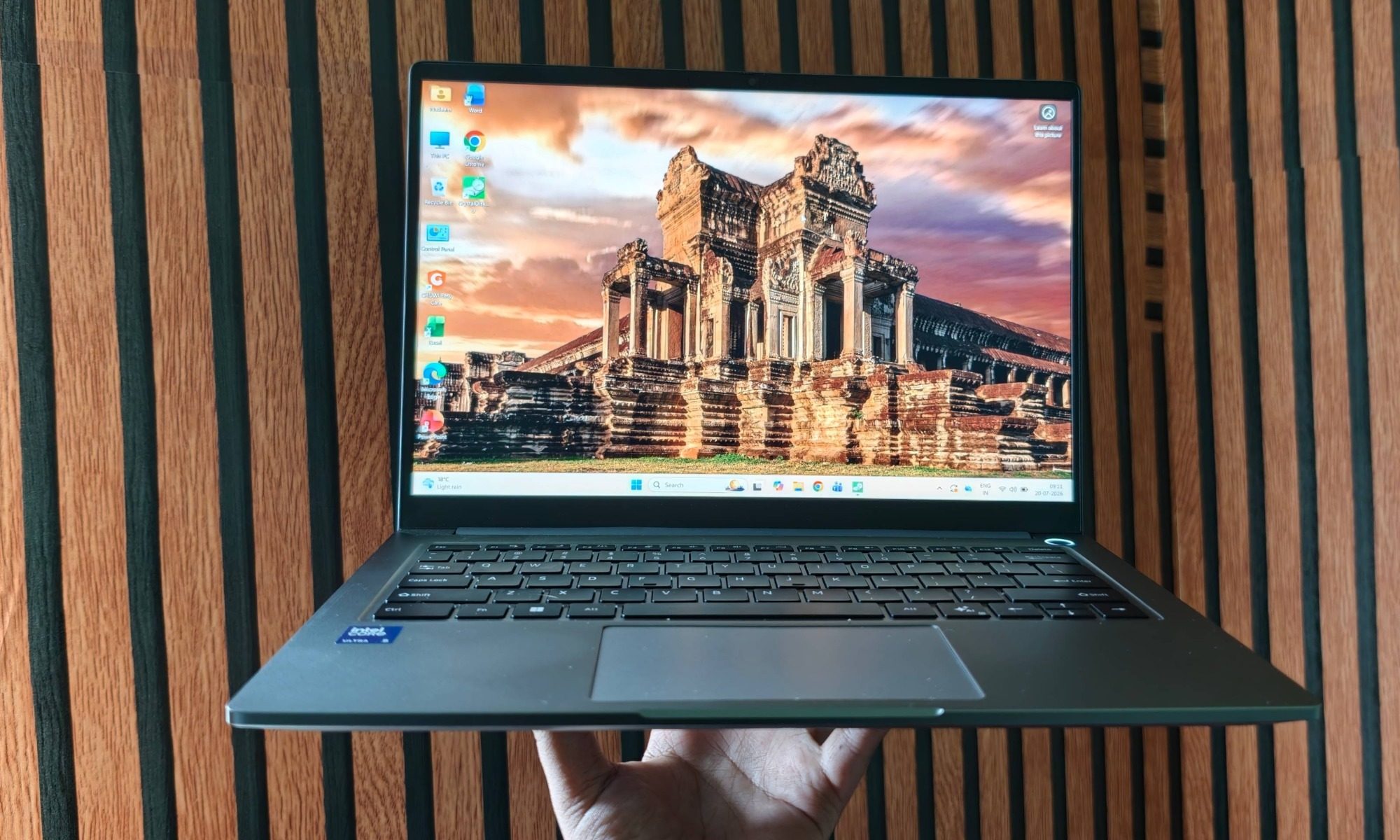
Chuwi CoreBook Air review: A rewarding budget laptop that wants you to cross the brand boundary
Chuwi's CoreBook Air is a relatively unknown, but a heavy-hitting budget machine for the AI-first computing era.
Computer, Electronics, Laptop

View at Chuwi

Quick verdict

Read more
AI’s latest problem is deepfake disaster content for farming engagement
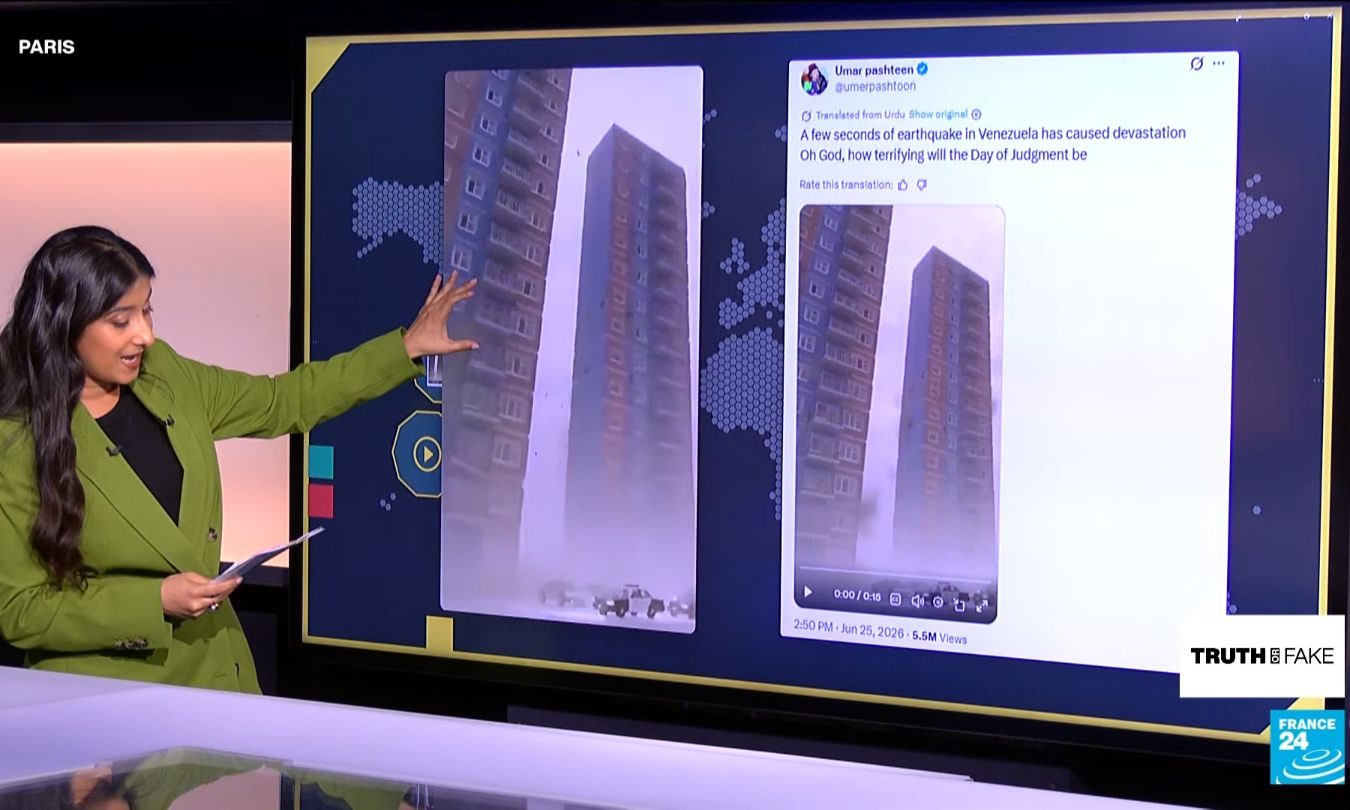
Fake and recycled videos from disasters in Venezuela and China are making social media feeds harder to trust when people need accurate updates quickly
Electronics, Screen, Adult

Social feeds around the earthquakes in Venezuela filled with recycled footage and AI-generated destruction. Severe weather in China attracted its own wave of AI disaster videos, including fabricated flood scenes and false reports of power outages.

It creates an ugly race. People want immediate evidence of what happened, and AI slop can deliver something dramatic before reliable information catches up. Authentic updates are left competing with fiction precisely when confusion can send people scrambling for answers.

Read more
Think twice before downloading your next Windows 11 app from Google
Your Windows app search results have become a malware minefield
Windows 11 Laptop

Searching Google for a Windows utility and clicking the first convincing result has always carried some risk. A newly uncovered network of fake websites has made that familiar habit considerably more dangerous. More than 70 domains were found impersonating popular Windows apps. This includes Microsoft PowerToys, CrystalDiskMark, EasyBCD, Wintoys, Lively Wallpaper, and SignalRGB.

Windows Latest reports that many of the lookalike sites appear above the genuine project pages in Google results, despite having no connection to the developers behind the apps. Some currently redirect their download buttons to legitimate Microsoft Store pages, which may be part of the attack.

Read more