
In addition to revealing three new “vanilla” ZenBooks, Asus also introduced the latest ZenBook S model (UX391UA) during the IFA 2018 convention in Berlin. Like the other models, this version will ship in variants based on two eighth-generation Intel “Whiskey Lake” processors that made their debut this week. But unlike the other models, the new ZenBook S promises up to 20 hours of use on a single charge.
For starters, Intel’s new Core i7-8565U chip replaces the Core i7-8550U released in August 2017. It’s a four-core chip with a base speed of 1.8GHz, a maximum speed of 4.5GHz, and a power draw of 15 watts. The other CPU installed in this ZenBook, the Core i5-8265U, replaces the Core i5-8250U that was also released last year. This is a four-core chip with a base speed of 1.6GHz, a maximum speed of 3.9GHz, and a power draw of 15 watts.
With this model, you’ll find a 13.3-inch screen sporting a 3,840 x 2,160 resolution on a standard touchscreen, or a 1,920 x 1,080 resolution on a standard touchscreen, or an anti-glare non-touch display. They’re backed by Intel’s integrated graphics and either 8GB or 16GB of LPDDR3 system memory clocked at 2,133MHz. This model does not offer discrete graphics.
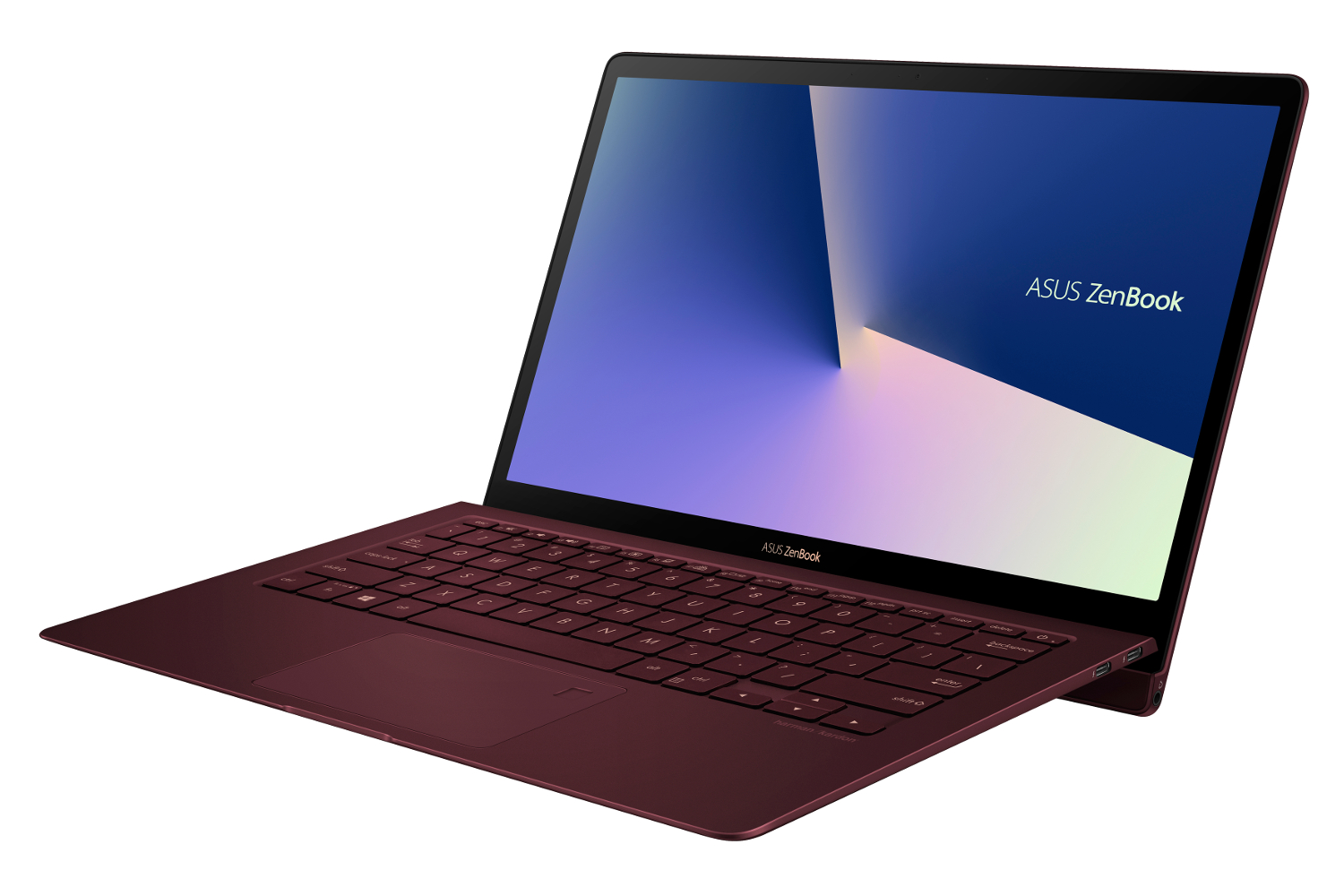
“For outstanding ergonomics, ZenBook S incorporates the new ErgoLift hinge mechanism, an innovative design that raises and tilts the keyboard by 5.5 degrees — the optimum angle for comfortable typing,” the company says. “With a maximum opening angle of 145 degrees, ZenBook S opens wider than most laptops too, so users have more freedom to choose the best screen angle. And when ZenBook S is closed, the ErgoLift mechanism is completely hidden, so it doesn’t affect the sleek profile.”
For storage, the new ZenBook S provides 512GB or 1TB on a PCI Express 3.0 x4 SSD, or 256GB on a PCI Express 3.0 x2 SSD. This storage is complemented by two Thunderbolt 3 ports, one USB-C port at 5Gbps, and one audio combo jack. Wireless connectivity consists of Bluetooth 5.0 and Wireless AC.
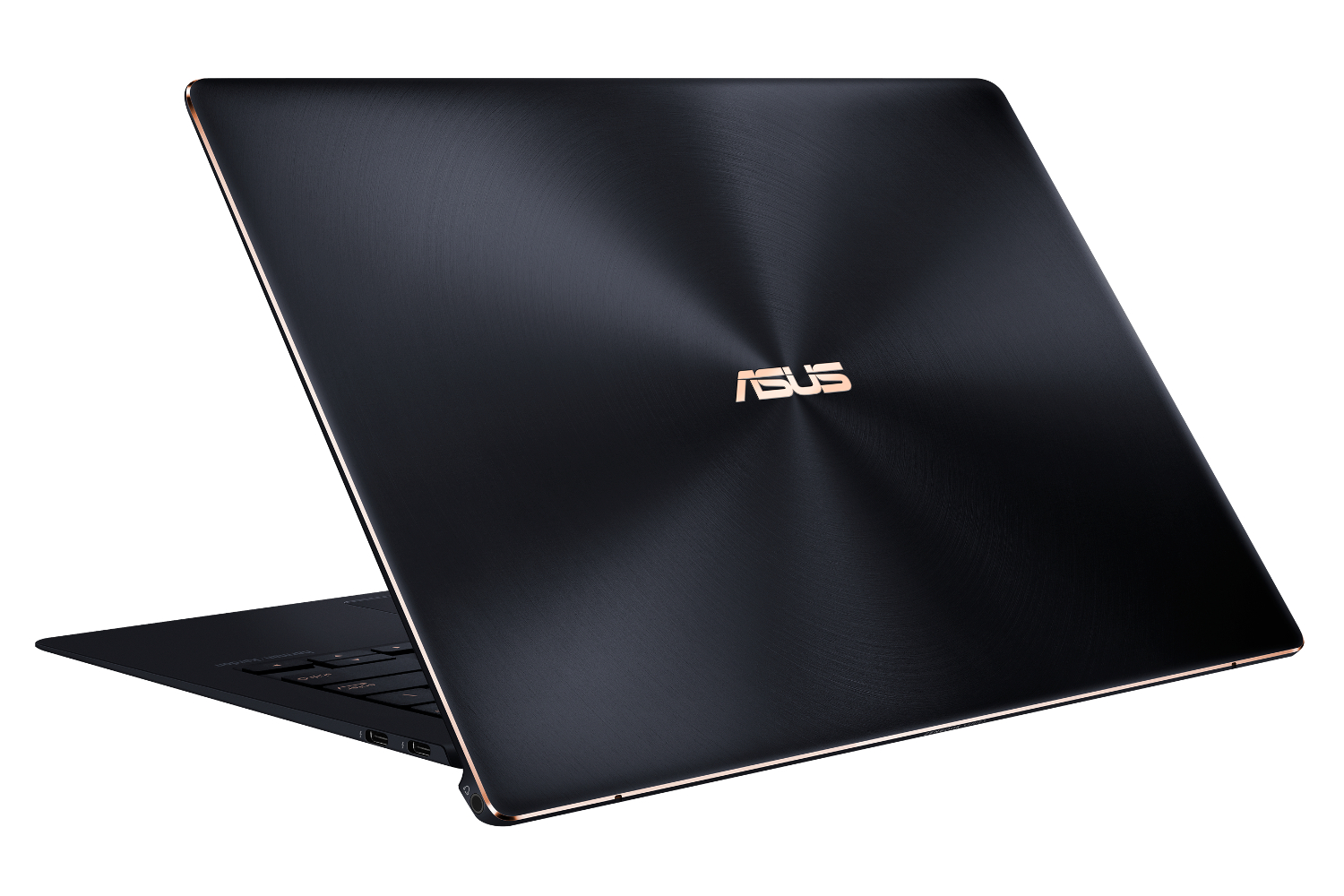
Asus notes that the ZenBook S weighs a mere 2.31 pounds and measures just 0.50 inches thin. It’s based on an all-metal unibody finished with a Deep Dive Blue color and diamond-cut Rose Gold edge highlights (Asus has a Burgundy Red version too). The company says this two-tone finish is based on a two-phase anodizing process “normally reserved for jewelry or luxury timepieces.”
But don’t let its pretty face fool you: The ZenBook S meets the MIL-STD 810G standard for toughness. The company says it also sports an “uprated” cooling design, allowing it to run 41 degrees cooler than the previous ZenBook S generation.
The Asus ZenBook S (UX391) will arrive in different configurations; the release date and price are not yet known. Here are the full specifications:
- Screen size: 13.3 inches
- Resolution: 3,840 x 2,160 or 1,920 x 1,080
- Processor: Core i7-8565U or Core i5-8265U
- Graphics: UHD 620 Graphics
- Memory: 8GB or 16GB LPDDR3 @ 2,133MHz
- Storage: 256GB to 1TB
- Camera: HD webcam
- Connectivity: Wireless AC, Bluetooth 5.0
- Ports: 2x Thunderbolt 3, 1x USB-C, 1x Audio combo jack
- Battery: 50WHr
- Size (inches): 12.24 x 8.38 x 0.50
- Weight: Up to 2.31 pounds
Editors' Recommendations
- The new Asus Zenbook S 13 is like a MacBook, only better
- Asus ZenBook S 13 Flip vs. HP Spectre x360 13.5: you can’t go wrong
- Asus ZenBook 13 OLED vs. Dell XPS 13
- Asus ZenBook S vs. Dell XPS 13
- Asus ZenBook 14 (2018) vs. Apple MacBook Air