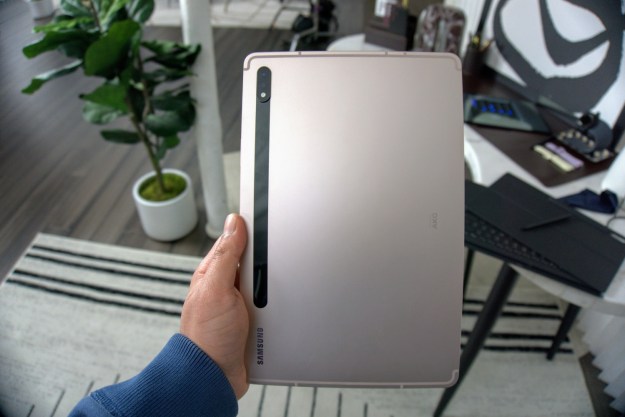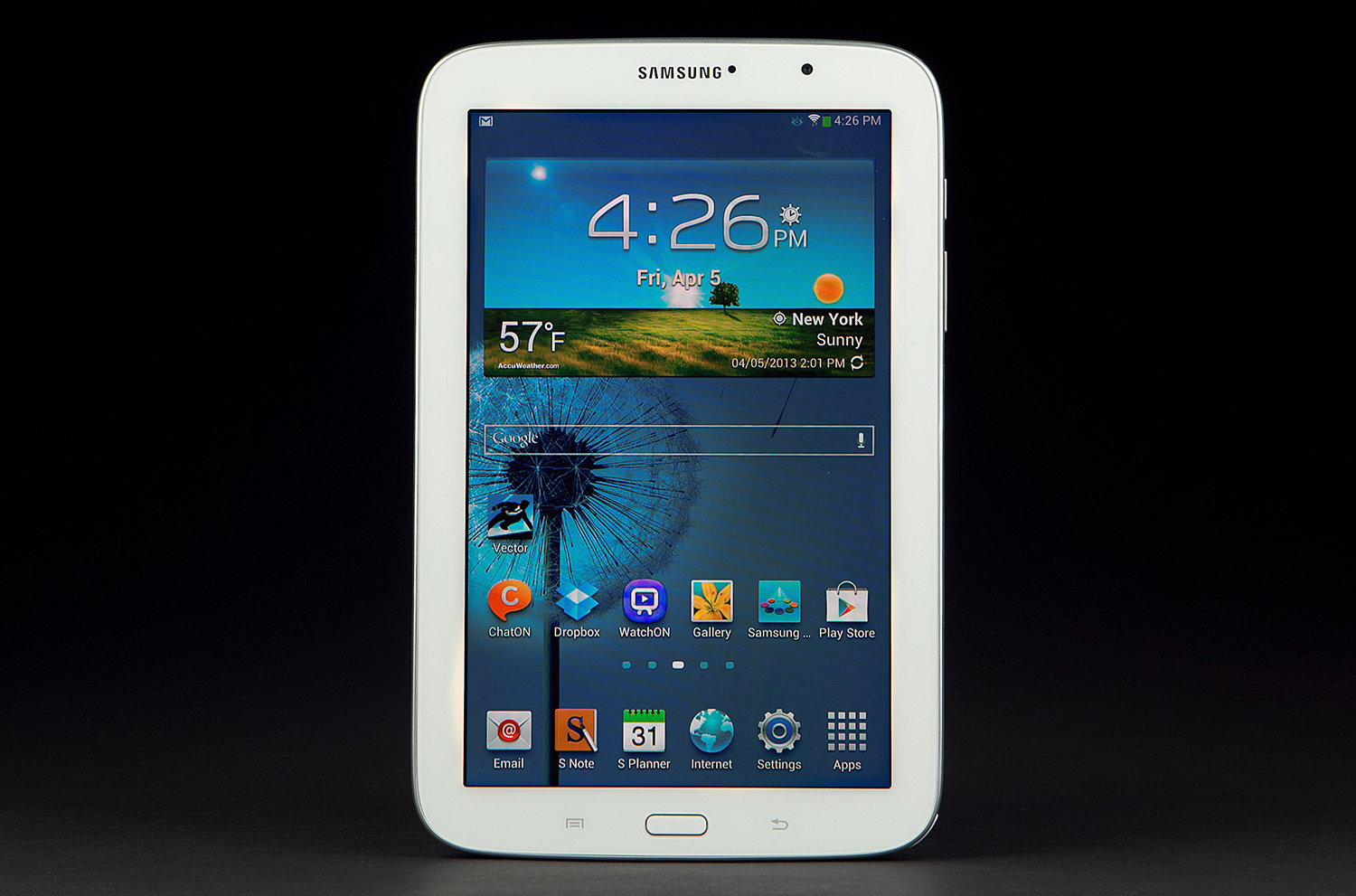
Samsung’s ever-expanding Galaxy of devices includes the diminutive Note 8.0 tablet. This 8-inch Android device looks like direct competition for Apple’s iPad Mini and it has been favorably received. If you’ve got yourself one, but you’re experiencing an issue of some kind, then don’t worry, there’s probably a good solution, or, at the very least, a workaround. Let’s take a look at some of the most commonly encountered Galaxy Note 8.0 problems so far.
Problem: Crashing or freezing
Every device will experience the odd fatal error, but you can generally bring it back from the dead fairly easily. If your device screen freezes and it’s unresponsive, or it goes black and refuses to turn on, then try the following.
Possible solutions:
- Hold down the Power button on the right spine for several seconds (at least 10 seconds).
- If the problem persists you should try and eliminate a rogue app as the cause. Make sure that all of your apps are up to date. Try removing them one by one until you find the culprit.
- As a last resort, you could try a factory reset, but you will need to set the device up again from scratch. To do this, go to Settings > Backup and reset > Factory data reset > Reset device and then Delete all.
Problem: IR blaster not working
The Samsung Galaxy Note 8.0 has an IR (Infrared) blaster which allows it to work as a universal remote control for your TV, home theater, or cable box. You can use Samsung’s Watch ON app or the Peel Smart Remote app, which both come pre-installed. Some people have reported issues getting it to work. If you’ve found that it’s unable to pair with your device, or it just seems generally unresponsive, then you can try a couple of things.
You can check that the IR is working by turning on your phone’s camera and watching the IR blaster on the Note 8.0 as you press a button. You’ll be able to see it on the screen of your phone (it will be visible as a light flash).
Solution: When you initially set it up as a remote, do it within a few inches of the device you are pairing with. Some people report issues with the initial setup from distance, but once it is properly set up they were able to use it as a remote from further away. If you’re using it in a really large room and it doesn’t work after setup you may need to sit closer to the TV.
Problem: Poor battery life
People complain about battery life with every new device that hits the market and the Galaxy Note 8.0 is no exception. The most likely cause is the multitude of features and heavy usage, but you can always check by going to Settings > Battery and see what the main culprit is.
Workaround: Turn off settings like Smart Stay, reduce the brightness of the screen, turn Power saving mode on, and try to avoid frequent syncing for apps (email, Facebook, etc). If you find a particular app is eating a lot of your battery, make sure it is up to date and check the settings for a syncing issue. If an update or settings tweak doesn’t do the trick, then uninstall the app.
Problem: Slow charging or not charging
Have you been waiting hours for your Galaxy Note 8.0 to charge up fully? It should charge up fully in around three hours. Perhaps it is refusing to charge up at all?
Possible solutions:
- If you’re charging it using a different charger than the one that shipped with your Note 8.0, or you’re using the USB plugged into a computer to charge it, then it will take longer to charge up, sometimes a lot longer. Use the original wall charger that shipped with your Note.
- Try charging something else with your charger, or try a different charger, to make sure that the charger itself isn’t faulty. Check your wall outlet too, and try others.
- Make sure that the Micro USB port is clear of any dust. If it looks like there’s a blockage, then use compressed air to blast it out.
- If the problem persists, you should try contacting Samsung or the retailer you bought it from.
Problem: Can’t get my Google Play $25 credit
A lot of people have had problems claiming their $25 free credit which Samsung is offering to new customers. You can claim it by registering at the Samsung website.
Solution: Samsung acknowledged a problem on its end. If it doesn’t work for you then wait a few days and try again.
Problem: Won’t connect or frequent dropping of Wi-Fi
This is a common problem and it could be down to the Note 8.0, your router, or a combination of the two. If your router is working fine for other devices then there are a couple of things to try.
Possible solutions:
- Just turn Wi-Fi off and on again. If that doesn’t work then turn the Note 8.0 and your router off and on again.
- Take a look in Settings > Wi-Fi then tap the menu key and select Advanced. Make sure that Keep Wi-Fi on during sleep is set to Always. You’ll also find your IP address on that screen.
Problem: Hulu Plus stuttering
A lot of people have reported that videos stutter on the Hulu Plus app on the Galaxy Note 8.0. Apparently the adverts play perfectly, but there’s a noticeable frame stutter when playing back other videos which isn’t present on other video apps.
Solution: It’s not clear what the problem is here. You’ll have to wait for Hulu to update the app with a fix.
If you know of any other fixes for Samsung Galaxy Note 8.0 problems then please post them. You can also share any issues you have encountered.
Editors' Recommendations
- Goodbye Samsung Galaxy Note 20, you were a terrible phone
- The best Samsung Galaxy Tab S8 Plus keyboard cases
- The Galaxy Tab S8 has renewed my faith in Android tablets
- Samsung Galaxy Z Fold 3 vs. Galaxy Note 20 Ultra
- Samsung’s Galaxy Tab S8 shows why Android 12L isn’t enough