It seems like the unsavory Pixel 8-Gemini drama is bearing a lot of apologetic AI blessings. Remember the cool new features in Google Photos that used to arrive with Pixel Drop updates and remain exclusive to Google’s phones? Well, those tools are getting democratized and will soon be available to not just more Android phones — but to iPhones, as well.
The binding force (read: mandatory element) is the Google Photos app. Come May 15, exclusive features like Magic Eraser, Photo Unblur, and Portrait Light will expand to all Google Photos users — as long as your device meets certain hardware requirements. Here they are, in Google’s own words:
- A Chromebook Plus with ChromeOS version 118+
- A phone running Android 8.0 or iOS 15
- Must have at least 3GB RAM
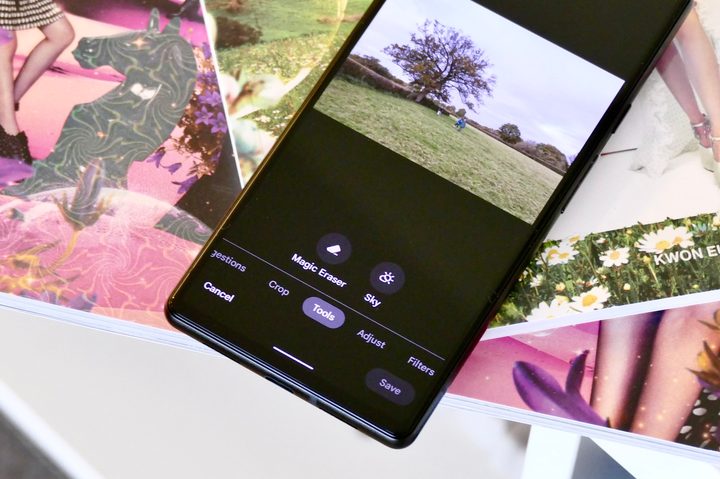
In case you missed the train, here’s a brief description of these editing niceties. The Magic Eraser tool lets you eliminate unwanted individuals or items from the background of an image. It’s not perfect, but there is not much of a learning curve either, and it gets the job done in most cases.

Then we have Photo Unblur, which comes in handy for old photographs and proves especially useful for enhancing images captured with low-res image sensors on smartphones or digital cameras. Whether dealing with issues like motion blur, camera shake, mid-focus blur, or visual noise, Photo Unblur tries to enhance clarity in such photos.
Finally, we have Portrait Light, which essentially creates a simulated light source in the photos and employs artificial intelligence to add more visual highlights to the subject’s face. As long as there are four or fewer people in a photo, this feature works like a charm and brings the faces alive.
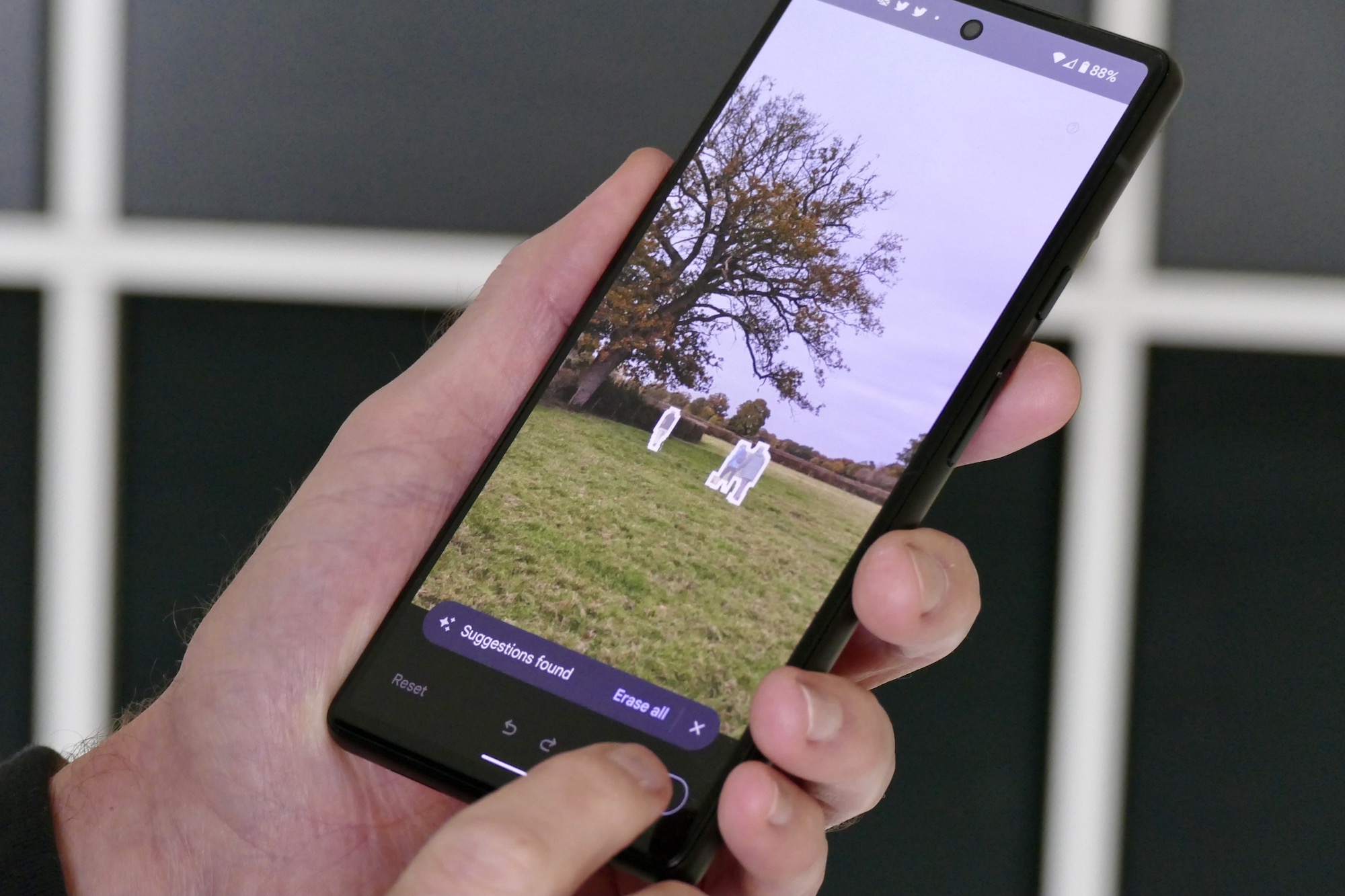
Then we have more demanding features like Magic Editor, which makes heavy use of AI tricks to allow edits that otherwise wouldn’t be possible even with extensive Photoshop knowledge. This feature helps you with moving around objects in a picture, resizing, or eliminating items within your photo, adjusting colors, and even applying stylized effects to transform the overall image.
So far, this mode has been exclusive to Pixel 8 series phones. But now, it will be available on all Pixel smartphones, as long as they have 4GB RAM or more. If you don’t have a Pixel in your pocket, Google will still offer you a generous 10 Magic Editor saves each month. If you end up liking it too much, either get yourself a Pixel or buy a premium Google One plan that offers at least 2GB or more cloud storage.