Digital note-taking is expensive, even on black and white screens. If you’re chasing that paper-like feel, prepare to pay a higher premium than your average budget iPad or Android slate. At the moment, Amazon’s Kindle portfolio is the king of the segment, but to snag its pen-toting Kindle Scribe, you’ll have to spend a steep $400.
If you’re not afraid of experiments, Remarkable is a solid choice, but you end up paying close to $600 for the joy of scribbling on a minimalist monochrome screen. Also, let’s not forget the software-level limitations, which don’t do justice to the sticker price.
Boox may have the perfect solution with its second-gen Color Go tablet with an E-Ink screen. Think of it as a Kindle with physical buttons, but one that also lets you jot down notes with a stylus and allows storage expansion. And oh, it runs the full Android experience and offers more customization features than any tablet of its kind.
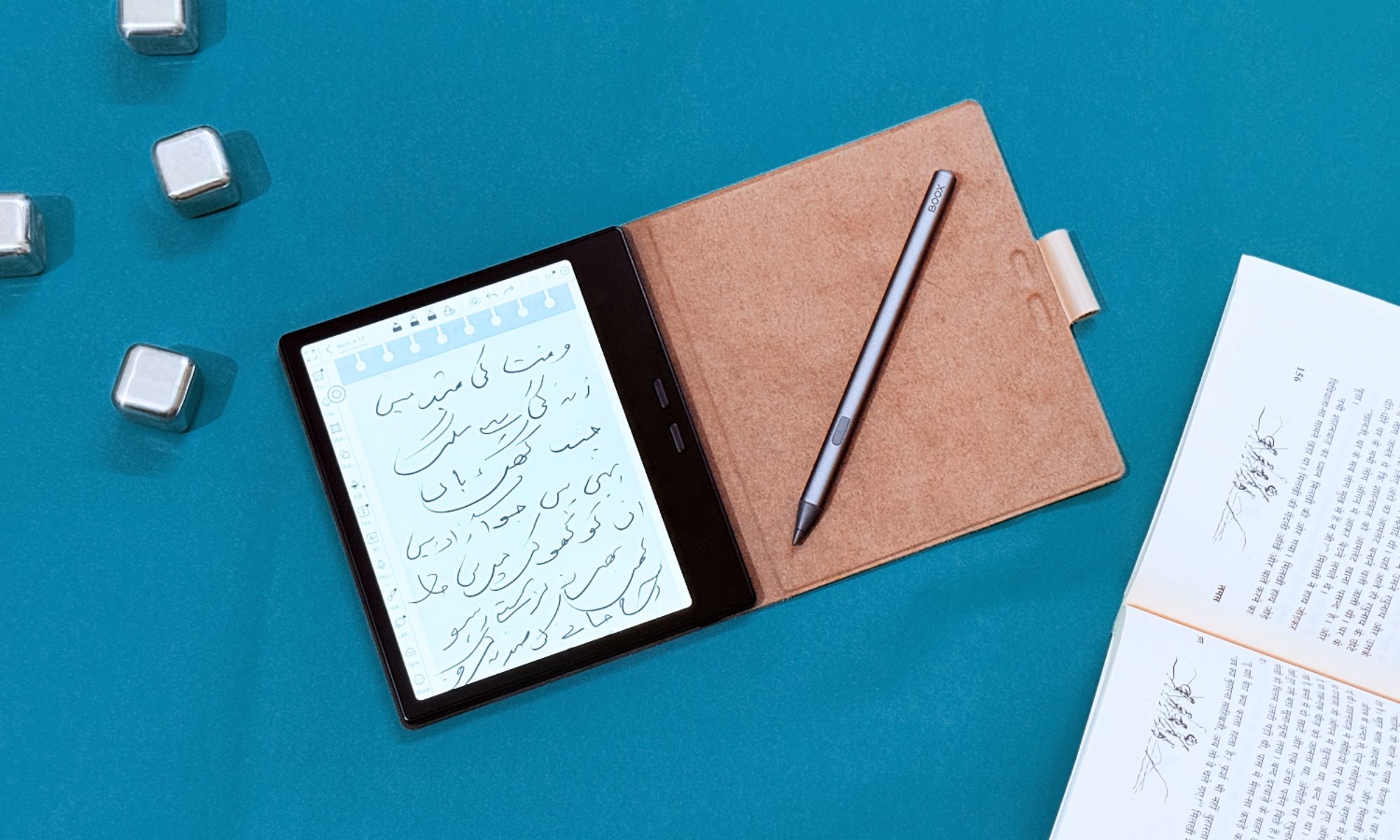
The best part? You only pay $200 for the Color Go, and just over $250 for the entire kit with a stylus and leather-inspired magnetic folio case. Sounds like a bargain already? Well, there’s more to this tablet than meets the eye.
Beautiful, inside out
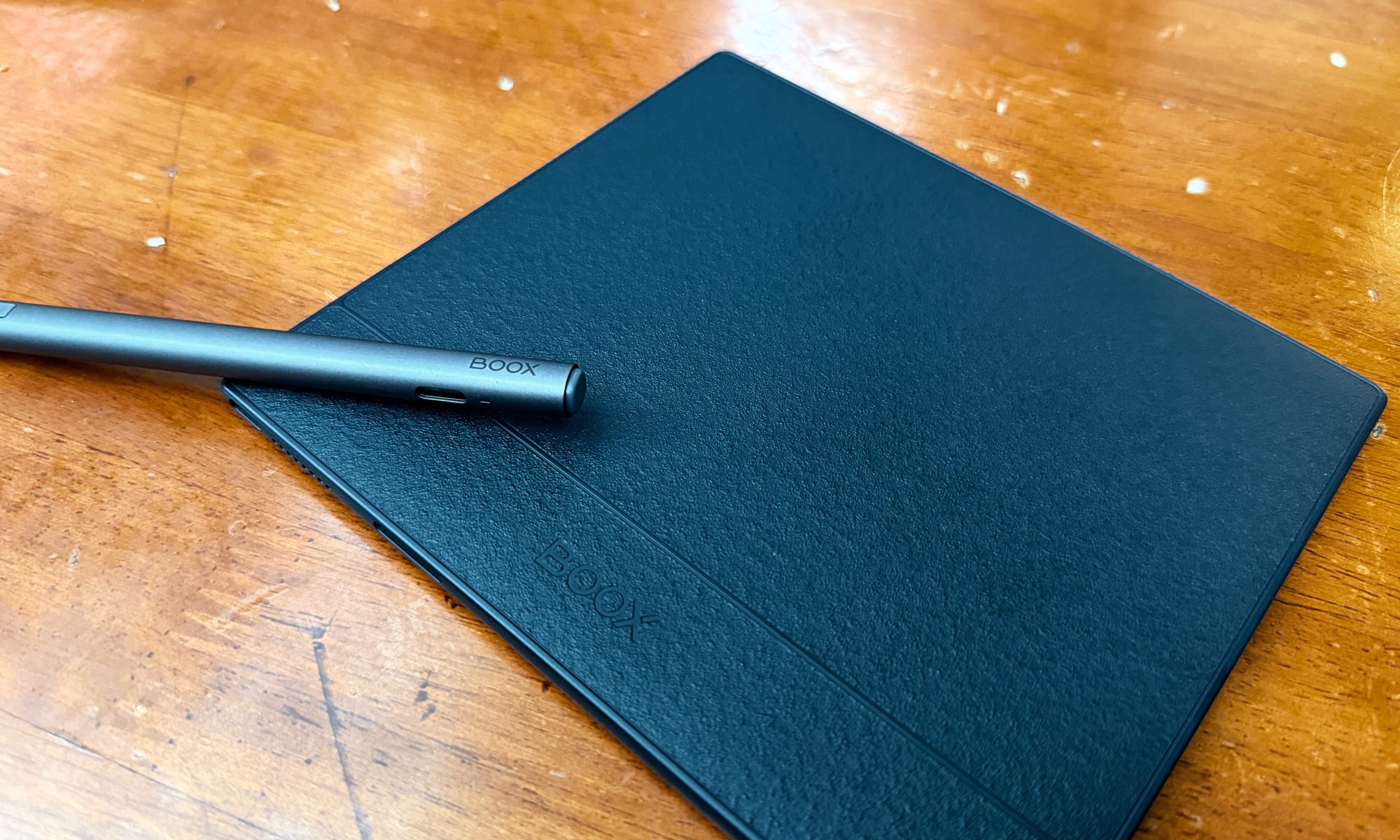
The second-gen Boox Go 7 fits a 7-inch display in a square-ish case that is merely 6.4mm across and weighs less than an iPhone 16 Pro. It’s a joy to hold and can easily slide into the back pocket of a jeans.
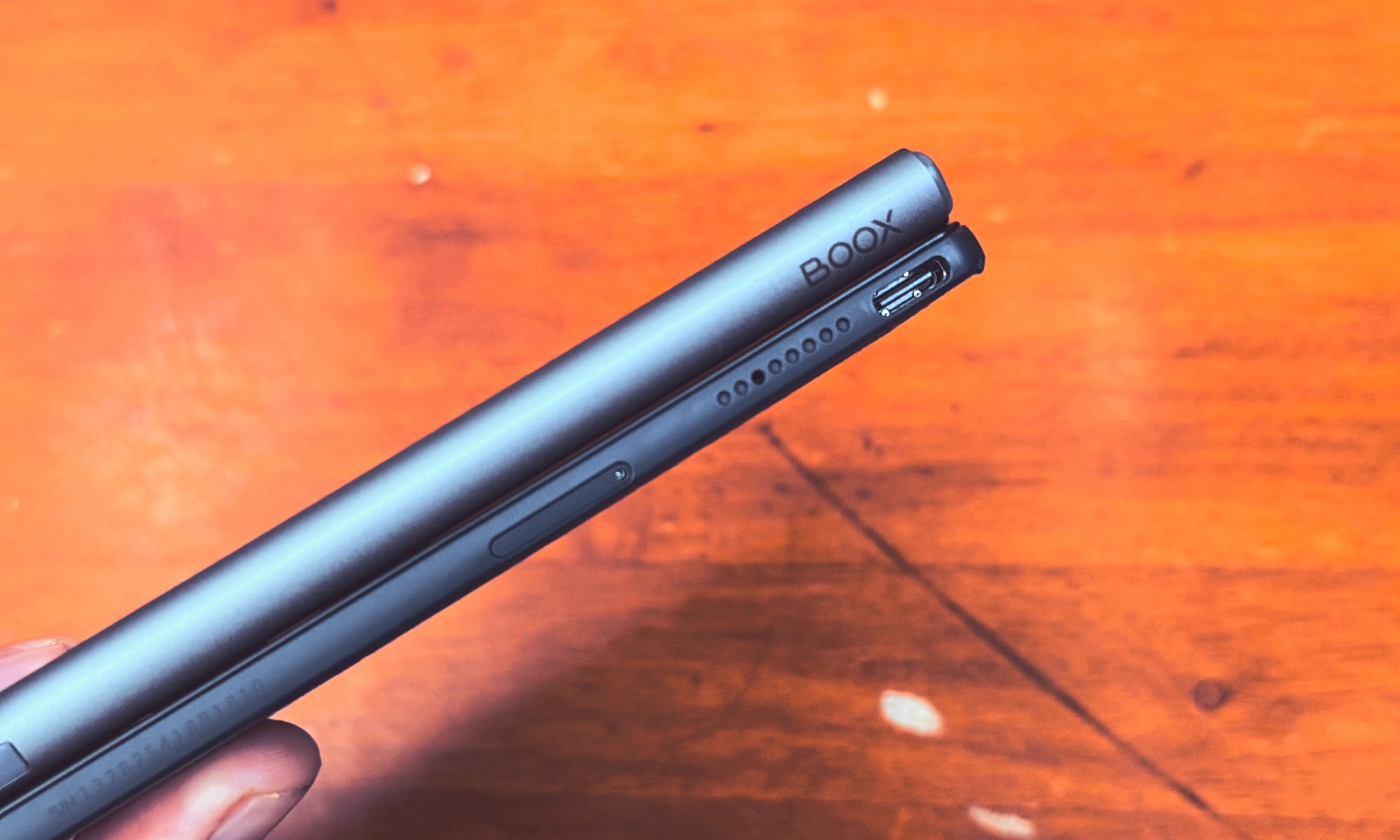
The overall construction is solid, and I absolutely love the texture on the rear shell. Even if the palms are sweaty, the tablet doesn’t slip. It comes with onboard speakers so that you can catch up on audiobooks, podcasts, or video streams.
Another underrated perk is the onboard micro SD card slot for storage expansion. In addition to the built-in 64GB memory, you also get 10GB of free cloud storage on Boox servers. Overall, you won’t be running out of space for storing books anytime soon.
The panel is an E Ink Carta 1300 monochrome screen with a resolution of 1680 x 1264 pixels, which translates to a density of 330 ppi. In addition to the brightness adjustment, you can also tweak the temperature, shifting from white to an amber shade for a comfortable night-time reading experience.
What truly sets the Boox Go 7 apart from its rivals is the extensive set of customization options. You can make DPI adjustments, change font aliasing, enable image smoothing, set scroll distance, tweak light and dark color adjustments, and set the contrast levels.
On E Ink, ghosting is a huge problem due to the low refresh rate. As a result, you see the visual artifacts from the previous frame appear on the current frame. And if the page is heavy on design assets, you see an odd shimmer-like effect.
To counter that, the Color Go 7 lets you switch from HD viewing mode to the Regal, Speed, or A2 modes to speed up the frame transition rate, reducing the ghosting effect. It comes at the cost of a quality downgrade for image assets, but if you’re predominantly reading, you won’t notice it between walls of text.

I regularly played online chess and the occasional low-stakes Angry Birds sessions without running into any visual stutters. For occasions where you need to fire up a YouTube video, imagine watching a black-and-white TV from your grandparents’ era. It’s smooth, but not loaded with surface details.
A rewarding software experience
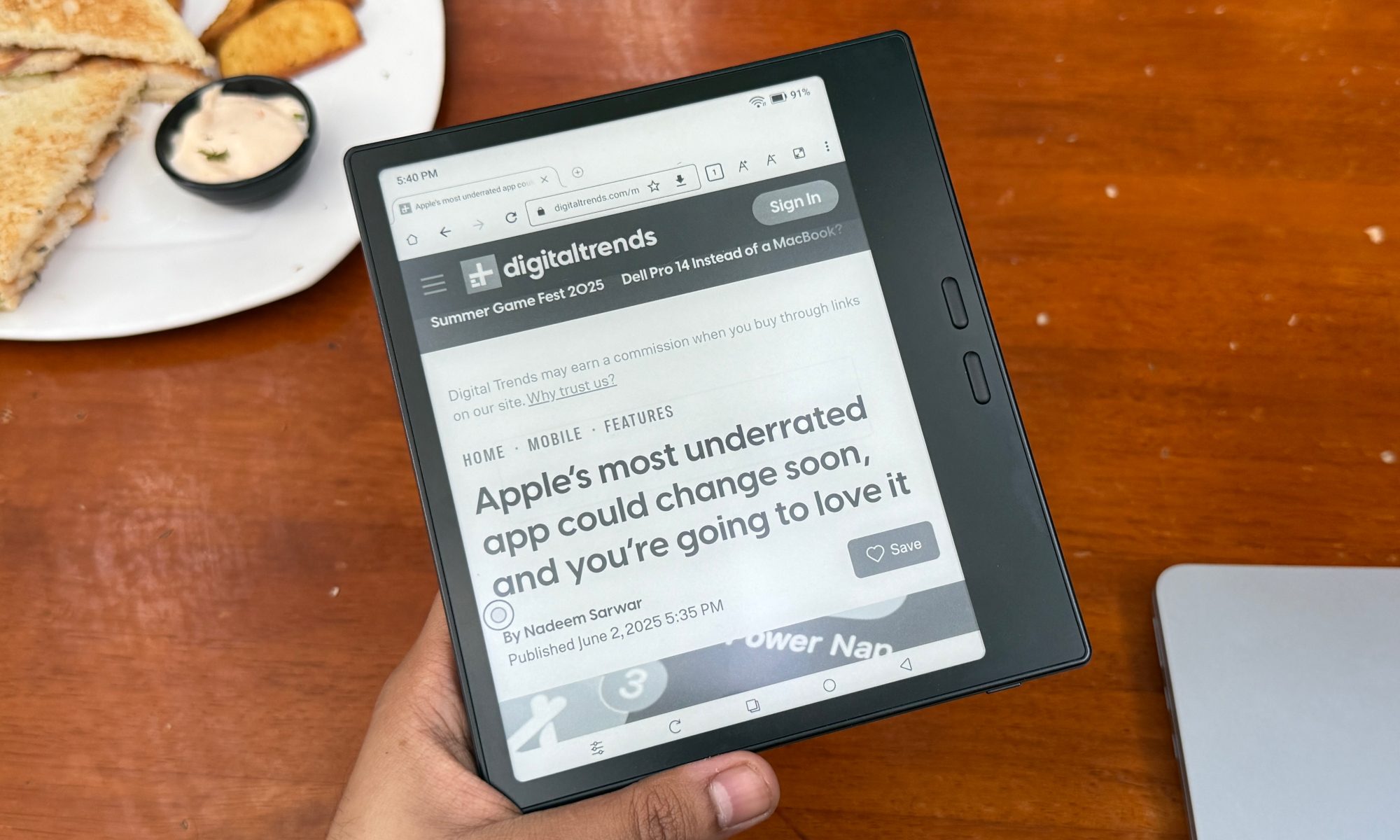
The biggest ace up the Boox Color Go 7’s sleeve is the full-fledged Android experience. It’s still version 13, but I didn’t find it to be a limiting experience. I mostly used the E Ink slate as a reference screen for keeping an eye on my Slack and Microsoft Teams chats, and it did a fine job.
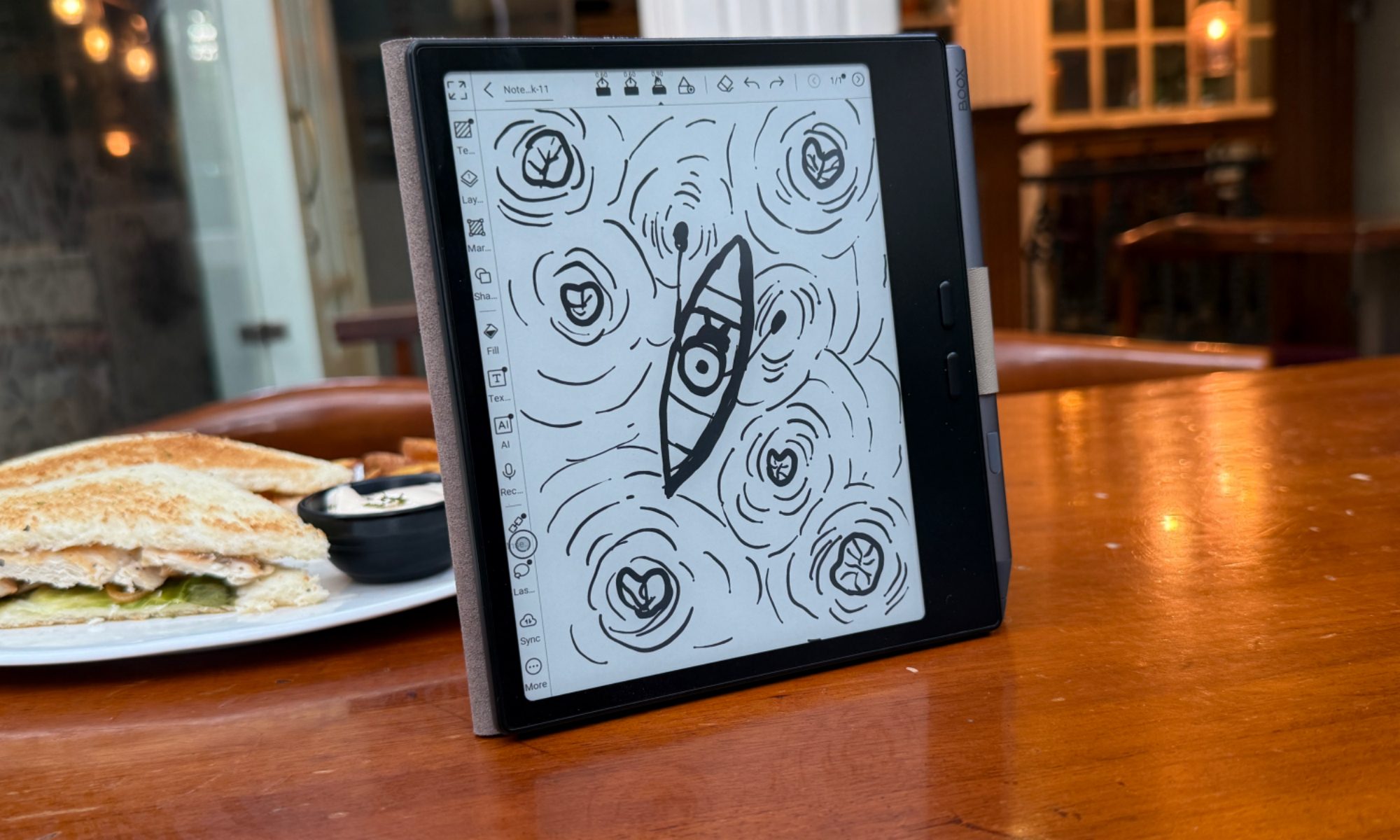
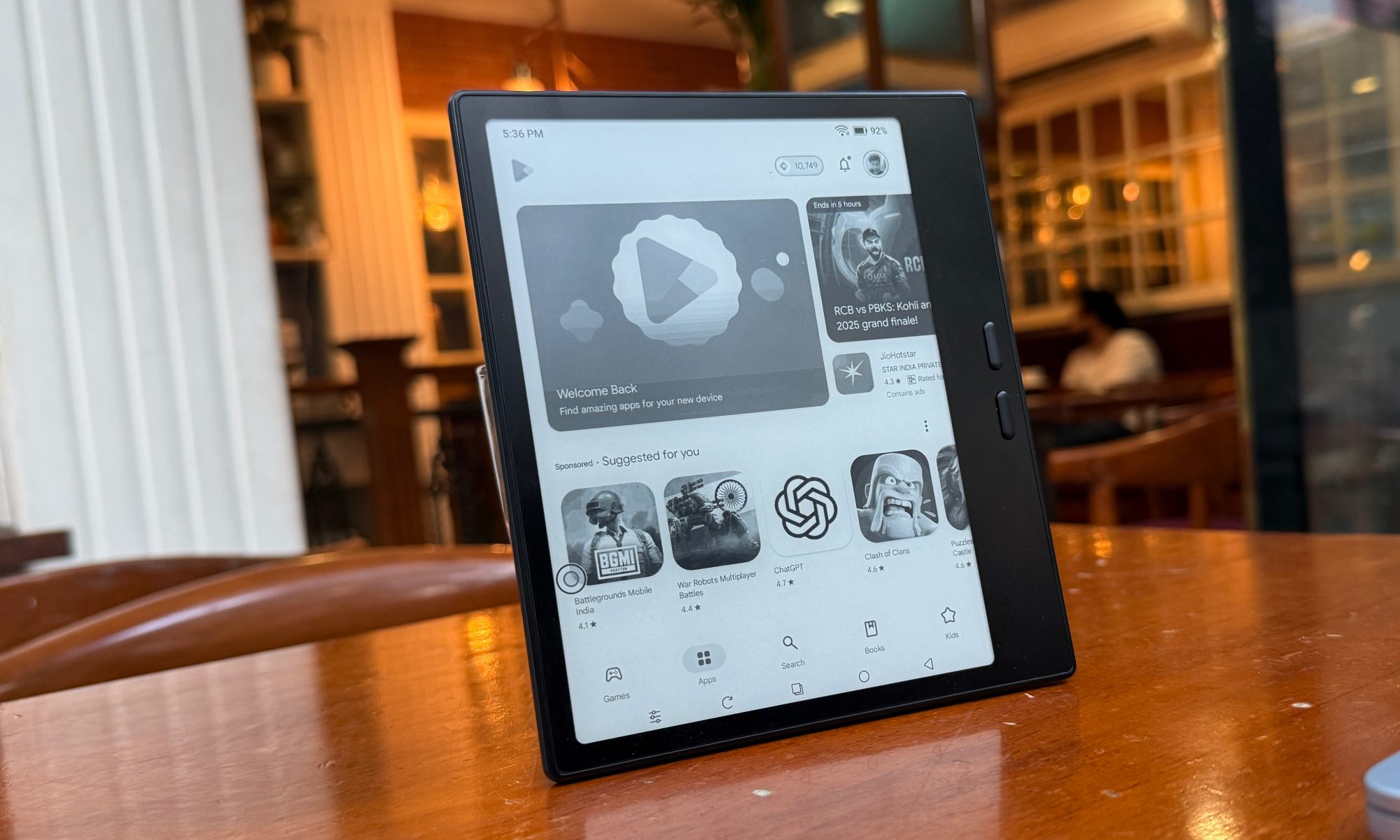
Unlike the Kindle or Remarkable, you can actually run any app you want. For bibliophiles hoarding up on hundreds of titles scattered across different file formats, the built-in reader app can handle anything from PDF and EPUB to FB2, RTF, HTML, PRC, MOBI, and AZW3 file types.
If the built-in app doesn’t appeal to your reading taste, just download the Kindle app from the Play Store, or any other APK from the internet. The octa-core processor, paired with 4GB of RAM, can handle your app duties with ease.
I, however, believe that after using the Boox Neo Reader app, you won’t feel the need to find an alternative. It offers a healthy set of annotation features, and even a few AI tricks such as turning rough lines into perfect shapes, underlines or loose shapes into tight highlights, scribbles into redactions, and scratched lines into eraser.
As far as the core reading experience goes, the app offers a native speech synthesis tool (apparently the same as Android’s local screen reader) for listening to your books and papers. You can adjust the speech pace, speech rate, and pitch, as well.
Coming to the text part, you can stylize digital reading material by changing the font, size, or enabling the dark mode to invert the color scheme. The dark mode looks stunning, by the way.
Note-taking is the real winner
The most enticing aspect of the refreshed Boox Go 7 is the note-taking experience. The provided stylus, which charges via a USB-C port, is well-built and offers 4,096 levels of pressure sensitivity.
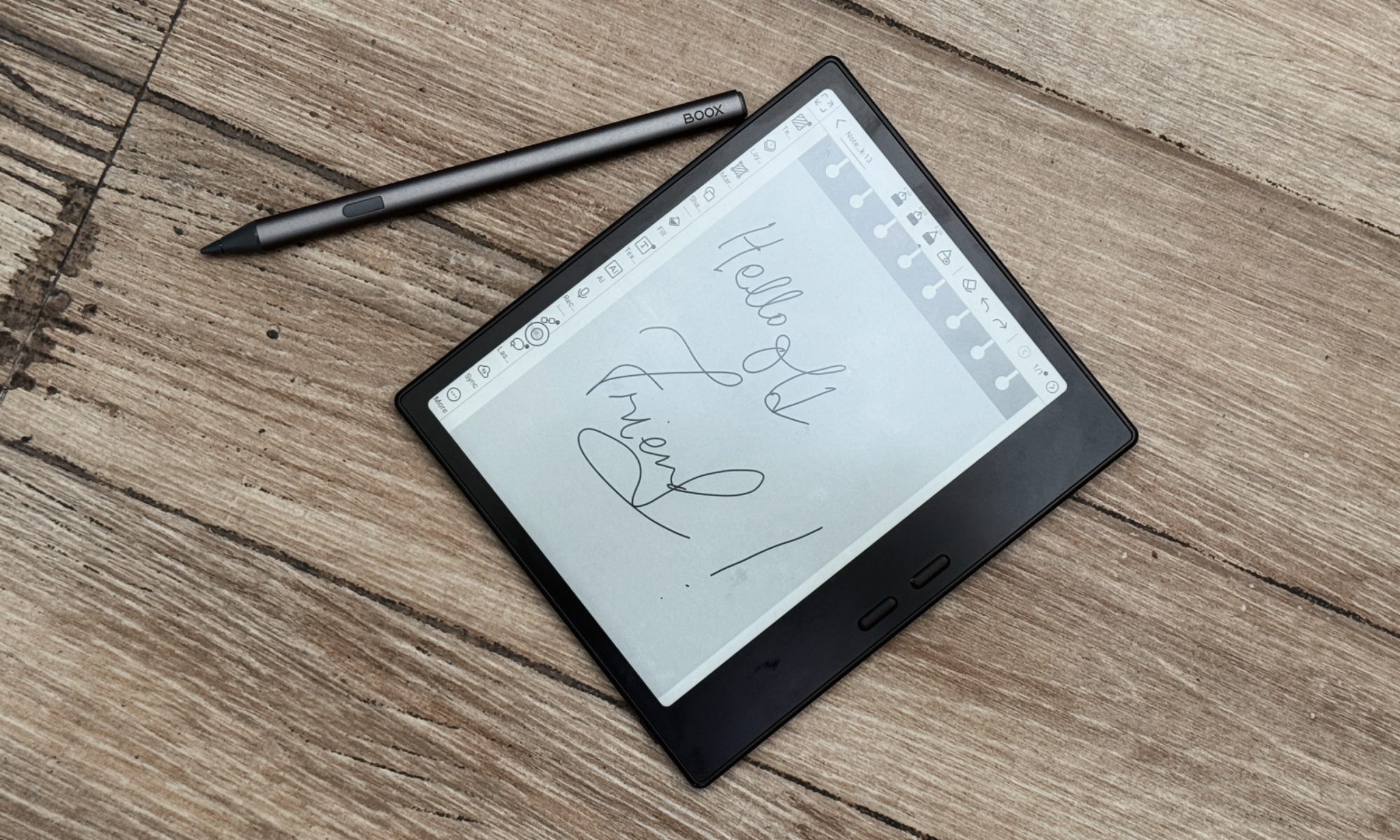
There’s a wee bit of latency if you are scribbling fast, but at the normal pace, you won’t face any lag at all. My sister, who is a fashion designer, tried the Boox Go 7 and told me that it does a fine job of quickly drawing a few schematics without any technical issues.
The only problem was that when the drawings got heavy on brush strokes, a portion randomly vanished. With a couple of undo shortcuts, it returned. I didn’t see this glitch in third-party apps, however.
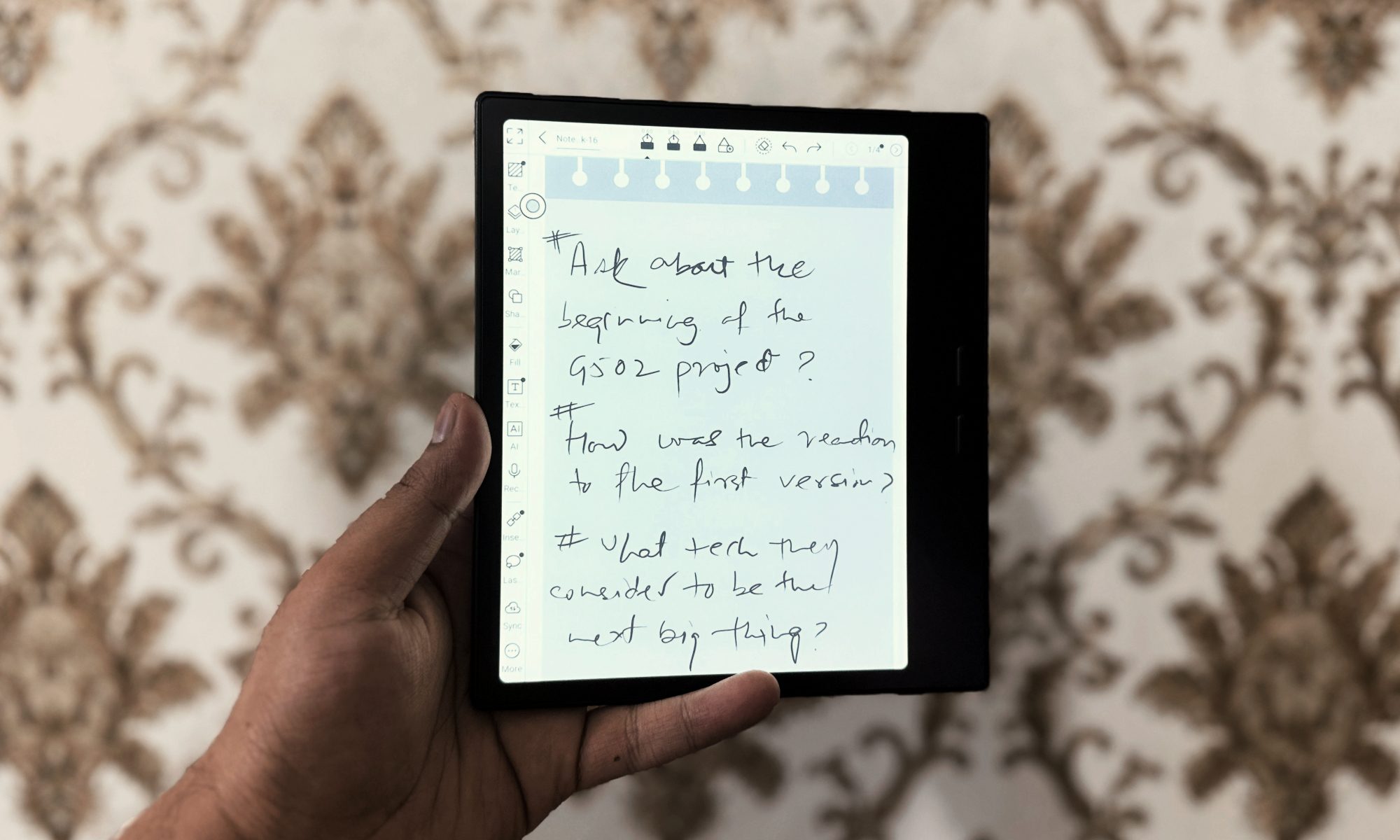
The pre-installed Notes app offers plenty of ready-made templates to pick from. However, you can create your own custom note-taking template. You can also directly land on a blank notebook via the quick note feature in the quick controls dashboard.
My favorite part was importing my locally saved NotebookLM notes and Gemini Deep Research reports, and annotating through them using the stylus. As far as the battery life goes, the 2,300 mAh battery can easily last a few days due to the low-power draw.
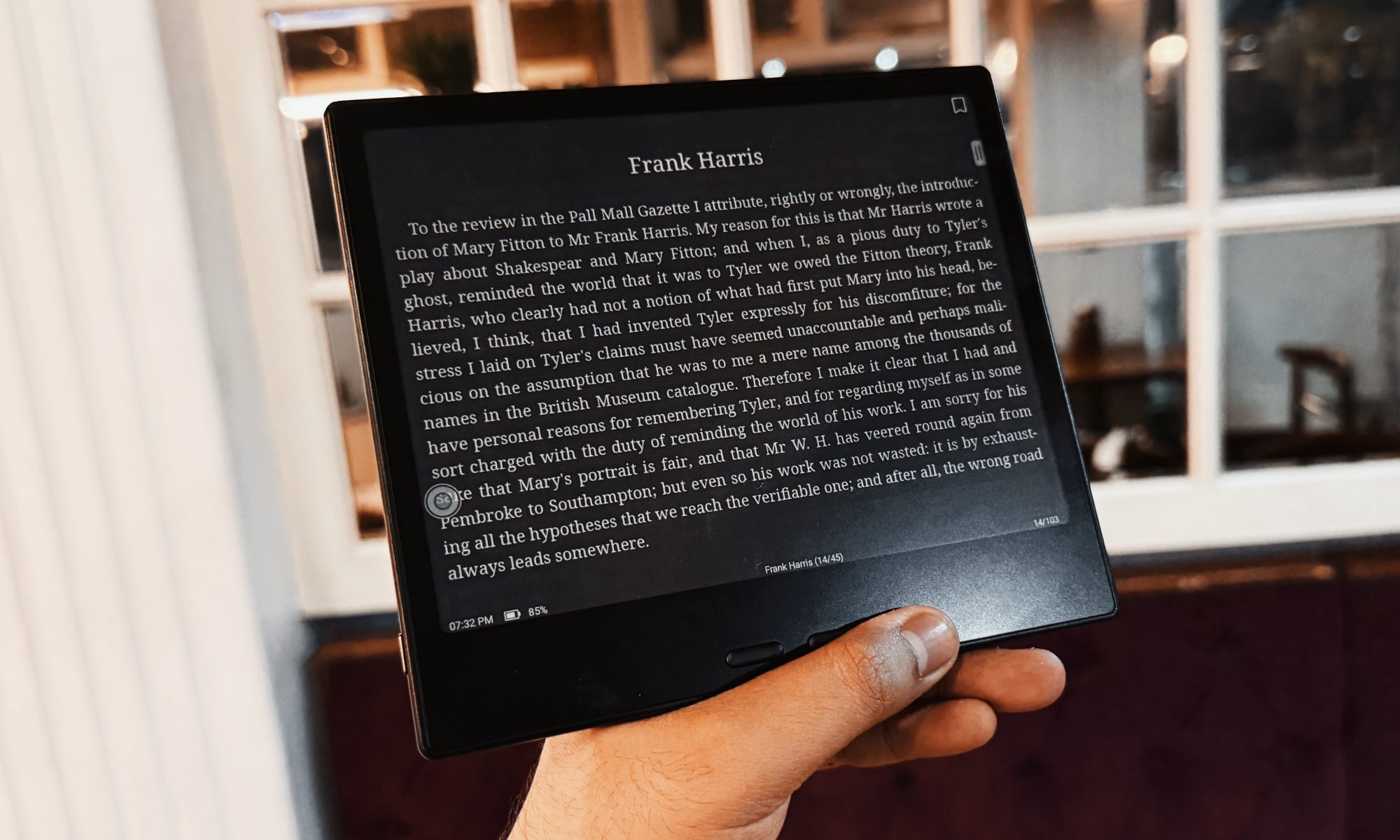
Your mileage may vary depending on the backligh strength, but since I was working mostly within a sunlit cabin, I usually kept it within the 20% mark. Plus, with even brief plugged-in times, it can reach a full tank, so you don’t have to worry about hauling a brick or power bank solely for the Boox tablet.
Overall, the second-generation Boox Go 7 is arguably the most functionally loaded e-reader in its size bracket out there. And the fact that it can also double as a digital note-taking device, one that nearly matches the size of classic pocket diaries, is just the cherry on top.
At just over $250, the Boox Color Go 7 is already the finest specimen of an E Ink reader, but the flexibility offered by Android and stylus support is what makes it truly invincible at that asking price. The Kindles are simply no match for this cute little powerhouse.