1. Home
  2. Computing
  3. News

Oculus details how to set things up for 360-degree and room-scale experiences

Add as a preferred source on Google

When Oculus releases its Touch controllers on December 6, the new peripherals are set to expand the Rift’s capabilities considerably. Using a standard set-up, the controllers only work when the player is facing forward, but the company recently announced plans to support both 360-degree tracking and room-scale experiences — and some new documentation has offered up more information on how this functionality will work.

To set up a 360-degree experience with two sensors, users are advised to place them in opposite corners of the room, facing each other. The sensors can be up to 10 feet apart, which produces a five-foot-square play area.

Recommended Videos

Oculus recommends that this set-up is used for seated experiences, according to a report from Tom’s Hardware. If players want to use their Rift to enjoy something at room scale, or engage in an experience that requires them to stand, they’re advised to purchase a third sensor.

When three sensors are in use, two should be placed in front of the player at a distance of 3 to 7 feet from one another. The third sensor should be placed behind the player, in either the left of right corner of the room — it doesn’t seem to matter which side is chosen, and this sensor can be up to 13 feet from the one in the opposite corner.

This configuration produces a play space of up to 8.2 feet by 8.2 feet. For comparison, the HTC Vive offers a maximum tracking area of 15 feet by 15 feet.

The documentation also reveals that while Oculus recommends the use of USB 3.0 ports when one or two sensors are being used, the third sensor should be connected to a USB 2.0 to help balance the tracking data load. For this reason, the extension cable bundled with the optional sensor is USB 2.0, rather than USB 3.0.


Brad Jones
Brad is an English-born writer currently splitting his time between Edinburgh and Pennsylvania. You can find him on Twitter…
Claude’s Sonnet 5 is built to do more on its own and cost you less
Better than its predecessor, nearly as good as the flagship, and meaningfully cheaper than both.
Art, Floral Design, Graphics

Every major AI lab is racing to prove its models can work autonomously with minimal hand-holding; we’re now seeing pricing emerge as the next battleground. 

Anthropic just fired its latest shot, Claude Sonnet 5, a model the company says performs nearly as well as its flagship Opus 4.8 at a fraction of the cost.

Read more
Apple Creator Studio adds AI tools across Final Cut Pro, Logic Pro and Pixelmator Pro
Final Cut Pro gets AI captions, Auto Mask and better Pixelmator Pro workflows in Creator Studio update
Computer Hardware, Electronics, Hardware

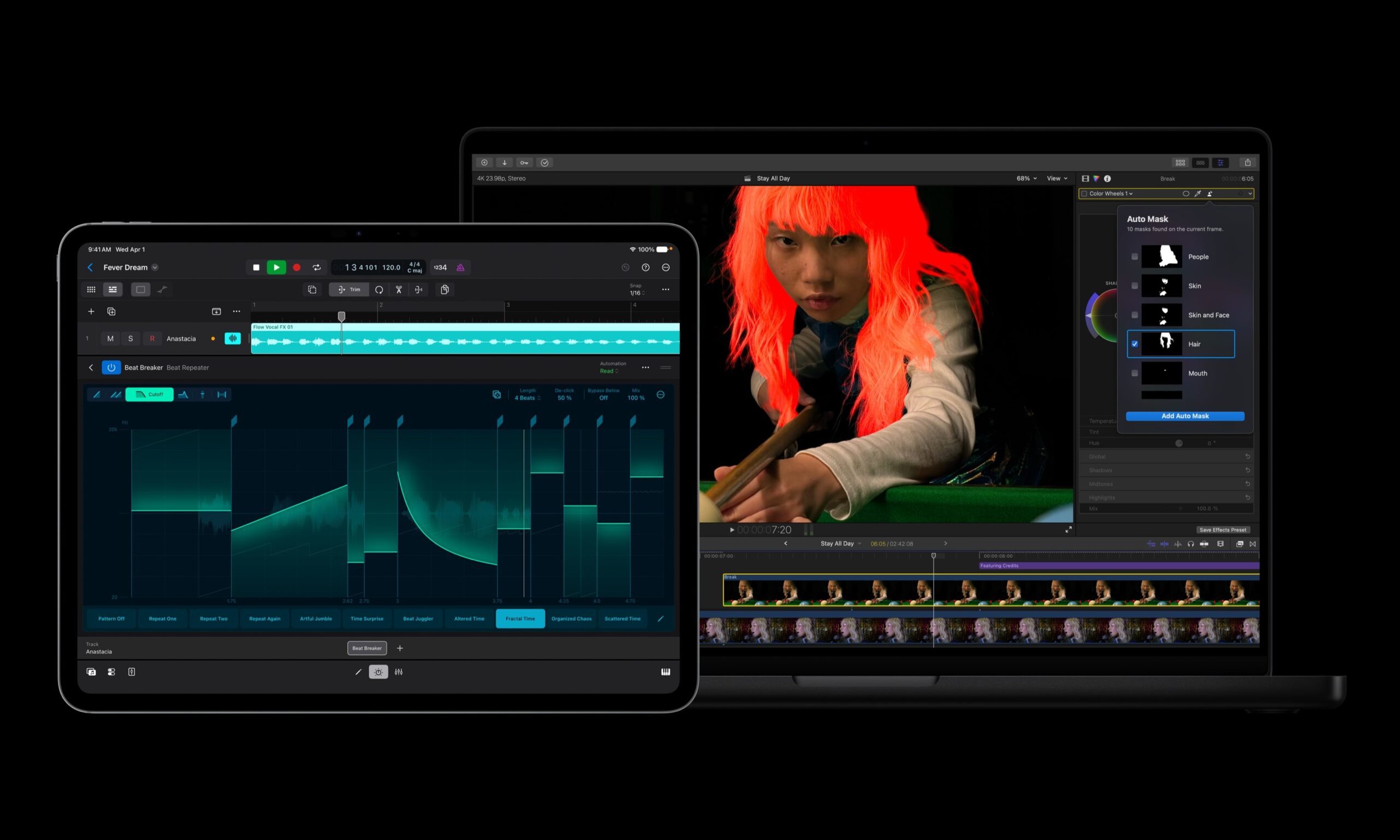
Apple has introduced a major update to Apple Creator Studio, adding new AI features, deeper Pixelmator Pro integration, and workflow upgrades across Final Cut Pro, Logic Pro, Keynote, Pages, Numbers, Motion, Compressor, Freeform, and Final Cut Camera.

The update makes Creator Studio more useful across Mac, iPad, and iPhone, especially for people who move between video editing, image editing, presentations, documents, spreadsheets, and music production.

Read more
AI browsers like Perplexity Comet can be tricked into spilling your password through BioShocking exploit
Six AI browsers were found leaking saved passwords and many of them haven't fixed it yet.
MacBook Air in hand, Comet browser loaded—let’s see what Perplexity’s AI can really do

Security researchers just found a strange way to trick AI browsers into handing over your passwords. They managed to trick AI browser agents into exposing sensitive data like saved passwords, session cookies, and private tokens by disguising the theft as part of a harmless "game."

The technique is called BioShocking, named after the popular video game BioShock, where a brainwashed character is manipulated into believing a false reality. Once an AI browser falls for the same trick, it stops following its own safety rules entirely.

Read more