The most popular and easy way to communicate is through email. All you need to do is type your message and hit the send button. For the Mac user, email apps are especially important for security and workflow.
This list will enlighten the Mac user to the best email apps out there. Each app has a unique feature to consider. Go ahead, do your reading, and start emailing with ease.
The best Mac email app: Spark
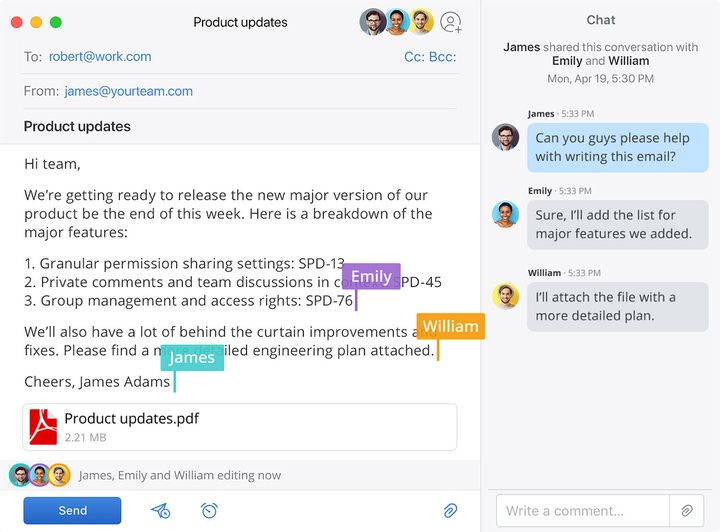
Spark is so well kitted-out that it’s hard to fit all its features into this round-up. It automatically sorts your mail so you can see the important things first; you can discuss emails on-the-fly with colleagues; it can schedule emails to send later, or send you a reminder to follow up on them; and so much more. It really is the complete package.
Spark combines all that with a clean, modern, and (crucially) clutter-free interface that’s super-simple to get around. And if all that’s not enough to convince you, Apple’s awarded it the “Best of the App Store” award, recognizing it as one of the top apps you can get your hands on. Oh, and it’s free for small teams and personal use, too.
The best Mac email app for an organized inbox: Edison Mail
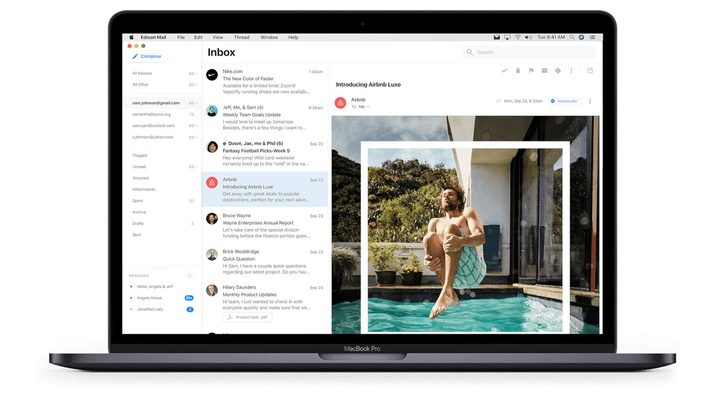
Some email apps simply move spam messages and newsletters into a separate folder. Sure, you don’t see them in your inbox, but they’re still there, clogging things up. Edison Mail, on the other hand, lets you regain control thanks to its simple unsubscribe button, which will stop those pesky emails from ever reaching you. Not only that, but it can delete all previous mail from that sender too.
It also has a handy in-app assistant that automatically categorizes your mail into sections like Travel, Entertainment, Packages, and more. No more searching around in a densely packed inbox — with these categories, it should be easier than ever to find what you’re looking for.
The best Mac email app for productivity: Outlook
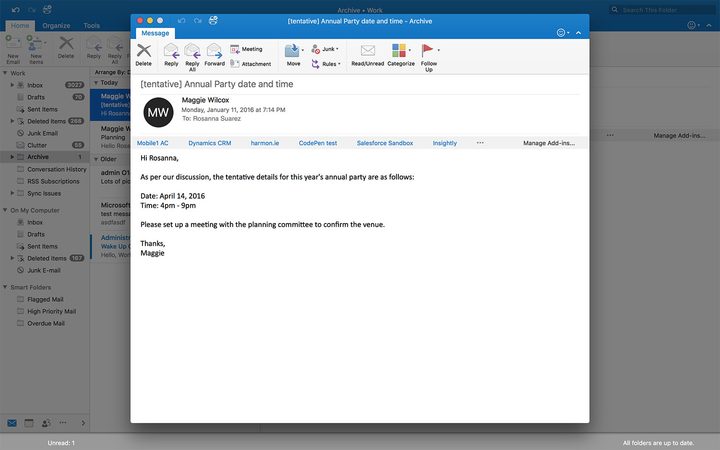
It should come as no surprise that Outlook takes the crown for productivity. Microsoft’s stalwart email app has long been a favorite of business-oriented users who need strong teamwork tools, and the Mac version is no different. You can tag colleagues in messages, purge distractions with its Focused Inbox, and create collaboration groups for your teams.
It does require an Office 365 subscription, but that means it can integrate all of Microsoft’s other Office apps to help you get your work done. It’s a good Mac citizen, too, with support for Dark Mode and the Touch Bar, which works well with Microsoft’s other Office apps.
The best Mac email app for security: Canary Mail
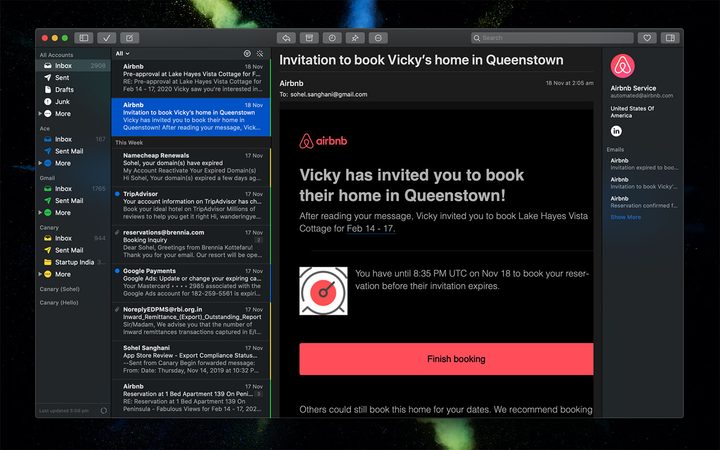
We all use email for important things, and there are plenty of messages containing sensitive info that we wouldn’t want falling into the wrong hands. Canary Mail makes this the focus of its approach to your email, baking in end-to-end encryption by default.
You can choose to stick with the app’s auto encryption, or use PGP if you’d rather do things manually. The app has all the features you’d want in an email app — a focused inbox, smart filters, natural language search, and more — with the extra protection security-conscious users will be looking for.
The best Mac email app for integration: Newton
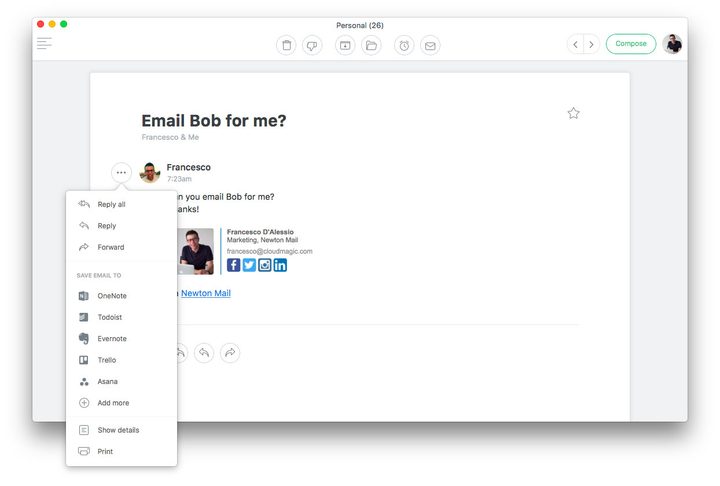
If email is a big part of your life, you’ll find your email app is not just a standalone tool — it’s the hub of your digital life. In order to manage it efficiently and effectively, you’ll need it to integrate well with other apps — and that’s exactly what Newton does.
It works with cloud storage apps like Google Drive, Dropbox, and iCloud; productivity apps including Todoist, OmniFocus, and Things; teamworking apps such as Trello, Slack, Asana, and Salesforce; and many more. If you’re looking for the perfect email app to slot into your current workflow, try Newton.