When picking out the best VPN for your needs, the number of devices you’re able to use with it is generally very important. These days, we all have at least a computer and smartphone. Often, however, there are far more devices at one’s disposal. These can include tablets, games consoles, smart TVs, and even smart home devices like light bulbs. Considering NordVPN? We’ve got you covered with everything you need to know about how many devices you can use with it.

How many devices can you use NordVPN on?
NordVPN allows you to use up to six devices at once while connected to one NordVPN account. That should be more than enough for the majority of users. You can hook up your computer, smartphone, tablet, and much more through the service.
However, if you need more devices to be accepted, such as if you want the whole household covered, there is an alternative. It’s possible to set up your router with NordVPN. Because of how the system works, it only uses one device slot but it means that everything that is connected to your network is protected by the VPN.
By setting up your VPN at the router level, you benefit from always-on security and privacy that doesn’t require installing separate apps. Everyone that connects to your VPN is protected even if guests join your network for a brief time.
It also means that devices that don’t support VPNs such as streaming sticks still get to use the VPN, providing you with extensive functionality.
Setting up NordVPN via your router takes a bit more effort than installing an app but NordVPN offers an extensive tutorial.
The process is slightly different for different routers but following the steps is reasonably straightforward, and offers substantial benefits.
Uses for NordVPN
NordVPN is one of the most popular VPNs out there offering many useful features.
As with any VPN, it is able to disguise what you’re doing online so that your ISP and any nefarious sources can’t see what you’re doing online. NordVPN offers a double VPN feature so you can redirect traffic through two servers making it even harder to detect your activities.
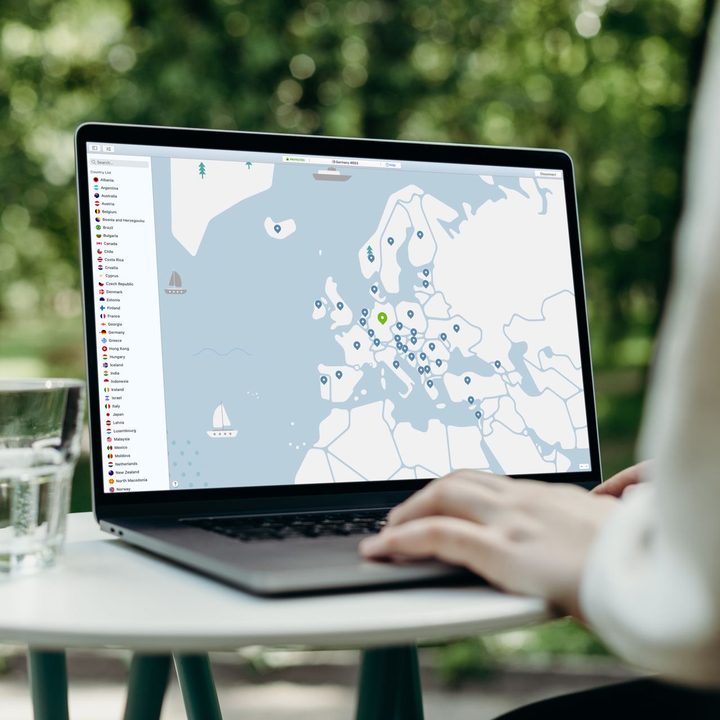
NordVPN offers over 5,000 servers located in 59 countries so it’s possible to change your location extensively. That’s useful when trying to avoid georestrictions for certain websites as well as streaming services. By using NordVPN, you can change your location on Netflix and other streaming apps, gaining access to other shows and movies.
It’s also possible to avoid censorship issues if you’re traveling to other countries although, in this case, using a VPN at the router level is likely to be harder than installing it on individual devices.
NordVPN also blocks ads and malware making it a useful addition to your home network so that everyone is safer. Avoiding tracking also means potentially cheaper prices as some retailers adjust prices according to your previous browsing history.
By setting up NordVPN either across six devices or on your router, you gain all these benefits for the sake of a short amount of setup time.