Tesla is holding its AI Day tonight, helmed by CEO Elon Musk. It’s been a turbulent year for the divisive figure since the inaugural AI Day last year. Still, the focus of the event is expected to be squarely focused on robotics and AI initiatives within Tesla — not any of Musk’s personal controversies and side interests.
The topics to be discussed could range from advancements in self-driving cars to the first demo of Optimus, the company’s humanoid robot project.
How to watch Tesla AI Day
The official livestream has finally been posted on Tesla’s YouTube page with a starting time of 6:15pm P.T.
A digital ticket that has been posted on Twitter reveals some juicy — and downright strange — details about the event tomorrow. The in-person event will supposedly take place in Palo Alto and last from 5 p.m. PT to 11 p.m. PT, which is a very odd time to hold an event. The actual presentation likely won’t last the entirety of the event, but last year’s nearly three-hour runtime should give you an idea of what to expect.
AI Day 2022 on Sept 30 🤖 pic.twitter.com/S9LZ5SefUC
— Tesla (@Tesla) August 23, 2022
What to expect from Tesla’s AI Day
We don’t have an agenda for the event, so it’s hard to know quite what Tesla has in store. Musk tweeted this morning that “Note, this event is meant for recruiting AI & robotics engineers, so will be highly technical.” That should give you an idea of what the tone of the event will be.
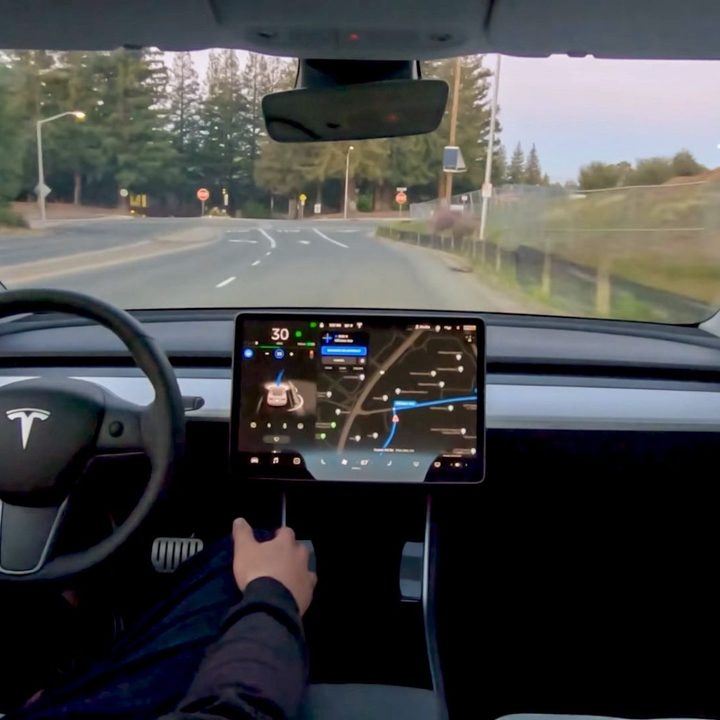
Obviously, we can expect Musk to share more about Tesla’s work on self-driving cars, specifically with FSD (Full Self-Driving), the software behind its driver assistance system. FSD is currently in beta for those willing to pay $15,000 to try it out on their Teslas and is expected to roll out later this year. So don’t be surprised if we get into some of the extreme technical details behind FSD and what it’ll be able to do.
We may also see Musk touch on the Tesla robotaxi idea, a concept that’s been around since 2016. The futuristic taxi, which may have no steering wheel or pedals, was last mentioned at Tesla’s first-quarter earnings call earlier this year.
Of course, Optimus is the project we’re all excited to see an update on. The humanoid robot was first previewed at last year’s AI Day, though it was more an idea than an actual product. This year, we’re all hoping to see this concept come to life with an actual functioning prototype available. AI Day was supposedly delayed just in time to get the humanoid robot prototype ready, so it’s a safe bet it’ll make an appearance one way or another.
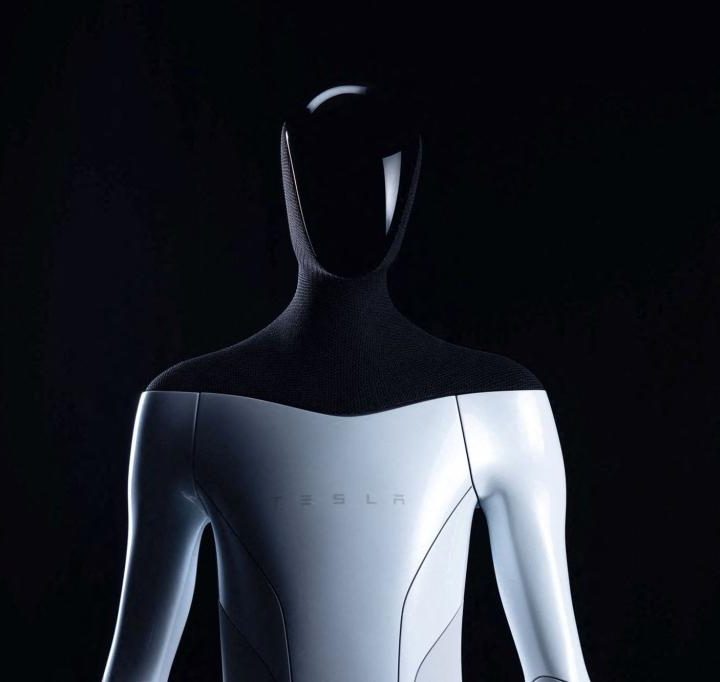
As described at last year’s event, Optimus is a humanoid robot meant to replace “dangerous, menial, or boring tasks,” whether that’s in factories or in homes. Despite its intimidating appearance, Musk has said that Optimus will be friendly and would be easily overcome by a human, if it came down to it. Tesla has an obvious application for Optimus working in its own Tesla factories, which already contain some of the most advanced robotics on the planet — but it’s the more practical applications that have captured the interest of the wider world.
Will Tesla deliver on the exciting and possibly terrifying idea of Optimus? That’ll be the main topic of discussion coming out of Tesla’s AI Day.