Apple released macOS Ventura in late October of 2022 bringing several interesting features as well as a few new problems. If you’re having trouble after upgrading from macOS Monterey to Ventura, here are some solutions that could help.
AirDrop isn’t working
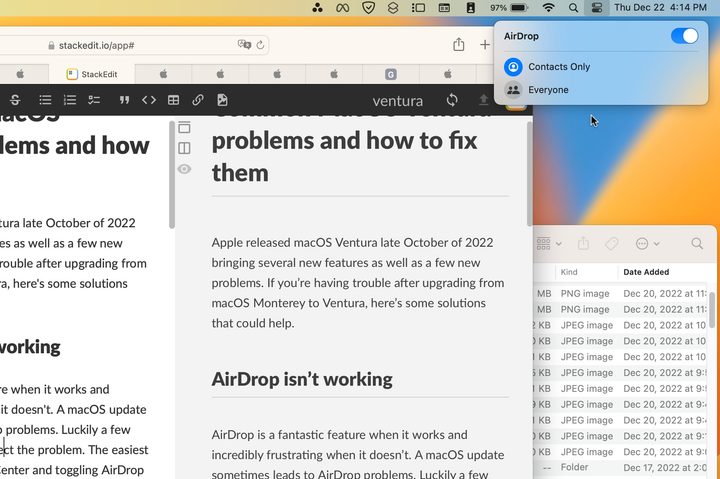
AirDrop is a fantastic feature when it works and incredibly frustrating when it doesn’t. A macOS update sometimes leads to AirDrop problems. Luckily a few simple tips can usually correct the problem. The easiest solution is to open the Control Center and toggle AirDrop off and on again. You can also try switching between Contacts Only and Everyone.
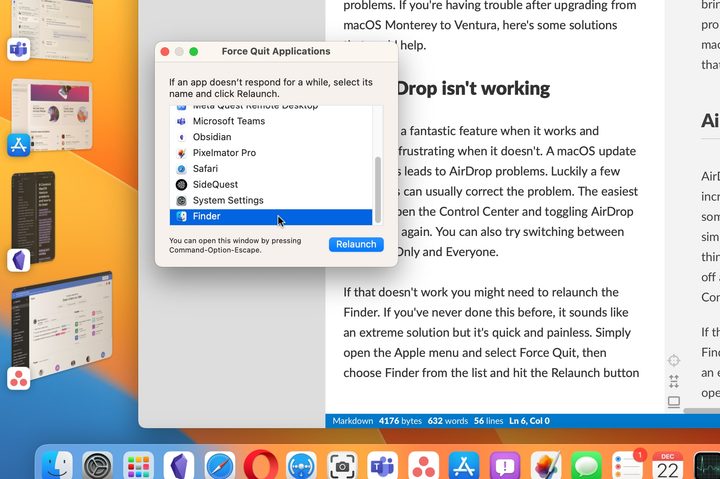
If that doesn’t work you might need to relaunch the Finder. If you’ve never done this before, it sounds like an extreme solution but it’s quick and painless. Simply open the Apple menu and select Force Quit, then choose Finder from the list and hit the Relaunch button. There will be a warning about losing unsaved changes, so make sure you save any open documents first.
Quick Look doesn’t work
Quick Look is another feature that could glitch after updating to macOS Ventura. This is the handy preview image of the current file that appears when you tap the spacebar. Hit the spacebar again to close the preview. It’s a brilliant time-saver that works in the Finder and also in most file browser windows inside other apps.
You might not realize how great Quick Look is until it stops working. The Finder Relaunch described above will often resolve the problem. You can also open the Force Quit window with a keyboard combination, Command + Option + Escape.
It sounds like a cliche but restarting your Mac could fix this problem also. There’s a reason the recommendation to restart is heard so frequently from computer experts. Giving your computer a fresh start is a good idea and can resolve plenty of ongoing issues that might be hard to figure out.
Battery drain
With every new operating system, some background processing goes on for at least several hours and sometimes takes days to finish updating and indexing various files. That means your MacBook might feel a little sluggish from the extra work and you will probably need to charge it more often.
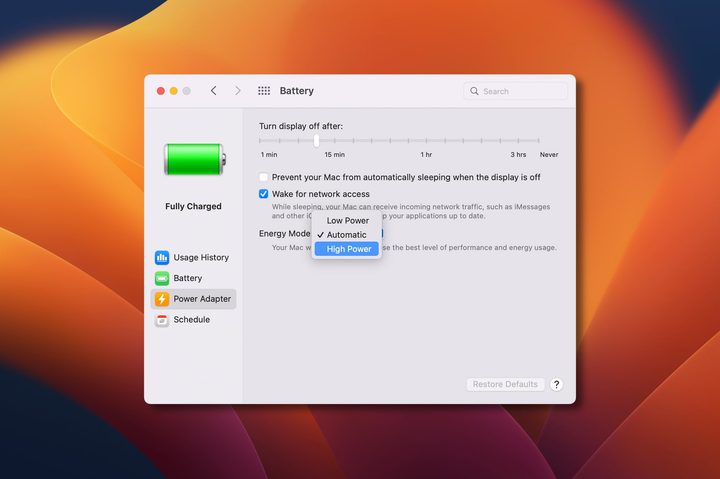
Most Apple Silicon MacBook models will still have enough battery life to get you through your workday without the need to stay plugged in, but you can reduce power drain by switching to Low Power mode.
On the most powerful MacBook model, the MacBook Pro 16-inch with M1 Max processor, there’s an option for High Power mode. When this is enabled, your laptop won’t conserve power. If macOS Ventura is cutting your runtime too short, switching this to Automatic or even Low Power will help.
How to downgrade to Monterey
One of the most common Apple forum discussions about macOS Ventura is how to restore the previous operating system. It’s not that there are major problems with macOS Ventura but if one or more of your critical apps doesn’t work with Ventura, you might be tempted to downgrade to Monterey, the previous version of macOS.
The app or apps that don’t work now could get updates soon, so you might want to check with the developer if a beta version is available or if the Ventura release is coming soon. If you absolutely need to replace macOS Ventura with Monterey, it is possible and relatively easy.
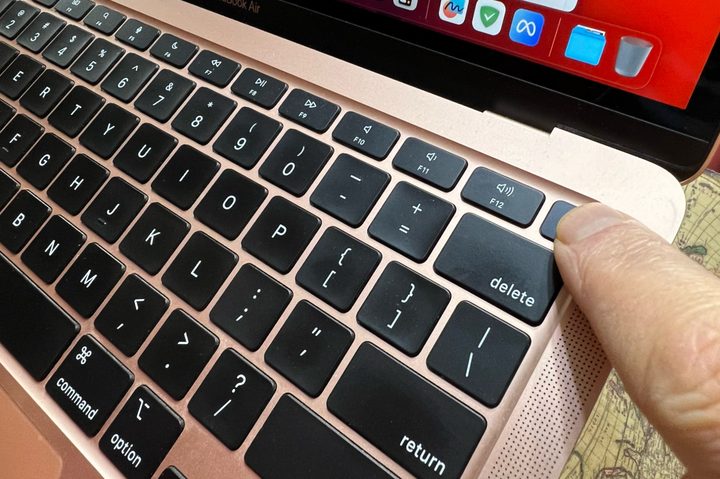
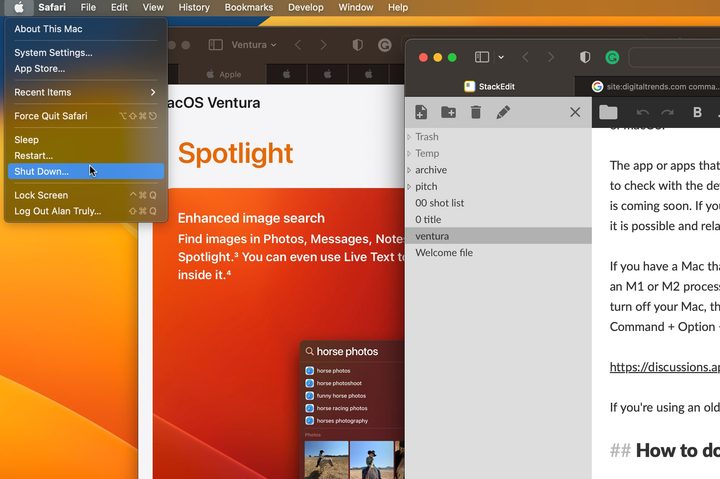
If you have a recently released Mac, it probably has an Apple Silicon processor. That makes the downgrade relatively simple. Simply turn off your Mac, then press and hold the power button to switch it back on. Keep holding the power button down until you see the startup options screen. Choose Options and then reinstall Monterey.
On an Intel Mac, the process is similar. You power off and back on again, holding Command + R until you see the Apple logo or another image. In either case, you should make sure you have your drive backed up and reliable power to keep your Mac running during the macOS update.
If you haven’t updated yet and are worried by these issues, it’s important to keep in mind that most people have few, if any, concerns with macOS Ventura. It was a fairly solid release even in beta testing and it has been available for a couple of months and had two updates already.
What’s new in Ventura?
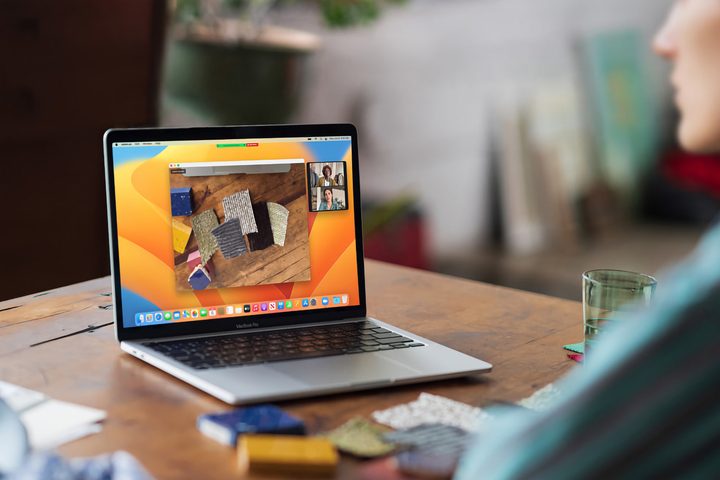
Among the most interesting updates that are included with macOS Ventura are the intriguing new Stage Manager option for multitasking and the Freeform app that provides an infinite canvas that can be shared with others.
Continuity Camera lets you use your iPhone as a premium webcam. Speaking of integration, FaceTime can now use Handoff to move a call from your Mac to your iPhone or iPad, so you can continue a conversation while staying mobile.
There are dozens of more great features and the latest version of macOS generally offers the most privacy and protection against cyberattacks. If you haven’t upgraded to macOS Ventura yet, check out our guide to update your Mac quickly and easily.