  1. Home
  2. Phones
  3. Mobile
  4. News

Galaxy S23 owners need to be on the lookout for this update

Add as a preferred source on Google
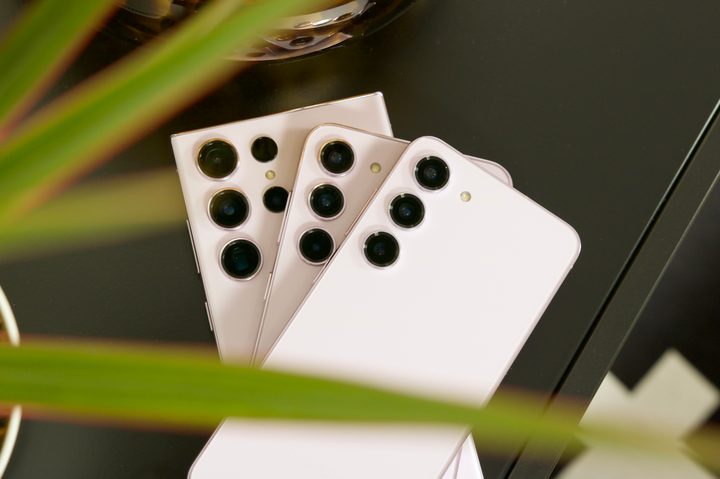
The Samsung Galaxy S23, S23 Plus, and S23 Ultra all next to each other.
Joe Maring/Digital Trends

The Samsung Galaxy S23 Ultra delivers on nearly every aspect. And while the camera system is top-notch, it’s still got some room for improvement — and Samsung knows it.

The company has been working on a major camera update that fixes a slew of bugs and enhances video quality, and a Samsung Community forum post confirms that it has released that update for all three models in the Galaxy S23 series.

Recommended Videos

Samsung is now rolling out the second March 2023 software update for the Galaxy S23, Galaxy S23 Plus, and Galaxy S23 Ultra in South Korea. One of the issues that bugged me personally was comparatively slow autofocus. The company is fixing that by improving the autofocus speed and accuracy. Samsung has also worked on the speed of Camera and Gallery apps. The latter now allows you to immediately delete photos that were just captured and are getting processed.

According to the English translation provided by SamMobile, Samsung has changed the autofocus algorithm to let you click pictures even if the frame is out of focus or not set. But you can change the setting if you want the camera shutter to click an image only after the frame is in focus by going to Camera Assistant > Prioritize Focus Over Speed ON. It also fixes the bug where a green line appears on the left side when using the rear-facing camera in Photo mode.

The new Galaxy S23 update also improves sharpness and reduces flicker while shooting videos with the ultrawide camera in lowlight scenarios using the Super Steady mode. Samsung has also worked on improving video stabilization when the resolution is set to Full HD 60 frames per second and the Auto FPS setting is turned off on the rear cameras. This will result in better sharpness in high-resolution shots of 50MP and 200MP. The company has also enhanced the optical image stabilization (OIS) performance to solve the intermittent blurring issue.

Other bug fixes include solving the camera issue where face recognition didn’t work after ending a video call.

Samsung is expected to release the update globally in the coming weeks for Galaxy S23 series users. Although there’s no confirmed date for exactly when that will be, you’ll certainly want to download the update as soon as it is available. The S23 lineup is already great, and this update is set to make these phones even better.


Prakhar Khanna
Prakhar Khanna is an independent consumer tech journalist. He contributes to Digital Trends' Mobile section with features and…
Android desktop mode made me miss my laptop in record time
I tried writing and publishing from Google’s phone-to-monitor setup, and the future of mobile computing immediately started sweating.
Computer, Electronics, Laptop

Android 17 desktop mode has a very simple pitch. Plug your phone into a monitor, add a keyboard and mouse, and watch the slab in your pocket pretend to be a computer. I wanted to give that pitch a fair shot, so I tried using it for an actual workday instead of a cute demo.

The goal was boring on purpose: write an article, edit it, build the page in WordPress, upload whatever needed uploading, and publish the thing without running back to my laptop like a coward.

Read more
After test-driving iOS 27, my iPhone still doesn’t feel like it has made a substantial leap
Siri learned new tricks. Safari got smarter tabs. My morning routine didn't change at all.
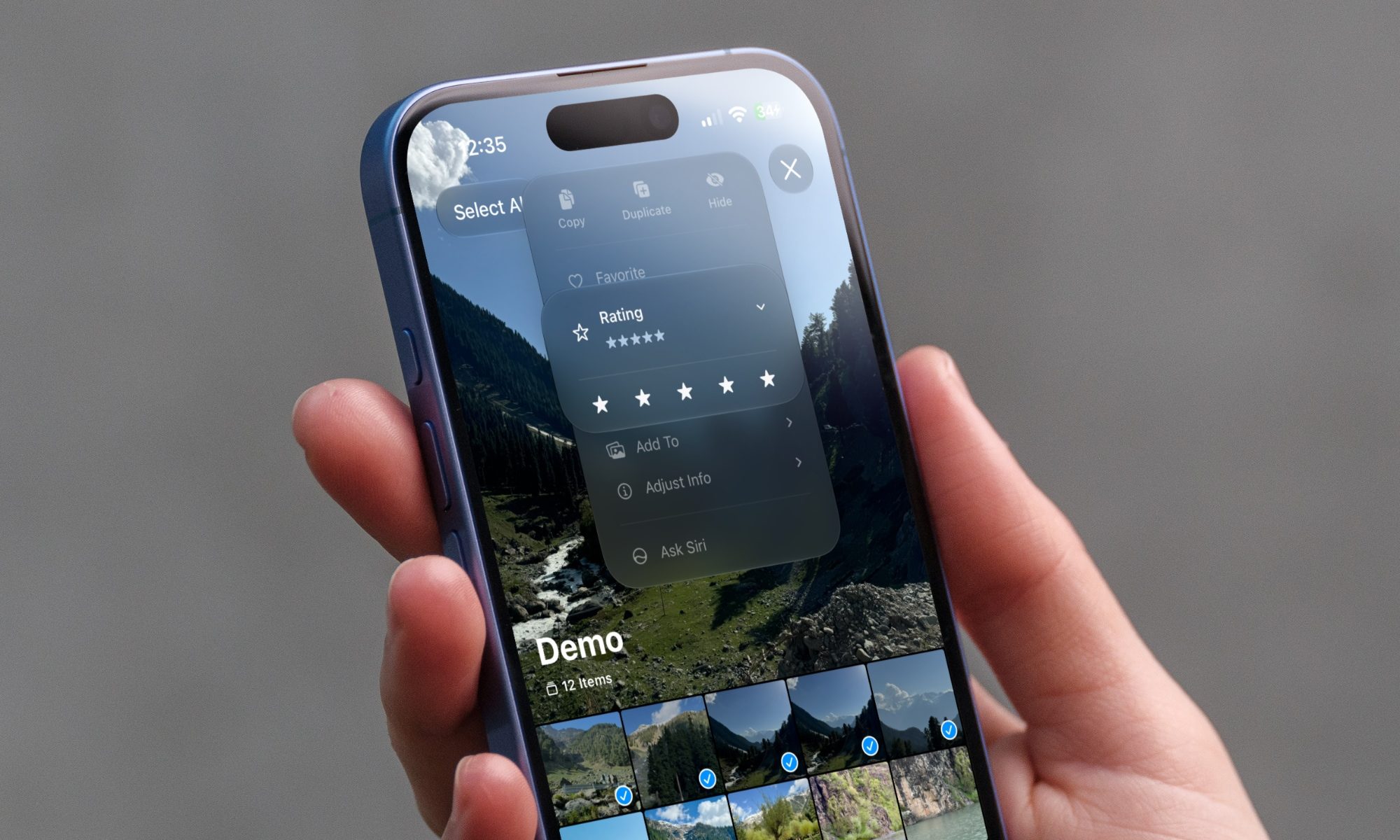
iOS 27 new star rating feature in Photos

Every June, after Apple wraps up its annual WWDC keynote, I install the latest iOS beta on my iPhone, watch the progress bar crawl to completion, and wait for the inevitable restart. For years, picking up my phone afterward felt almost identical to how it did before the update. 

I saw the same grid of icons, the same Control Center, and the same version of Siri until iOS 26 finally broke that pattern in 2025.

Read more
Android 17 makes a strong case for ignoring Android version numbers entirely
When the most noticeable change is a better Quick Settings button, the annual update cycle starts looking more like branding than progress.
Android 17 logo.

Android 17 finally separated the Wi-Fi and mobile data buttons, and I hate how much that improved my mood. For years, Android treated internet access like one mysterious blob, as if Wi-Fi and cellular data were emotionally codependent. In Android 17 Beta 3, Google split the old combined Internet button into separate Wi-Fi and mobile data tiles, making each connection easier to switch off with a single tap.

That’s a good change, which is also why it’s a little damning. When one of the cleanest wins in a major OS update is “the buttons make sense again,” the celebration gets awkward fast.

Read more