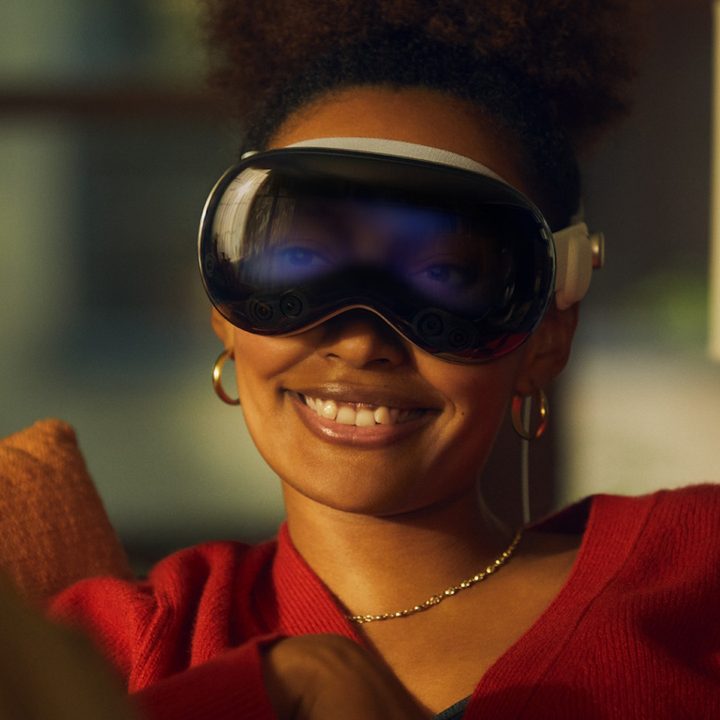
Apple’s much-anticipated mixed-reality headset, the Vision Pro, has generated a considerable amount of buzz over the past six months or so. Its official launch is set for February 2, and you’ll soon be able to try it out yourself — but some lucky few have gotten another preview of the device before its launch.
As excited as I am to try it out myself, based on what these reports indicate, I still have some major concerns about the viability of the Vision Pro and whether or not it’ll live up to the hype.
Durability and weight
The weight of the Vision Pro has been one of the biggest concerns about the headset from the onset. It’s an issue that every headset-maker has dealt with, especially since the heavier the device, the less you’re going to wear it. Fatigue kicks in pretty quickly on VR headsets.
Apple hasn’t revealed the official weight of the Vision Pro, but early testers have put it somewhere between a pound and a pound and a half, which would place it in the same ballpark as the Quest Pro or HTC Vive XR Elite. Still, the weight seems to be something many people comment on. YouTuber MKBHD came back to that again and again after his time with the device, saying, “… wow this thing is really, heavy, not sure how long I’d be able to wear this.”
First time I tried Vision Pro: Damn this display is amazing and the eye tracking is like magic and this feels very future and also it’s a little heavy
Second time: immersion factor is still so high. Special videos are hit or miss, you gotta get the distance right. And wow this… https://t.co/iqSvs1e8LD
— Marques Brownlee (@MKBHD) January 16, 2024
Or this, from The Verge: “But by the end of my demo, I started to feel the weight of the headset bringing me back to the real world. I’d been furrowing my brow, concentrating so hard, I felt the beginnings of a mild headache.”
Based on all that, I’m definitely starting to question the long-term comfort and wearability of the device, particularly during prolonged usage.
The keyboard
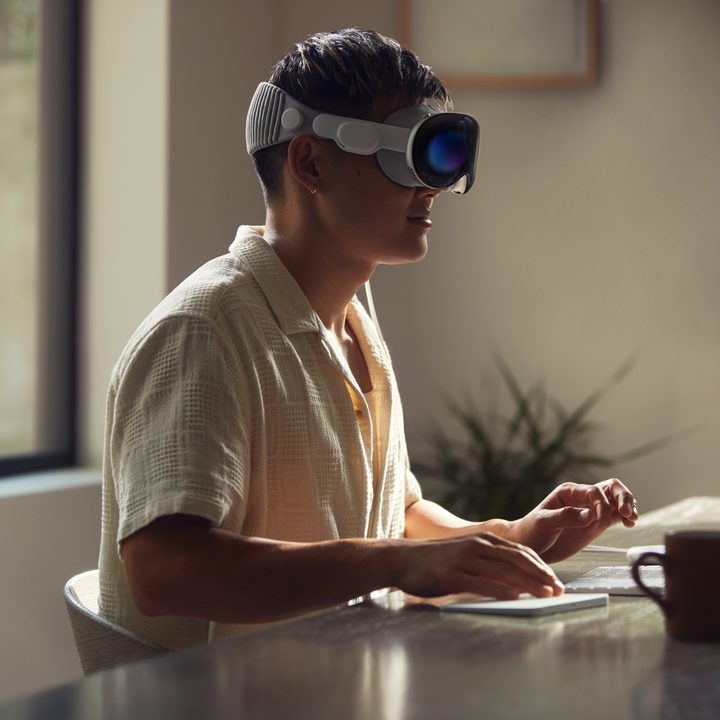
Another unexpected concern stems from a revelation by Bloomberg insider Mark Gurman, shared on X (formerly Twitter), regarding the absence of the virtual keyboard in the initial version of Apple’s visionOS software.
In demo videos, Apple showcased users interacting with a virtual keyboard, creating an immersive computing experience. However, Gurman describes the virtual keyboard as a “complete write-off” in the initial software version, noting that users must poke each key individually, akin to the pre-touchscreen era.
This revelation has led to uncertainty about the Vision Pro’s potential as a computer replacement, as the virtual keyboard was a central element in the initial concept. The absence of this feature at launch may impact the device’s ability to seamlessly integrate into users’ everyday lives, potentially affecting its overall appeal.
Since then, though, early impressions seem to be divided on this topic. In the post from MKBHD above, he comments that “the typing experience is decent,” though a report from Engadget describes it this way: “Although there were several typing options – hunting and pecking with your fingers, using eye control to select keys, or just using Siri – none of them felt adequate for anything resembling extended use.”
Like comfort and weight, typing is important for the Vision Pro to replace a normal computing experience. Sure, you can always use a physical keyboard, but this feels like the biggest thing that needs improvement in the Vision Pro.
Will there be enough content?
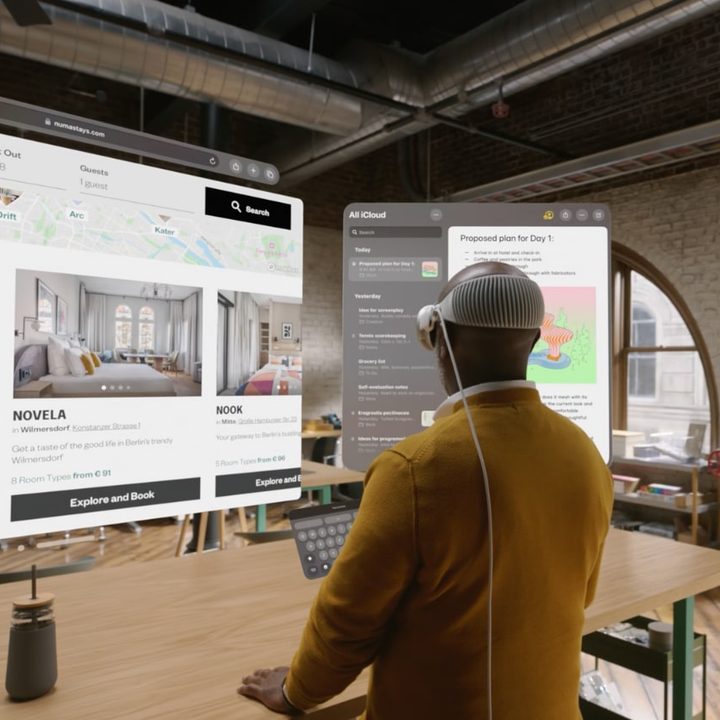
With any new piece of technology, the question of content will always be at the forefront. Companies like Meta and HTC have spent years investing in app and game support for VR and mixed-reality headsets, and even still, it continues to be a problem.
Apple has an ace up its sleeve with iPad app support, but now it looks like not everyone is willing to play ball. While companies like Disney are collaborating to bring over lots of content, concerns have arisen regarding the absence of Netflix from the list of supported apps. While Apple executives assure users that the existing Netflix app will function on the new headset, the omission from the list of officially supported apps raises questions about the extent of content compatibility. You’ll have to use the browser version of the app, which is unfortunate.
Of course, Apple has all its first-party services ready to be used, whether that’s Safari or Apple TV+, but relying only on ports from other platforms can only get you so far. There’s been a surprising lack of apps designed specifically for the Vision Pro. Hopefully, we’ll see more soon.
Durability
One of the concerns voiced by Apple insider Mark Gurman revolves around the durability of the Apple Vision Pro. Gurman notes that the inclusion of a cover for the exterior display in the box indicates potential fragility.
According to his observations on X, the headset seems prone to cracking if dropped or users accidentally walk into obstacles.
The fact that Apple includes a cover in the box with the Vision Pro for the exterior display tells us a lot. It is prone to cracking if you drop it or walk into a wall, so try not to do that.
— Mark Gurman (@markgurman) January 16, 2024
This raises questions about the robustness of the device, especially considering potential real-world scenarios. I don’t know if I completely buy the logic that including a cover necessarily means it’s overly frail, but I do worry about a device being fragile that costs this much, especially since part of your vision is obscured while wearing it.
It’s only the beginning
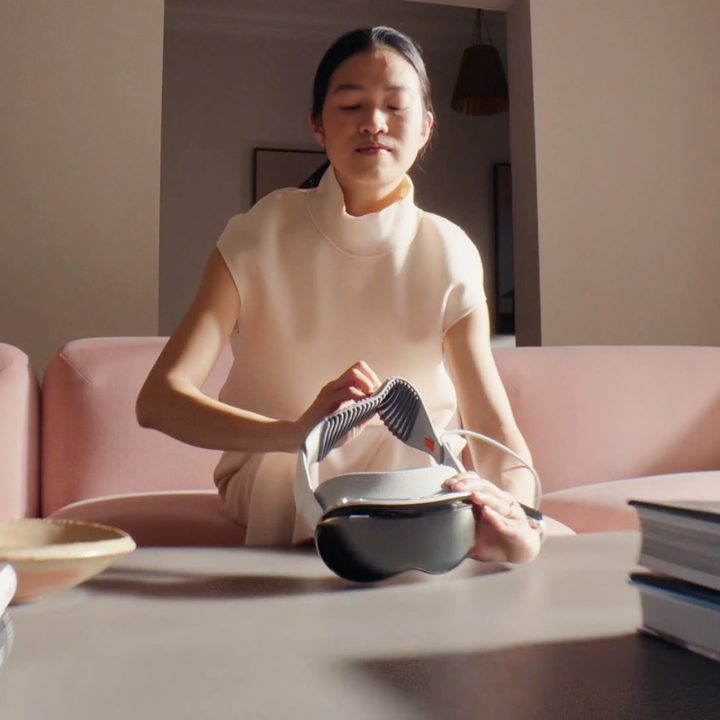
With all this, it’s important to remember that the Vision Pro is for early adopters. It’s the first generation of this technology for Apple, and in many cases, it is doing something we haven’t seen done before at all.
There seems to be a lot of room for improvement in the hardware itself, especially in making it lighter and more comfortable. I’ll have to wait and try it out for myself to come to my conclusions, but based on the impressions so far, a clear consensus is forming that this is spectacular technology, but it definitely feels like the beginning of a journey for Apple — perhaps even more than on previous new product category introductions such as the original Apple Watch or iPad.