

Over the past few days, there’s been a firestorm online regarding a statement Intel made on the wave of instability issues facing high-end Intel CPUs. The original statement, which was shared with Igor’s Lab and others, appears like Intel wiping its hands clean of the problem and placing blame on motherboard vendors, and several media outlets have ran with that exact story. That’s not exactly what’s going on.
In statements shared with both Tom’s Hardware and AnandTech, Intel specifically says it doesn’t intended to “ascribe blame to Intel’s partners.” Currently, it seems that some BIOS adjustments can fix the instability problems on high-end Intel CPUs, but the investigation with Intel and its motherboard partners is still ongoing. Here’s the statement in full:
“The recently publicized communications between Intel and its motherboard partners regarding motherboard settings and Intel Core 13th & 14th Gen K-SKU processors is intended to provide guidance on Intel recommended default settings. We are continuing to investigate with our partners the recent user reports of instability in certain workloads on these processors.
“This BIOS default settings guidance is meant to improve stability for currently installed processors while Intel continues investigating root cause, not ascribe blame to Intel’s partners. Intel continues to work with its partners to develop appropriate mitigations going forward.”
The settings in question are as follows:
| Current Excursion Protection (CEP) | Enable |
| Enhanced Thermal Velocity Boost (eTVB) | Enable |
| Thermal Velocity Boost (TVB) | Enable |
| TVB Voltage Optimizations | Enable |
| ICCMAX Unlimited Bit | Disable |
| TjMAX Offset | 0 |
| C-states | Enable |
| ICCMAX | Varies, Never >400A |
| ICCMAX_App | Varies |
| Power Limits | Varies |
For the options that varies, Intel points to its datasheets for 13th-gen and 14th-gen CPUs.
Although the instability problems have been ongoing for months, tensions are rising around the topic now. Over the past few weeks, we’ve seen updates from brands like Asus and Gigabyte offering a profile that fits Intel’s default specifications, even if it comes at upward of a 9% loss in performance. There are quick fixes available now, but we won’t have a full answer any time soon. Intel says it plans on making a public statement on the matter in May.
In the meantime, there’s been plenty of finger-pointing. Some blame Intel and others blame motherboard makers, and for a brief moment, it seemed Intel fell into the latter camp. The reality is that there’s probably some blame in both camps.
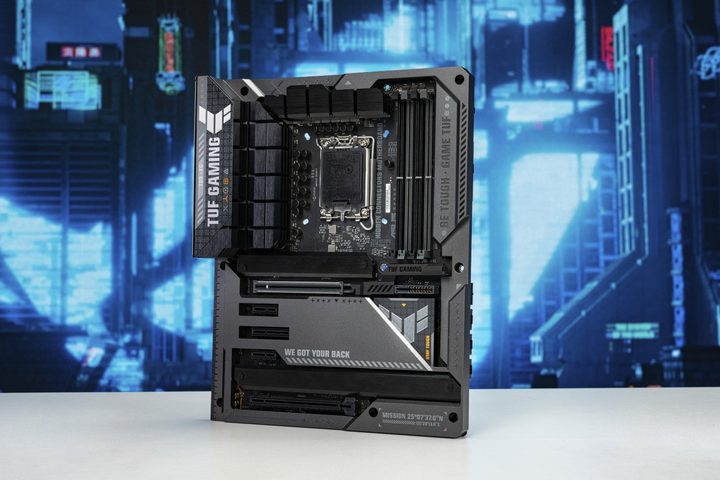
Speaking with motherboard vendors, they tell me that tweaking default settings is common to find a sweet spot between stability and peak performance. Every motherboard vendor has a slightly different definition of what that sweet spot entails, and they don’t always stick to Intel’s default values for high-end, unlocked CPUs.
On the other hand, it’s hard to imagine Intel doesn’t know that motherboard brands are doing this. After all, how are you going to separate a $250 motherboard from a $500 one and still stand out from your competitors? Although the instability seems to stem from the motherboard, Intel can’t wash its hands clean of the issue when it’s been ongoing for months without any official guidance.
My main question at the moment is what Intel really defines as “default” settings for its processors. When Intel publishes performance numbers, it backs them up with details about the configuration, and it maintains a page with these settings going back several generations. One detail that’s missing is how the BIOS was configured. Was Intel using its default specifications, or was it running tests with the out-of-the-box configuration on the motherboard?
That’s an important question as the saga of these instability problems continues when there’s a wide gap in performance between Intel’s defaults and what customers get with a new motherboard. I’ve reached out to Intel with this question, and I’ll update this story when I hear back.
It’s easy to boil down the recent fiasco surrounding as stability by saying Intel has “just turned off the overclock.” But with big gaps in performance on expensive, unlocked CPUs, it’s clear that Intel and its partners need to get on the same page about what exactly “default” means.



