  1. Home
  2. Computing
  3. News

Microsoft’s Copilot Vision arrives to surf the web with select users

Add as a preferred source on Google
The Copilot logo
Microsoft

Microsoft’s new Copilot Vision feature that can “see what you see, and hear what you hear” while you navigate the internet is finally being made available, though only to a limited number of Copilot Pro subscribers in the U.S.

“Starting today, we are introducing an experience where – with your permission – Copilot can now understand the full context of what you’re doing online,” according to a Microsoft blog post. “When you choose to enable Copilot Vision, it sees the page you’re on, it reads along with you, and you can talk through the problem you’re facing together.”

Recommended Videos

The feature was first teased in October alongside the debut of Copilot Voice, Microsoft’s answer to ChatGPT’s Advanced Voice Mode and Google’s Gemini Live. It is currently available as a preview to Pro subscribers through Copilot Labs and available exclusively on Microsoft’s Edge browser.

To help alleviate user concerns (and distance the new feature from the company’s troubled Recall launch), Vision will have to be specifically activated whenever the user wants to employ it and will display a persistent icon (akin to your webcam’s On light) until the user turns the feature back off.

While active, the AI assistant will “scan, analyze, and offer insights based on what it sees.” The system can suggest next steps to take, answer questions about the displayed content, navigate to other parts of the site, and assist with various online tasks.

Having Copilot help you surf the web is only the start to Microsoft’s AI assistant plans. In January, the company is expected to release the first of its next-generation AI agents, which will autonomously analyze available data to perform tasks on the user’s behalf.

“Copilot will ultimately be able to act on your behalf, smoothing life’s complexities and giving you more time to focus on what matters to you,” Mustafa Suleyman, executive vice president and CEO of Microsoft AI, wrote in October. “It’ll be an advocate for you in many of life’s most important moments. It’ll accompany you to that doctor’s appointment, take notes and follow up at the right time. It’ll share the load of planning and preparing for your child’s birthday party. And it’ll be there at the end of the day to help you think through a tricky life decision.”


Andrew Tarantola
Former Computing Writer
Andrew Tarantola is a journalist with more than a decade reporting on emerging technologies ranging from robotics and machine…
Study finds humans will talk to AI ghosts of the dead as reincarnations, and it’s pretty grim
The first AI ghost study is in. The results are about as complicated as you'd expect.
VR Headset, Person, Face

A new study from the University of Colorado Boulder confirms something that sounds both impressive and concerning. People find interacting with AI simulations of their dead loved ones deeply meaningful, and most will come away wanting to do it again.

The researchers call it a "generative ghost," which is a clear reference to generative AI, but I’d still prefer to call it unsettling.

Read more
Apple’s Hide My Email feature has an unfixed bug that leaves email addresses exposed
100% exploitable in limited testing, known since June 2025, and still unfixed as of today.
apple-merging-sign-in-with-apple-hide-my-email-icloud+

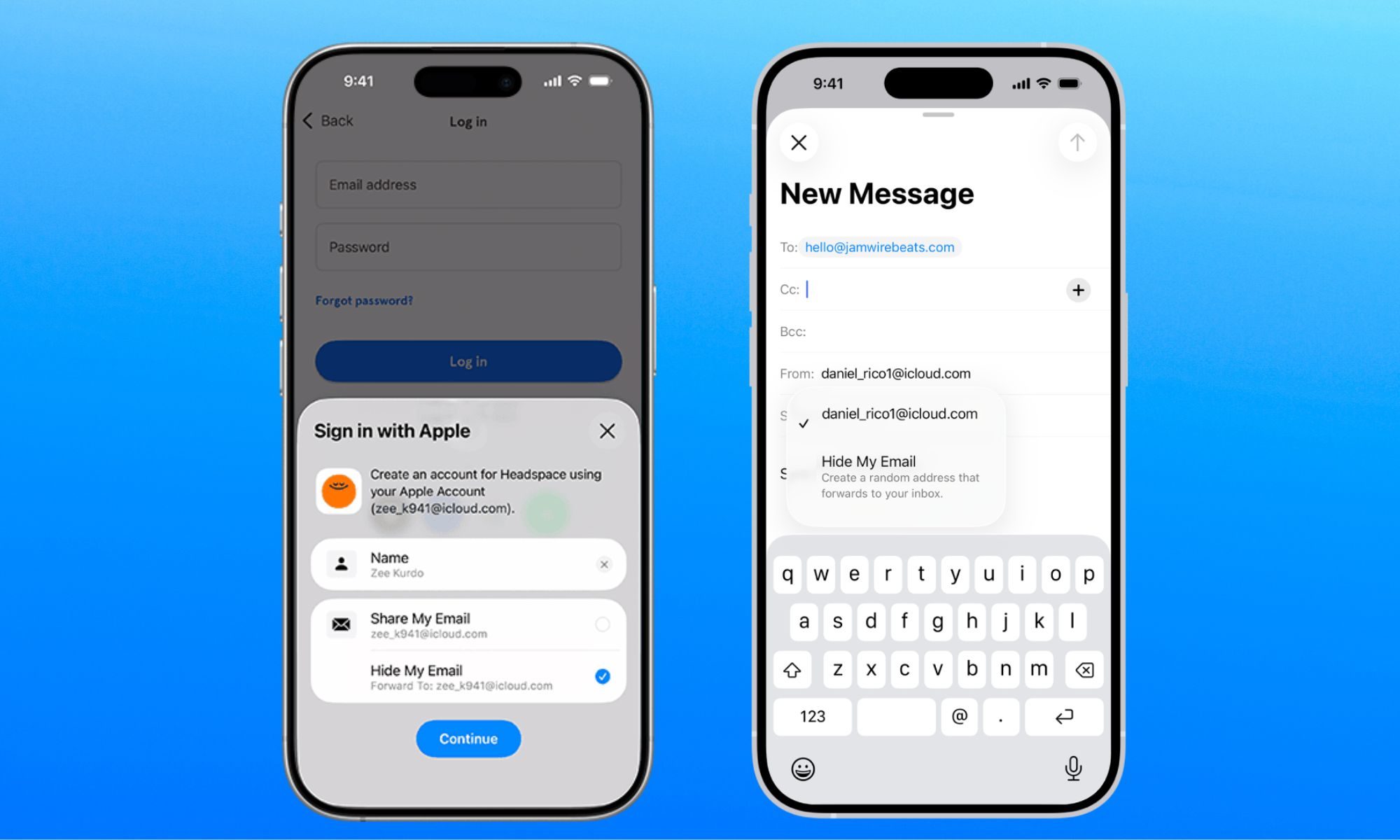
Apple has been selling Hide My Email to keep your real email address hidden, but it has a vulnerability that does the exact opposite. The worst part is that the company has known about it for a year. 

Hide My Email, part of Apple’s paid iCloud+ subscription, lets users generate anonymous email addresses for signing up to a website, so that their personal or work email remains free of promotional emails and spam. 

Read more
I hate sharing my Mac, but a face-unlocking app finally cured my privacy paranoia
Someone finally built the app locker every Mac user has been asking for.
FaceGate in action on Mac

If you have ever handed your Mac to a friend, family member, or coworker for "just a minute," you know the mild panic that follows. Sure, your Mac has a lock screen, but once someone is past it, they can open Messages, Photos, Notes, Mail, WhatsApp, and your browser.

iPhones had the same issue, but Apple solved it by adding an app lock feature with the iOS 18 update. Sadly, no such feature exists for macOS. That’s where the new FaceGate app for Mac can help you. It’s a free and open-source app that lets you lock apps on your Mac and even has some novel tricks up its sleeve. So, let’s talk about it, shall we?

Read more