
It’s that time of year again: The iPad refresh. Apple likes to offer up new versions of its tablet. So much so that the company is on its fifth version of the device in three years. The changes are usually pretty incremental, making small improvements and tweaks without making the previous generation entirely outdated. The 2013 version of the iPad is the biggest change to the tablet that we’ve seen since launch, starting with the name. It’s no longer just the iPad followed by generation number; now it’s the iPad Air. Does the Air take flight when compared to the last version of the iPad? We take a look at the specs to find out.
|
iPad (4th Gen.) 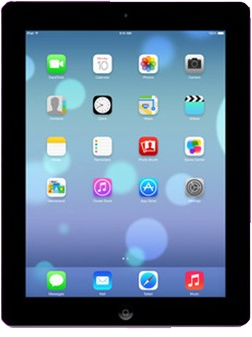 |
iPad Air 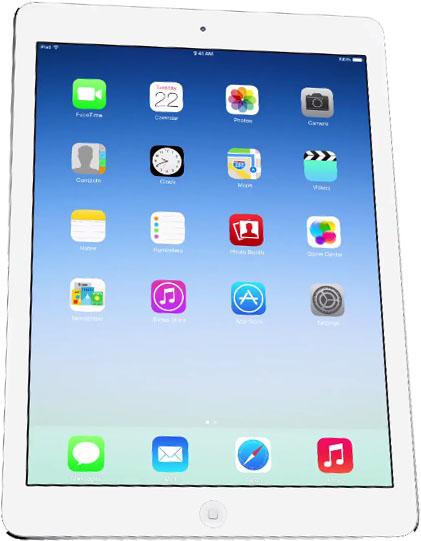 |
|
| Size | 241.2 x 185.7 x 9.4 (mm) | 241.2 x 185.7 x 7.4 (mm) |
| Weight | 662g | 453g |
| Screen | 9.7-inch LCD | 9.7-inch LCD |
| Resolution | 2048 x 1536 pixels | 2048 x 1536 pixels |
| OS | iOS 7 | iOS 7 |
| Storage | 16/32/64GB | 16/32/64GB |
| SD Card Slot | No | No |
| Processor | Dual-core A6X | A7, M7 motion processor |
| RAM | 1GB | 1GB |
| Connectivity | Wi-Fi, 4G LTE, HSPA+ | Wi-Fi, 4G LTE, HSPA+ |
| Camera | Front 1.2MP, Rear 5MP | Front 1.2MP, Rear 5MP |
| Bluetooth | Yes, version 4.0 | Yes, version 4.0 |
| Battery | 11,560mAh (10 hours of use) | 10 hours of use |
| Charger | Lightning connector | Lightning connector |
| Marketplace | Apple App Store | Apple App Store |
| Price | $400+ | $500+ |
| Availability | Verizon, AT&T, Sprint | November 1, 2013 |
Size and Dimensions
Apple gave the Air title to a line of its laptops when it stripped away a lot of the excess size in the name of portability. The iPad Air earns the title in the same way. Like an iPad on a diet, the iPad Air has maintained its screen size while still slimming down from 9.4mm to 7.4mm. It also gets lighter, dropping to just 453g from 662g. It’s not as if the iPad was a bulky, unpleasant device to carry around before, but when it comes to tablets, the lighter and thinner, the better.
Processor and Performance
The biggest difference between the iPad Air and all of the models that came before it is the A7 chip and its accompanying M7 motion processor. This bumps the iPad into 64-bit architecture, just as it did for the iPhone 5S. It does a lot of things, some of which won’t be noticed right away. It definitely gives the iPad Air the benefit of being future-proof when it comes to the next line of innovation in mobile. But right now, it means improved performance. According to Apple, users will experience 8 times faster performance and 72 times faster graphics performance than the first iPad. That’s a solid advancement, especially for devices that will be used for media consumption and presumably be more prominent for gaming and similar activities. Additionally, the chipset’s efficiency allowed the battery in the iPad Air to be smaller without sacrificing battery life, which enable the slimming of the device mentioned earlier.
Usually, updating to the latest iPad isn’t really a requirement. The second generation of the device has continued to support almost everything that newer generations of the device have been able to do. The iPad Air appears to be the device that makes a change worth making. The addition of the A7 chipset is the single biggest change to the internals of the iPad that we’ve seen. Bumping the tablet into the 64-bit world will give this device longevity and may end up making older versions of the iPad outdated sooner rather than later. With the price point of the iPad 2 remaining at $400 – a price that doesn’t seem as reasonable as it once did – there’s no real reason not to make the extra investment in the iPad Air. It’s slimmer, faster, and will likely stick around much longer than its predecessors.


