
Creating a website is a great way to promote a business or start a personal brand, but making something that looks professional for cheap can be difficult. There are templates online that can help guide you through web design and blog formats while keeping a website looking simple and clean.
However, for those wanting to start from scratch, web design can be trickier. You can hire a web designer to create something unique but, depending on how complicated you want it to be, that could cost quite a bit of money. Instead, you can download free software, which will hold your hand through the various steps of programming, or sit back and let you do your thing.
CoffeeCup Free HTML Editor
Best for: Beginners who prefer to work from templates

Because this is the free version of the original software, which will run you $79, it doesn’t have all the features that come with the full version. That being said, it still has enough tools to build a fully functioning site. It includes a Help feature which can walk a beginner through set up and design, and it includes templates that you can tweak if you’re wary of programming. You can easily turn off this help function if you already feel comfortable with your web design coding talents.
Komodo Edit
Best for: Beginners and those needing bilingual websites
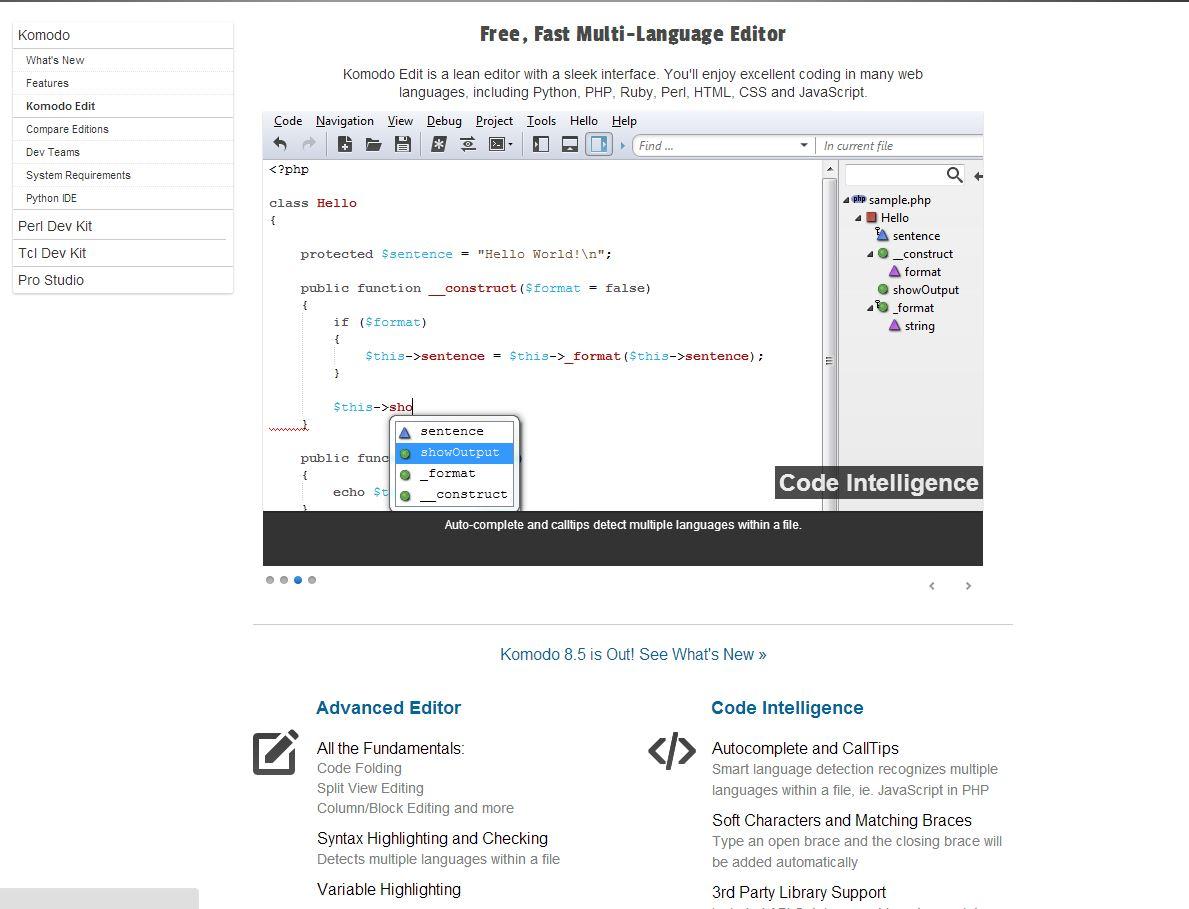
Komodo Edit, which is part of the Active State suite, is great for basic HTML and CSS work. Though it doesn’t have as many features as CoffeeCup, it is a great way for beginners to play around with some more interesting coding tricks. One of Komodo’s best features is its simple method for adding different languages and special characters. This is a great fit for a bilingual company or anyone trying to expand their reach around the world.
PageBreeze
Best for: Basic needs and those with little to no programming experience

PageBreeze is utilitarian by nature; it’s the most basic of the basic, but it will get the job done. This is for those who want a simple but professional page. PageBreeze walks the user through every step, so even someone with no knowledge of programming can use it with ease. The only catch is that it’s only compatible with Windows, and Internet Explorer must be installed.
Bluefish
Best for: Improving existing pages

Bluefish is one of the most complete offerings on this list. Some of its many features include autocomplete, in line spell-check, and full screen editing. It also easily allows you to add graphs, charts, and video to a page.
Alleycode
Best for: Seeing changes in real-time and SEO improvements
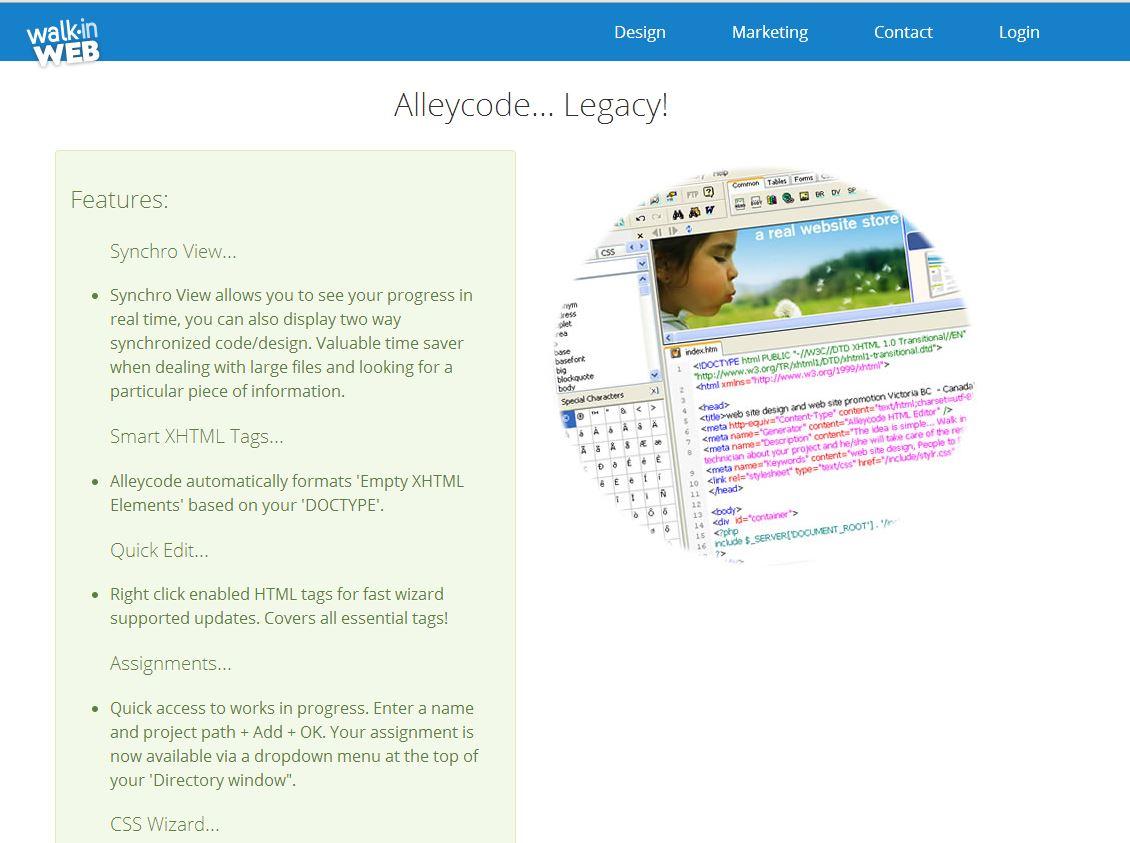
One of the coolest things in Alleycode is Synchroview, which allows you to see changes you make in real time. Another unique feature is its focus on Search Engine Optimization. Alleycode provides you site rankings and gives suggestions on how to improve your site’s meta data, which could increase its visibility to search engines.
Brackets
Best for: Real-time edits and those who like a clean work space
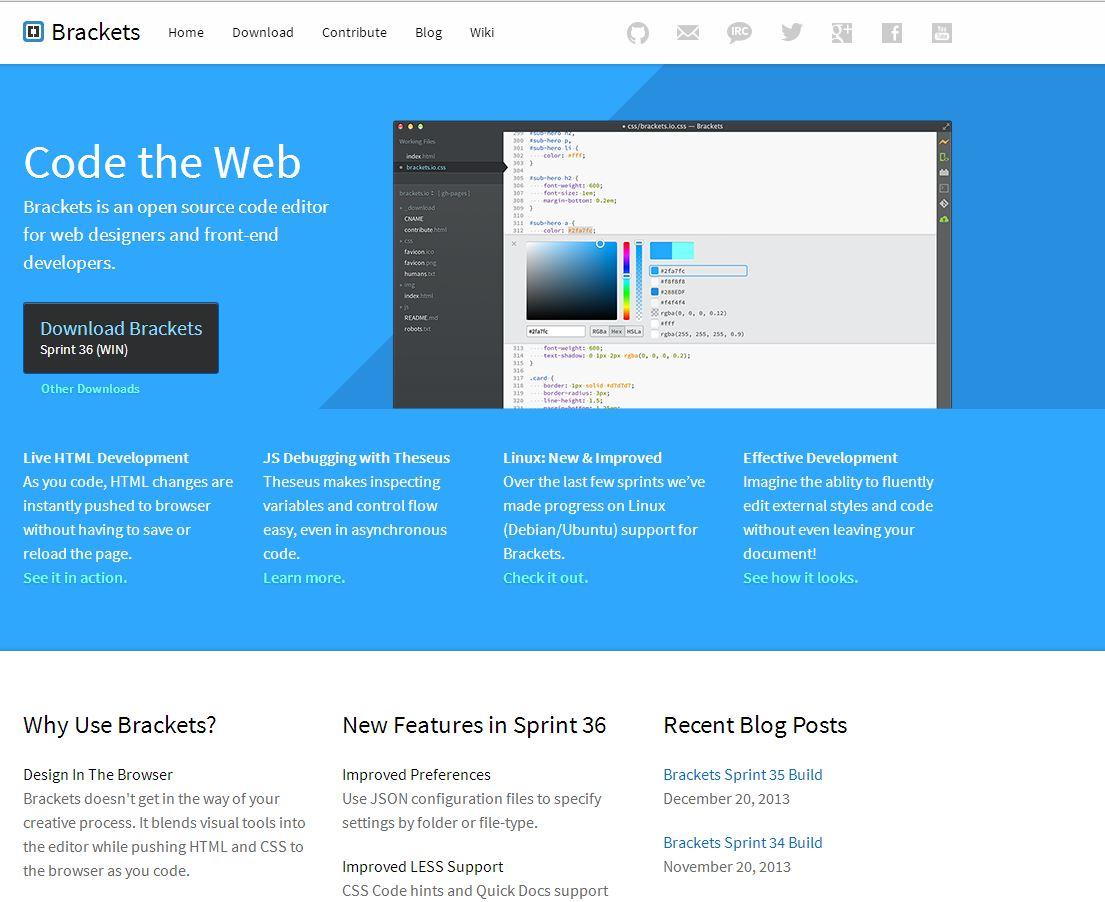
Brackets keeps desktop clutter to a minimum by getting rid of large tool boxes and multiple windows. Like Alleycode, changes are made to the page immediately without having to save or refresh every time. This makes it easier to see results quickly.
OpenBEXI
Best for: Those with absolutely no programming experience
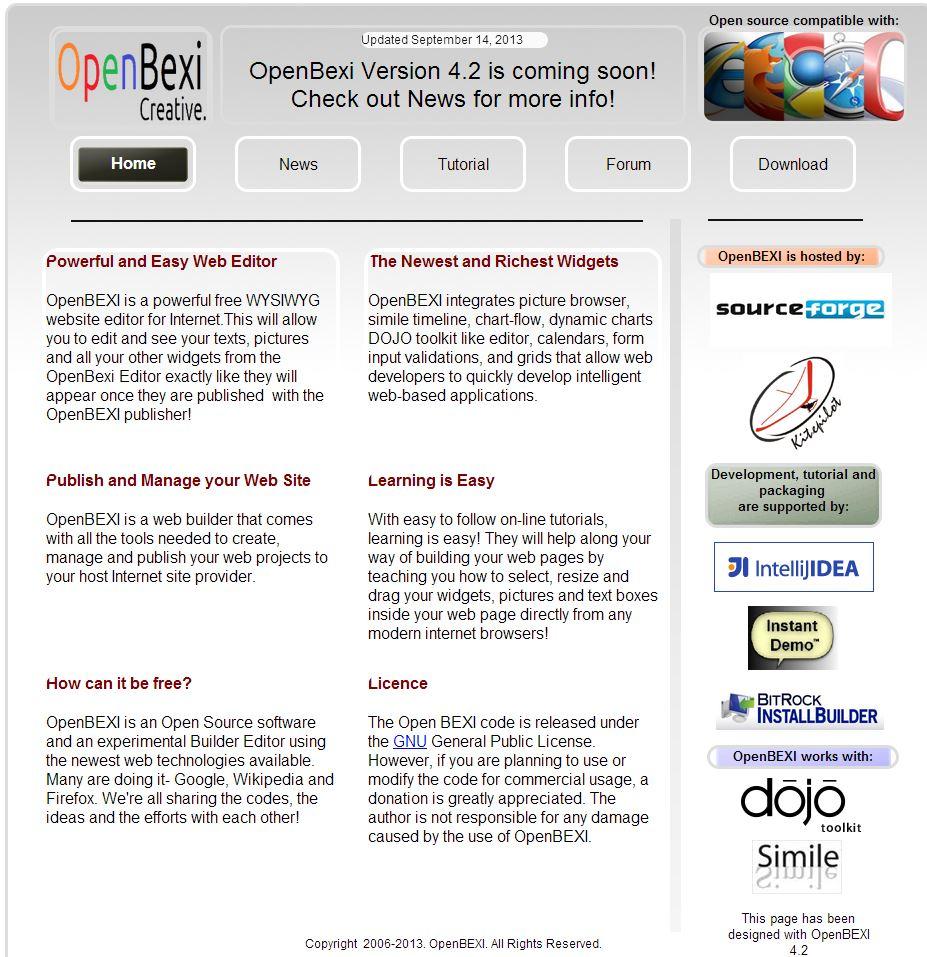
OpenBEXI makes web design as easy as it possibly could be. All the user has to do is drag and drop pictures, graphs, and text. It can be hard to format items once they are on the page, but if your needs include quick site design, OpenBEXI is just what you need.
BlueGriffon
Best for: Dedicated Firefox users
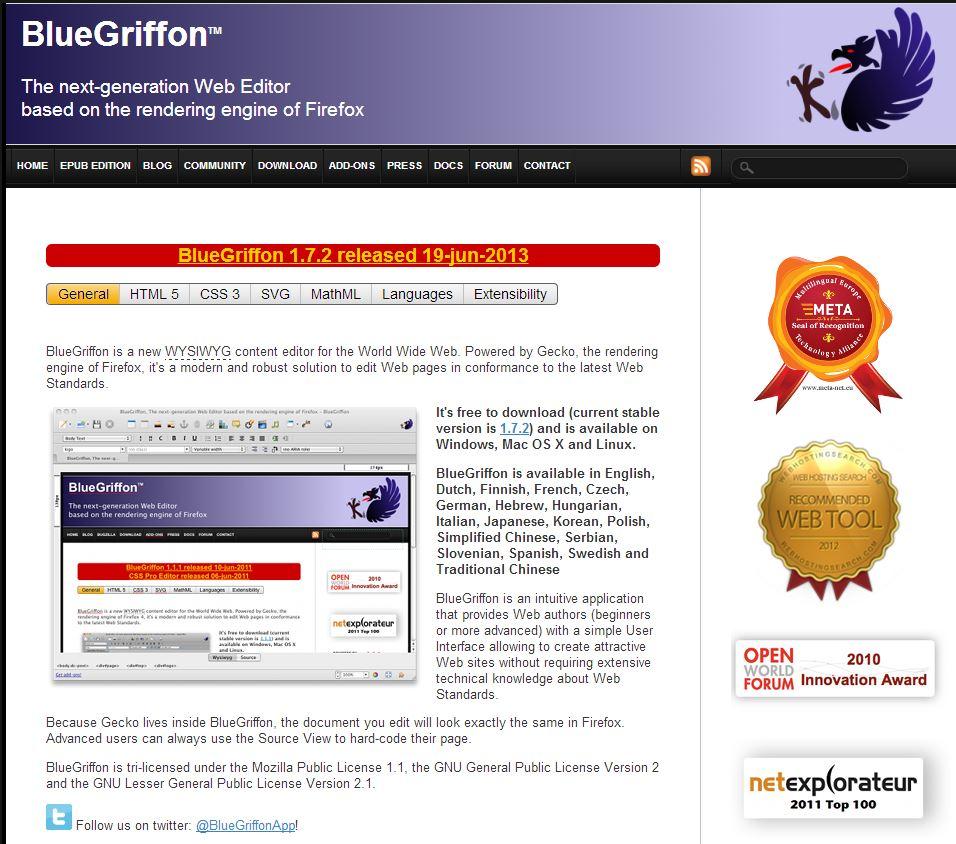
BlueGriffon boasts that it is “powered by Gecky, the rendering engine on Firefox,” so pages made with this software won’t be altered if opened in Mozilla’s browser. Whether that means anything to you is another matter. Nevertheless, BlueGriffon is a solid pick if you need web design software. BlueGriffon offers an extensive help feature, but it often leads you back to their homepage, which can get frustrating.


