1. Home
  2. Computing
  3. News

Digital Trends may earn a commission when you buy through links on our site. Why trust us?

Samsung’s Magic Keyboard rival puts AI at your fingertips

The new Smart Keyboard also features a dedicated DeX key.

Add as a preferred source on Google
Samsung Smart Keyboard AI key.
Samsung

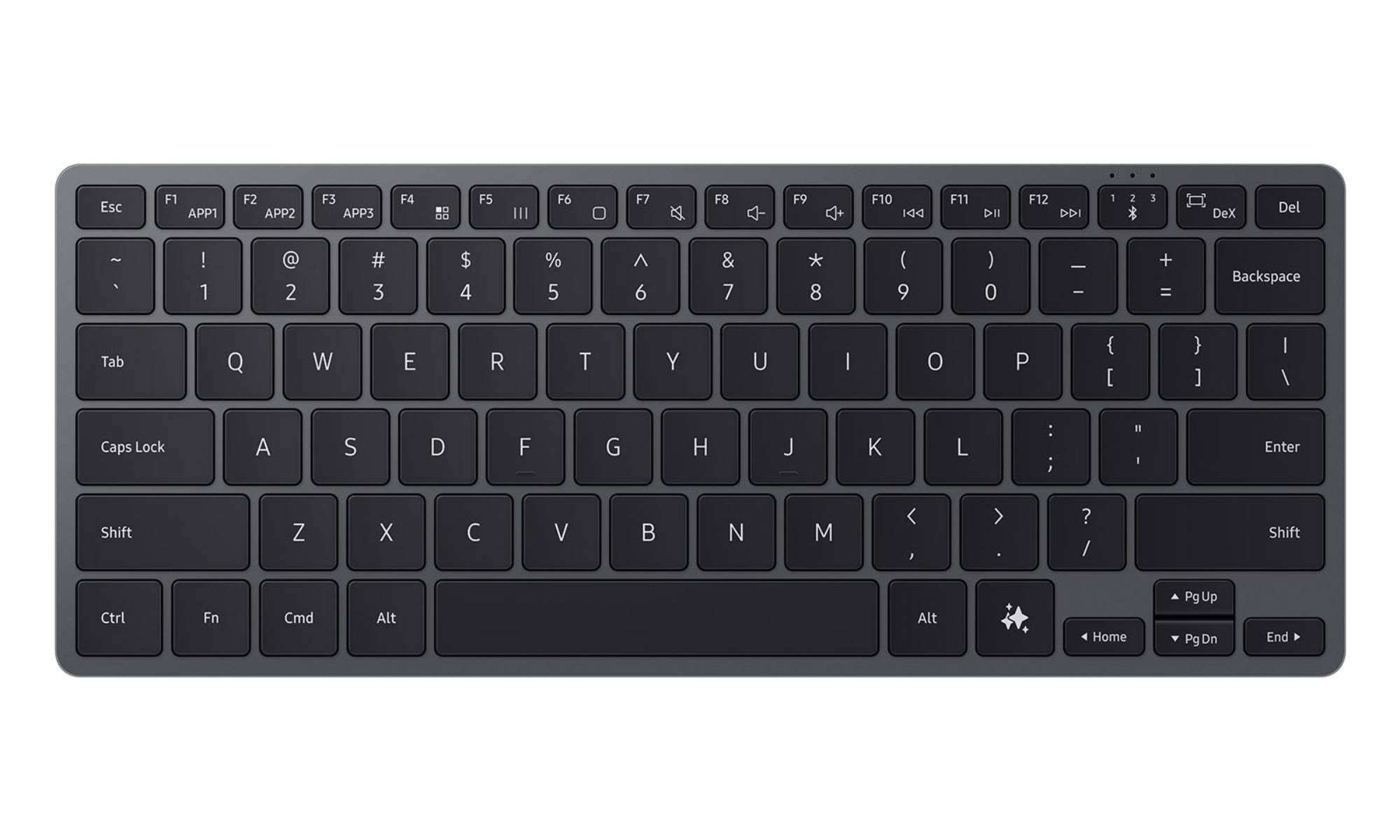
What’s happened? Samsung has launched its own take on Apple’s Magic Keyboard, but with an interesting twist. Alongside a slim metal frame and low-profile keys, the Samsung Smart Keyboard lives up to its name with a dedicated AI key and another for launching DeX mode.

  • The AI key triggers Samsung’s voice assistant Bixby or Google’s Gemini when the keyboard is connected to a Galaxy phone or tablet, and it opens Microsoft Copilot when paired with a Galaxy Book or another Windows machine.
  • The Smart Keyboard has a tenkeyless layout, features media controls on the function row, volume controls, and customizable app shortcuts on F1, F2, and F3 keys.
  • Other notable features include Bluetooth 5.4, seamless multi-device pairing, and a replaceable coin-cell battery.

Why is this important? The new Smart Keyboard reflects Samsung’s effort to make AI a standard part of everyday workflows.

  • Its dedicated AI key should make it easier for users to summon AI assistants regardless of the device it is connected to.
  • The DeX key will make desktop-style productivity more accessible for Galaxy smartphone users.
  • The slim metal build and tenkeyless layout position the keyboard as a viable alternative to Apple’s Magic Keyboard for non-Apple users.
Why should I care? If you use multiple Galaxy devices, the Samsung Smart Keyboard is a viable option, as it lets you seamlessly switch between three devices.

  • The dedicated AI key lets you easily summon Gemini or Copilot, making it ideal if you frequently rely on these AI chatbots.
  • The keyboard’s slim tenkeyless design ensures it takes up minimal space on your desk.
Recommended Videos

What’s next? The Samsung Smart Keyboard is now available for purchase in the US for $109.99. It comes in a single black colorway and is compatible with Galaxy phones, tablets, and Windows laptops.

Pranob Mehrotra
Pranob is a seasoned tech journalist with over eight years of experience covering consumer technology. His work has been…
Claude redefined my bond with Macs. I am building my own apps and it’s a bliss.
I talk to Claude. It builds me apps. It's as simple as that!
Claude AI on Mac.

A few days ago, one of my colleagues asked me a favor. They wanted a few iOS and macOS screenshots turned into a mockup image where the UI is rendered on an iPhone and a MacBook. The problem? It was 3 am PST, which meant asking one of my design team colleagues was out of the question. 

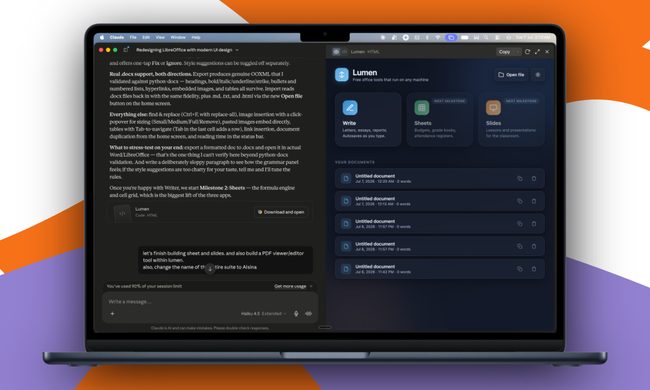
Now, there are plenty of online tools that will do it, but you either have to pay for a subscription (as in Canva), or sign up to buy usage credits after a few free trials. Moreover, these editors limit you to a handful of design presets. I turned to Anthropic’s Claude, and within half an hour, I had a screenshot-to-mockup editor built for the entire team to use. Take a look:

Read more
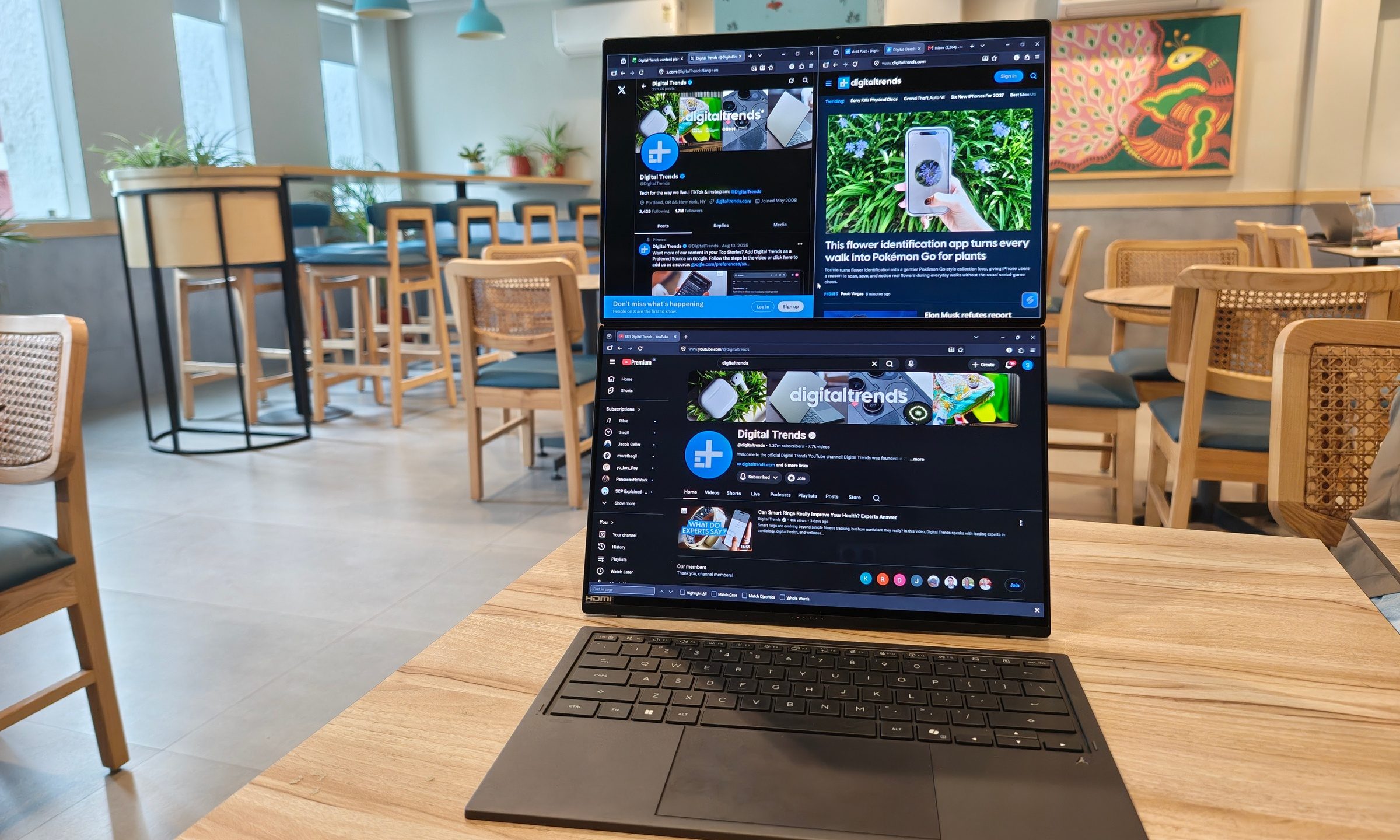
ASUS Zenbook Duo UX8407AA review: Two screens finally earned their place in my bag
Two machines are definitely better than one, but on the same laptop? Asus nailed it, but you must be willing to pay for the convenience.
ASUS Zenbook Duo has two displays

See at Amazon

Two displays on a laptop once sounded like an elaborate solution waiting for the right problem. ASUS has spent the past few generations steadily proving otherwise. After using the latest Zenbook Duo (2026) UX8407AA for over two weeks, I started arranging my daily routine around that second display. 

Read more
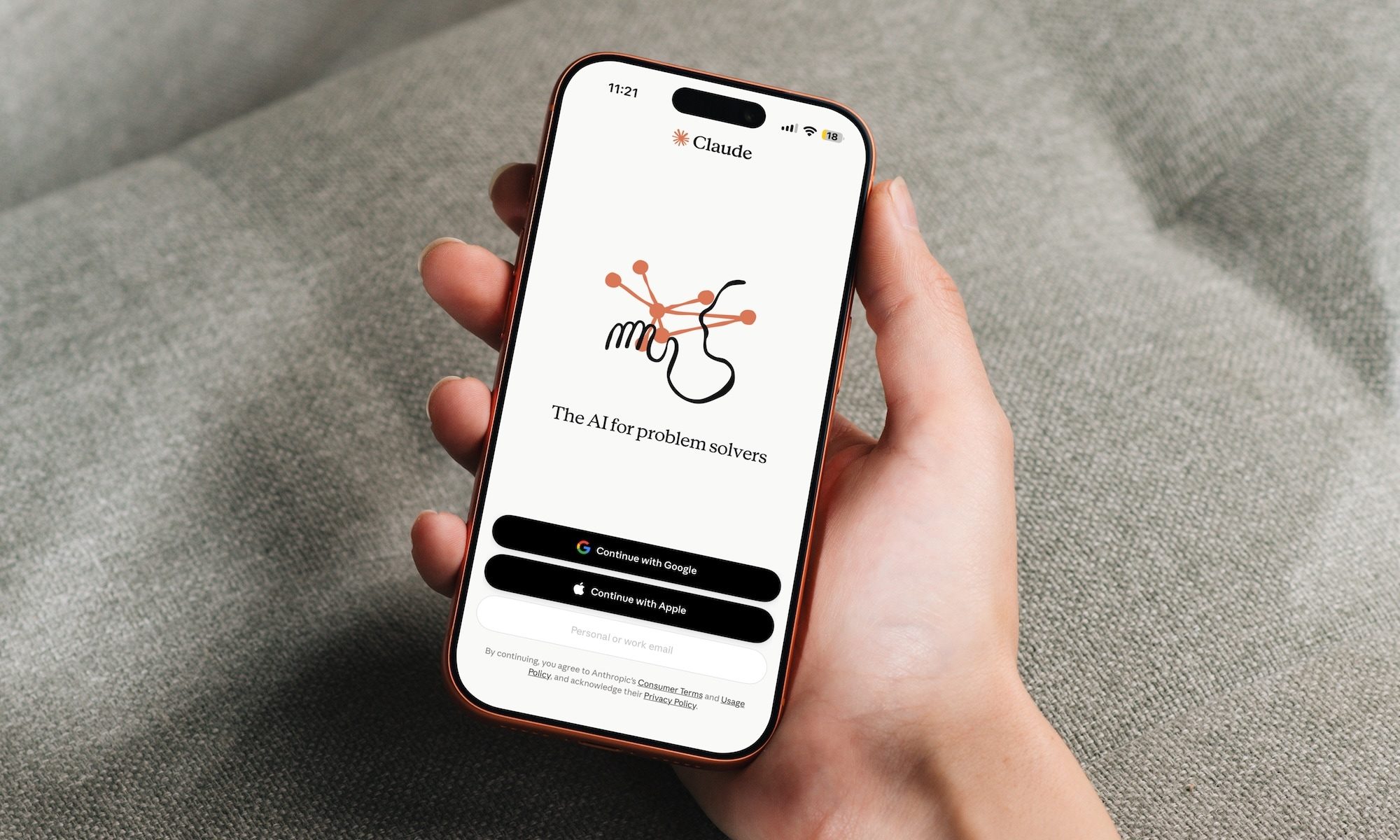
How Claude helped my 65-year-old dad finally ditch his handwritten ledgers
AI has a lot to answer for, but this one small win is hard to argue with, at least for me.
Claude app on iPhone

My dad has owned a small business for as long as I can remember, and for just as long, he's kept his books the old-fashioned way. Every sale gets written down by hand so he can file his taxes later. The problem is that his accountant needs this data in Excel, and my dad, who didn’t grow up around computers, has never learned how to use it.

For years, his workaround was paying someone to manually type his handwritten entries into a spreadsheet. It worked, but it was adding additional cost to his business, which he wanted to avoid, but couldn't.

Read more