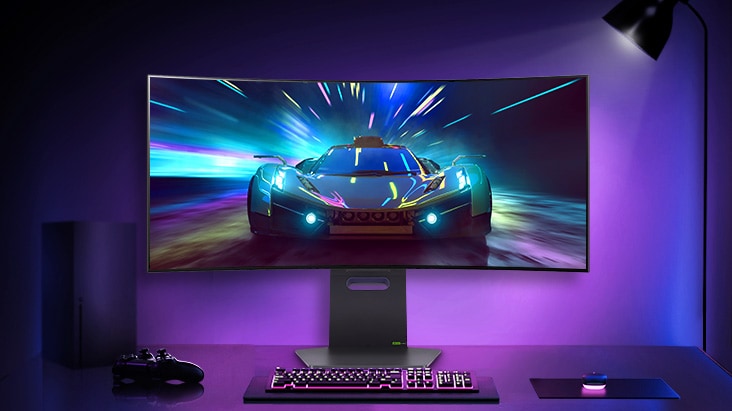
The year is 2026, and the OLED revolution has officially landed on our desks. Not just in flashy ads or YouTube thumbnails, but right there in your shopping cart. You’ve probably hovered over that “Buy Now” button at least once, stared at the price, imagined your setup glowing like a dream… and then quietly closed the tab.

Because here’s the thing. Everyone agrees OLED is the best display tech out there. It’s the holy grail. It’s what makes TVs look unreal, and smartphones feel premium. Deep blacks, insane contrast, instant response times. It’s the stuff gamers brag about. And yet, for something so perfect, it’s surprisingly missing from a lot of desks.
Welcome to the Desktop Paradox. The idea that the very thing that makes OLED incredible for your living room somehow makes it… a little uncomfortable for your desk
The Phantom Elements
The biggest issue with OLED on a monitor isn’t color, brightness, or even price. It’s something far more boring and far more real. Static elements.

A TV is constantly changing. Movies, shows, sports, everything moves. But a monitor? That’s a completely different story. It’s basically a museum of things that don’t move. The Windows taskbar sits there all day. The Discord sidebar doesn’t budge. Your favorite game HUD, the minimap, ammo counter, health bar… all locked in place. And that’s where the anxiety kicks in.
Is burn-in guaranteed? No. Is it still possible? Yes. And for a lot of people, that “what if” is enough to hold them back.
Sure, modern OLED panels are much better than they used to be. They come with pixel shifting, panel refresh cycles, and all sorts of behind-the-scenes tricks to reduce burn-in. But the fear hasn’t gone away. Especially for someone who uses the same screen for work during the day and gaming at night. Because in that scenario, the display isn’t just showing content. It’s repeating patterns. Over and over again.
MiniLED: The safe choice that never felt exciting
This is where MiniLED was supposed to step in and save the day. On paper, it sounds perfect. It’s bright. Really bright. It doesn’t suffer from burn-in. You can leave an Excel sheet open for a decade, and the panel won’t care. It’s reliable in a way OLED just isn’t. And in bright rooms, especially setups with a lot of natural light, MiniLED actually makes a lot of sense. While most OLEDs dim to a dull 250 nits full-screen to prevent overheating, MiniLED panels can sustain 1,300+ nits even if you’re sitting in a sun-drenched sunroom.

So naturally, you’d expect MiniLED to dominate gaming monitors. But it didn’t.
The 24-Inch problem no one talks about
The real issue with MiniLED isn’t what it does wrong. It’s where it’s being used. MiniLED works beautifully on TVs because of the distance. You’re sitting eight to ten feet away from a large screen. At that distance, your eyes don’t really pick up on the imperfections. The light looks uniform. The contrast feels strong. Everything just works.

Now shrink that experience down to a 27-inch monitor and move yourself two feet closer. Suddenly, things change.
You see, the way MiniLED works is by dividing the screen into zones that light up independently. The more zones you have, the better the control. But even high-end monitors today still have thousands of pixels being controlled by a single zone. So when something bright appears on a dark background, like a cursor or a small UI element, that entire zone lights up. Not just the pixel. The whole zone.

To truly eliminate blooming at a desk-viewing distance, a display needs a zone-to-pixel ratio that current manufacturing cannot affordably meet. A standard 4K monitor has roughly 8.3 million pixels. Even a “flagship” MiniLED with 2,304 zones still has one zone controlling roughly 3,600 pixels.
And from two feet away, that doesn’t look subtle. It looks like a faint glow, or a soft halo around objects. Once you notice it, it’s hard to unsee. On a TV, it’s fine. On a desk, it’s distracting.
Where Gamers draw the line
Then there’s the performance angle, and this is where things get even more interesting.
OLED is simple in the best way possible. Each pixel controls its own light. No guessing, no processing, no delay. That’s why response times are insanely low, and motion looks incredibly clean. MiniLED, on the other hand, has to think. It uses algorithms to decide which zones should light up and how bright they should be. It’s doing extra work behind the scenes.
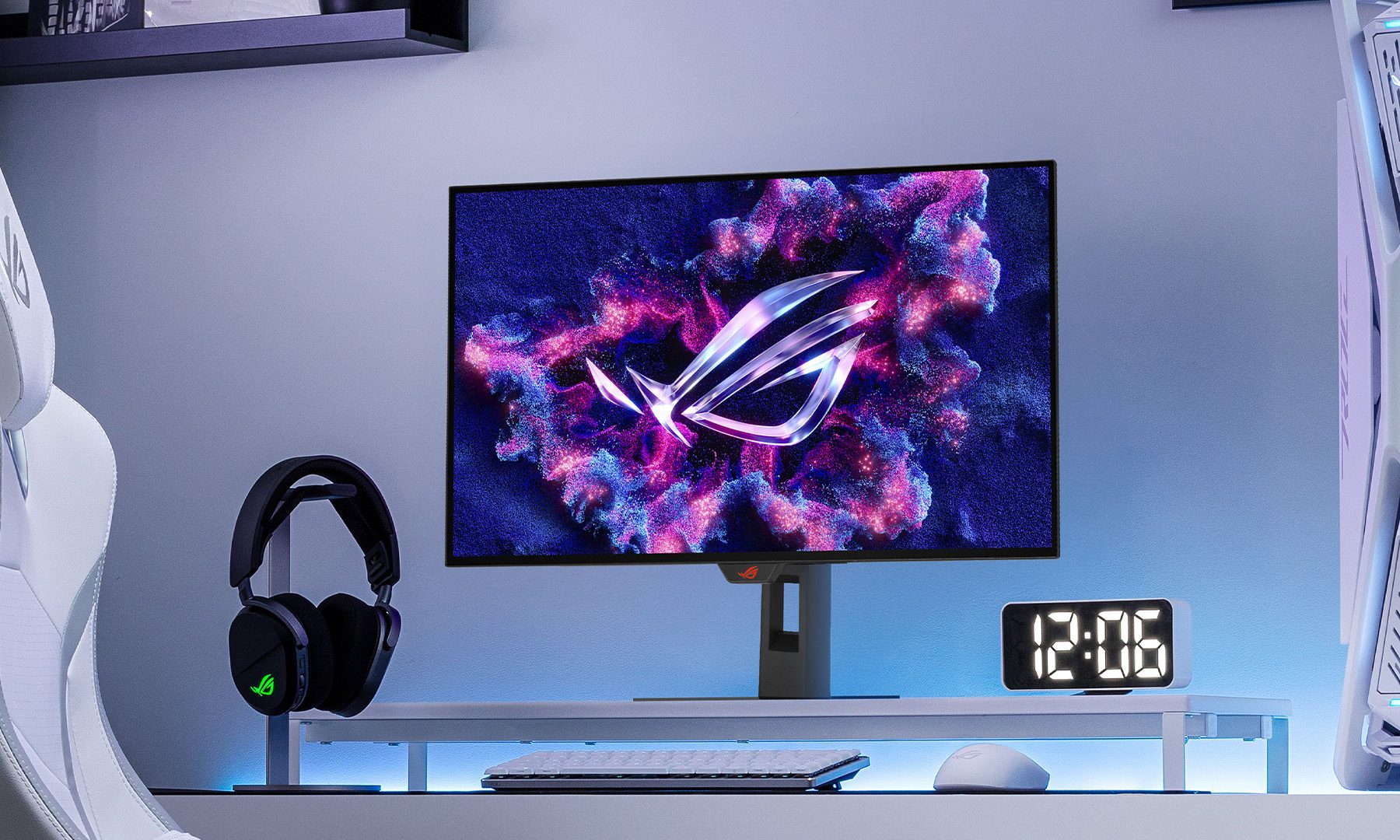
Now, that doesn’t automatically make it slow. But it does mean the system isn’t as instant as OLED. It’s not something that shows up clearly on spec sheets, but it’s something you feel when playing. In a fast-paced shooter, a MiniLED backlight can actually “trail” behind the player, creating a ghosting effect where the light is literally trying to catch up to the action. For a pro-level gamer, that’s a dealbreaker.
The price plot twist
You’d think MiniLED would be cheaper, but the opposite is becoming true. In 2026, OLED has become a more efficient manufacturing process. A high-end MiniLED monitor requires a complex “sandwich”: a fast LCD panel, a Quantum Dot film, thousands of LEDs, and a specialized controller to manage them. Assembling this is labor-intensive. Meanwhile, printing a single sheet of QD-OLED or WOLED has become a streamlined, mass-production art form.
The choice is simple: Do you pay more for a technology that almost looks like OLED, or pay less for the real thing?
Most gamers already know which way they lean.
The 2026 Reality Check: Tandem OLED
If you’re still waiting for a solution to the “Desktop Paradox,” the answer isn’t MiniLED — it’s Tandem OLED.
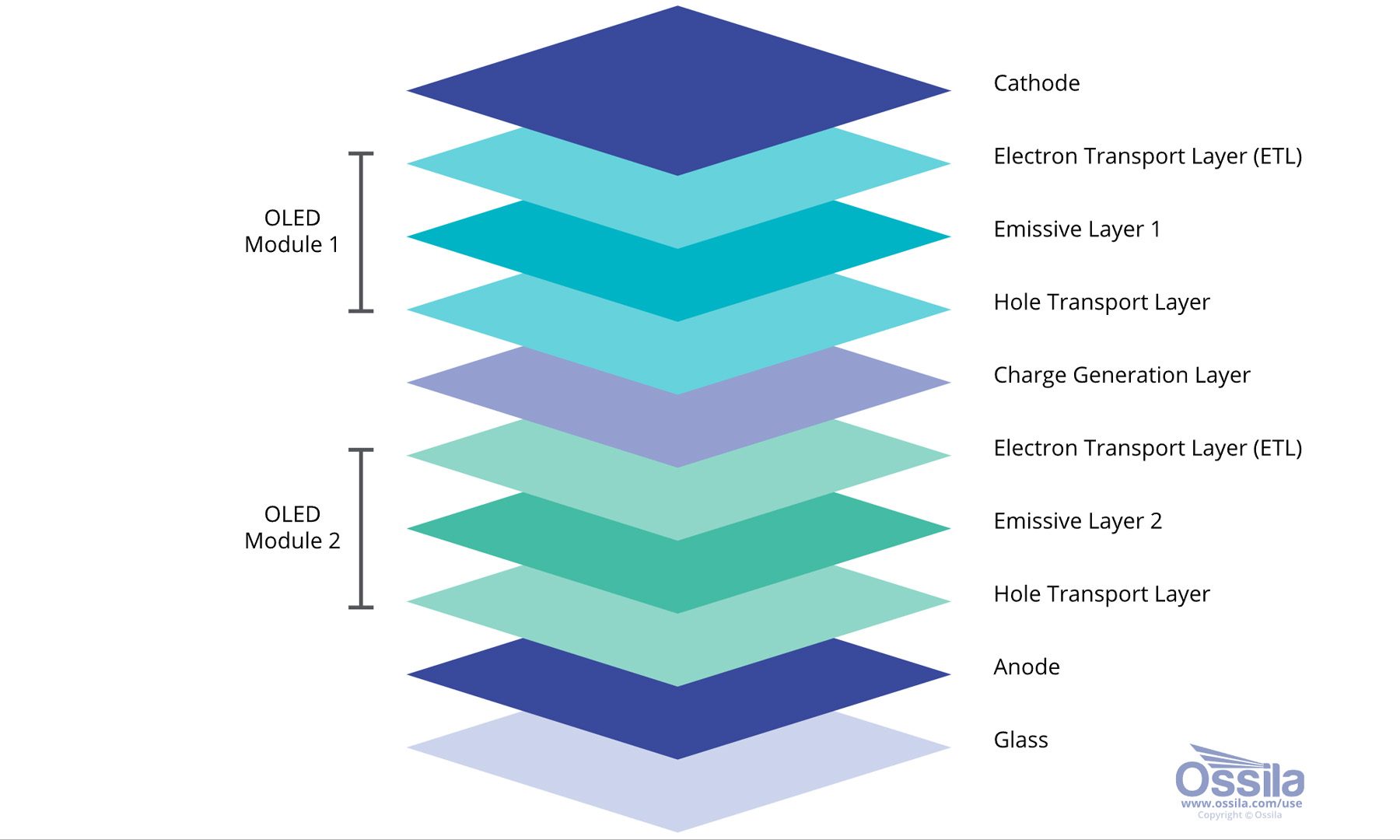
Instead of relying on a single organic layer, these stack multiple layers together. The result is higher brightness, better efficiency, and longer lifespan. In simple terms, OLED is fixing its biggest weaknesses. Burn-in risk is being reduced. Brightness is improving. Longevity is getting better. And all of that is happening without sacrificing what made OLED special in the first place.
Alright, let’s settle this desk debate
For years, buying an OLED monitor felt like signing up for brilliance with a few conditions attached. Incredible visuals, but also small compromises in how the screen was used. That’s finally changing. Modern OLED panels are far more resilient, with smarter protections and longer lifespans that make them feel less fragile in everyday use. Add Tandem OLED into the mix, and things get even more convincing, with higher brightness and reduced stress on the panel. It no longer feels like a display that needs babysitting.
MiniLED still has its place, especially for bright setups or heavy productivity use, and it may get cheaper over time. But even then, it often feels like a very good alternative rather than the endgame. Most gamers aren’t chasing “almost.” They want the real thing, and for the first time, OLED feels ready to deliver exactly that without compromise.