  1. Home
  2. Computing
  3. News

iFixit wants to fix your appliances next, and it brought a bigger toolkit

iFixit’s new $35 Megalodon wants to save your appliances from the trash

Add as a preferred source on Google
iFixit Megalodon Driver Kit Featured
iFixit

iFixit built its reputation by showing people how to fix their phones, consoles, and laptops by themselves. But its next target is larger and probably sitting somewhere in your kitchen or laundry room. The company has launched the Megalodon Driver Kit, which is a $34.95 toolkit designed for appliance repairs, furniture assembly, automotive tinkering, and the countless household jobs.

Picture this, your vacuum cleaner may still work perfectly aside from one loose component buried behind a recessed screw. So rather than replace the whole thing, you can make a quick fix with Megalodon.

A screwdriver with a clever party piece

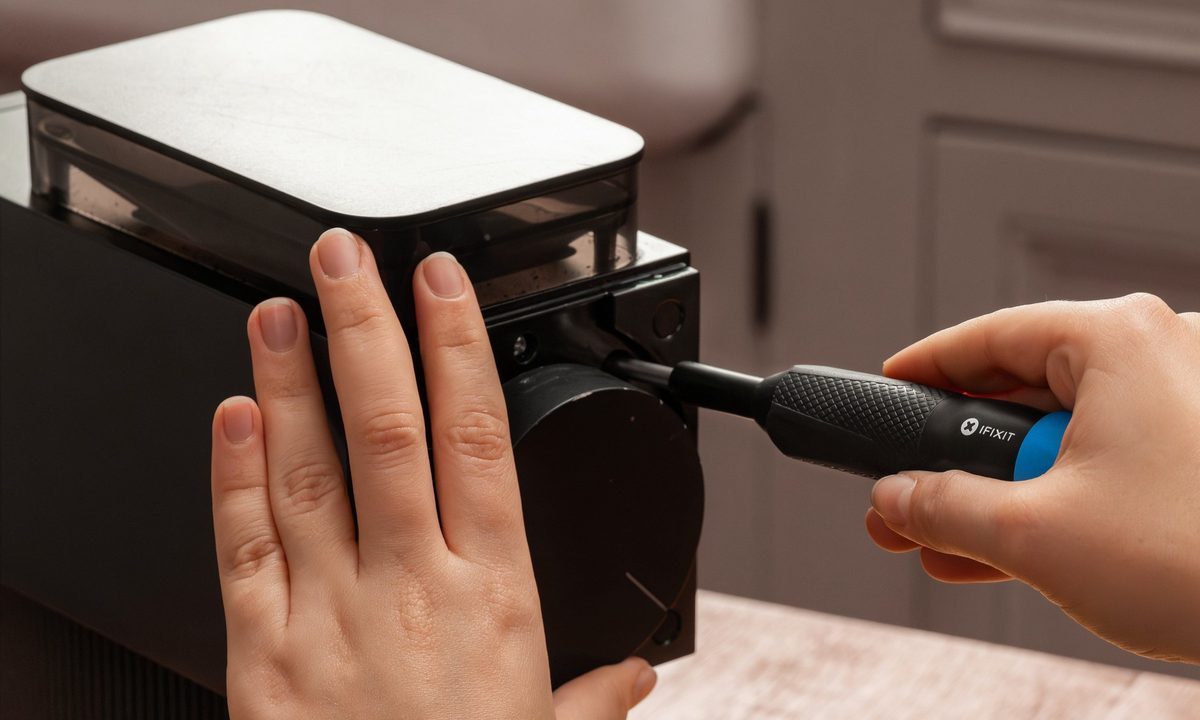
The kit revolves around an anodized aluminum screwdriver with iFixit’s Swivel Grip Cap. Hold the cap in place and the driver can rotate freely for quickly spinning screws in or out. Push down on it, and the cap locks so you can apply more torque. This avoids the direction switches and occasional confusion of a conventional ratcheting driver.

Megalodon is built for the home repairs that are too big for a tiny electronics driver, but too annoying for a full-size drill. Think vacuum housings, appliance panels, furniture hardware, and all the screws hiding two inches below the surface. Big bite. Small case. Ready for the… pic.twitter.com/7sgFRVovrS

— iFixit (@iFixit) July 6, 2026

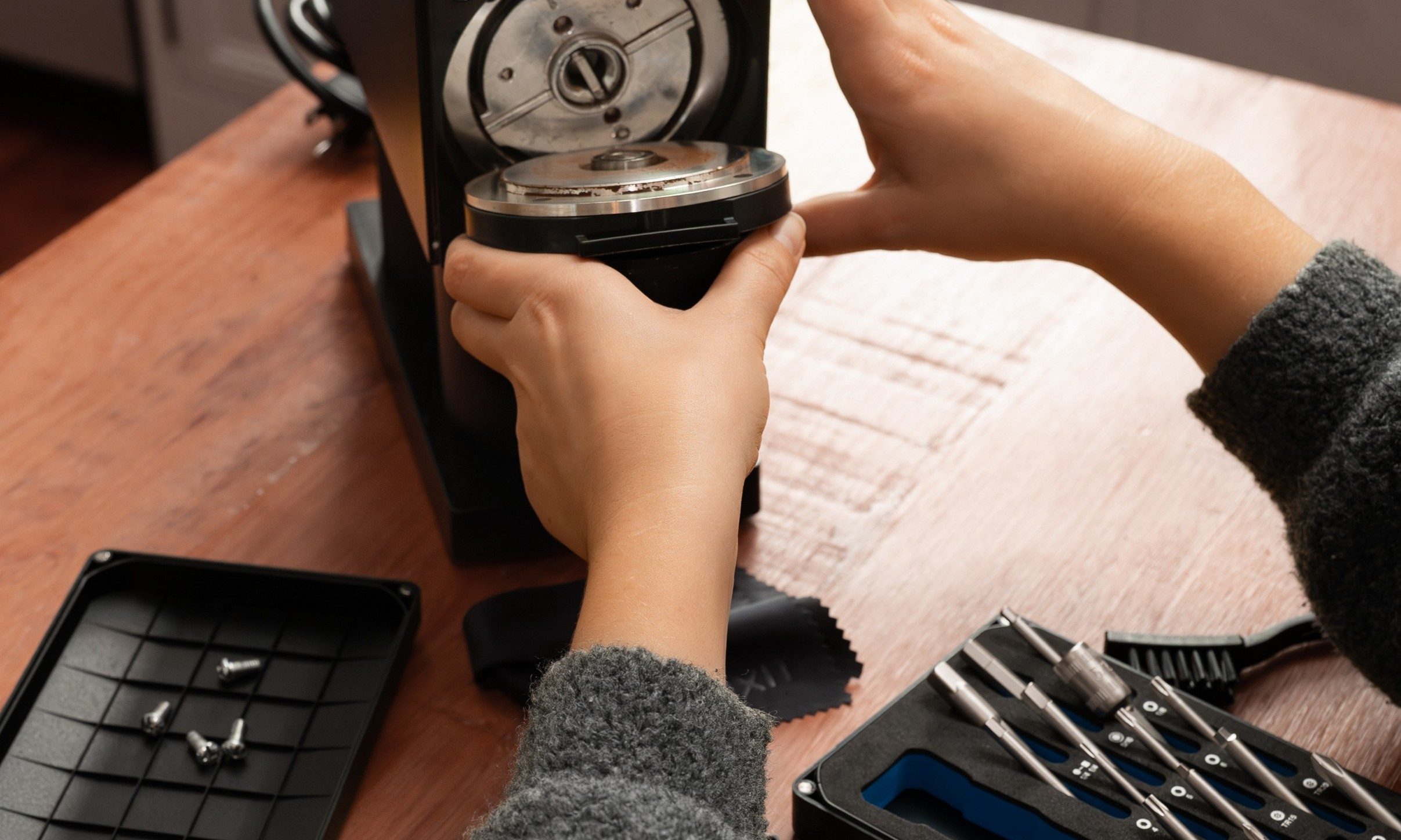
The kit also includes 16 two-inch extended-reach bits, chosen for fasteners commonly found in appliances, furniture, vehicles, and much more. The selection covers known selection such as Phillips, Flathead, Hex, Square, security Torx, a nut driver, and a quarter-inch socket adapter. Those longer shafts are key. Appliance makers love hiding screws deep inside plastic housings and behind panels where an ordinary stubby bit cannot reach.

Recommended Videos

Everything fits inside a compact case with large labels and a magnetic lid that doubles as a sorting tray. So the chances of a crucial screw disappearing under the refrigerator is slimmer.

Tools cannot unlock a hidden repair manual

Megalodon also highlights the other obstacle facing household repair. If you hate when manufacturers refuse to provide service information even if you have the correct screwdriver, having a fancy toolkit can’t help fix that. Recent right-to-repair laws in several US states have started including appliances, although access to documentation, parts, and diagnostic tools remains inconsistent.

But for the time being, Megalodon is a great DIY option. It is small enough to live in a drawer, capable enough for genuine household work, and far less intimidating than reaching for a drill.


Vikhyaat Vivek
Vikhyaat Vivek is a tech journalist and reviewer with seven years of experience covering consumer hardware, with a focus on…
Asus ExpertBook Ultra review: A dreamy ultra-thin machine that surprised me with raw power
If thin and light is what you value the most, this one will serve you perfectly, without the obvious performance compromises.
Asus ExpertBook Ultra laptop

See at Amazon

Quick Review

Read more
I found a free Mac diagnostic app that tells you what Apple’s tools don’t
It can check your Mac’s storage, memory, battery, and network
Techtool Lite UI screenshot

Macs have a strong reputation for being smooth and reliable, and Apple’s tight control over hardware and software is a big reason for that. Use one long enough, however, and you may still run into slowdowns, freezes, strange behavior, or that familiar feeling that something is simply off.

Apple’s own tools can help, but only to a point. Disk Utility is useful for storage-related checks, but it does not give you a wider picture of your Mac’s overall health. I recently came across Techtool Lite, a free diagnostic and maintenance app from Micromat that looks at more than just your drive.

Read more
Claude redefined my bond with Macs. I am building my own apps and it’s a bliss.
I talk to Claude. It builds me apps. It's as simple as that!
Claude AI on Mac.

A few days ago, one of my colleagues asked me a favor. They wanted a few iOS and macOS screenshots turned into a mockup image where the UI is rendered on an iPhone and a MacBook. The problem? It was 3 am PST, which meant asking one of my design team colleagues was out of the question. 

Now, there are plenty of online tools that will do it, but you either have to pay for a subscription (as in Canva), or sign up to buy usage credits after a few free trials. Moreover, these editors limit you to a handful of design presets. I turned to Anthropic’s Claude, and within half an hour, I had a screenshot-to-mockup editor built for the entire team to use. Take a look:

Read more

