Destiny 2’s Season of Dawn is here, bringing a host of new content to the ever-evolving game. In Shadowkeep, the game introduced artifacts, a new item that allows players to level themselves above the game’s 960 power cap. While last season required players to hit a certain level in their season pass to unlock the artifact, this time you’ll have to complete the ‘A Matter of Time’ quest to unlock the new Lantern of Osiris artifact.
This is a quick quest-line that’ll introduce you to a few of the new elements in Season of Dawn, and net you a powerful new weapon while you’re at it.
Step 1: Speak to Ikora Rey and Osiris
When you open the game, head right to the tower and seek our Ikora Rey. She’ll congratulate you for defeating the Vex in Season of the Undying, but immediately send you out on a new mission to find Osiris. To find him, open up your director and select Mercury. You’ll notice a new node on the north of the map, which takes you to The Sundial. Select that and head forward into the large Sundial structure. Speak with Osiris, and he’ll send you to the next step.
Step 2: Recovery Operation
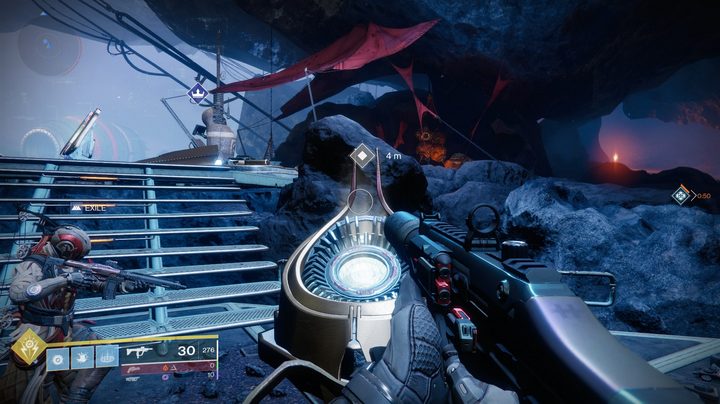
Head over to the Tangled Shore, where you’ll have to complete a few tasks that require you to interact with the game’s new Obelisks. First up, you’ll need to kill Cabal on the Tangled Shore and collect 50 Sundial components. To find Cabal, jump on your sparrow and head north of Thieves’ Landing. Areas such as Four-Horn Gulch and The Boil are crawling with Cabal, making this an easy task. You can make this step go by much quicker by killing Cabal with solar weapons, which will net you 3 components per kill instead of 1.
Once you’re collected 50, head back to the launch pad on Thieves’ Landing. You’ll see an Obelisk right next to you, which you can now interact with. Drop the components in to unlock the next step.
Step 3: Light Collection
Next, you’ll need to defeat enemies with your super and collect orbs of light to fill up a progress bar. If you have some friends, it’s a good idea to squad up here so you can chain supers and generate orbs.
If you don’t have a fireteam handy, don’t worry. Throw on a roaming super – any super that lasts for at least several seconds – to take out a few patches of enemies, and you’ll complete this step quickly. Just make sure several groups of enemies are nearby when you use your roaming super.
Again, head back to the Obelisk at Thieves’ Landing and drop your light charges in. The Obelisk will open up, and you’ll acquire a Major Fractaline Harvest, a Sundial Link, and your next quest step.
Step 4: Complete a Sundial run
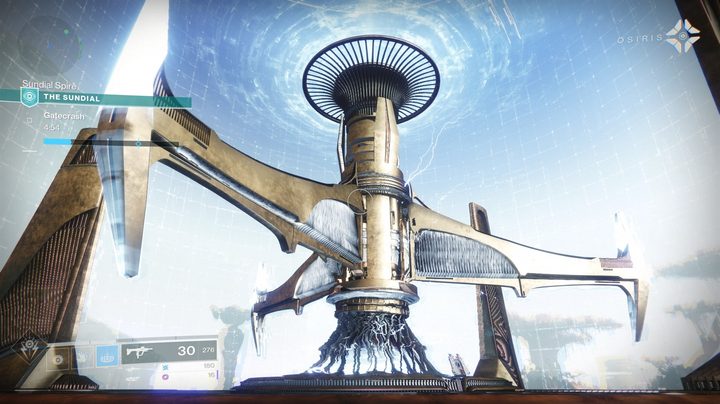
Head back to The Sundial on Mercury and talk to Osiris. He’ll task you with completing a full run of the new Sundial activity. The good news is that this activity functions like Menagerie, which means you can’t fail it. As long as you keep at it, you will be able to complete it. Open your map and reload back into the Sundial area you’re in commence matchmaking.
The Sundial is a horde mode where you’ll fight off waves of Cabal on Mercury. The activity contains different phases, which have light mechanics to them. For example, one phase has you throwing charges at powerful enemies to make them vulnerable. Once you’ve filled up enough of the on-screen progress bar, you’ll have to defeat a final boss. If everyone knows how the mode functions, this can go quickly. We were able to complete a run only doing 2 phases before the boss fight.
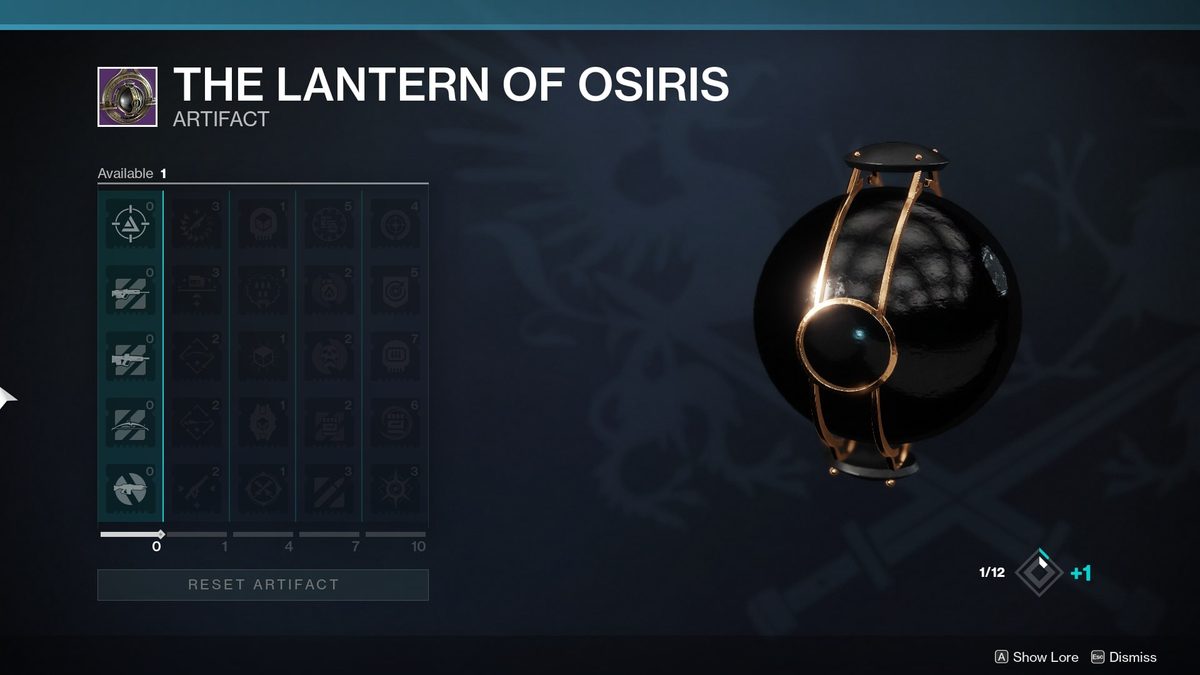
Once you beat the boss, you’ll head back to the main Sundial area to collect a powerful new weapon, which drops above the game’s 950 power soft cap. All that’s left is to once again load back into the Sundial area and speak with Osiris. You’ll receive the Lantern of Osiris artifact, which will give you a host of unlockable perks for your gear and the ability to level over 960 power.