
There has yet to be a clear frontrunner for iOS controller of the decade, and the Razer Junglecat probably isn’t it. But while the combination case and controller has its downsides, it also has some advantages over the competition.
Compromises. Even with Apple’s Made for iPhone (MFi) program meant to create a clear set of standards and expectations for iOS controllers, these devices are usually defined by their compromises. The SteelSeries Stratus is too small, for example, while the Logitech Powershell’s D-pad is unusable, and the Phonejoy controller feels like it’s as likely to snap your fingers off as it is to play games.
The Razer Junglecat is no exception, and its main compromise is that it lacks enough inputs to be truly versatile. Even as iOS 7 games continue to become more and more complex, some iOS controller makers are ignoring players’ needs for dual analog sticks (or any analog sticks, in the Junglecat’s case), multiple triggers, and other expected buttons.


But compromise by definition requires an advantage in return for the sacrifice. In the Razer Junglecat’s case, the compromise is the lack of expected inputs, but the result is that this MFi controller is sleek, portable and well-made, attributes lacking in many of its contemporaries.
Click. An iPhone 5 or iPhone 5S slides easily into the Junglecat’s plastic frame, and the top of the case’s face detaches to make it simple to use. There are no springs or menacing moving parts. It’s just “click,” and that’s it.
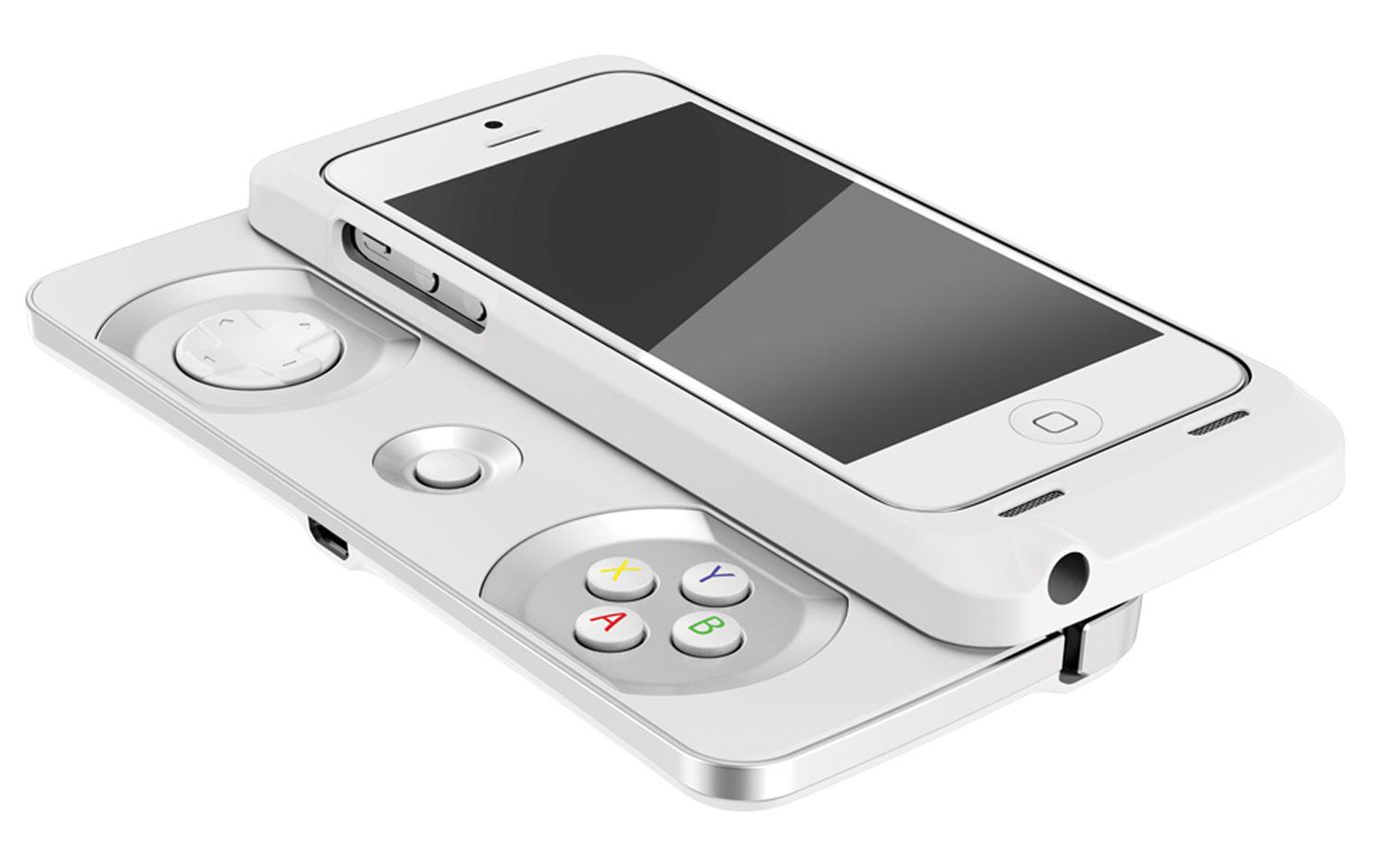
The controller-case’s overall shape is similar to that of the ill-fated PSP Go. The top, which houses the iPhone, slides upward (with the phone in landscape mode) from the bottom, revealing a directional pad, four face buttons and a pause button. A single shoulder button rests on either side of the top, while all the phone’s own buttons and inputs—from the lightning jack on bottom to the lock, home and volume keys and even the camera and headphone jack—remain accessible.
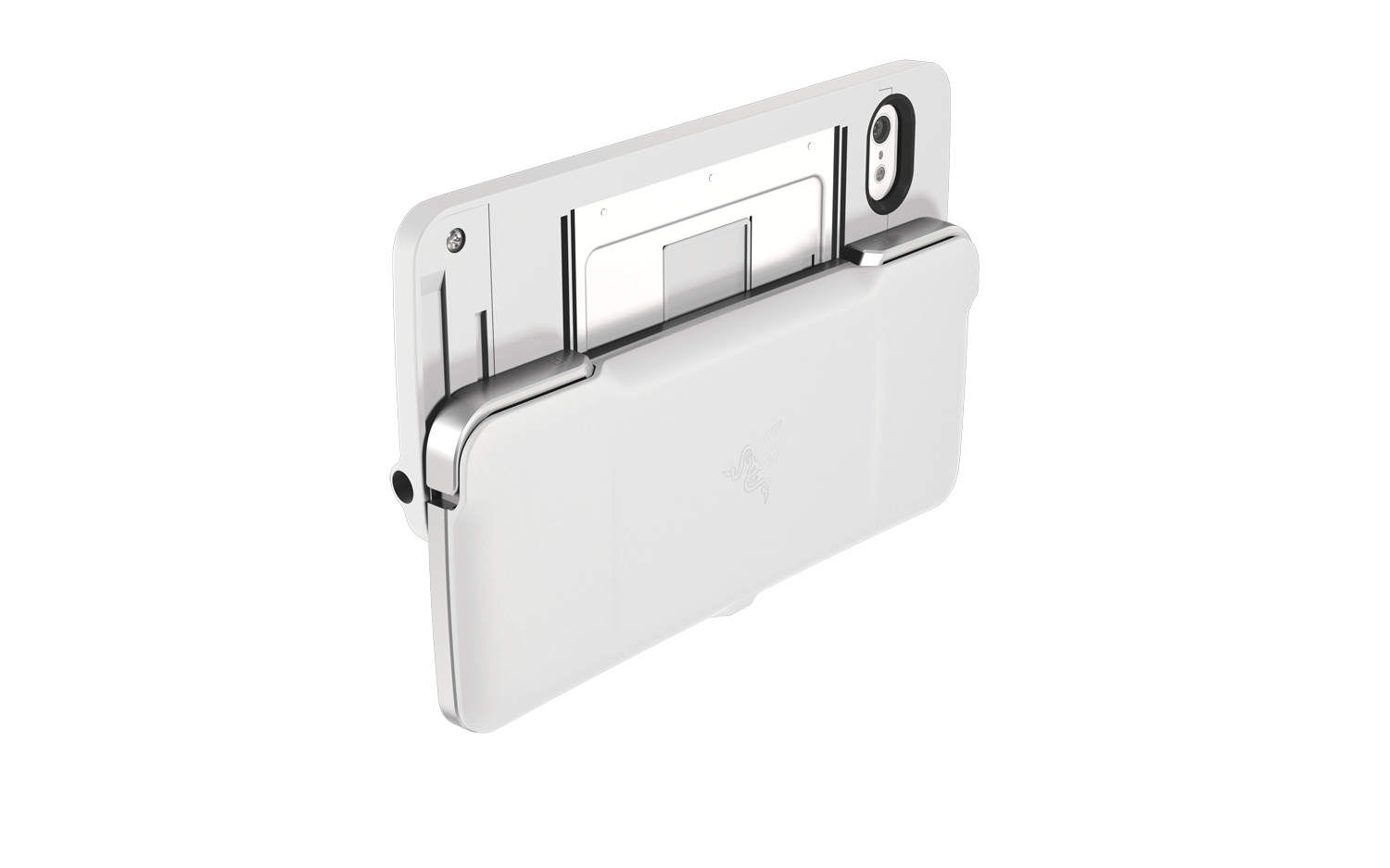
The Junglecat’s buttons are responsive, as testing on Sonic the Hedgehog 2 revealed. As long as you’re playing a game that doesn’t require an analog stick, the Junglecat should be adequate. It’s also compatible with Apple TV and iPads via Bluetooth, though if you’re not looking for portability then there are probably some better options. And the Junglecat amplifies your phone’s speakers with its “forward-throwing sound channels,” making iPhone games sound louder than without it.
At the same time the case itself is slim enough, all things considered. Its minuscule profile makes it easily small enough to fit in most pockets, purses, and bags, another advantage Razer has over its rivals in this area.
Rivals. The Razer Junglecat’s best feature is its portability. In its closed position, the controller feels barely thicker than a normal case. Plenty of people already have iPhone cases that hold credit cards, IDs and cash, and if you can carry all that attached to your phone in a pocket then the Junglecat is a shoe-in too. And the mere fact that you can leave it on your phone all the time without needing to worry about carrying it around separately is enough to recommend the Junglecat over most other options.
Even the sliding mechanism feels solid, unlike other iPhone controllers. The Junglecat also has an attractive companion app from which you can adjust button sensitivity and mappings, and browse for compatible games, a nice touch.


But Razer rivals including Mad Catz, BigBen Interactive, SteelSeries, and even famed fighting stick maker Hori all brought MFi controllers to E3. The competition in this space is hotter than ever, and it’s going to take a controller with no compromises—if such a thing is even possible—to emerge as a clear winner.
The Razer Junglecat MFi iOS controller and case is scheduled to launch in July for $99.


