1. Home
  2. Phones
  3. Mobile
  4. News

Samsung just slashed Galaxy S21 prices at Amazon, taking up to $250 off

Add as a preferred source on Google

Samsung has just slashed prices for its Galaxy S21 series on Amazon as part of a “Samsung Week on Amazon” promotion that runs now through February 28. The Galaxy S21, S21+, and S21 Ultra are $100 to $250 off their launch prices. Considering they’re just a month old, this deal is incredible.

The base Galaxy S21 is marked down to $699 , which is fantastic. That’s just $100 more than the Galaxy S21 FE right now, which is discounted itself.

Recommended Videos

The Galaxy S21+ is now just $799 , another incredible deal. At this price, it’s a pretty easy choice to get the plus variant for its larger screen, longer battery life, and glass back.

The top-end Galaxy S21 Ultra is only $999 now, making it much more attainable. It was already my favorite Android phone at its original $1,200 price, and this really seals the deal if you can pick one up at a discount.

Here’s the best part: Whether on purpose or accident, Samsung’s actually discounting the higher-storage variants of all three phones even more, completely covering the price difference in the models. That means you can pick up a 256GB model for the exact same discounted price as a base 128GB model. Those who lament the loss of the SD card slot may turn their heads when they can get double the storage for the same price.

Samsung’s running this discount, throughout the week, but I wouldn’t delay … stock may get impacted quickly with these deep cuts. Samsung says it’ll have further discounts on TVs, soundbars, monitors, and audio accessories this week as well, so keep your eyes on the Samsung store page on Amazon .


Andrew Martonik
Andrew Martonik is the Editor in Chief at Digital Trends, leading a diverse team of authoritative tech journalists.
Android desktop mode made me miss my laptop in record time
I tried writing and publishing from Google’s phone-to-monitor setup, and the future of mobile computing immediately started sweating.
Computer, Electronics, Laptop

Android 17 desktop mode has a very simple pitch. Plug your phone into a monitor, add a keyboard and mouse, and watch the slab in your pocket pretend to be a computer. I wanted to give that pitch a fair shot, so I tried using it for an actual workday instead of a cute demo.

The goal was boring on purpose: write an article, edit it, build the page in WordPress, upload whatever needed uploading, and publish the thing without running back to my laptop like a coward.

Read more
After test-driving iOS 27, my iPhone still doesn’t feel like it has made a substantial leap
Siri learned new tricks. Safari got smarter tabs. My morning routine didn't change at all.
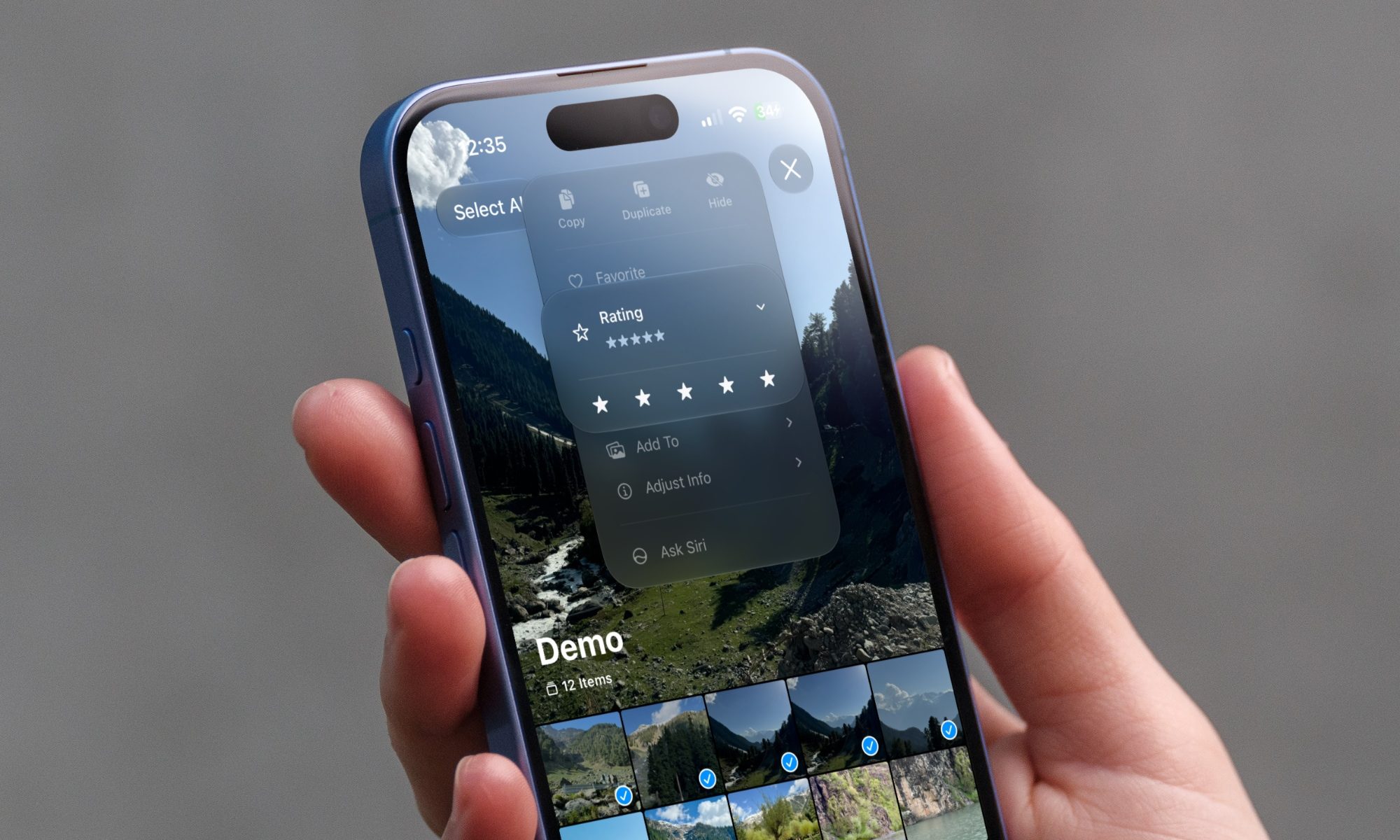
iOS 27 new star rating feature in Photos

Every June, after Apple wraps up its annual WWDC keynote, I install the latest iOS beta on my iPhone, watch the progress bar crawl to completion, and wait for the inevitable restart. For years, picking up my phone afterward felt almost identical to how it did before the update. 

I saw the same grid of icons, the same Control Center, and the same version of Siri until iOS 26 finally broke that pattern in 2025.

Read more
Android 17 makes a strong case for ignoring Android version numbers entirely
When the most noticeable change is a better Quick Settings button, the annual update cycle starts looking more like branding than progress.
Android 17 logo.

Android 17 finally separated the Wi-Fi and mobile data buttons, and I hate how much that improved my mood. For years, Android treated internet access like one mysterious blob, as if Wi-Fi and cellular data were emotionally codependent. In Android 17 Beta 3, Google split the old combined Internet button into separate Wi-Fi and mobile data tiles, making each connection easier to switch off with a single tap.

That’s a good change, which is also why it’s a little damning. When one of the cleanest wins in a major OS update is “the buttons make sense again,” the celebration gets awkward fast.

Read more