1. Home
  2. Phones
  3. Apple
  4. Mobile
  5. News

iPhone users can now access Morse code on Gboard for iOS

Add as a preferred source on Google
Tania’s Story: Morse code meets machine learning

Google has announced the arrival of a Morse code option on Gboard for iPhone, making it easier for people with limited mobility to communicate using their smartphones.

Recommended Videos

The option to use Morse code has been available on Android for the last few months, having been announced in May, and represents a huge leap forward for accessibility. As Morse code consists of a series of dots and dashes, and therefore only uses two keys, it can be hugely useful for users who find it difficult to use a regular keyboard.

to bring the mode to life, Google worked closely with Morse code expert Tania Finlayson, who helped Google to design the layout and add customizable options to fit as many disabilities as possible. Speaking of her own life experiences and how much learning Morse code has meant to her and changed her life in Google’s blog, Tania hopes that the development means that more disabled people will be able to feel included in modern technology, and is excited for the future that her work on Gboard may bring.

“I’m excited to see what people will build that integrates with Morse code—whether it’s a keyboard like Gboard, a game, or educational app, the possibilities are endless. Most technology today is designed for the mass market,” said Tania. “Unfortunately, this can mean that people with disabilities can be left behind. Developing communication tools like this is important, because for many people, it simply makes life livable.”

Morse code was developed in the 1800s, and despite never really falling out of use in various industries (the U.S. Navy and Coast Guard still use Morse code via signal lamps to communicate), the use of Morse code has mostly become a hobby amongst the general population. However, with Google’s recent addition to Gboard, there’s never been a better time to try out Morse code for yourself.

If you’re taking your first steps into Morse code, Google has created a game designed to teach the basics of Morse code in an hour. To access the mode, Google has put together an exhaustive guide to get you going. This isn’t Google’s first addition for accessibility either, as Android P’s Lookout app will help the visual impaired, while Google Maps is adding wheelchair accessible routes.

Mark Jansen
Former Mobile Evergreen Editor
Mark Jansen is an avid follower of everything that beeps, bloops, or makes pretty lights. He has a degree in Ancient &…
Samsung’s Galaxy S27 Pro and Ultra could finally ditch that ancient selfie camera
Samsung might finally be done recycling old camera hardware.
Samsung Galaxy S26 Ultra smartphone in blue color.

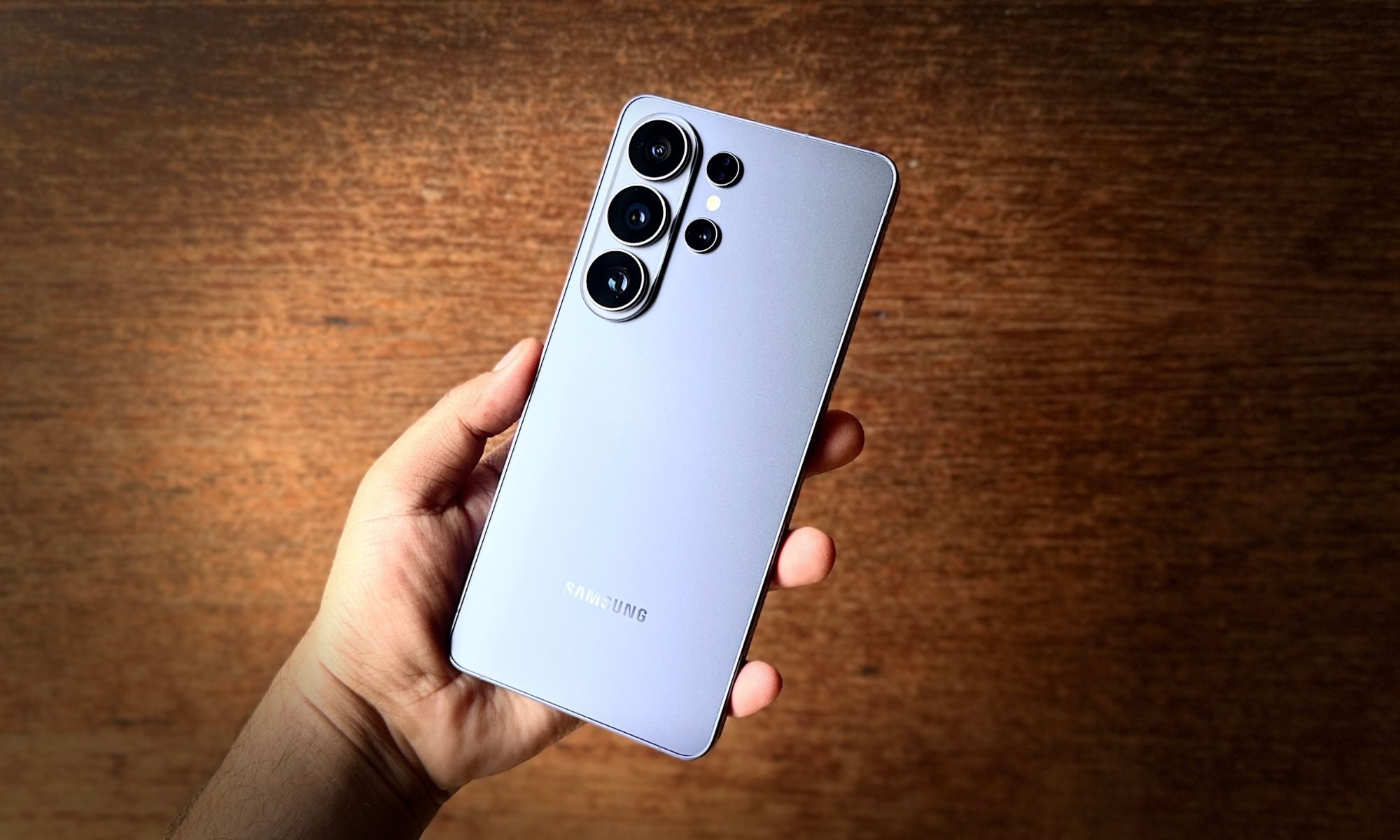
Samsung has used the same 12MP front camera on its flagships for what feels like forever, and I was starting to think it would never change, but a recent leak gives us some hope. According to Ice Universe, a reliable source, GalaxyClub, known for its accurate Samsung leaks, has said that we might finally see a selfie-camera upgrade with Samsung’s next-generation flagships, the Galaxy S27 Pro and Ultra, and it’s not just a spec bump either. 

https://twitter.com/universeice/status/2072837912979509422

Read more
Meta just launched a vibe-coding app for games, and it’s called Pocket
The new AI-powered app lets users create, play, and share mini-games using natural language.
Pocket by Meta featured image

If "vibe coding" wasn't already everywhere, Meta is making sure it is now. The company has quietly launched Pocket, a new AI-powered app that lets users generate, play, and share interactive mini-games simply by typing what they want. No game engine, no programming language, and definitely no debugging at 2 a.m. Just prompts.

Turn prompts into playable games

Read more
OPPO’s Bubble made me wish magnetic accessories were this fun
This magnetic OPPO accessory is more useful than it looks
Oppo Bubble Featured

Some smartphone accessories, like power banks, are quite useful, while others are cute for about five minutes before the novelty wears off. The Oppo Bubble looked like it was going to be part of that latter, but I had too much fun with it, and now I want more accessories to be this way. One that doesn't take itself too seriously, without missing out on some well-thought-out functionality.

I used it with the Oppo Reno 16 Pro, which already has one of the flashier phone designs I have seen this year. The Pop White version has Oppo’s 3D Pop Planet look on the back, giving it this floating, toy-like visual effect. Snap the Bubble onto the rear, and it's all iced out.

Read more