1. Home
  2. Phones
  3. Computing
  4. Mobile
  5. News

You’ll soon be able to get Google AMP quality without that pesky AMP URL

Add as a preferred source on Google

Every good thing seems to come with a price, and when it came to Google’s fast-loading webpages, that price was seeing an Accelerated Mobile Pages (AMP)-specific URL instead of a normal web address. But luckily, it looks like Google’s no longer charging us with those URLs.

This week, Malte Ubl, the tech lead for the AMP Project, announced that a new version of the AMP Cache would make its debut. In short, the team is changing how AMP works in Google Search and other platforms, and will thereby allow linked pages to “appear under publishers’ URLs instead of the google.com/amp URL space.” Best of all, this change won’t have any effect on the speed or privacy that comes along with AMP Cache serving. 

Recommended Videos

“When we first launched AMP in Google Search we made a big trade-off: To achieve the user experience that users were telling us that they wanted, instant loading, we needed to start loading the page before the user clicked.” Malte explained in a blog post. He continued, however, “Privacy reasons make it basically impossible to load the page from the publisher’s server … Instead, AMP pages are loaded from the Google AMP Cache but with that behavior the URLs changed to include the google.com/amp/ URL prefix.”

But now, Google is looking into a new version of the AMP Cache that is predicated upon the World Wide Web Consortium’s Web Packing standard, which should make the AMP addresses look like, well … any other web address. Thus far, Google’s tests have proven satisfactory, and Malte wrote, “The next steps are moving towards fully implementing the new web standard in web browsers and in the Google AMP Cache.” The goal is for Web Packaging to become “available in as many browsers as possible,” he noted. “In particular, we intend to extend existing work on WebKit to include the implementation of Web Packaging and the Google Chrome team’s implementation is getting started.”

The new changes are expected to begin reaching users in the second half of 2018, but in order to take advantage of this upgrade, you’ll have to be sure to update your browser.


Lulu Chang
Fascinated by the effects of technology on human interaction, Lulu believes that if her parents can use your new app…
Android desktop mode made me miss my laptop in record time
I tried writing and publishing from Google’s phone-to-monitor setup, and the future of mobile computing immediately started sweating.
Computer, Electronics, Laptop

Android 17 desktop mode has a very simple pitch. Plug your phone into a monitor, add a keyboard and mouse, and watch the slab in your pocket pretend to be a computer. I wanted to give that pitch a fair shot, so I tried using it for an actual workday instead of a cute demo.

The goal was boring on purpose: write an article, edit it, build the page in WordPress, upload whatever needed uploading, and publish the thing without running back to my laptop like a coward.

Read more
After test-driving iOS 27, my iPhone still doesn’t feel like it has made a substantial leap
Siri learned new tricks. Safari got smarter tabs. My morning routine didn't change at all.
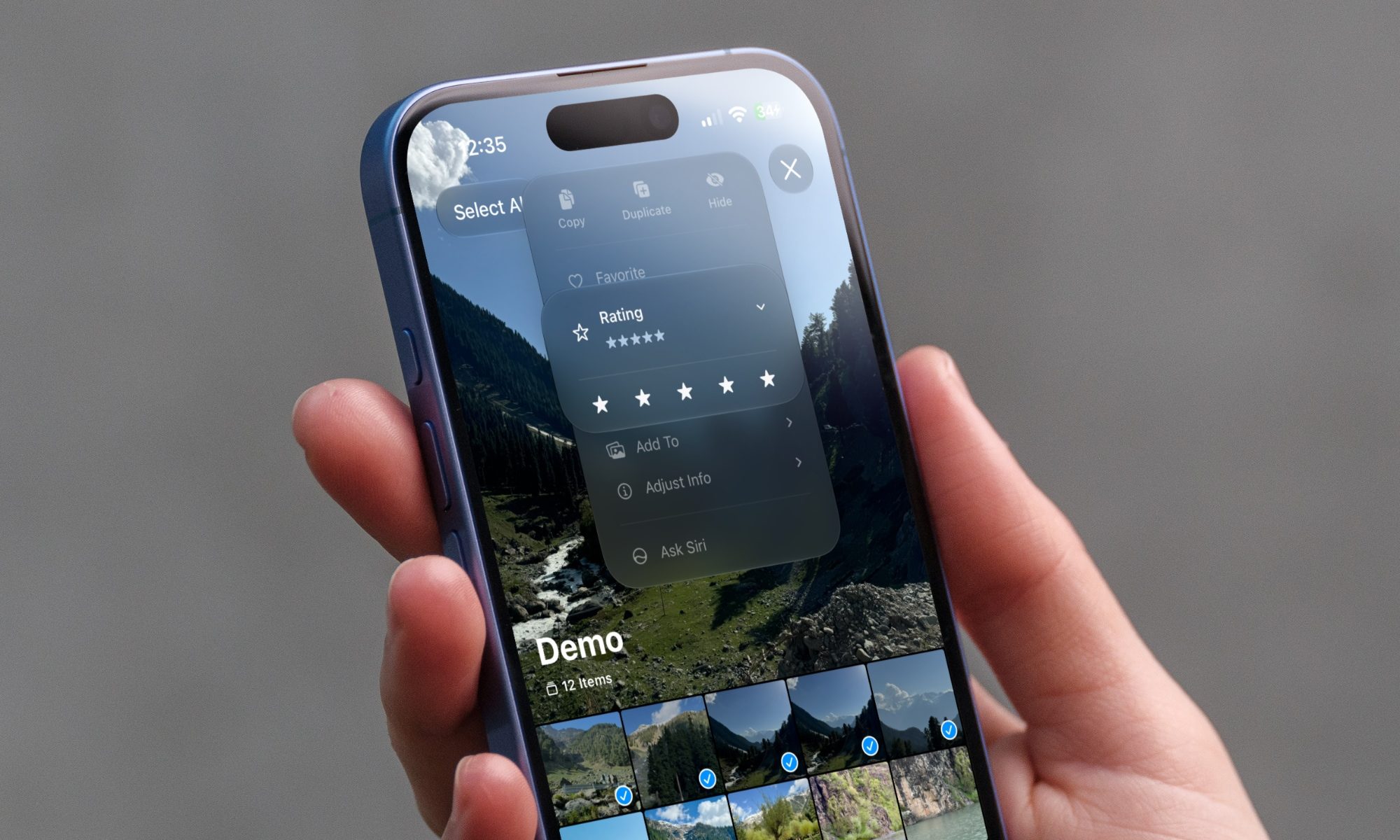
iOS 27 new star rating feature in Photos

Every June, after Apple wraps up its annual WWDC keynote, I install the latest iOS beta on my iPhone, watch the progress bar crawl to completion, and wait for the inevitable restart. For years, picking up my phone afterward felt almost identical to how it did before the update. 

I saw the same grid of icons, the same Control Center, and the same version of Siri until iOS 26 finally broke that pattern in 2025.

Read more
Android 17 makes a strong case for ignoring Android version numbers entirely
When the most noticeable change is a better Quick Settings button, the annual update cycle starts looking more like branding than progress.
Android 17 logo.

Android 17 finally separated the Wi-Fi and mobile data buttons, and I hate how much that improved my mood. For years, Android treated internet access like one mysterious blob, as if Wi-Fi and cellular data were emotionally codependent. In Android 17 Beta 3, Google split the old combined Internet button into separate Wi-Fi and mobile data tiles, making each connection easier to switch off with a single tap.

That’s a good change, which is also why it’s a little damning. When one of the cleanest wins in a major OS update is “the buttons make sense again,” the celebration gets awkward fast.

Read more