  1. Home
  2. Computing
  3. Social Media
  4. News

Snapchat finally comes to Windows 10 and MacOS, but it’s not what you think

Add as a preferred source on Google
Introducing Snap Camera | Snapchat Lenses for Desktop

Snapchat is finally bringing a Snap Camera to Windows 10 and MacOS. Not at all similar to the iOS and Android counterpart, Snap’s new app is all about integrating custom lenses with other video conferencing and social desktop apps like Twitch, YouTube, Skype, and Zoom.

Recommended Videos

The new Snap Camera app is available as a free download and is designed so that it runs in the background of MacOS and Windows as a camera output. Once selected, one of the “thousands” of lenses from the Snap Camera can virtually be worn while streaming or recording videos.

A gallery of lenses is also available inside the app, and can be searched by keyword or saved as a favorite for later use on other Mac or PC apps.

“Today, we are excited to introduce Snap Camera, a free application designed for desktop that invites anyone to experience the fun of Lenses while using their computer,” the Snapchat team said.

It is not required to have a main Snapchat account to download the app, and there is no login as part of the install process. Another integration is also available where Twitch viewers and broadcasters can unlock special Snap Camera lenses in broadcasts through the scanning of QR codes. Examples of those lenses include faces from the characters of League of Legends and PlayerUnknown’s Battlegrounds.

The Snap Camera app was first announced during the annual TwitchCon conference, as noted by The Verge. According to Eitan Pilipski, Snap’s head of camera platform, the app is designed for creators.

“We’re trying to find new distribution channels for those creators to surface their work. We think this a very unique opportunity, bringing Snapchat AR experiences to the desktop,” said Pilipski.

A full guide to using the new Snap Camera lenses is available online. Minimum system requirements include a PC or Mac with an Intel Core i3 processor clocked at least 2.5 GHz, or an AMD Phenom II clocked at 2.6Ghz, 4GB of RAM, and a screen resolution of 1,280 x 768 or higher.

Considering that Snapchat has been struggling lately, and users have been opening the app less frequently, the new app could expand its base. As noted in August, 3 million people quit the platform, primarily due to its controversial redesign.

Arif Bacchus
Arif Bacchus is a native New Yorker and a fan of all things technology. Arif works as a freelance writer at Digital Trends…
As iPads get pricier, Motorola’s Pad 70 Pro arrives as a solid option… just not for US buyers yet
Great specs, a stylus in the box, and no US launch date: the Moto Pad 70 Pro sounds both impressive and disappointing.
Computer, Electronics, Laptop

If you don’t know about Apple’s recent price hike, which affected all the products in its lineup except the iPhone and Apple Watch (for now), you’ve got to be living under some sort of a rock. The revision made all the iPads much more expensive. 

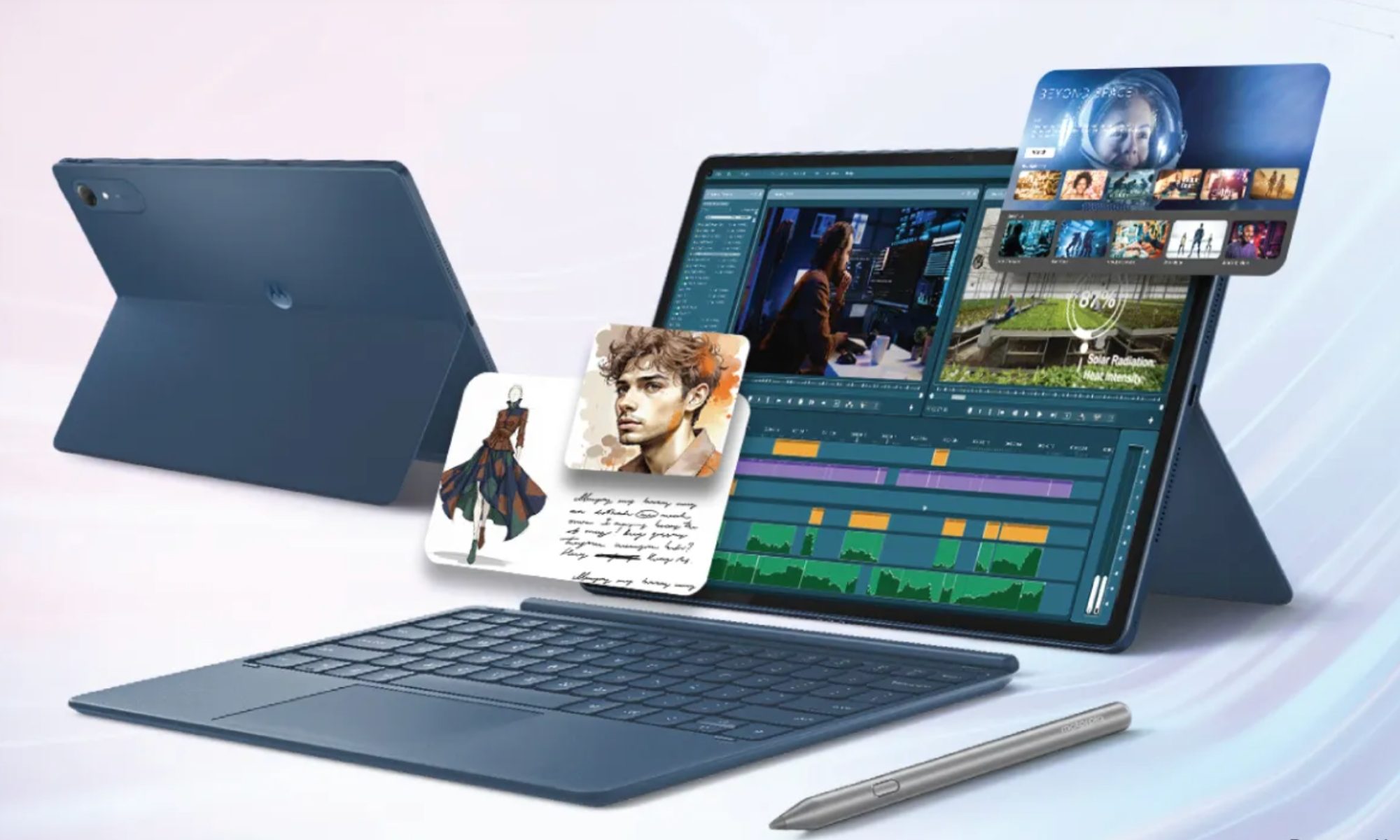
Motorola, however, has just launched a 13-inch tablet that actually sounds good on paper. It’s called the Moto Pad 70 Pro, and it costs around $440 for the baseline model. The catch, however, is that the device isn’t available in the US yet. 

Read more
The refurbished MacBook Neo may be your best way around Apple’s price hike
MacBook Neo has hit Apple’s refurbished store after its price increase
Student using MacBook Neo in classroom.

The MacBook Neo launched in March as Apple’s most affordable notebook, but it has already been caught in the company’s recent price hike. The base model with 8GB of RAM and 256GB of storage now costs $699, while the 512GB version with Touch ID is priced at $799.

Just days later, Apple has already listed refurbished MacBook Neo models on its online store, giving buyers a cheaper official option, though the savings are not as generous as you might expect.

Read more
This cross-device clipboard app solves the copy-paste problem I keep running into on my Mac
ClipboardAI keeps a searchable history of everything you copy
Text, Electronics, Mobile Phone

I have lost count of how many times I have copied something important, copied another thing before pasting it, and then realized the first item was gone. It is a small frustration, but it happens often enough to become annoying. I recently came across ClipboardAI, which caught my attention because it goes beyond Apple’s built-in clipboard by saving copied items into a searchable history.

Instead of replacing the last thing you copied every time, ClipboardAI keeps a searchable record of copied text, links, codes, email addresses, phone numbers, addresses, and images across iPhone, iPad, and Mac. That means an older clip does not disappear just because you copied something new.

Read more

