1. Home
  2. Computing
  3. News

Microsoft opens Chromium Edge bug bounty program with rewards up to $30,000

Add as a preferred source on Google

Microsoft has launched a bug bounty program for Chromium Edge, with security starting to become an even more important aspect as the web browser moves closer to its first official release.

Microsoft worked Edge through a major overhaul, dropping EdgeHTML in favor of the open-source Chromium engine that also serves as the foundation for Google’s Chrome web browser. To allow the Chromium Edge to keep up with competition, the browsers needs to be proven safe and secure.

Recommended Videos

The Microsoft Edge Insider Bounty Program is inviting cybersecurity experts across the world to identify vulnerabilities in the Chromium Edge browser, with rewards ranging from $1,000 to $30,000 depending on the severity and impact of the bug.

The bug bounty program is seeking vulnerabilities that are only found on Chromium Edge and not in any other browser based on the same engine. Microsoft gave bounty hunters starting points to look for bugs by pointing out features that are unique to its new browser. These are the Internet Explorer Mode, the PlayReady DRM, signing in with Microsoft Account or Azure Active Directory, and Application Guard.

Sending in reports for spoofing and tampering will earn between $1,000 and $6,000, information disclosure and remote code execution will be awarded between $1,000 and $10,000, and elevation of privilege will rake in between $5,000 and $15,000.

The highest reward tier of $30,000 will be given in exchange for finding a combination of an Elevation of Privilege flaw and a Windows Defender Application Guard container escape.

High-quality submissions will earn more than low-quality ones. To be tagged as high quality, a submission should provide the necessary information to easily replicate and fix a bug, which usually entails a concise write-up or video that contains background information, a description of the vulnerability, and a proof of concept.

In our hands-on review of the Chromium Edge beta, the browser proved to be a big improvement compared to the original Edge, as it is faster, more efficient, cleaner, and supports a wide variety of extensions. For those who are interested in trying out Microsoft’s new web browser, here are the instructions for downloading its stable beta build, which is the best version for everyday use.


Aaron Mamiit
Aaron received an NES and a copy of Super Mario Bros. for Christmas when he was four years old, and he has been fascinated…
I found a free Mac diagnostic app that tells you what Apple’s tools don’t
It can check your Mac’s storage, memory, battery, and network
Techtool Lite UI screenshot

Macs have a strong reputation for being smooth and reliable, and Apple’s tight control over hardware and software is a big reason for that. Use one long enough, however, and you may still run into slowdowns, freezes, strange behavior, or that familiar feeling that something is simply off.

Apple’s own tools can help, but only to a point. Disk Utility is useful for storage-related checks, but it does not give you a wider picture of your Mac’s overall health. I recently came across Techtool Lite, a free diagnostic and maintenance app from Micromat that looks at more than just your drive.

Read more
Claude redefined my bond with Macs. I am building my own apps and it’s a bliss.
I talk to Claude. It builds me apps. It's as simple as that!
Claude AI on Mac.

A few days ago, one of my colleagues asked me a favor. They wanted a few iOS and macOS screenshots turned into a mockup image where the UI is rendered on an iPhone and a MacBook. The problem? It was 3 am PST, which meant asking one of my design team colleagues was out of the question. 

Now, there are plenty of online tools that will do it, but you either have to pay for a subscription (as in Canva), or sign up to buy usage credits after a few free trials. Moreover, these editors limit you to a handful of design presets. I turned to Anthropic’s Claude, and within half an hour, I had a screenshot-to-mockup editor built for the entire team to use. Take a look:

Read more
ASUS Zenbook Duo UX8407AA review: Two screens finally earned their place in my bag
Two machines are definitely better than one, but on the same laptop? Asus nailed it, but you must be willing to pay for the convenience.
ASUS Zenbook Duo has two displays

See at Amazon

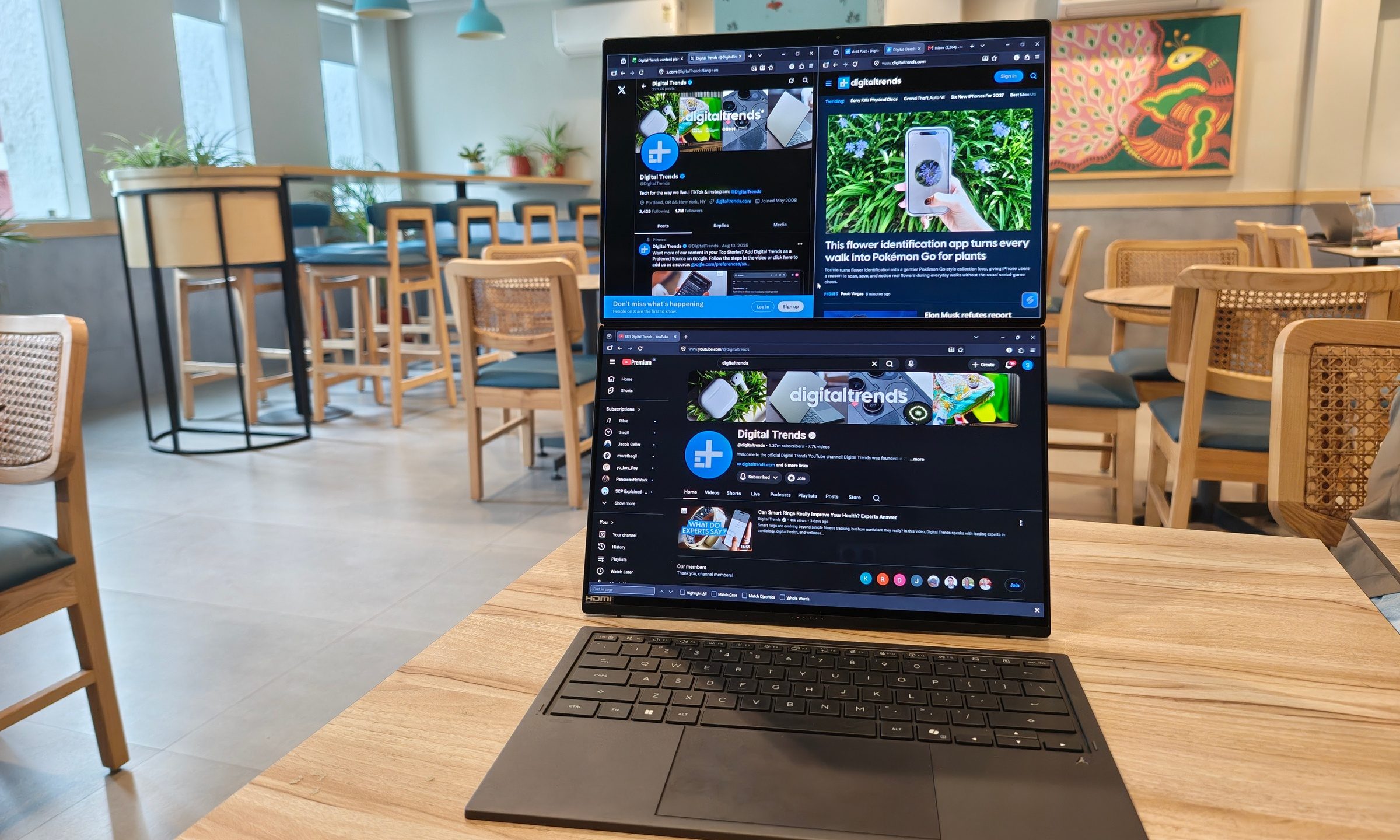
Two displays on a laptop once sounded like an elaborate solution waiting for the right problem. ASUS has spent the past few generations steadily proving otherwise. After using the latest Zenbook Duo (2026) UX8407AA for over two weeks, I started arranging my daily routine around that second display. 

Read more