
Competition in the Web browser market is heating up, and fresh on the heels of Microsoft releasing Internet Explorer 9, Mozilla has set Firefox 4 loose upon the world. Long the number-two browser behind Internet Explorer, Firefox 4 offers to give users a new look at the Web with improved performance and new technology, enhanced security features, and a wealth of customization and personalization options that enable users to make the browser truly their own. However, the stakes have perhaps never been higher for Mozilla, which faces stiff competition from the likes of Google Chrome, as well as Microsoft’s brand-new IE9.
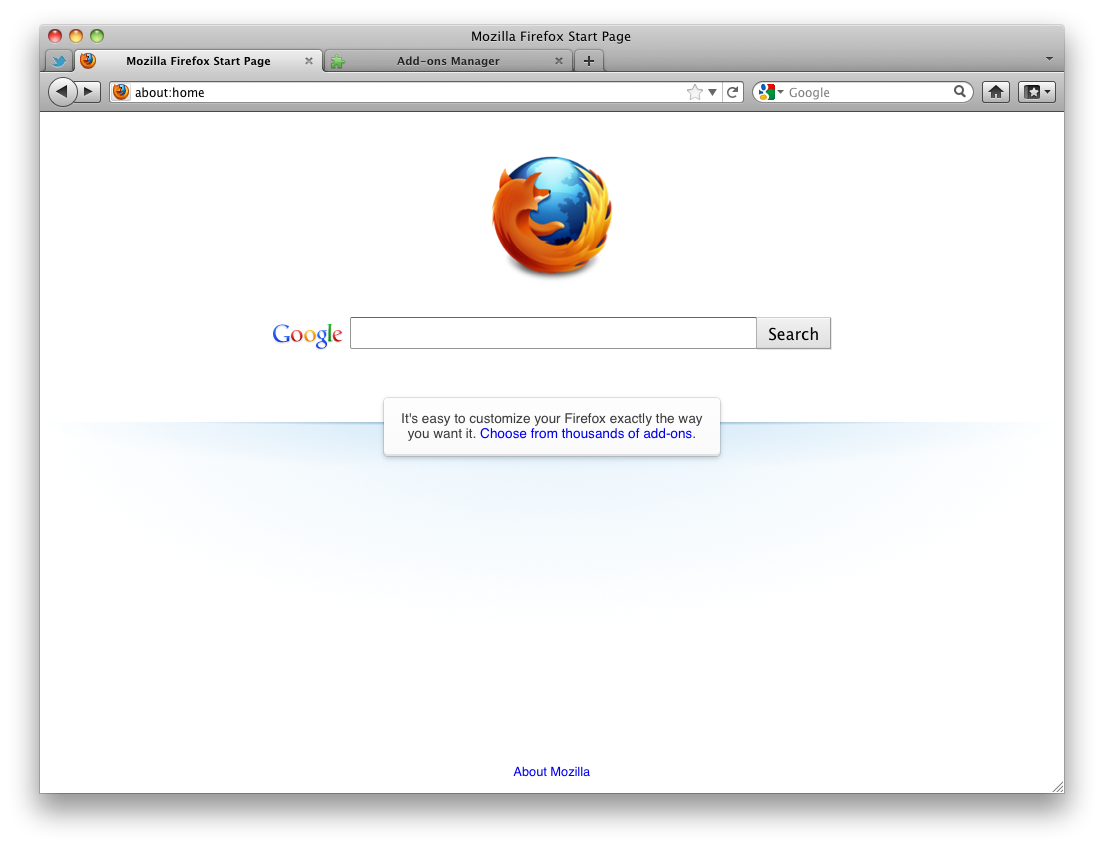
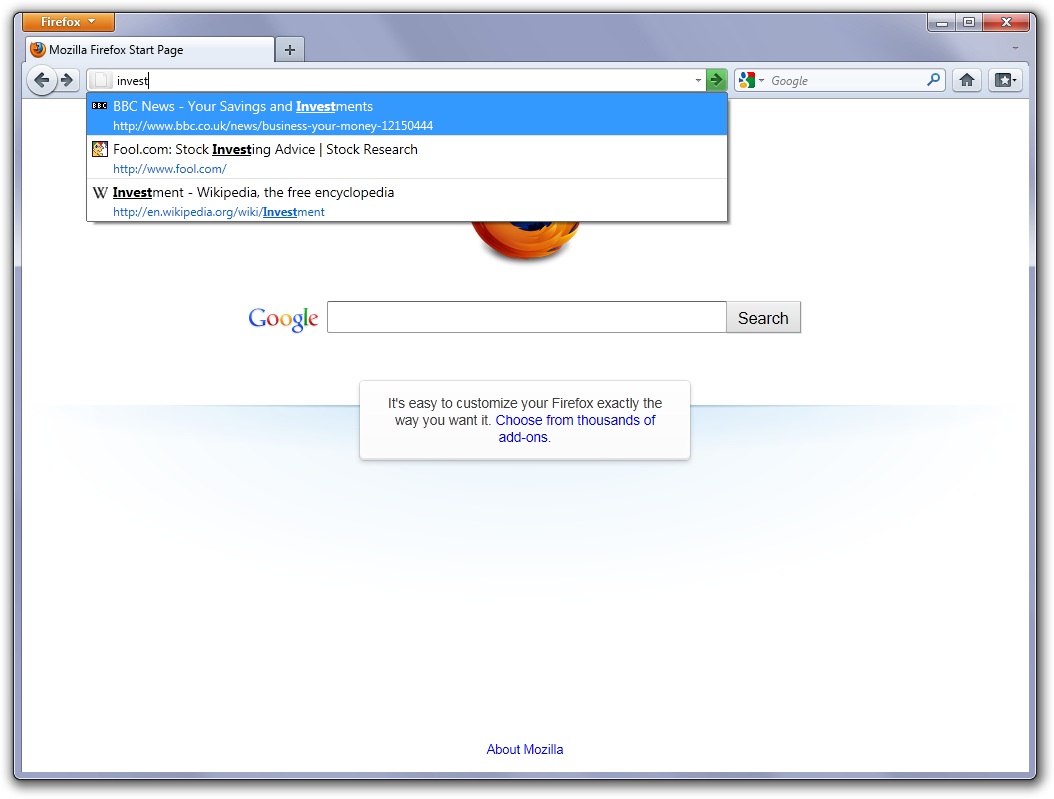
Like Chrome and IE9 before it, Firefox 4 looks to streamline the browser interface, eliminating clutter, moving tabs to the top of the window, and shifting the application’s emphasis to discoverable features rather than in-your-face annoyances. However, that doesn’t mean Firefox 4 is more difficult to use—in addition to performance enhancements (like support for hardware graphics acceleration, the new JägerMonkey JavaScript engine, and other serious performance boosts) Firefox 4 features a new “Awesome Bar” that enables users to type terms and words into the address bar to match bookmarked sites, browsing history, open tabs, and bookmarks, making it easy to get back to things. The Awesome Bar also adapts to users’ habits, adjusting its offerings based on what users select.
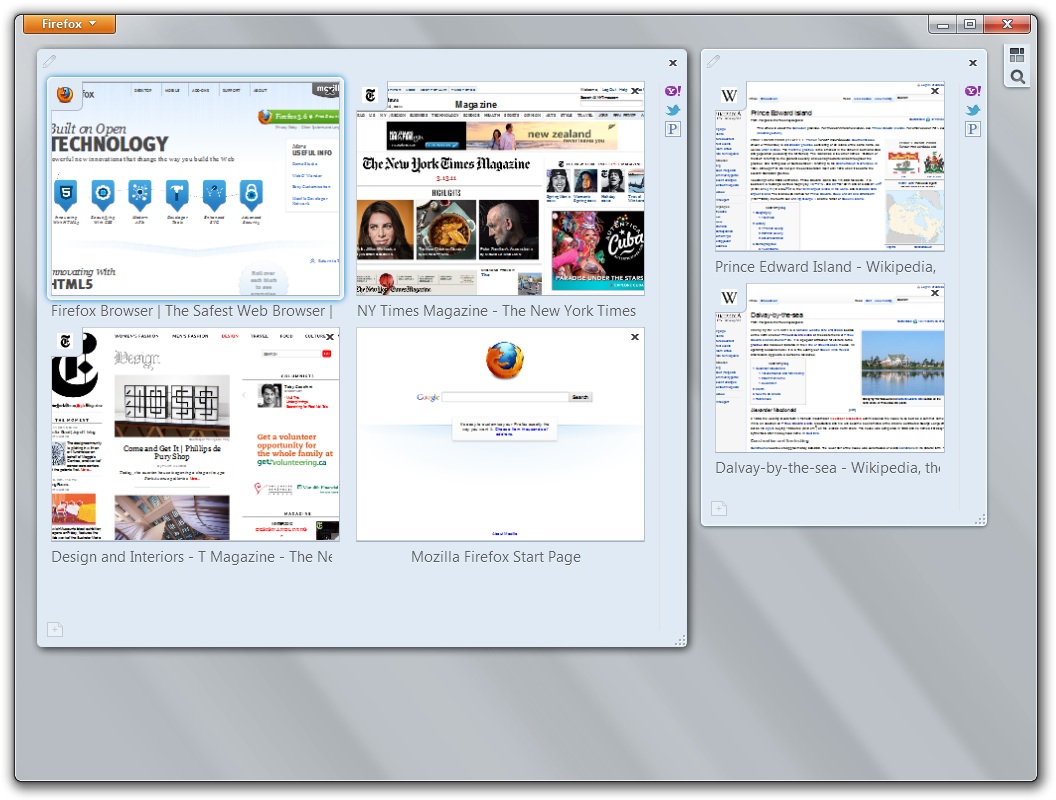
Many Web users keep some sites open all the time—like email, social networking, and other services—and in Firefox 4 those sites can be set up as “App Tabs”—permanent icon tabs on users’ tab bars. Firefox 4 also offers a tab “Panorama” view that enables users to visually organize their tabs into logical groups. Firefox 4 also sports a new sync feature that enables users to manage their browsing histories, bookmarks, and open tabs across mobile and desktop versions of Firefox. Firefox 4 retains access to the vast array of skins and add-ons that have been developed for the browser, so users can enhance and customize their browsing experience.
Under the hood, Firefox 4 includes support for a number of new technologies, including WebGL 3D graphics, support for open font formats like TrueType, OpenType, and WOFF, substantially improved support for CSS3, support for high-definition video and Google’s WebM video format, a new graphics engine that support things like inline SVG graphics—plus Firefox 4 makes audio data accessible to JavaScript, supports Windows 7 multitouch, and an experimental Web console that lets the curious see how the Web operates under the hood.
Firefox 4 also takes steps to improve users’ security online: a new “Instant Web Site ID” feature offers one-click access to a site’s identity information, including details like how many times a user has visited it. (Hint: if a site claims to be PayPal and you’ve never been there before, it’s not PayPal.) Firefox 4 also offers a Private Browsing mode, a new “Forget This Site” feature that wil remove any trace of having visited, and a new “Do Not Track” feature that tries to tell sites that you don’t want to be included in any behavioral tracking they do—of course, sites have to play along with that and actually honor the request from Firefox.
Firefox 4 is a free download for Mac OS X (Intel-based Macs running Mac OS X 10.5 or later only), Windows 2000+, and Linux. And if you’re curious about how the Firefox 4 rollout is going, check out glow.mozilla.org.


