

It’s been two weeks since the launch of Google+. So far, the new social network is a monstrous hit. Everybody’s talking about it. And even though the service is still in invite-only test mode, it’s estimated that millions of people have already joined. We’ve explored some of the glitches and flaws to G+ that Google needs to fix before opening its doors to the public. But with more people joining every day, we thought we’d offer some suggestions for how to enhance your Google+ experience right now, with the help of these extensions for Google Chrome, which is (unsurprisingly) the best browser to use with Plus.
 +Everything

Plus users call it the “crack bar” — the black Google+ notification bar that sits atop all Google-owned websites, beckoning you with its fiery orange-red glow anytime someone does anything that involves you on Google+. But for true G+ addicts, Google websites alone just aren’t enough; we want to be connected to Plus everywhere we go. That’s where +Everything comes in.
This simple extension places the crack bar at the top of all websites, so no matter where your online escapades take you, getting in on some hot Google+ action is never more than a mouse click away. Fortunately, you can close it on any website, if it gets in the way, or the temptation to use Plus simply grows uncomfortably strong.
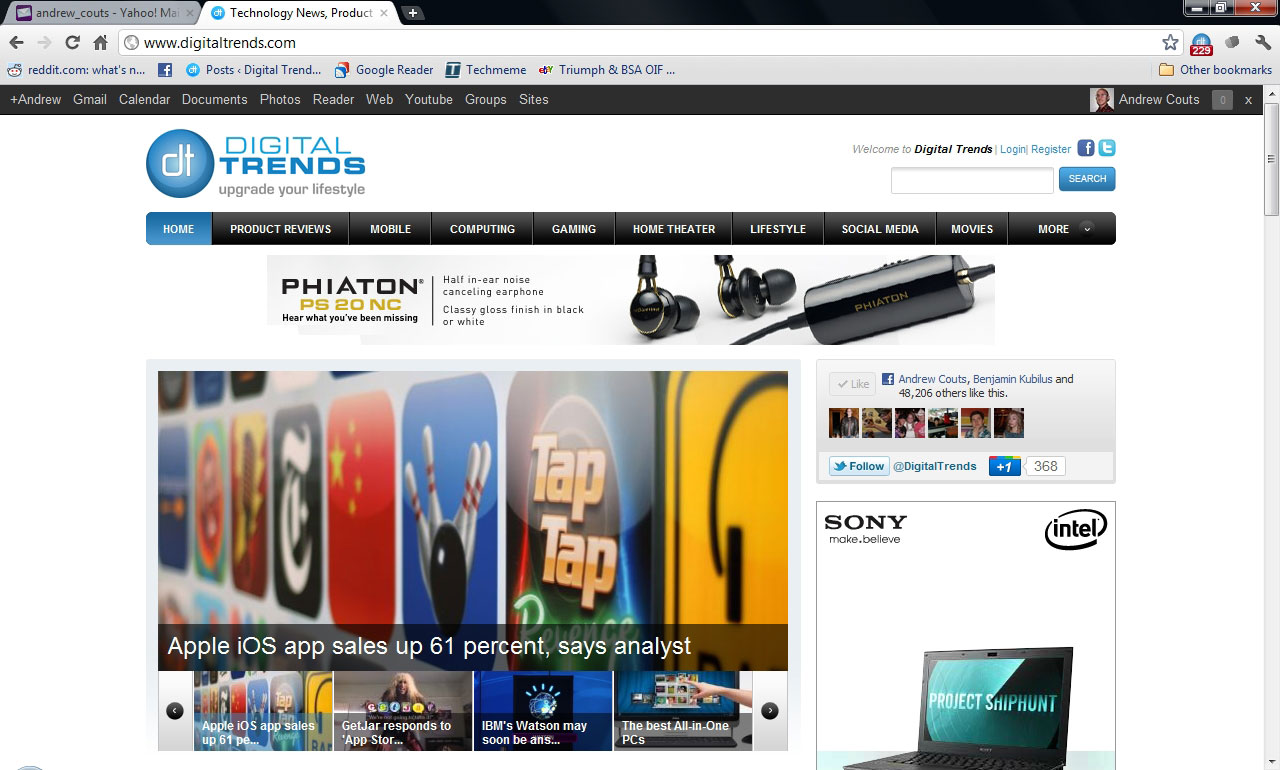
Another, less obtrusive, option is Surplus, which places a G+ notification icon on your Chrome toolbar, rather than display the entire notification bar across every screen. This is probably a better option, and one that is gaining popularity. But since we were never able to actually get this one to work properly, it doesn’t get top billing.
Replies and more for Google+

If you’re on Google+, you know that comments in the Stream (similar to Facebook’s Wall) move quite quickly, especially on posts by users with a heavy following. This is both good and bad: good because the discourse feels like an actual conversation, with comments appearing in real-time; bad because responding to the author of a post can be a somewhat cumbersome endeavor if other comments keep popping up. To solve this, Replies and more for Google+ instantly adds a “Reply to author” button at the bottom of every Stream post, making it easy to respond directly to the person who posted.
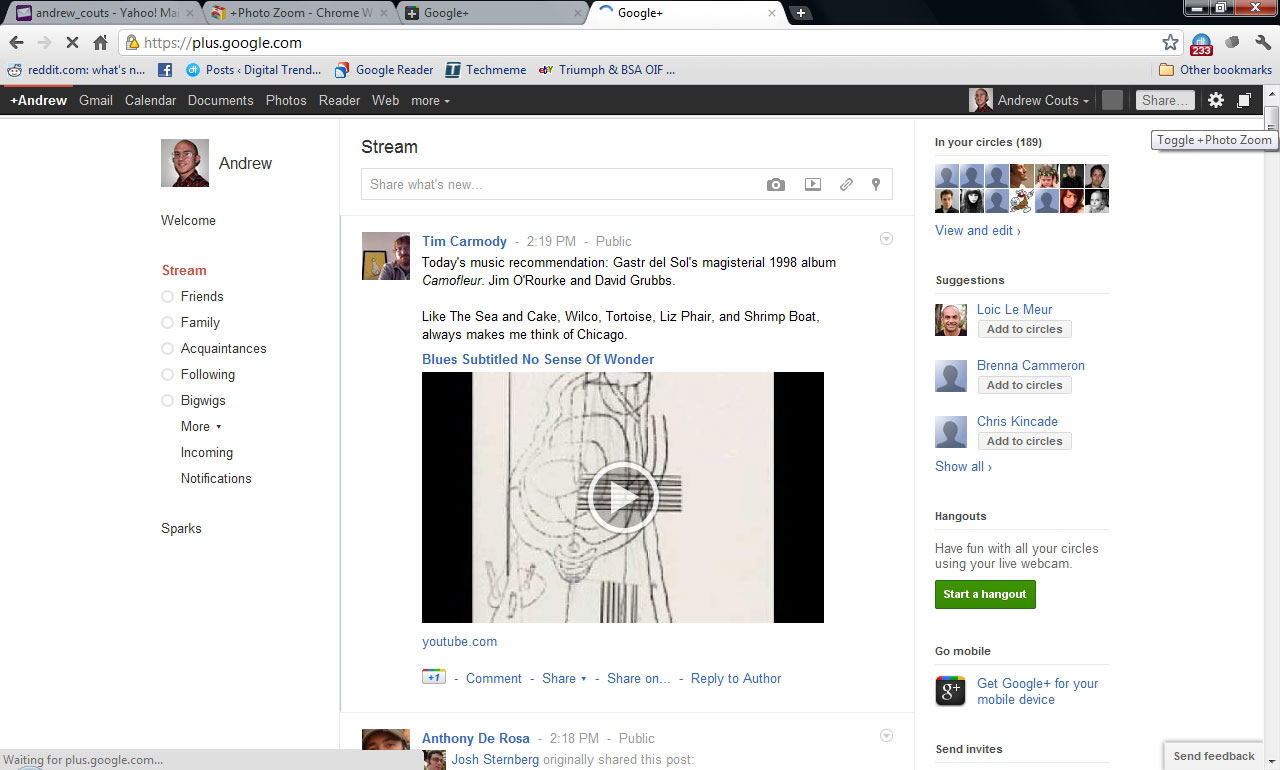
Replies also allows you to hit Ctrl+Enter or Shift+Enter to post a comment. It adds a share button for quickly publishing Plus posts to Facebook, Twitter or sending one via email. And it makes the notification bar remain constantly at the top of the screen, which saves users from constantly scrolling up to check notifications. Basically, this extension ads the functionality you wish Google+ had in the first place.
+PhotoZoom

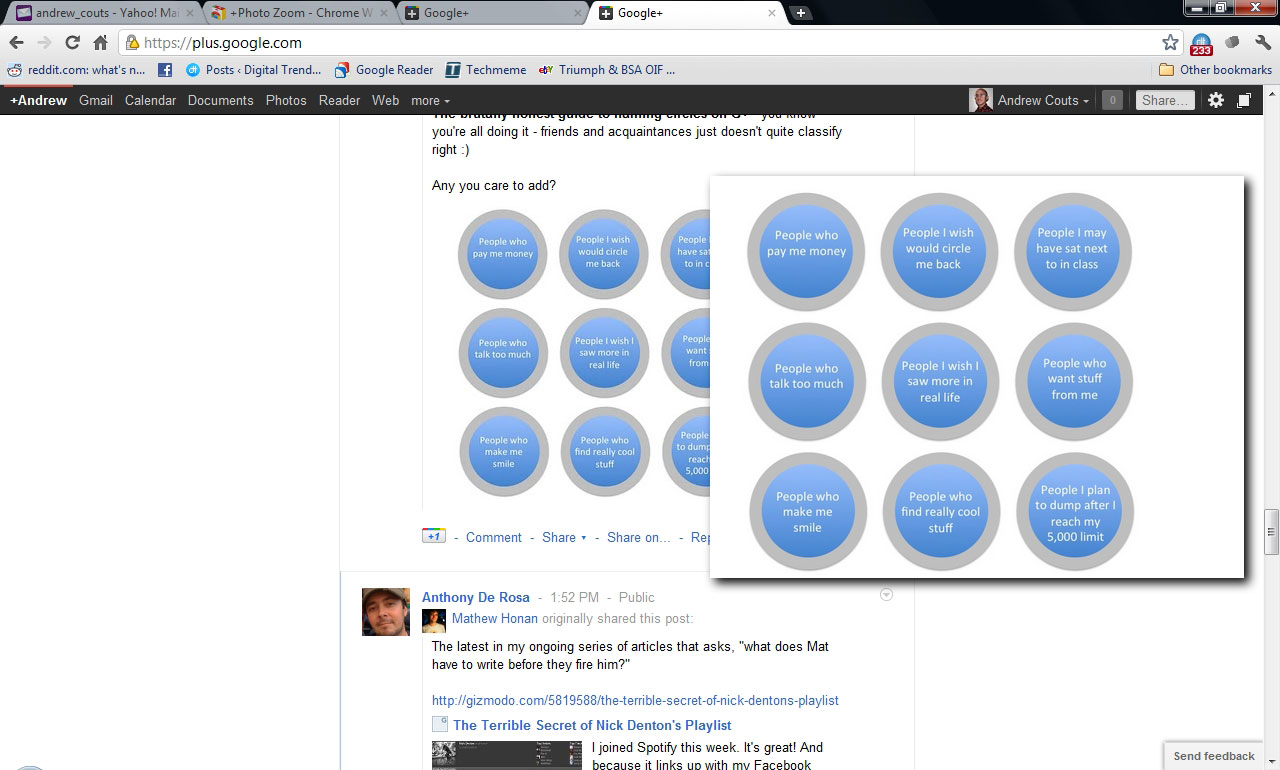
We absolutely love how Google+ handles photos. Nearly everthing about the system is better than Facebook’s. But it’s still annoying that you have to launch the photo viewer every time you want to check out a picture one of the people you follow has posted to their Stream. With +PhotoZoom, users must simply scroll over any photo, from Stream posts to profile pictures, and a larger version of the pic will appear on the screen. Move your mouse and it disappears. To turn it off, just click the icon that appears on the far-right corner of the notification bar. It’s easy, simple, and one of our favorite extensions currently available.
Helper for Google+

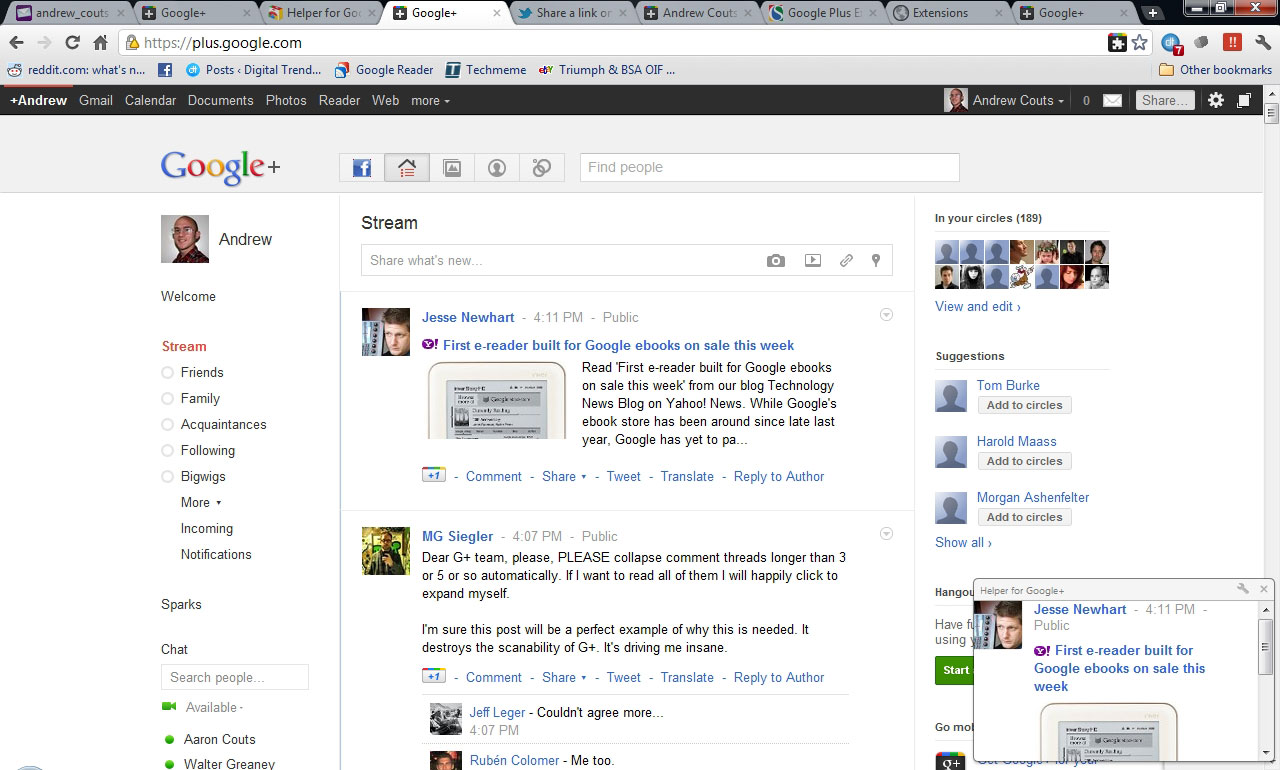
This extension does a few simple things. First, it adds “Tweet” and “Translate” buttons to the bottom of every Stream post. If you’ve also installed the Replies and more extension, then the Tweet part will be a bit redundant, but it does make it easier to send Plus posts as Tweets. Translate does exactly that: translates posts into your language of choice. Lastly, Helper for Google+ displays new Stream posts in a pop-up window at the bottom of the browser screen to help you make sure you never miss a beat.
Update: We have removed the Google+Facebook extension from this list due to possible security issues with the extension. The developer of the extension has been contacted, so that we can conclusively confirm or deny the validity of the claims that the extension has malicious properties. If you downloaded Google+Facebook, you should uninstall it, at least until the matter is cleared up. Thanks to our reader, odei, for bringing this to our attention.


