You might not know that you can set just about any webpage as your homepage. After doing so, that will be the first page you see every time you open your browser or a new tab. As for what portals make a good start page, there are a lot of great options to choose from like Yahoo! or MSN. But doesn’t it make sense to set your main destination as something that can be personalized, or tailored to your interests? Cue Kadaza, a web portal originally founded in 2008, that showcases and provides access to the best and most popular sites on the web. From news, career blogs and advice, social media networks, and beyond, all websites featured on Kadaza are “selected with great care” and organized in “the best way.” Because that seems a little vague, let’s take a closer look at some of the features that Kadaza offers. Then, you’ll know if you want to make it your homepage.
Personalized start page
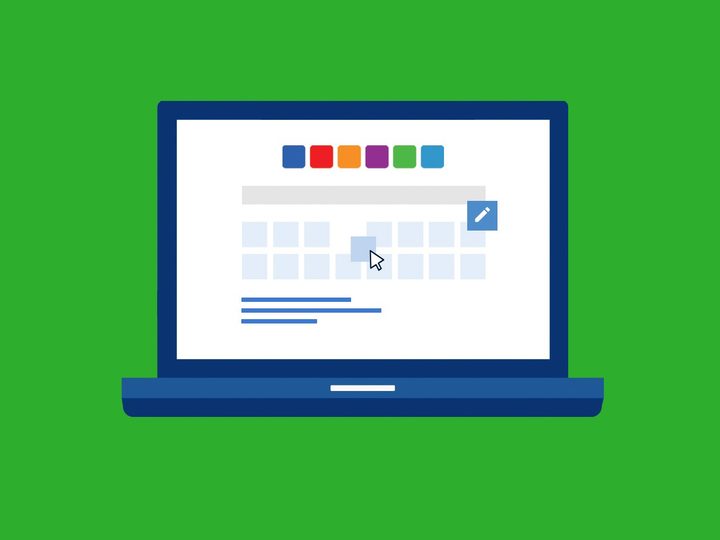
Similar to how you can customize your homepage in your browser, you can customize your Kadaza portal by favoriting some of your most frequently visited webpages as shortcuts — you might also recognize the setup from some of the greats, like Yahoo or AOL. You don’t need to register to use this feature, either. Organizing your list of favorites after adding some is super easy, and you can just drag and drop items on the page. To get started, click the customize icon on the homepage, and off you go!
What’s more, you can customize the start page by overhauling its appearance, too. Choose your favorite colors, patterns, images, and themes to instantly change how it looks. There are hundreds of existing backgrounds and themes to choose from, with categories like nature, animals, cities, and beyond.
All search engines, one field
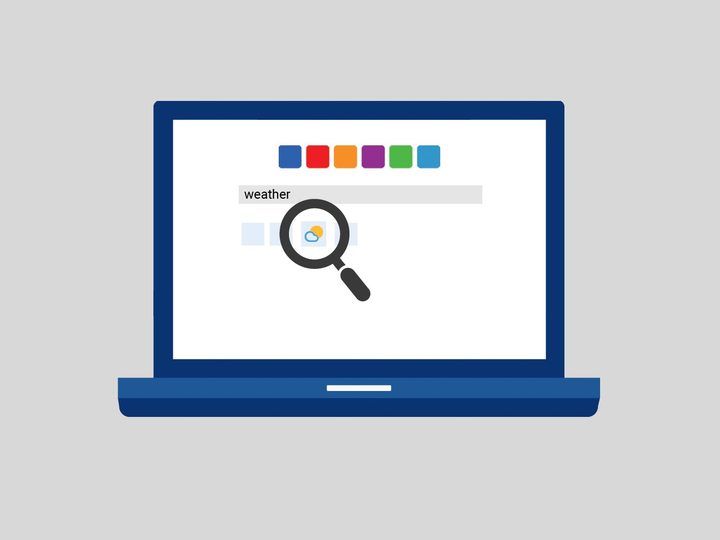
Searching the internet through Kadaza is fast, comprehensive, and convenient. All of the most popular search engines are arranged together, so you only have to start a query via a single box and you’ll get results where you need them most.
This ties in with Kadaza’s Powersearch feature, which displays relevant search results as you type out a query. You’ve likely encountered this feature before, but Kadaza’s implementation benefits from its huge selection of search opportunities.
Curated content, when you want it
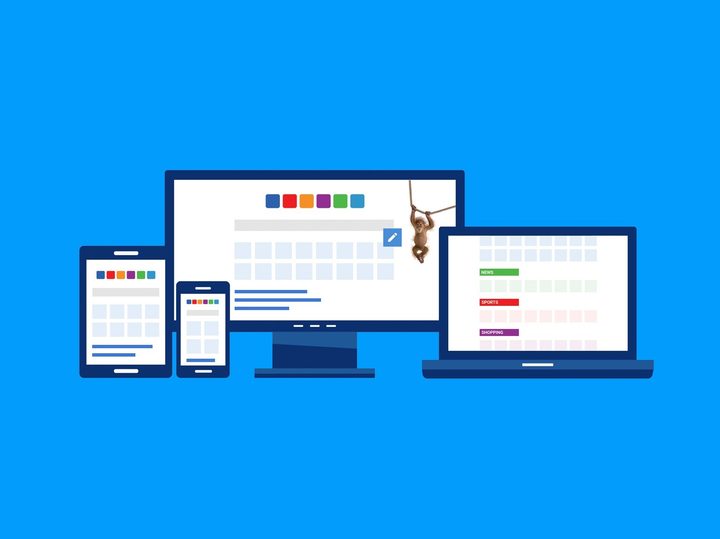
Thanks to a worldwide network of fans, the Kadaza team has collected the most popular websites, with an up-to-date display of the most used, out of nearly 60 countries. So, it’s basically a global, online encyclopedia for websites. The most popular websites are sorted into colorful categories, making it easier to find exactly what you want or need. It’s also an excellent way to get a snapshot of what residents from other countries are doing or looking at when online.
Better yet, the platform is optimized for viewing on both tablet and mobile devices like your smartphone. You don’t have to do anything special to gain access or see the customized experience. Just head to Kadaza.com on whatever device you’re using and that’s that!
If you like simplicity, Kadaza is a great website to use as your homepage. The website is clear, straightforward and it gives a useful overview of all the popular sites on the web. There is an innovative search bar and you even have personalization options if you want to customize things to your liking.
How do I make Kadaza my homepage?
If you’re using Chrome, just head to Settings > Appearance, make sure the show home button is enabled, and enter Kadaza’s URL into the custom web address field. The process is similar if you’re using the Brave browser.
If you’re using Firefox, open Settings > Home and under the Homepage and new windows dropdown select Custom URLs. Then in the URL field, paste or type the Kadaza URL.
Kadaza has a more detailed tutorial with screenshots if you need it. If you’re on mobile you can follow this guide instead. Kadaza is also available at the Google Play Store.