1. Home
  2. Computing
  3. Gaming
  4. Deals

This Razer Blade 17 gaming laptop with an RTX 3070 Ti is 47% off

Add as a preferred source on Google
Cyberpunk 2077 running on the Razer Blade 17.
Digital Trends

If you want a large screen to accompany your gaming laptop, look no further than the Razer Blade 17. It’s an even more attractive purchase right now because it’s 47% off from Razer, which slashes its price to just $1,800 from its original price of $3,400. The $1,600 in savings is among the biggest that you can get from today’s gaming laptop deals, so if you’re interested, it’s highly recommended that you complete the transaction as soon as possible because there’s no telling when stocks of the device will run out.

Buy Now

Why you should buy the Razer Blade 17 gaming laptop

As you can deduce from its name, the Razer Blade 17 features a 17.3-inch screen with QHD resolution and a 240Hz refresh rate, which will allow you to spot even the smallest details of the best PC games. To maximize the large display, the Razer Blade 17 is equipped with the 12th-generation Intel Core i9 processor, the Nvidia GeForce RX 3070 Ti graphics card, and 16GB of RAM — these specifications aren’t as powerful as those found in some of the best gaming laptops, but they’ll be more than enough for most gamers, whether you’re just starting out or you’ve been into PC gaming for years.

With Windows 11 Home pre-loaded, you can start installing games on the Razer Blade 17’s 1TB SSD right after turning on the gaming laptop for the first time. If you forget the time because you’re enjoying yourself too much on your favorite titles, you don’t have to worry about overheating because the gaming laptop features optimal thermal performance with the help of vapor chamber cooling technology.

There aren’t a lot of gaming laptops that are similar to the Razer Blade 17, so don’t miss this chance to get it at 47% off. Razer is selling the machine for $1,800 instead of $3,400, for savings of $1,600. This is a steal price for this device, and you’ll quickly understand why once you’ve unboxed it and started playing video games. Once the offer ends it may be gone for good, so if you want to buy the Razer Blade 17 gaming laptop for much cheaper than usual, don’t let this opportunity slip through your fingers.


Buy Now

Aaron Mamiit
Aaron received an NES and a copy of Super Mario Bros. for Christmas when he was four years old, and he has been fascinated…
I found a free Mac diagnostic app that tells you what Apple’s tools don’t
It can check your Mac’s storage, memory, battery, and network
Techtool Lite UI screenshot

Macs have a strong reputation for being smooth and reliable, and Apple’s tight control over hardware and software is a big reason for that. Use one long enough, however, and you may still run into slowdowns, freezes, strange behavior, or that familiar feeling that something is simply off.

Apple’s own tools can help, but only to a point. Disk Utility is useful for storage-related checks, but it does not give you a wider picture of your Mac’s overall health. I recently came across Techtool Lite, a free diagnostic and maintenance app from Micromat that looks at more than just your drive.

Read more
Claude redefined my bond with Macs. I am building my own apps and it’s a bliss.
I talk to Claude. It builds me apps. It's as simple as that!
Claude AI on Mac.

A few days ago, one of my colleagues asked me a favor. They wanted a few iOS and macOS screenshots turned into a mockup image where the UI is rendered on an iPhone and a MacBook. The problem? It was 3 am PST, which meant asking one of my design team colleagues was out of the question. 

Now, there are plenty of online tools that will do it, but you either have to pay for a subscription (as in Canva), or sign up to buy usage credits after a few free trials. Moreover, these editors limit you to a handful of design presets. I turned to Anthropic’s Claude, and within half an hour, I had a screenshot-to-mockup editor built for the entire team to use. Take a look:

Read more
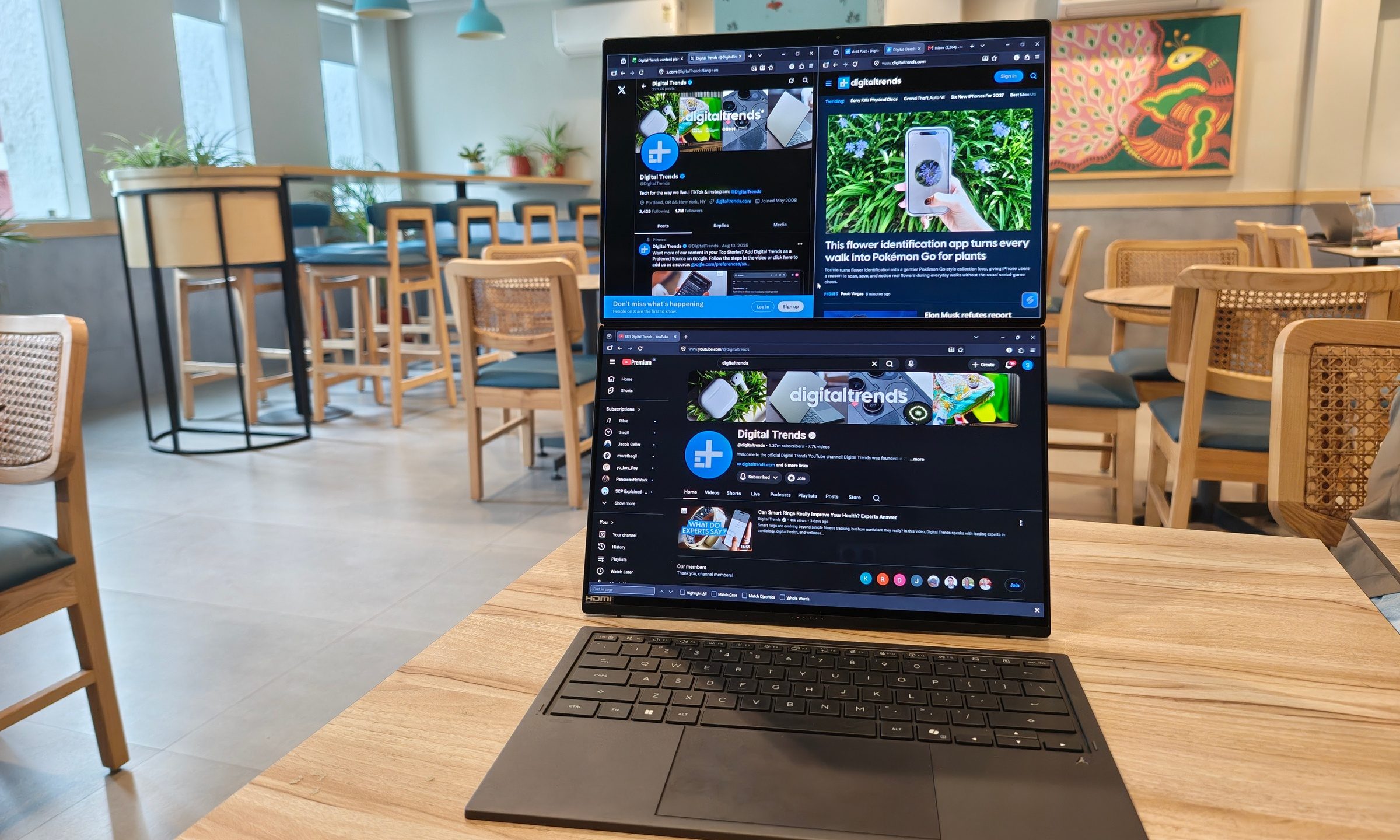
ASUS Zenbook Duo UX8407AA review: Two screens finally earned their place in my bag
Two machines are definitely better than one, but on the same laptop? Asus nailed it, but you must be willing to pay for the convenience.
ASUS Zenbook Duo has two displays

See at Amazon

Two displays on a laptop once sounded like an elaborate solution waiting for the right problem. ASUS has spent the past few generations steadily proving otherwise. After using the latest Zenbook Duo (2026) UX8407AA for over two weeks, I started arranging my daily routine around that second display. 

Read more