If you’ve been the unfortunate victim of a frozen iPhone, water-damaged device, or the dreaded screen of death, all is not lost. You can recover files, photos, app data, messages, and more using a data recovery app for iPhone.
With the following options, you can restore a small amount of content, specific items, or everything on your iPhone. Some of the apps even offer repair tools for fixing the issue that initially caused the data loss.
iMobie PhoneRescue
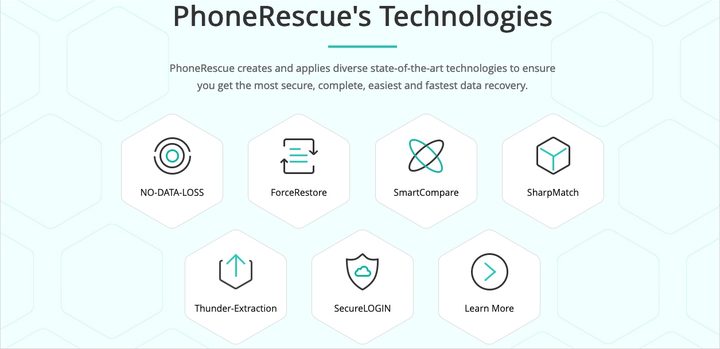
For photos, messages, contacts, and files, check out PhoneRescue from iMobie. You can recover items from your iPhone or from iCloud or iTunes backups in just minutes with this safe, reliable, and reputable tool.
PhoneRescue offers a repair feature for fixing your device’s failure, from a frozen iPhone to a blank screen. It also provides help with forgotten Lock Screen and Screen Time passcodes, allows you to recover specific pieces of data, and the ForceRestore technology can repair corrupted backups.
For security, PhoneRescue uses 256-bit SSL encryption to protect your account and data. It doesn’t store your Apple ID, password, or iCloud content.
You can choose from different paid PhoneRescue options including a three-month subscription plan for $46, an annual plan for $50, or a one-time purchase for $7-. It’s available for both Windows and Mac.
Tenorshare UltData
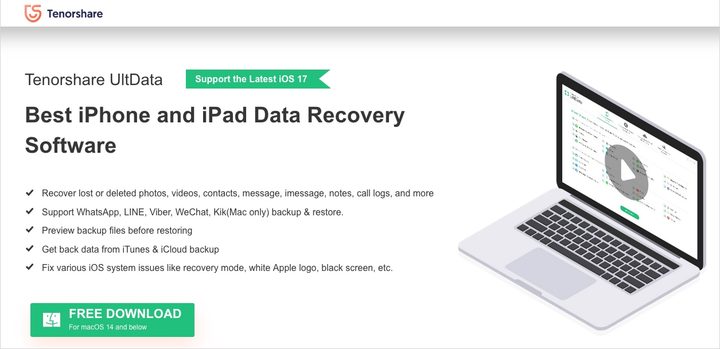
You can recover media, text content, and app data with Tenorshare UltData. Whether it’s your call history or text messages, music or videos, Whatsapp or Messenger, you can restore it all.
Tenorshare UltData offers a data preview and flexible recovery on your iPhone or from iCloud or iTunes backups. You can also fix device issues like a black screen, recovery mode, or a stuck Apple Logo. The tool uses 256-bit SSL encryption, provides free technical support, and has a computer export option.
You can choose from a few Tenorshare UltData licenses including one-month, one-year, or lifetime options starting at $56 for Windows or Mac.
iMyFone D-Back for iOS
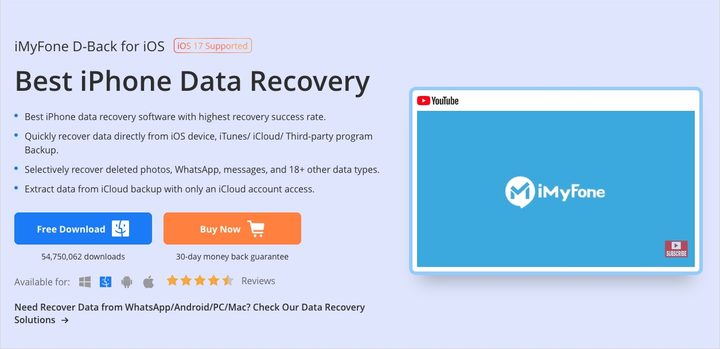
Along with recovering from your iPhone, iCloud, or iTunes account, you can restore data from a third-party program backup with iMyFone D-Back for iOS.
It offers selective recovery with previews of photos, messages, Whatsapp, and many additional data types like voice memos, reminders, and call history. You can also repair problems like a frozen iPhone, black screen, bricked device, or restarting loops. Plus, you receive 24/7 customer support.
Try out the free trial with limited features and, if you like it, purchase the full iMyFone D-Back version for $50 on Windows or Mac.
Wondershare’s Dr.Fone
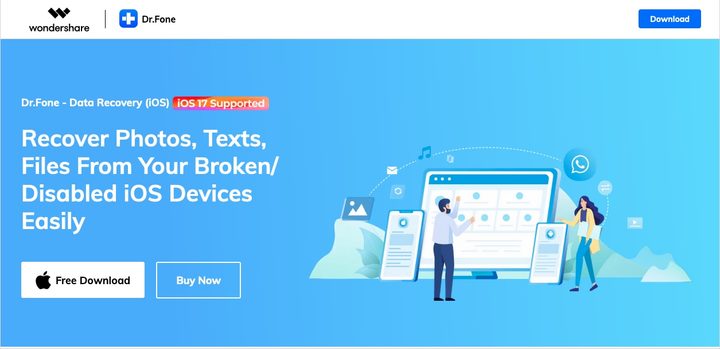
Whether you’ve suffered from a system crash, water or device damage, accidental deletion, or a forgotten password, Dr.Fone from Wondershare helps you recover your items in a snap. Restore photos and videos, voicemail and voice memos, notes, attachments, reminders, and more.
Dr.Fone offers selective recovery, along with a preview of the recoverable data to ensure you restore what you need. You can then export the recovered data to your computer for a safely saved backup or printed copy. Dr.Fone uses industry-standard encryption and does not collect your data.
You can choose from several Dr.Fone tools depending on your needs for data transferring, erasing, repairing, and recovering starting at $15 on Windows or Mac.
Cleverguard AnyRecover
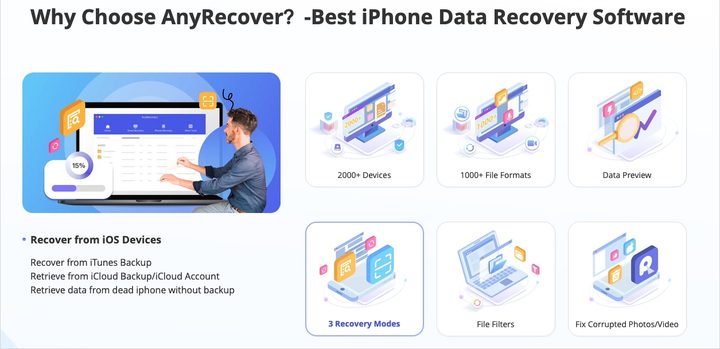
With three recovery modes, over 1,000 file formats, a data preview, and file filters, look at AnyRecover for restoring your iPhone data.
AnyRecover offers retrieval for Apple apps like Photos, Messages, Contacts, and Notes, along with third-party apps like Whatsapp, Skype, Wechat, and Kik. You can also repair over 150 device issues including a stuck Apple logo, restarting loops, black screen, and a screen that won’t turn on.
You can use built-in tools to fix corrupted, blurry, or old photos and videos, as well as file filters to locate and recover specific items.
There’s a free trial with limited features. You can also purchase a one-month plan for $60, an annual plan for $80, or a lifetime plan for $100. You can also check out Business plans for your team, and the software is available on both Windows and Mac.
Disk Drill for macOS
If a MacOS is your preferred computer operating system, consider Disk Drill as your data recovery tool. You simply launch the app on your Mac, connect your iPhone, and select the data you want to restore.
Disk Drill offers recovery from your device, iCloud, and iTunes, with retrieval of media, contacts, notes, and files. You can also restore chat histories from apps like Skype, WhatsApp, Line, and Kik. You’ll receive free data protection tools such as the customizable Recovery Vault that holds the metadata for your items.
You can choose the Basic plan with limited features for free or upgrade to the Disk Drill Pro version for $89 with an optional add-on for Lifetime Upgrades.
EaseUS MobiSaver
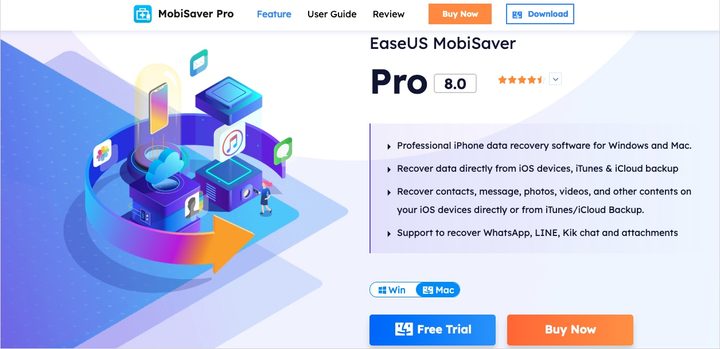
With EaseUS MobiSaver, you can recover a small amount of data for free or look at the paid options for Windows or Mac to restore more items.
EaseUS MobiSaver offers recovery from your device or from iCloud or iTunes backups. Using the free plan, you can restore five contacts, one photo or video, notes, call history, reminders, calendars, and Safari bookmarks. Using the paid plan, you can recover unlimited contacts, photos, and videos, along with data from apps like WhatsApp, Line, and Kik.
Try EaseUS MobiSaver at no charge or upgrade to use it with MacOS for $80 or Windows for $60. Each paid version also provides a free trial.