1. Home
  2. Phones
  3. Mobile
  4. News

Samsung quietly launched a new phone, and it’s ridiculously cheap

Add as a preferred source on Google
A render of the Samsung Galaxy A06 smartphone.
Credit: Estuti Bajpai | TheTechOutlook TheTechOutlook / Samsung

Companies routinely launch products in other countries that never see a release here in the U.S., but that doesn’t mean we don’t wish they did. Samsung launched the Galaxy A06 in India after it was first revealed last month in Vietnam, and it’s the kind of budget-friendly phone we just don’t see that often.

Priced at just $120 or $135, this phone is hugely affordable. Seriously, my current phone bill is more expensive than the Galaxy A06. It runs Android 14, has a 6.7-inch LCD display, and comes in two configurations: 4GB RAM/64GB storage and 4GB RAM/128GB storage. You can opt for light blue, black, and gold color choices.

Recommended Videos

Don’t think that just because this phone is affordable that it skimps on the good stuff, though. It has an 8-megapixel camera on the front and a rear 50MP primary camera — the same MP count as the camera on the new Google Pixel 9. It obviously won’t take photos as nice as the Pixel 9’s, but that’s still very decent camera hardware for such a low price.
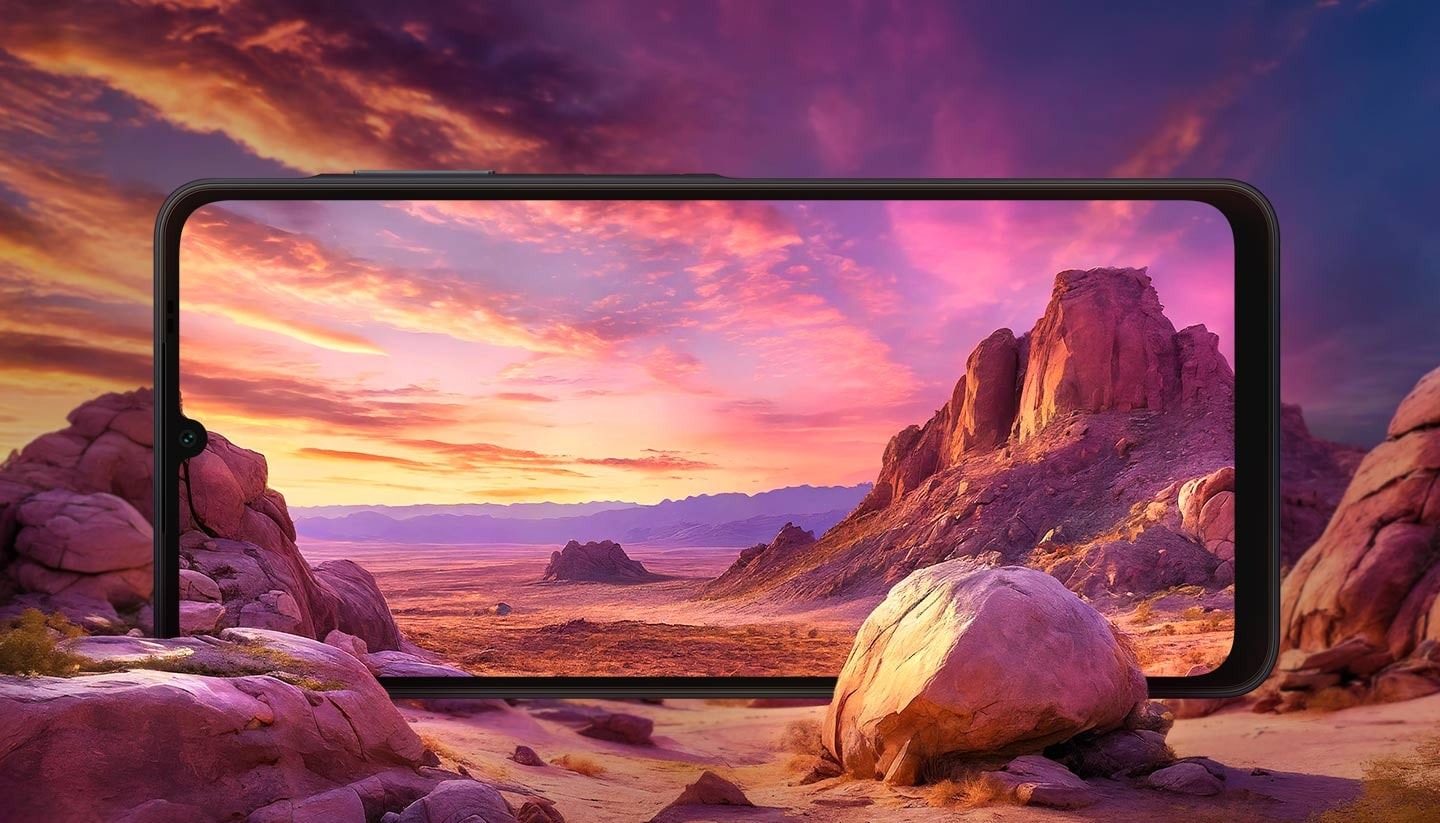
The Samsung Galaxy A06 against a rendered background.
Samsung

There’s a side-mounted fingerprint sensor, too. The Galaxy A06 also has a MediaTek G85 processor that should easily handle nearly any task you throw at it, from browsing content to light gaming. The 5,000 mAh battery is actually a larger capacity than the battery on either the Pixel 9 Pro or the iPhone 15.

Samsung has also promised two generations of OS upgrades, as well as four years of security maintenance. What does that mean? Simple: This phone will be a viable pick for years to come.

The Galaxy A06 sounds like an amazing budget phone, but sadly, you probably can’t buy one. It’s the sort of budget release I’d like to see more of — a practical, useful phone at an affordable price, even if it doesn’t have as many bells and whistles as some of the mainline flagship models. Good work, Samsung.


Patrick Hearn
Former Technology Writer
Patrick has written about tech for more than 15 years and isn't slowing down anytime soon. With previous clients ranging from…
Android desktop mode made me miss my laptop in record time
I tried writing and publishing from Google’s phone-to-monitor setup, and the future of mobile computing immediately started sweating.
Computer, Electronics, Laptop

Android 17 desktop mode has a very simple pitch. Plug your phone into a monitor, add a keyboard and mouse, and watch the slab in your pocket pretend to be a computer. I wanted to give that pitch a fair shot, so I tried using it for an actual workday instead of a cute demo.

The goal was boring on purpose: write an article, edit it, build the page in WordPress, upload whatever needed uploading, and publish the thing without running back to my laptop like a coward.

Read more
After test-driving iOS 27, my iPhone still doesn’t feel like it has made a substantial leap
Siri learned new tricks. Safari got smarter tabs. My morning routine didn't change at all.
iOS 27 new star rating feature in Photos

Every June, after Apple wraps up its annual WWDC keynote, I install the latest iOS beta on my iPhone, watch the progress bar crawl to completion, and wait for the inevitable restart. For years, picking up my phone afterward felt almost identical to how it did before the update. 

I saw the same grid of icons, the same Control Center, and the same version of Siri until iOS 26 finally broke that pattern in 2025.

Read more
Android 17 makes a strong case for ignoring Android version numbers entirely
When the most noticeable change is a better Quick Settings button, the annual update cycle starts looking more like branding than progress.
Android 17 logo.

Android 17 finally separated the Wi-Fi and mobile data buttons, and I hate how much that improved my mood. For years, Android treated internet access like one mysterious blob, as if Wi-Fi and cellular data were emotionally codependent. In Android 17 Beta 3, Google split the old combined Internet button into separate Wi-Fi and mobile data tiles, making each connection easier to switch off with a single tap.

That’s a good change, which is also why it’s a little damning. When one of the cleanest wins in a major OS update is “the buttons make sense again,” the celebration gets awkward fast.

Read more