Google has announced two new devices for its Chromebook lineup — the Samsung Galaxy Chromebook Plus and the Lenovo Chromebook Duet 11-inch — along with a hefty list of new AI features for both new and existing Chromebooks.
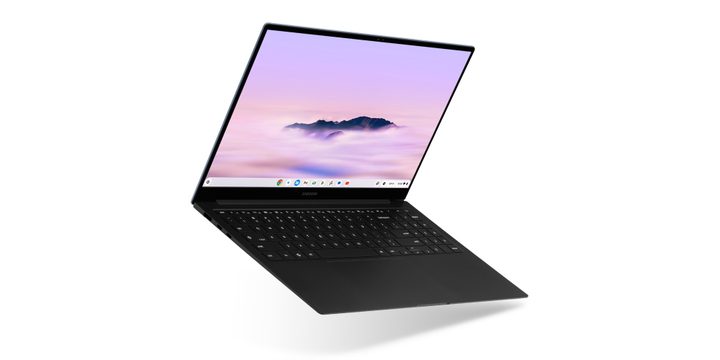
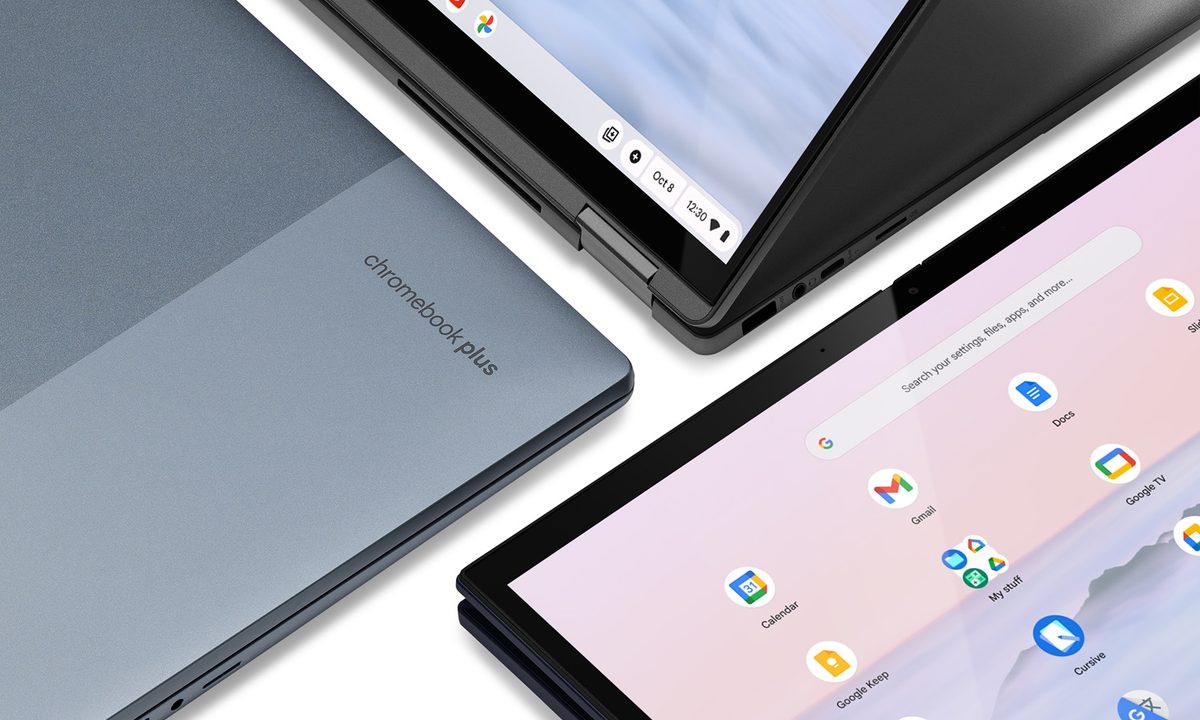
The Samsung Galaxy Chromebook Plus comes with 8GB of RAM, an Intel Core 3 100U (Raptor Lake-R) processor, 256GB of storage, and a 15.6-inch OLED display. It’s thinner and lighter than previous models, with a thickness of under half an inch and a weight of 2.58 pounds.
It’s also the first Chromebook to include Google’s version of the Copilot key, which it calls the Quick Insert key. Located between the tab and shift keys, it brings up a menu of shortcuts to features like Help Me Write, emoji and GIFs, a list of recently opened websites, Google Drive search, and tools to complete simple calculations or convert units.
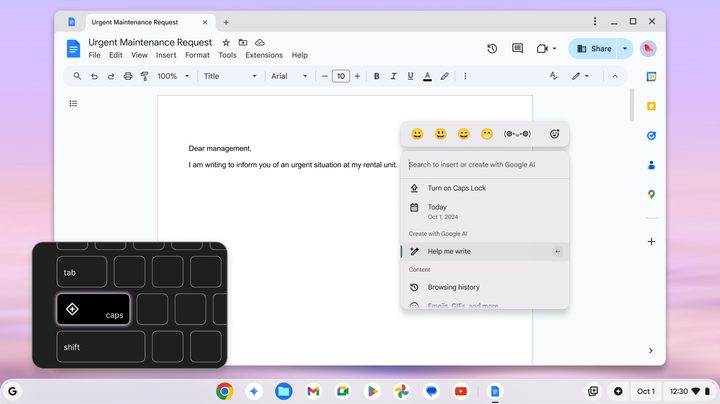
The idea is to provide access to Gemini AI, useful links, and files without jumping between windows. While the physical button is only on the new Samsung Galaxy, any Chromebook owner can try out the feature using the keyboard shortcut Launcher Key + F. Google also mentions that it will be adding the ability to generate AI images from the Quick Insert menu in the future.
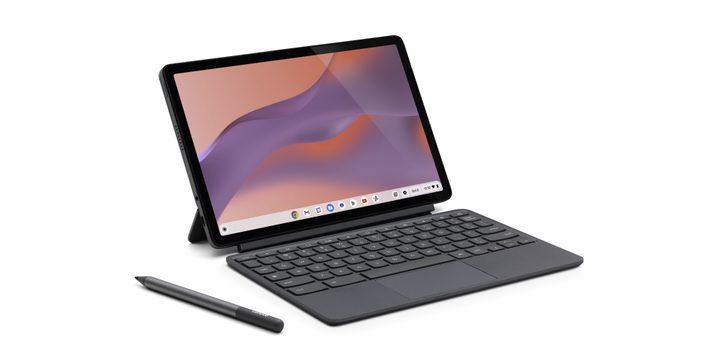
The Lenovo Chromebook Duet is a tablet PC with a built-in kickstand and a 10.95-inch WUXGA touchscreen display with 400 nits of brightness. It has palm rejection technology for sketching, but the USI Pen 2 stylus is sold separately.
It uses a MediaTek Kompanio 838 processor with up to 8GB of RAM and 128GB of storage, and it comes with an 8MP back-facing camera and a 5MP front-facing camera. It’s seemingly aimed at students, and Google has teamed up with Goodnotes to optimize its app for stylus-compatible Chromebooks.
New AI features for Chromebooks
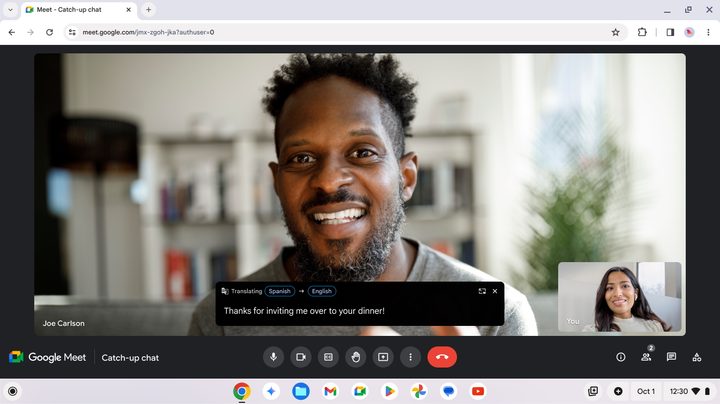
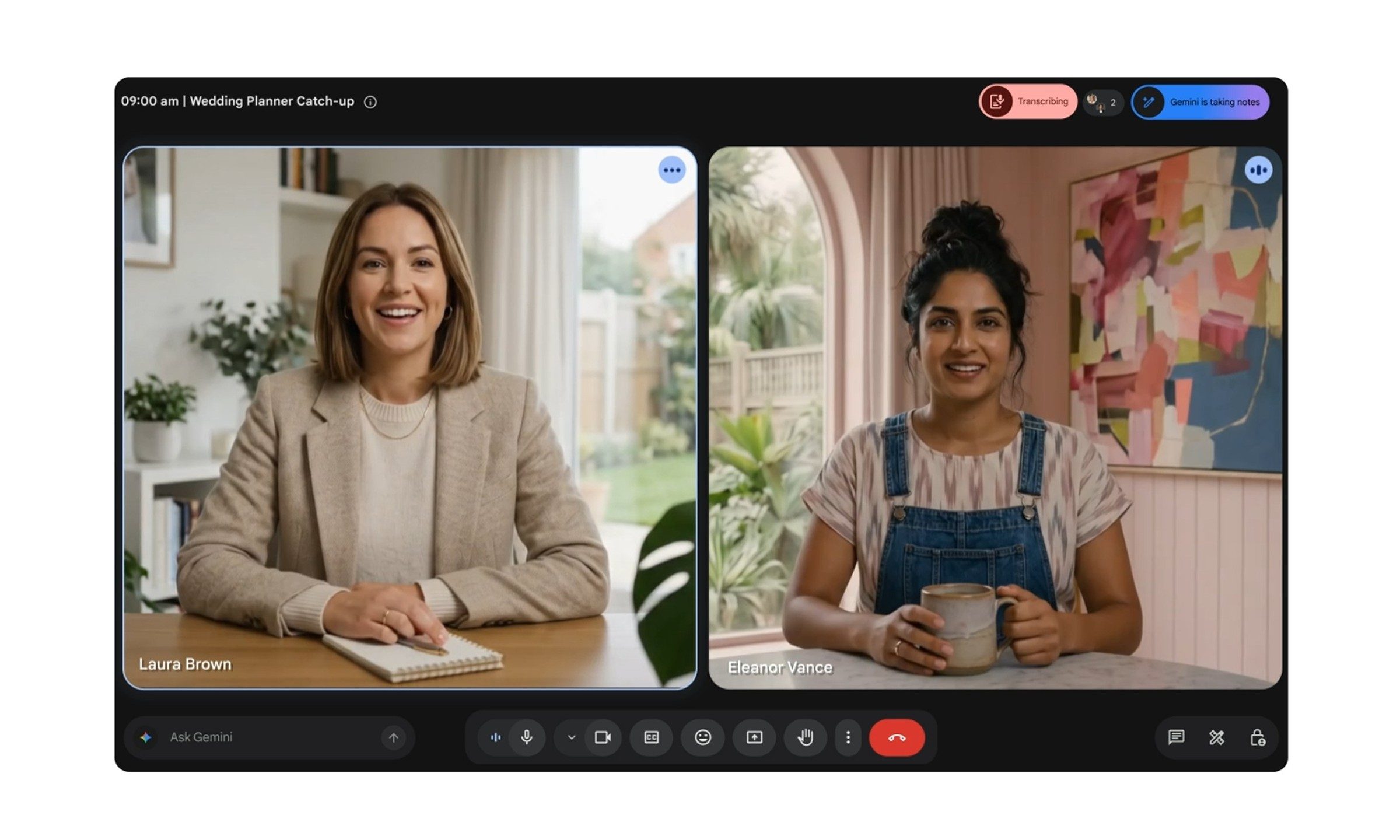
In addition to these new devices, Google is also bringing a set of new AI features to Chromebook Plus laptops, with updates planned throughout October. There’s a summaries feature called Help Me Read, Google AI-translated captions for videos with Live Translate, an AI-powered Recorder app that can create transcriptions from audio, and video call-enhancing features.
Help Me Read seems like the biggest update. As expected, it can quickly summarize text for you, but it can also pick out key dates and details from the content, and you can ask questions about the text. This works with any text on your screen, and you can access the Help Me Read feature with just a right-click. Live Translate is a big addition, as well, working across any platform with captions, including YouTube and Twitch. Out of the gate, Live Translate is available in over 100 languages.
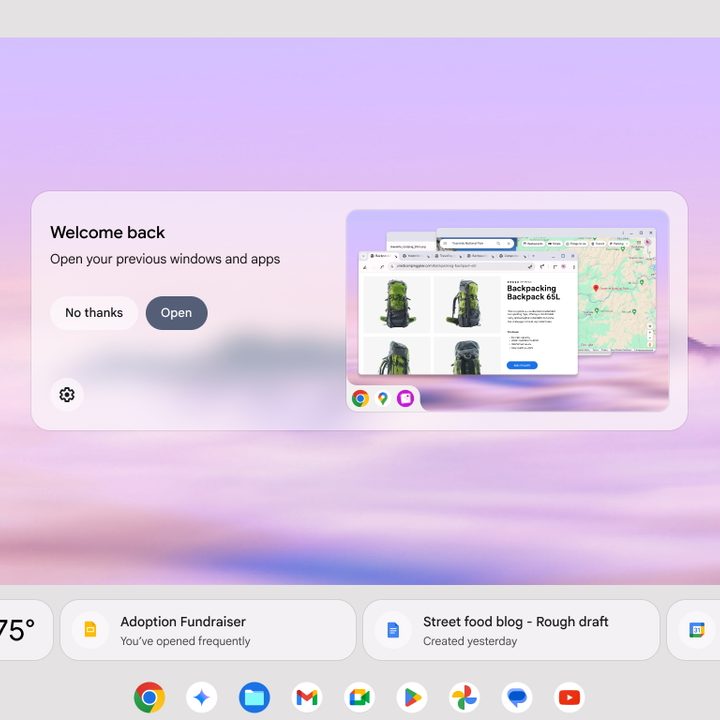
If you have a normal Chromebook, there’s a list of new AI features for you too. This includes Chat with Gemini, Welcome Recap, Focus, and Pin. The Welcome Recap feature is a pop-up that will appear whenever you log in, giving you an overview of what you were last doing on your device. Focus will automatically turn on Do Not Disturb during a certain time frame or when you play certain music, and Pin lets you pin important files to your home screen.
The updates for both Chromebook and Chromebook Plus devices are rolling out during October for free. If you’re just picking up a Chromebook — our roundup of the best Chromebooks can help you out — Google is offering three months of Google One AI Premium for free, which includes 2TB of Google Drive storage and access to Gemini Advanced. Google is also keeping up its promotion of a free year of Google One AI Premium with the purchase of Chromebook Plus devices.