Big tech companies are so dominant and so far-reaching right now that people could probably live their entire digital lives interacting only with Google, Apple, Meta, Microsoft, and Amazon products. Things never got quite that bad for me but I did realize recently that I’ve been relying far too much on Google, plus I’ve been using Safari for years even though I don’t actually like it that much.
So I decided to find some new apps to try out and came across a nice resource full of European, open-source, or non-profit alternatives for a range of different services. It introduced me to quite a few apps that are more than good enough to replace what I was using, and although I’m not hardcore enough to completely kick Google out of my life, I’m pretty happy with the results.
What’s so bad about big tech?

The deal we make with businesses like Google, Apple, Meta, Amazon, and the rest of that crowd is pretty straightforward. They give us access to some of the best products and services out there for no upfront cost, and we allow them to collect every kind of data they can get their hands on and sell it to whoever they want.
Some of us are very aware of this and others don’t really think about it that much. If you’re aware and consenting, that’s totally fine. The problem is when people feel coerced into accepting this deal.
Because — think about it — if you need to find a new restaurant, hotel, or store, does any other map software empower you to the extent Google Maps does? Not really. Google doesn’t just offer these products for “free,” it has also used its long-standing influence, resources, and user base to make them almost unbeatable. Everyone you know uses them, competitors get bought out or struggle to gain traction, and Google’s products just keep growing and growing all the while.
This makes people feel like they have no choice but to use them, even if they would ideally prefer to keep their data private. This problem is nothing new but as figures like Tim Cook, Jeff Bezos, Mark Zuckerberg, and Sundar Pichai weasel their way into President Trump’s inner circle in the pursuit of relaxing regulations, things could definitely get worse.
What’s the alternative?

Across the world, different problems are dealt with in different ways. Big tech likes to stick with the United States because it gives them the most freedom and benefits. Over in the European Union, which is where I am, there’s more of a push to force companies to comply with a strict set of international standards.
A good chunk of these standards focus on the protection of personal data, a concept the EU takes so seriously that it’s even included in the Charter of Fundamental Rights — right next to the right to marry and start a family. Three important implications of the EU’s General Data Protection Regulation (GDPR) include:
- Companies must have a reason for processing your data that the EU considers legal
- They have to tell you exactly what data they are processing and why
- Processing must be safe and secure, and breaches must be reported within 72 hours
Companies that break the GDPR law can get fined up to 20 million euros or 4% of their global sales, whichever is higher. Part of the problem with big tech is the secrecy and uncertainty — we don’t even know what the worst thing they’re doing with our data could be. With European companies, those worst-case scenarios are taken off the table, along with a bunch of lesser annoyances too.
It’s not just European companies, though. There are non-profit organizations and open-source projects all over the world, and many of these are committed to data privacy and protection, too. Now, let’s look at some examples.
Browsers
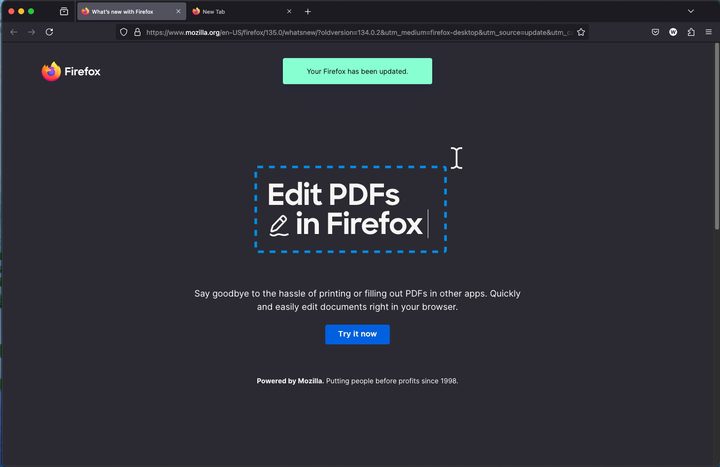
Browsers are one of the easiest switches you can make because there are a lot of good options out there if you want to shop around, and if not, you can just switch to Firefox in about ten seconds flat and never look back.
Firefox is free, open-source, and developed by the American non-profit Mozilla Foundation. Unlike most of the recommendations in this article, you will definitely have heard of Firefox — it’s the fourth most popular web browser in the world.
It only takes a few seconds to download and you can even import your browser history and your bookmarks from whatever you used before. Not every switch I’ll suggest is easy, but this one truly is.
I would say the average person will be able to use Firefox without any issues and without missing any features they’re used to on Chrome, Edge, or Safari. Plus, it blocks ad trackers, stops cross-site cookies, and prevents user fingerprinting. Its Android and iOS apps are also really nice and feature cross-platform syncing that lets you access your tabs from wherever you want.
Other browser options include the Vivaldi Browser (Norway), Mullvad Browser (Sweden), Brave (United States), and DuckDuckGo (United States).
Search engines
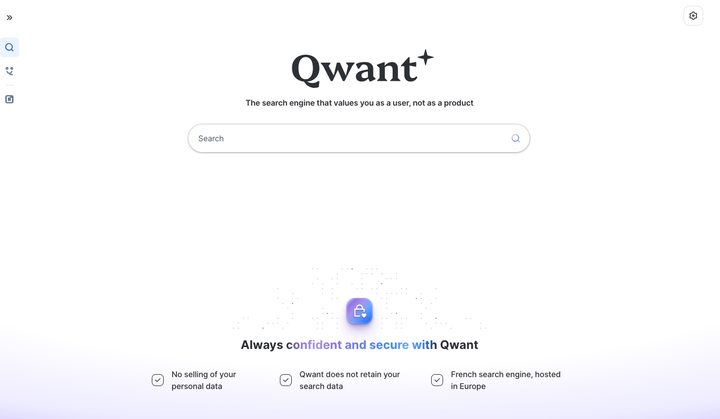
If you’re going to switch browsers, you might as well switch search engines as well. At the moment, most independent search engines are actually built on top of existing infrastructure — in other words, they still use Google’s search index, Bing’s search index, or both to get their results.
This isn’t the end of the world — it’s still possible to build a privacy-focused search engine while using these search indexes, it’s just unfortunate that they have to rely on Google and Microsoft to function.
My search engine of choice, Qwant (France) has recently teamed up with German search engine Ecosia to start developing a European search index so they and other independent search engines can finally stop relying on outside tech. We should hopefully start to see some of the results of this project this year.
There’s no need to wait, however. You can download the Qwant extension for Safari, Chrome, Edge, or Firefox to make it your default search engine today and start benefiting from a little extra privacy. Independent search engines also use their own search algorithms, which means you can get a break from the same old “top-ranking SEO posts” that plague Google right now.
Plus, since Qwant isn’t tracking your searches, the results page you get isn’t tailored to you. Everyone gets the same results — the ones that are most relevant to your keywords. Qwant does still use advertising, but the ads are untailored and there’s a lot less of them.
Qwant isn’t as loaded with features as Google Search is but it is always expanding. It has even jumped on the AI bandwagon and started adding AI-generated summaries to certain types of queries. Other search engine options include Startpage (Netherlands), Good (Germany), metaGer (Germany), swisscows (Switzerland), and DuckDuckGo (United States).
Email providers
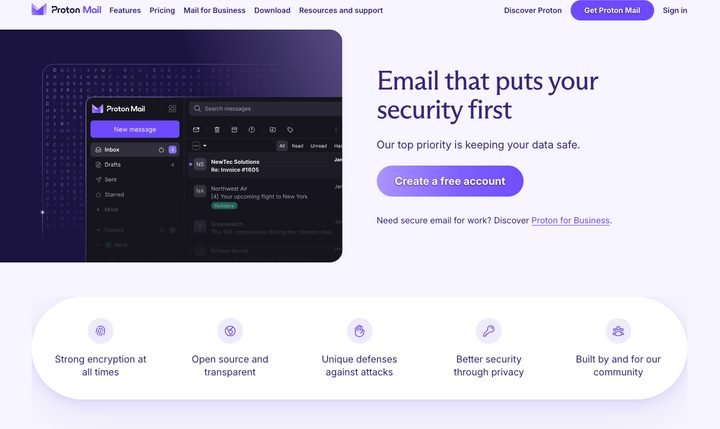
It’s free and easy to change your browser or your search engine, but email providers are a little different. While limited free plans are available with some services, if you want both privacy and functionality from your email provider, you will most likely have to pay with money (not data).
There are too many options to list here but the most well-known (and the one I went with) is Proton. It was created in Switzerland by scientists at CERN, which just sounds cool, and all of the data is encrypted so no one, including Proton, can see your emails. It also protects you from trackers, which record what you read and click on and send the information to senders and advertisers.
One of the great things about Proton is that if you’re willing to pay a monthly fee, it also has a few other services you can take advantage of — a calendar, a VPN, a file drive, and a password manager. With one subscription, you can kick Gmail, Google Drive, and Google Calendar to the curb.
You can also create multiple email addresses and unlimited aliases to sign up for services without showing your email. Plus, you can set up forwarding to get all of your Gmail sent to your Protonmail — this means you can start using Proton straight away but take as long as you want to slowly transition your accounts over to your new email.
Translation tools
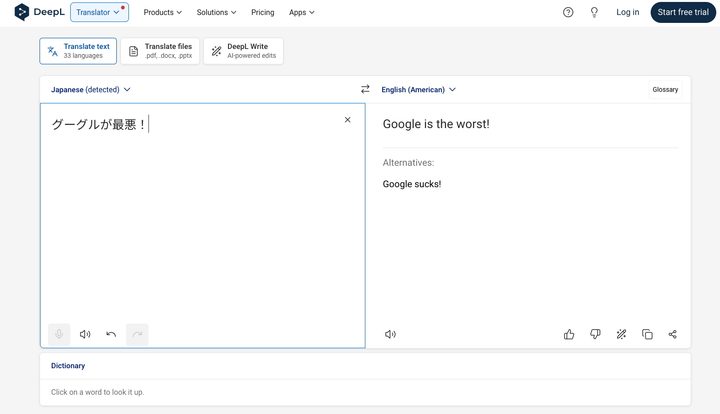
If you throw things into Google Translate a lot, why not try DeepL instead? It doesn’t work with quite as many languages as Google but the accuracy and readability of its translations are better. Plus it’s a German product, so no need to worry if someone is watching what you paste into it.
Grammar checkers
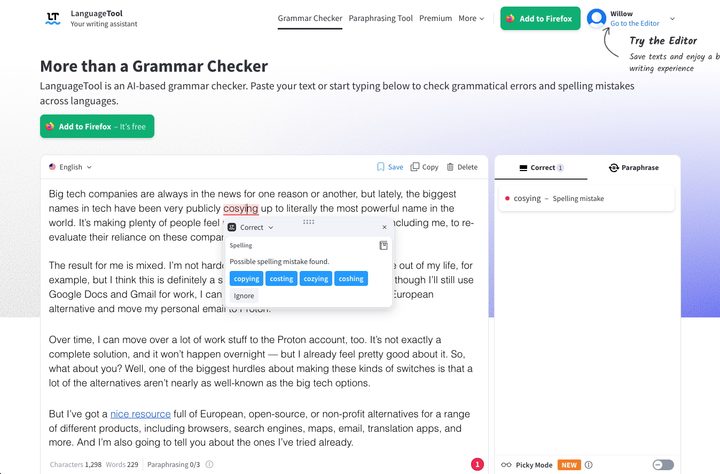
Grammarly is the best-known grammar checker around and according to its website, it is GDPR compliant. If you’re interested in an alternative, however, you can try out the open-source LanguageTool (Germany).
It has both free and paid tiers and it also offers a text editor with basic formatting and the ability to hide all of the suggestions and such until you’re ready to go through them. You can also create temporary or permanent texts — the temporary ones will disappear after seven days. If you prefer to have suggestions pop up wherever you’re writing, there are add-ons for various word processors, browsers, and email providers.
Maps
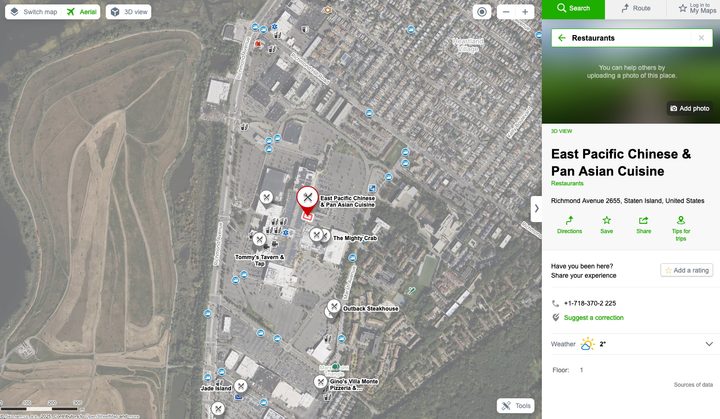
There are a few alternative navigation apps you can try out but I won’t lie, this switch is a hard sell. The combo of Google Maps and Google Business profiles is extremely powerful, and it’s not an easy thing for competitors to replicate.
When I plan trips to my favorite holiday destination, Japan, I spend hours on Google Maps zooming in on interesting-looking locations and finding new hotels, attractions, and eateries to bookmark. A couple of years ago, I zoomed in on a little cape of Japan’s smallest main island and found a tiny glamping site on top of a mountain. I booked it and it turned out to be the best part of that trip. So, Google Maps is definitely one of the products I find hardest to let go of.
I’m currently trying out a Czech alternative called Mapy.cz — the map and route calculation features are good and it does have some limited business information, too. This kind of stuff is mainly user-generated content so we can only get a true competitor to Google Maps if we help build it ourselves. It’s a lot of work, though.
Instant messaging apps
Changing the app you use to chat with all of your friends, family, and colleagues is another one that can be a little difficult. If everyone is already using WhatsApp or Messenger or social media apps like Instagram to send messages, it’s a lot easier to just follow the crowd.
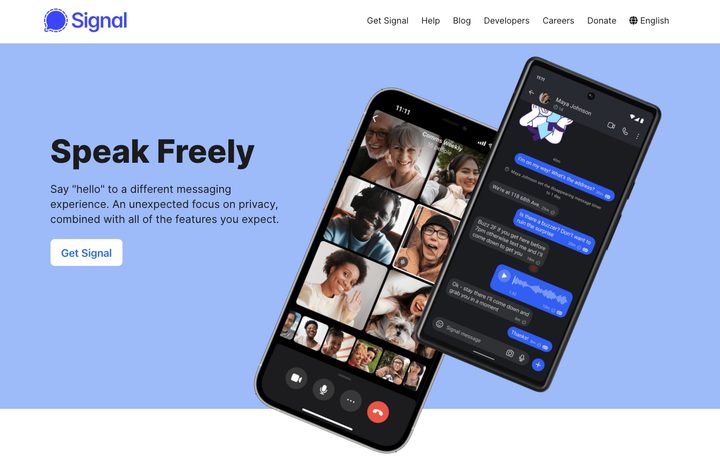
As I said before, though — every little helps. If you can just convince your closest family members and friends to download an encrypted messaging app like Signal or one of the European alternatives, that’s a lot of data you can keep safe and private.
Signal is run by an American non-profit and everything about its users is encrypted. This means the organization doesn’t ever have access to any of your messages, contacts, or even your name. All they have is the phone number you signed up with — so even if the United States government comes knocking at Signal’s door demanding to see your chat history, Signal wouldn’t have anything to show them. I suppose that sounds like I’m encouraging you to do crime, but I’m just trying to convey how untouchable your data is!
I’ve used this app for years, and it has never failed me. It also has an unofficial directory of stickers that are super fun and easy to download. You can get the app on Mac, Windows, and Linux — and it has mobile apps too, of course.
Other digital products
The European Alternatives website includes many more categories than I’ve covered here, including cloud computing platforms, file hosting services, managed DNS providers, video conferencing software, and more. It’s a great resource, so go ahead and use it!
You might not be able to protect every drop of your data but if you don’t like the idea of Google scanning every email you get or Meta peeking at all of your private conversations, remember that you can do something about it.