1. Home
  2. Computing
  3. News

Microsoft patches an ‘extraordinary’ number of zero-day security vulnerabilities

Add as a preferred source on Google
The Surface Pro 11 on a white table in front of a window.
Luke Larsen / Digital Trends

Today is a good day to make sure your Windows 10 and 11 machines are up to date, as Microsoft has released a hefty new security update for a number of zero-day vulnerabilities. The patch, part of Microsoft’s Patch Tuesday update, contains fixes for Windows Server as well and include patches for six vulnerabilities which have already been exploited plus six more critical issues.

The new update addresses security issues of a hefty seven zero-days, including flaws which can enable remote code execution, in which an attacker can run code on the victim’s system. One of these vulnerabilities requires the attacker to first trick a local user into taking some specific actions like mounting a malicious virtual hard disk image, and has already been taken advantage of my some hackers. This vulnerability, CVE-2025-24993, is marked as a severity 7.8 by Microsoft so it’s important to patch to protect against it.

Recommended Videos

As described by The Register, another vulnerability, CVE-2025-24991, also makes use of virtual hard disk images and can enable attackers to access data, and a similar vulnerability, CVE-2025-24984, can allow attackers to insert information into a log file. Three more already exploited flaws are included in the patch too, plus six further critical flaws.

Seeing this number of bugs in Windows which are already being exploited out in the wild is “extraordinary”, according to the Zero Day Initiative, which advises system admins to act fast to protect their systems from these issues. It also states that a Microsoft Management Console Security Feature Bypass Vulnerability, CVE-2025-26633, has already impacted more than 600 organizations, advising admins to “test and deploy this fix quickly to ensure your org isn’t added to the list.”

In addition to the Windows patches from Microsoft, Adobe also released patches for bugs in its Adobe Acrobat Reader, Substance 3D Sampler, Illustrator, Substance 3D Painter, InDesign, Substance 3D Modeler, and Substance 3D Designer programs, as part of Patch Tuesday. None of these bugs are currently being exploited but it’s still a good idea to make sure your software is up to date.

Georgina Torbet
Georgina has been the space writer at Digital Trends space writer for six years, covering human space exploration, planetary…
I hope Apple keeps the MacBook Neo away from the AI hype and preserves its true identity
The cheapest MacBook beats the cheapest AI MacBook.
Computer, Electronics, Laptop

If there's one thing that has disrupted consumer tech economics over the last year while changing how we understand and recommend products, it's the ever-rising cost of memory and chips. 

The desperate need to scale up AI infrastructure has pushed major manufacturers to prioritize enterprise demand, leaving everyday consumers with far fewer choices. Those available cost significantly more than they did a year ago.

Read more
I let Radial menu take over my Mac, and I’m never going back
One mouse jiggle, endless shortcuts. My Mac has never felt this fast.
Radial app running on Mac

I have been testing Radial for the past week, and it's quickly become one of those apps I didn’t know how I could live without. It's a radial menu for macOS that puts your shortcuts, scripts, and automations right where your cursor is, so you never have to go hunting through menus to find what you need.

The app just received its 5.0 update, adding AI actions powered by Claude, window layouts, variables, a redesigned settings interface, a new Atmosphere background effect, and a squircle menu shape. I got to try most of these, and here's what I found.

Read more
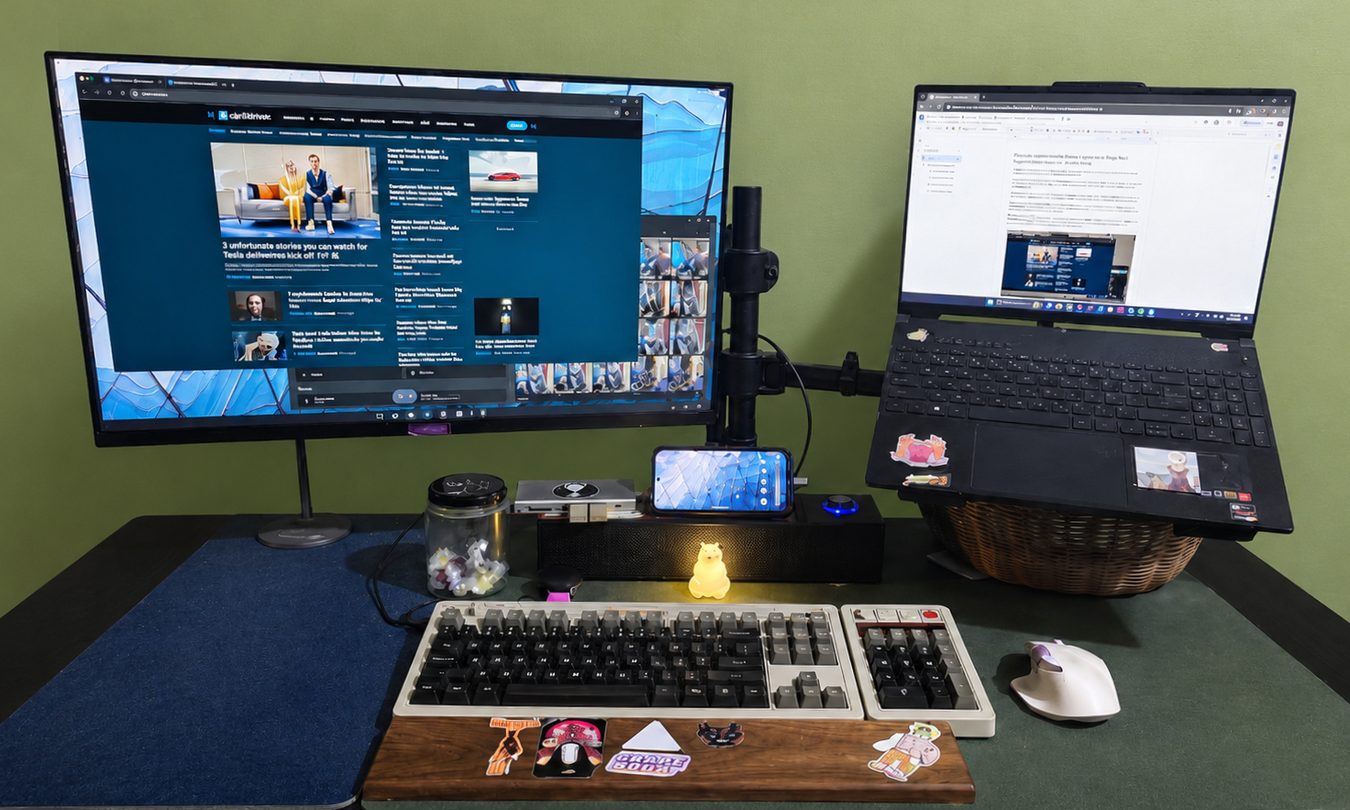
Android desktop mode made me miss my laptop in record time
I tried writing and publishing from Google’s phone-to-monitor setup, and the future of mobile computing immediately started sweating.
Computer, Electronics, Laptop

Android 17 desktop mode has a very simple pitch. Plug your phone into a monitor, add a keyboard and mouse, and watch the slab in your pocket pretend to be a computer. I wanted to give that pitch a fair shot, so I tried using it for an actual workday instead of a cute demo.

The goal was boring on purpose: write an article, edit it, build the page in WordPress, upload whatever needed uploading, and publish the thing without running back to my laptop like a coward.

Read more