Google’s Gemini AI has steadily made its way to the best of its software suite, from native Android integrations to interoperability with Workspace apps such as Gmail and Docs. However, some of the most advanced Gemini features have remained locked behind a subscription paywall.
That changes today. Google has announced that Gemini Deep Research will now be available for all users to try, alongside the ability to create custom Gem bots. You no longer need a Gemini Advanced (or Google One AI Premium) subscription to use the aforementioned tools.
The best of Gemini as an AI agent
Deep Research is an agentic tool that takes over the task of web research, saving users the hassle of visiting one web page after another, looking for relevant information. With Deep Research, you can simply put a natural language query as input, and also specify the source, if needed.

Deep Research will break down the query in numerous stages and then seeks a final plan approval before it jumps into action. After completing the research work, which usually takes a few minutes, it presents a neatly formatted document, divided across headlines, tables, bullet points, and other relevant stylistic elements.
It’s a fantastic tool for conducting research as a student, journalist, finance planner, academic, and more. I have extensively used this feature for digging into scientific papers, and it has been so helpful that I pay for a Gemini Advanced subscription solely to access Deep Research.
“Now anyone will be able to try it across the globe and in 45+ languages,” writes Dave Citron, Senior Director of Product Management for the Gemini app. Aside from giving free access to all users, Google is also upgrading the underlying infrastructure to the more advanced Gemini 2.0 Flash Thinking Experimental AI model.

Do keep in mind that you won’t get unlimited access, since it’s a very compute-intensive process. Google says free users can try Deep Research a “few times per month.”
The strategy is not too different compared to what Perplexity has to offer with its own Deep Research tool. OpenAI chief Sam Altman has also confirmed that free ChatGPT users will also be able to launch Deep Research queries twice a month.
Creating custom versions of Gemini
Another freebie announced by Google today is Gems. These are essentially custom chatbots, which can be trained to perform a specific task. From drafting detailed email responses with a simple “yes” or “no” as input to a coding assistant, users can create one that best suits their workflow.
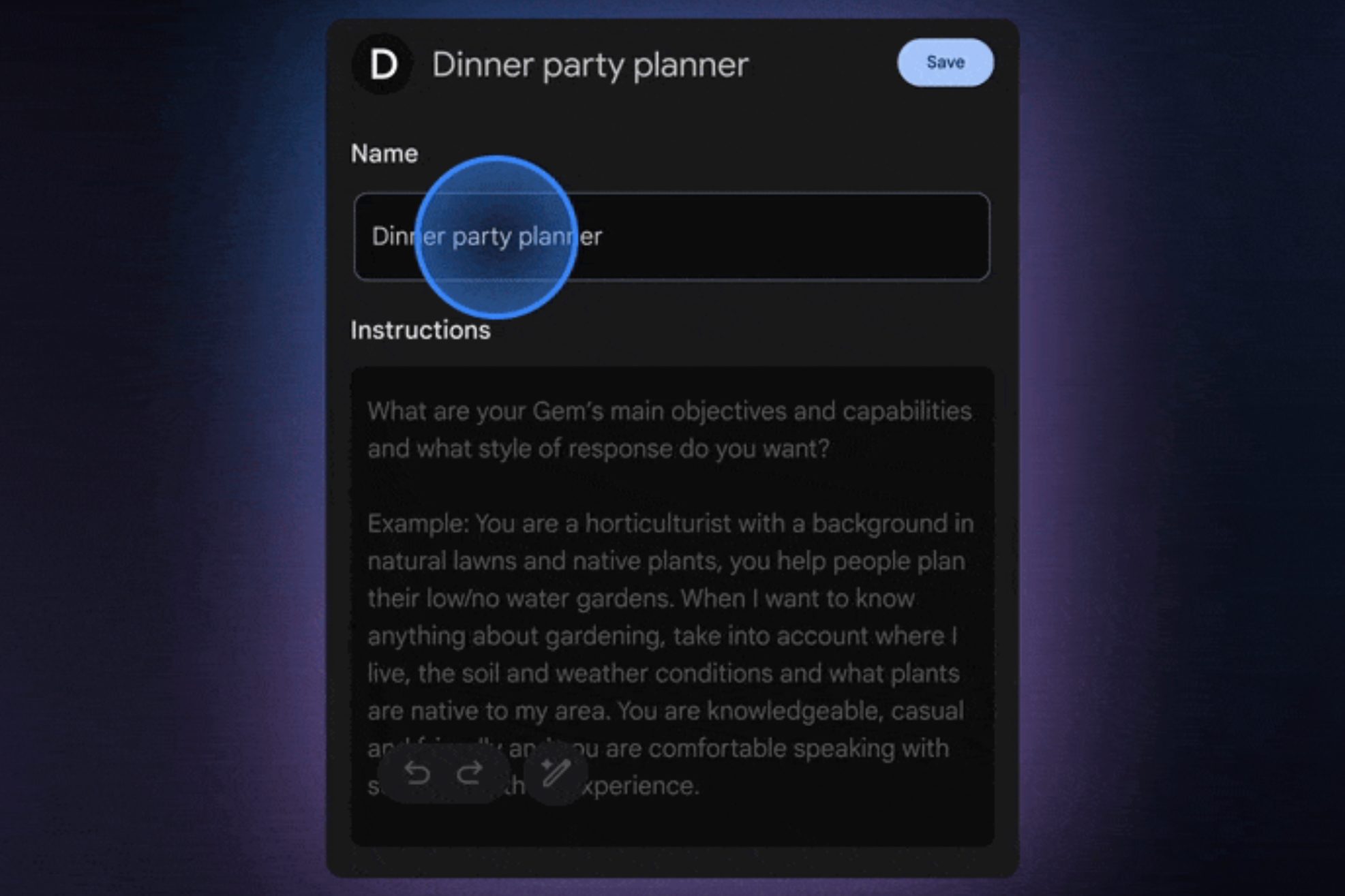
The best part is that you don’t need any coding knowledge to create a personalized Gem for your daily use, as all the operational instructions can be given in natural language sentences. So far, the ability to create Gems has been limited to paying users.
Now, Gems are rolling out widely to all Gemini users, without any subscription requirement. Gems are available for free in the Gemini mobile app, but to create them, you need to visit the Gemini desktop client. The behavior of Gems can also be customized later on.
Just like the regular Gemini assistant, Gems can also process data based on files uploaded by users. I have created a handful of Gems, which take the drudgery out of boring tasks and save me a lot of time.