1. Home
  2. Computing
  3. News

Copilot+ PC exclusive settings teased in Windows 11 preview

Add as a preferred source on Google
Windows 11 logo on a laptop.
Microsoft

Microsoft is testing out an interesting new aspect within the Settings of the latest Windows 11 preview build that allows users to expand the functions of various applications.

The app settings called “Actions,” was hidden in the 26120.3576 build for the Dev Channel. However, enthusiasts uncovered the menu and shared details of its function on various Windows forums, noting the associated apps currently include Photos and Paint. When toggled on, it enables useful tasks that deepen the functions within apps.
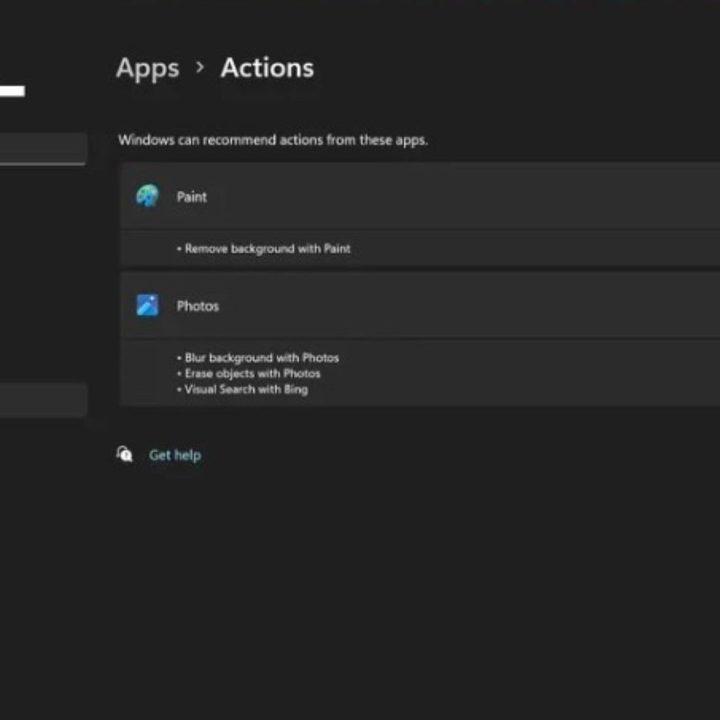
Actions Settings in Windows 11 preview build
Windows Central

To find these settings within the Windows 11 preview Go to Settings > Apps > Actions. There you will find the available options for Photos, which include Blur background, Erase objects, and Visual Search with Bing. The available options for Paint include Removes background.

Recommended Videos

Notably, these are higher-level editing features that are typically not found in the vanilla versions of Microsoft’s software. However, the Actions settings do appear connected to the Click To Do intelligent text actions feature, which is mentioned by Microsoft within the feature log of the Windows 11 preview.

Windows Central noted that Click To Do is exclusive to Copilot PCs, which likely means Actions would similarly be associated with coming AI PCs. Click To Do is a feature that has similar functions to the Actions settings but can be accessed by highlighting and right-clicking to trigger a drop-down menu on AMD and Intel-powered PCs.

Microsoft is set to roll out several Copilot+ features, starting in May, including the notable Recall feature, To Do and a feature called AI in Windows Search, in the summer, as well as more “proactive” Copilot features later in the year, the publication added.

The Actions settings is not guaranteed to make it as a public-facing feature; however, if it did, it would integrate some of those AI-associated features, similar to Click To Do on the OS level. As said, all of these features require Copilot+ PCs that include an NPU that can process at least 40 TOPS.

While the Windows 11 preview only demos two applications, the pundits noted the potential for how other apps, particularly third-party apps, could be integrated into the Actions Settings experience for more dynamic functions.

Fionna Agomuoh
Fionna Agomuoh is a Computing Writer at Digital Trends. She covers a range of topics in the computing space, including…
Amazon wants to design in-house chips for Kindles, Fire TV, and Echo speakers
Apple did it first. Amazon is doing it now, starting with 40 million chips a year and a partner most people have never heard of.
Amazon Kindle Scribe dark mode featured image.

Apple's decision to design its own chips reshaped the consumer electronics industry. Amazon may be about to make the same call, just about two decades later.

Supply chain analyst Ming-Chi Kuo reports that Amazon is preparing to shift away from externally sourced processors for its consumer electronics lineup, marking what he describes as the company's first major processor procurement change in 20 years. The transition is expected to begin in 2027.

Read more
AI wants to summarize it all. TripAdvisor’s misleading reviews show AI will also ruin your travel plans
Spotless, friendly, and totally wrong. AI summaries are hiding the reviews that actually matter.
Tripadvisor logo on MacBook

Planning a trip is stressful enough without wondering if the glowing hotel summary you just read was written by an AI that skipped the scary parts. As it turns out, that might be exactly what's happening on TripAdvisor.

According to an investigation by consumer group Which?, reported by the Guardian, TripAdvisor's AI-generated review summaries are smoothing over serious guest complaints, and in some cases, downright dangerous ones.

Read more
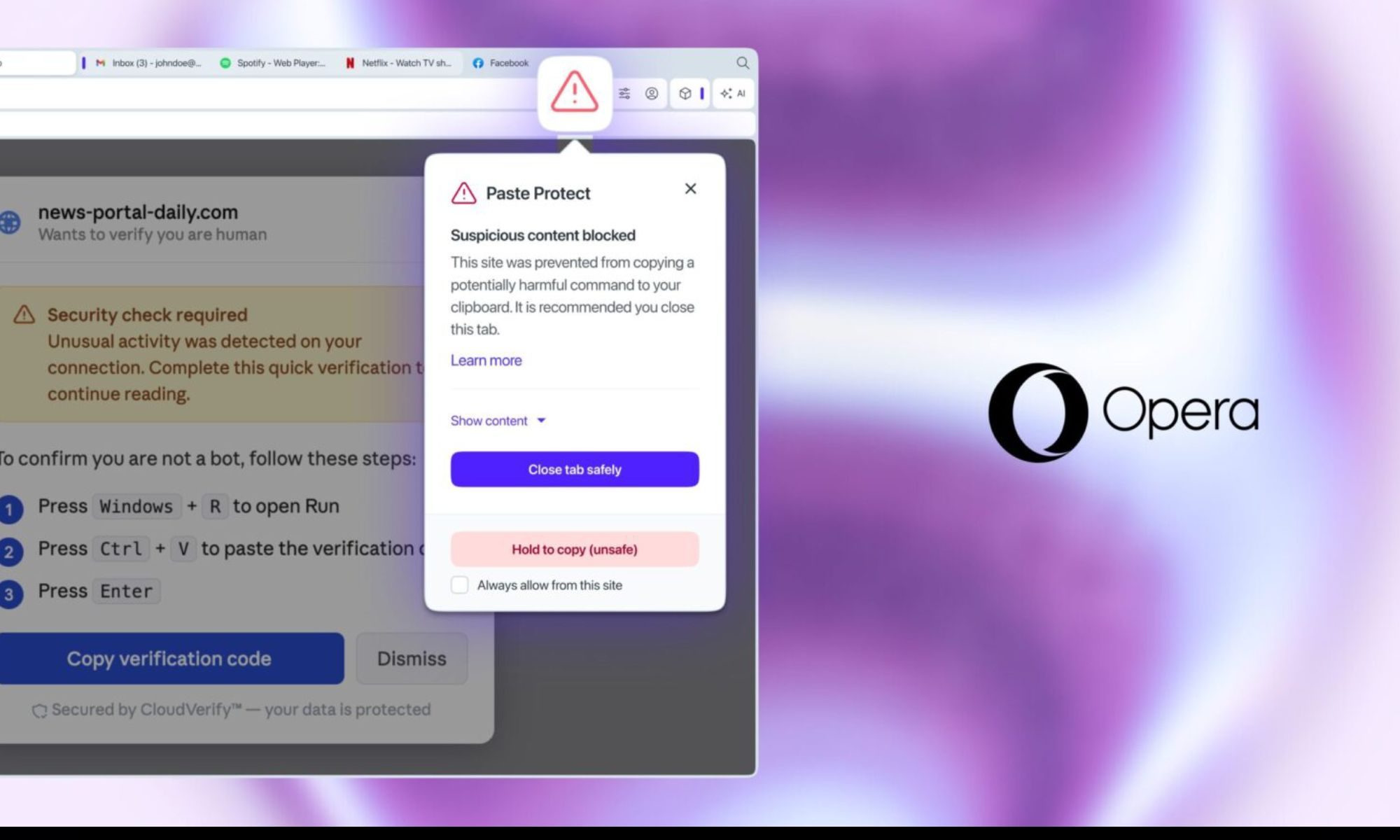
Opera’s new Paste Protect feature stops the clipboard attack your antivirus can’t catch
ClickFix attacks trick you into compromising your own device, and no major browser had a native defense against them until now.
Opera Paste Protect featured

Most online scams are easy enough to spot once you know what to look for. Fake login pages, suspicious attachments, or urgent wire transfer requests are dead giveaways. But ClickFix doesn't look like any of them. It presents itself as a solution, and it asks you to do something so routine that few people think twice about it.

The technique was behind more than 53 percent of malware loader incidents last year, according to cybersecurity firm Huntress, and no major browser had a native defense against it until now. Opera is fixing that with a new feature called Paste Protect.

Read more