This past week marked a momentous moment for Google. Yes, it was YouTube’s 20th birthday, but it was also the tenth birthday of Google’s wireless carrier in the US.
For a decade, Google Fi Wireless – previously known as Project Fi and Google Fi – has been delighting customers with a collection of incredible benefits included in your plan.
It has been my favorite SIM card for travel, and for the past few years, it has also been my primary carrier. Now, Google has just made it even better; here’s why it remains the best eSIM for travel.
Meet the new Google Fi Wireless plans
If you’ve ever traveled to countries with a curated internet experience, such as China or India, you’ll know the benefits of a VPN. The best VPNs offer an unfiltered and unrestricted internet experience, and if you’re a Google Fi Wireless user, you get Google’s VPN included in every plan for free.
As part of its 10-year birthday celebrations, Google Fi has unveiled a new, more affordable plan that enables even more people to join the Google Fi community. The new “Unlimited Essentials” plan starts at $35 for one line, which is $15 less than the previous cheapest plan. This plan comes with 30GB of high-speed data before you’re throttled, although you can always opt for additional high-speed data at an extra cost.
The previous cheapest plan has been renamed from Simply Unlimited to Unlimited Standard and now comes with 50GB of high-speed data, an increase from the previously included 35 GB. It also bumps the included hotspot data from 5GB to 25GB per line, as well as unlimited calls, texts, and inclusive data roaming throughout the US, Canada, and Mexico.
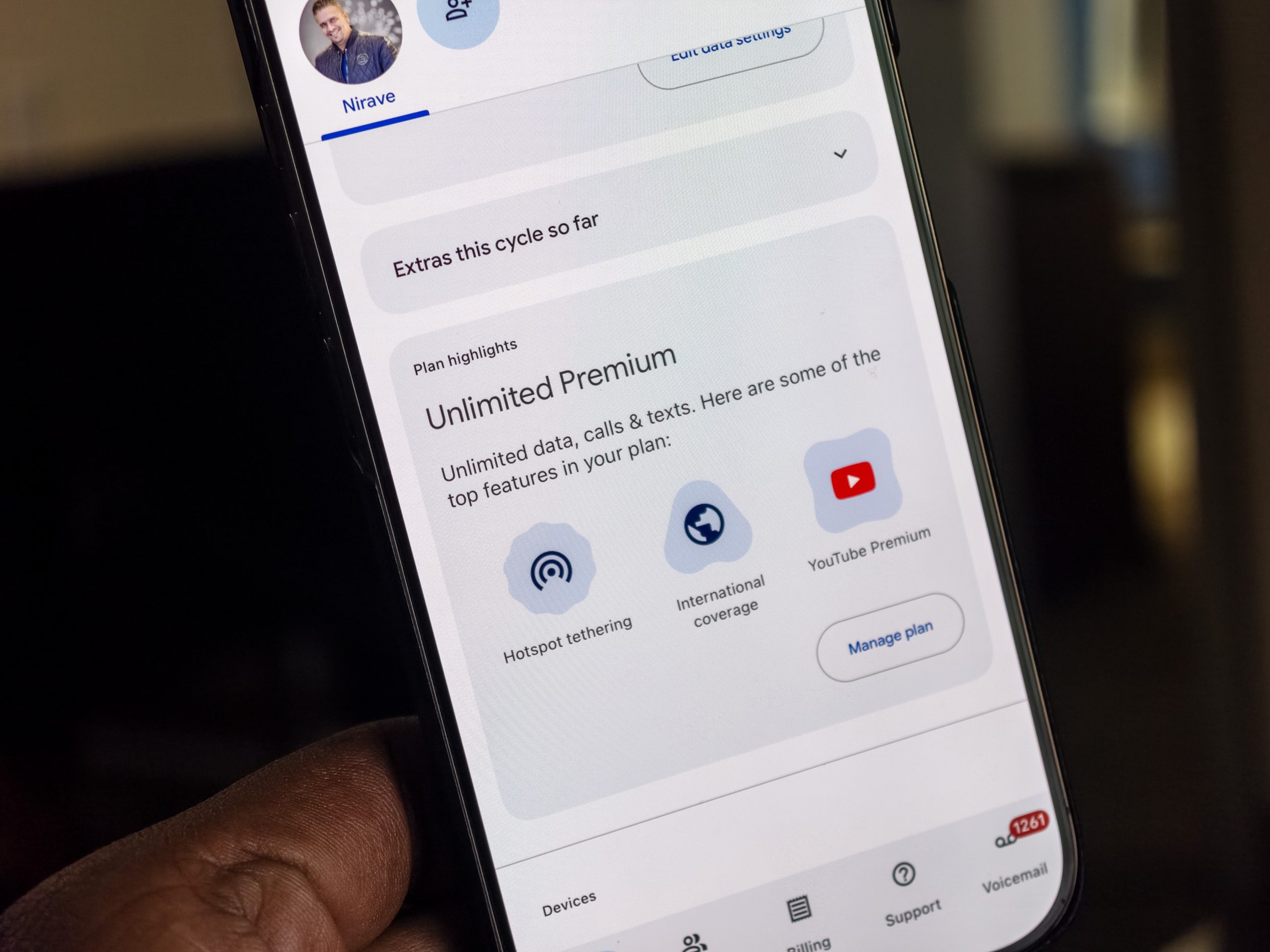
The top plan is the one I use personally. It’s now called Unlimited Premium and includes double the high-speed data at 100GB, as well as 50GB of separate hotspot data for tethering. It still costs $65 per month, and it comes with six months of YouTube Premium, 100GB of Google One cloud storage, and a range of benefits tailored specifically for travelers.
5G in more than double the destinations
I’ve traveled with Google Fi for several years, and it effectively addresses the biggest challenges associated with traveling with your home carrier. The Unlimited Premium plan includes data in over 200 international destinations, which remains unchanged. However, what is new is that you can now access the fastest 5G speeds when roaming in 92 countries.
Many networks offer inclusive roaming, but as I’ve found in the past, you can often only access slower LTE speeds. 5G roaming changes this, making Google Fi even faster when you’re abroad. I’ve previously discovered that it’s much faster than T-Mobile when traveling, and this change will likely increase Google Fi’s lead.
You may be wondering if you need 5G Roaming, and as someone who travels a lot, I can safely say that it’s extremely welcome. Some countries have poor LTE networks but stronger 5G networks, especially if their network infrastructure rollouts coincided with the launch of 5G networks. Most importantly, the faster speeds make it much easier to use your phone as if you’re home, whether that’s to access maps, look up information, watch YouTube videos in 4K, or scroll your favorite social media platform.
These changes reinforce that Google Fi is the best carrier for me, and Google has also addressed one of my key concerns with Google Fi.
You can finally get data eSIMs

One of the biggest benefits of Google Fi has been the ability to obtain a data-only SIM card that draws from the same data pool as your main SIM card. Instead of needing to buy a secondary SIM, which will increase the cost of your plan, the data-only SIM card is perfect if you have a secondary phone, want data for your tablet, or want to ensure that your family members have data on their phones while they’re traveling.
There is only one problem: you need a physical SIM card slot. Apple dropped the SIM card slot from the iPhone two years ago, and then followed with the iPad, meaning you weren’t able to use a data-only SIM with either of these products.
That is, until now: Google Fi has just unveiled data-only eSIMs. You can now install up to four data-only eSIMs (or order a physical SIM if you prefer) for each line on Unlimited Premium or the Flexible plan, which costs $20 per month, plus $10 per GB of data used, with a cap of $80 per month per line.
Why I’m even more committed to Google Fi
For the past few months, I had been considering leaving Google Fi because it lacked a data-only eSIM. Google Fi is the only carrier to offer a data-only SIM card at no extra charge, but the lack of an eSIM option meant it wouldn’t work with my iPhone or iPad.
It also meant that it would occupy the physical SIM card slot on the plethora of Android phones I use, and it ultimately left me wanting more. Google’s new changes have not only solved these key problems, but also ensured that I’m even more committed to Google Fi. It’s been the best eSIM for travel for years, and the new changes make it even better!