
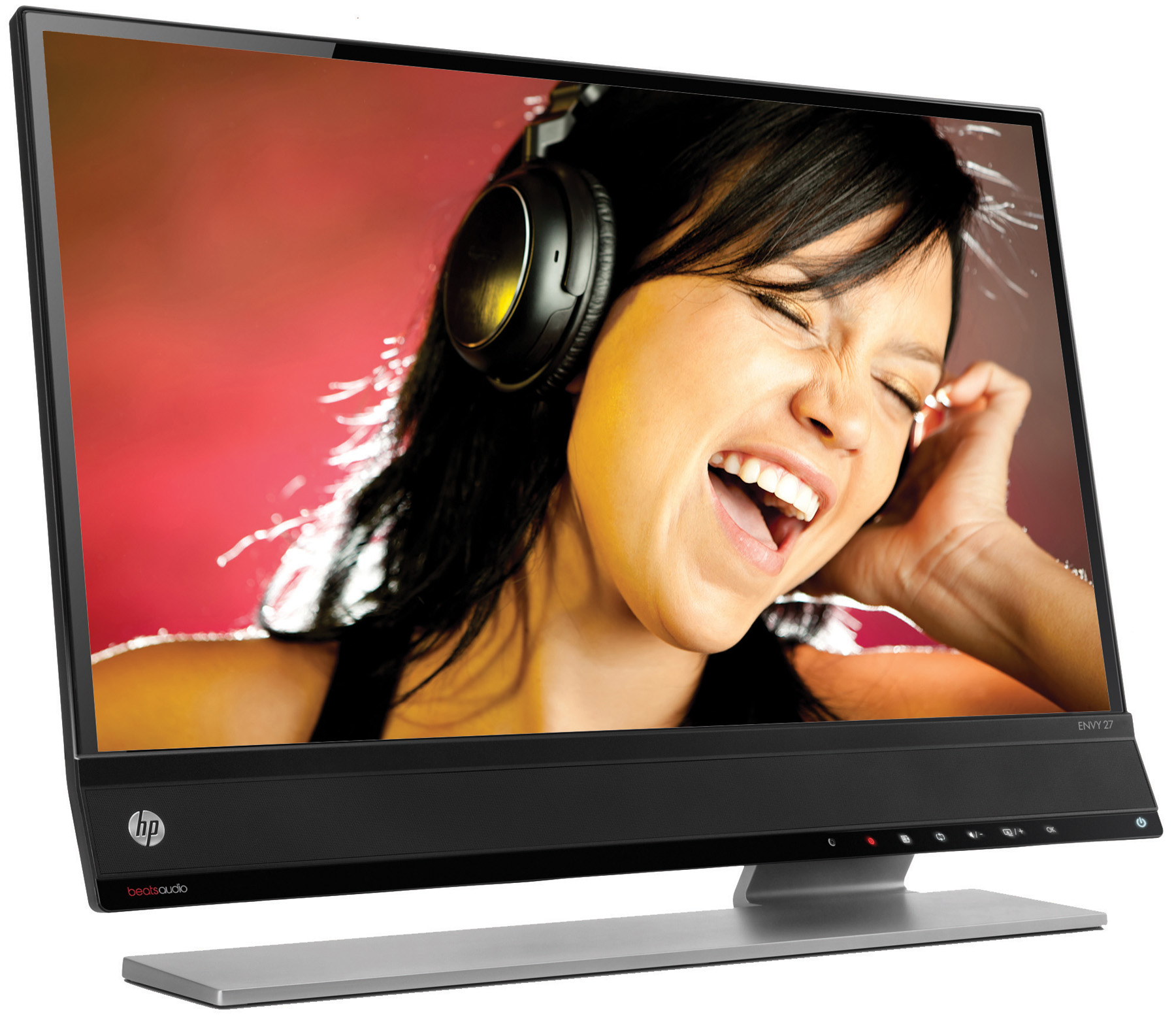
 Today in Vegas, HP revealed a new monitor lineup slated for release over the next two months, including what it calls the first-ever display integrating audio from Beats. All of the new models come standard with LED backlit screens, and emphasize super-thin profiles and sleek, floating designs. However, one of the most notable aspects of these new monitors goes unsaid: None are touch-sensitive, which helps keep their prices relatively modest. HP seems to be betting that consumers will prefer good image quality, connectivity, and viewing angles in favor of touchscreens, especially if the latter means a fingerprint-smeared display.
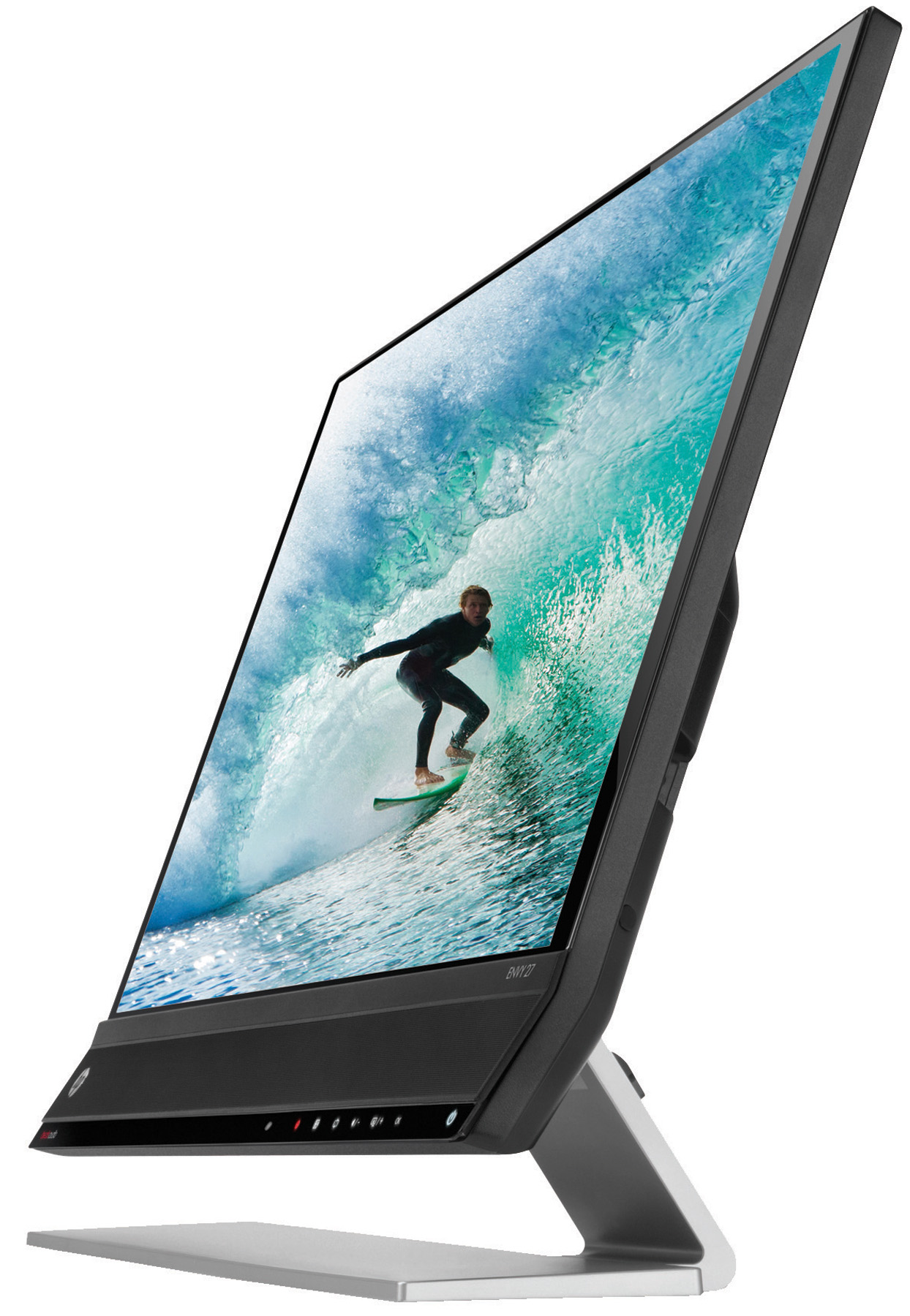 The star of the bunch is clearly the HP Envy 27-inch IPS Monitor with Beats Audio, which integrates upward-angled speakers and a powerful subwoofer to make the most of the rich bass thumping of Beats by Dr. Dre. Whether the sound quality really rivals that of a pair of professional studio headphones remains to be seen, but it will certainly blow most tinny monitor speakers out of the water. Edge-to-edge glass boasts a broad viewing angle of 178 degrees, both horizontally and vertically, while the slim screen narrows to less than 14 mm thin at the top. It will most likely be available February 3 for $499.
Meanwhile, the non-Beats offerings drop steeply in price for solid, affordable options. The HP Pavilion IPS LED Backlit Monitor series (about $130-$340, starting Jan. 20) share the crowd-pleasing 178-degree viewing angle thanks to advanced IPS technology, enabling shared YouTube clips or collaborative work without annoying dimming. They also come highly customizable thanks to integrated HP software, which allows users to program and save power-saving modes, or to partition the screen to show multiple application windows at the same time. The HP x2401 24-inch LED Backlit Monitor offers a relatively wide viewing angle as well, in this case through MVA technology.
For business travelers, the HP U160 15.6-inch LED Backlit Monitor ($139, late Jan.) stands out. At 1.02 inches thin with a portfolio-like, foldable exterior that serves as both protective case and display stand, this portable monitor serves as an ideal on-the-go companion. It can connect to any notebook or ultrabook via a single USB cable, providing dual-monitor goodness even at a coffee shop or an airport.
Additionally, the HP ZR2330w IPS LED Backlit Monitor ($259, late Jan.) offers a wide range of connectivity options, including an integrated USB hub and VGA, DVI, and DisplayPort ports, making it ideal for multi-screen workstations. Here, IPS technology gives brilliant color, easily viewable thanks to a stand that tilts, swivels, and raises in a plethora of directions. Finally, the HP ProDisplay Series Monitors ($129–$179, Feb.) in 18-inch, 20-inch, and 21.5-inch models can’t boast quite the same wide-angle view, but they make up for it with crisp images, energy-efficient design, and of course, affordability.



