

You probably spend a lot of time browsing the Web, don’t you? I mean, you’re reading this, after all. Every time you come across something you think a friend would find interesting, you do you best to share it via your social network of choice. It’s a process that we’re all used to at this point, but that doesn’t mean it’s the best way to go about your browsing and sharing ways. The folks at HopIn, Inc. believe they’ve streamlined the process with their app Webnote. It’s an iPad app that turns browsing and sharing into a one step – or a two tap and one swipe – process.
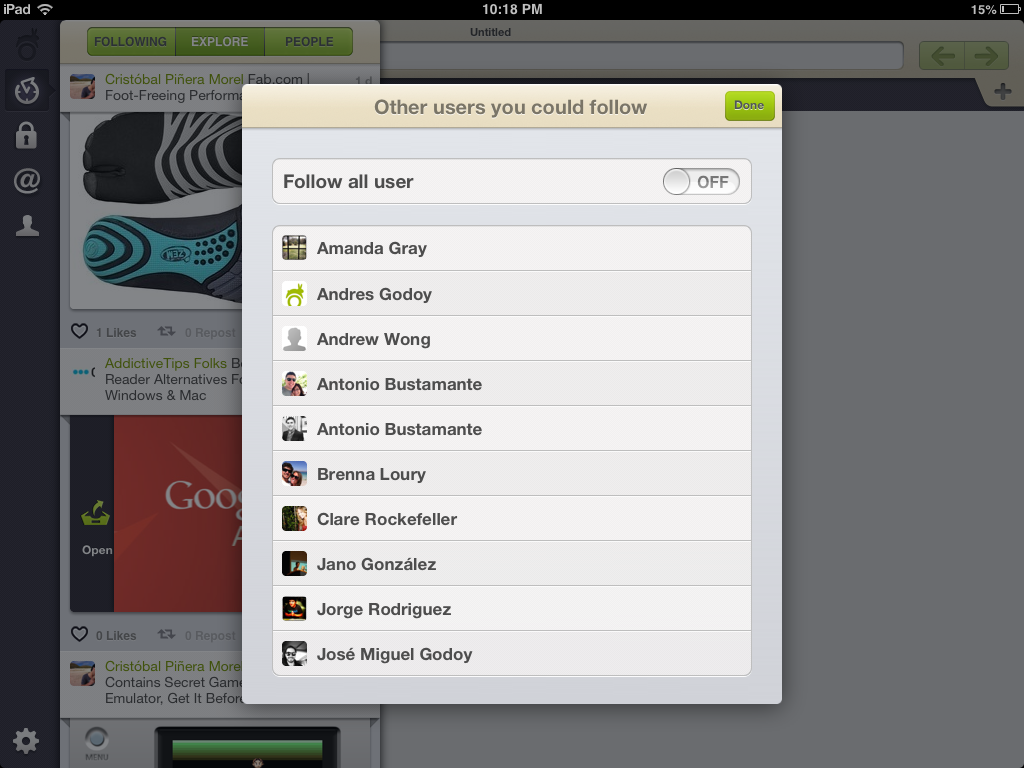 Built for the iPad, Webnote functions in the same way you’d expect a browser to act. It lets you to navigate the Web in the familiar fashion of any web browser you’ve ever used. It’s a very simple browser just in terms of Web exploration; Firing up the app doesn’t automatically provide you with frequently visited sites a la Chrome or Dolphin, and there isn’t a history tab or anything like that. You just have a blank screen that awaits your deep dive into the series of tubes that is the World Wide Web.
Designwise, Webnote leaves a little to be desired. The New Tab button is on the opposite end of the screen as the actual tabs, which was somewhat bothersome in comparison to other browsers. The navigation buttons are all bunched in the same corner, which is convenient though a little crowded. It just doesn’t make for as smooth of a browsing experience as one would expect given the current bar for tablet browsers, which is pretty high (unless you’re on a crazy website). Admittedly, Webnote’s goals are a little different.
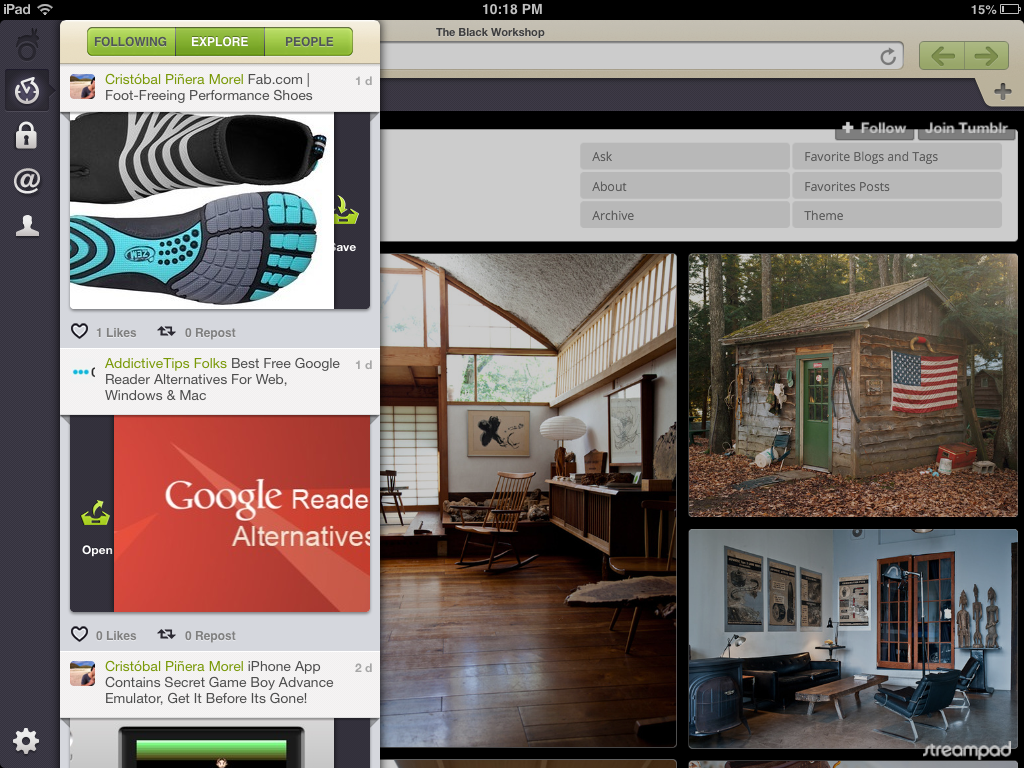
Webnote, unlike those standard browsers that you’ve become so accustomed to, doesn’t want you frequenting the same sites over and over. It’s about discovery and allowing the Internet to be curated for you by friends and people who interest you. So while the buttons and tools you’re used to using are housed in a tight corner on the right side of the screen, the left side is where your new navigation tools are. Instead of “Forward,” “Back,” and “Refresh,” you’ll be using “Following,” “Explore,” and “People” while also interacting with friends.
 Say you’re on your favorite website of all time – Let’s call it DigitalTrends.com – and you come across an article or image or video that you just have to share. With Webnote, all you have to do is double tap the content you were enamored with and a menu will pop up to confirm that you want to share it. Choose the social networks you want to share it on – currently just Facebook and Twitter, but do you really need other ones? – and slide to send it off. Sharing is surprisingly intuitive and simple. It’s much nicer than leaving open tabs and switching between them all the time, and it makes the process of sending out information that you’d like to share infinitely easier. That is this app’s killer feature.
The rest of Webnote’s appeal will really be what you and your circle of Web-addicted friends make of it. Webnote lets you and your connections curate the Web experience for one another. This, of course, requires friends who are as active on the Web as you are. There are some users that you can follow to get yourself started, but you’ll have to build your following on your own, for the most part. Things you share will go into your feed for all followers to see (unless you mark it as private), and comments can be added to them. You can explore the content your friends have shared as well. All of this browsing takes place in a sidebar that acts as a scrolling feed of activity. If you’re a Tumblr user, the functionality of the feed will feel familiar. You can like or repost things from others that interest you. It just takes the Tumblr experience to whole Web.
You have to think of Webnote as an entirely different browser than what you’re used to if you want to understand it. It’s great for social sharers, but it’s also a social network of it’s own, encouraging you to share with friends and like-minded people who have similar interests. Sharing can seem a little overwhelming, but Webnote does a decent job of making it effortless.
The real problem this browser faces is that it’s built from the ground up as it’s own unique tool. If you’re a user of other people browsers that allow you to take your frequently accessed sites and information between devices … you wont’ be finding any of that functionality here. You have to start fresh when it comes to bookmarks and browsing history. You could use Webnote specifically when you’re looking to browse for entertainment, but it’s hard to imagine a lot of people doing that.
If the social sharing gestures were an add-on for other browsers, we’d use it in a heartbeat. But to take on a whole new browser/social network? That’s a bigger commitment. If you decide to make that dive, though, Webnote is a good partner to share your time with.


