  1. Home
  2. Computing
  3. Legacy Archives

Report: Intel’s Haswell processors are prone to overheating, run ‘hotter than Ivy Bridge’

Add as a preferred source on Google
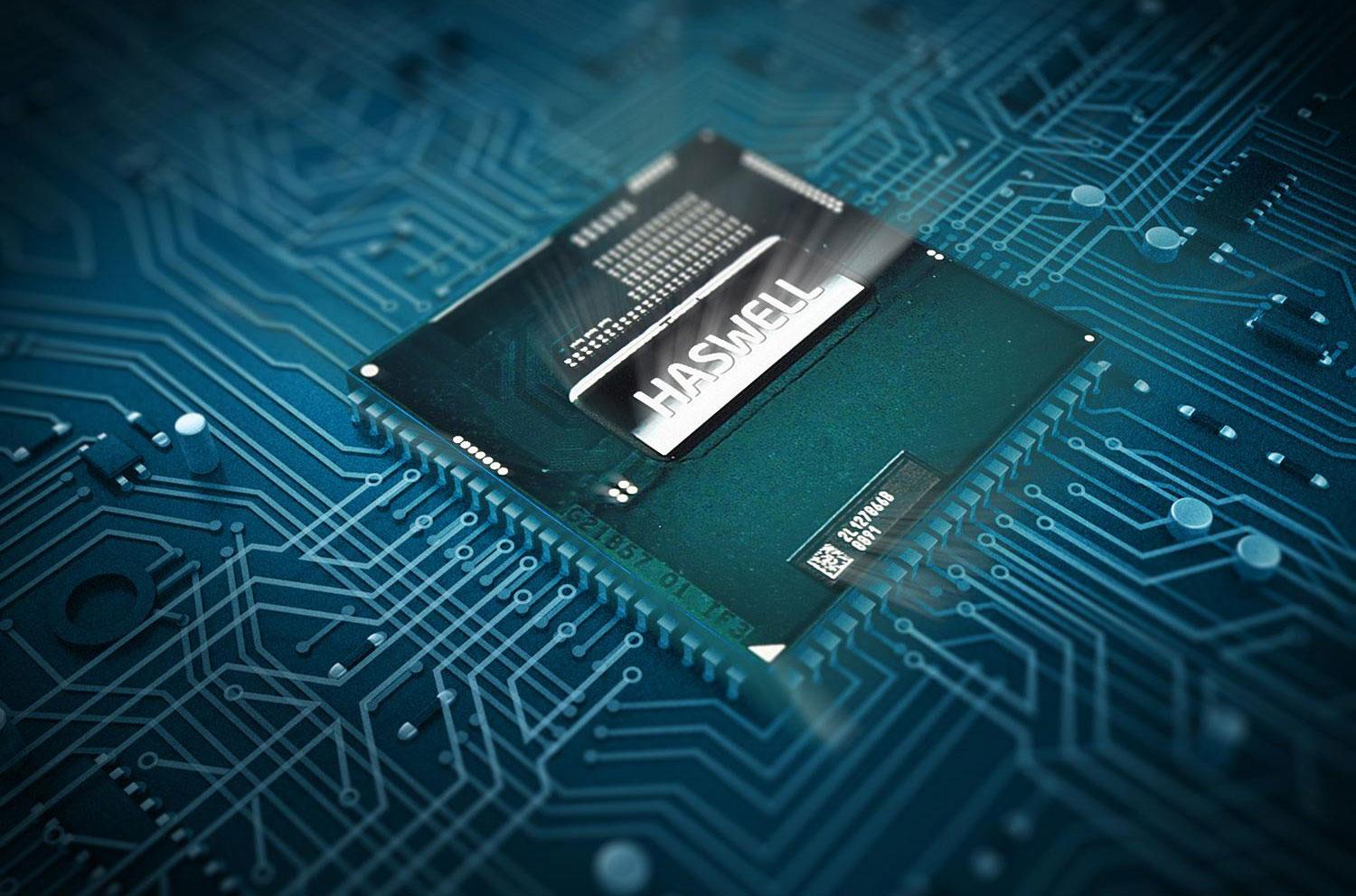
Intel 4th gen haswell chip
Image used with permission by copyright holder

If you followed last week’s Computex, then you know all about the new Intel Haswell processor. A number of Haswell-powered devices are due to hit the market (or already have for that matter), but a new issue plaguing the chipset may cause a hitch in Intel’s future plans. According to a report from PC Pro, four companies, who prefer to remain anonymous, are having major issues with the Haswell chipset and overclocking. The processor appears to be running too hot, and it’s forcing some OEMs to downgrade the chips’ speed in order for it to function correctly within its devices.

Is Haswell too hot to handle?

An unnamed PC maker told PC PRo that employees had to frequently swap out Intel Haswell processors when creating PCs in order to find a chip that wouldn’t overheat. The company also stated that “even at stock speeds [Intel processors] are running hotter than Ivy Bridge or Haswell samples.” It was estimated by the company that the retail chips run at a temperature that is approximately 15 degrees Celsius hotter than pre-production chips. 

Recommended Videos

Stability issues

Other companies found “stability” problems when they attempted to push the chip to its limits. One developer stated that its “PCs based on pre-production [speeds] of 4.5GHz had to be dropped down to 4.3GHz.” The retail versions of these chips that were included in the company’s projected PCs were too unstable when overclocked to 4.5GHz, even though pre-production chips performed just fine at the projected speed. Another company joined the report, stating that there’s a “big difference in the overclocking potential between early Haswell samples and retail [processors].”

According to one of the sources that spoke with PC Pro, pre-production Intel Haswell chips were “easily” overclocked from 3.5GHz all the way to 4.8GHz. However, the company went on to say that 40 or 50 of the retail chips it received were impossible to overclock past 4.2GHz. Apparently, the spike in heat and voltage caused the chips to operate in an unsafe manner when pushed past the 4.2GHz line. 

We can’t confirm the overheating yet first-hand, but we’ll keep you posted with what we find in our next Haswell laptop review. Stay tuned!

Russ Boswell
Former Digital Trends Contributor
Russ Boswell is an aspiring video game and technology journalist from Colorado. He's been an avid gamer since he was old…
Topics
I hope Apple keeps the MacBook Neo away from the AI hype and preserves its true identity
The cheapest MacBook beats the cheapest AI MacBook.
Computer, Electronics, Laptop

If there's one thing that has disrupted consumer tech economics over the last year while changing how we understand and recommend products, it's the ever-rising cost of memory and chips. 

The desperate need to scale up AI infrastructure has pushed major manufacturers to prioritize enterprise demand, leaving everyday consumers with far fewer choices. Those available cost significantly more than they did a year ago.

Read more
I let Radial menu take over my Mac, and I’m never going back
One mouse jiggle, endless shortcuts. My Mac has never felt this fast.
Radial app running on Mac

I have been testing Radial for the past week, and it's quickly become one of those apps I didn’t know how I could live without. It's a radial menu for macOS that puts your shortcuts, scripts, and automations right where your cursor is, so you never have to go hunting through menus to find what you need.

The app just received its 5.0 update, adding AI actions powered by Claude, window layouts, variables, a redesigned settings interface, a new Atmosphere background effect, and a squircle menu shape. I got to try most of these, and here's what I found.

Read more
Android desktop mode made me miss my laptop in record time
I tried writing and publishing from Google’s phone-to-monitor setup, and the future of mobile computing immediately started sweating.
Computer, Electronics, Laptop

Android 17 desktop mode has a very simple pitch. Plug your phone into a monitor, add a keyboard and mouse, and watch the slab in your pocket pretend to be a computer. I wanted to give that pitch a fair shot, so I tried using it for an actual workday instead of a cute demo.

The goal was boring on purpose: write an article, edit it, build the page in WordPress, upload whatever needed uploading, and publish the thing without running back to my laptop like a coward.

Read more
