
Imagine a world without apps. How would we look up directions to that restaurant we’re meeting our friends at? How would we find out what that catchy song is playing in that restaurant? And how would we share the photo of our dinner with all of our friends? We rely on apps heavily, and there are a plethora of apps out there that are extremely useful. On the other hand, there are a ton of ridiculous apps that’ve made their way into the public that really have no point and serve no purpose. We’ll admit, they’re sometimes entertaining … for a minute or two. But we usually don’t feel bad when hitting the “uninstall” button after a few uses.
Here are some of our favorite oddball apps.
iFart
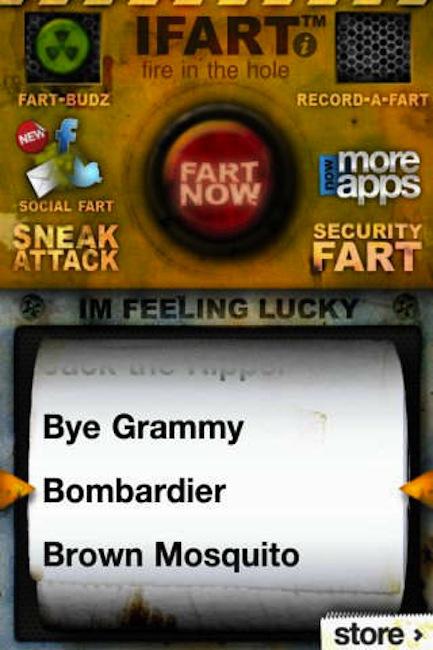 This app is a real gas! It doesn’t matter how old you get; when you’re in a social setting and someone farts, it’s funny. We are all guilty of at least a chortle or two. But in order for the fart to take place, we have to rely on the chance that someone has a little gassy build-up in their gut. This app eliminates the need to wait for nature to take its course – not to mention, any potential room-clearing odors. With options like “Jack the Ripper” and “Burrito Maximo” this app is bound to bring the lulz for minutes upon minutes. And if you really want to catch someone off-guard, you can set the app to let one rip as soon as someone picks up your phone.
Demotivational Pics+
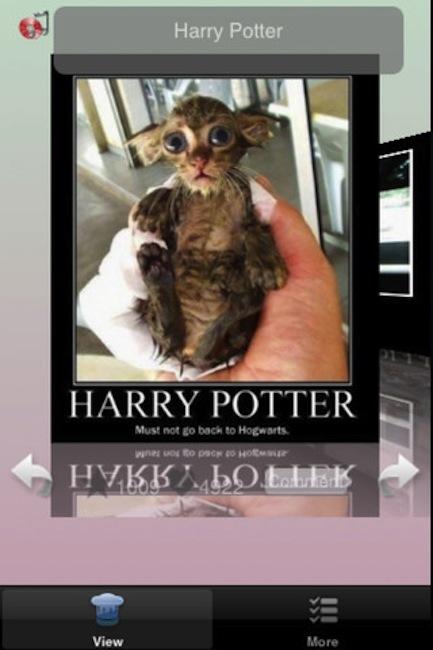 You know those annoying posters that try to offer motivational phrases paired with scenic images? Well this app is not that. Instead, it delivers a series of parody images and phrases that, well, provide the exact opposite of motivation. Demotivational Pics+ is an app that you might look at every now and then, smile at a few, and maybe actually laugh at a couple. And then you’ll close the app and forget that you downloaded it for another couple of months.
Pregnancy Test
 If you live in a small town and can’t risk getting spotted buying a pregnancy test at the store, the next best thing is to do a home pregnancy test using your iPhone, right? Right? Of course! Just fire up the app, press down with both thumbs, blow into the mic, and voila! Your scientifically verified results are delivered. Rub the phone against your belly and your ultrasound will be delivered. The resulting images range from a set of twins to a freaky looking alien. (Yours truly is kinda hoping for the alien next time he’s with child.)
Melon Meter
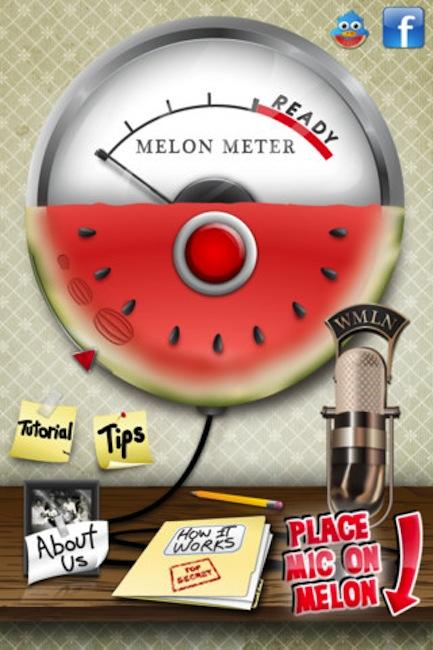 Don’t you just hate when you go to the store, buy a watermelon, slice into it at home, and find that you picked a disgusting, unripened one? Don’t you?! Well fret not. This app promises to provide instant results that will let you know if the watermelon you’ve picked is the right one. Just place the phone’s mic on the melon and give it a smack. The app claims to analyze the thump and lets you know if the melon you’ve picked is a winner or a loser. Does it actually work? Let’s just say: we’re skeptical.
iBeer
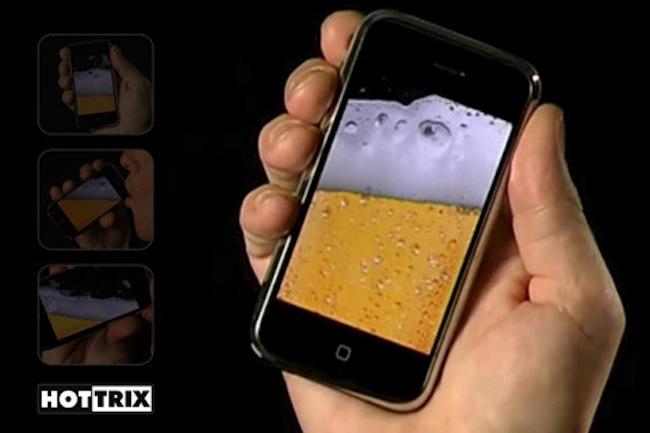 Sometimes it’s nice to kick back after a long day at the office and enjoy a cold beer. But hey, maybe you’re trying to cut back on the carbs. This app lets you go through the motions of enjoying a cold one, from cracking open the can, pouring the brew, and throwing it back. It’ll even let out a nice belch at the end to really make it seem real. There are options to swap out the beer for milk, water, soda, champagne, and wine, if that’s more your speed.
iLickit – Crazy Lick Game
 You know how you’ll be using your iPhone and you think, “God, I am just so sick and tired of swiping this mother with my finger! I wish there was another acceptable body part I could use!” Well, praise be! This food-centric game urges users to clean off every last morsel of the meal grandma prepared as fast as possible … using their tongues. Yup. The point of the game is to lick your phone’s screen until your dinner plate is clean. A word of advice: maybe give your screen a little bit of a rubdown before (and after) you get to licking. (Oh, and please don’t play this in public.)
iVoodoo
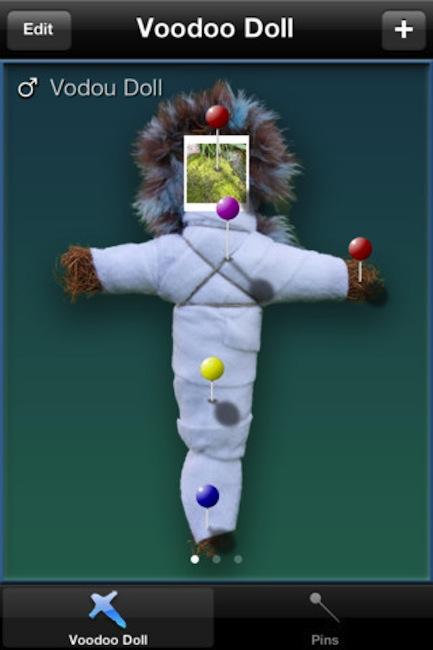 Have enemies? Want to exact revenge against them but that pesky legal system is standing in your way? This app transforms you into a witch doctor, letting you create as many as five voodoo dolls in the image of your target. (You’ll have to manage to snap or find a photo of them; otherwise, the whole voodoo thing just won’t work!) Once you’ve made your doll, just stick a number of pins into the doll and watch as your enemy falls. (Or doesn’t.) And hey, if you wanna throw a little love at someone, you can do that too! But where’s the fun in that?
Beard Booth
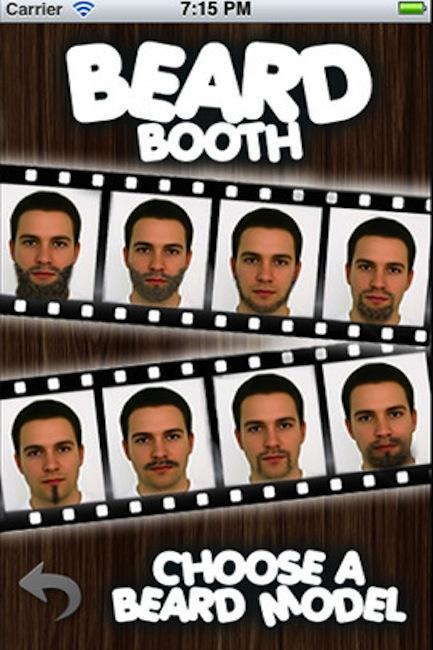 Thinking about growing out a sweet beard? Not sure what you’ll look like and wanna get a quick preview before you embarrass yourself in public? Finally, there’s a solution to this age old dilemma! Just snap a lovely selfie and you can try on a whole slew of looks. Find out if you can rock that handlebar mustache and finally get yourself a Harley. See if you could successfully pull off a Grizzly Adams look before you commit to becoming a recluse hidden deep in the woods. (Hint: you can’t.)
Drunk Text Savior
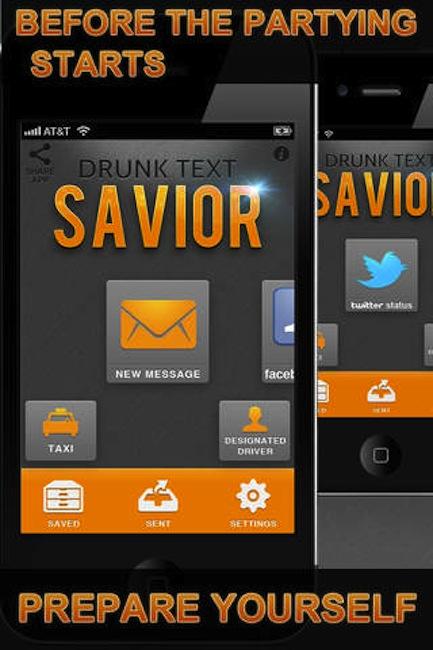 We’ve all been there: we go out, throw back a drink or 30, and the next morning wake up and look at your phone in horror to see a slew of unread text messages, your heart begins to race as you realize you totally drunk-texted a bunch of people. Your bestie? Not so bad. Your ex? Whoops! Mom?! Now you’re screwed. Drunk Text Savior associates a photo with the person you’re texting, enlarges the text, points out when your message is full of vulgarity, and warns you when the message is clearly drunken tomfoolery.
Hold On!
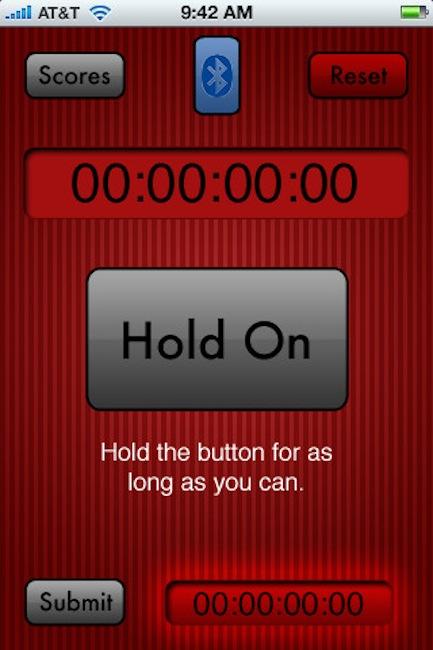 We’re baffled by the notion that this is even a thing. But we’re entirely speechless that people are actually willing to pay 99 cents for it. Allow us to elaborate. The object of this “game” is to press your finger on a button on your phone’s screen for as long as possible. After that … well, there is no after that. That’s all you do. And here you thought you’d seen a useless app before.



