1. Home
  2. Mobile
  3. Apple
  4. Legacy Archives

9 apps that are better than what’s on your iPhone

Add as a preferred source on Google

With iOS 7, Apple completely revamped the design of its core apps, but in most cases, the changes are only skin deep. Even if you love the new look, there are plenty of apps that beat Apple at its own game. If the default apps on iOS 7 don’t satisfy you, try out some of these apps. They may have a familiar feel but we think they’re a lot better than what ships with your iPhone or iPad.

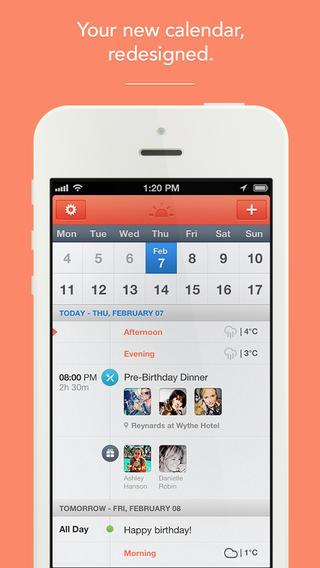
SunriseCalendarCalendar: Sunrise Calendar

A lot of apps updated their design to fit in to the iOS 7 theme. Sunrise Calendar was last updated in August to install various improvements to functionality, but hasn’t been given a fresh coat of paint for iOS 7. Still, it feels right at home. Even the icon looks like it belongs on your home screen. It’s a free app designed to work with your Google Calendar, Facebook, and LinkedIn events so you can pull in information from your other major sources for day planning. There’s reminders, alerts, location tags, weather forecasts, and all the bells and whistles you’d expect in a calendar app – including some you won’t find in Apple’s own.
Recommended Videos

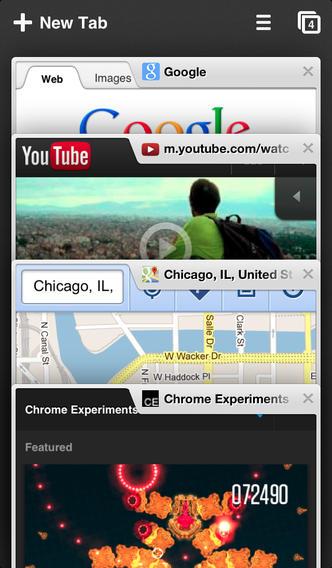
ChromeBrowser: Chrome

Safari is the default choice for web browser on any Apple product, but it’s a pretty common decision to replace it. It’s not that Safari is terrible – it’s more than serviceable. It’s just that Google Chrome is so good and so intuitive. Even though the new Safari has a cool look and an improved layout for tab-style browsing, it’s stuff Google has already been doing with Chrome. Plus, with the ability to log into the Chrome browser, you can access all of your accounts and history from your computer and other devices. It’s hard to turn down that kind of convenience. 

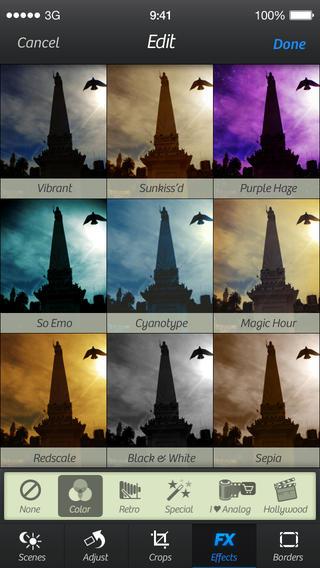
CameraPlusCamera: Camera+

Apple gave its camera app a sizable face lift, changing the user interface and adding a lot of filters and post-shot effects that can be applied to differentiate your pictures. It’s all very handy and gives users some new options that they never had with the old Apple Camera app. Those who use Camera+ have had these features for a long time. It’s one of the best camera apps out there, giving plenty of cosmetic effects that any person can apply but also offering some more technical features that pros will get able to utilize and get better results with. If you’re a picture taker, we strongly recommend you check it out.

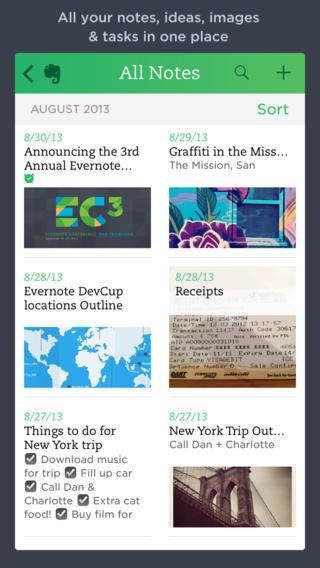
EvernoteNotes: Evernote

The comparison here might be a little unfair – Apple’s Notes app is a very simple version of a note taking service. Evernote is a memory replacer that will remember everything you can’t. It’s like a plain text editor compared to a full blown word processor. But we can’t really think of a reason to settle for less here. Evernote is capable of doing the simple notes and lists of things you need when going grocery shopping or holding on to quick facts that you only need for a short period of time, but it’s also able to hold on to the information you need for the long term and can be accessed off your mobile device.

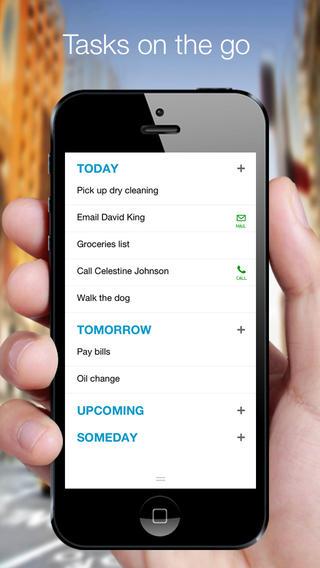
AnydoReminders: Any.Do

The makers of Any.Do haven’t been silent about their belief that Apple drew some inspiration from their apps like Any.Do and Cal. They haven’t been accusatory, but rather have played it as a form of flattery for their own services. If you download Any.Do as your replacement for Reminders, you’ll see exactly what their talking about. The buttons, the fonts, the colors, the icon – everything is very iOS 7 like and has been that way since before iOS 7 was announced. It doesn’t hurt that Any.Do’s feature set is every bit as good if not better than the app it most inspired.

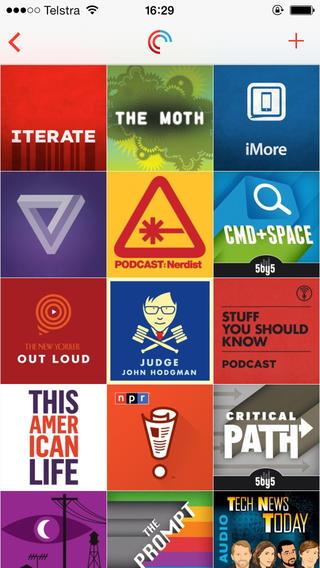
PocketCastsPodcasts: Pocket Casts

Apple makes some really impressive apps, and we’d hate to downplay that fact. The iOS ecosystem remains extremely popular for a reason and it’s because Apple’s OS and apps work well. Podcasts was the exception to this rule for a long time. Ever since it was first released, the app designed for the entertainment format that Apple helped make popular did a total disservice to the actual content. It’s gotten better, but it’s not hard to find apps that manage podcasts better than … Podcasts. Pocket Casts is a favorite of ours and has a very nice iOS 7 style to it.

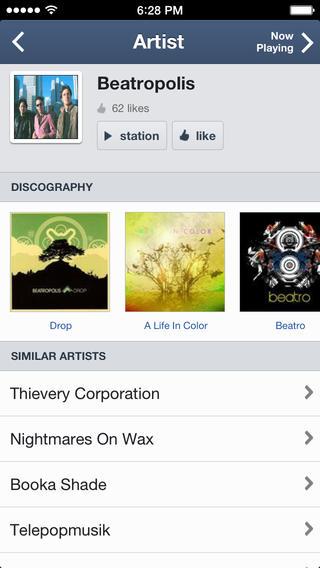
PandoraiTunes Radio: Pandora

If you’re a big music buff that loves listening and discovering new tunes, having the right radio app could be the difference between a good day backed by the perfect soundtrack and a day of constant irritation prompted by musical decisions made for you by an algorithm that has no understanding of what you like. Pandora tops iTunes Radio for one main reason: Longevity. Apple isn’t new to the music game and it deserves a benefit of the doubt for that, but Pandora has been developing its music suggestion service for a long time now and it’s hard to find a service that does it better.

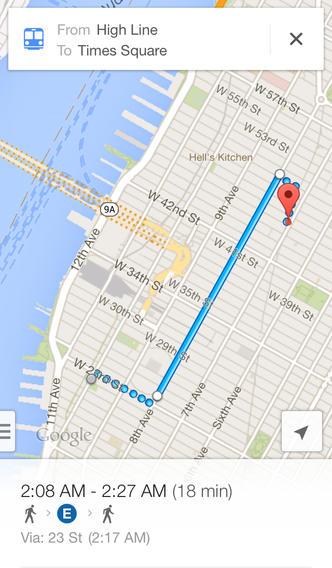
GoogleMapsApple Maps: Google Maps

The Apple and Google legacy when it comes to maps is pretty well known thanks to the very public decision by Apple to ditch Google Maps and develop its own navigation options. Fast forward a few months to the release of the Apple Maps app and people are arriving at wrong destinations and driving into forests that don’t even have roads. To it’s credit, Apple has constantly updated Maps to make it better, but its still playing from behind and Google continues to stretch its lead with every update. The directions, features, and in-app navigation are just better with Google Maps.

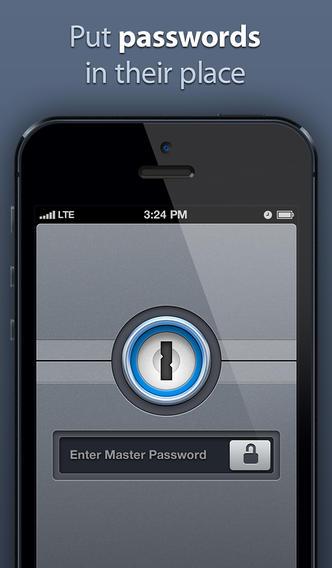
1PasswordiCloud Keychain: 1Password

iCloud Keychain for iPhone sounds great, but 1Password has been doing this for a while now. It will generate strong, near impossible-to-crack passwords for every site that you have an account for, uses 256-bit AES encryption, and protects you with a master password and auto-lock features. Once iCloud Keychain is available it’ll be easier to compare the two, but 1Password is already doing a lot of what Apple’s promising.

AJ Dellinger
AJ Dellinger is a freelance reporter from Madison, Wisconsin with an affinity for all things tech. He has been published by…
The best free VPNs for 2026
The best free VPNs still come with compromises, but a few offer enough privacy and flexibility to be genuinely useful.
Proton VPN UI

A virtual private network (VPN) encrypts your internet traffic and routes it through a server run by the VPN provider. Websites see the VPN server’s IP address instead of yours, and you can get around geo-blocks, censorship, and ISP throttling. The best VPN services are paid, but there are still a handful of free options that do the job well. 

Most free VPNs come with a hidden cost, because running servers isn’t cheap and a company that doesn’t charge you has to make its money somewhere else. Many do so by logging your browsing activity and selling it to advertisers, while others flood you with ads and track you across apps. 

Read more
The best Kindle in 2026: Here are the top Kindles for reading
From a pocket-friendly e-reader to a premium color notebook, Amazon has a Kindle for almost every kind of reader.
kindle colorsoft back converted

There's nothing quite like curling up with a good book on a cold evening. As much as I love the feel of a physical book, books take up a lot of space, and carrying more than one on a trip quickly becomes a chore. That's where e-readers come in, and the Amazon Kindle remains one of the best options.

Amazon just refreshed its Kindle lineup with thinner, lighter designs, a new flush-front display, and colors that wrap from front to back. Add the Kindle Scribe and the Kindle Scribe Colorsoft to the mix, and you have more choices than ever before.

Read more
The best Android apps in 2026: I spent months testing dozens that truly earn their keep
From smarter task management to custom home screens, these 20 apps give you good reasons to install something new on your Android phone
Electronics, Phone, Mobile Phone

A good Android app should earn its place on your phone. It might make an everyday task easier, handle something the built-in software can't, or let you change an experience that never quite worked for you.

These 20 apps cover everything from quick notes and password management to automation and local file sharing. Some are free, others charge for advanced features, and a few take some effort to figure out. The point isn't to install them all. It's to find the ones that make your phone work better for you.

Read more