  1. Home
  2. Phones
  3. News

iPhone Air fares well against bending, but you still don’t want to sit on it

It's stronger than it looks, but don't put it to a DIY test.

Add as a preferred source on Google
iPhone Air design and colors
Apple

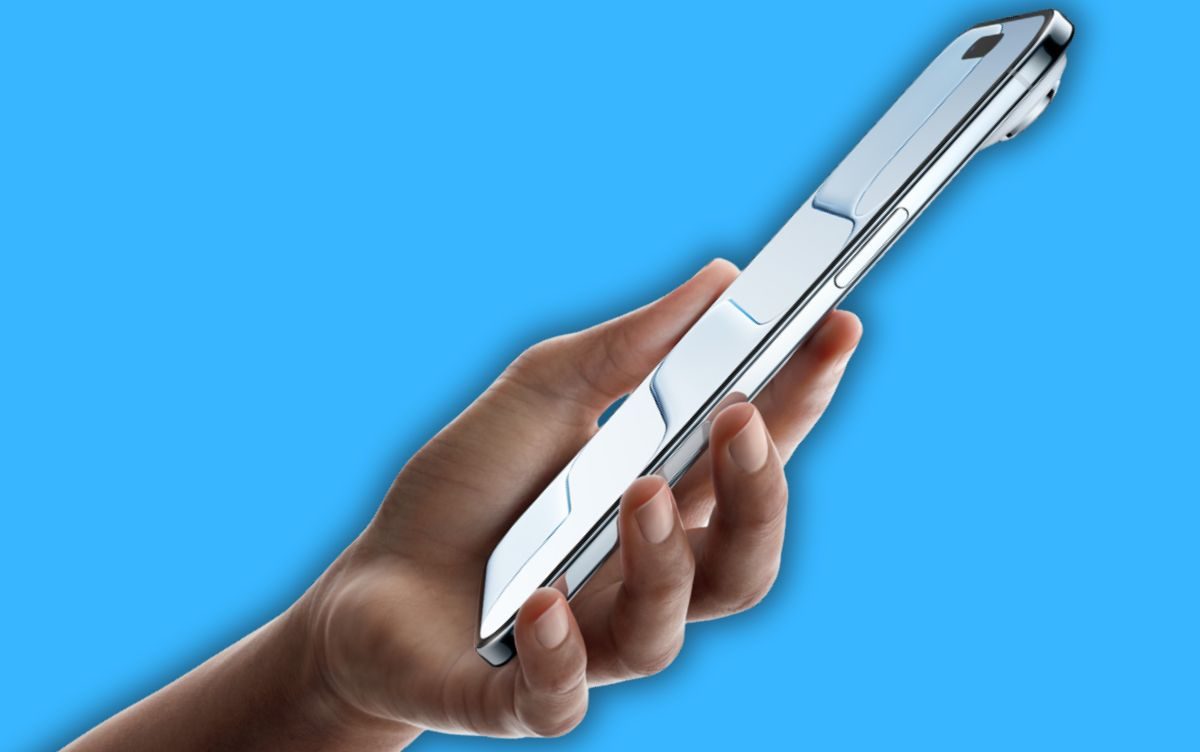
The iPhone Air is Apple’s slimmest smartphone to date, and the company even claims that it’s “more durable than any previous iPhone.” Now, the company has shared a bend test video with media outlets that shows it can survive stress and even recover. 

What’s the big picture? 

Apple used a grade 5 titanium frame on the iPhone Air, and further fortified it using Ceramic Shield that offered four-fold drop resistance. But with a waistline of just 5.5 millimeters, it’s obvious to doubt Apple’s claims. It seems the phone is indeed pretty strong. 

Recommended Videos

Behind closed doors, Apple gave a demonstration of the iPhone Air’s strength on a rig that tested how well it fares. The phone reportedly withstood 130 pounds of vertical weight without breaking or permanent bending of the chassis. 

“Then they put the phone on a table, and it returned to being perfectly flat in a few seconds, and it still worked,” reports MobileSyrup. According to 9to5Mac, exerting 130 pounds of vertical force “resulted in no damage to the phone at all.” 

Why must you be cautious? 

It’s fantastic to see that the iPhone Air, despite being slimmer than the iPhone 6 series, will likely avoid another “bendgate” fiasco for Apple. However, these lab tests don’t really simulate real-life situations. Imagine an average adult male weighing over 130 pounds accidentally sits on it for a longer spell, or another heavier load is subjected to the device. 
Additionally, the repairs are not going to be cheap. AppleCare covers both “iPhone Screen-Only or Back Glass-Only Damage” and “iPhone Screen-Only and Back Glass-Only Damage.” But those will only be applicable in a specific situation. Here’s what the updated 2025 support document says:  

“The Covered Device must have no additional damage other than to the screen or back glass, including, but not limited to, a bent or dented enclosure, that would prevent Apple from replacing either the screen or back glass on the Covered Device.”

Nadeem Sarwar
Nadeem is the Managing Editor at Digital Trends.
Your next Teams meeting could have an AI teammate that answers questions for you
Teams is getting smarter, cleaner, and quieter about it. The AI features are opt-in, the chat cleanup is automatic.
Computer, Electronics, Laptop

Microsoft Teams is getting a meaningful update that overhauls almost every part of how you use the app, from AI-assisted meetings to a cleaner chat layout. Most of the changes are already in testing, and several are scheduled to roll out before the end of the summer.

Starting with the most interesting addition: an upgraded AI Facilitator that can listen to your meeting, spot when someone seems confused, and generate a response (via Windows Report). 

Read more
Google’s Pixel 11 price hike may come disguised as a storage upgrade
Price hikes may be coming for the Pixel 11, but it’s not necessarily a bad deal
Google Pixel 10 Pro

Google recently started sending out invites for its next Made by Google event, scheduled for August 12. The Pixel 11 series is expected to headline the show, and if the latest pricing leak is accurate, buyers may need to prepare for a higher starting price this year.

According to Dealabs, the Pixel 11 lineup will no longer start at 128GB. Google is reportedly making 256GB the new base storage across the Pixel 11, Pixel 11 Pro, Pixel 11 Pro XL, and Pixel 11 Pro Fold. Prices also appear to be going up by 100 euros across the board.

Read more
iPhone shortcuts disappearing in silence? iOS 27 just added a way to get them back
There's finally a button that fixes it.
iOS 27 shortcuts restore button.

If you rely heavily on Apple's Shortcuts app and use it regularly, there's a decent chance some of your automations have quietly vanished without you ever noticing. They probably exist somewhere in iCloud, but aren’t showing up in your library. iOS 27 is finally doing something about it.

iOS 27’s Beta 3 includes a new Restore button buried in Settings > Apps > Shortcuts. When the system detects automations on your device, ones that aren't showing up in your library, it displays a counter: "X shortcuts on this device aren't currently in your library." 

Read more