I’m usually pretty good at being patient, especially when it comes to new tech rollouts. But when I heard about Google Gemini being integrated into Chrome, well, my self-control went right out the window.
I’m already well invested in the Google ecosystem, so much so that I wouldn’t even consider using another AI companion. The thought of having Google’s AI right there in my browser, without having to jump to another tab, was just too enticing.
So, I did what any impatient tech enthusiast would do: I shelled out for one of the best VPNs to get access to the U.S. server and experience it for myself. And let me tell you, it was worth every penny. Now, I just need it to officially launch globally.
One of the first things that blew me away was the “Summarize this page” feature. As someone who spends a lot of time researching and reading lengthy articles, this is an absolute game-changer.
I was reading a particularly dense report on the latest advancements in AI (the irony is not lost on me), and with a single click, Gemini condensed it into key bullet points. No more endless scrolling or trying to mentally distill the main ideas.
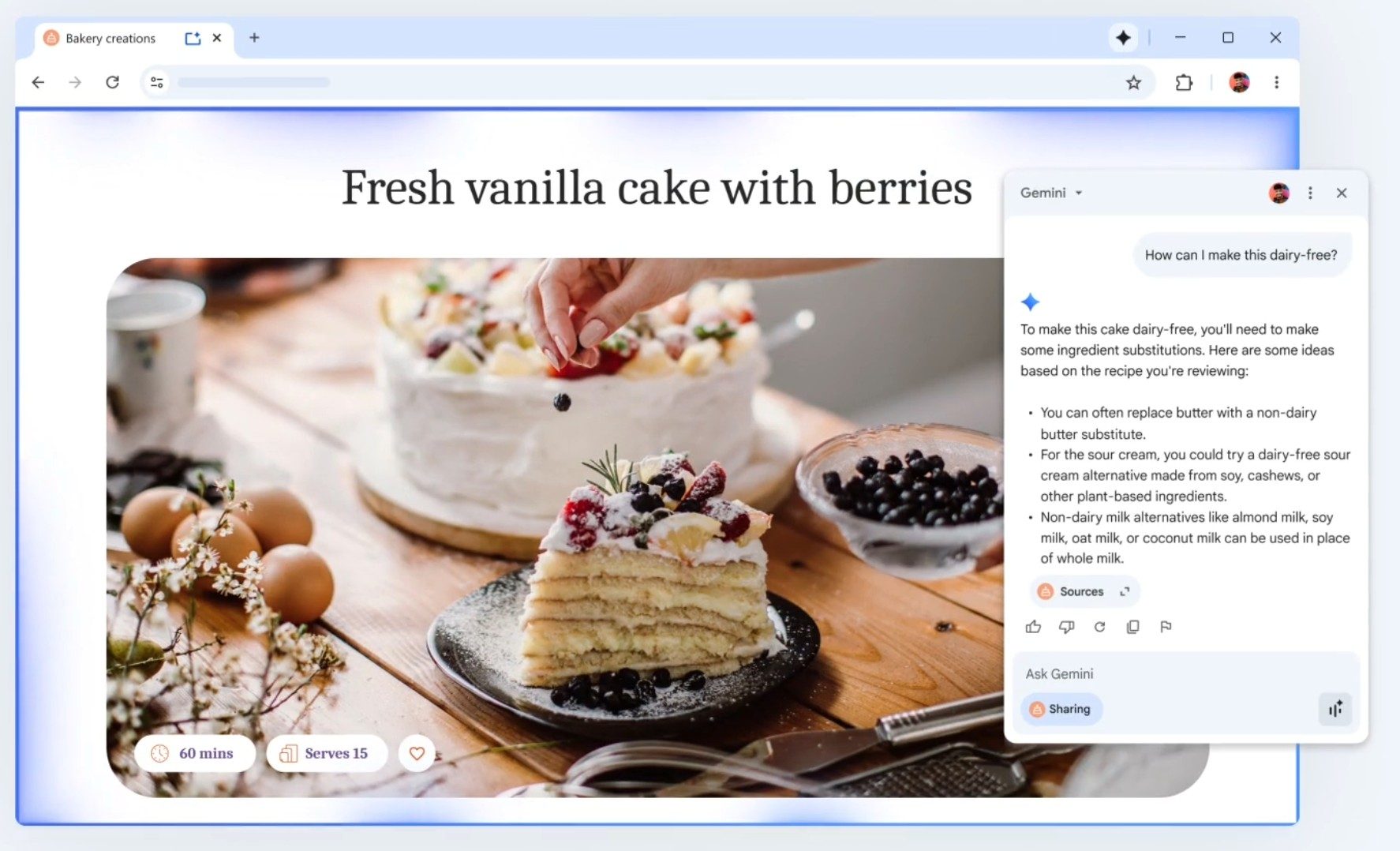
It saves an incredible amount of time and helps me get through more information efficiently. It’s like having a brilliant assistant who reads everything for you and gives you the highlights with the press of a single button.
Then there’s the “Explain this image” function. This is something I didn’t even realize I needed until I had it. I was looking at a complex diagram showing off some new NPU architecture, and while I generally understand the concepts, some of the specific components were a bit fuzzy.
I simply right-clicked the image, and Gemini provided a clear, concise explanation of what each part represented and how they interacted. It’s an incredible tool for learning and understanding visual information without having to guess or hunt for external explanations.
It truly bridges the gap between text and visuals in a way I haven’t seen before.
Finally, the “Draft an email” capability based on the current page context has already saved me so much hassle. I was on an e-commerce site, trying to return an item, and was dreading the typical back-and-forth email exchange.
Instead of starting from scratch, I prompted Gemini to draft an email to customer service explaining my issue, and it pulled in relevant details from the product page and my order history.
The draft was articulate, polite, and hit all the necessary points – all I had to do was review and send. This feature streamlines communication and takes the pain out of mundane tasks. It’s like having a personal secretary who understands what you need to say, even before you fully articulate it.
The good news is that this incredible integration won’t be confined to the U.S. forever. Google has indicated that the rollout of Gemini in Chrome for users outside of the United States is planned for early next year, with a phased approach to ensure stability and gather feedback from different regions.
While an exact date isn’t set, the anticipation is building, and I’m eagerly awaiting the day when I can ditch my VPN for this particular use case and experience Gemini in Chrome natively, like everyone else in the world should be able to.