1. Home
  2. Computing
  3. Legacy Archives

Panasonic Cranks Out New Toughbooks

Add as a preferred source on Google
Panasonic Cranks Out New Toughbooks
Image used with permission by copyright holder

Panasonic today announced three new additions to its semi-rugged Business Mobile series of Toughbook portable computers, the ultraportable CF-W5, the table PC CF-T5, and the desktop replacement CY-F5. All three Toughbooks feature magnesium alloy cases, shock-mounted drives, and flexible internal connectors: all are engineered to withstand one-foot drops and the hard drives are rated to survive 30-inch falls. (Yes, that means you shouldn’t play Frisbee with them.) In addition, all three models feature a new “wireless ready” design which enabled users to install hig-speed data service offerings from major wireles carriers, and optional EV-DO (Sprint, Verizon) or UMTS/HSDPA (Cingular) radio modems are available.

The Toughbook W5 ultraportable offers a 12.1-inch 1,024 by 768 pixel LCD screen, an integrated DVD/CD-RW drive, 60 GB hrd drive, an 1.2 GHz Intel Core Solo processor, a battery life of up to eight hours, and a total weight of just 3.1 pounds. Toughbook T5 tablet also boasts huge battery life—10 hours!—with a 12.1-inch touchscreen, 60 GB hard drive, 1.2 Ghz Core Solo processor, and a slick little hand strap. The Toughbook Y5 offers a 14.1-inch display (1,400 by 1050 pixels) and craps out after a mere six hours on its battery, but the Core Duo processor, “spill-through” liquid-protected keyboard, DVD/CD-RW drive, integrated 802.11a/b/g Wi-Fi, Bluetooth 2.0, and 3.5 pound weight class might make up for it. According to Panasonic, the three systems will all ship with Windows XP Pro and 512 MB of RAM standard (although all support upgrades to 1.5 GB of RAM).

Recommended Videos

The T5 and W5 will be available in October for a “wireless ready” price of $1,899; the Y5 will ship in December for a suggested retail price of $2,199.

Geoff Duncan
Former Contributor
Geoff Duncan writes, programs, edits, plays music, and delights in making software misbehave. He's probably the only member…
Wispr Flow launches an AI note-taker that works without joining calls
The new Wispr Flow tool called Notetaker creates live transcripts, summaries, and follow-up notes
Page, Text

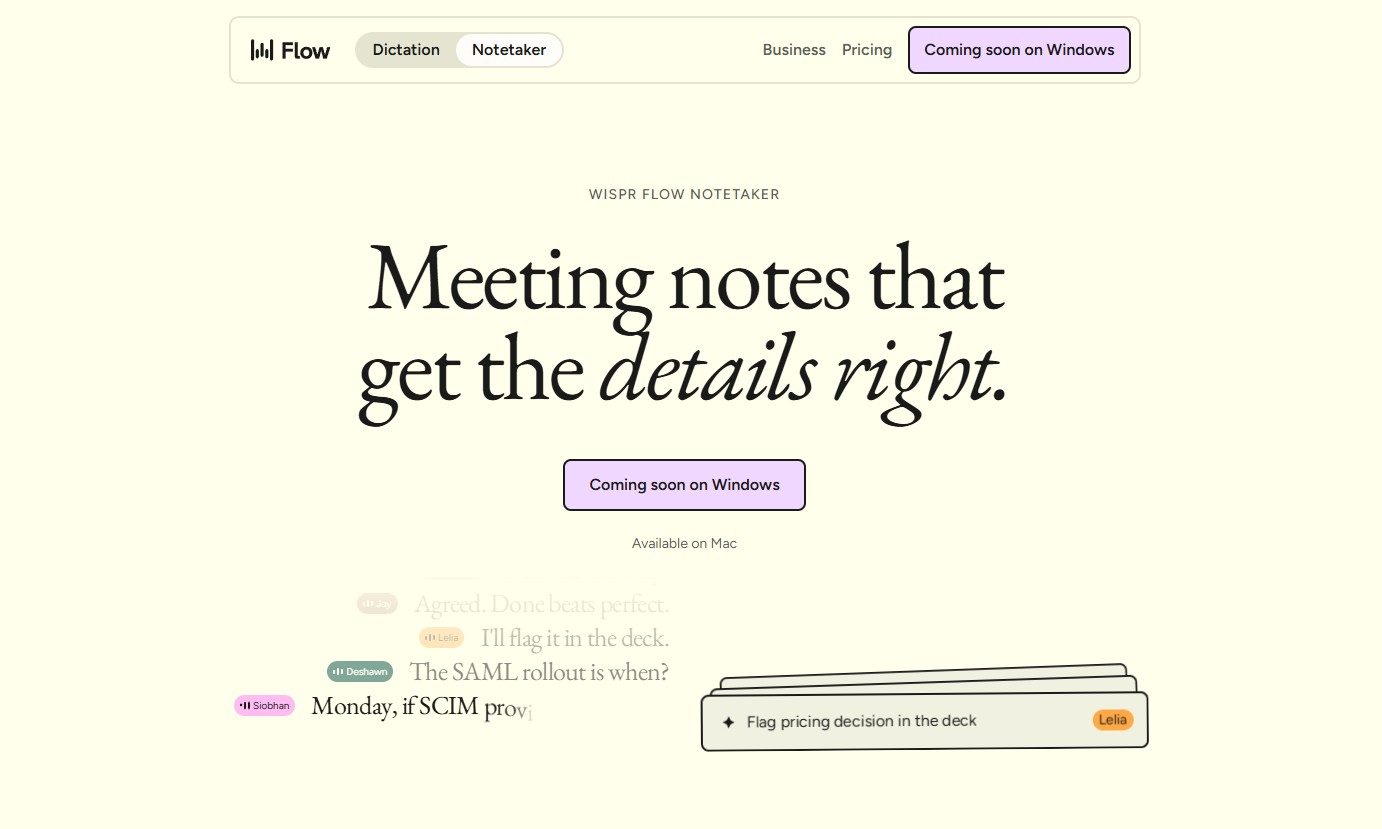
Wispr Flow has launched Notetaker, an AI meeting assistant built into its existing Mac app. It can record conversations, show a live transcript, and prepare notes covering decisions, deadlines, assigned work, and unresolved issues.

Wispr Flow is best known for its dictation tool, which turns spoken thoughts into edited text wherever the user is working. Notetaker takes the company beyond voice typing and applies its transcription technology to meetings, interviews, and in-person conversations.

Read more
Google Assistant finally has a shutdown date, and it’s only weeks away
Google Assistant starts shutting down September 4 as Gemini takes over.
google assistant mobile.

Google Assistant’s long goodbye now has a firm date. Google says it will begin discontinuing the voice assistant on eligible mobile devices on September 4, 2026, according to an email sent to users and shared publicly on Reddit.

The transition may take several weeks, so Assistant won’t vanish from every device at once. Once the change reaches an eligible Android device, Gemini will replace Assistant with no option to switch back.

Read more
ChatGPT Atlas is shutting down and it has some homework left before you migrate
OpenAI is pulling the plug on Atlas, so start packing your bookmarks
ChatGPT Atlas browser on a MacBook.

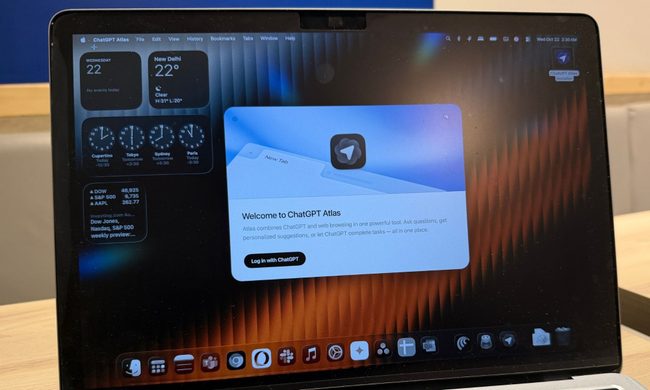
ChatGPT Atlas is heading toward an early grave, and anyone still using OpenAI's browser has a small pile of homework to finish before the shutdown. OpenAI has confirmed that Atlas is scheduled to stop working on August 9, 2026.

After that date, the browser may no longer be operational. So users won't be able to browse the web or get access to its agent-powered workflows. Meanwhile, the company is moving those browser-based capabilities into ChatGPT and Codex. But unfortunately, the transition isn't as convenient as users may hope.

Read more