There’s only so much you can do about your guests’ behavior on Thanksgiving; if your 15 year-old cousin won’t stop Snapchatting his ugly mug making a lewd face next to the turkey, there’s not a whole lot to be done. Try as you might (and we do encourage you to try!), there’s really only one person whose Internet addiction you can control – your own.
You don’t want to be this guy:

… But at the same time, Thanksgiving is like a perfect storm for the social Web’s most active users: Food porn, ugly and/or Fair Isle sweaters, family, time off. So we understand if you want to Instagram and Facebook over the course of the weekend. But in order to not be previously mentioned guy, here are a few services that can help you stay social without ignoring the actual people around you.
Set your tweets ahead of time
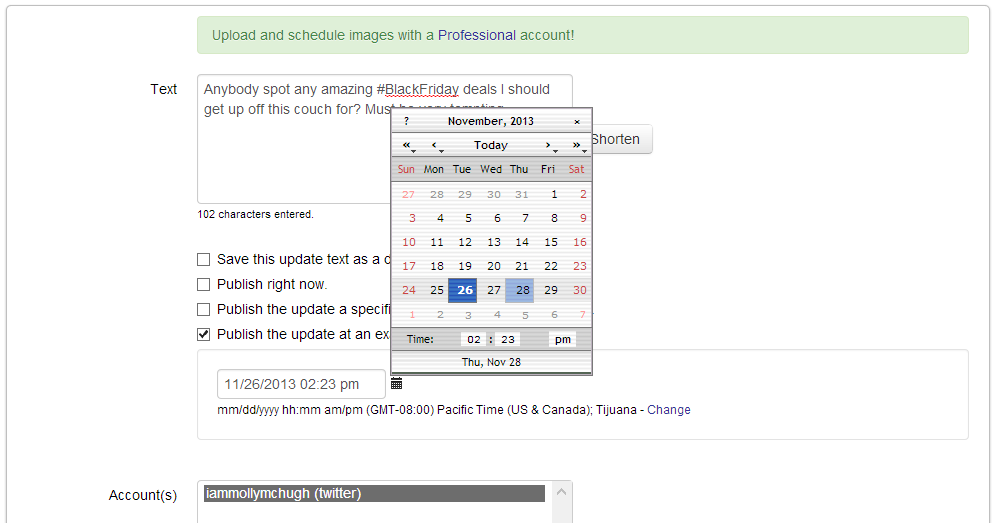
SocialOomph, formerly TweetLater, has a free service that lets you schedule tweets for a later time. After you authorize SocialOomph, choose “posting” and “create a new update” and then go ahead and do as you wish. Set a tweet to ask your followers how dinners was; request Black Friday tips; maybe even – boldly – proclaim the potatoes you will make on Thursday as better than everyone else’s. This way, you won’t have to hover over your phone, debating over the perfect 140 characters to send out over the course of Thursday and Friday.
Collect Black Friday news
Maybe you’re already counting on heading out into the vast wild that is Black Friday shopping, maybe you’re on the fence, trying to decide if it’s really worth it (it’s probably not). Either way, you’ll want to stay on top of all the Black Friday news, whether to be best prepared for it or to see if something can tip you into getting off that couch and standing in that line. IFTTT has recipes that send hot Black Friday tips and updates from Reddit and the New York Times to your inbox – IFTTT actually has a handful of great recipes for this specific purpose. The same can obviously be done for Cyber Monday as well. Or make your own IFTTT recipes and choose the source.
Streamline your photo-sharing
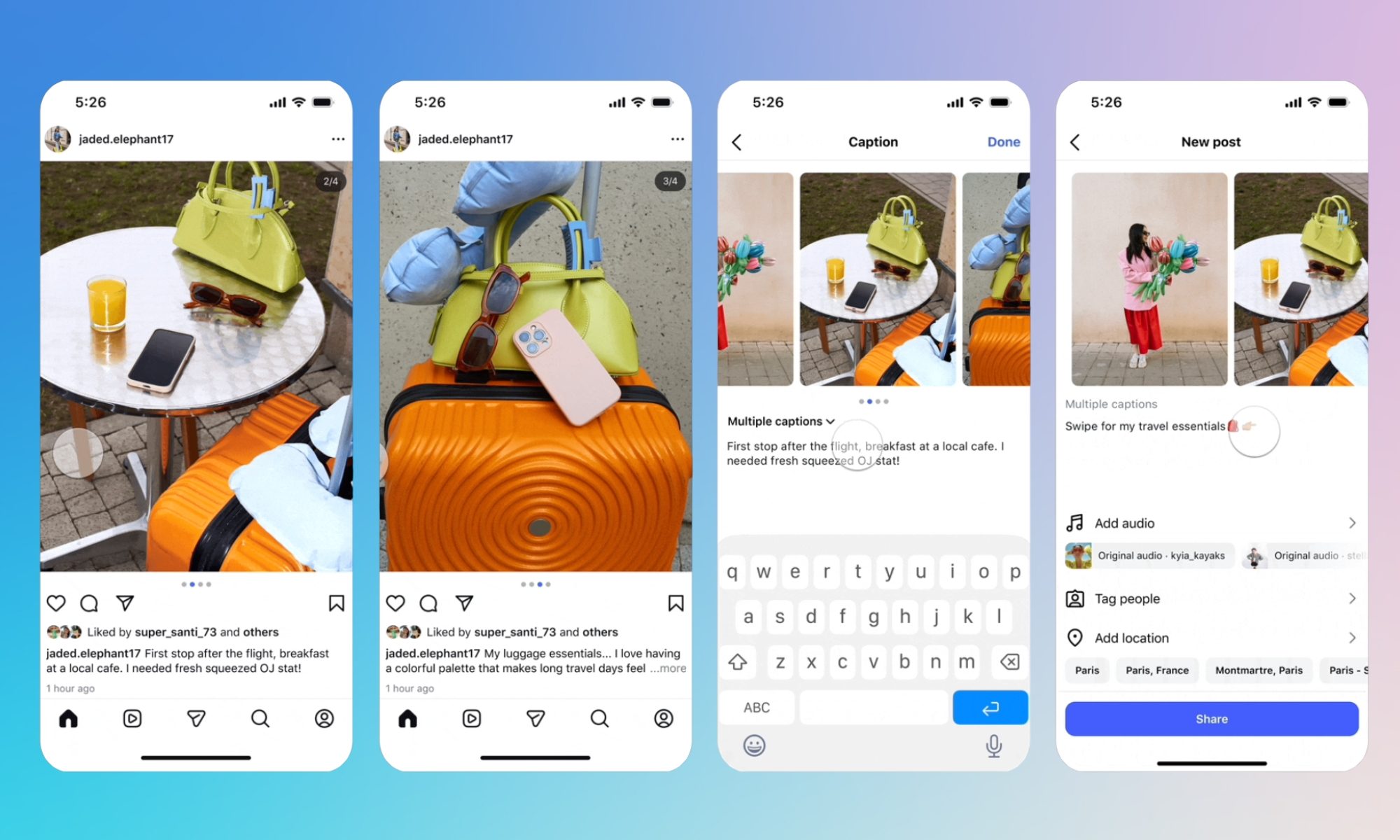
Last year, Instagram saw a record number of people share photos on Thanksgiving commemorating the holiday. There’s no way we should expect this year to be any different – except that the number will surely only climb. There are a few ways you can automate your photo posting and sharing, though, that should help trim down on the time you’re spending staring at apps. A couple of IFTTT recipes will let you share your Instagram images across all your social channels in one fell swoop – and here’s one where you can save them all into a Flickr photo album for later use.
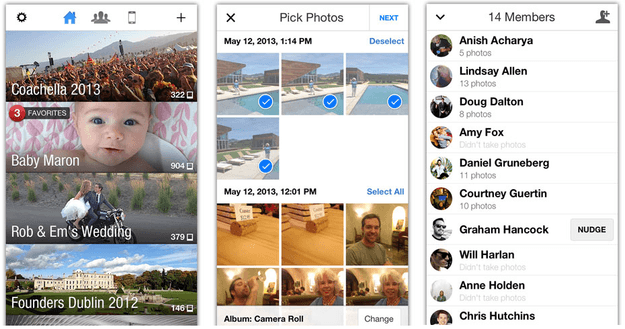
There are also a handful of group-photo sharing apps you can use if you want to collect images everyone at dinner is taking – you’ll have to ask them to download the app as well, but it will save you the trouble of everyone asking each other to email them the pic later. Cluster, CapsuleCam, and Tracks are all great options.
All-in-one social checkups
If you can’t go the day without constantly checking what’s going on with your various accounts, then get an all-in-one client so you can at least make the social pit-stops quick ones. There are a variety to choose from: Yoono, Alternion, and Fuse are a few places to get started. There is, of course, Hootsuite, but that’s generally used for professional means and might not have the dead-simple user interface you’re looking for such temporary use.
(Image courtesy of Robert Kneschke vis Shutterstock.com)